


Laetits
Newbie
- Sep 17, 2021
- 27
- 45
- 189
Hey everyone,
I know Ren'Py is the standard for creating visual novels, but it's not exactly the simplest tool, and lately I've been hearing a lot about HTML game development.
So, here's my little contribution: a complete engine for creating HTML visual novels.
Feel free to try it out and tell me what you think and what I could improve. This is only version 1, and where there's a will, there's a way
Download link:
__________________________________________
Capsule VN Engine
Capsule VN Engine is a modern, web-based tool designed with one obsession: removing the friction between your idea and your players. Whether you are a seasoned developer looking for a rapid prototyping tool or a complete beginner writing your first interactive story, Capsule handles the technical complexity so you can focus on creating.
__________________________________________
The Philosophy: Why "Capsule"?
The name "Capsule" defines the engine's unique architecture and purpose:
Bridging the Gap: For Beginners & Developers
Capsule VN Engine was built to solve specific pain points for both ends of the spectrum.
For Beginners: "Zero Code, Zero Stress"
If you have never written a line of code in your life, this engine is for you.
For experienced devs, Capsule acts as a powerful accelerator.
Key Features
Storytelling & Gameplay
The Workflow
Some screenshots




Download link:
I know Ren'Py is the standard for creating visual novels, but it's not exactly the simplest tool, and lately I've been hearing a lot about HTML game development.
So, here's my little contribution: a complete engine for creating HTML visual novels.
Feel free to try it out and tell me what you think and what I could improve. This is only version 1, and where there's a will, there's a way
Download link:
You must be registered to see the links
__________________________________________
Capsule VN Engine
Capsule VN Engine is a modern, web-based tool designed with one obsession: removing the friction between your idea and your players. Whether you are a seasoned developer looking for a rapid prototyping tool or a complete beginner writing your first interactive story, Capsule handles the technical complexity so you can focus on creating.
__________________________________________
The Philosophy: Why "Capsule"?
The name "Capsule" defines the engine's unique architecture and purpose:
- All-In-One Containment: Just like a space Capsule carries everything needed for a mission, a Capsule game file (game.html) contains your entire game—engine, assets, scripts, and save system.
- Zero Dependencies: A Capsule game doesn't need a server, a database, or an installation wizard. It is hermetic and autonomous.
- Ultimate Portability: A Capsule is made to travel. Send your game via email, drop it on Discord, or host it on any static web page. If a device has a web browser, it can run your Capsule.
Bridging the Gap: For Beginners & Developers
Capsule VN Engine was built to solve specific pain points for both ends of the spectrum.
For Beginners: "Zero Code, Zero Stress"
If you have never written a line of code in your life, this engine is for you.
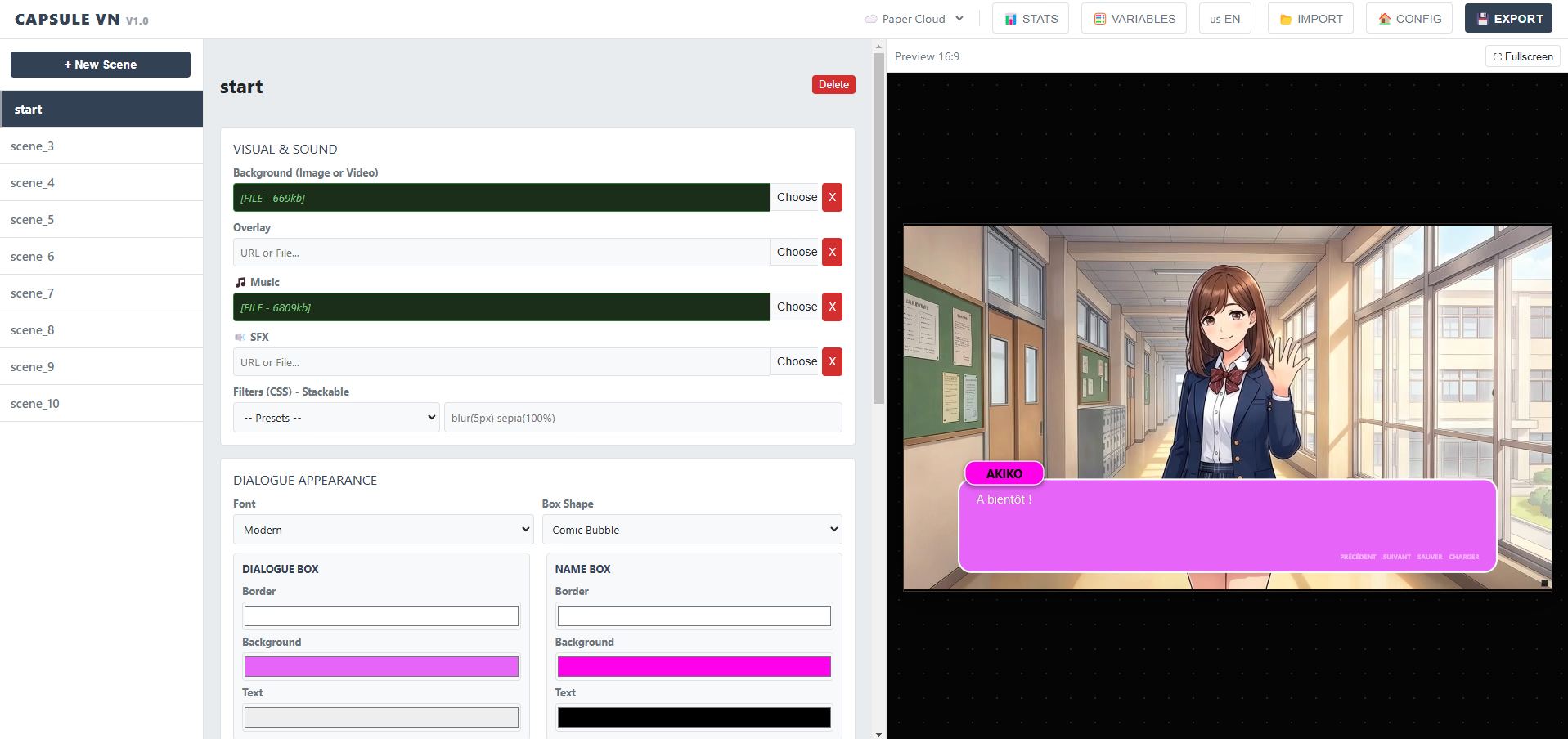
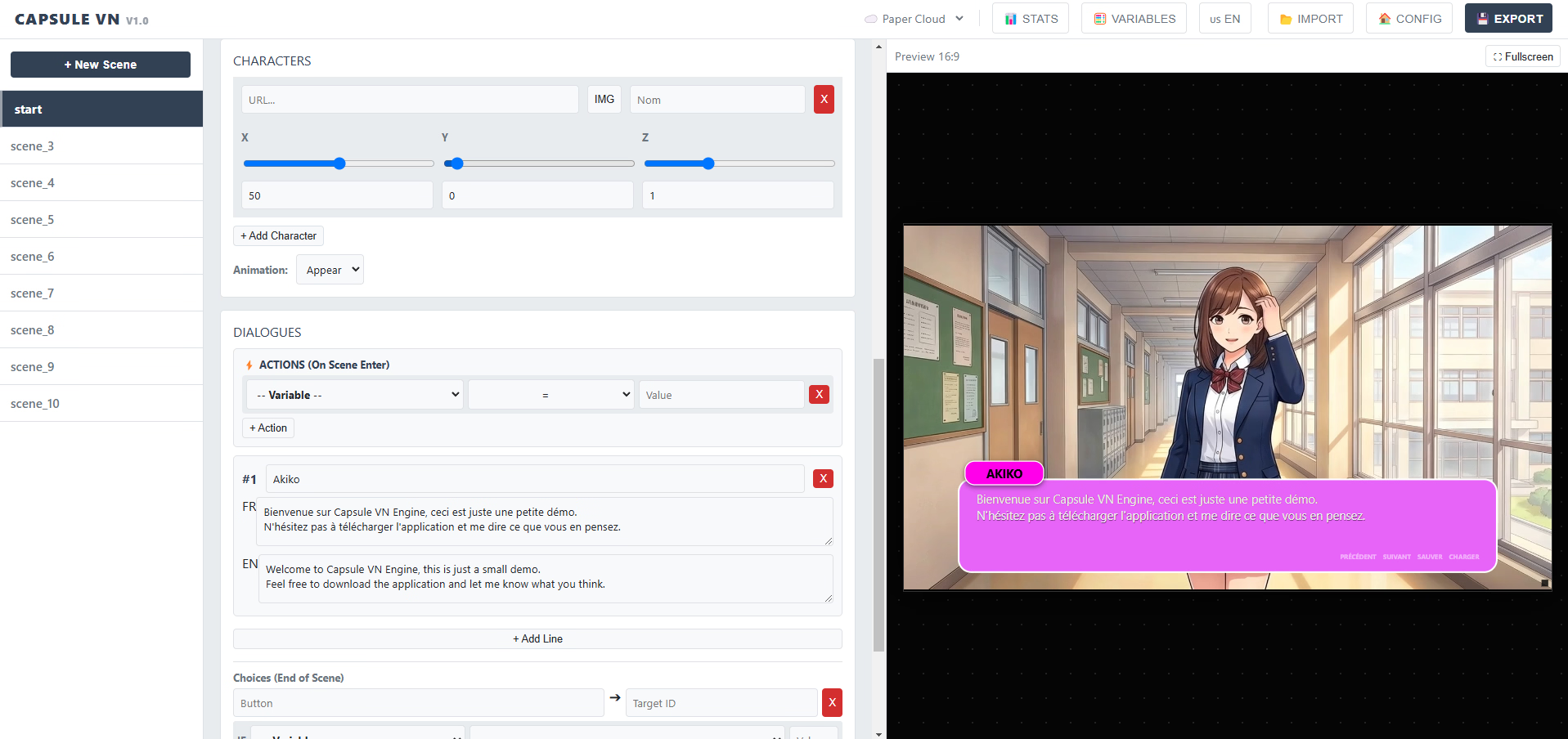
- Visual Interface: Everything is done via the Studio interface. You type text, choose colors with a picker, and select images from your folder.
- Real-Time Feedback: The "What You See Is What You Get" (WYSIWYG) preview window lets you see your changes instantly. No need to "compile" or wait.
- No Setup Required: Forget about installing Python, setting up a local server, or configuring libraries. Open the Studio, and you are ready to create.
For experienced devs, Capsule acts as a powerful accelerator.
- Rapid Prototyping: innovative architecture allows you to build and export a playable build in seconds.
- Asset Management: The engine handles Base64 encoding automatically, removing the need for manual asset bundling or path management.
- Clean Architecture: The output is standard, clean HTML/JS. It’s lightweight, performant, and follows modern web standards without the bloat of heavy frameworks.
Key Features
Storytelling & Gameplay
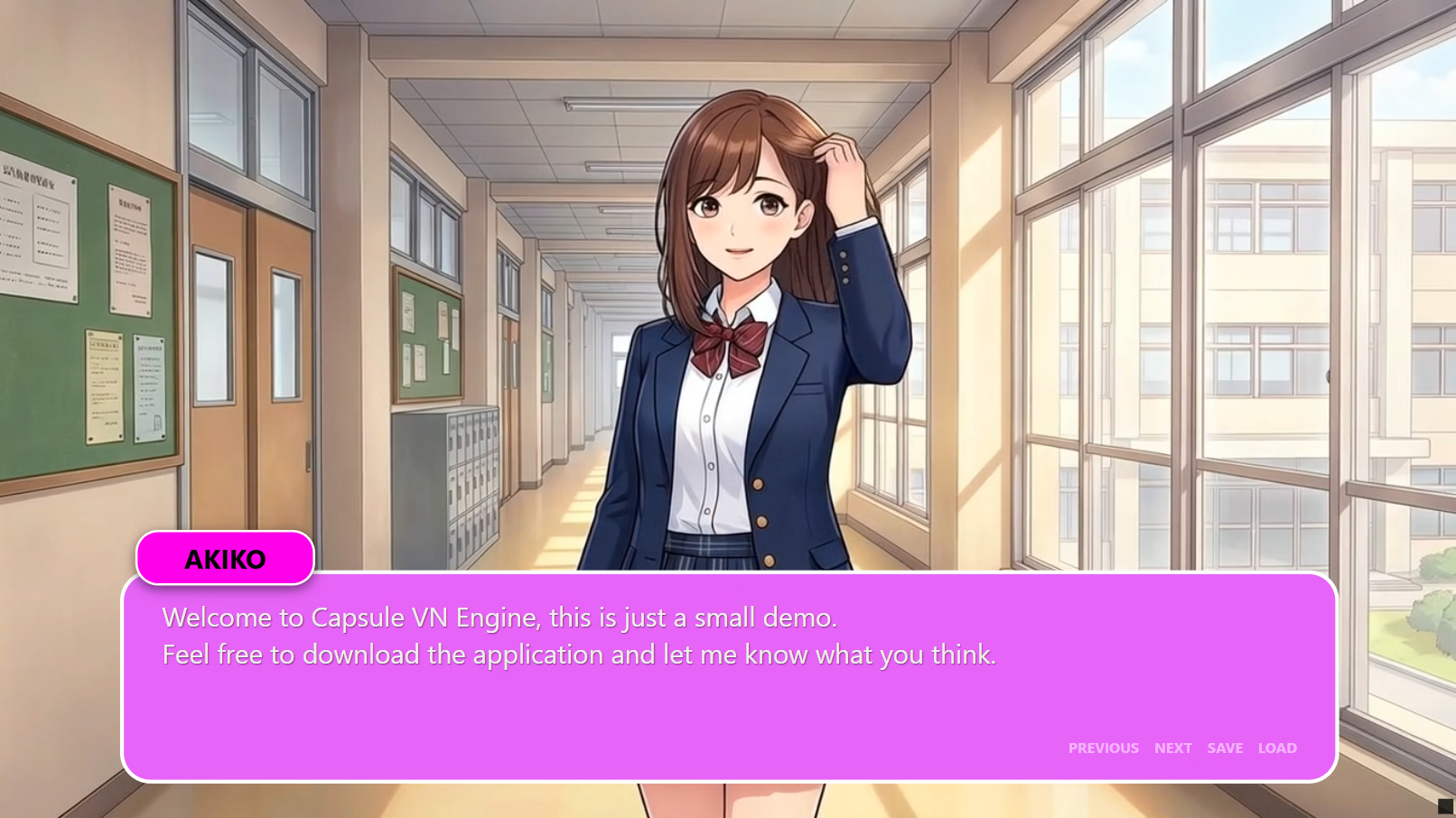
- Dynamic Dialogues: Smooth typewriter text effects with animated indicators.
- Choice System: Easily create branching narratives. Choices can jump to any scene or even jump to another HTML file.
- Native Bilingual Support: Write in two languages simultaneously (e.g., English/French). Players can toggle languages instantly via the in-game menu.
- Rich Media Support: Use images or looping videos (WebM/MP4) for backgrounds.
- Atmospheric Overlays: Add rain, snow, or texture effects using video overlays with screen blending.
- Character Staging: Position, scale, and animate (Fade/Shake) characters with simple sliders.
- Cinematic Filters: Apply real-time CSS filters (Noir, Sepia, Blur) to change the mood without editing your assets.
- Smart Audio: BGM loops seamlessly across scenes, and SFX are synchronized with text.
- Infinite Scalability: While designed for single-file portability, Capsule supports linking multiple HTML files. You can split a massive saga into Chapter1.html and Chapter2.html.
- Seamless Transitions: Player variables and inventory states are automatically saved and transferred when jumping between game files.
- Browser-Based Saves: 3 persistent save slots stored in localStorage.
The Workflow
- Create: Use the engine to write your scenes and design your visuals.
- Export: Click EXPORT. The engine encapsulates your creative work into a single game.html file.
- Distribute: Share that single file. No installers, no zip files to extract.
- Iterate: Need to make a change? Simply use IMPORT to load your game back into the engine, tweak it, and export again.
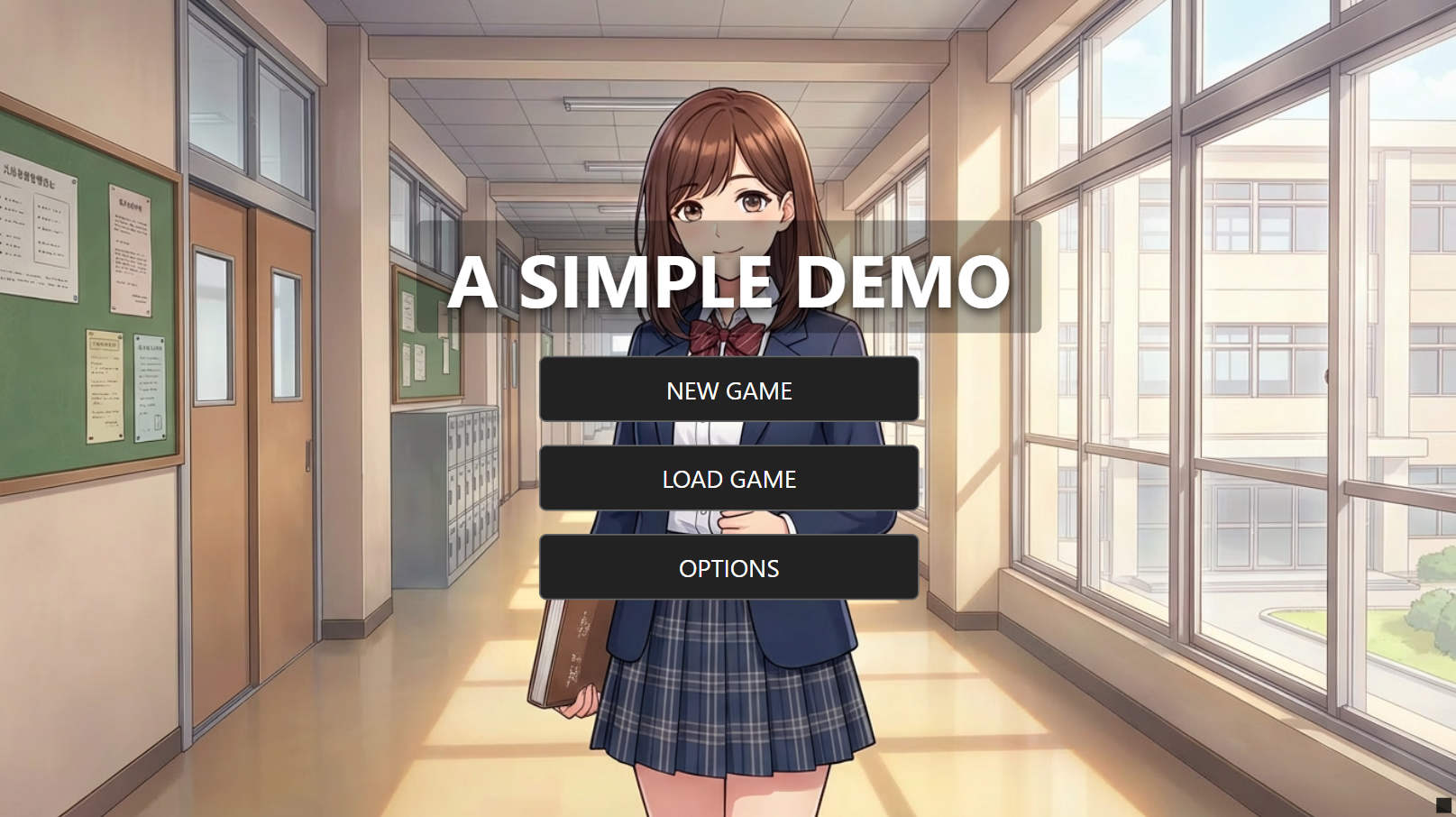
Some screenshots
Download link:
You must be registered to see the links
Last edited: