Daz Hot to make Genesis 8 skins good as Genesis 9

caLTD

Member
Game Developer
Feb 4, 2018
301
349
294
Hello,

I have completed my project of preparing a short story with Daz and presenting it with Ren'Py. I completed the entire project using Genesis 9 characters. During this process, I noticed that Genesis 9 characters move very sluggishly within the Daz3D editor. Posing and preparing animations is really challenging. For this reason, I decided to try something with Genesis 8 characters.

However, I realized that achieving the same level of realism as Genesis 9 characters with the base skins of Genesis 8 is not quite possible. My question is: Is there a practical way to make Genesis 8 characters have skins as good as those of Genesis 9 characters? Or, instead of struggling too much, should I look for solutions to improve the editor performance of Genesis 9 characters?

My best regards.
 

MissFortune

I Was Once, Possibly, Maybe, Perhaps… A Harem King
Respected User
Game Developer
Aug 17, 2019
6,958
10,778
897
If you're looking for the best available models for G8. Always use the Daz Originals as a baseline. Daz models typically won't get better than those. Between 8 and 9, there was a fairly large jump in texture quality. Largely due to moving from UBER to PBR.

Have you tried 8.1 models at all? They're not quite as high quality as many G9 models, but they might present a good happy medium while also certainly being a step up from G8.

mcppl5.png
 

caLTD

Member
Game Developer
Feb 4, 2018
301
349
294
If you're looking for the best available models for G8. Always use the Daz Originals as a baseline. Daz models typically won't get better than those. Between 8 and 9, there was a fairly large jump in texture quality. Largely due to moving from UBER to PBR.

Have you tried 8.1 models at all? They're not quite as high quality as many G9 models, but they might present a good happy medium while also certainly being a step up from G8.
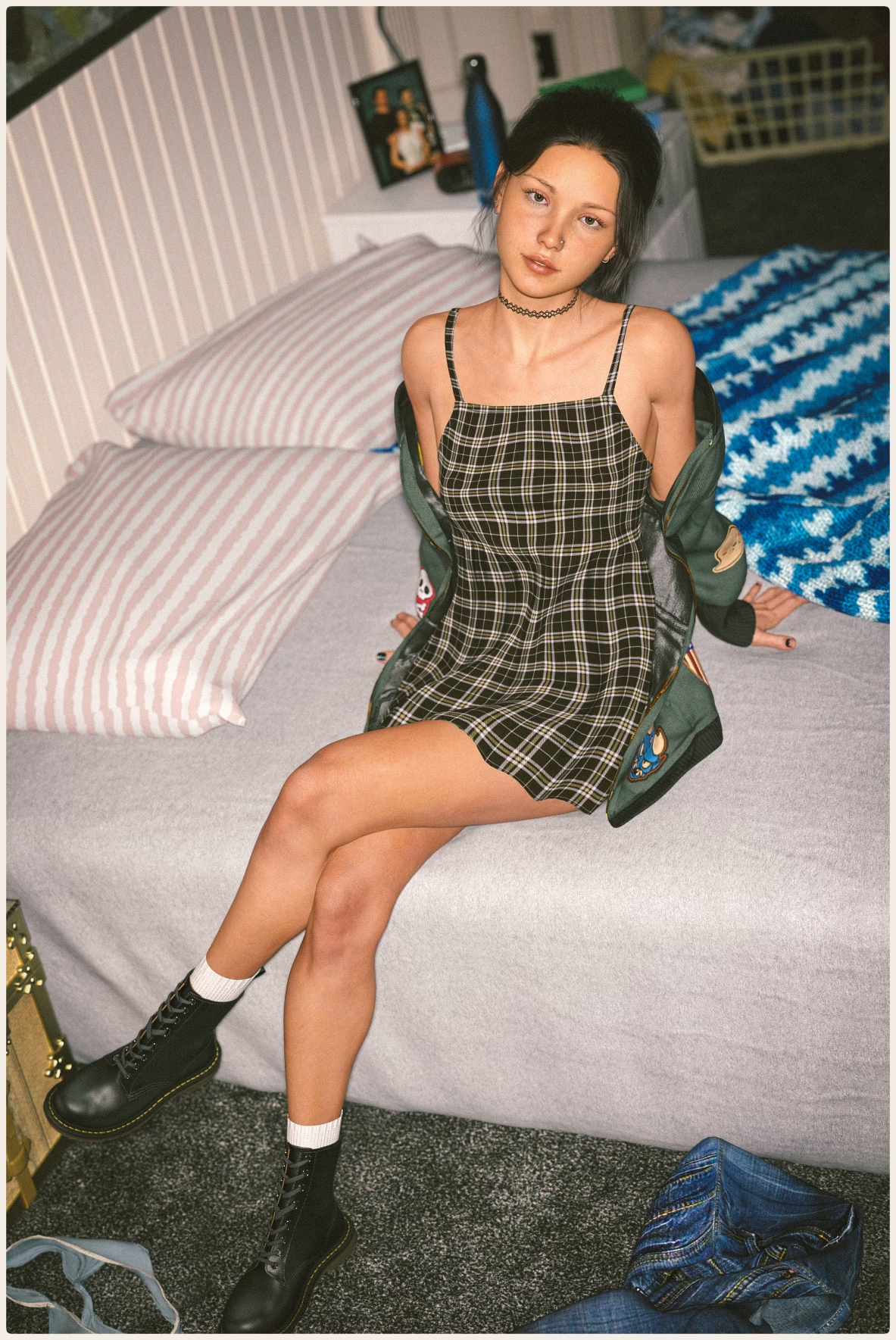
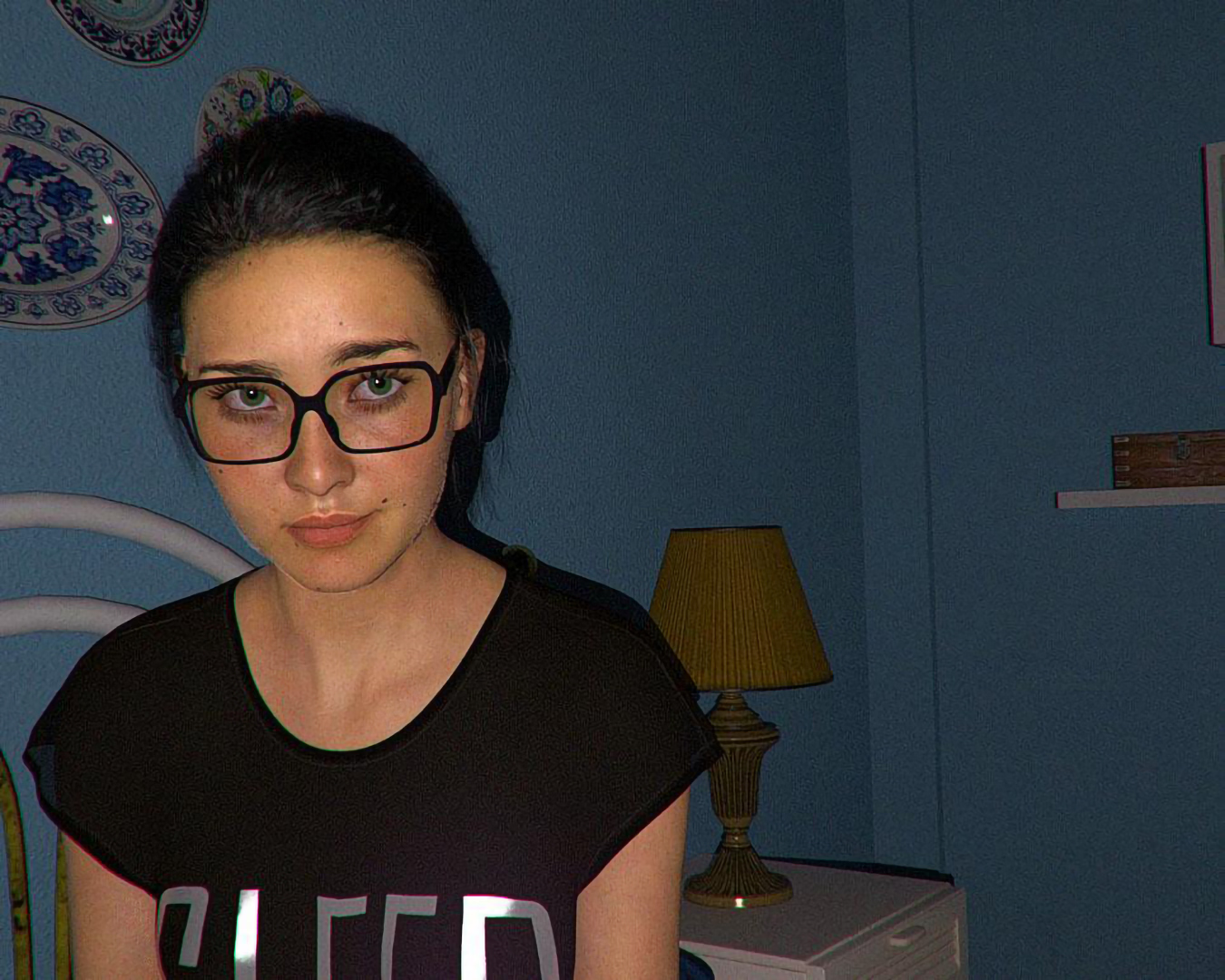
No I did not use 8.1 characters. However I'm pretty sure it was not a Mesh problem and it was a Material problem.

Test_8-9_2.png


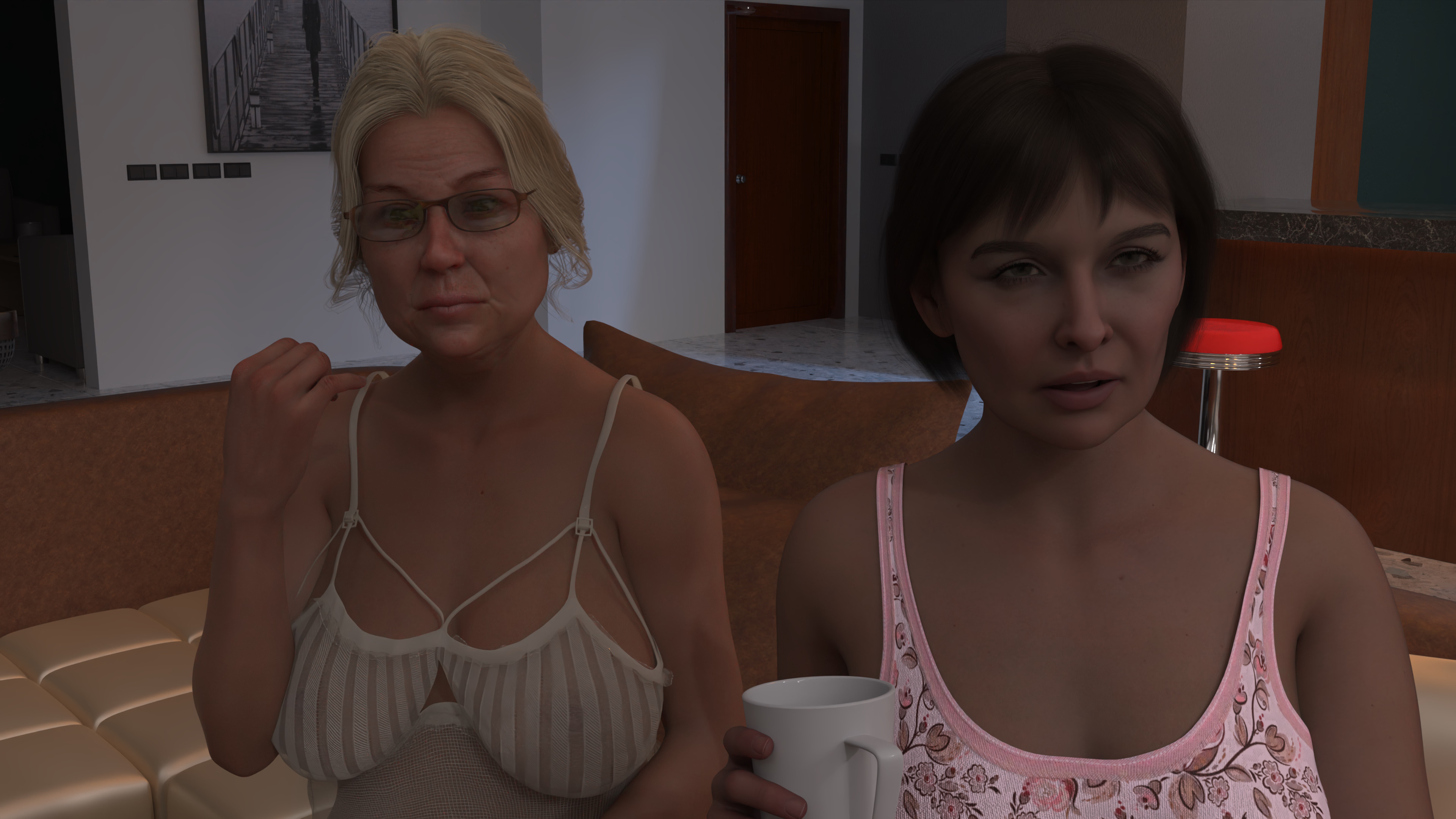
I mean this, however also Created this.

8_9.png

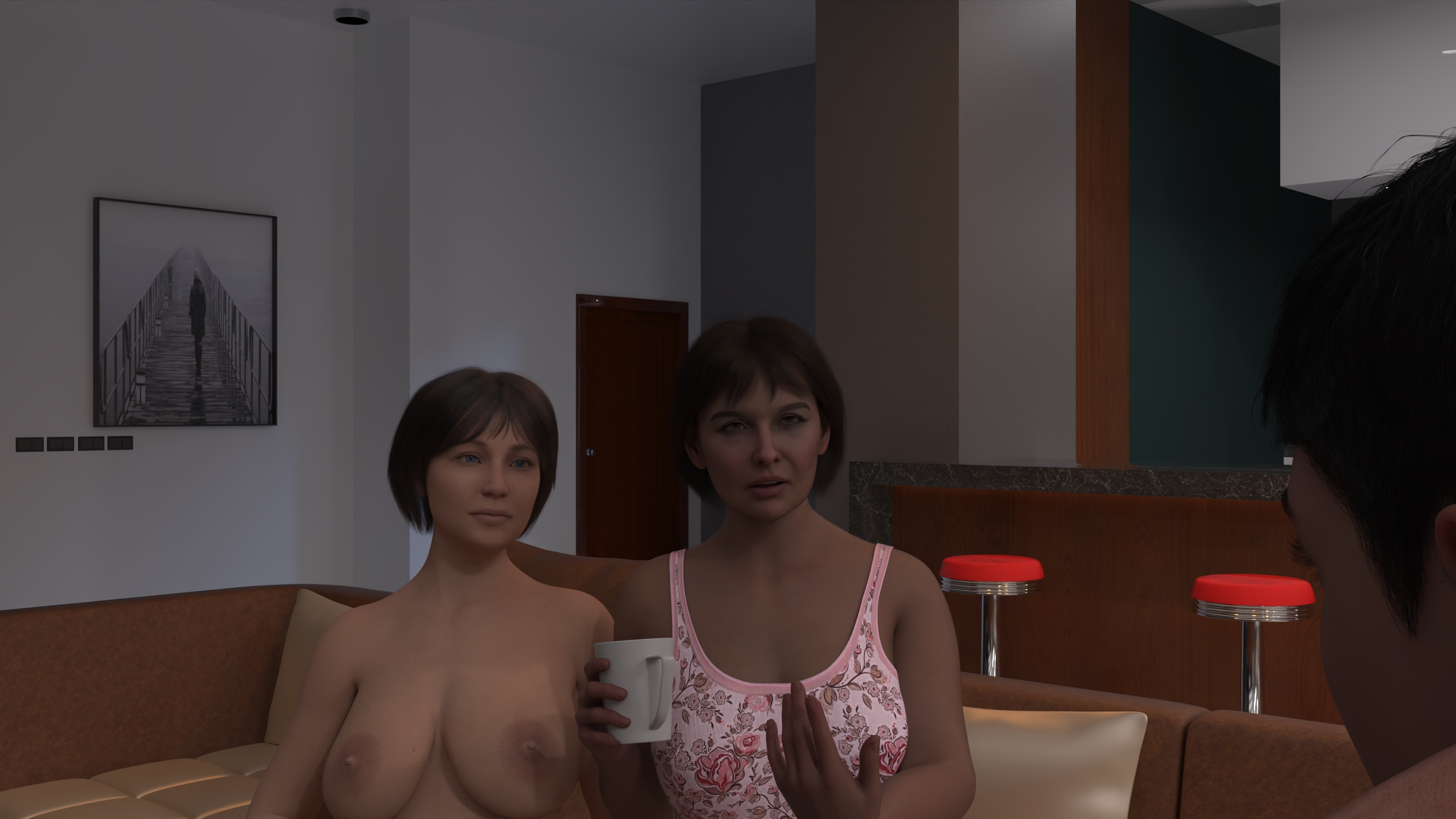
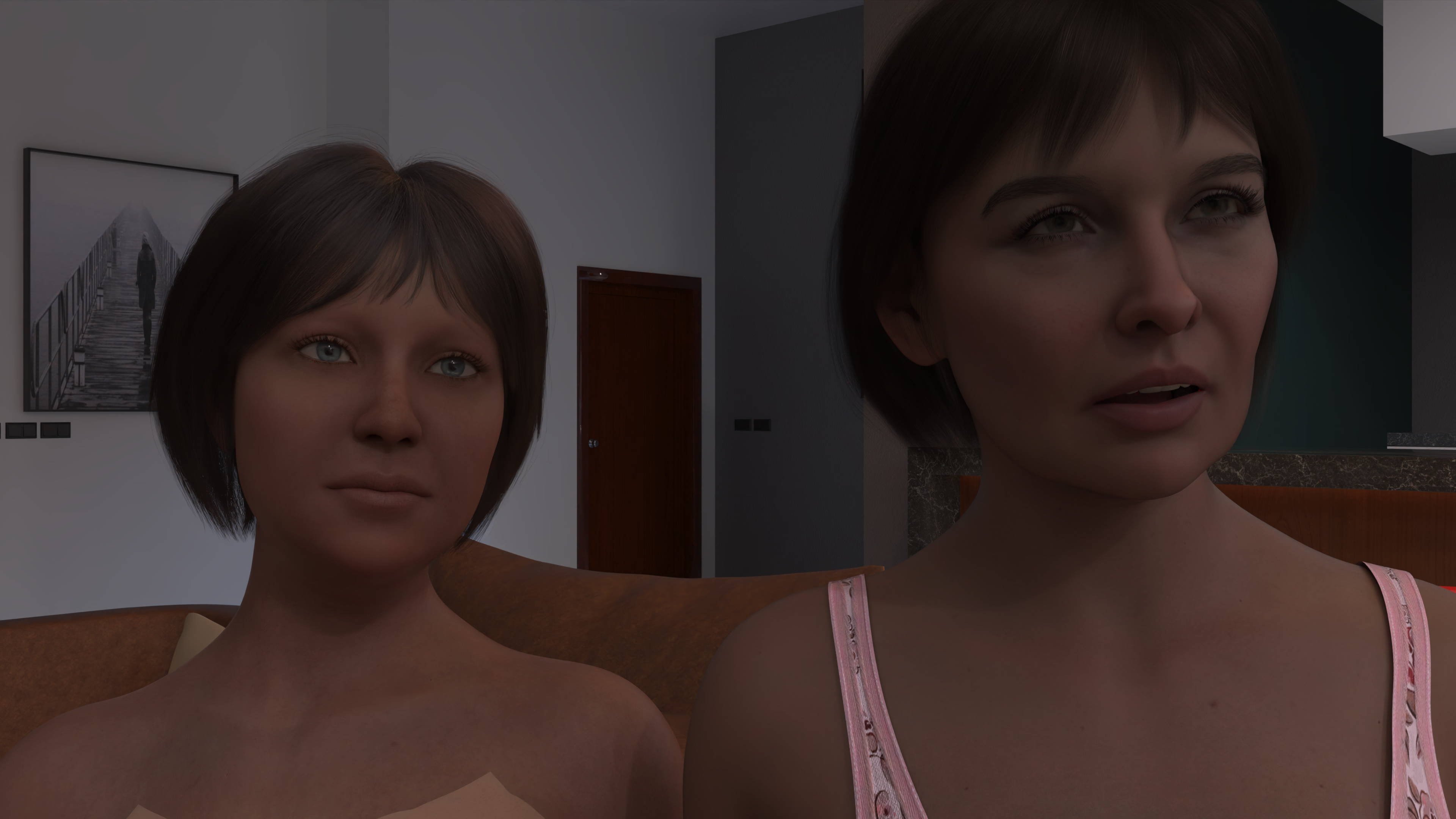
Character that hold a mug was Genesis 9. Both left characters are genesis 8 however older one look much much better.
 

drapak12

Member
Jul 7, 2018
233
553
230
(...)Genesis 9 characters move very sluggishly within the Daz3D editor. Posing and preparing animations is really challenging.(...)
Change resolution.

However, I realized that achieving the same level of realism as Genesis 9 characters with the base skins of Genesis 8 is not quite possible. My question is: Is there a practical way to make Genesis 8 characters have skins as good as those of Genesis 9 characters? Or, instead of struggling too much, should I look for solutions to improve the editor performance of Genesis 9 characters?

My best regards.
No I did not use 8.1 characters. However I'm pretty sure it was not a Mesh problem and it was a Material problem.

View attachment 4999922


I mean this, however also Created this.

View attachment 4999925

Character that hold a mug was Genesis 9. Both left characters are genesis 8 however older one look much much better.
I still do not understand what does it mean G9 materials???
You can use PBR, Uber or 3Dlight shader/materials on every surface in Daz. I hope that I'm not offending anyone, but I've seen only few good PBR renders here (usually in highlighted scene) and hundreds renders where PBR skin looks like clay or plaster (including promo renders). It is usually too dark, flat and dry because lack of specularity. Only avantage is microdetails, but it is really small advantage.

caLTD - apply uber surface on G9 skin and adjust it as you wish. It is not easy but you can fast use shaders which are created by someone else, or create your own trying adjust parameters many times. There is no 1click solution.
 
  • Like
Reactions: caLTD

no_more_name

Member
Mar 3, 2024
120
66
46
I still do not understand what does it mean G9 materials???
You can use PBR, Uber or 3Dlight shader/materials on every surface in Daz.
Tried to explain here and there, but it's kinda a lost battle.
And even if you could, you will have to do it every weeks.
It is what it is.

Only avantage is microdetails, but it is really small advantage.
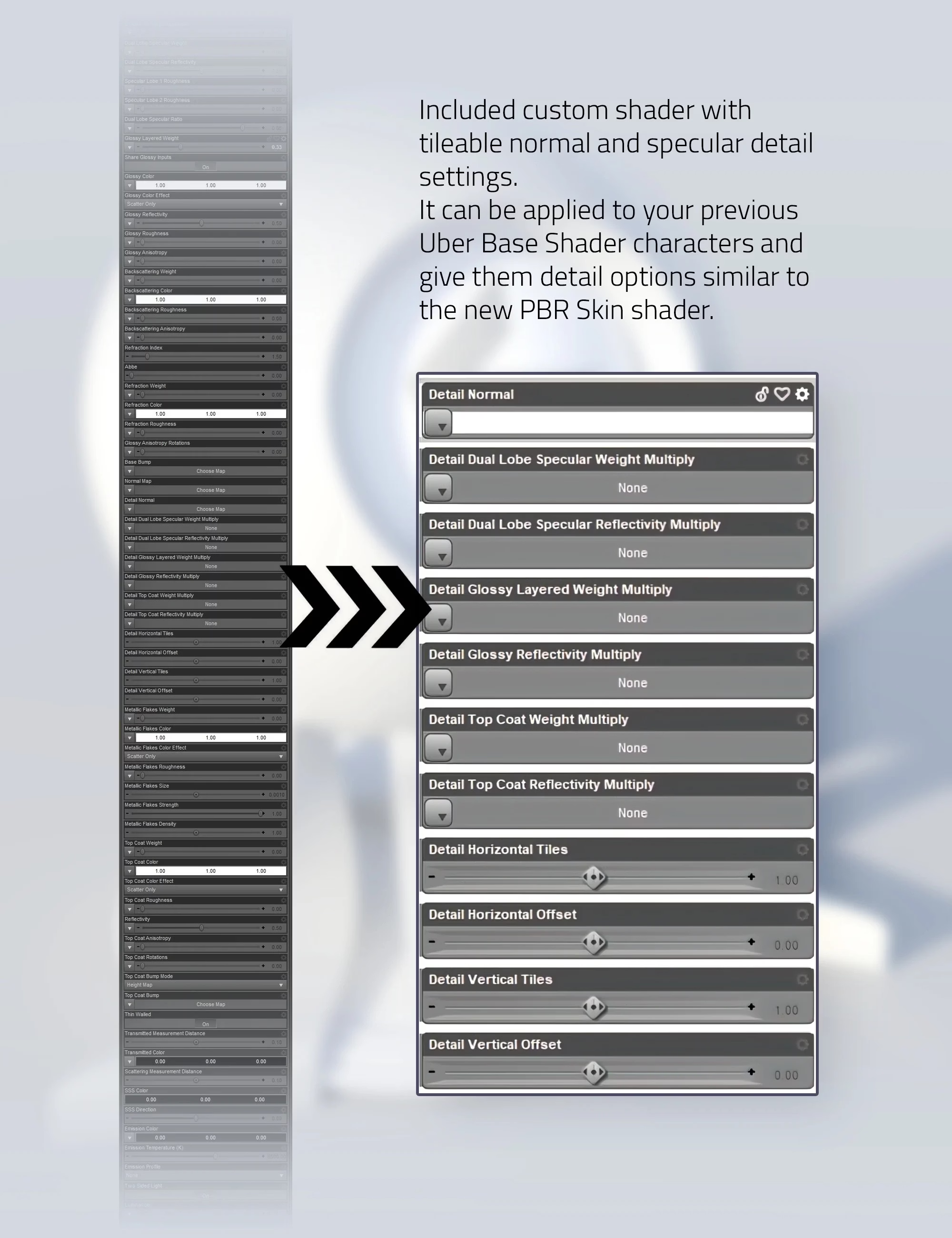
make a neat hybrid shader few years ago that added a microdetails layer to Uber. So you keep advantages of Uber over PBRSkin (scatter color mix, cutout/alpha, metallicity/gloss & a fully fonctional topcoat*) while making the fat cow a little more fatter. I never used microdetails much (outside RT engines) as I prefer fully high res baked maps, but kinda helps fixing quickly terrible or missing ones.

*It's the same TC from PRBSkin, so no fresnel/weighted mode, only reflectivity.

popup_08.jpg
 
Last edited:

caLTD

Member
Game Developer
Feb 4, 2018
301
349
294
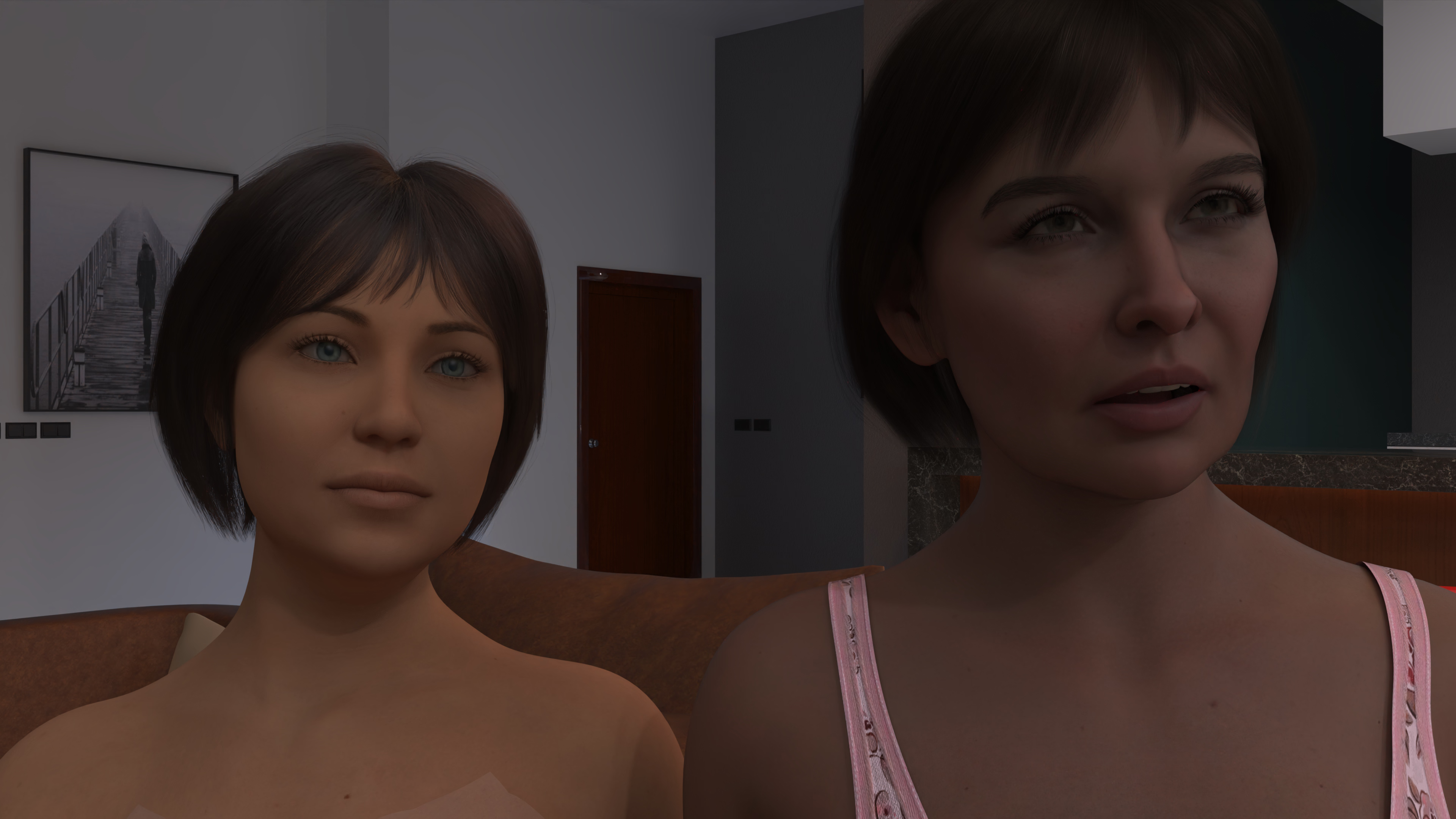
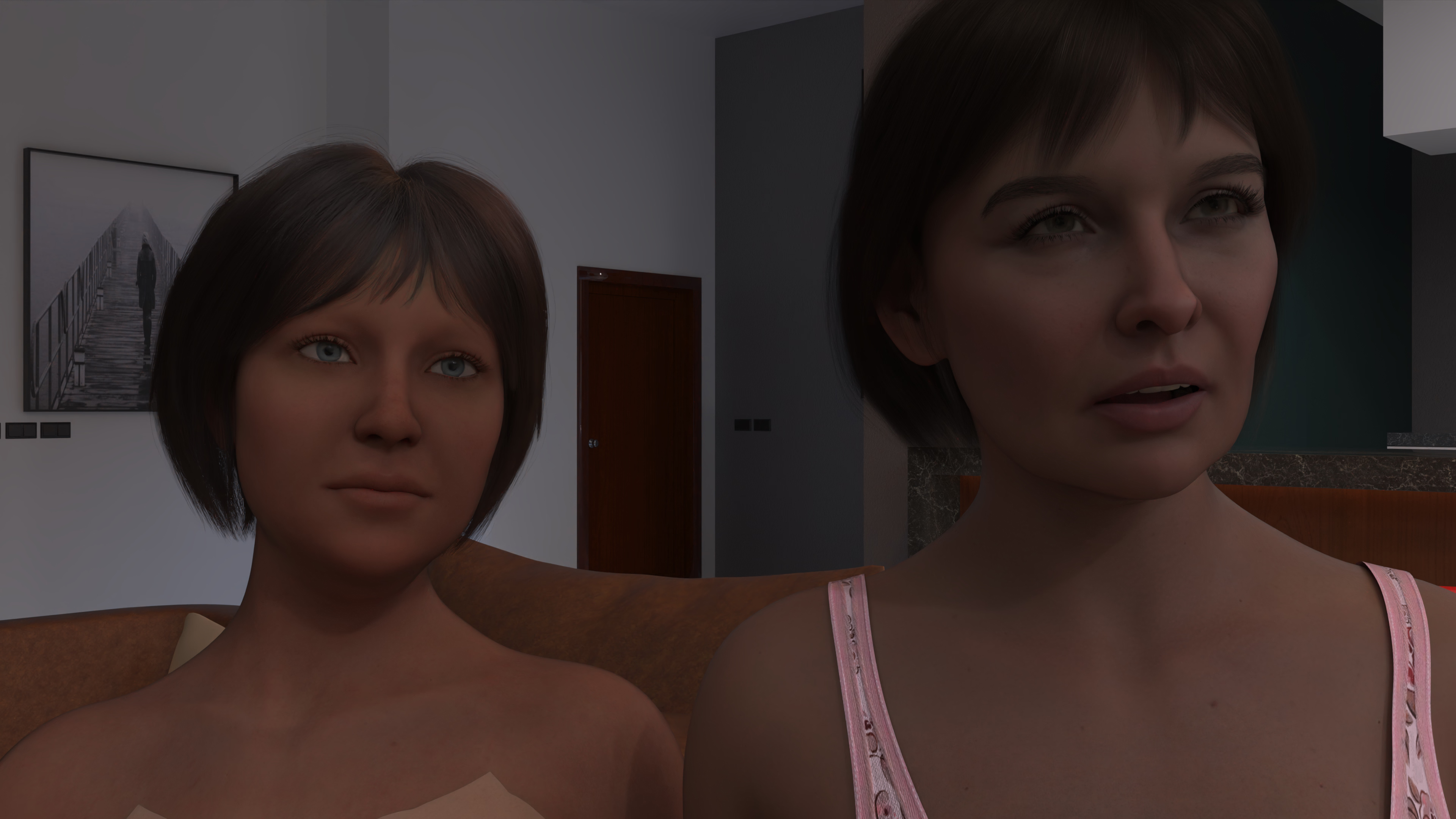
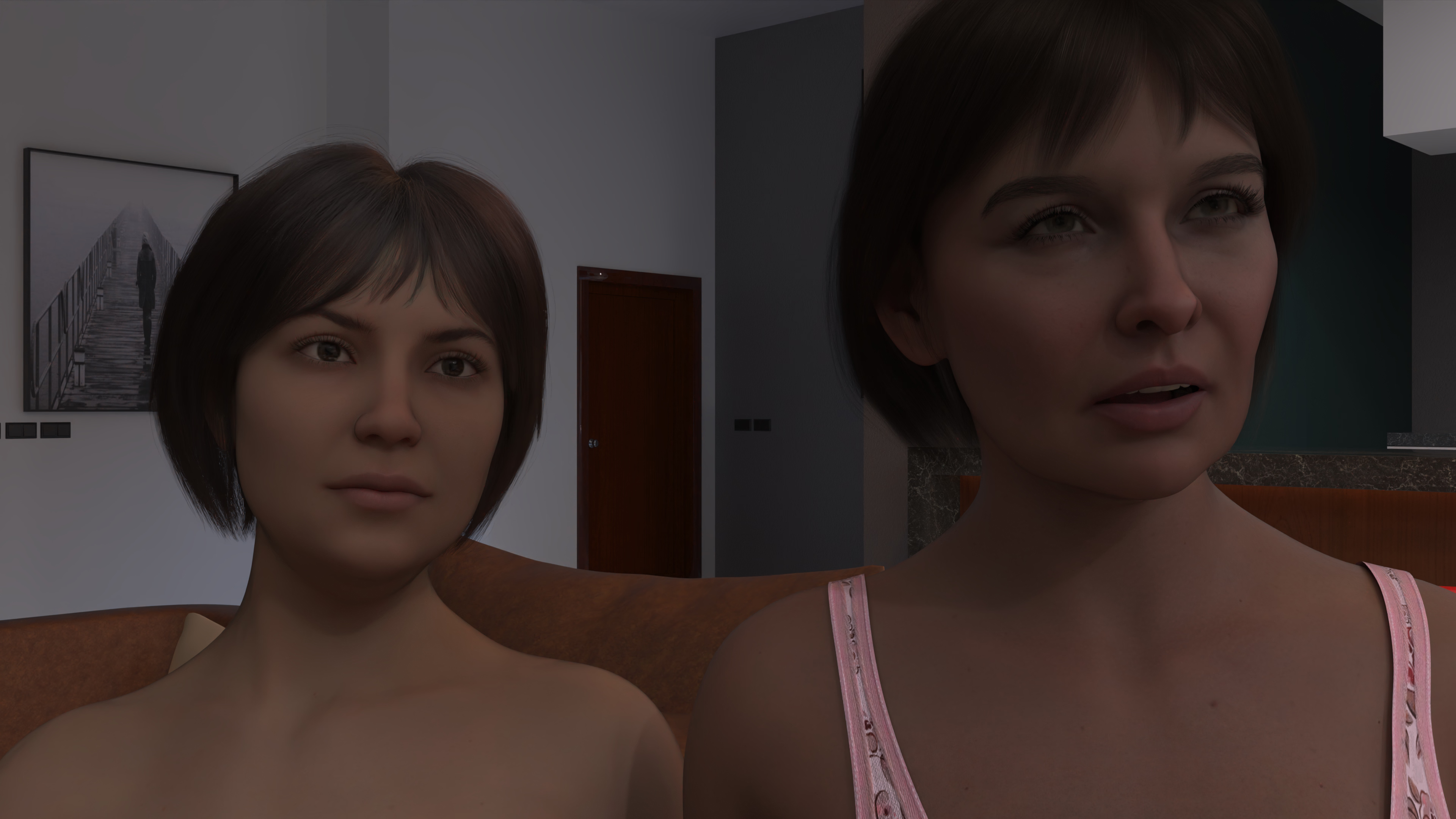
Today I manage to convert genesis 8 characters PBR skin with some PBR skin scripts.

However, I found thats not the my problem.It was about textures, some sknin textures make character more lively.

NonPBR Test 1


G8_9_Skin.png


Non PBR Test 2

G8_9_Skin_0003.png

Converted to PBR

G8_9_Skin_0004.png

From my perspective converting was worth the effort. However.


Another PBR conversation...

G8_9_Skin_0005.png


not every skin was equal.

So first, find good skin or good/ realistic skin textures. Then convert to PBR.

It seems Genesis 9 has some good skin textures from factory... Genesis 8 was not. (I'm going to try with 8.1 characters.)
 

caLTD

Member
Game Developer
Feb 4, 2018
301
349
294
Long story short.

Use 8.1 characters and its materials. Much more easy than fixing, updating skins of the Genesis 8 characters.

And do not forget not every skin are same.

G8_9_Skin_0012.png


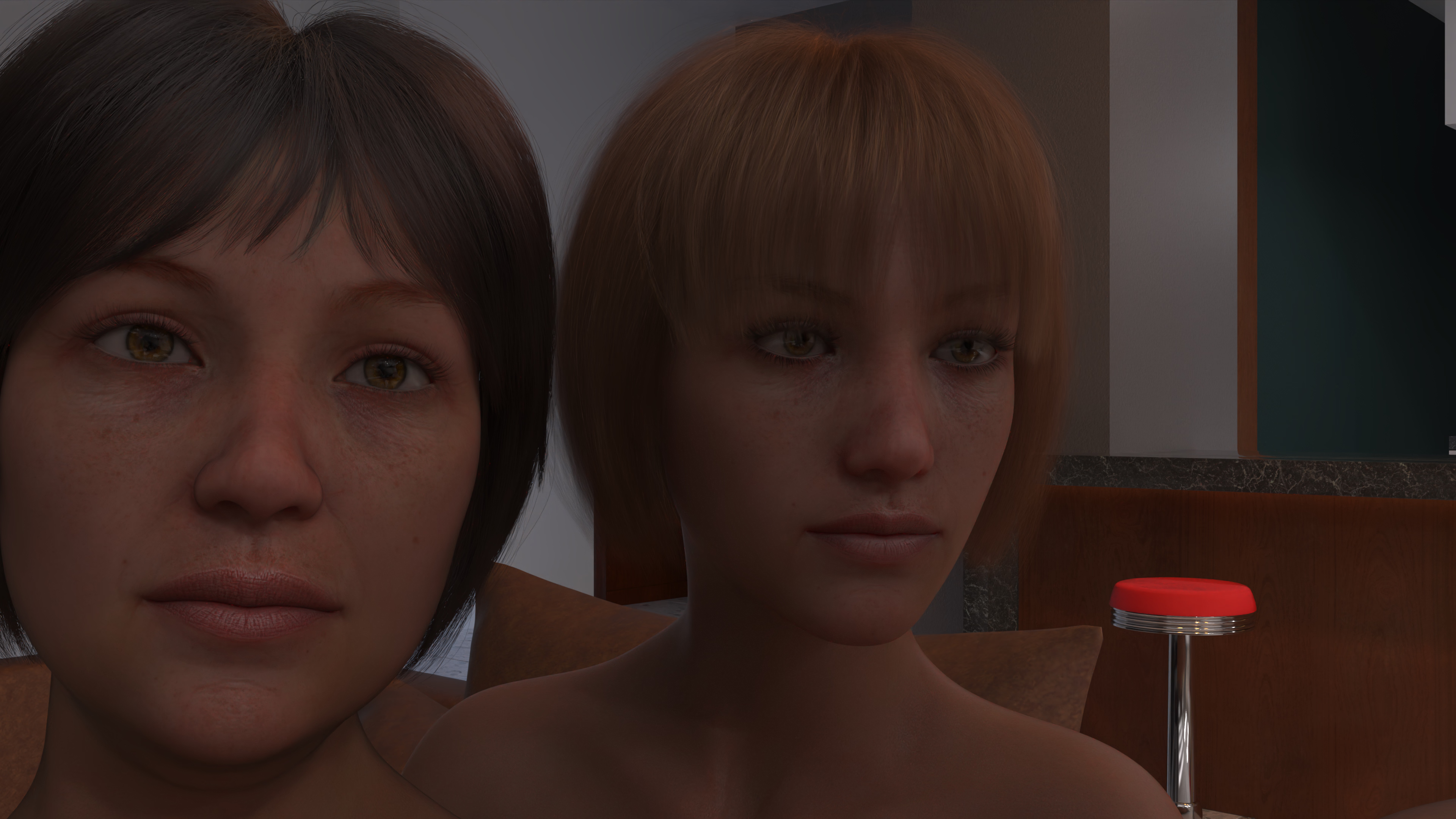
G8 and G8.1 same material. G8 Converted with script. From my point of view 8.1 was better, perhaps playing settings may increase quality. However 8.1 is easy and quick.
 

no_more_name

Member
Mar 3, 2024
120
66
46
Today I manage to convert genesis 8 characters PBR skin with some PBR skin scripts.
However, I found thats not the my problem.It was about textures, some sknin textures make character more lively.
I try to understand what you are trying to do, but I don't get it.
A "PBRSkin script" for what? Put maps on the right slot?

PBRSkin is not some magic unicorn. The only intent to use PBRSkin is to leverage details via the microdetails layer at the expense of a full baked bump map. First of all, you need to determine if that trade make sense in the first place.

It can but it also cannot. Will I exchange that fully detailed 4x8k bump maps (arms, torso, legs, face) for a 1x1k normal map that tiles seamlessly on the mesh? If you have enough VRAM, you don't really care, but you could also deal with terrible maps that makes the deal worth it.

Now microdetails seems widely adopted as it makes the process of making skin easier, making them also more uniform as time passes (I've seen the very same FlippedNormals maps an unreasonable amount of time). You should slowly see the death of bump maps in Daz skins and I don't think it's a good thing creativity wise, but that's just my opinion.

not every skin was equal.
And you cannot be more correct. First of all, determine which skin has well-made maps (discard promo shot, look inside directly). G3/8/8.1/9/10/15, doesn't really matter (make a vault of them, for future uses/references). Second, how to setup Uber/PBRSkin for skin, the do and don't and an insight in each of its layers.

So first, find good skin or good/ realistic skin textures. Then convert to PBR.
But why you want to do this? What do you except to happen?

It seems Genesis 9 has some good skin textures from factory... Genesis 8 was not.
While G9 has better skins in average, as nearly 10 years passed, G8 has some real good ones, and G3/V4 before that. Some may need a bit of work (some may even still use old PBR specular/Glossiness model), but nothing unfixable. Some very old may have baked highlights/shadows, it's by far your worst case scenario.

Because images are thousand word, some blast from the past from nearly 8 years old ago.

From a former F95 resident, which I forgot his name, almost vanilla victoria 8. Postwork is sharp + a fake hdr toning (fake because 8bits).

victoria---waiting_full.jpg

Maybe the most infamous "Uber milker" from Daz forum. Forgot his name too as I'm getting old. Skin is painted over another one, taking full advantage of high translucency for details. Postwork is film grain and fake jpeg artifacts/compression.

emmz-g8-02.png

Brings some nostalgia, when people firing all cylinders to gain even the smallest of edges. Fun times.
 
Last edited:
  • Like
Reactions: osanaiko

caLTD

Member
Game Developer
Feb 4, 2018
301
349
294
I try to understand what you are trying to do, but I don't get it.
A "PBRSkin script" for what? Put maps on the right slot?

PBRSkin is not some magic unicorn. The only intent to use PBRSkin is to leverage details via the microdetails layer at the expense of a full baked bump map. First of all, you need to determine if that trade make sense in the first place.

It can but it also cannot. Will I exchange that fully detailed 4x8k bump maps (arms, torso, legs, face) for a 1x1k normal map that tiles seamlessly on the mesh? If you have enough VRAM, you don't really care, but you could also deal with terrible maps that makes the deal worth it.

Now microdetails seems widely adopted as it makes the process of making skin easier, making them also more uniform as time passes (I've seen the very same FlippedNormals maps an unreasonable amount of time). You should slowly see the death of bump maps in Daz skins and I don't think it's a good thing creativity wise, but that's just my opinion.


And you cannot be more correct. First of all, determine which skin has well-made maps (discard promo shot, look inside directly). G3/8/8.1/9/10/15, doesn't really matter (make a vault of them, for future uses/references). Second, how to setup Uber/PBRSkin for skin, the do and don't and an insight in each of its layers.


But why you want to do this? What do you except to happen?


While G9 has better skins in average, as nearly 10 years passed, G8 has some real good ones, and G3/V4 before that. Some may need a bit of work (some may even still use old PBR specular/Glossiness model), but nothing unfixable. Some very old may have baked highlights/shadows, it's by far your worst case scenario.

Because images are thousand word, some blast from the past from nearly 8 years old ago.

From a former F95 resident, which I forgot his name, almost vanilla victoria 8. Postwork is sharp + a fake hdr toning (fake because 8bits).

View attachment 5015699

Maybe the most infamous "Uber milker" from Daz forum. Forgot his name too as I'm getting old. Skin is painted over another one, taking full advantage of high translucency for details. Postwork is film grain and fake jpeg artifacts/compression.

View attachment 5015729

Brings some nostalgia, when people firing all cylinders to gain even the smallest of edges. Fun times. Now, all is left are asset flippers unboxing their last purchase (don't blame them either, it is how it is).

Don't get me wrong. I appreciate the effort put into these pictures.


And there is a problem, there is a lot we need to learn for this level of workmanship, and we also need to understand many topics.

Speaking for myself, I do not have the capacity to both prepare a custom environment and go into such detail.

My main goal right now is to improve the quality of my current characters with minimum effort. Actually, I was very happy with G9, but I have trouble with daz editor with an rtx 3090 and Ryzen 9 7900.

Therefore, I want to use G8 (in terms of performance and availability of various auxiliary tools) and I want to do this as soon as possible.

So I want to make the current G8 (and/or G8.1) characters look at least as good as G9 in a practical way.

And I think I have achieved this goal. Maybe I will improve myself in the future or get professional service.

My best regards.
 

no_more_name

Member
Mar 3, 2024
120
66
46
Don't get me wrong. I appreciate the effort put into these pictures.


And there is a problem, there is a lot we need to learn for this level of workmanship, and we also need to understand many topics.

Speaking for myself, I do not have the capacity to both prepare a custom environment and go into such detail.

My main goal right now is to improve the quality of my current characters with minimum effort. Actually, I was very happy with G9, but I have trouble with daz editor with an rtx 3090 and Ryzen 9 7900.

Therefore, I want to use G8 (in terms of performance and availability of various auxiliary tools) and I want to do this as soon as possible.

So I want to make the current G8 (and/or G8.1) characters look at least as good as G9 in a practical way.

And I think I have achieved this goal. Maybe I will improve myself in the future or get professional service.

My best regards.
I think one of the problem is that many discussion around Uber shader and skins (and by extension PBRSKin who is an Uber-lite) happened many years ago and has mostly disappeared today. Almost every edges has been tried and people moved on as Uber never brought any substancial change.

PBRSkin is an attempt to make Uber shader lighter for skin (removing underused/unimportant layers), uniformise scattering model, and making room for real time engine (video games mostly, where micronormals are mostly used) via bridges to Unreal/Blender. The way UV are cut (head/torso) for 8.1/9 strongly suggest that was the main idea behind it. It also lift a bit of the burden under a skin maker shoulder (see bump vs. micronormals above).

PBRSkin is a regression from Uber (does not mean it's bad!), so in term of possible edges you can pull, you could be at a disavantage. I think most common ones are scattering modes (mix done when light hit base/translucency color maps) and a troncated Top Coat (specular layer that is on top of the rest). You may also never know if you need an extra gloss layer (an old specular layer that was replaced by dual-lobe specularity) or a cutout/alpha layer.

In term of performance PBRSkin is way way better than Uber by any metrics, I mean it was done for that reason ultimately. Not only PBRSkin remove underused/unimportant layers, but also fully remove base mixing mode (think as full copies of the shader within it), PBR glossiness who is really a thing of the past for skin (~G3/V4) and Weighted which is mostly used for hard surfaces.

That being said, you shouldn't having problem with G9 model while on a 3090, far I know. I stopped using Daz some time ago, and while heavier than G8, it suggests some heavy morphs load. Have you tried to manage your library properly? Separating your library in 2, one for your current project, and a full one? Save plenty of time.

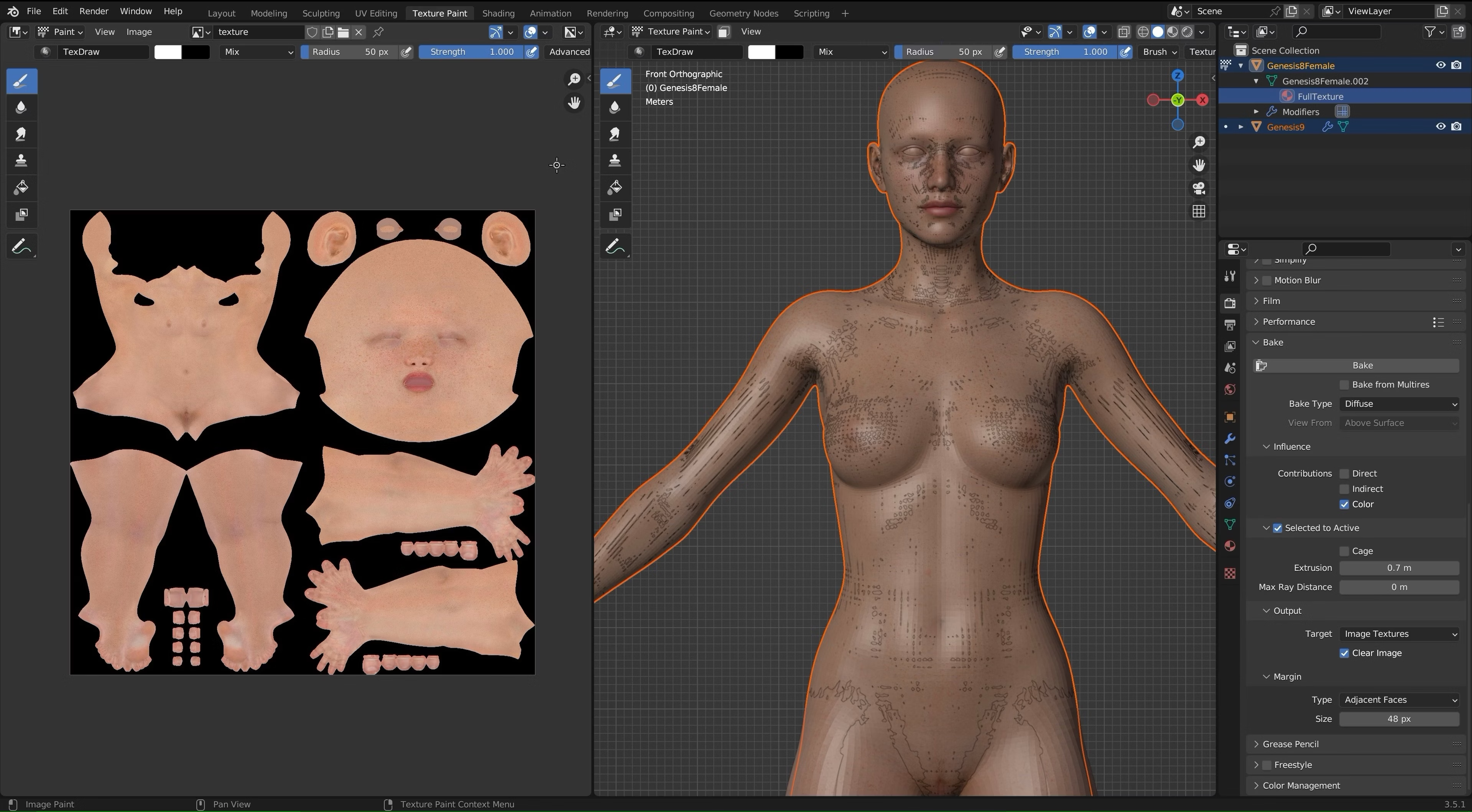
To use G9 skins on a G8 models you have two roads to choose from. One way to do it is using , it comes with limitation I think, never really used it. Another way to bake directly your maps from Blender (god bless udim support), made victoria 9 for G8 a long time ago:

zzzzzzzz.jpg
 
Last edited:
  • Like
Reactions: anne O'nymous

caLTD

Member
Game Developer
Feb 4, 2018
301
349
294
Honestly, it all about experience.

I try g9 to g8 and unsucessfull.

After failing proper workflow with, unity, unreal, blender I fall back to Daz. If anything takes time and or prone to error I leave it. Tyring to fixin and / or implementing procedures takes time and effort.

And those are costs, I'm very sure to move my workflow to Blender later or sooner but not until try end test every option under Daz.

I want to produce result's not fight for workflow, I'm too tired to fix things for better. Last month I made a test run and all in daz and very happy to do things done sure not top of line but finished... :)


PS: yeah I got lots of G9 stuff and all fo them pcigen4 m2.And thanks for dual library tip. I will try to implement it.
 

caLTD

Member
Game Developer
Feb 4, 2018
301
349
294
Update:
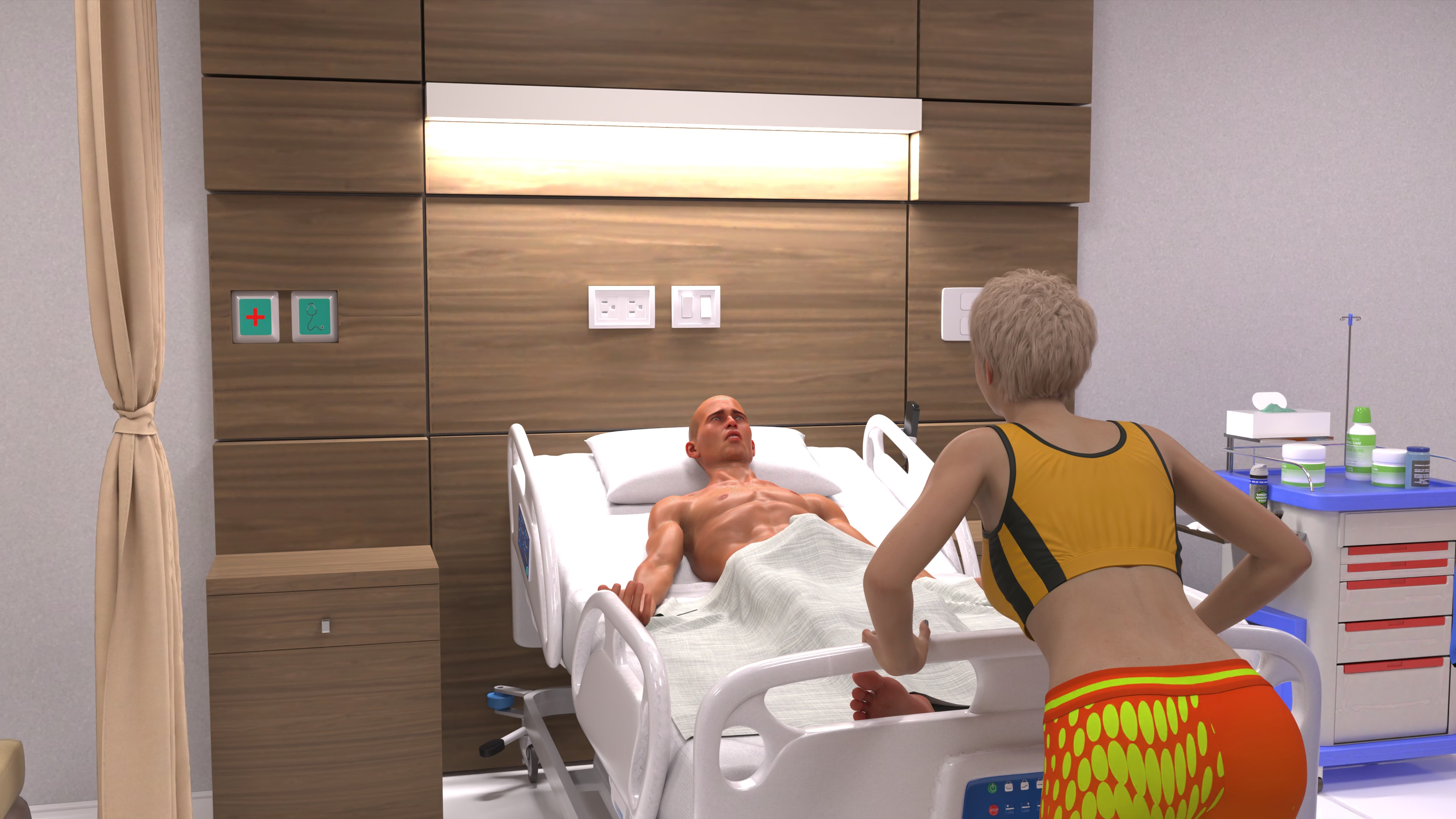
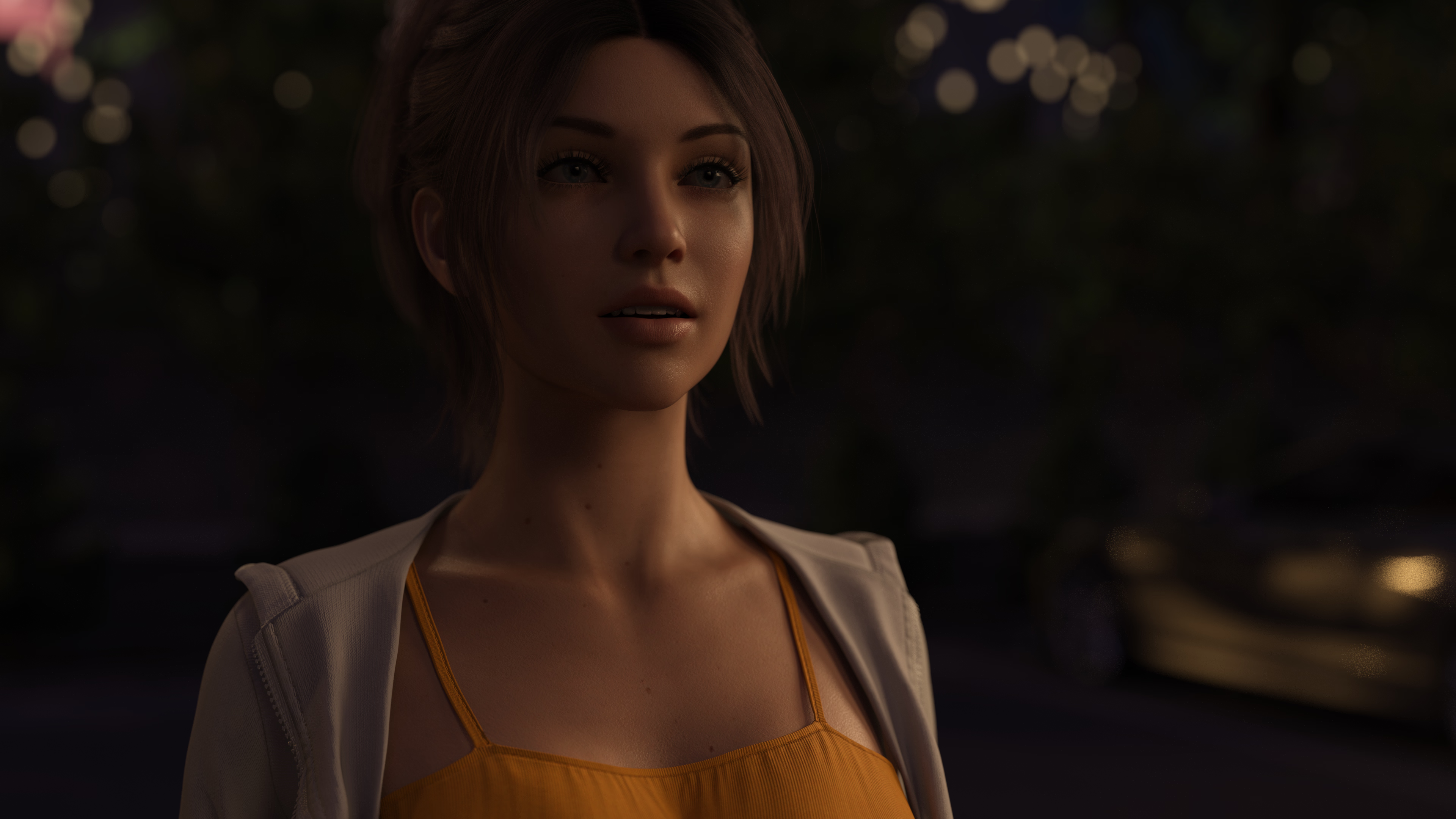
After completing small all Genesis9 project, I start to proper new project with full 8.1.
Instead of selecting 8.1 character from smart content. Start with default 8.1 then use Morphs then assign material from available 8.1 characters.

frame_005.jpg

Also, working with g8.1 characters is faster than working with G9 characters.
 
  • Like
Reactions: osanaiko