


The Watchr
Newbie
- Apr 18, 2025
- 67
- 369
- 63
Hi again. In this case I'll share a tutorial to download videos from pornhub using firefox and vlc media player.
1) Once you choose the video, press F12 to open console, select the tab Network and Media.
2) Once you've done this, refresh the tab, and something like this will appear:

3) You must select first file that starts with "index-v1", then copy the url after "GET" on the right below Headers.
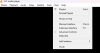
4) Open VLC Media player, go to tab View and press on "Advanced Controls" like this:
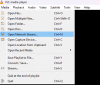
5) Go to "Media"and then "Open Network Stream"as shown:
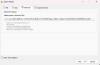
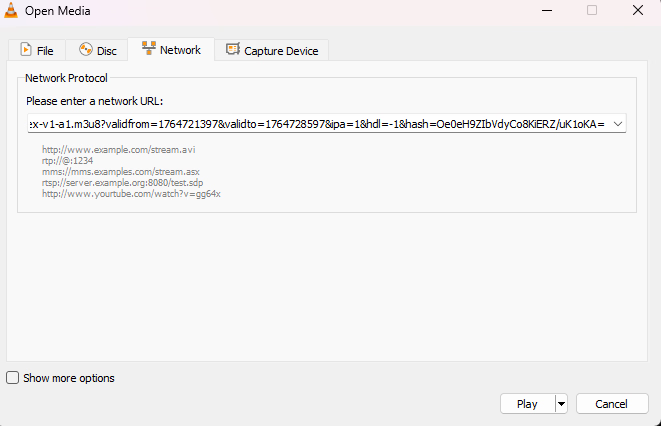
6) Paste copied URL on step 3) and play
7) Press red button so VLC captures content played:

8) Sadly, you have to wait until it finishes to save the vid, you can minimize and mute vlc while you do other stuff.
Hope this helps someone

1) Once you choose the video, press F12 to open console, select the tab Network and Media.
2) Once you've done this, refresh the tab, and something like this will appear:

3) You must select first file that starts with "index-v1", then copy the url after "GET" on the right below Headers.
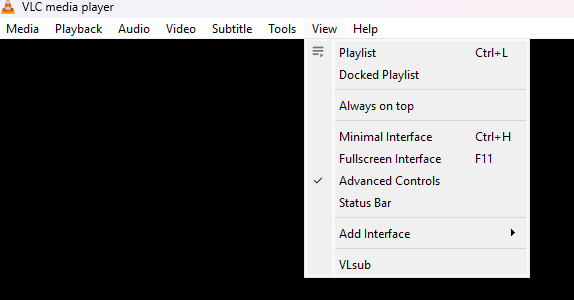
4) Open VLC Media player, go to tab View and press on "Advanced Controls" like this:
5) Go to "Media"and then "Open Network Stream"as shown:

6) Paste copied URL on step 3) and play
7) Press red button so VLC captures content played:
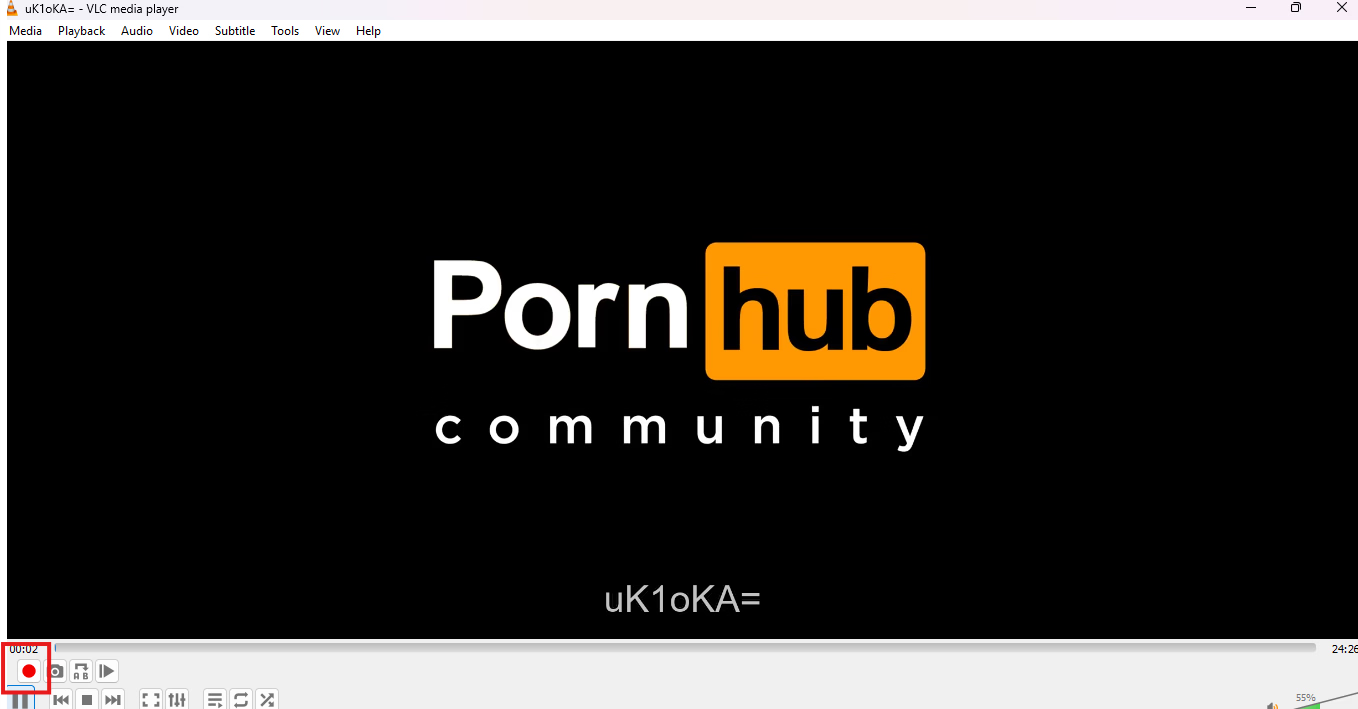
8) Sadly, you have to wait until it finishes to save the vid, you can minimize and mute vlc while you do other stuff.
Hope this helps someone