


Minori_uwu
Newbie
- Oct 20, 2021
- 20
- 63
- 48
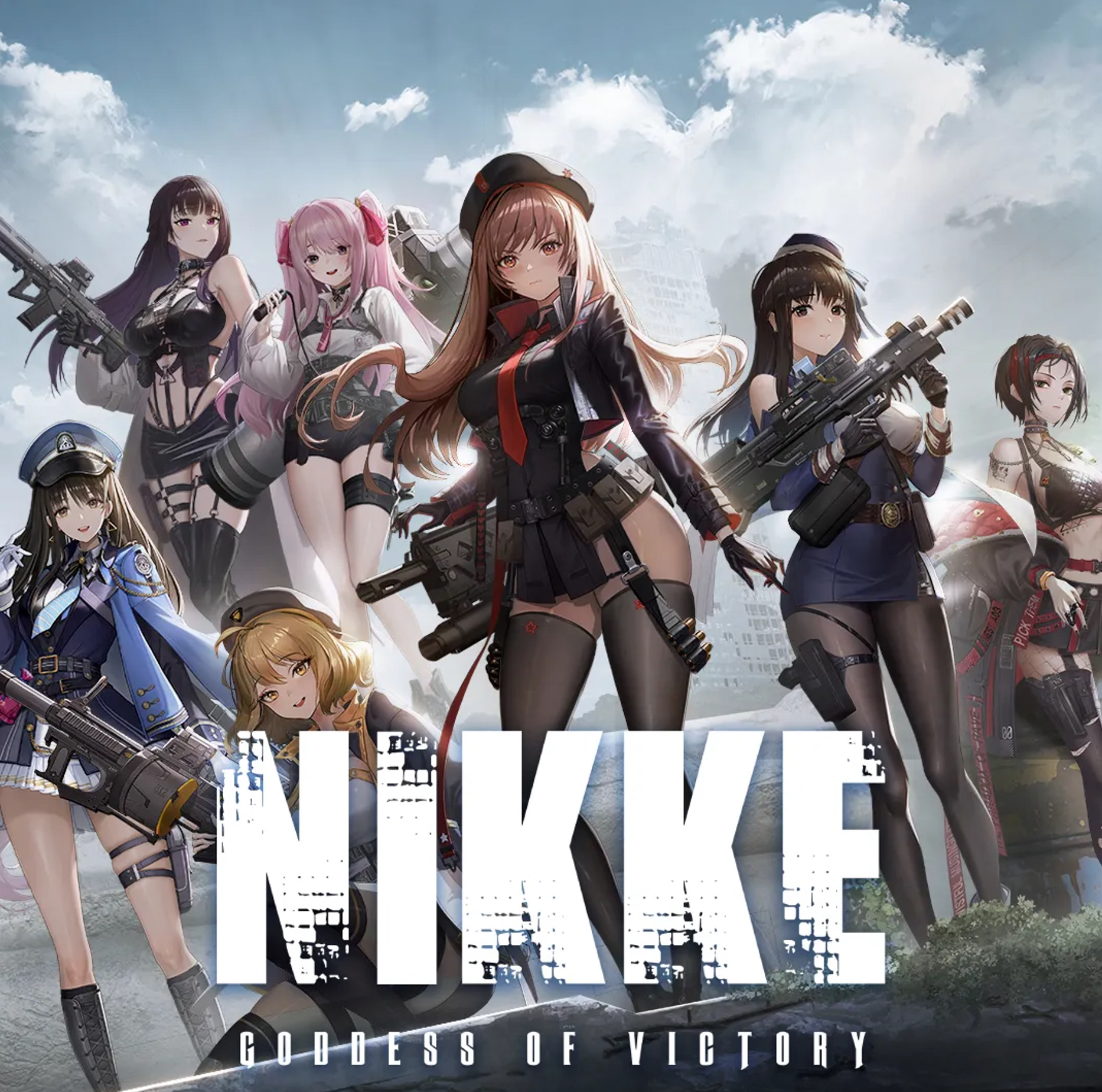
Overview:
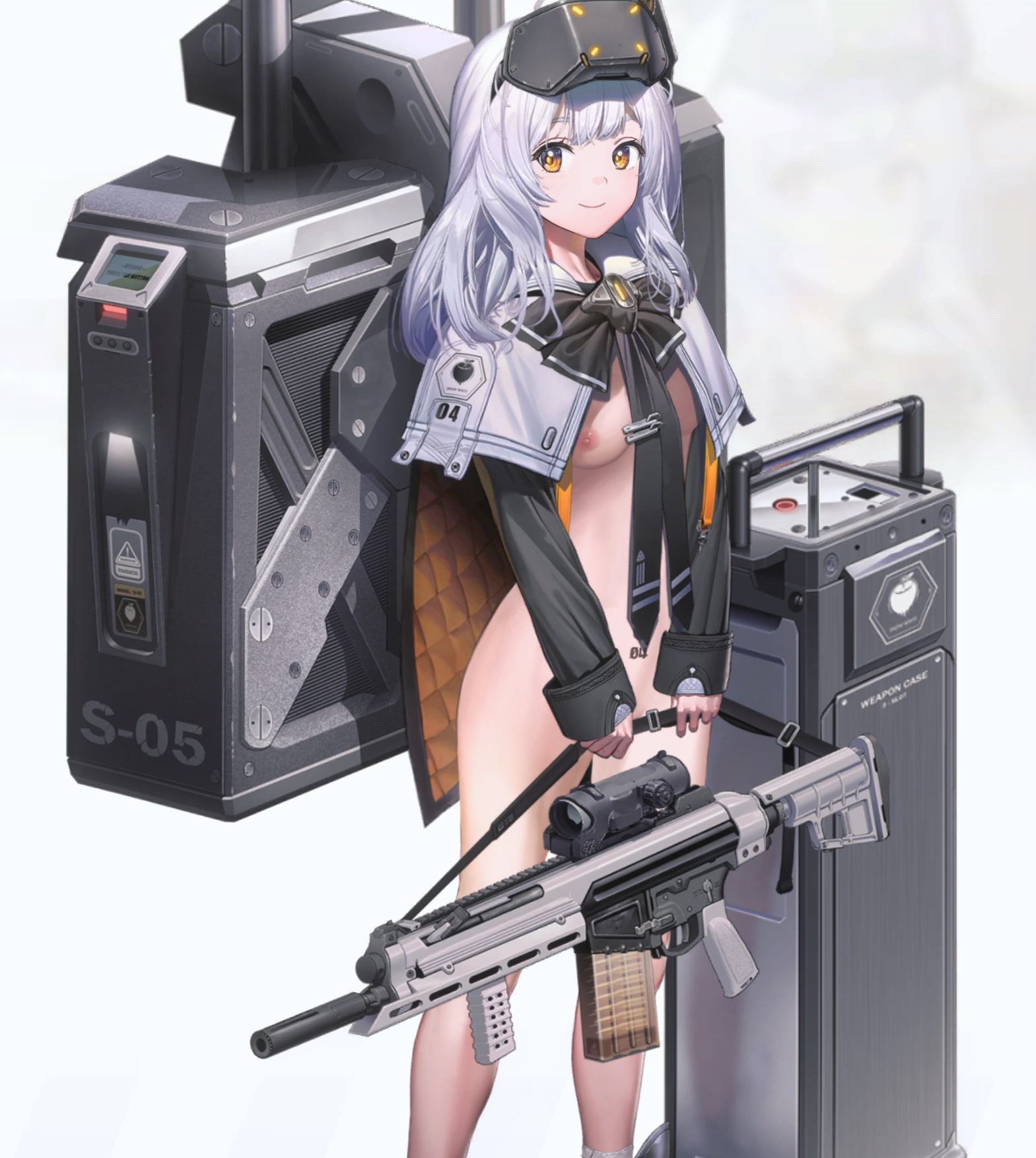
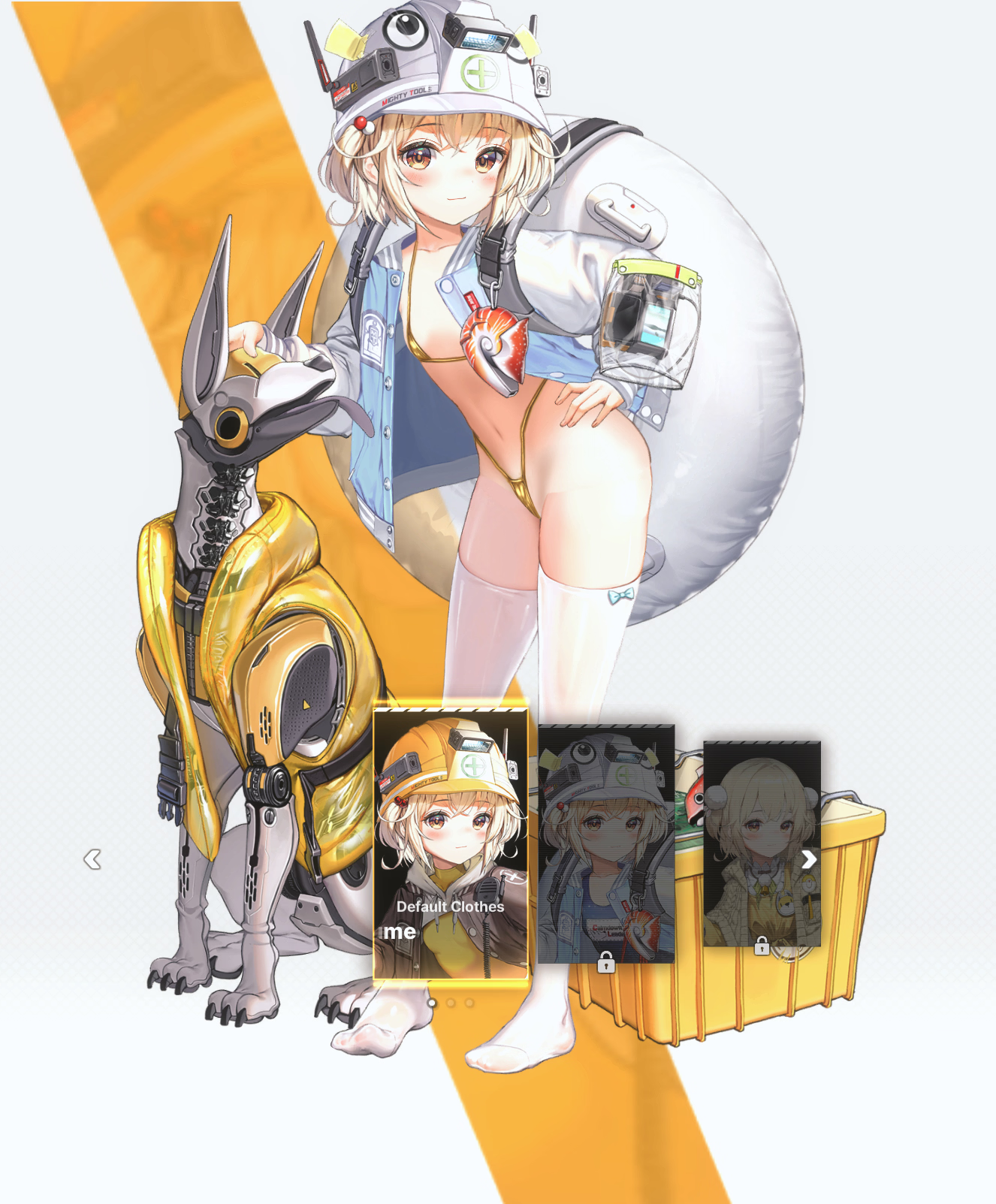
Skin mods to make your horny gotcha game more horny
Updated:
Game/Creator: Shift-up
Modder: Stolen from internet fixed by Minori
Mod Version: 0.0.2
Game Version:NIKKE.PC_Offcial_GL_141.10.4
Language:Any
Features:
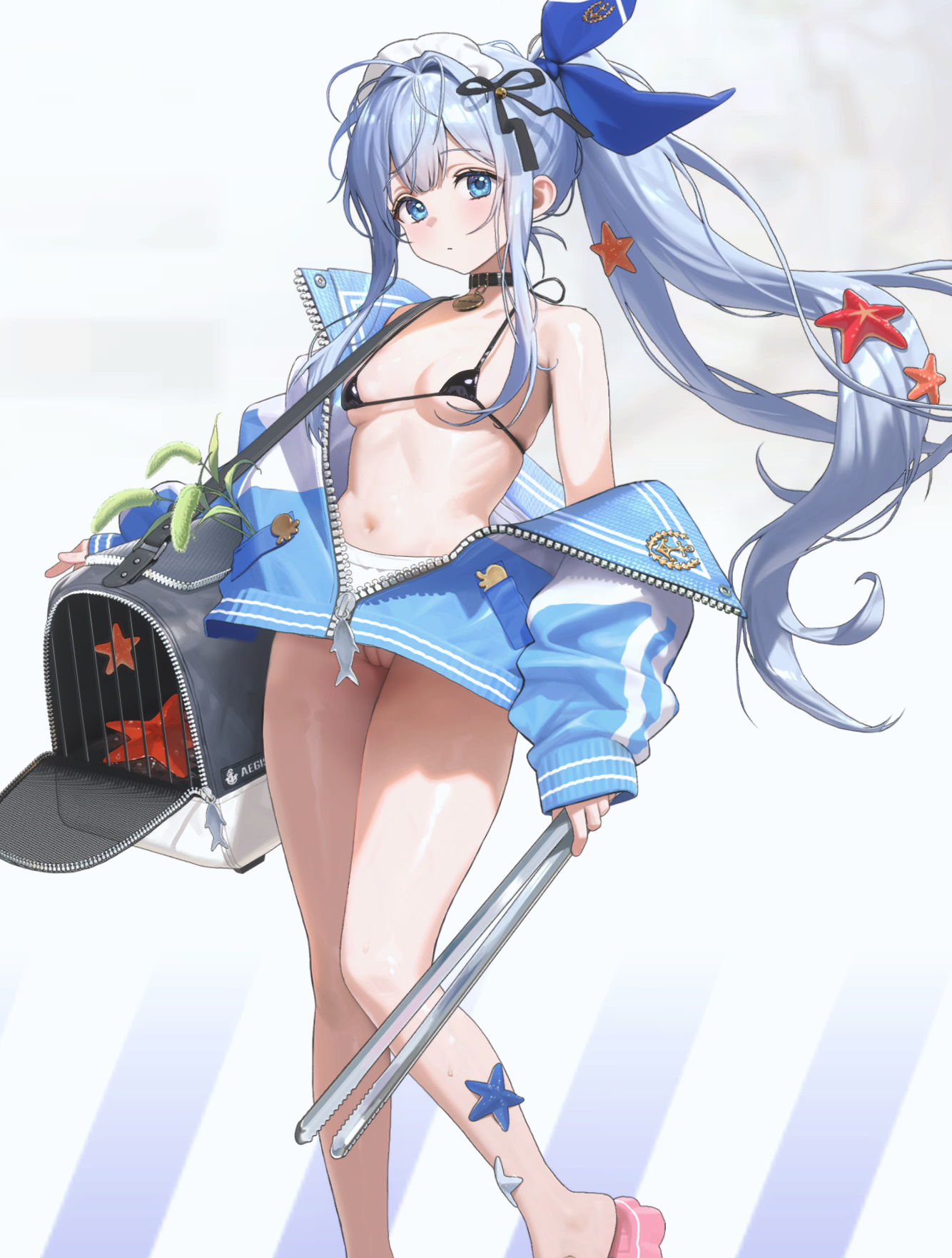
naked/lewd animed girls
Installation:
PC only must use NMM
You must be registered to see the links
By Steps
- place mods in NMM mods folder
- open nmm and click "patch game", then select nikke.exe (usually in C:/NIKKE/NIKKE/game). CN server skip this step
- select server in the top right corner of nmm (GLOBAL = NA/GL/SEA/JP/KR)
- click apply mods
- start the game
Change-Log:
Repacked and fixed for update 141.10.4
games been updated, go into NMM and click (apply mods) to activate mods again
NIKKESpineViewer added, unzip open exe and connect to your mod folder to easily see previews of all your mods
Remember to apply mods again via NMM ( if stuck on loading 43% add category path close game AND launcher and try again )
new to files - lobby / burst mods only a few, working on fixing more will need new program NLBMM two folders available lobby/burst ( just mods) and NLBMM with mods ( mods + app)
How to use NLBMM
1. Extract all files
2. Open NLBMM.exe
3. The manager will ask you for the path to your NMM "lobby_burst" folder path and the "naps" folder path, click OK on the message box
4. Click on the Mods Folder Browse... button, navigate to your "lobby_burst" mods folder and select it.
5.Click on the naps Folder Browse... button, navigate to your "naps" folder path and select it. naps can normally be found (AppData/Loacallow/Unity/Com_proximabeta_NIKKE)
6. Select the mods you wish to use and press ( Activate Selected )
Download:

You must be registered to see the links
- X-
You must be registered to see the links
- X -
You must be registered to see the links
Last edited:


