Disclaimer: sorry for my English, I'm French
How to use Translator++ with a YU-RIS game
Prerequisites:
* Download
You must be registered to see the links
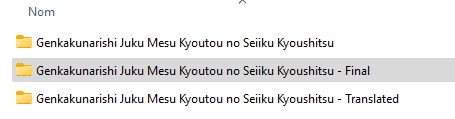
* Copy twice the original folder of your game (in order to have backup in case of mistakes):
** "Translated" for the translation project - Workspace <-- this one will always be modified in the translation lifecycle.
** "Final" for the definitive translated folder - The translated game in its final version
1. Create the translated project with Translator++
1.a. Select "Start a New Project", then "YU-RIS engine translator"
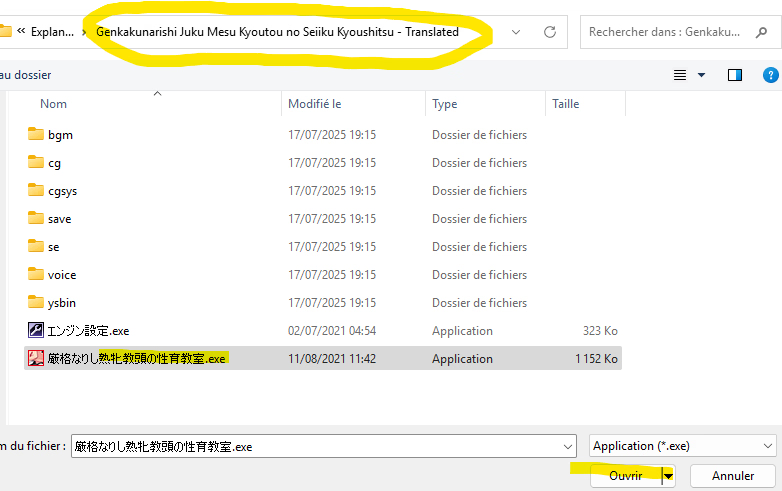
1.b. Browse into
the copy of the folder game, in order to open the executable file .exe
1.c. Click on "Next", then select the executable file
from the copy of the folder game
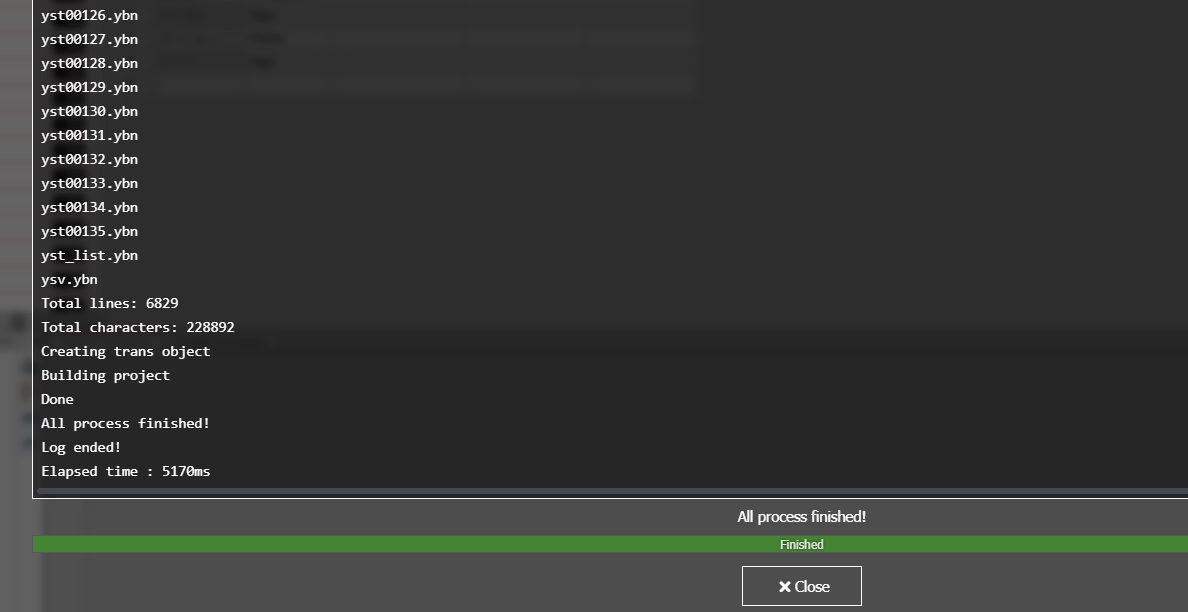
1.d. Click on "Create Project" and let it end.
>> A new prompt will appear and will log all extraction done by the tool
>> Click on "Close", then you are ready to translate.
 2. Configuring the project
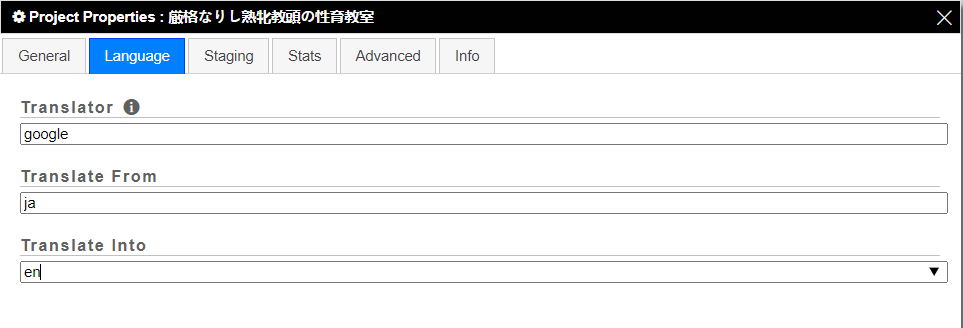
2.a. Open the "Project Properties"

2.b. In "Language" tab, choose:
- the Translator engine: by example "google"
- the source language of the game: "ja" for japanese
- the target language translation: "en" for english
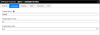 3. Translation
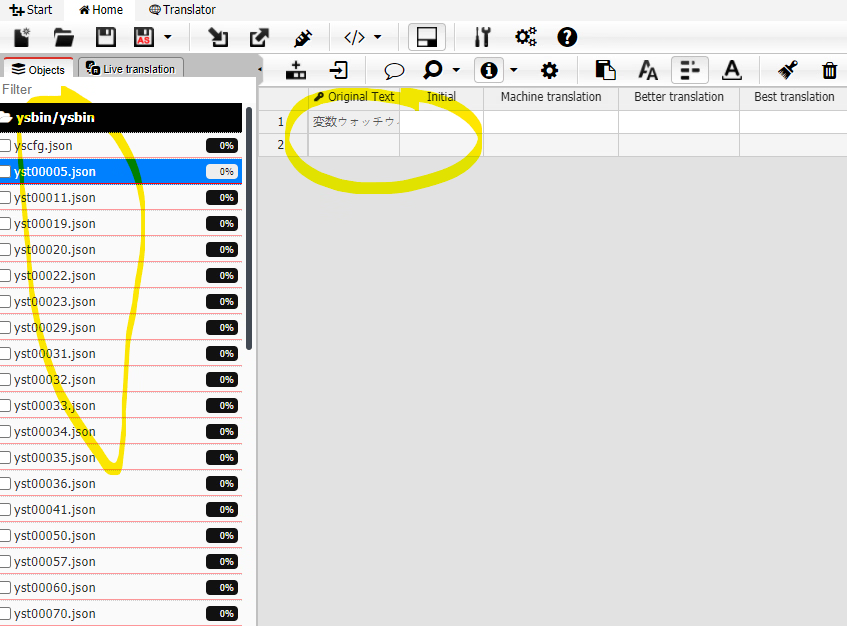
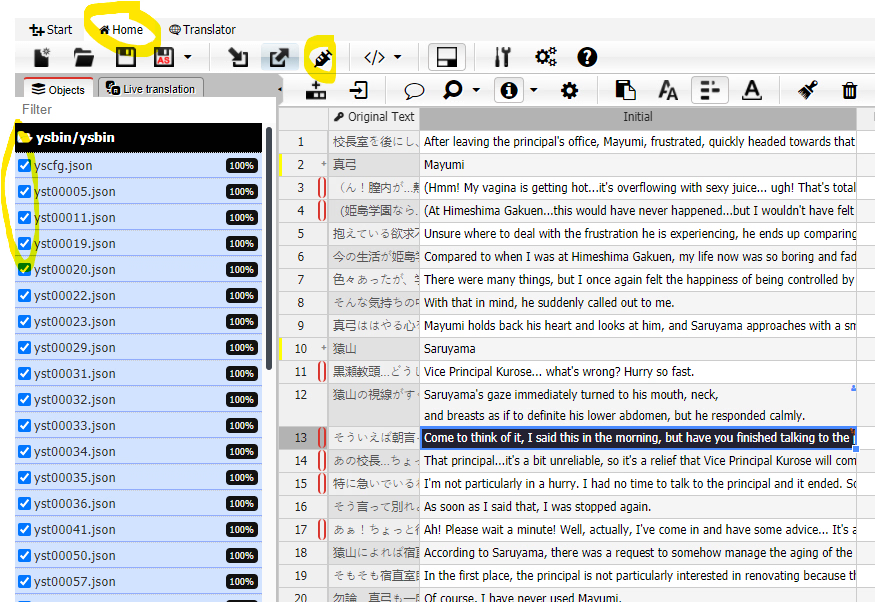
You will see multiple .json files at left side. For each, you can see what it stands for at thr right side.
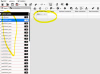
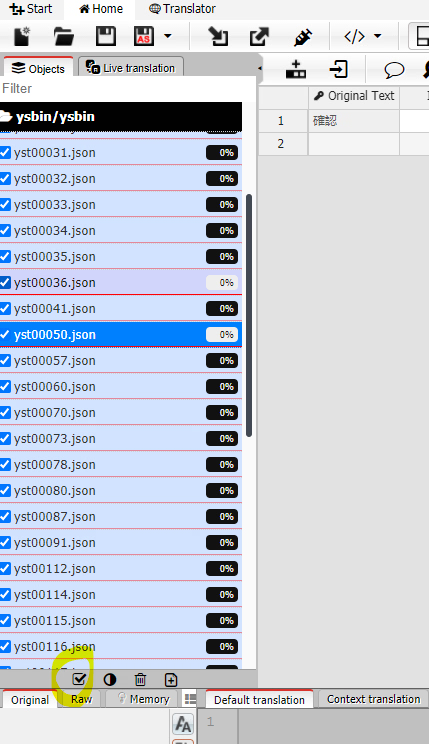
Tick on that box to select all files:
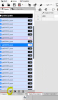
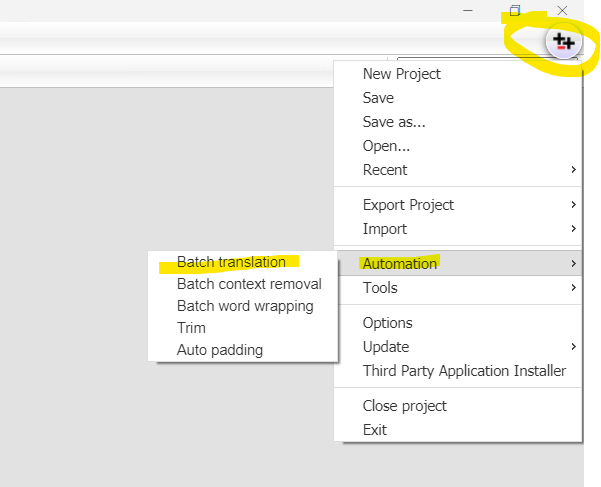
3.a. Open Menu at top right of the application, select "Automation", then "Batch translation".
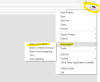
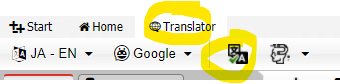
or click on "Translator" at top left, then "Batch translation" icon.
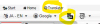
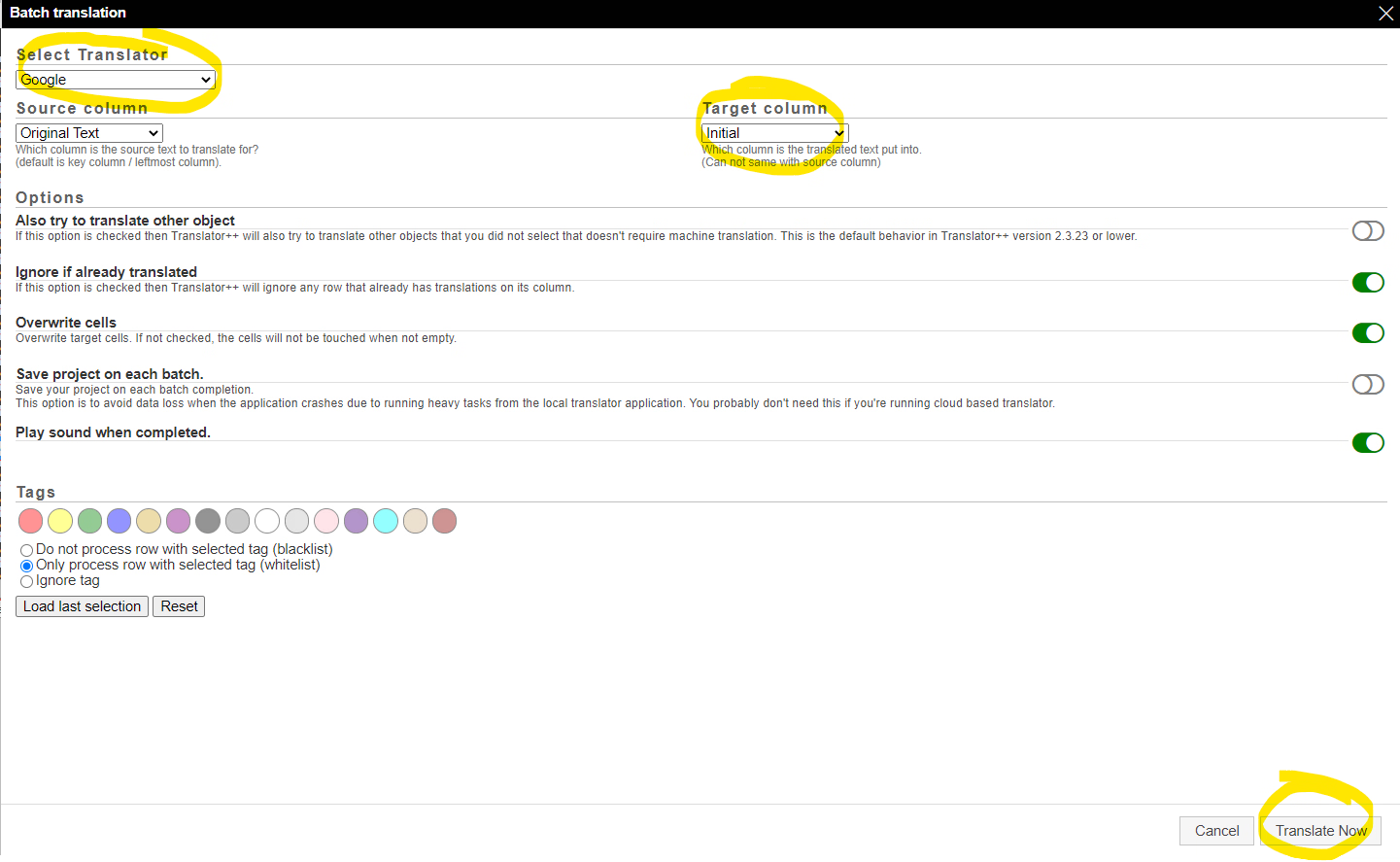
3.b. You can choose here the "Translator" (Google, etc.), the "Target column" (in which the translator will put translated text), then "Translate Now".
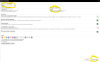
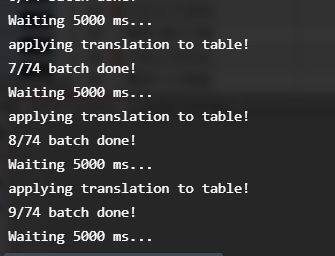
The translation batch is quite long.

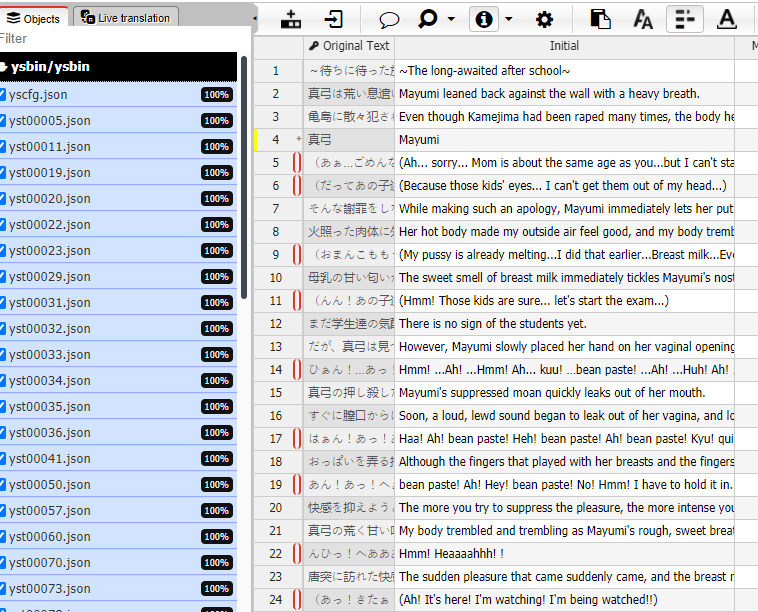
And voilà:
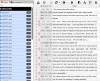
3.c. You can click on traget column in order to edit the translation as you wish it would be
4. Some adjustments/tips
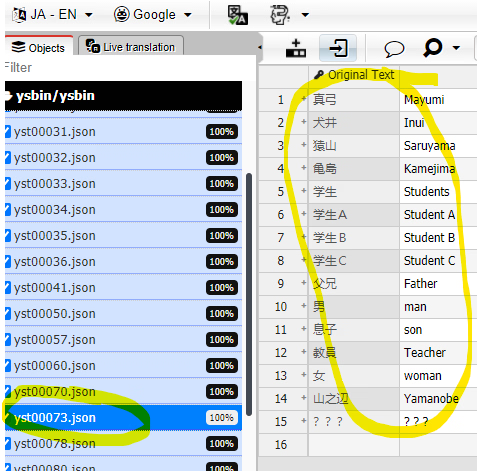
You have to click on a .json file in order to check what it is used for.
By example, yst00073.json seems to be used for character names:
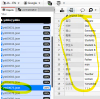
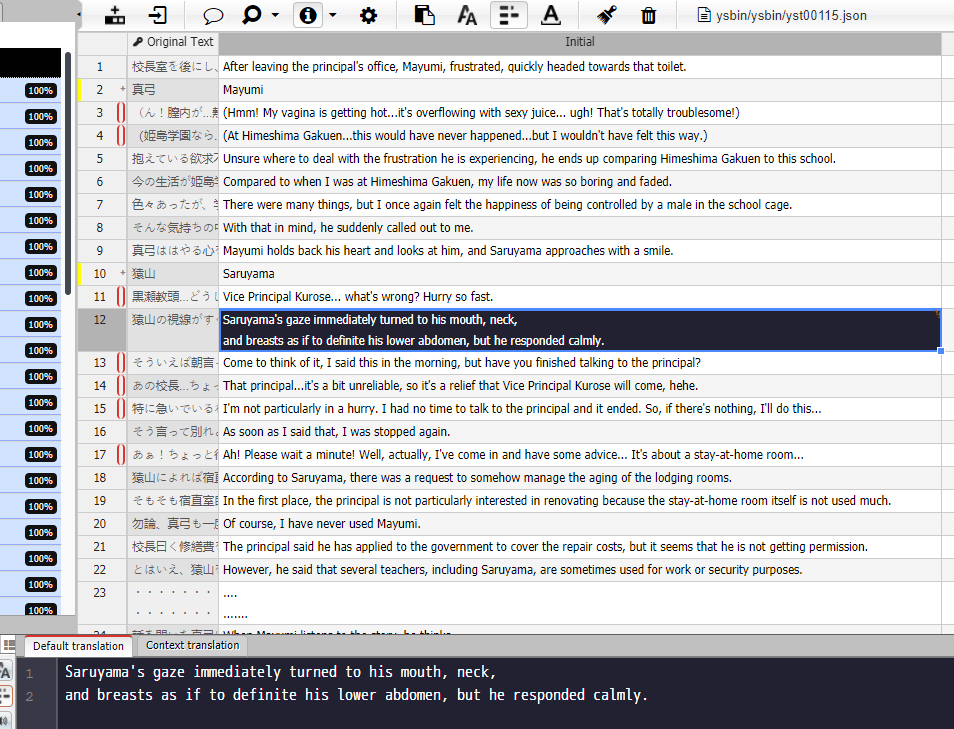
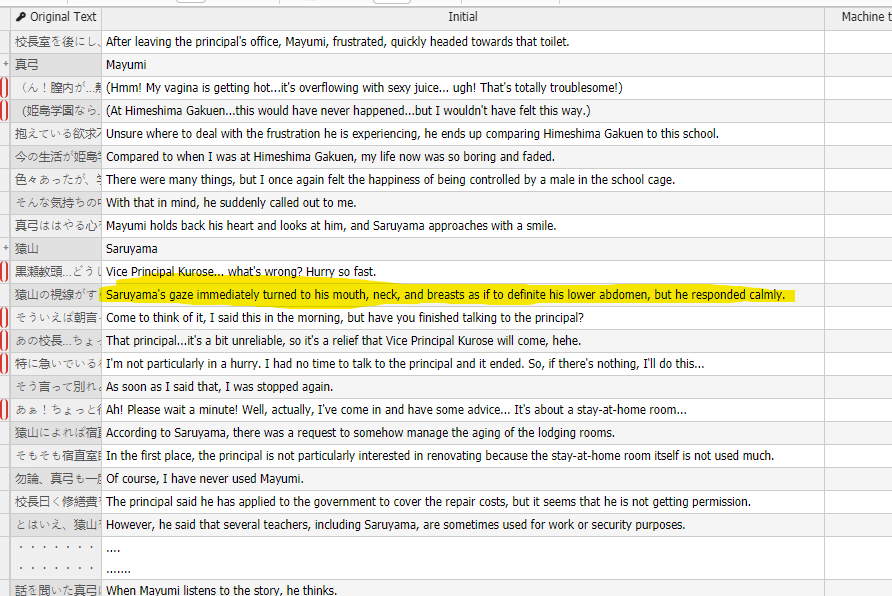
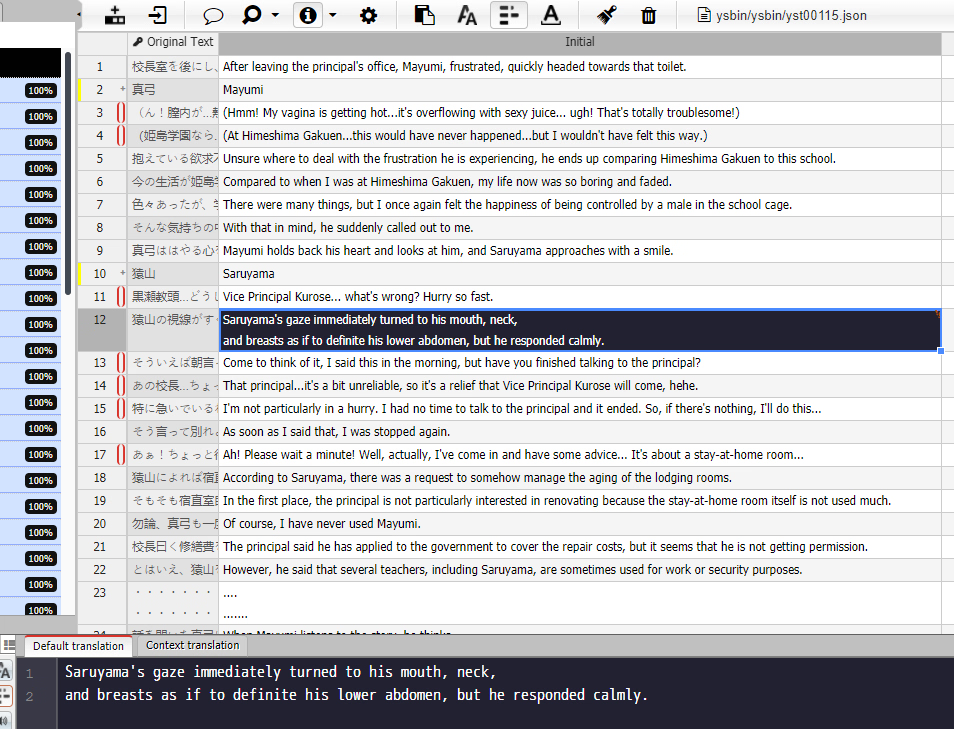
Try to adjust length of a sentence in text box. If you think one line is too long, you can cut it in multiple lines.
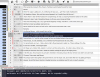
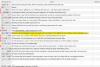
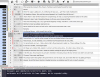
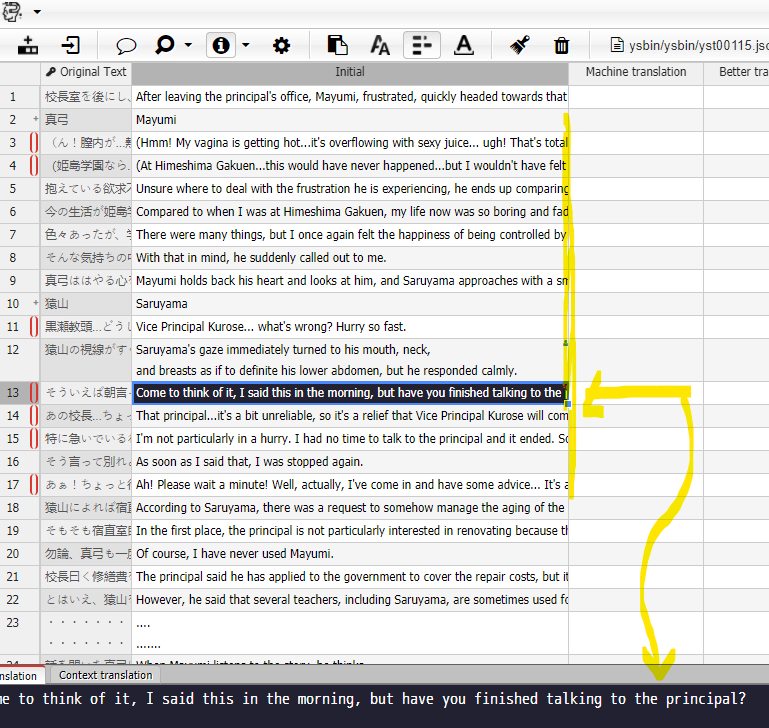
When you find the good length for a line, resize the column, in order to check if some dialogs will exceed your limit.
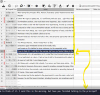
Edit the line in order to have it in 2 lines.
5. Applying the translation to your copy game
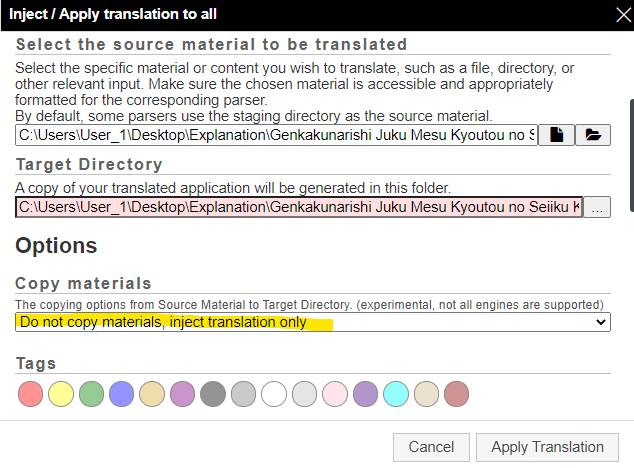
5.a. Click on "Inject / apply all translation". Do not forget to let tickbox selected.
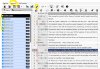
5.b. Choose the target directory
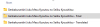
5.c.
/!\ Be careful - Option for Copy materials
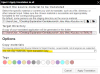
Choose "Do no copy materials, inject translation only"
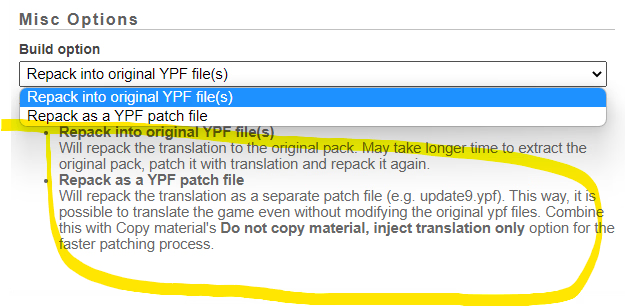
5.d. Repacking or not repacking? It's up to you
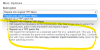
5.e. Finally, "Apply translation", and let it end.
6. Testing game
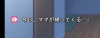
Launch the game .exe in "Final" folder, and look if it runs successfully.
If you see mistypo/bad translation, you can reopen your project and adjust translation, then inject translation again (
/!\ Be careful - Option for Copy materials)
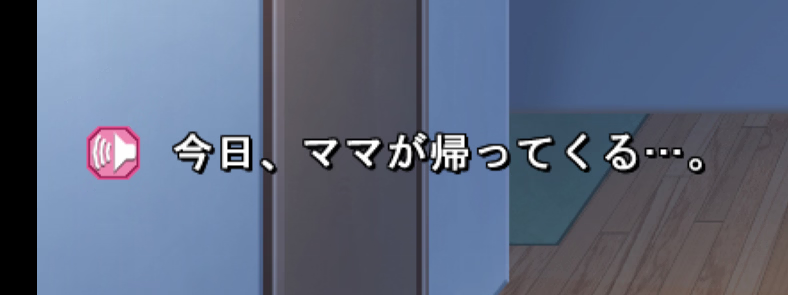
Original game
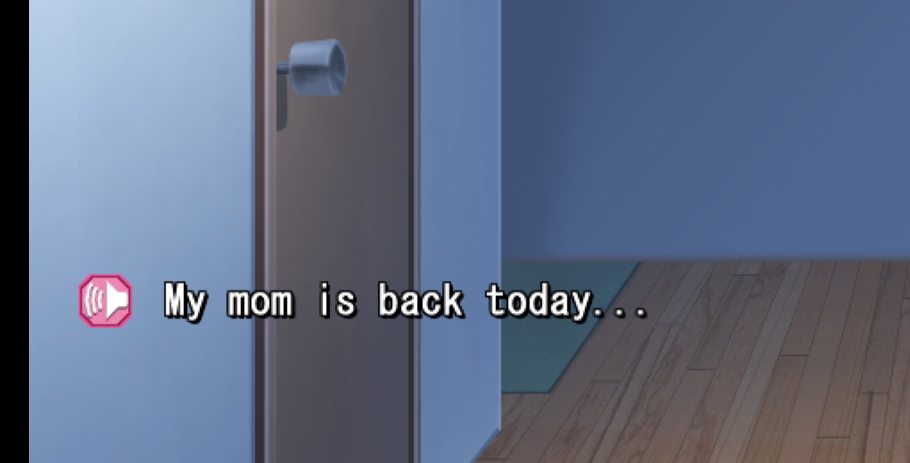
FInal game