Daz Postwork - Using LUTs?

Sep 25, 2024
5
0
60
Does anyone use LUTs in their VN postwork? I've messed with them a bit and was wondering about using them in postwork.

If you've used them, can you describe how you use them in your workflow?

For those wanting a little more info on them and free LUTs, here are a couple of links:


MissFortune

I Was Once, Possibly, Maybe, Perhaps… A Harem King
Respected User
Game Developer
Aug 17, 2019
6,910
10,689
872
For Photoshop? PP/AE, DVR? It's fairly easy with Blender, but it's a little more annoying with the Adobe suite at times.
 
Sep 25, 2024
5
0
60
Using Affinity Photo (where postwork is done after Daz rendering). It's straightforward to use. But wondering if folks have found LUTs useful to use and if so, any particular LUTs useful for VN postwork. And how folks use them in their overall postwork process.

For Photoshop? PP/AE, DVR? It's fairly easy with Blender, but it's a little more annoying with the Adobe suite at times.
 

MissFortune

I Was Once, Possibly, Maybe, Perhaps… A Harem King
Respected User
Game Developer
Aug 17, 2019
6,910
10,689
872
I'm basically 99% Camera Raw + Manual Postwork in Photoshop. But that tends to make it tricky to match color in AE/PP for animations. I use IWLTBAP to get around it. It basically generates a LUT for you based on the camera raw settings. Not sure how well it'd work outside of PS, though. Theoretically, though, Affinity > DaVinci should do 90% of the same stuff. Then there's the issues with Ren'pys dated ass color space, which is a whole different convo. One you don't really appear to be at yet. :KEK:

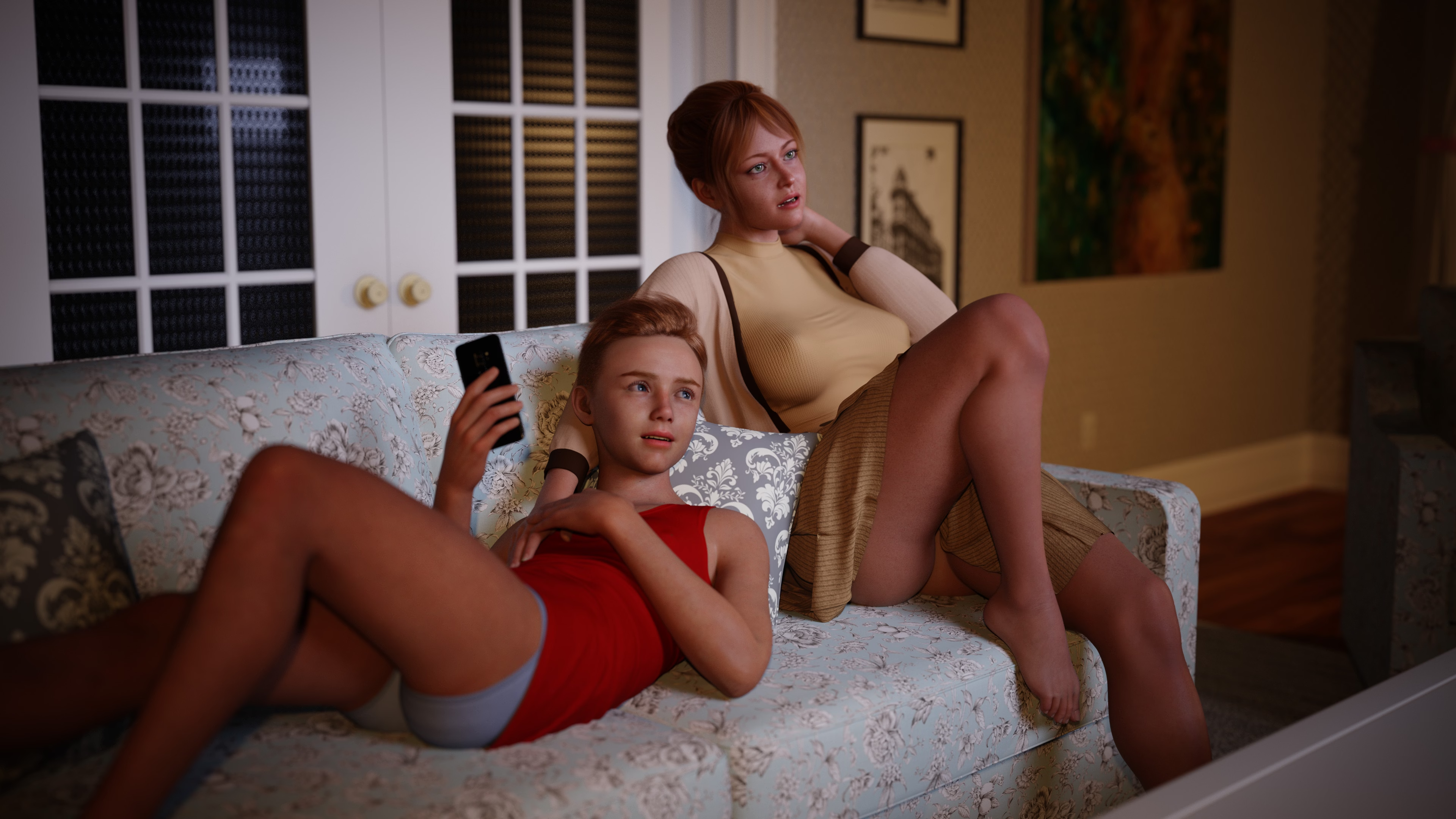
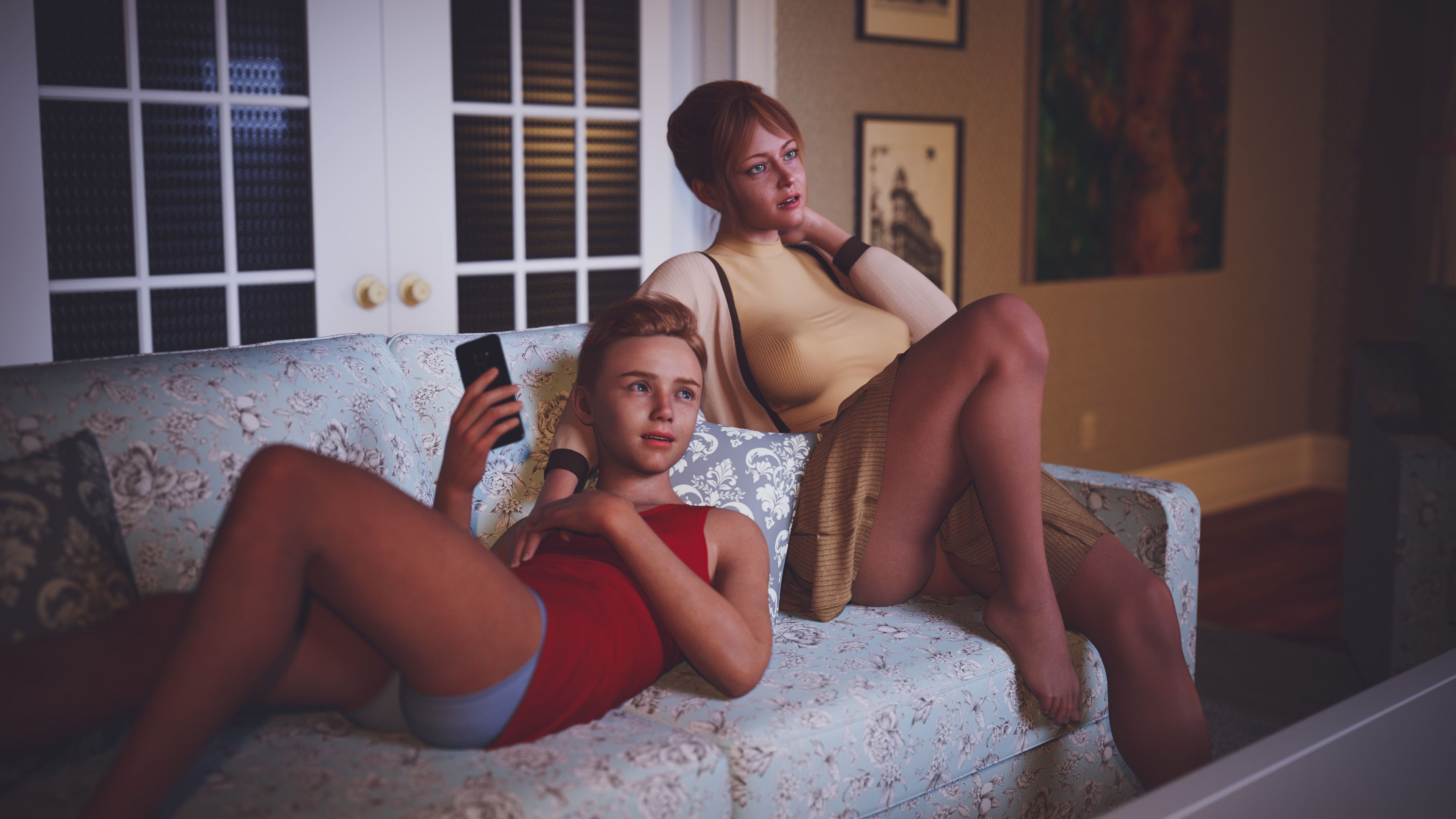
is a pretty good site for them, imo. is a particular favorite of mine. Used it for this render with some minor adjustments to color balance (pretty sure used it, too.):

TG1.jpg
 

no_more_name

Member
Mar 3, 2024
120
65
46
Does anyone use LUTs in their VN postwork? I've messed with them a bit and was wondering about using them in postwork.

If you've used them, can you describe how you use them in your workflow?
Not really directly, even if I've always wanted to use them in some way, but I manage gamma correction directly within tone mapping setting and manage color grading via a Lightroom filter made for the game to keep as little manual work as possible (and some flexibility for edge cases). So, I guess technically a LUT in two steps.

Nothing fancy, but fast & consistant (can't afford to micro-manage every single image).

Raw gamma correction via Daz tone mapping:
GammaCorrection.jpg

Lightroom filter made for the game:
Lightroom.jpg

That's it.
 
Last edited:
  • Like
Reactions: commonkira