

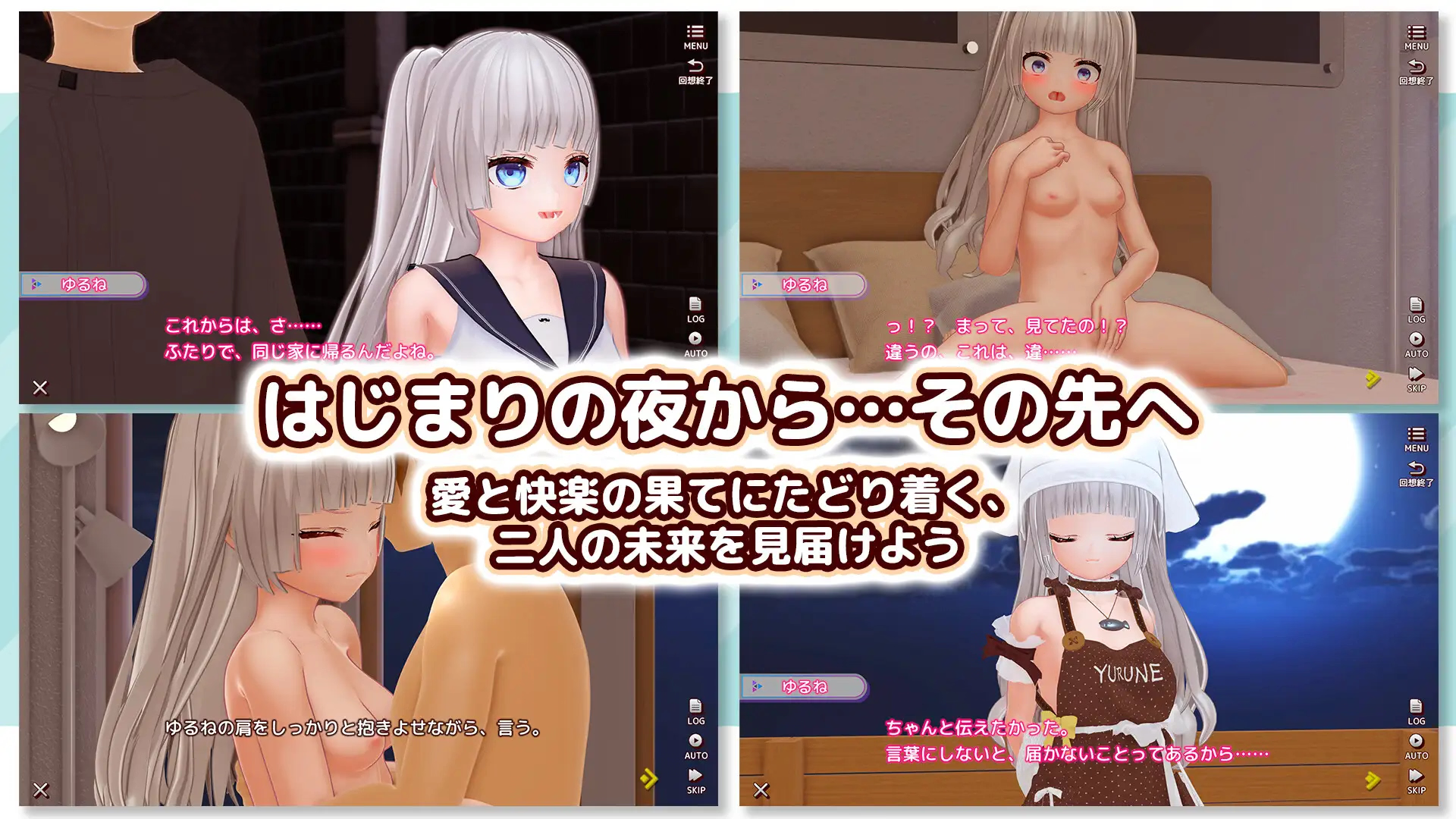
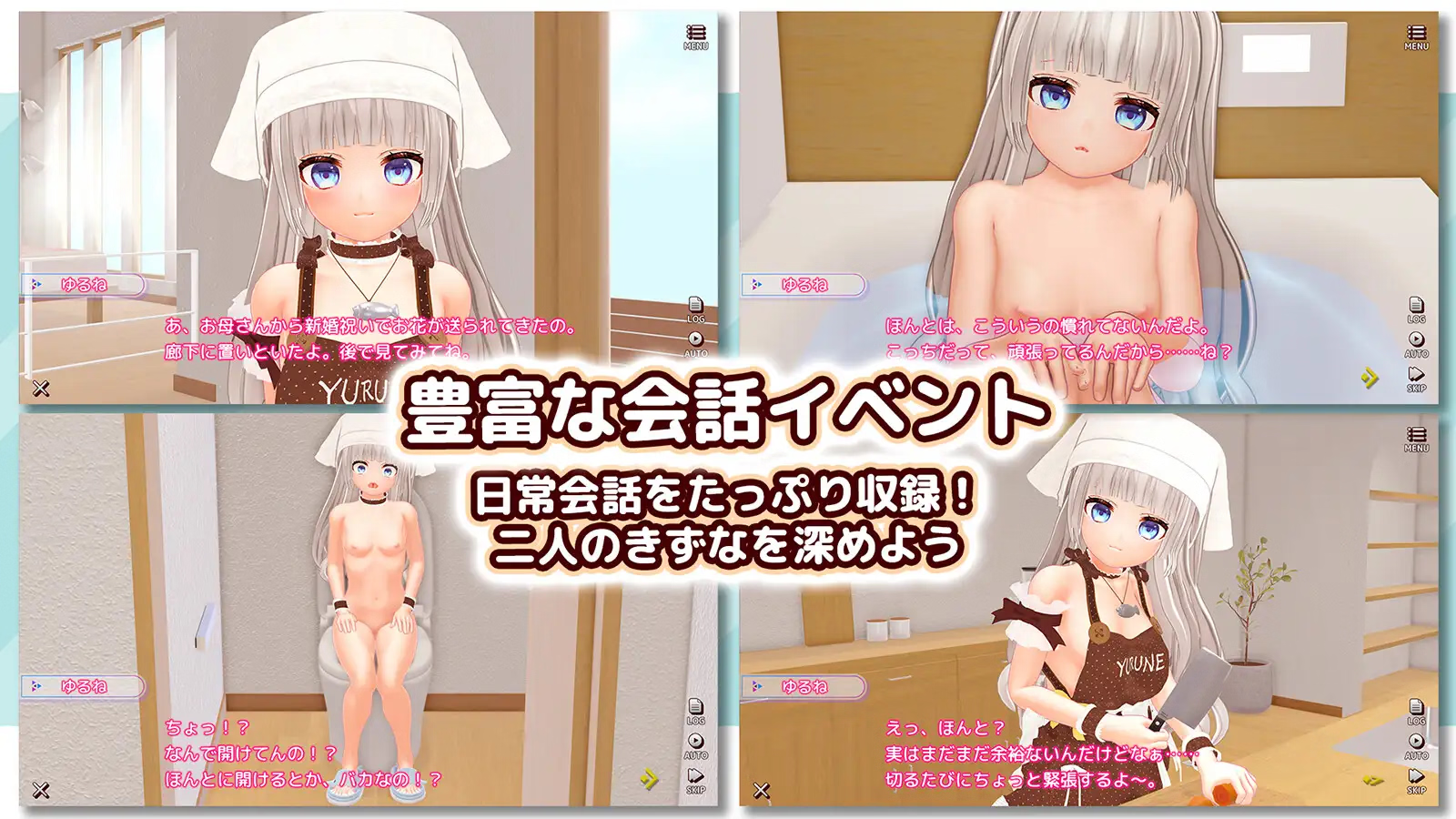
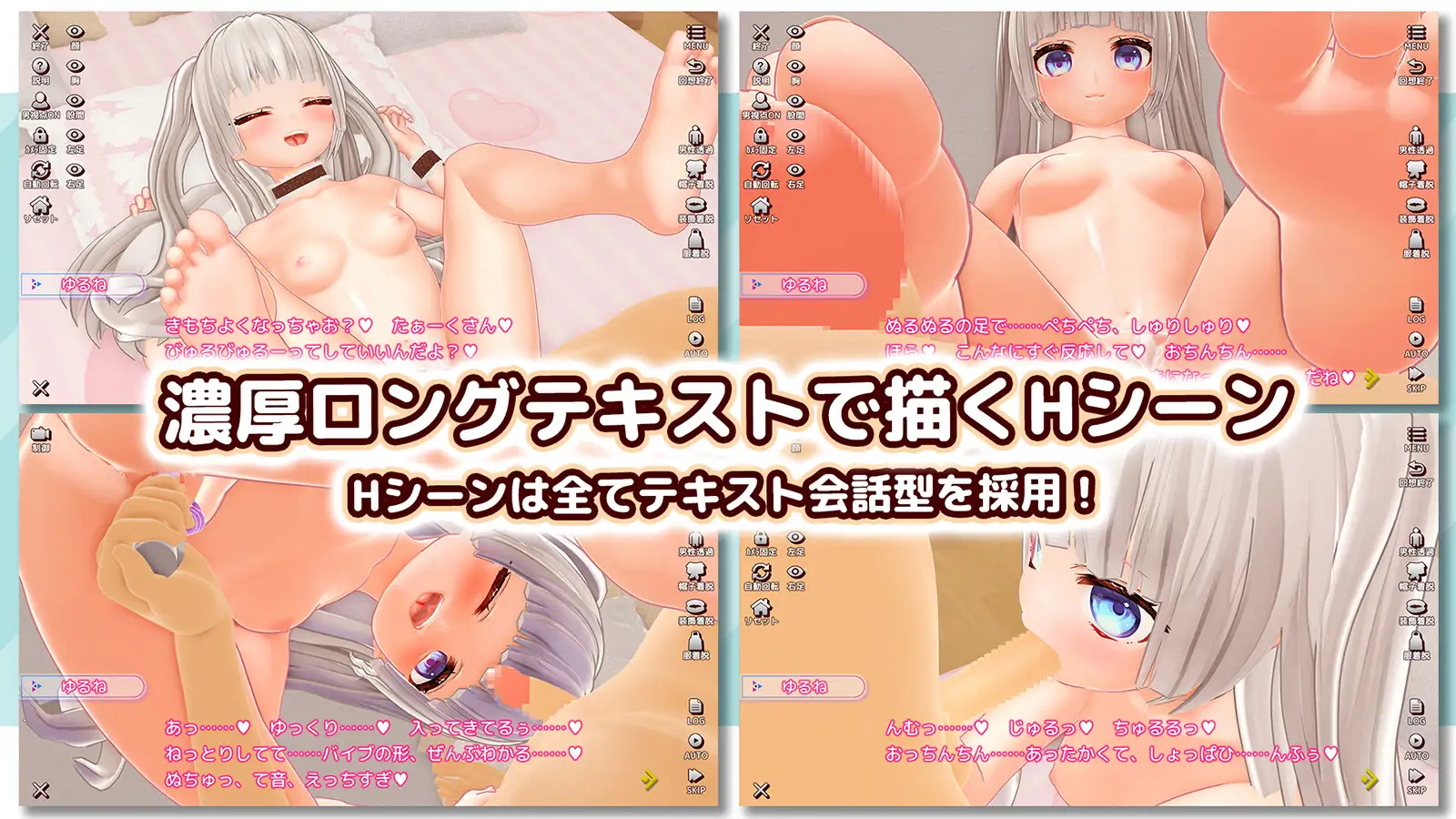
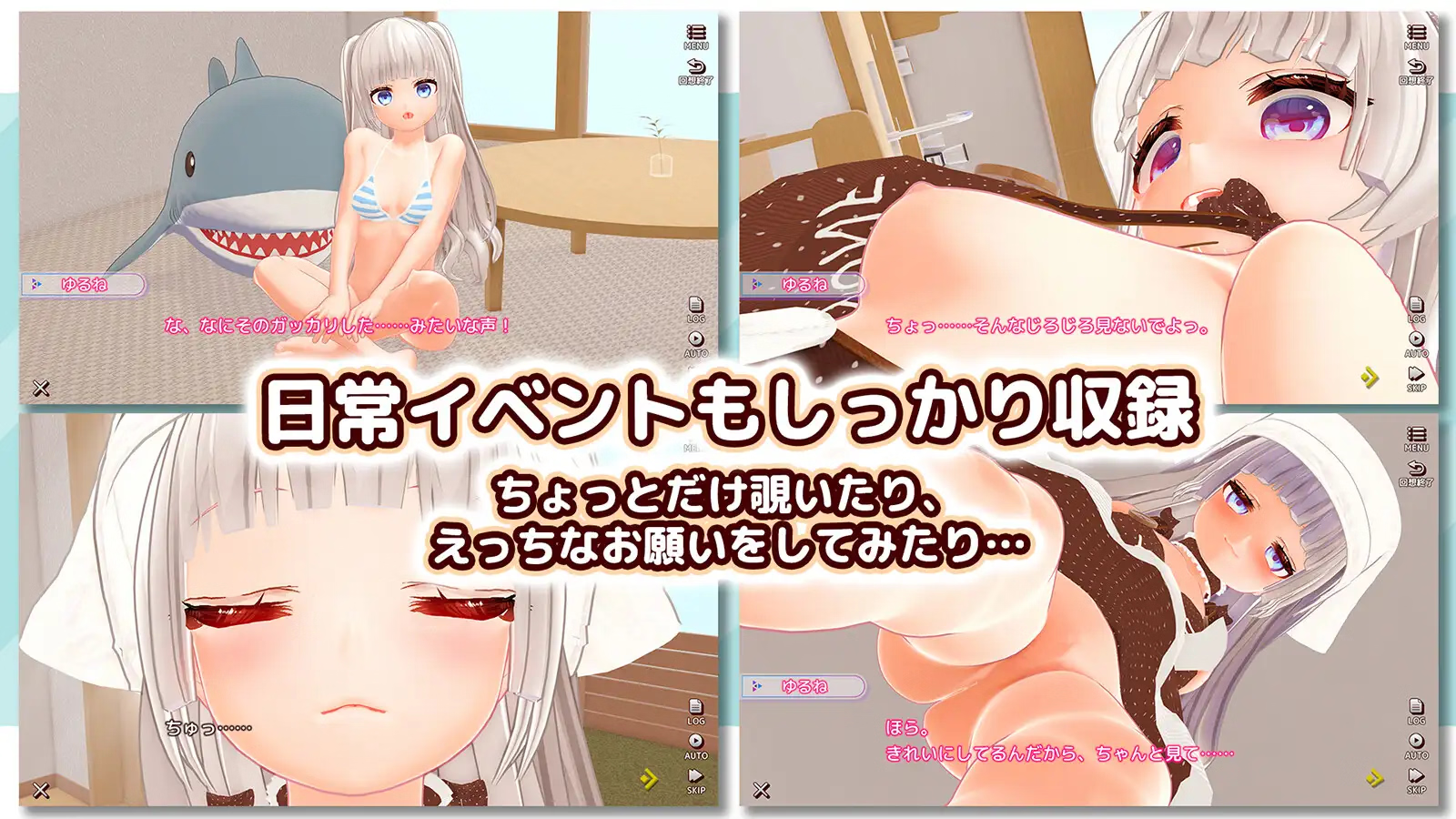
Unity None [Translation/Game Request] えっちな嫁ちゃんと朝から晩までとろとろ発情生活 (A life of lust from morning till night with my naughty wife) [RJ01498884] | とろね屋 (Toroneya)

Hitson

Newbie
Jul 7, 2021
15
22
73
1767083404614.png
1767083658732.png 1767083729202.png 1767083767080.png 1767083774548.png 1767083857362.png 1767083918776.png 1767083927431.png 1767083935851.png 1767083942724.png
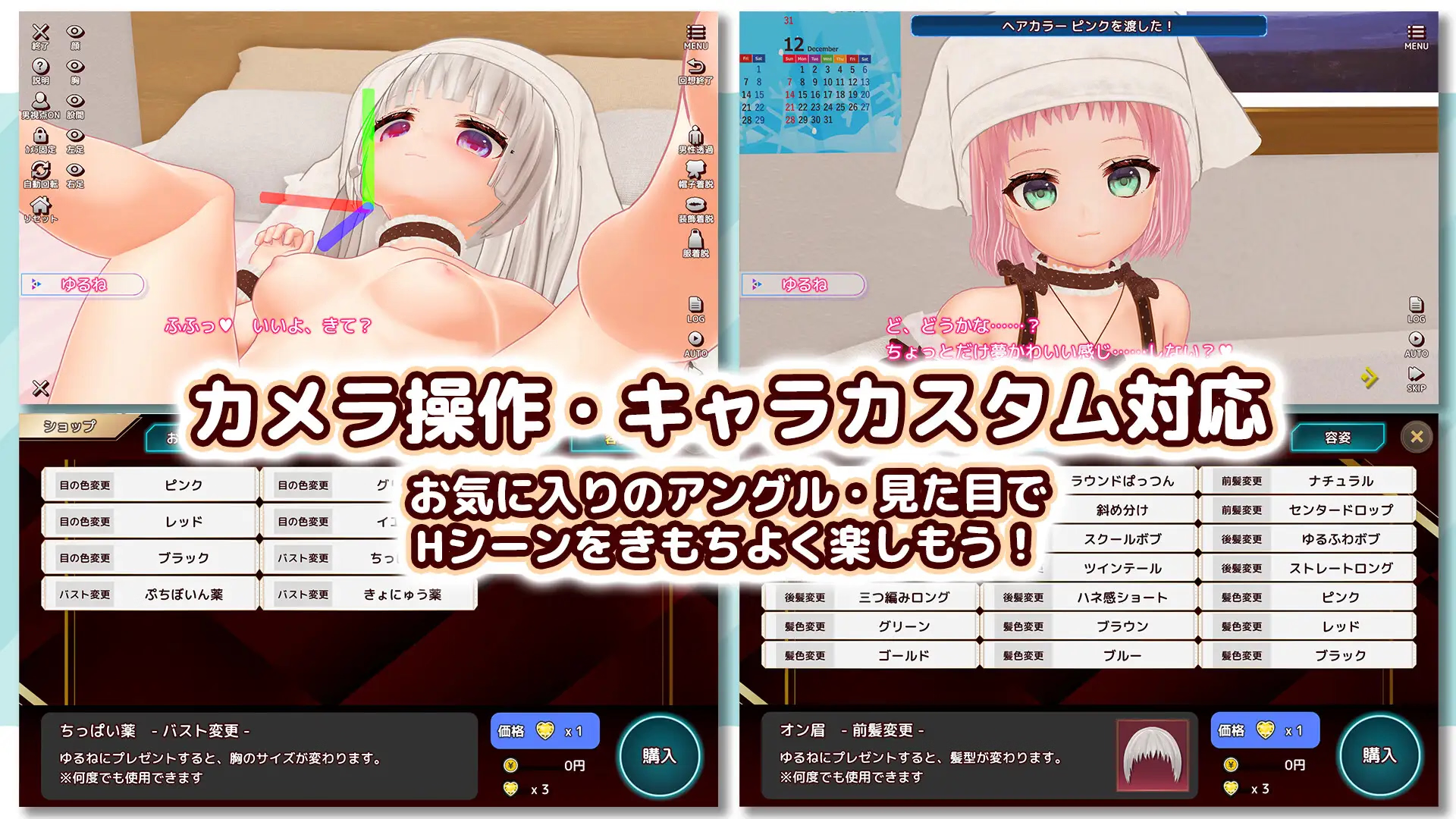
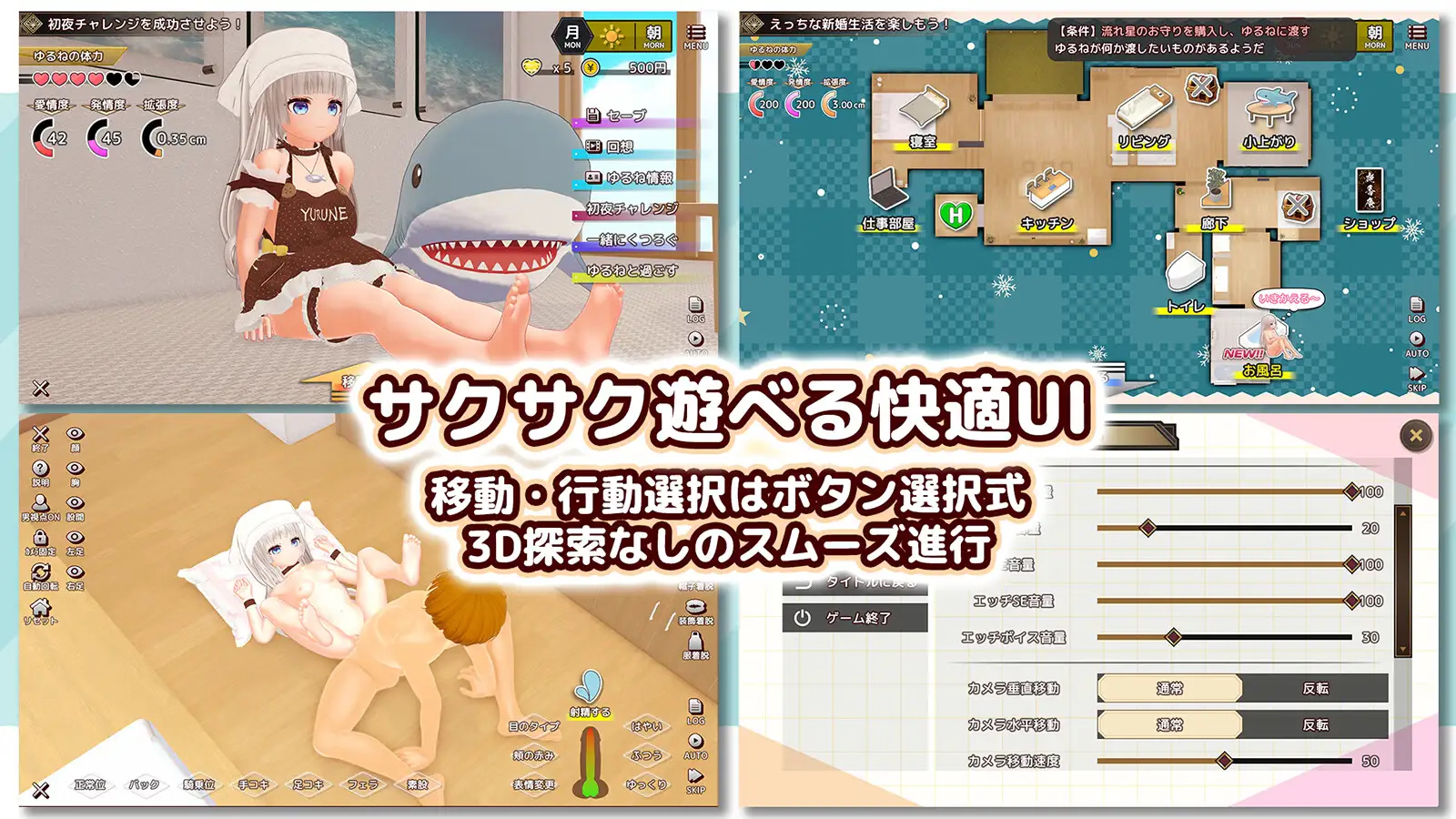
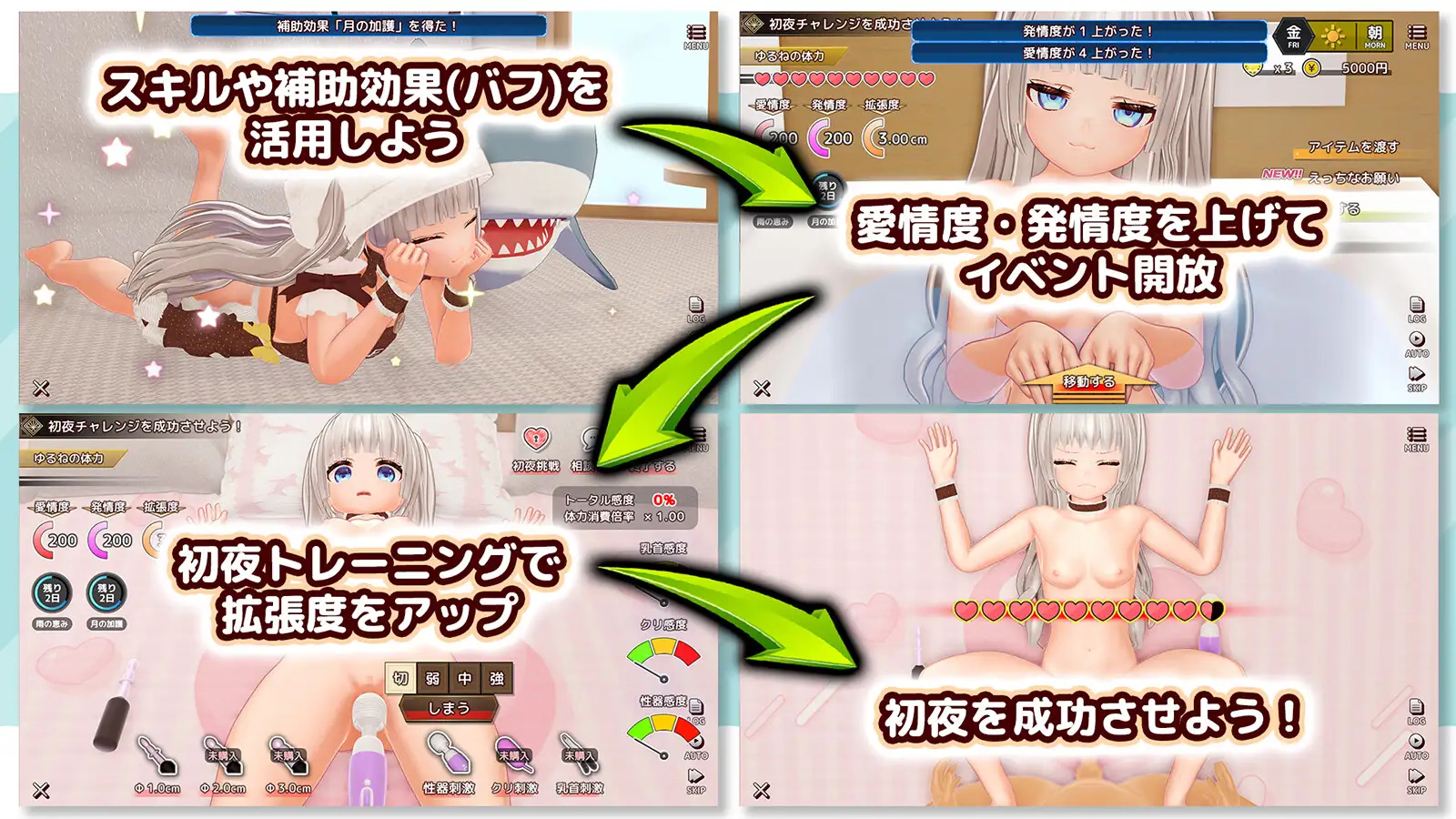
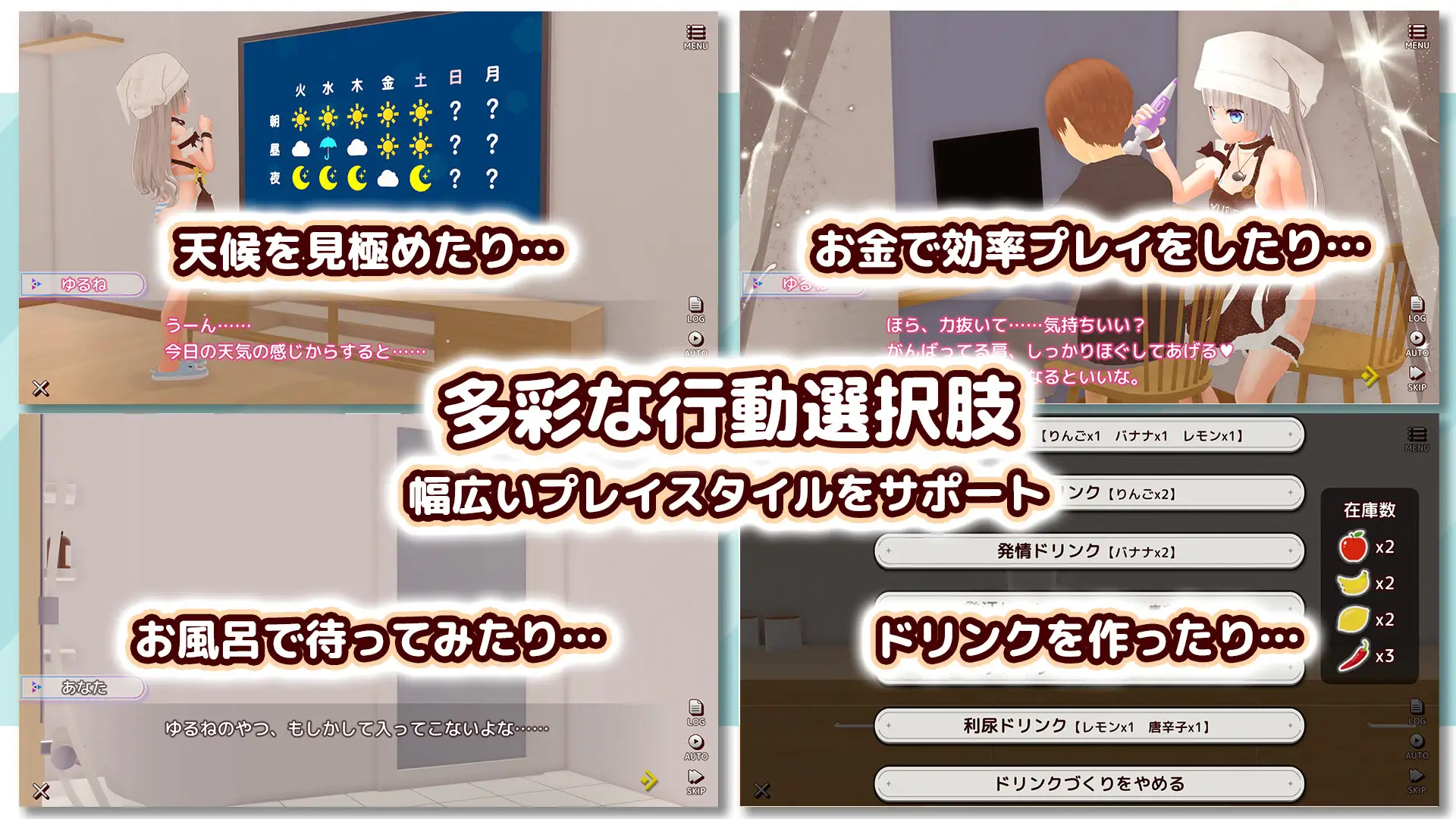
Title : えっちな嫁ちゃんと朝から晩までとろとろ発情生活 (A life of lust from morning till night with my naughty wife)
Developer : とろね屋 (Toroneya)
Developer website : ,
Store :
Download :

Product Information
Genre : 3D Newlywed Life Simulation
Playtime : Approximately 5 hours (varies depending on play style)
H-Scenes : 16 main H-Scenes (average 4000 characters), 11 mini H-Events (average 1000 characters)
Supported OS : Windows 10/11
Controls : Mouse + Keyboard
Resolution : 1280x720 (HD) - 3840x2160 (4K)
System Requirements : Designed to be lightweight and run even on low-end devices (e.g., those with integrated graphics). Please test the trial version before purchasing.
Game Engine: Unity
 
Last edited:

Rasheed64r

New Member
Feb 12, 2020
14
16
229
Well, here's a little pre-New Year's gift for you:
You can download the game . It's best to use server 2, as it has the fewest clicks and ads.
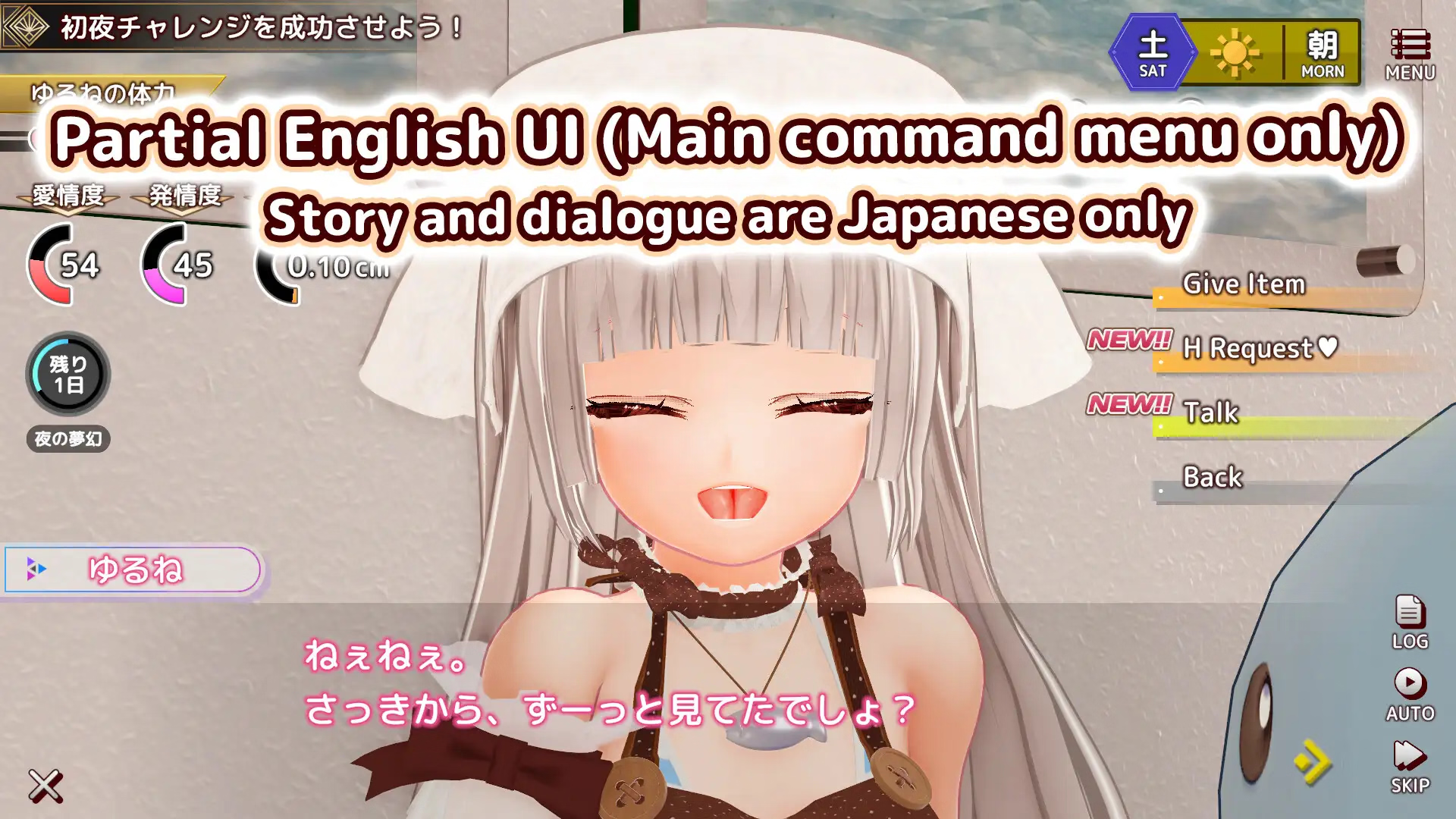
The game itself already has an English translation of the interface.
For everything else, use BepInEx
I used the BepInEx-Unity.IL2CPP-win-x86-6.0.0-be.733 version and the XUnity.AutoTranslator-BepInEx-IL2CPP-5.5.0 translator. I think if you use a newer one, nothing bad will happen and everything will work.
Demosaic colMask is suitable for removing censorship. I hope you figure out how to use it.
The game requires a Japanese locale emulator. I used Locale_Remulator. Changing the region format from Japanese to Japanese might also help.
Happy New Year, guys and girls;)
 
Last edited:

SeawaterH

Member
Jan 29, 2024
124
102
172
Well, here's a little pre-New Year's gift for you:
You can download the game . It's best to use server 2, as it has the fewest clicks and ads.
The game itself already has an English translation of the interface.
For everything else, use BepInEx
I used the BepInEx-Unity.IL2CPP-win-x86-6.0.0-be.733 version and the XUnity.AutoTranslator-BepInEx-IL2CPP-5.5.0 translator. I think if you use a newer one, nothing bad will happen and everything will work.
Demosaic colMask is suitable for removing censorship. I hope you figure out how to use it.
The game requires a Japanese locale emulator. I used Locale_Remulator. Changing the region format from Japanese to Japanese might also help.
Happy New Year, guys and girls;)
Sadly i Tried using Your Translator's Installation method nor using reipatcher. nothing works for me, if you would kindly share the bepinex's files that would be grateful.

Have A Happy New Year
 

Rasheed64r

New Member
Feb 12, 2020
14
16
229
Sadly i Tried using Your Translator's Installation method nor using reipatcher. nothing works for me, if you would kindly share the bepinex's files that would be grateful.

Have A Happy New Year
In my experience, reipatcher doesn't work well with Unity IL2CPP games. For such games, it's better to use the original BepInEx for IL2CPP or MelonLoader.
 
  • Thinking Face
Reactions: SeawaterH