- Jan 13, 2020
- 2,703
- 40,247
- 698
Just gonna share how I fit clothes onto larger bodies using D-force nowadays, rather than creating custom morphs inside 3d modeling software like I used to. It's fairly fast and simple if you use the
(if you don't want to use the script, you will have to export the clothing piece as .obj, import it back and save as a morph)
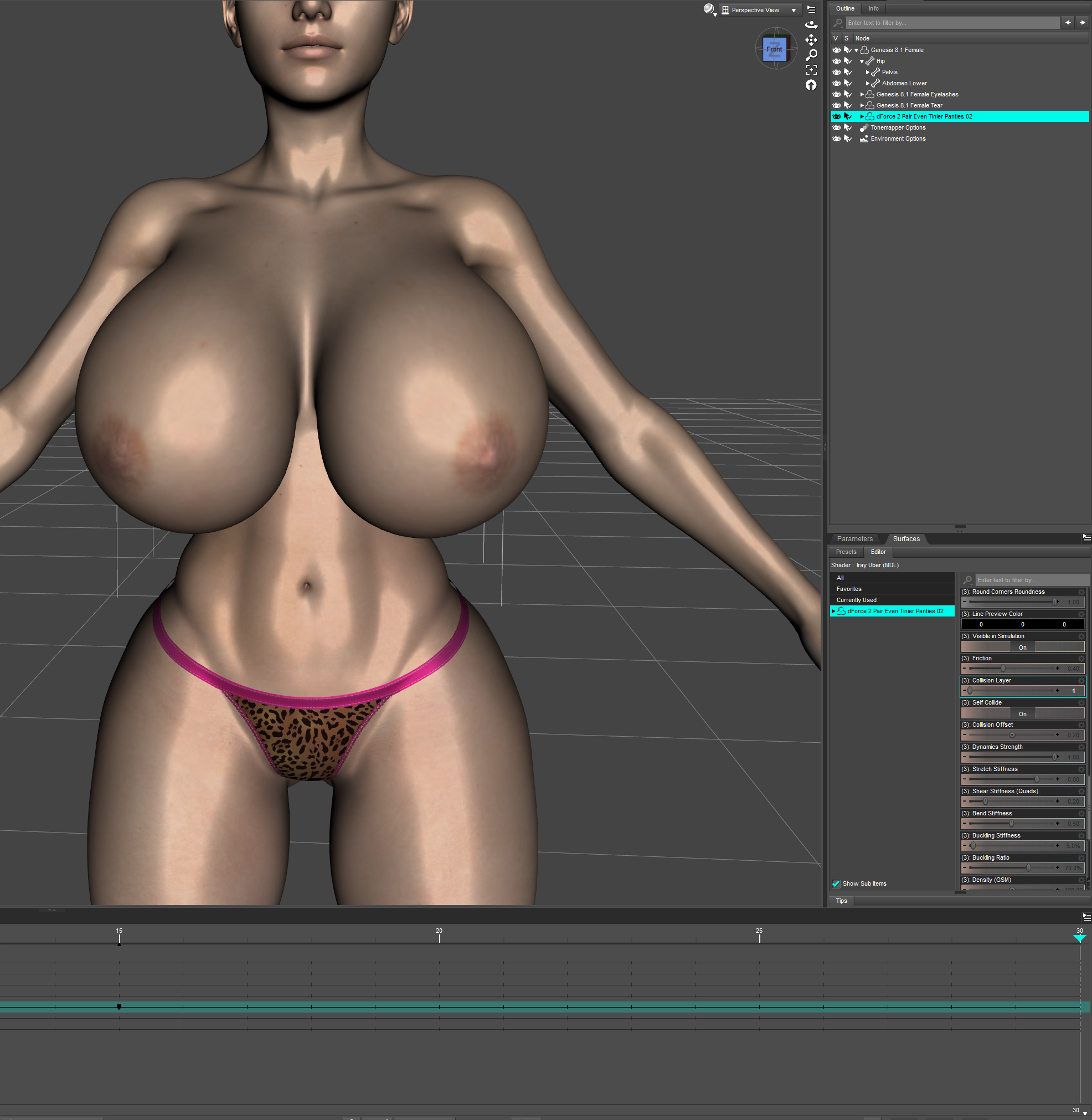
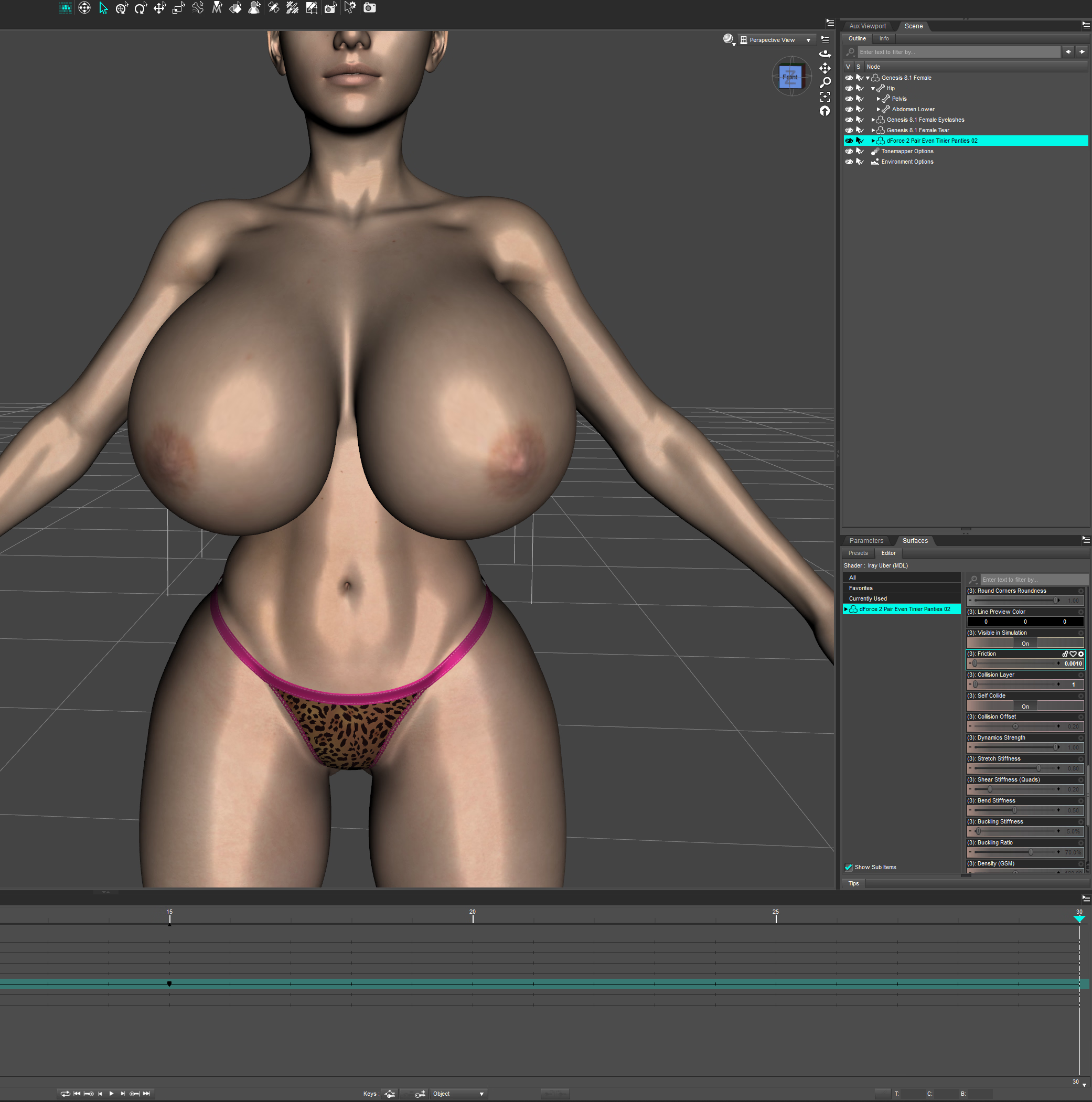
First thing you want to do is prepare scene in which you will run the simulation. In the scene you only want the figure you will be fitting the piece of clothing on and a simple primitive plane, if there is a skirt or piece of clothing that will touch the ground, otherwise it is not necessary. Simulation settings are default except you don't want the figure to start from memorized pose and you want to use timeline play range option. As for frames, I do 30 frames, with the morphs I'm fitting the clothing for dialed up at frame 15.
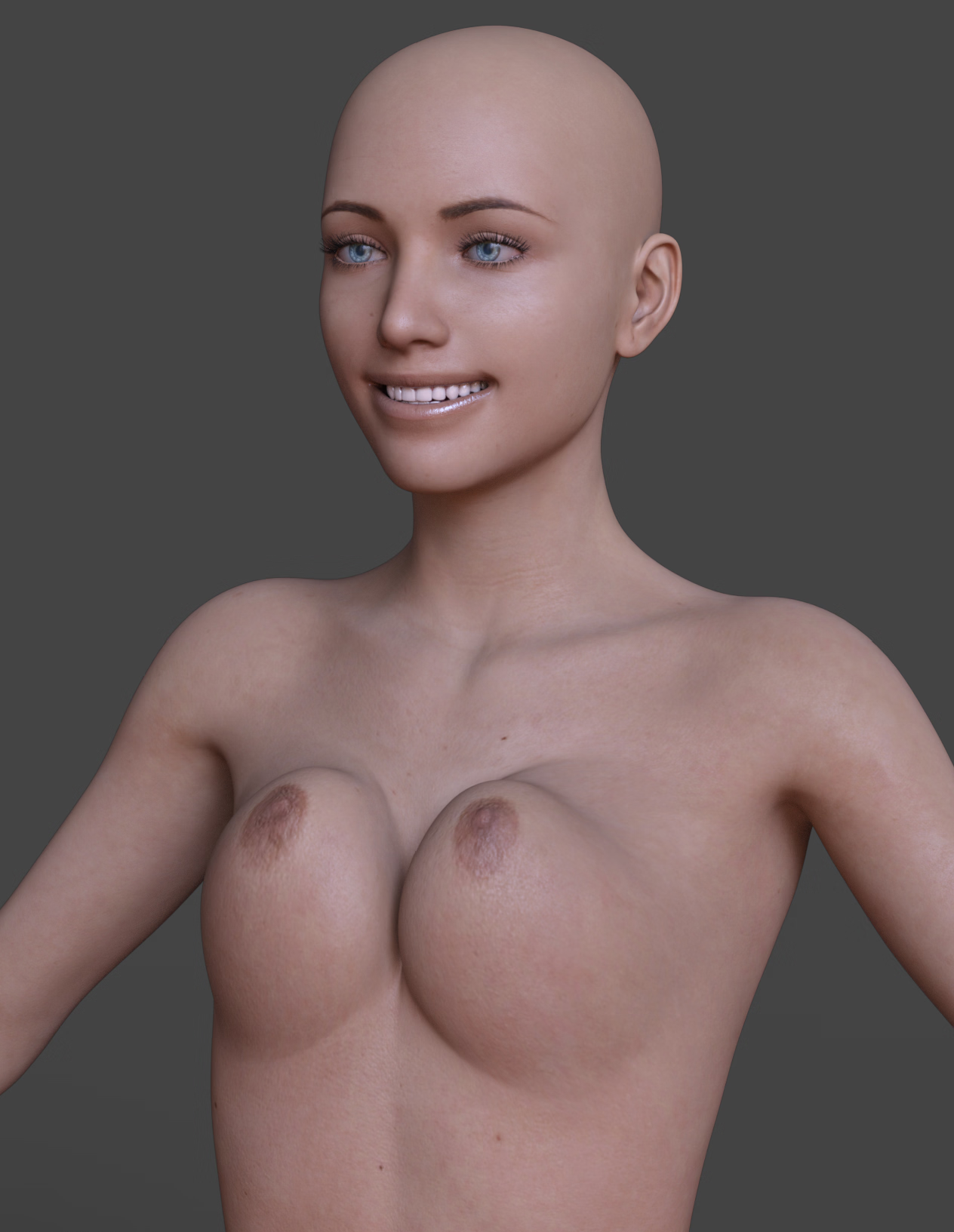
Here is the base scene:
Now as example, I'll use the last body morph I made (Body G2) together with one of my cleavage morphs at 70% of it's value (Cleavage_T4):
You see that the figure is zeroed out at 0 frame and on frame 15 my morphs are at the values I want them at. Now I can load the piece of clothing I want to fit onto this figure.
Note that not all clothing assets are made equal and some are more hassle to deal with than others. Also if the clothing is not d-force at all and you just add the d-force modifier yourself (Edit - Object - Geometry - Add D-force modifier with dynamic surface), the simulation might blow up or not behave as well as you'd like in a lot of cases.
For the first example I'll use the simplest case, well behaving piece of clothing. Specifically
In general Sveva's d-force assets are the best behaving there are, at least from my experience. Lil-flame's and Sue-Ye's also usually work great, though Sue-Ye's often need a bit of tweaking in surfaces, more on that later.
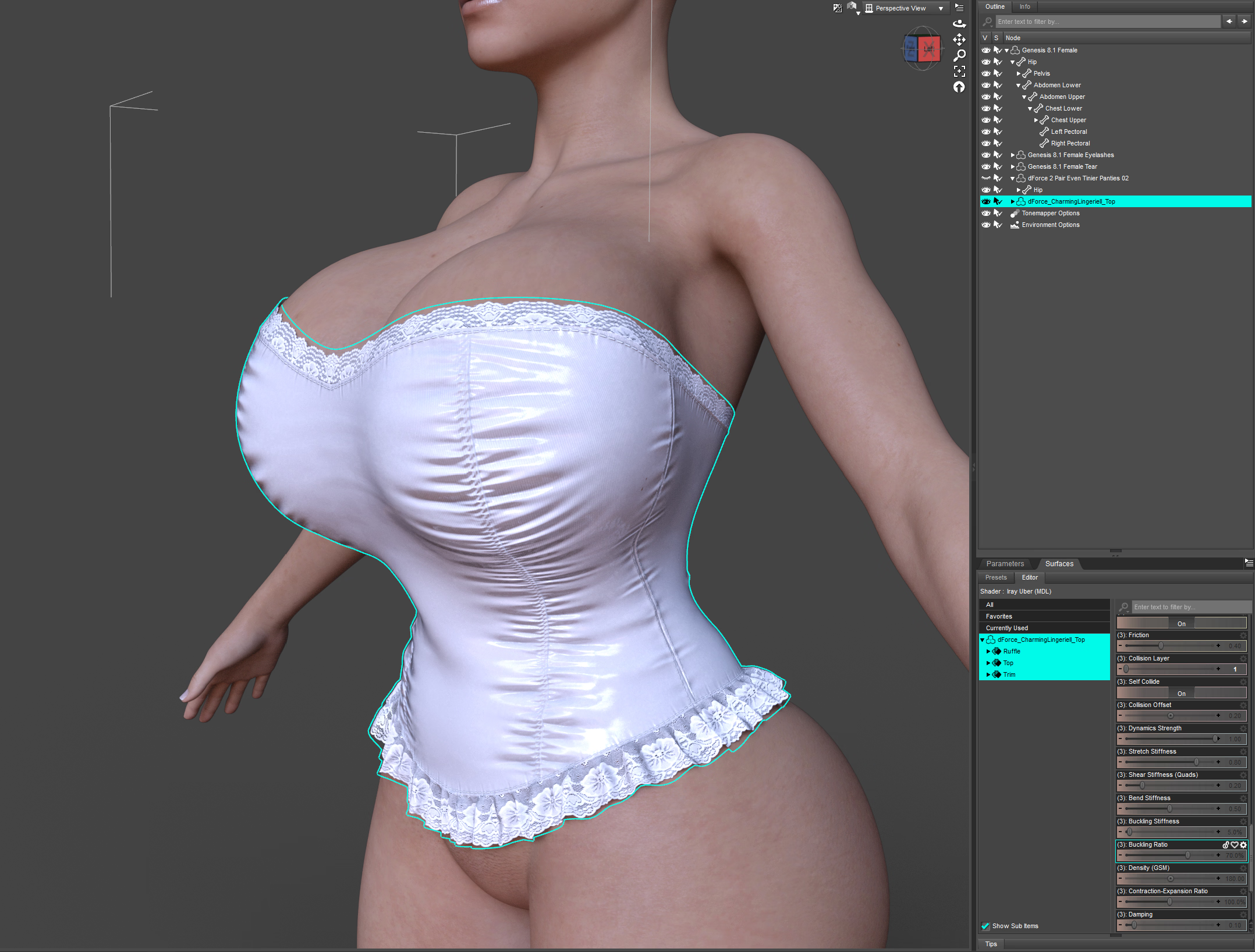
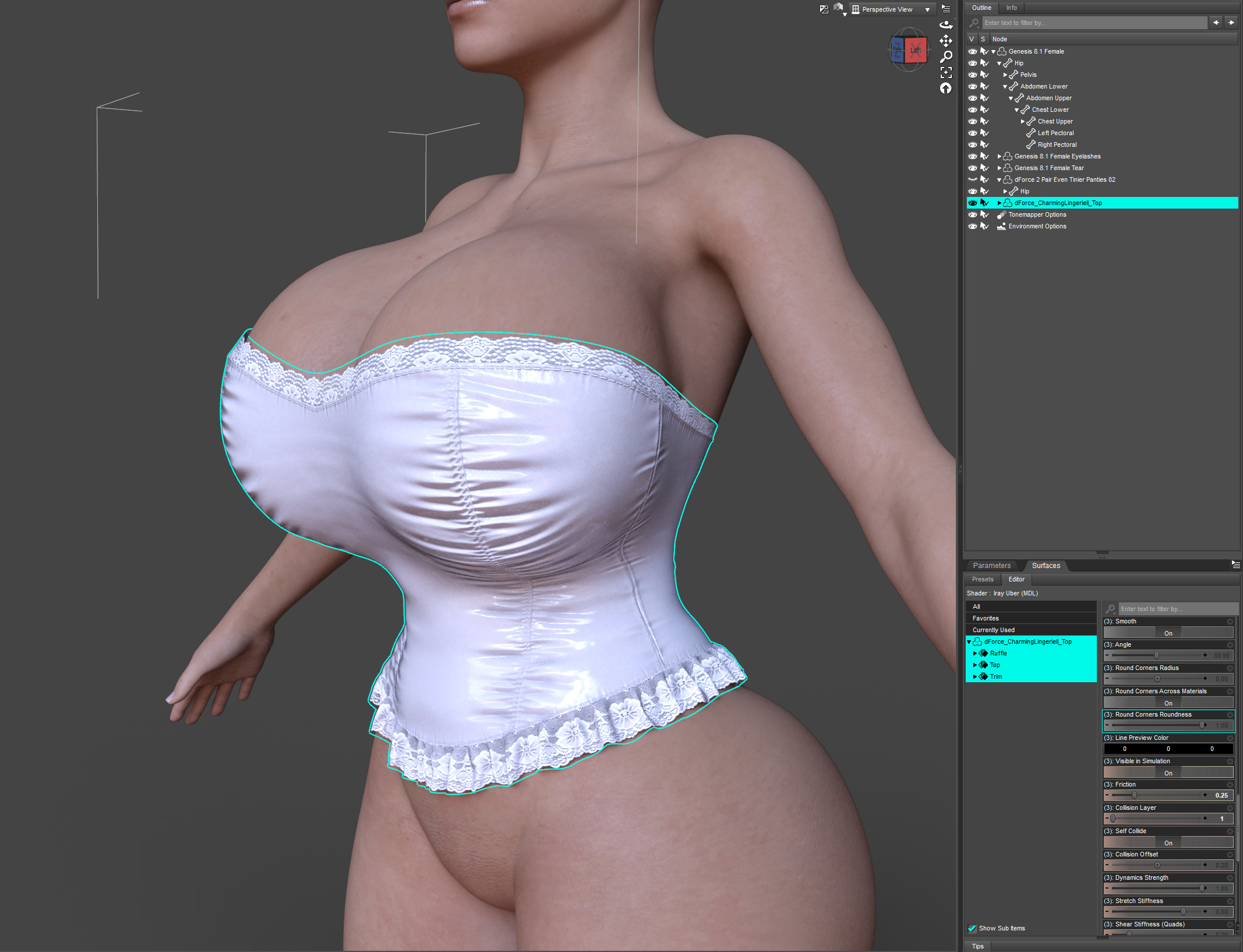
Here's the clothing asset loaded onto the figure, without any changes or modifications I can just run the simulation.
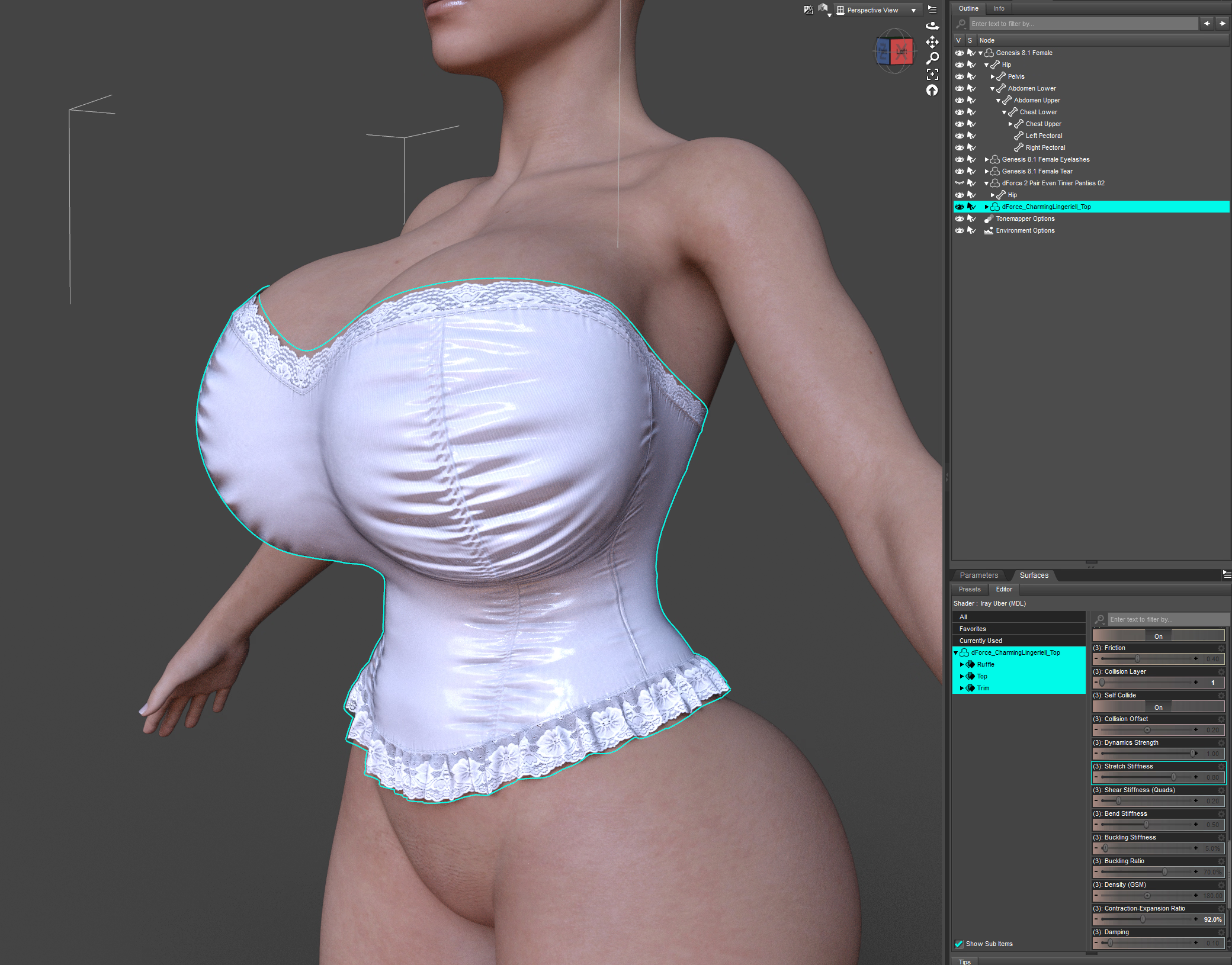
I already know the simulation will run smoothly in this case, I still check the result, I might want to try a different cleavage morph or the same one at a different value, but I'm pretty satisfied with the result so I'll just move on and save the simulation as a morph using the script I linked in the beginning. Though another thing you might want to do at this point is up the mesh smoothing of the asset to improve how it conforms to the figure to check first.
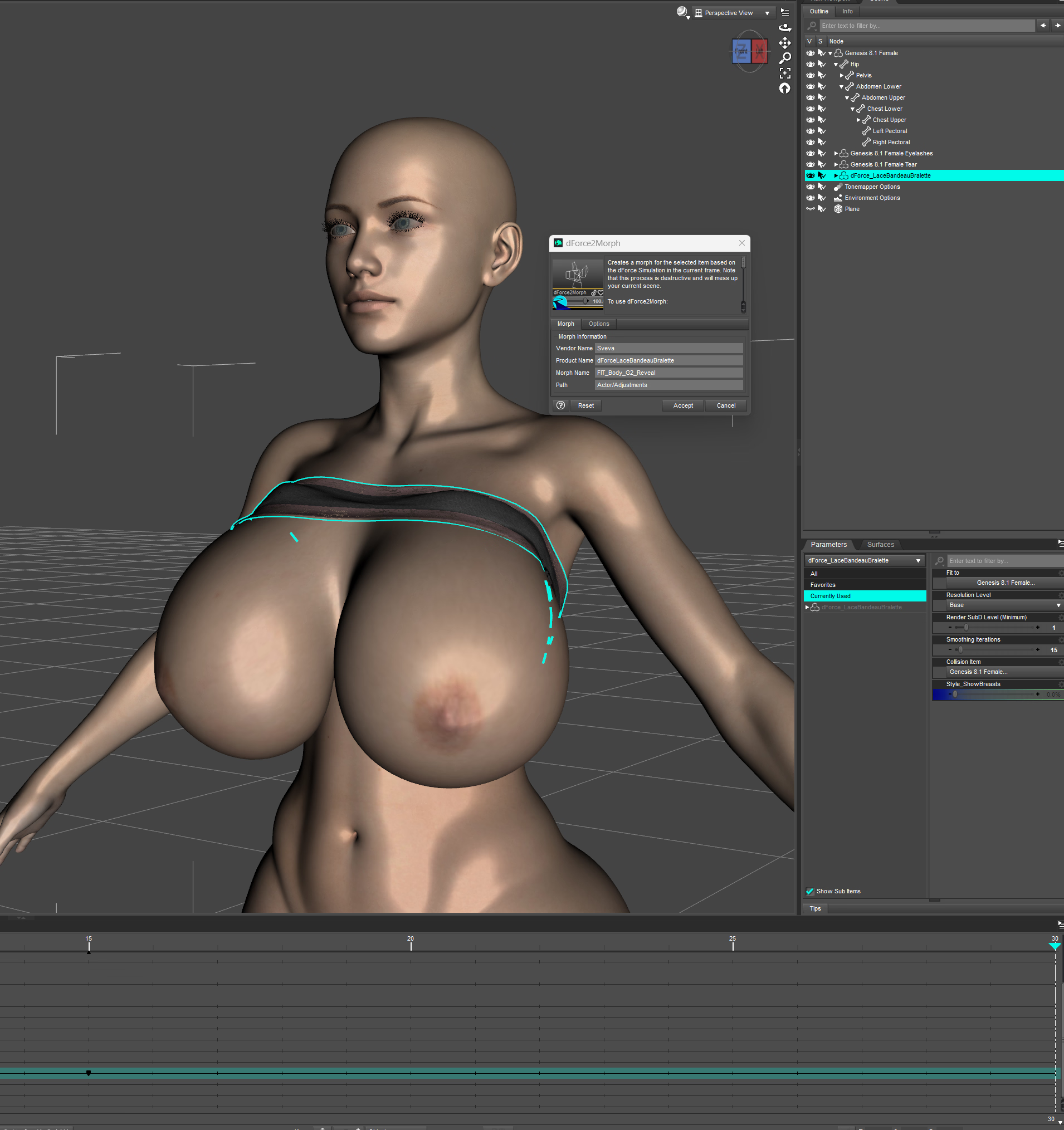
You can see I that upped the smoothing to 15 and it looks great, so I use the dforce2Morph utility with the piece of clothing selected. Frame doesn't matter as long as the body morph is at it's final value (for me that's frame 15 or higher). The only thing I want to change in the window that popped up is the morph name to keep track of all the fit morphs. It's going to be useful a bit later.
In this case it's FIT_Body_G2_70T4, because.. well.. it's fit for morph Body G2 with cleavage morph T4 at 70% of it's value, this obviously doesn't matter, it's just for you so use whatever system suits you. Now all you do is hit Accept and the fit morph is saved onto the clothing automatically.
Now if everything went well you will go back to frame 0 and the morph saved will be dialed up. But I'm not done with this piece of clothing yet so I'll just go ahead and zero the morph (alt click on the morph) to get back to the state I was in before the simulation. I will also zero the cleavage morph because I will be simulating the reveal breasts fit morph.
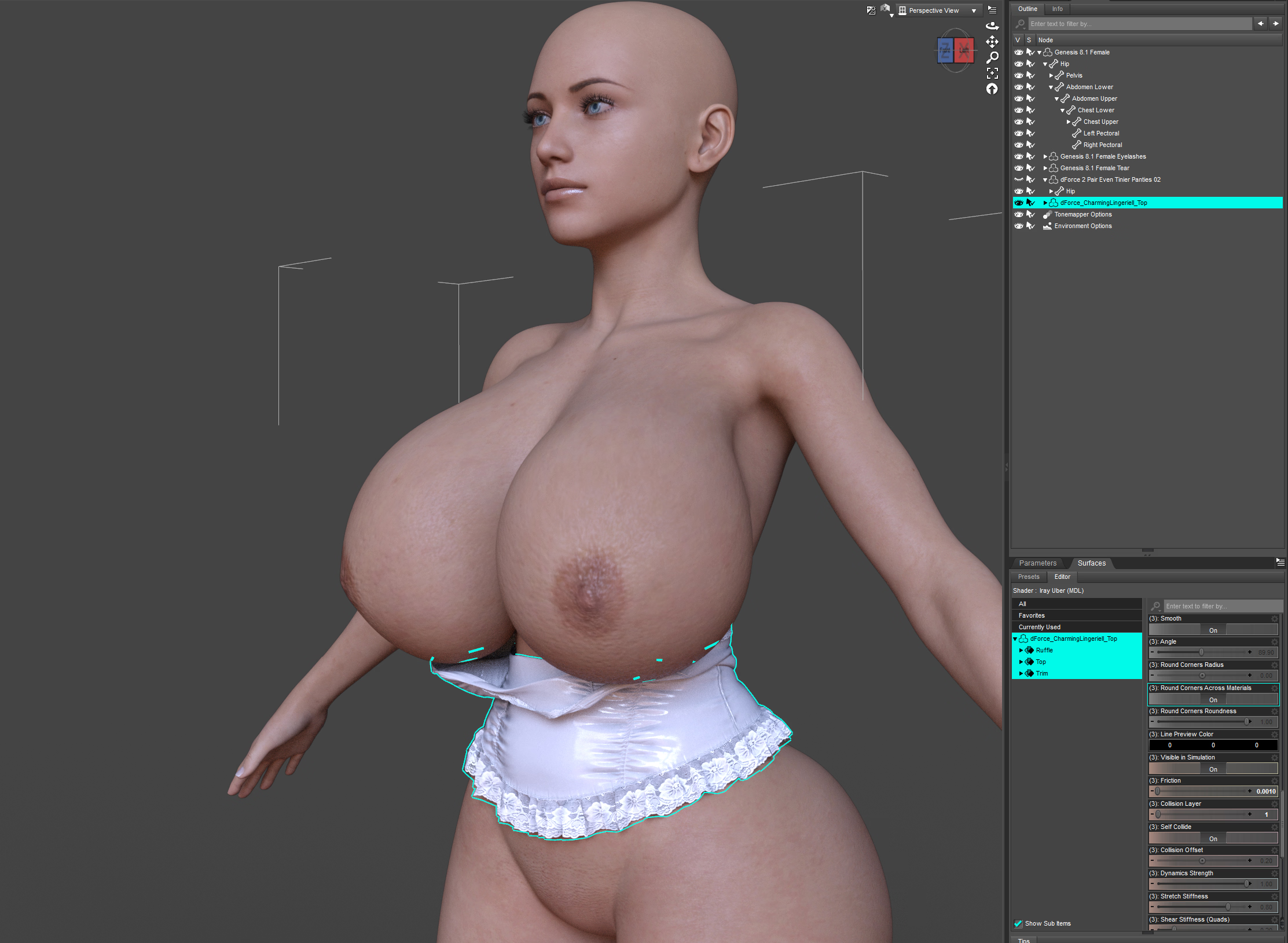
Now you can see that at frame 0 I have base figure with no morph dialed up and the show breasts morph dialed up on the clothing and on frame 30 the show breasts morph is at 0 and the figure is dialed up.
Then I run the simulation again, check the result and if I'm happy with it I'll save the fit morph using the utility again..
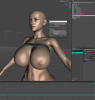
Now that I have the fit morphs I can load any character I'll be using the morph on and do the actual fitting, this will require me to dial off the conforming morphs loaded from the figure onto the piece of clothing and dialing up the simulated fit morph. (this could be bypassed with extra effort if you dialed up the fit morph, dialed the morphs it is fitted for to -100 or whatever value of a morph you simulated it for, exported it, imported it back on the clothing, saved as a new morph and deleted the old fit morph.. but.. yeah..)
Anyway, here is a scene with a character using the Body G2 morph and I went ahead and loaded the piece of clothing on the character and dialed up the Cleavage morph to the same value I simulated it for:
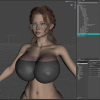
For the next part you need to show hidden properties (click the 4 lines with a little triangle next to parameters and in preferences click show hidden properties). In the currently used tab you will see all the morphs loaded from the figure onto the piece of clothing and here is where the morph name comes in handy, what you want to do is dial all the morphs you used in simulation to 0, so the piece of clothing isn't using them to conform to the figure, but our simulated morph. In this case I will go ahead and dial Body G2 to 0 and Cleavage_T4 to 0 and then I will finally dial up the fit morph, which will be in the parameters tab of the clothing where you saved it, which by default is under Actor. (Order doesn't matter.)
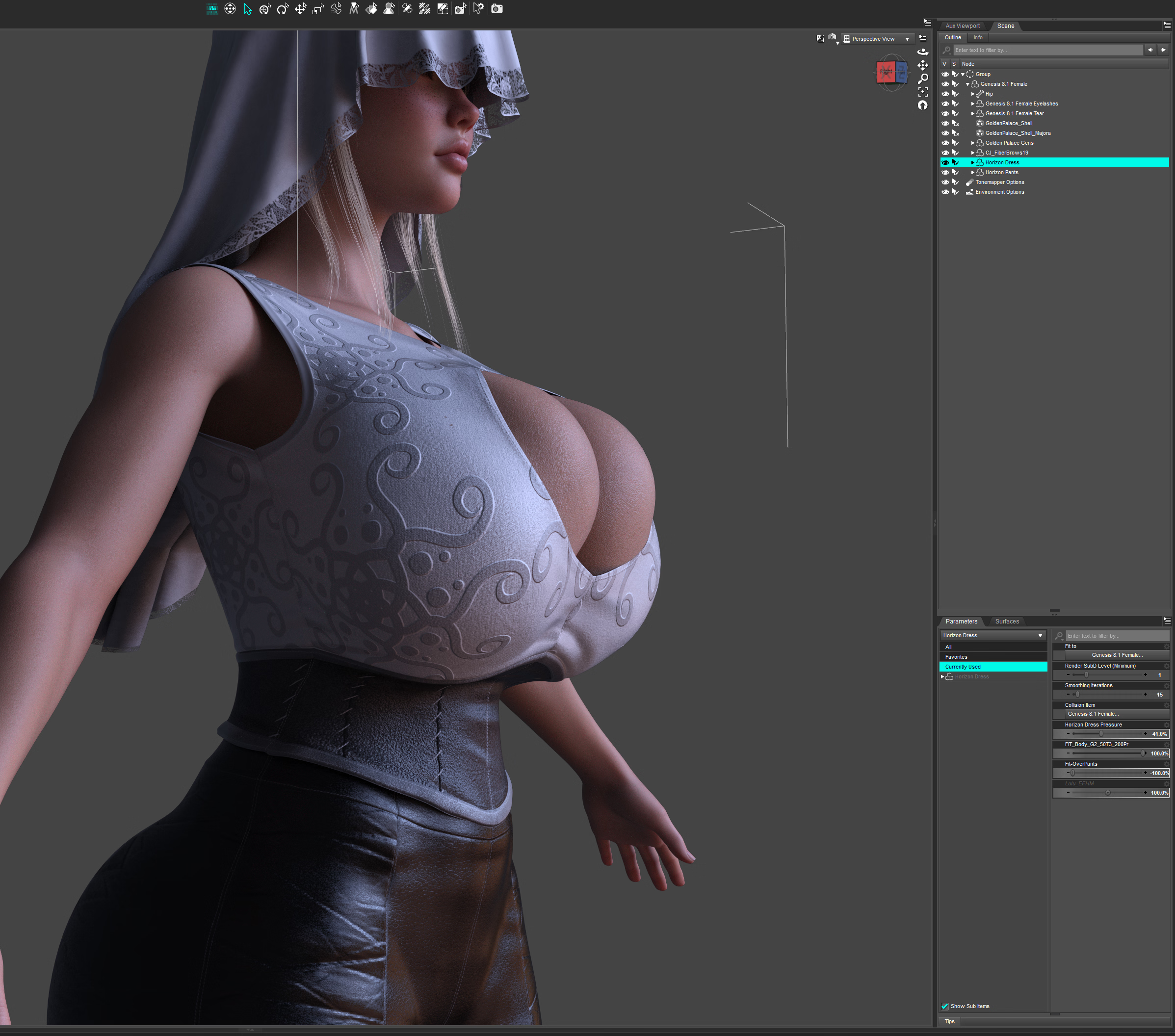
Now you are pretty much done, your clothing should be fitted and under currently used you should only see the fit morph and other morphs that you didn't make the fit morph for like this:
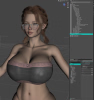
You can change up the smoothing or whatever, play with adjust morphs if there are poke-throughs, that's up to you.
If you then want to use the reveal fit morph, simply get the figure into the state you were simulating the reveal morph for, in my case I just zeroed out the cleavage morph from the character. Then dial off one fit morph and dial up the second one. Of course, because I manually dialed off the cleavage morph from the clothing from 70 to 0, once I zero it out from the character, it will jump to -70 on the clothing, so I just zero it there as well. I also dial up the show breasts morph and that's it.*
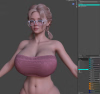
*Note here though, and I don't have a clue why, it's probably where is the 0 value of the reveal morph on the clothing during the simulation and saving of the fit morph, but sometimes you have to dial up the reveal morph and sometimes the utility saves it in a way that you do not have to dial it up, you will see once you try to. There are other issues with this, when some clothes have loaded morphs by default and you run the simulation and the result looks great so you saved it and then you try it on the figure with freshly loaded piece of clothing and it looks like a mess cause it somehow doubly saves the morph that's loaded by default and some sort of fuckery is going on. I notice this a lot with Linday clothing like some d-force wet t-shirts I tried, so if that happens and you don't know why, that's that..
This should cover the basics, I will go over some important surfaces and some different cases in comments because this post is getting lengthy and it doesn't let me load in more screenshots other than thumbnails which annoys me greatly.
If you have any additional problems or questions feel free to ask here or on discord.
You must be registered to see the links
and gives great results.(if you don't want to use the script, you will have to export the clothing piece as .obj, import it back and save as a morph)
First thing you want to do is prepare scene in which you will run the simulation. In the scene you only want the figure you will be fitting the piece of clothing on and a simple primitive plane, if there is a skirt or piece of clothing that will touch the ground, otherwise it is not necessary. Simulation settings are default except you don't want the figure to start from memorized pose and you want to use timeline play range option. As for frames, I do 30 frames, with the morphs I'm fitting the clothing for dialed up at frame 15.
Here is the base scene:
You don't have permission to view the spoiler content.
Log in or register now.
Now as example, I'll use the last body morph I made (Body G2) together with one of my cleavage morphs at 70% of it's value (Cleavage_T4):
You don't have permission to view the spoiler content.
Log in or register now.
You see that the figure is zeroed out at 0 frame and on frame 15 my morphs are at the values I want them at. Now I can load the piece of clothing I want to fit onto this figure.
Note that not all clothing assets are made equal and some are more hassle to deal with than others. Also if the clothing is not d-force at all and you just add the d-force modifier yourself (Edit - Object - Geometry - Add D-force modifier with dynamic surface), the simulation might blow up or not behave as well as you'd like in a lot of cases.
For the first example I'll use the simplest case, well behaving piece of clothing. Specifically
You must be registered to see the links
. In general Sveva's d-force assets are the best behaving there are, at least from my experience. Lil-flame's and Sue-Ye's also usually work great, though Sue-Ye's often need a bit of tweaking in surfaces, more on that later.
Here's the clothing asset loaded onto the figure, without any changes or modifications I can just run the simulation.
You don't have permission to view the spoiler content.
Log in or register now.
I already know the simulation will run smoothly in this case, I still check the result, I might want to try a different cleavage morph or the same one at a different value, but I'm pretty satisfied with the result so I'll just move on and save the simulation as a morph using the script I linked in the beginning. Though another thing you might want to do at this point is up the mesh smoothing of the asset to improve how it conforms to the figure to check first.
You don't have permission to view the spoiler content.
Log in or register now.
You can see I that upped the smoothing to 15 and it looks great, so I use the dforce2Morph utility with the piece of clothing selected. Frame doesn't matter as long as the body morph is at it's final value (for me that's frame 15 or higher). The only thing I want to change in the window that popped up is the morph name to keep track of all the fit morphs. It's going to be useful a bit later.
In this case it's FIT_Body_G2_70T4, because.. well.. it's fit for morph Body G2 with cleavage morph T4 at 70% of it's value, this obviously doesn't matter, it's just for you so use whatever system suits you. Now all you do is hit Accept and the fit morph is saved onto the clothing automatically.
You don't have permission to view the spoiler content.
Log in or register now.
Now if everything went well you will go back to frame 0 and the morph saved will be dialed up. But I'm not done with this piece of clothing yet so I'll just go ahead and zero the morph (alt click on the morph) to get back to the state I was in before the simulation. I will also zero the cleavage morph because I will be simulating the reveal breasts fit morph.
You don't have permission to view the spoiler content.
Log in or register now.
Now you can see that at frame 0 I have base figure with no morph dialed up and the show breasts morph dialed up on the clothing and on frame 30 the show breasts morph is at 0 and the figure is dialed up.
You don't have permission to view the spoiler content.
Log in or register now.
Then I run the simulation again, check the result and if I'm happy with it I'll save the fit morph using the utility again..
Now that I have the fit morphs I can load any character I'll be using the morph on and do the actual fitting, this will require me to dial off the conforming morphs loaded from the figure onto the piece of clothing and dialing up the simulated fit morph. (this could be bypassed with extra effort if you dialed up the fit morph, dialed the morphs it is fitted for to -100 or whatever value of a morph you simulated it for, exported it, imported it back on the clothing, saved as a new morph and deleted the old fit morph.. but.. yeah..)
Anyway, here is a scene with a character using the Body G2 morph and I went ahead and loaded the piece of clothing on the character and dialed up the Cleavage morph to the same value I simulated it for:
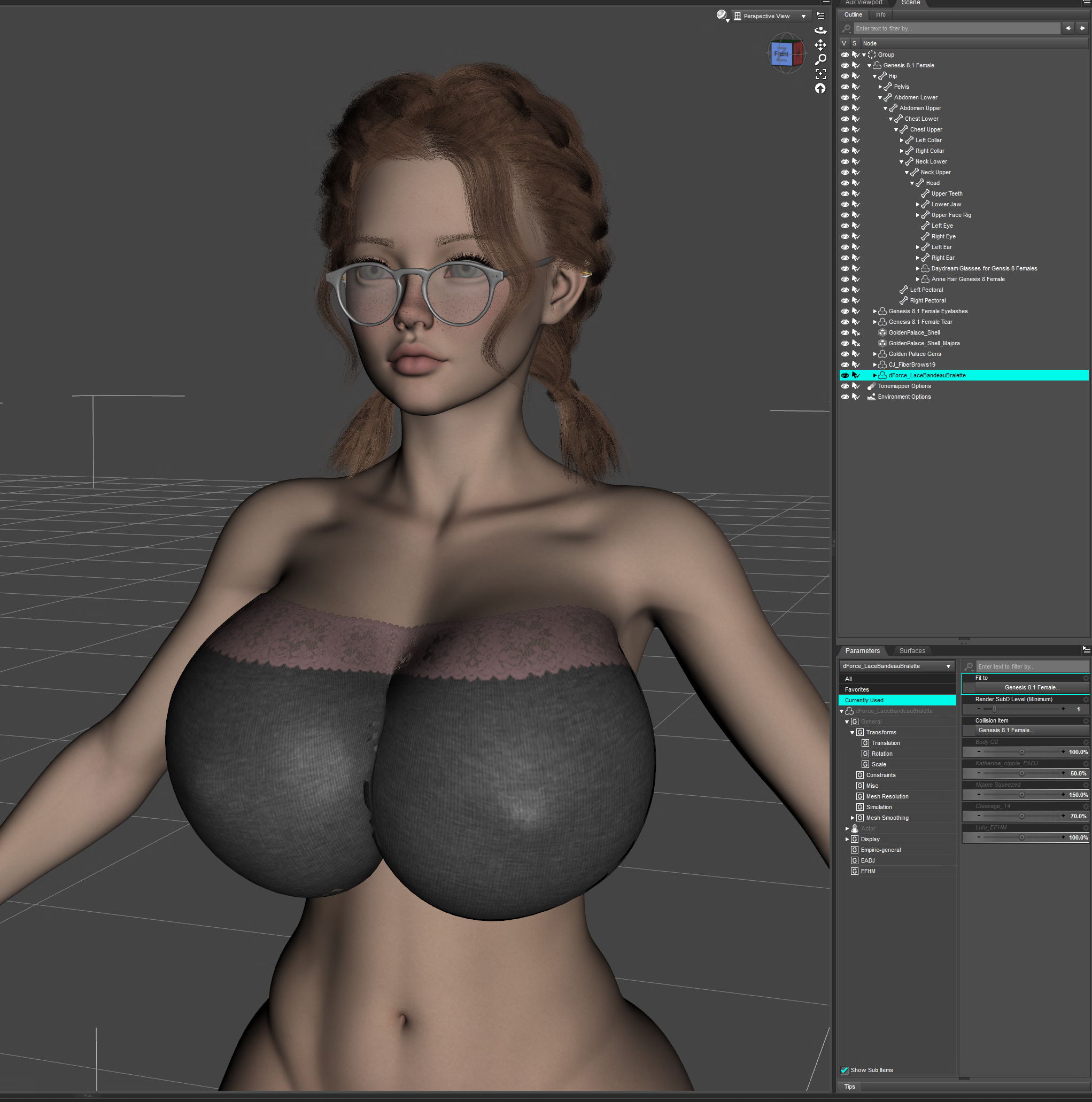
For the next part you need to show hidden properties (click the 4 lines with a little triangle next to parameters and in preferences click show hidden properties). In the currently used tab you will see all the morphs loaded from the figure onto the piece of clothing and here is where the morph name comes in handy, what you want to do is dial all the morphs you used in simulation to 0, so the piece of clothing isn't using them to conform to the figure, but our simulated morph. In this case I will go ahead and dial Body G2 to 0 and Cleavage_T4 to 0 and then I will finally dial up the fit morph, which will be in the parameters tab of the clothing where you saved it, which by default is under Actor. (Order doesn't matter.)
Now you are pretty much done, your clothing should be fitted and under currently used you should only see the fit morph and other morphs that you didn't make the fit morph for like this:
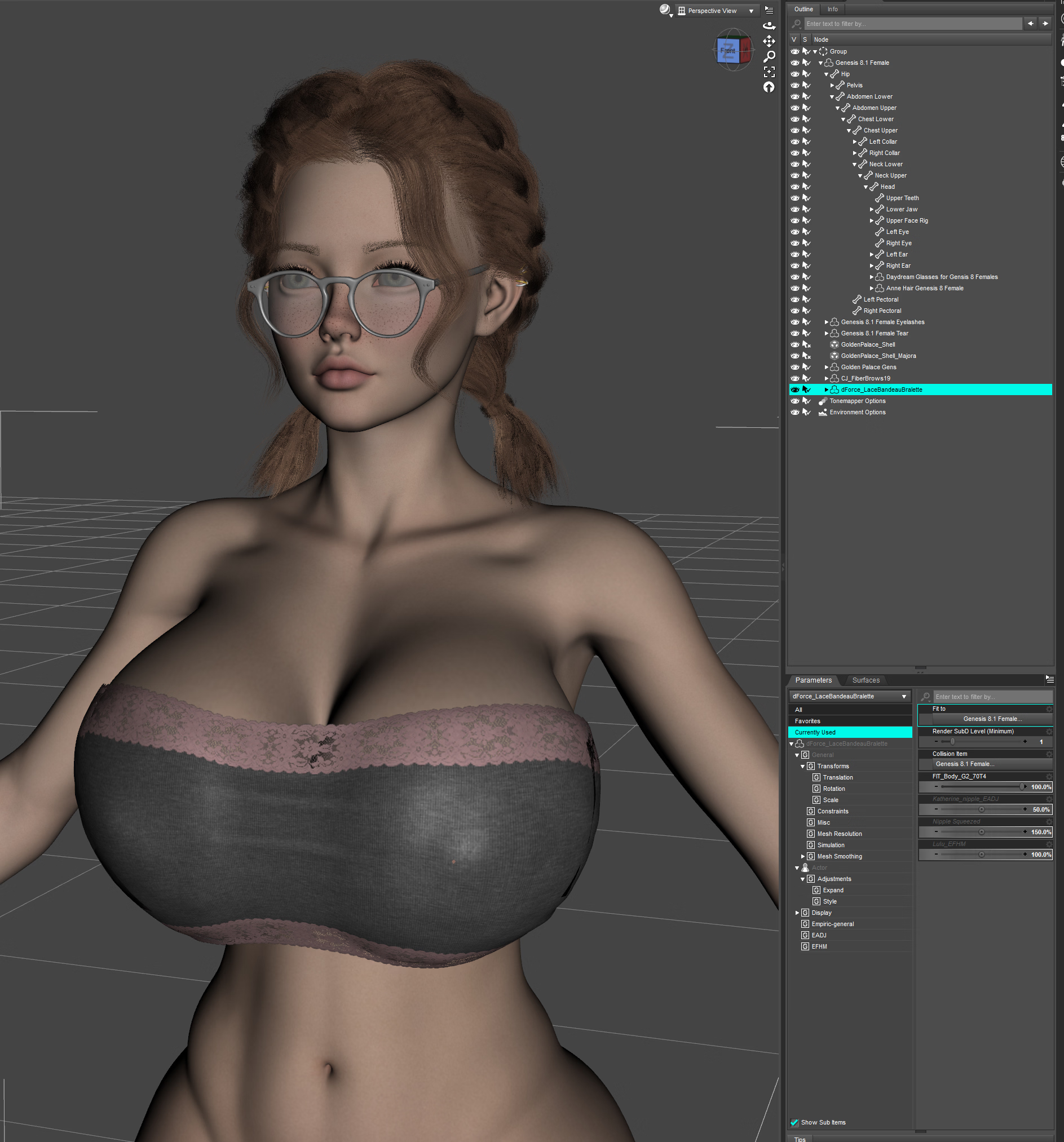
You can change up the smoothing or whatever, play with adjust morphs if there are poke-throughs, that's up to you.
If you then want to use the reveal fit morph, simply get the figure into the state you were simulating the reveal morph for, in my case I just zeroed out the cleavage morph from the character. Then dial off one fit morph and dial up the second one. Of course, because I manually dialed off the cleavage morph from the clothing from 70 to 0, once I zero it out from the character, it will jump to -70 on the clothing, so I just zero it there as well. I also dial up the show breasts morph and that's it.*
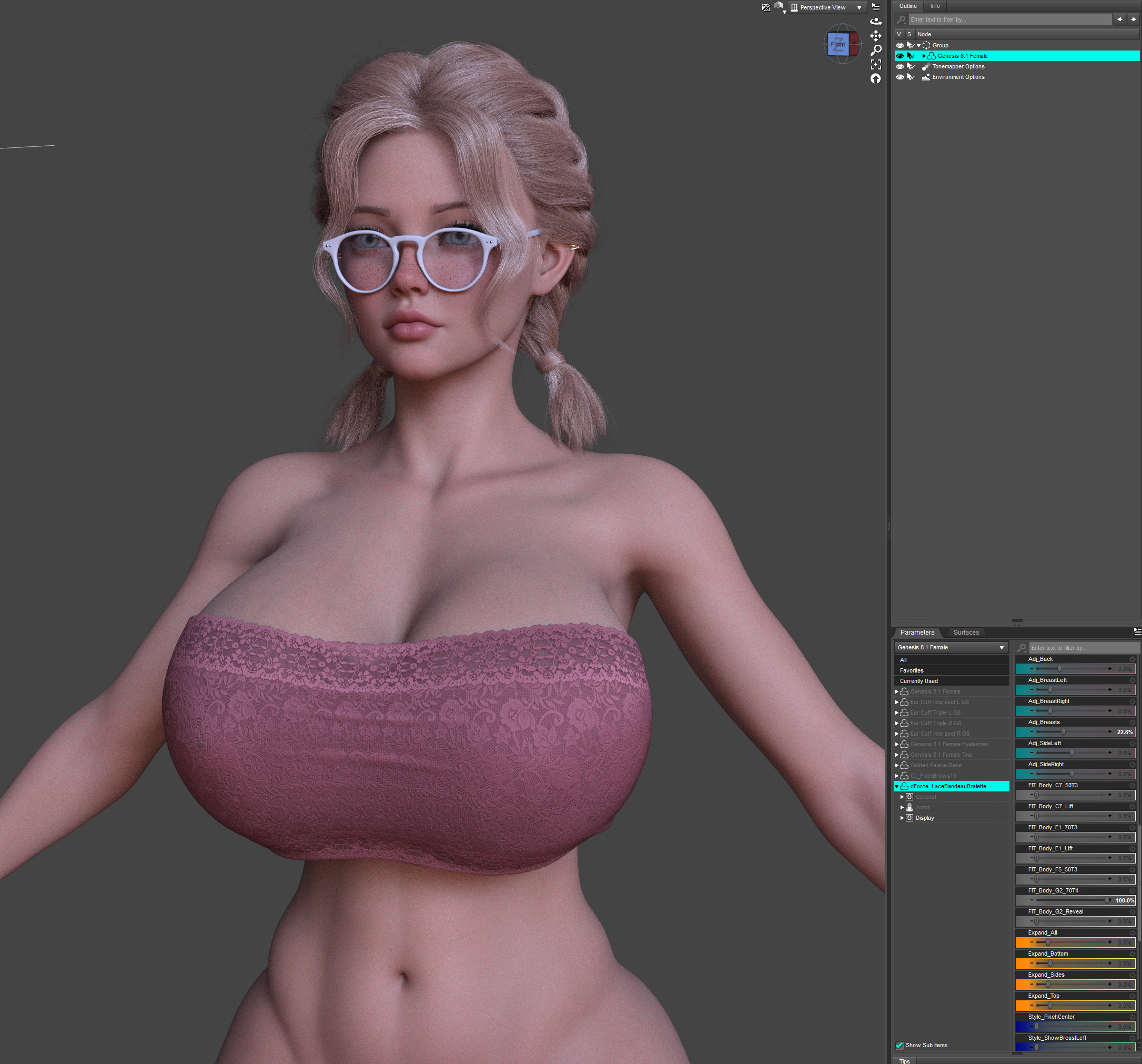
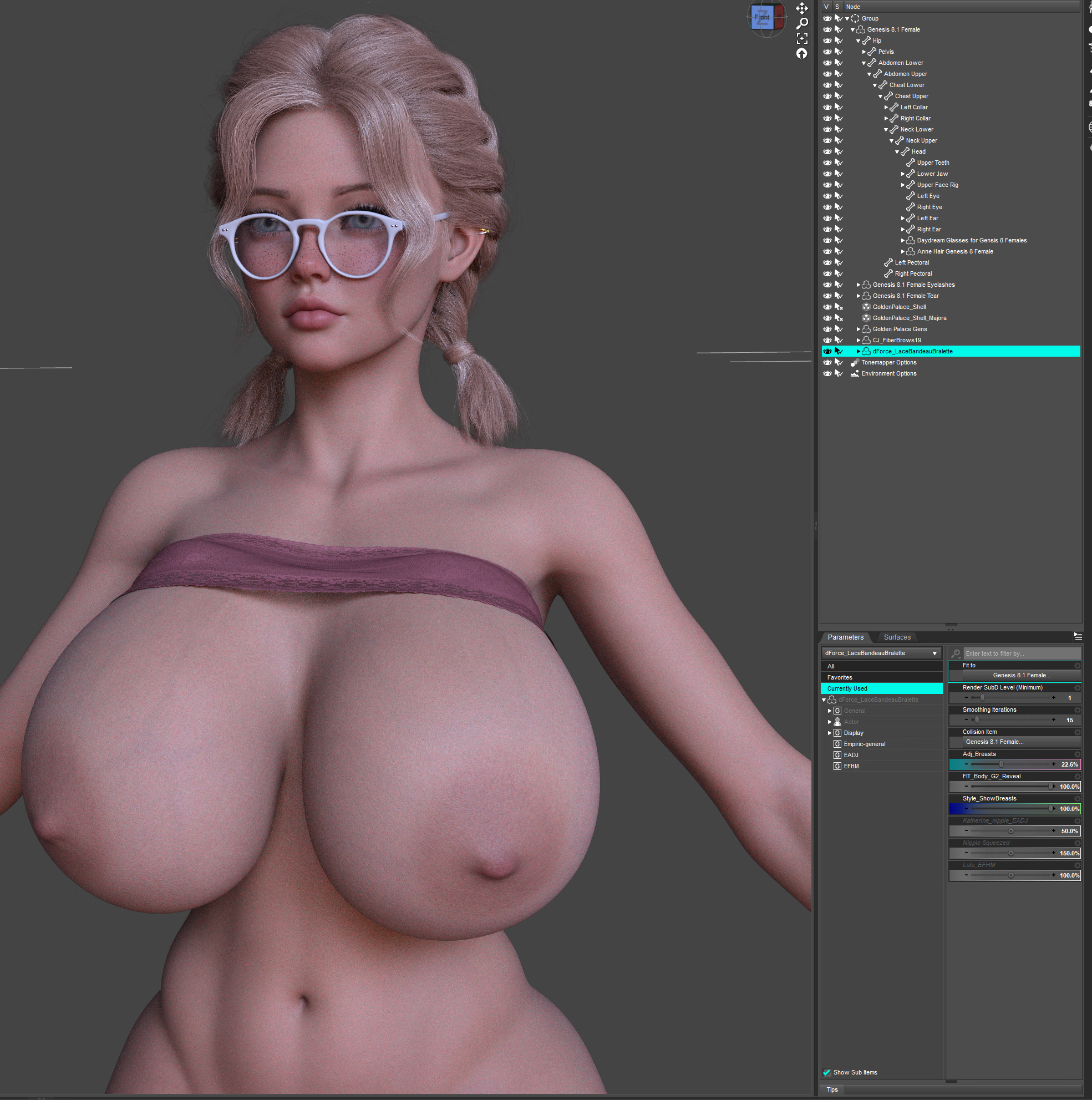
*Note here though, and I don't have a clue why, it's probably where is the 0 value of the reveal morph on the clothing during the simulation and saving of the fit morph, but sometimes you have to dial up the reveal morph and sometimes the utility saves it in a way that you do not have to dial it up, you will see once you try to. There are other issues with this, when some clothes have loaded morphs by default and you run the simulation and the result looks great so you saved it and then you try it on the figure with freshly loaded piece of clothing and it looks like a mess cause it somehow doubly saves the morph that's loaded by default and some sort of fuckery is going on. I notice this a lot with Linday clothing like some d-force wet t-shirts I tried, so if that happens and you don't know why, that's that..
This should cover the basics, I will go over some important surfaces and some different cases in comments because this post is getting lengthy and it doesn't let me load in more screenshots other than thumbnails which annoys me greatly.
If you have any additional problems or questions feel free to ask here or on discord.