

- Thread starter Charolastra
- Start date
-
- Tags
- 3dcg ahegao anal sex animated big ass big tits cheating corruption creampie exhibitionism female domination footjob graphic violence groping group sex handjob harem male protagonist masturbation milf mobile game multiple endings multiple penetration oral sex sex toys teasing titfuck vaginal sex virgin voyeurism
4.00 star(s)
308 Votes
Man I am stuck hard at the school reporter subway part. No matter my karma level good or bad, I always end up in the rape loop with the thugs on the train. and it all ends in game over. there is no choice after you see her take the picture at night until you are on the train watching her get raped.

johnpouljones
Well-Known Member
- Oct 17, 2023
- 1,339
- 2,241
- 396
Chucke1992
Well-Known Member
- Jun 11, 2017
- 1,234
- 818
- 301
We had 4 new girls this update I think?I played the latest update. I would love to see some relationship with Miu. The girl is obsessed with sex and looks very cool.
A girl with rape fantasy, her sane friend, perverted ninja and a receptionist.

KiryuKazuma095
Well-Known Member
- Apr 30, 2023
- 1,389
- 1,024
- 225
Not all are exactly new ...the 2 girls that beat up Kensou appeared in previous updates as well...Miu try out in Honey Bee when MC was Judge for the new girls,then we saw her and te Pink haired girl in the train while MC was going to visit Yoko...Miu and Zickon or whatever her name is was the 2 girls that talked with Shinji and MC warned him of them wanting his"Money"We had 4 new girls this update I think?
A girl with rape fantasy, her sane friend, perverted ninja and a receptionist.



Hanny2000
Member
- Jun 16, 2020
- 447
- 897
- 237
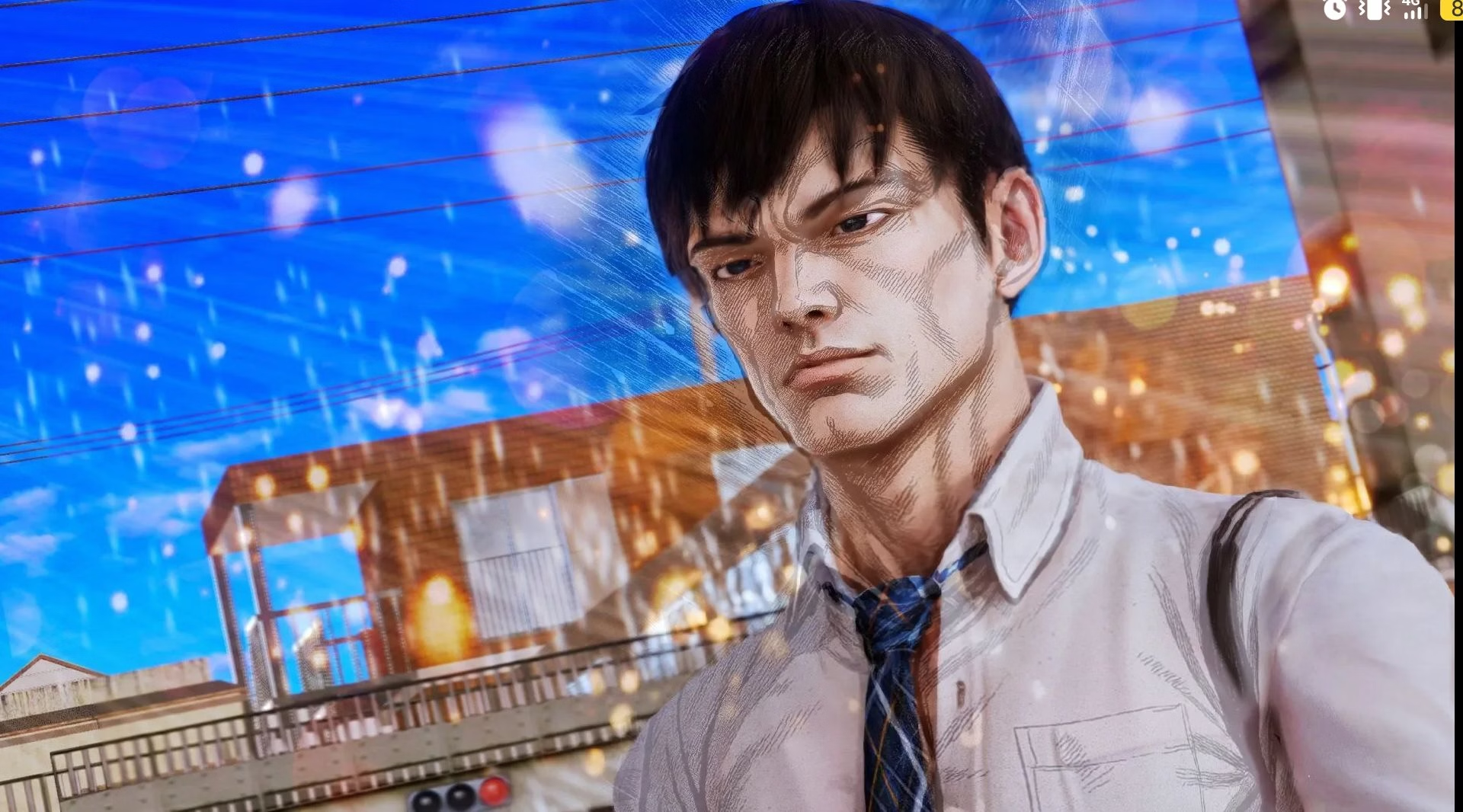
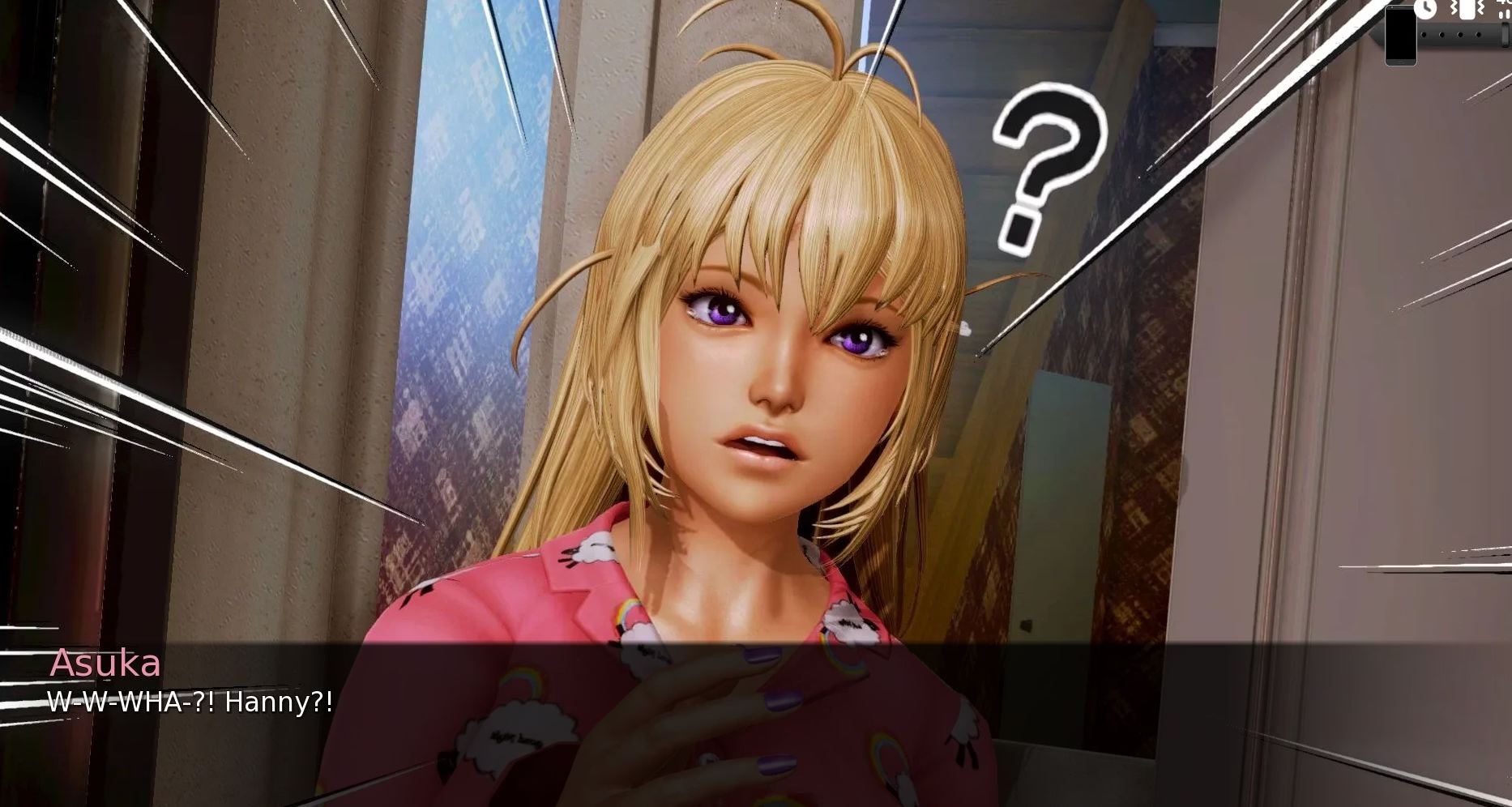
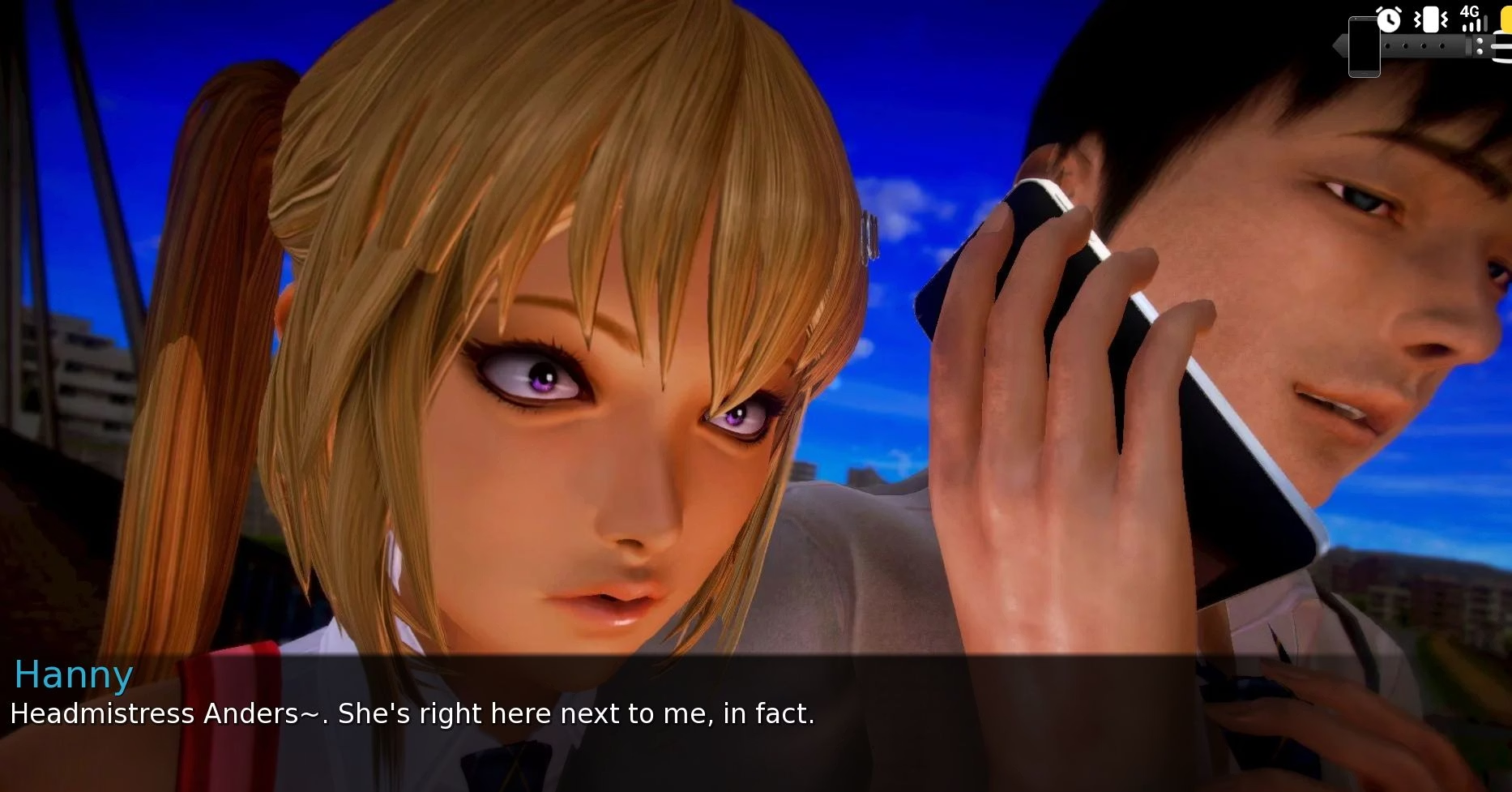

IONJigZz
Newbie
- Jun 16, 2017
- 76
- 739
- 113
After you arrive at the station you choose the following:Man I am stuck hard at the school reporter subway part. No matter my karma level good or bad, I always end up in the rape loop with the thugs on the train. and it all ends in game over. there is no choice after you see her take the picture at night until you are on the train watching her get raped.
1st Choice: "Let’s let this go one for now, she deserves a lesson she won’t forget."
2nd Choice: "This has gone too far, Minami belongs to me!"
Done. No Loop.


torpedogoat
Member
- May 24, 2024
- 248
- 546
- 179
I suggest you look into running Ren'Py builds for Windows on MacOS using the Windows emulator Wine. It's open source and much leaner than other emulation solutions.Hello guys, could anyone provide a link to the latest CG? Poor Mac user can't catch up with the update
If you don't want to do this or for some reason it doesn't work, it still makes sense to download the PC build just for the computer graphics, as they make up the vast majority of the file size anyway. Unzip, open the resulting folder, and go to its subfolder "game". For some games, the images and videos in its subfolder "images" or occasionally in other subfolders such as "videos". If they are not there, they are in a file often called "images.rpa" or "archive.rpa", sometimes also "videos.rpa", "chapter01.rpa", "images-update.rpa" or whatver. In any case they are in archives with the file extension .rpa. You can find free Python tools that can extract the files from these archives. After extracting the files from the archive in the correct location, you can delete the archive to save space. (And with some archives the game won't run before you delete the archive, complaining of duplicate files. That happens when they contain program code.)
I would like to tell you whether for this particular game this extra step is necessary, but I can't find out without re-downloading because I looked at the files before playing the update. And in these cases I routinely extract the files. I just don't remember whether I had to do it in this case.
Either way, if you choose one of these two methods, it will be useful for plenty of other games and for all future releases of this game. Unfortunately, both methods require a little bit of research and manual work. But nowadays AIs are quite good at guiding you through this kind of thing.