

- Thread starter Charolastra
- Start date
-
- Tags
- 3dcg ahegao anal sex animated big ass big tits cheating corruption creampie exhibitionism female domination footjob graphic violence groping group sex handjob harem male protagonist masturbation milf mobile game multiple endings multiple penetration oral sex sex toys teasing titfuck vaginal sex virgin voyeurism
4.00 star(s)
310 Votes
These short updates come in like once or twice a year, and it’s not like they’re hurting for money. They’re pulling in a solid amount from Patreon, even if I take all the paid members as of lowest tier. Even after that much financial gain, they still take forever with updates.the release update short. story getting more confusing and dialog is shit. the scene animation getting worse, no quality control... what a let down. other game to put it down.

DudePersonA
Active Member
- Aug 24, 2018
- 755
- 957
- 287
YYeah I reported that too. Well if yours is fresh then it's the game update that broke rollback.Rollback really doesn't work for me with the new version 13.5. Once in a while it will go back one panel but mostly it does nothing. No mods, fresh download.

Jeanjacquouile
Member
- Mar 30, 2018
- 104
- 124
- 228
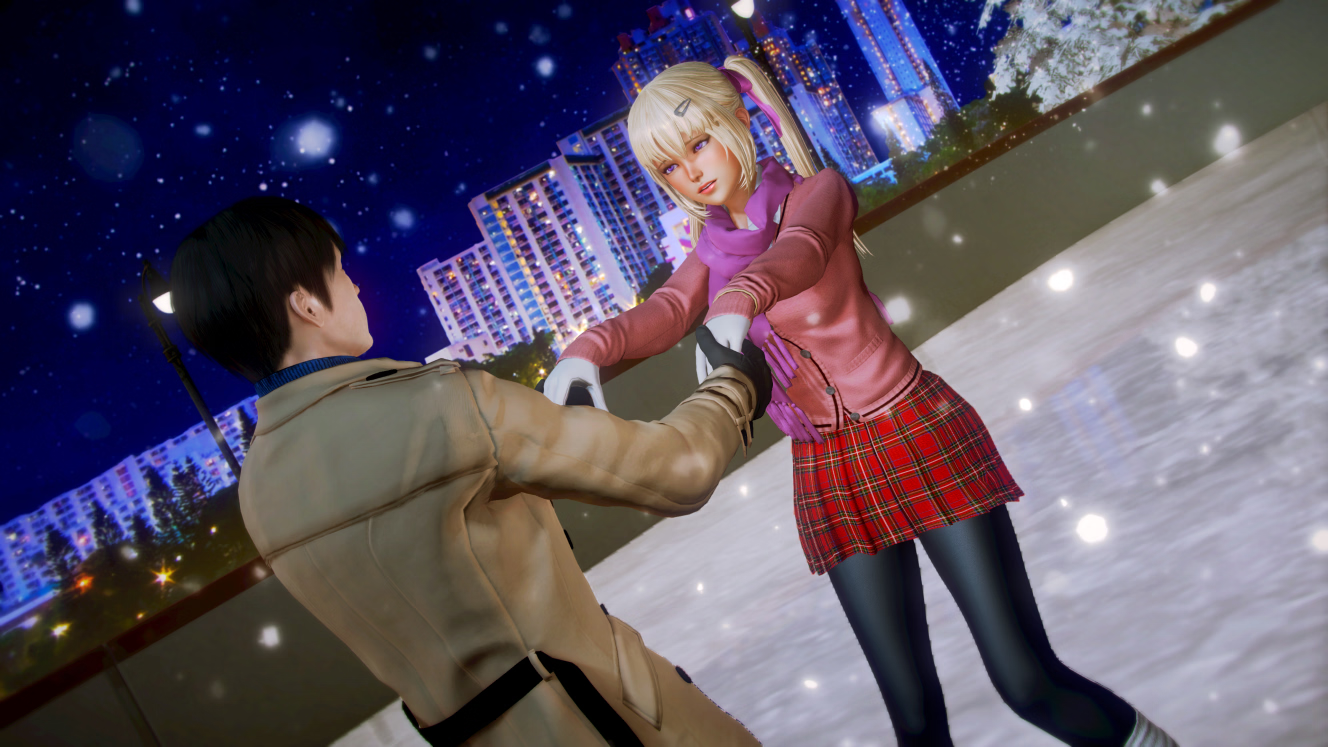
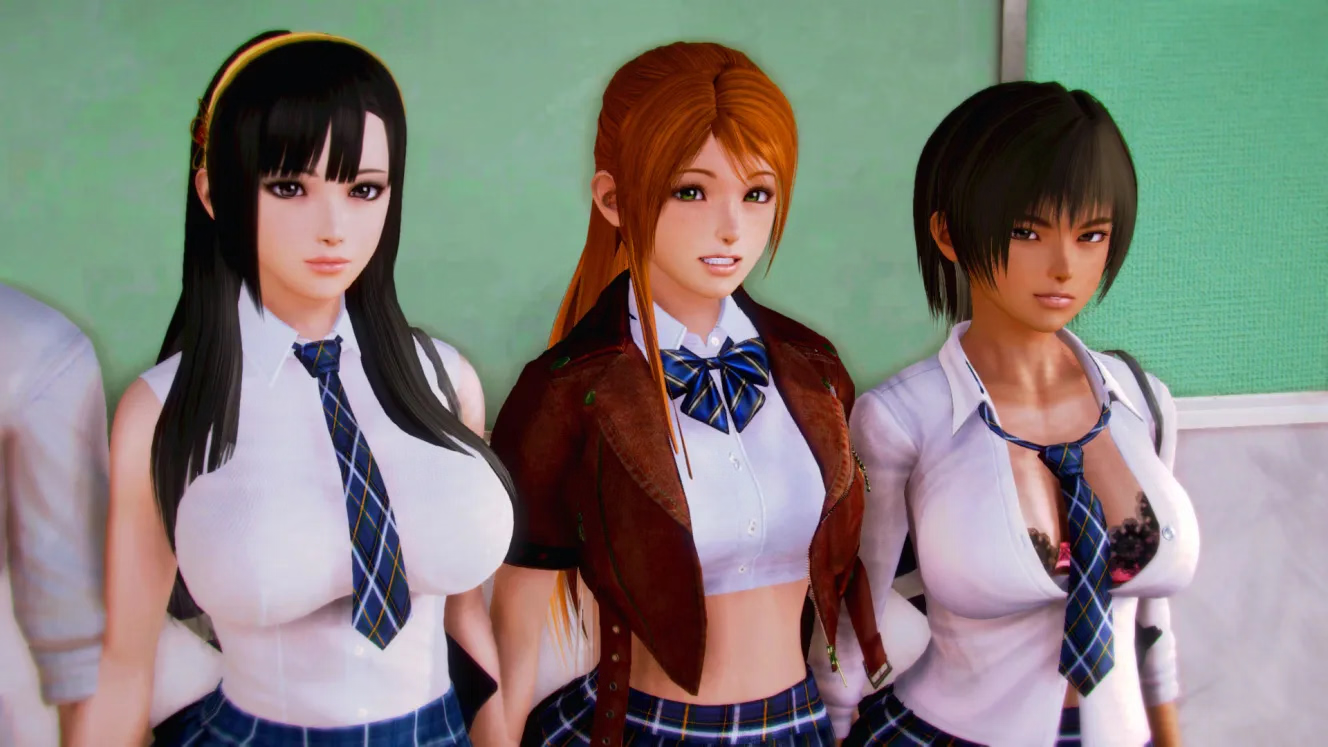
There is some animations, most of the renders are fixed, nonetheless. But if you like the anime style of the graphisms, you won't be desapointedAre the scenes animated? The text says there are but the images are still ?
I also sometimes get black with only dialogue through some events/scenes. ?

milf.love.milf
Member
- Mar 1, 2020
- 219
- 241
- 187

dexterousgecko
Member
- Dec 7, 2019
- 130
- 239
- 118


ForevAPandA
Newbie
- Jul 18, 2018
- 15
- 6
- 192
So ive been playing this game again after like 2 years or something and now im stuck on the scene with Yoko in the bathroom. I saw an earlier thread about a possible fix involving the mp3 file and i tried that. Didnt work. I also googled the issue but it seems noones else has had it. Can anyone else help me out?
The text disappears mid animation and i cant continue because it keeps wanting me to open up some program, no clue how to fix this. The fix i tried is on page 1296 btw.
The text disappears mid animation and i cant continue because it keeps wanting me to open up some program, no clue how to fix this. The fix i tried is on page 1296 btw.

Boogie
Active Member
- Aug 7, 2017
- 954
- 1,610
- 332
Yeah, that bothered me too. I used UnRen to Force Enable Rollback and was then able to roll back normally. So Irph must have put some kind of limiter in his code.Rollback really doesn't work for me with the new version 13.5. Once in a while it will go back one panel but mostly it does nothing. No mods, fresh download.
DudePersonA
Active Member
- Aug 24, 2018
- 755
- 957
- 287
I forgot about UnRen. That fixed it. Granted, saves before using unRen don't rollback, but it's a short update so easy to fix. Thanks.Yeah, that bothered me too. I used UnRen to Force Enable Rollback and was then able to roll back normally. So Irph must have put some kind of limiter in his code.
I see some people in this thread saying that adding NTR would give the game more flavor. There are plenty of games that already have NTR and are perfectly playable, so why do they have to try to force their fetish on us where it doesn't exist and isn't expected? Good grief, these NTR fans who then claim that it's other people who interfere with games and try to change them.
ForevAPandA
Newbie
- Jul 18, 2018
- 15
- 6
- 192
I dont have audio files in my download ( the audio folder doesnt exist) i tried redownloading aswell. Cant copy a file that doesnt exist.make a copy of the bj01.mp3 and make that copy called bjo1.mp3 (one with 0 and one with lowercase o)
I tried puttingYeah, that bothered me too. I used UnRen to Force Enable Rollback and was then able to roll back normally. So Irph must have put some kind of limiter in his code.
define config.rollback_enabled = True
in options.rpy, but it still doesn't seem to fix it perfectly. There are still lines I can't scroll back behind, and there doesn't seem to be a reason why. So weird.
Boogie
Active Member
- Aug 7, 2017
- 954
- 1,610
- 332
We are able to rollback with the original build, but Irph may have put some ridiculously small number for the limit. Or maybe blocked some pages? In any case I've had no restrictions after using Unren.I tried putting
define config.rollback_enabled = True
in options.rpy, but it still doesn't seem to fix it perfectly. There are still lines I can't scroll back behind, and there doesn't seem to be a reason why. So weird.
This is the text added, which you can see sets the limit to 256:
Code:
init 999 python:
    renpy.config.rollback_enabled = True
    renpy.config.hard_rollback_limit = 256
    renpy.config.rollback_length = 256
    def unren_noblock( *args, **kwargs ):
        return
    renpy.block_rollback = unren_noblock
    try:
        config.keymap['rollback'] = [ 'K_PAGEUP', 'repeat_K_PAGEUP', 'K_AC_BACK', 'mousedown_4' ]
    except:
        pass
JohnTestpilot
Newbie
- Jun 14, 2017
- 41
- 293
- 166

NadaMucho
Well-Known Member
- Dec 29, 2023
- 1,268
- 2,480
- 349
I'd like to get in on this but I've only ever used Unren to expand files so when I see statements like "just let unren do it for you" I'm not sure how to act on that information. I'm quite comfortable editing code files and such but the tool y'all are using is new to me. If it's simply adding the quoted code block to the options.rpy I can do that easily enough with Notepad++ and let it recompile on startup. Thank you!We are able to rollback with the original build, but Irph may have put some ridiculously small number for the limit. Or maybe blocked some pages? In any case I've had no restrictions after using Unren.
This is the text added, which you can see sets the limit to 256:
You can try adding this or just let UnRen do it for you.Code:init 999 python: renpy.config.rollback_enabled = True renpy.config.hard_rollback_limit = 256 renpy.config.rollback_length = 256 def unren_noblock( *args, **kwargs ): return renpy.block_rollback = unren_noblock try: config.keymap['rollback'] = [ 'K_PAGEUP', 'repeat_K_PAGEUP', 'K_AC_BACK', 'mousedown_4' ] except: pass
