Where would I see that?have you looked at the vertex normals? not the polygon/face normals, but the vertex normals? If you post the obj i can show ya.
Where would I see that?have you looked at the vertex normals? not the polygon/face normals, but the vertex normals? If you post the obj i can show ya.
depends, what software are you creating it with?Where would I see that?
Well, I made it in Blender, and I am porting it to Daz and Unity/HS. So far, only iRay is having an issue.depends, what software are you creating it with?
hmmm I don't know how to do it in blender since im in max, but there should be some tool to access to vertex normals like so:Well, I made it in Blender, and I am porting it to Daz and Unity/HS. So far, only iRay is having an issue.

I am not sure what you mean by split ends, but I found it, and why I didn't know that one, we have 2 versions, Face Orientation (shows blue or red, blue being outside), or the display normals thing you are showing me with the pins. I am using both here.hmmm I don't know how to do it in blender since im in max, but there should be some tool to access to vertex normals like so: View attachment 5432259
basically once you do that - look at the problem area and try and unify some of the split ends.
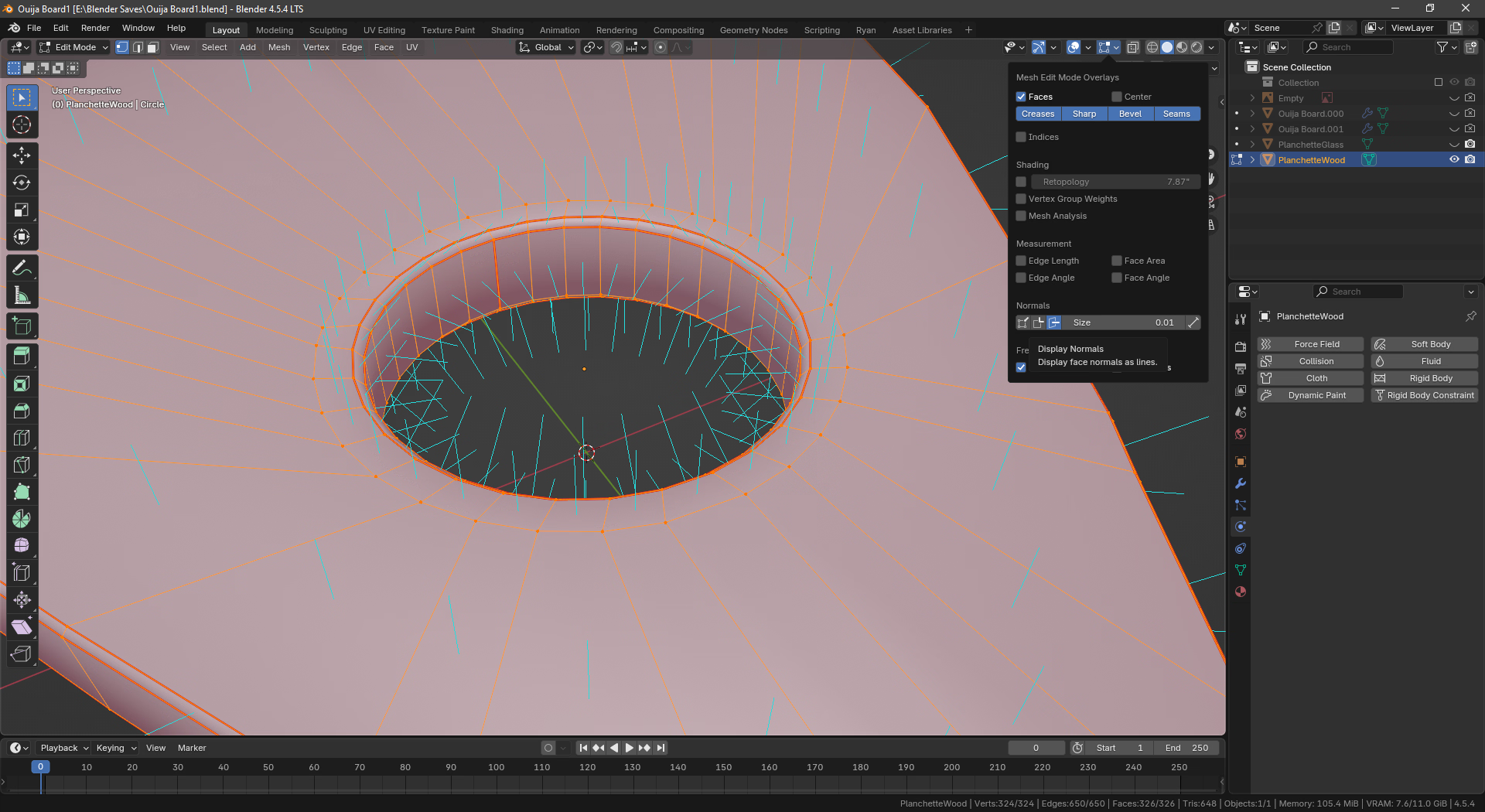
Oh no, I should have been more clear, it's not that there are 'issues' per se - Ive had meshes that are totally fine and by the book and daz still messes them up. What I'm suggesting is to use that and play with them a bit and see if that changes the image in daz - then you know it's related to that. If it changes nothing then the issue is something else.I am not sure what you mean by split ends, but I found it, and why I didn't know that one, we have 2 versions, Face Orientation (shows blue or red, blue being outside), or the display normals thing you are showing me with the pins. I am using both here.
View attachment 5432306
That said, I don't really see any issues.
Maybe you can?

Those buttons change where the lines project from.Oh no, I should have been more clear, it's not that there are 'issues' per se - Ive had meshes that are totally fine and by the book and daz still messes them up. What I'm suggesting is to use that and play with them a bit and see if that changes the image in daz - then you know it's related to that. If it changes nothing then the issue is something else.
Again, I dont know blender, but first thing id try is unifying the vertex normals, I imagine it's one of these buttons:
View attachment 5432333
That'll combine the two constituent parts at an edge.
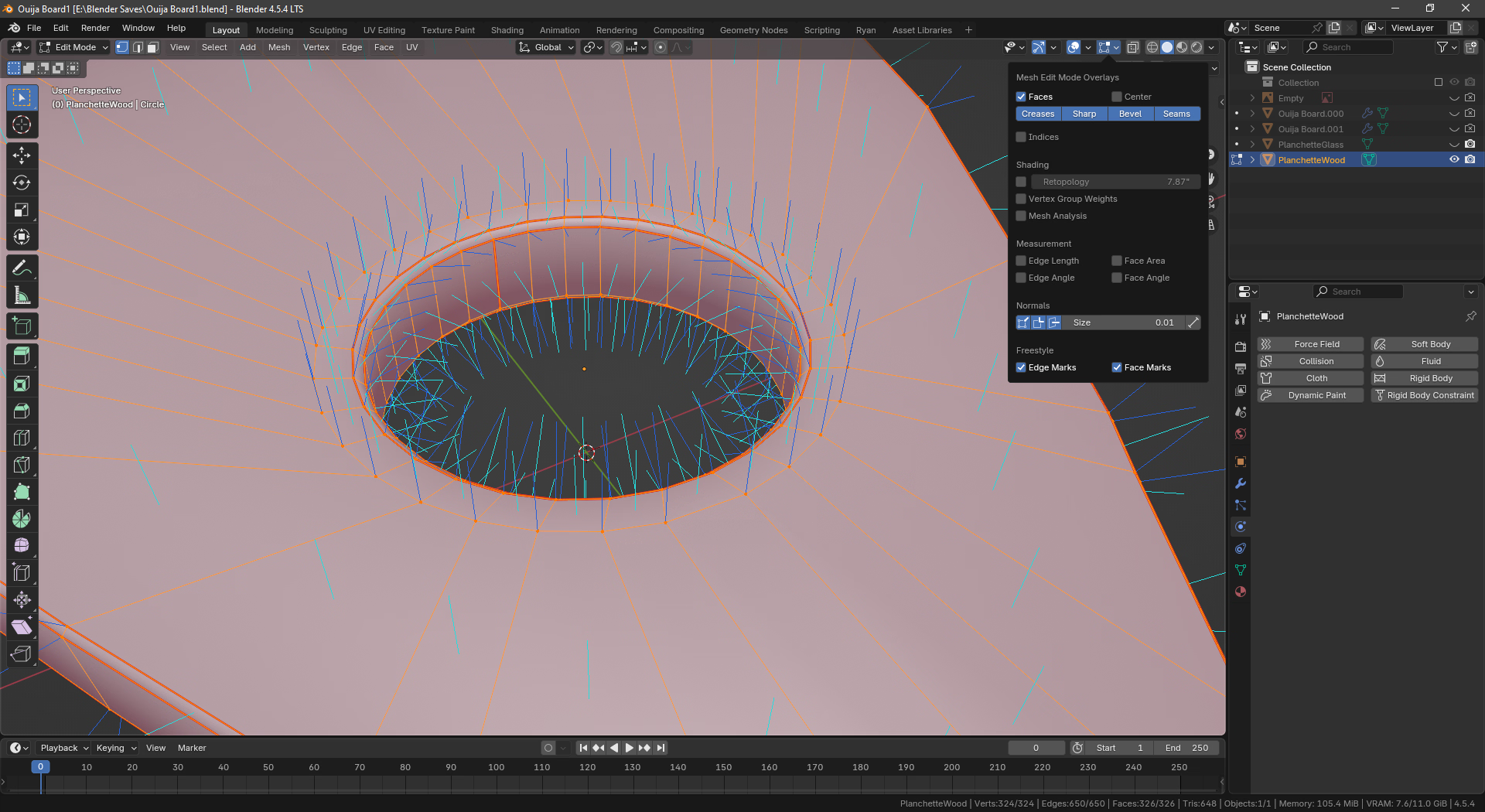
ahhh damn sorry then hopefully someone knows more about blender.Those buttons change where the lines project from.
You can do all three.
View attachment 5432338
Can't seem to find anything about unifying normals though.

The only time I have ever had something like that, was when I used a boolian to cut holes, without fixing the geometry after that. The easiest way to fix that, was to triangulate it, but it seems you have already done that in this case. Unless your left one is the issue and not the right, then the ngon could be the problem there. Hell, let me try that.ahhh damn sorry then hopefully someone knows more about blender.
But if it's any consolation - basically what you're describing has long since been an issue for me as well with importing models I've made into daz, things that should otherwise be smooth surfaces get weird artifacts in daz, and I would also love to know a concrete solution.
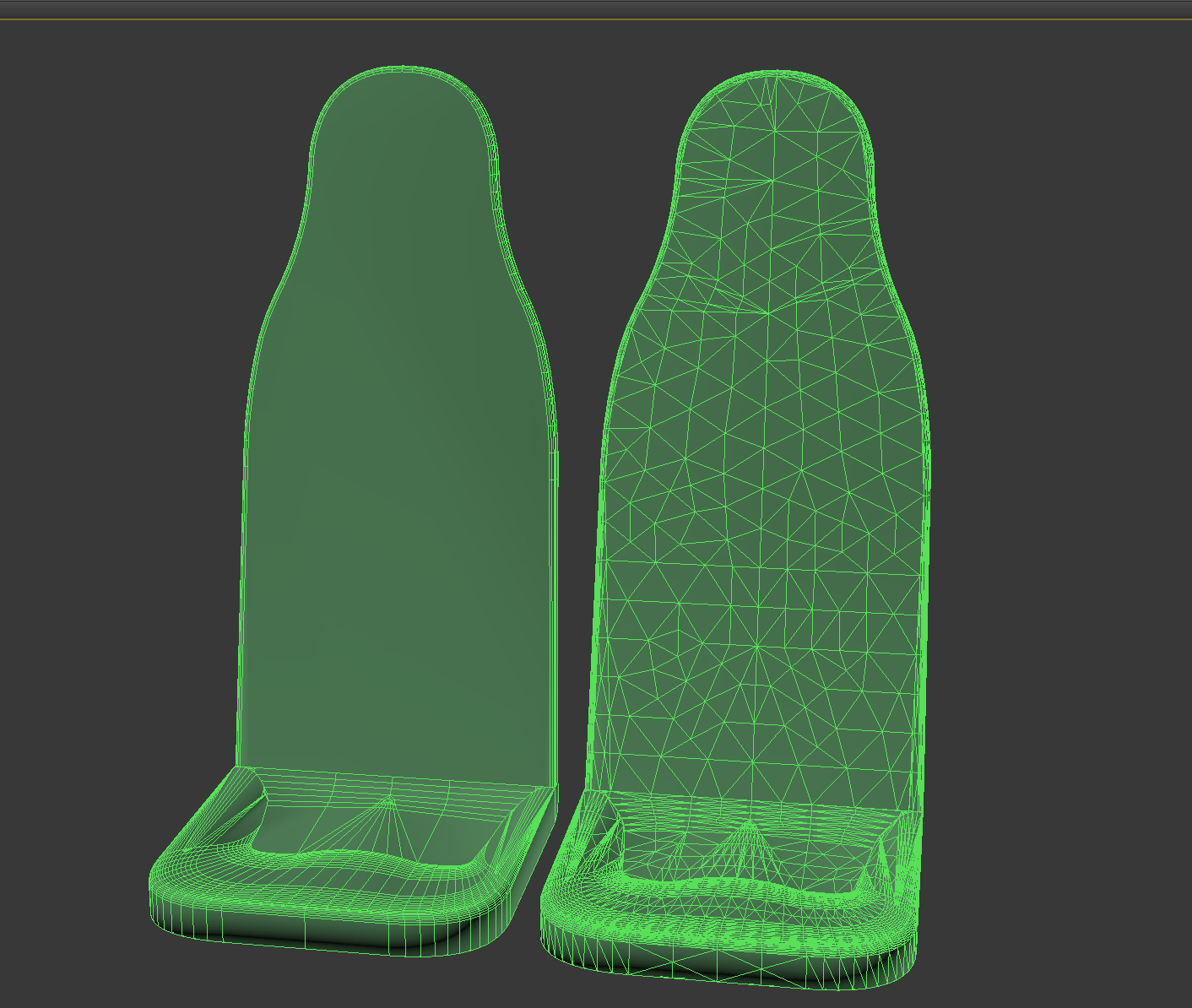
-some seatbacks i was working on:
View attachment 5432573
View attachment 5432576

I do know exactly what you mean with booleans which is why i stopped using them period and cut holes by hand manually, they always leave sloppy mixed edges that end up taking more time to fix than the other way; but yeah, in that case it wasnt a boolean. It seems to happen for me absent n-gons as well, basically everytime there's a high density region next to a low density daz acts up. But this is a pain because it means the entire object must waste polygons on wide open spaces to match tight corners.The only time I have ever had something like that, was when I used a boolian to cut holes, without fixing the geometry after that. The easiest way to fix that, was to triangulate it, but it seems you have already done that in this case. Unless your left one is the issue and not the right, then the ngon could be the problem there. Hell, let me try that.
Nope, didn't help me this time here. There are no inverted faces like that. I just don't get it. lol
Oh well, thanks for trying.
Yeah, that particular one, I was engraving text, but that was a mess, and it's way better to do that with normals/bump maps instead. Redid that locket several times. lolI do know exactly what you mean with booleans which is why i stopped using them period and cut holes by hand manually, they always leave sloppy mixed edges that end up taking more time to fix than the other way; but yeah, in that case it wasnt a boolean. It seems to happen for me absent n-gons as well, basically everytime there's a high density region next to a low density daz acts up. But this is a pain because it means the entire object must waste polygons on wide open spaces to match tight corners.
made that exact mistake once when doing a ringYeah, that particular one, I was engraving text, but that was a mess, and it's way better to do that with normals/bump maps instead. Redid that locket several times. lol
, was way better as normal.
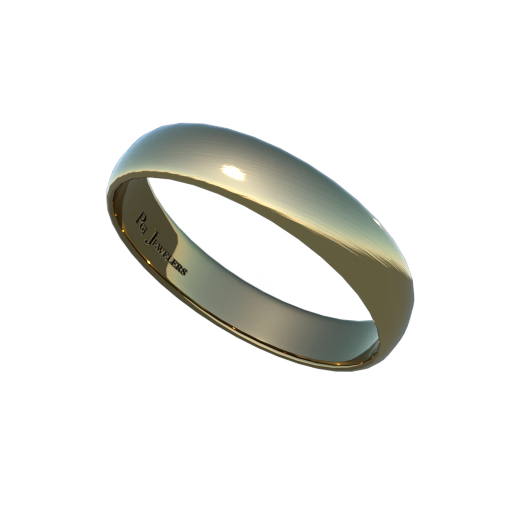
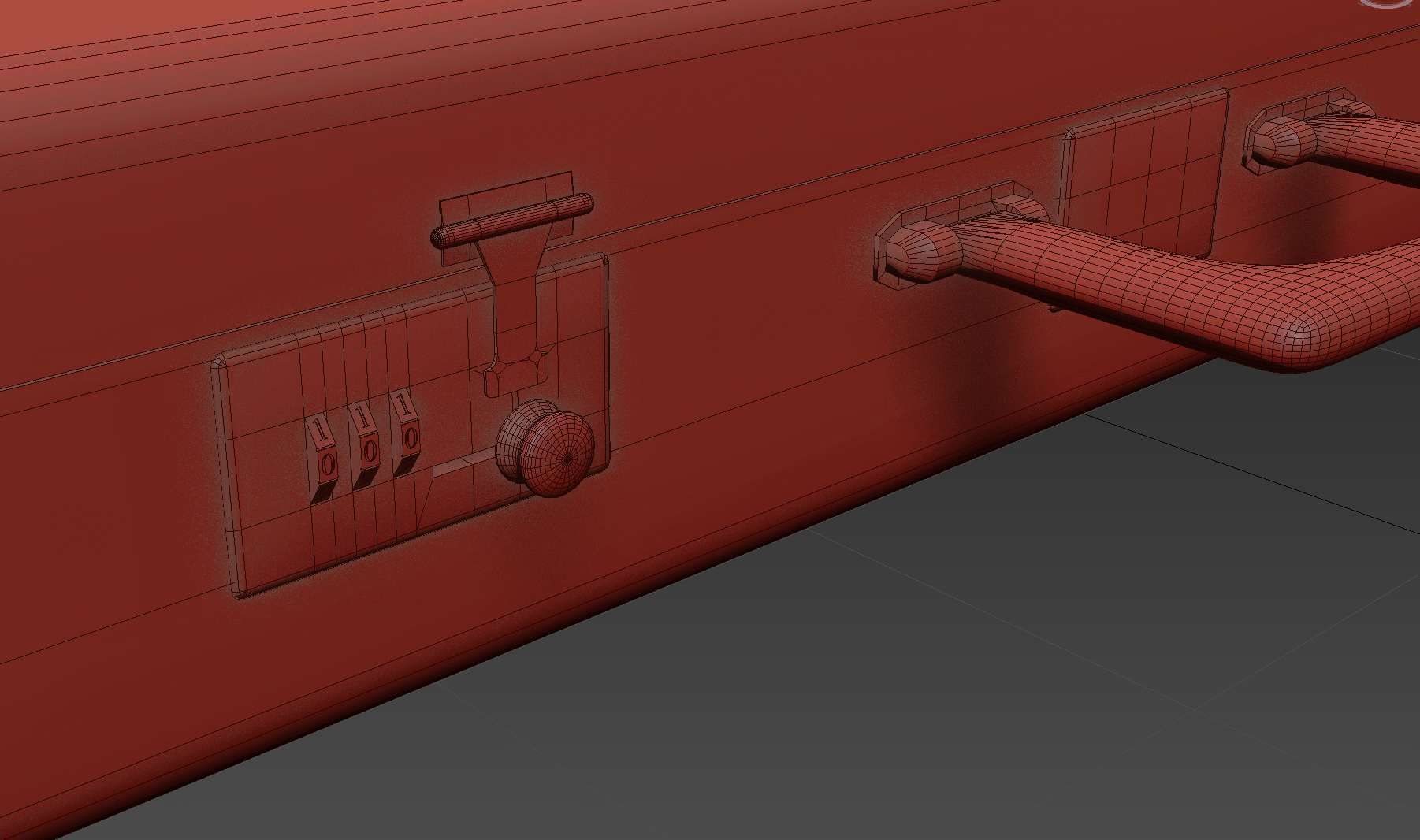
Yeah, that is rarely worth the work and the geometry. Unless you plan to do really close shots of it. lolmade that exact mistake once when doing a ring
with some things it makes sense though - I did mesh engraving on these combination wheel dials and it ended up working out well.
View attachment 5432919

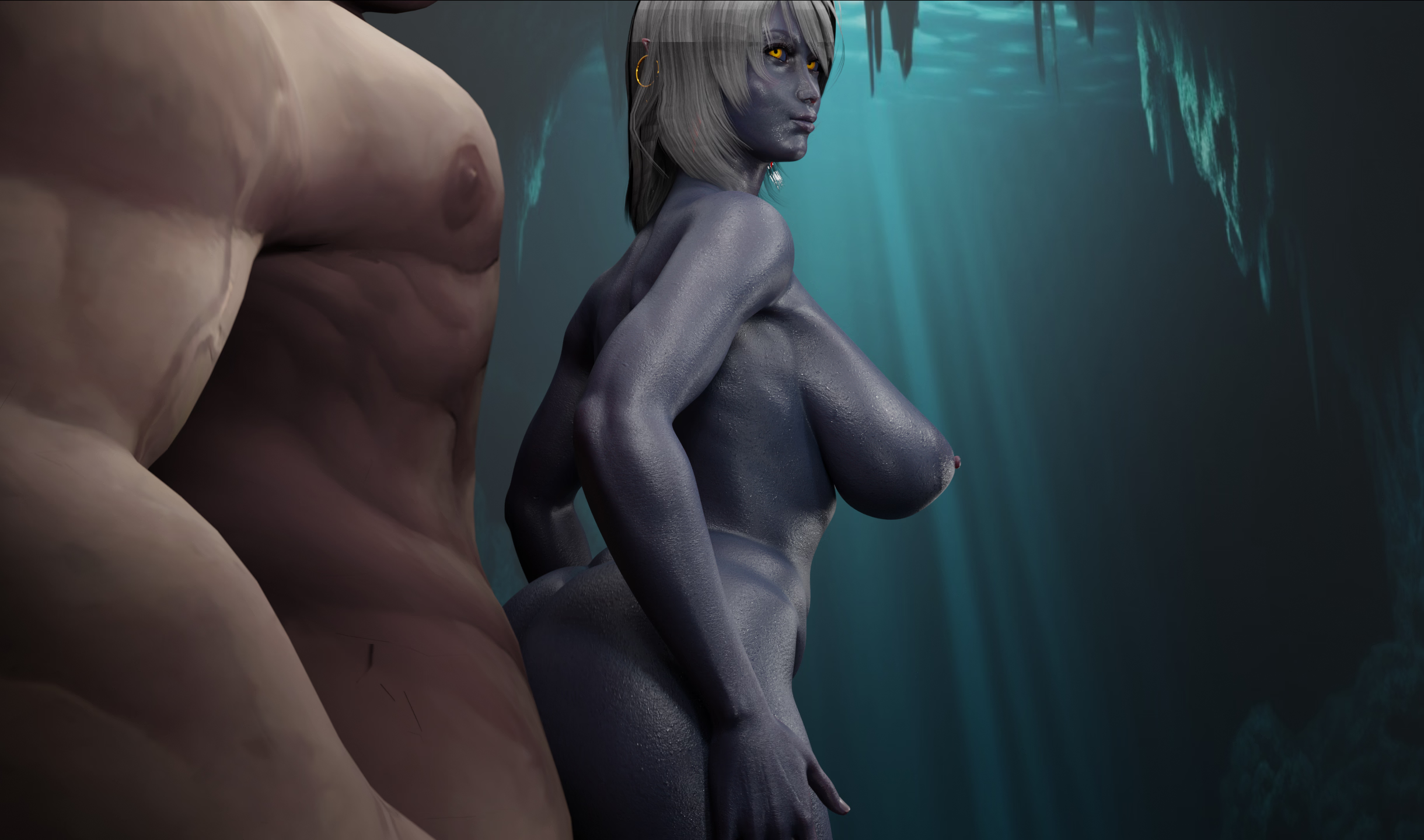
The back side hair does seem to be reflecting the light, not sure about the front.Can anyone tell me please what the problem might be? I'm talking about the elf's hairstyle, or more specifically, this strange dark stripe and “artifacts” at the ends of her hair. But it's definitely not caused by any objects or lighting. I'm rendering in Cycles, because EEVEE makes the hair look even worse. And the shadows on the hair are kind of strange... View attachment 5438061

I assume you have conflicting shells.Here again with another "beginners" problem.
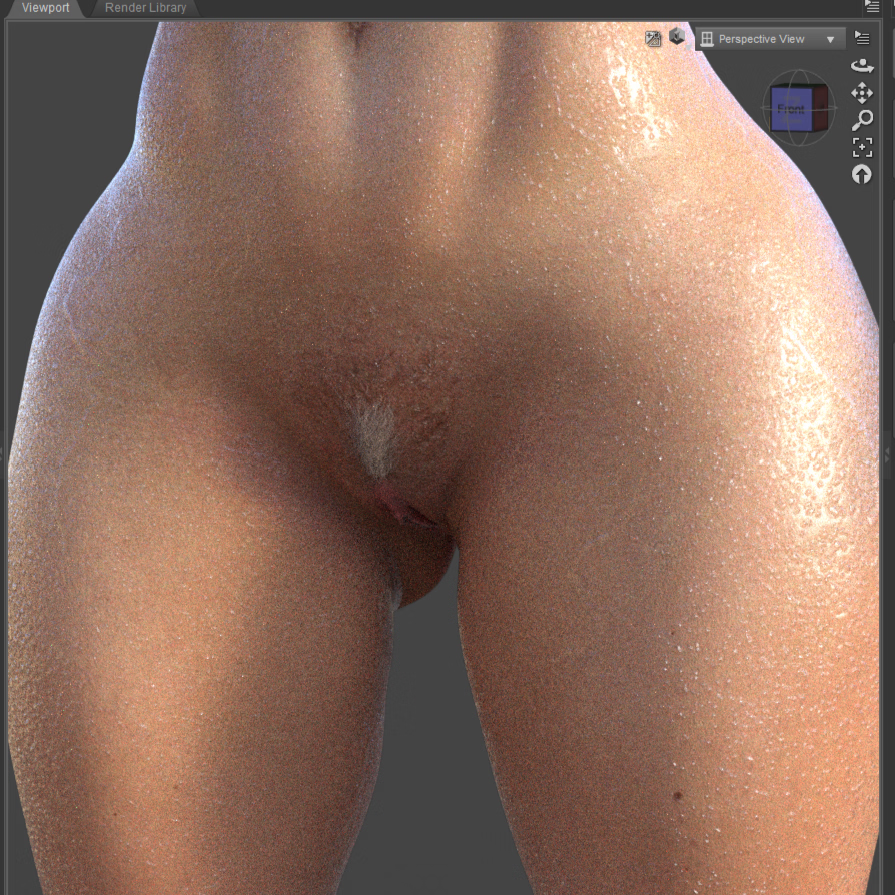
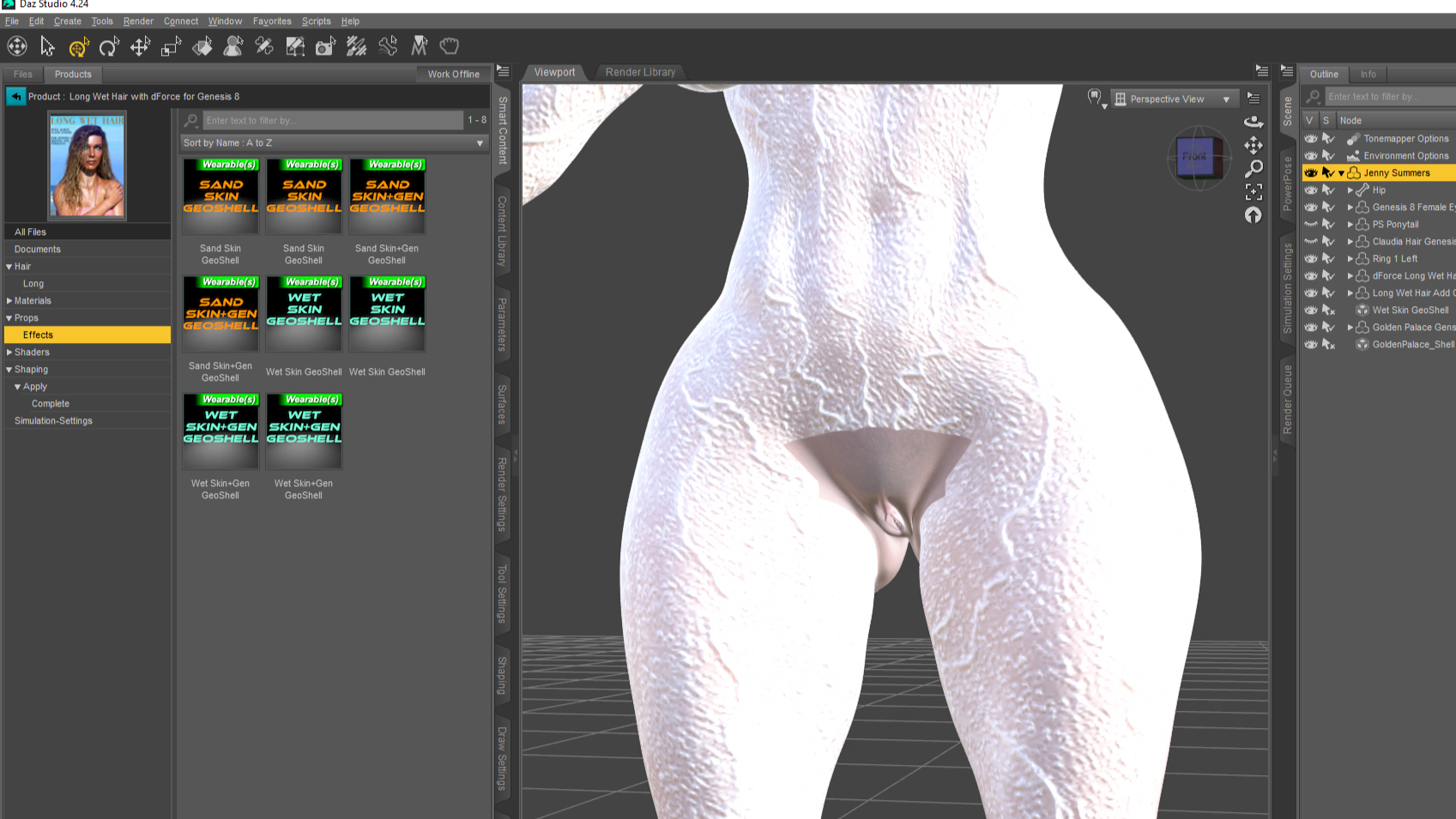
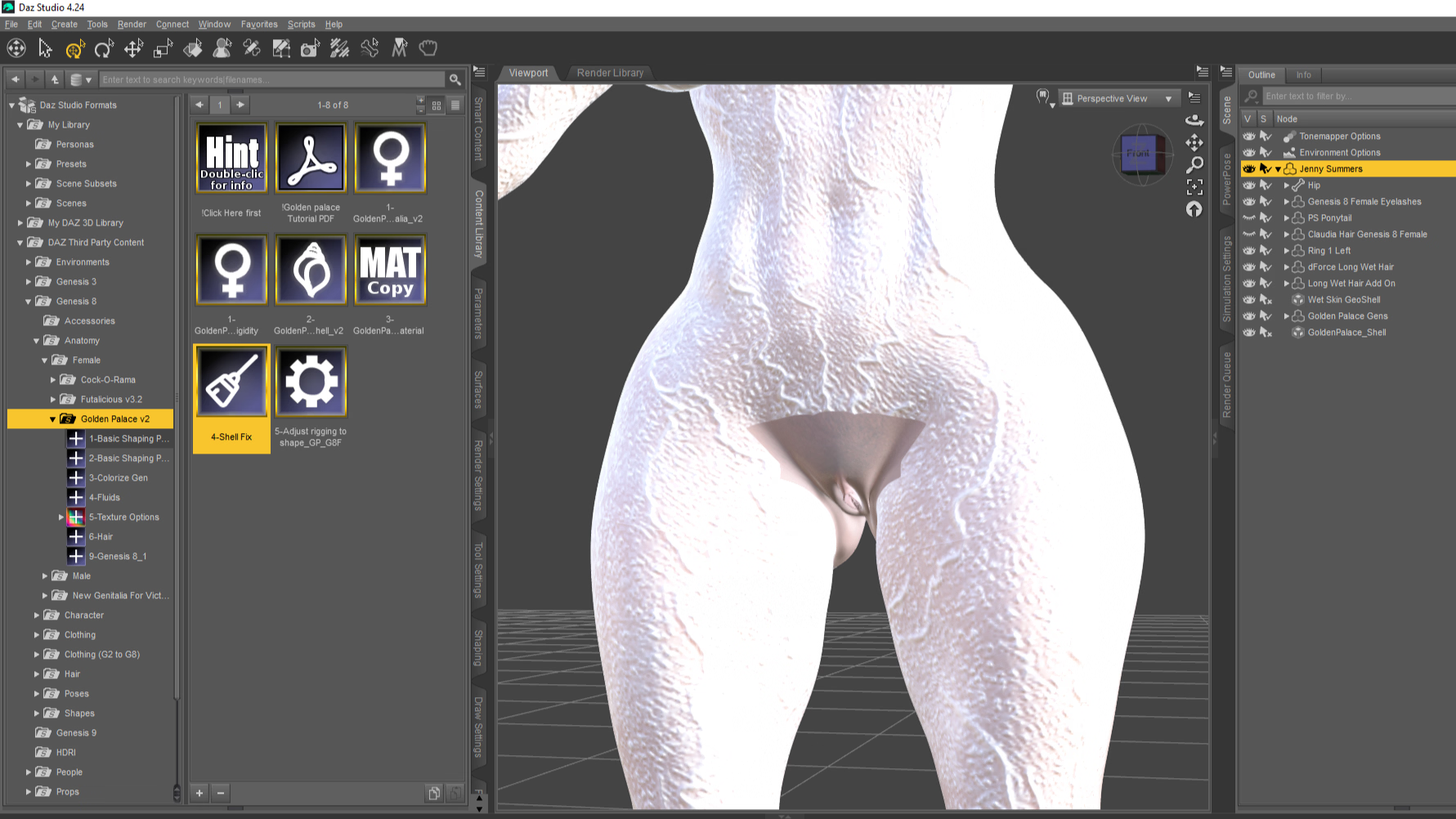
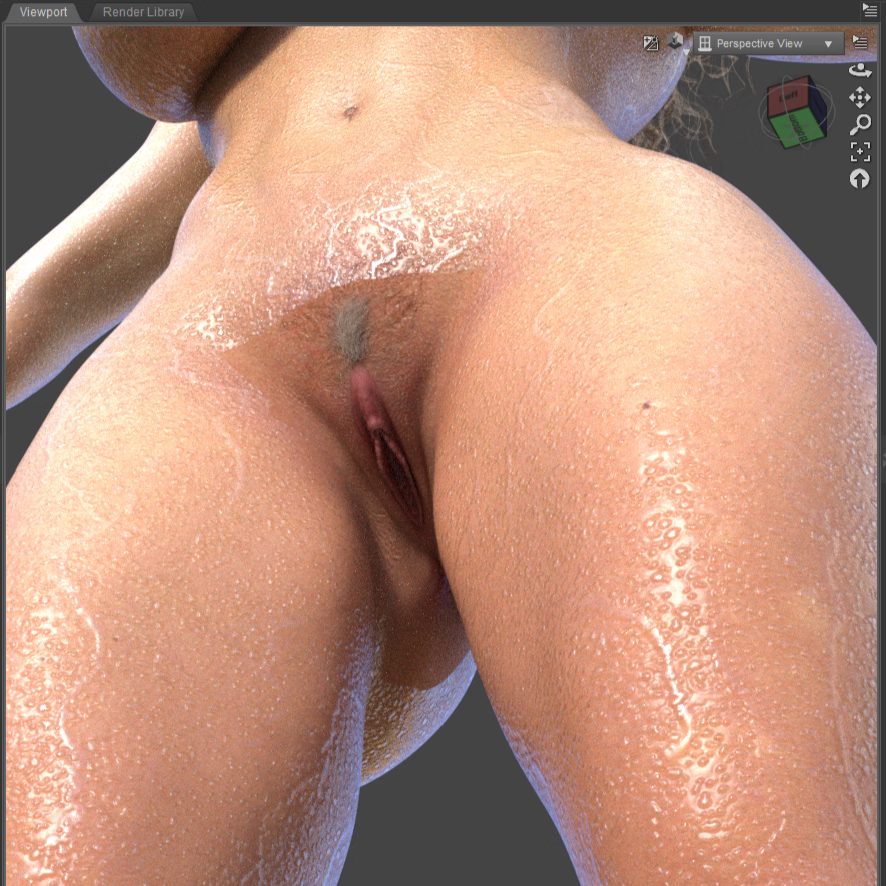
So I played around with wet skin shells (see left pic) and female genitalia (golden palace in this case).
View attachment 5439462 View attachment 5439464
How can I get it to work.
My first try, was to first apply Golden Palace and then add the wet skin shell, but then GP turned white.
I tried the other way around and GP turned out white, too.
GP has a Shell Fix for this kind of problem, but it doesn't seem to do anything.
What do you mean by "turning off" exactly? Just the visibility in the scene-tab or something somewhere else?I assume you have conflicting shells.
The GP uses one for the coloring, and so if the wet skin shell also has one, they are overlapping, and you can't have two shells on the same part.
Normally, I would say you need to click on each shell and disable the ones that are overlapping, for example, if you are using the GP shell and the Headlights nipple graft shell, then you need to turn the genitals off on the nipple shell, and the nipples off on the GP shell.
That said, due to this being a whole body shell, it might be better to just turn off shell on the genitals.
Sorry about that, I should have explained that better.What do you mean by "turning off" exactly? Just the visibility in the scene-tab or something somewhere else?
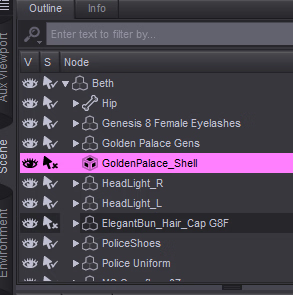
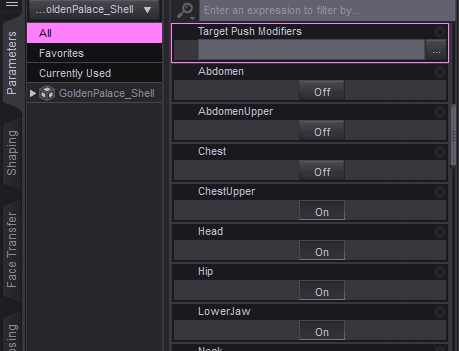
I tried it out both ways. Turning off the parts in the GP didn't help, because that shell is needed for the color, since it uses the materials of her torso. [1]Sorry about that, I should have explained that better.
For turning off the whole shell, that should work (though you might need to delete it), as for what I was saying before...
Click on the shell (not the asset) in the Scene Tab.
View attachment 5440479
Next, in the Properties tab, scroll down a bit, and you will start to see a list of body parts, each one with an on/off button. Turning that off will hide the shell for that body part.
View attachment 5440480
Just keep in mind that using some of the tools, like geometry editor or mesh grabber for example, will undo this for some reason, so you will have to do it again if you do.
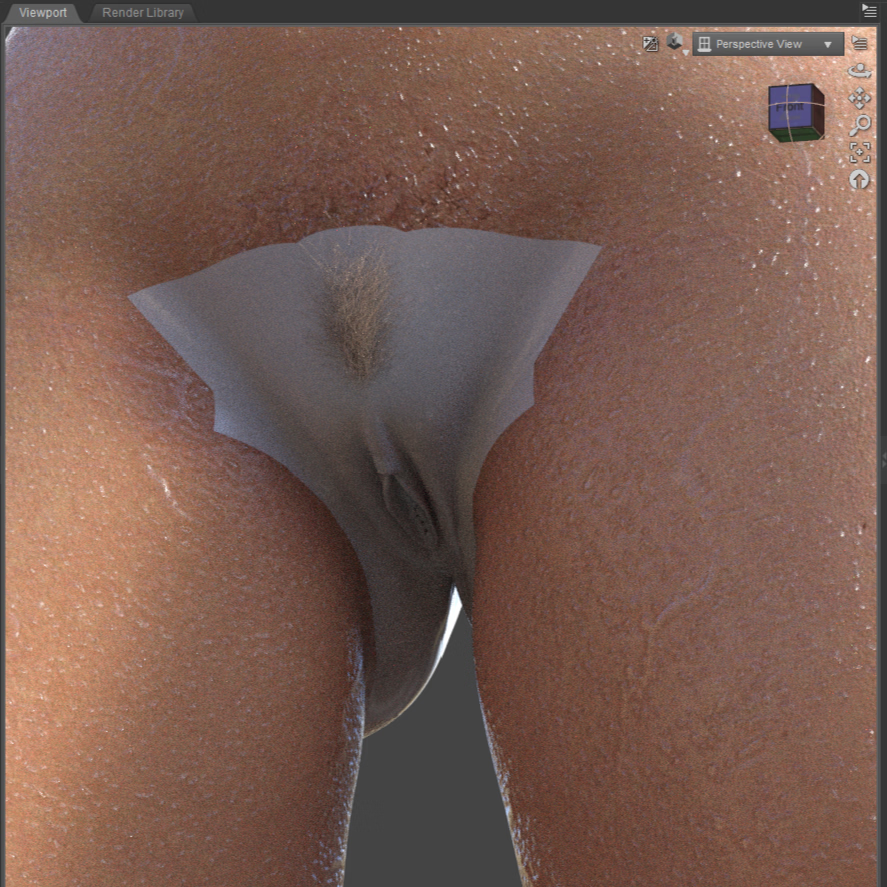 2)
2)
 3)
3)