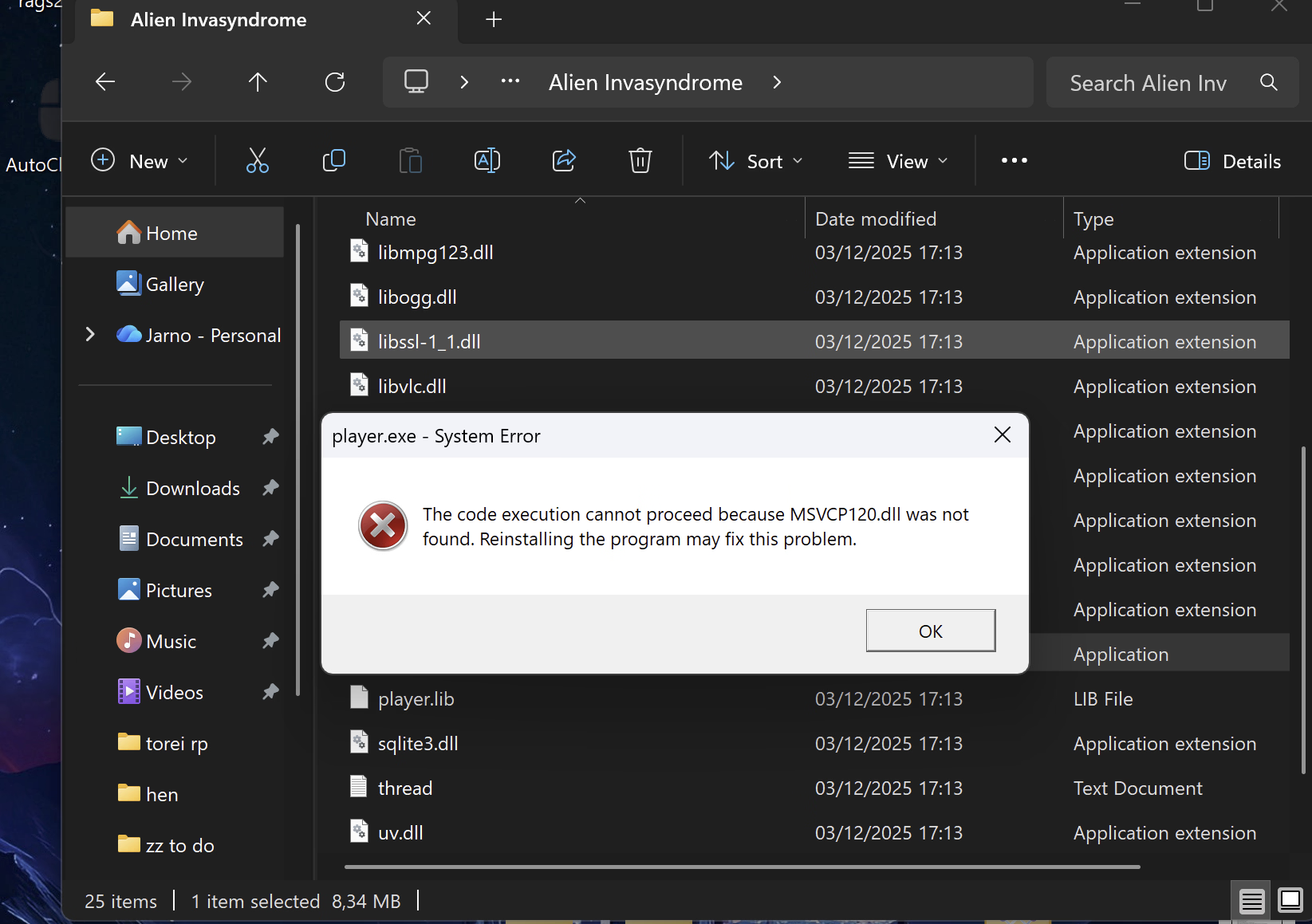
yeah i downloaded all the C++ or whatvers and it still wont let me play. i remember playing it when it first came out but after a couple of updates it stopped working idk what to do. if you figure it out lmk
You might have resolved this yourself, since I only came back to this issue after noticing another Pixel MV game giving the same error, but for everyone else still suffering from this problem:
Firstly, make a Restore Point, since you'll be buggering about in SysWOW64.
Uninstall all the Visual Basic C++ packages. I recommend using Revo Uninstaller so you can scan and remove any leftovers.
After doing all that, go to C: Drive > Windows > SysWOW64 and use the search bar to find "msvcp" and "msvcr" files. Select all of them and delete or cut them to a separate folder on the desktop for safekeeping - you can skip the files that are protected by TrustedInstaller or whatever other program shouts at you.
Restart the PC.
Re-install all the Visual Basic programs - I recommend you search for the All-in-One installer just to speed things up. Don't forget to run the installer as Admin just in case.
And that's how I solved the issue for myself. Barring any DirectX or .NET Framework shenanigans, the common thread for 0xc000007b errors seems to be a dodgy leftover msvcp/msvcr files left behind from the installation/uninstallation process.
Do not fucking touch System32