


VARIANT SETS SUCK MMKAY
Newbie
- Jan 25, 2021
- 91
- 124
- 185
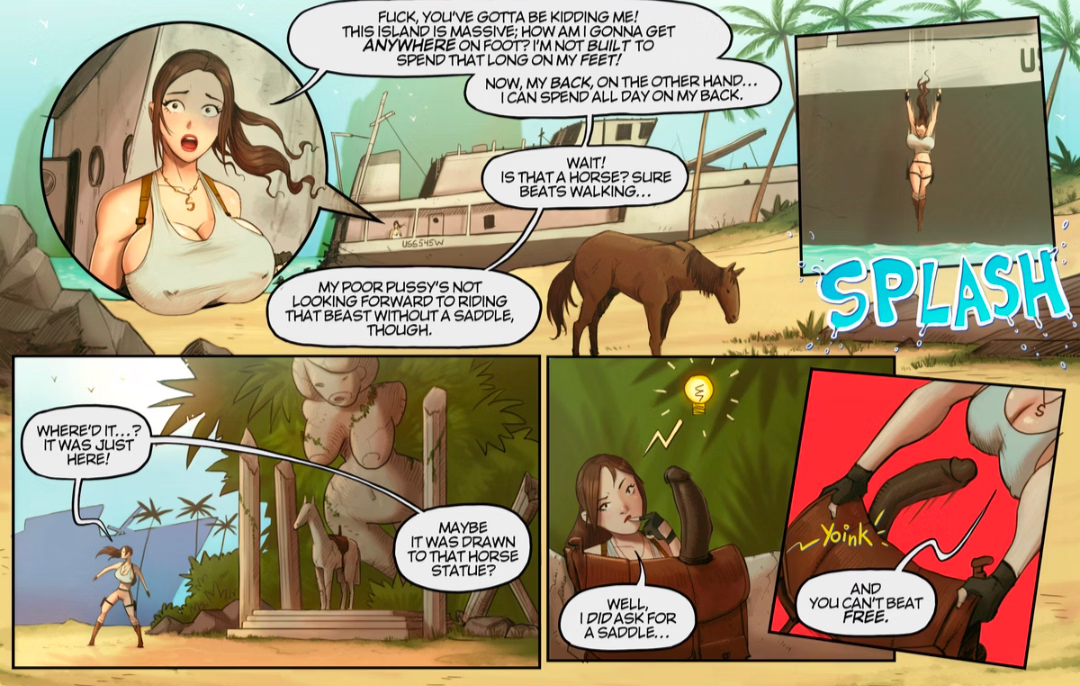
Whatever happened to this comic?
Last edited:

 but ay happy new years , wish y'all the best.
Can't wait to order the special limited "collectable" version and for it to show up at my door 5 years after it was promisedUnfortunately no scene preview
Happy New Year!
Happy New 2026 Year to everybody! Wish all the best for you and thanks for supporting our project!
2025 was not an easy year for me - was a lot of challenges, also i moved to a North America and just recentely fully settled here.
We have big plans for this year - of course the release of EP2, plus some more stuff - i have an idea of a special limited "collectable" version of the game, with some 3d-printed game model and some hand written things from me.
Stay tuned and thanks here for everyone! Happy New Year!


Must be delivered by Limited-Run Games lol3D-printed game model.. That arrives half melted..


Okay, is your 4070 your only GPU or do you have another one in your PC installed? Have you plugged your HDMI/DisplayPort Cable into the Motherboard Connectors or did you plug it to your 4070.Can someone help me out? I tried opening the game up and I keep getting this message when I tried opening up ep1
I played this game a year or two ago with a rtx 3060. I have a 4070 super now and even after I updated the drivers I still have trouble.You don't have permission to view the spoiler content. Log in or register now.
I did try installing directx runtime from microsoft and restarted the computer but it still didn't work. I haven't checked out c++ runtimes yet, but here is what dxDiag says about which version I am using if its useful.Have you tried to reinstall the directx runtime? what's about the c++ runtimes? Only the gfx drivers will not always help.
You can check your setting with the "dxdiag" (please google your problem there are walkthrough to fix this.)
edit: our it-guy just saw this posting he mentioned that on win11 there is a high chance that a win update has corrupted the installation. But before you install anything blindly check first with dxdiag if the setup is really corrupt.
edit2:You must be registered to see the linksorYou must be registered to see the links
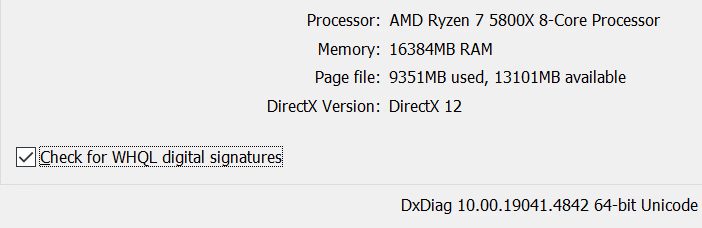
Its only the 4070, and I use the DisplayPort on my 4070.Okay, is your 4070 your only GPU or do you have another one in your PC installed? Have you plugged your HDMI/DisplayPort Cable into the Motherboard Connectors or did you plug it to your 4070.
Check if you choosen in the Nvidia Driver the 4070 as your primary Device for output.
Another thing you can try is usingI did try installing...
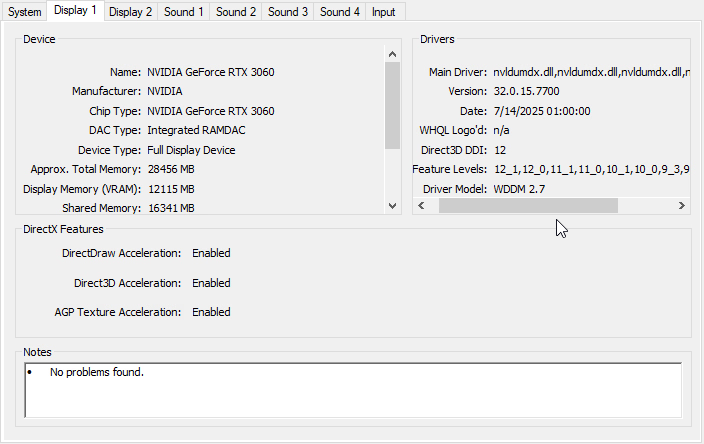
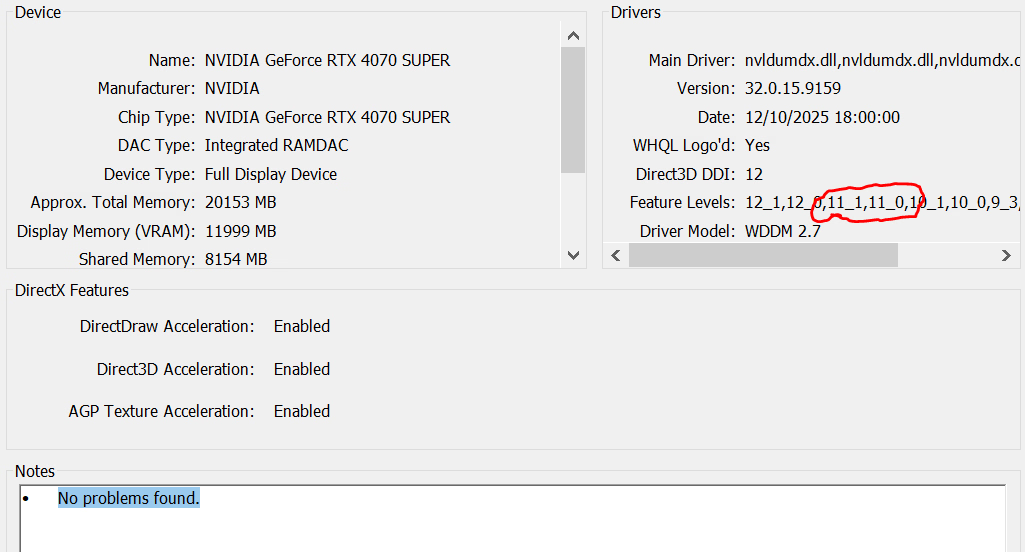
could you please also check the tab display 1 ? on the left side it shows your active gpu, on the right side (drivers) it shows feature level, there should be some 11_ entry's (eg 11_1). if you don't have those entry's something is wrong.
example from this machine:
View attachment 5591474
and BitS works more or less on this potato
I downloaded it just in case, but I am hesitant to boot it right now since I am not sure if I am overlooking something a bit more simpler and I don't want to cause more problems until I try other options.Another thing you can try is usingYou must be registered to see the links(Display Driver Uninstaller) uninstall your GPU driver (follow the instructions from DDU to it's point) then reinstall the latest Nvidia Driver again.

Before going any further I would delete your Ep.1 files, Saves, and redownload a fresh version of BitS 8.1. It is possible something related to the two Test versions altered or corrupted a file.I downloaded it just in case, but I am hesitant to boot it right now since I am not sure if I am overlooking something a bit more simpler and I don't want to cause more problems until I try other options.
Given that you have substar access, if you have access to it, could you find the full quality breaking the quiet?Lol no I'm not a modder or a developer, I'm just someone posting substar links so people can see without getting a subscription
the ,,dev" will milk more moeny for a yer or soo more, showing the same scenes on his site so im quessing 2027, and the finished game 2050So no ETA on this next update? The horse scene blue balling has been absurd at this point.

So no ETA on this next update? The horse scene blue balling has been absurd at this point.


we may get GTA6 or The Elder Scroll 6 before this game completethe ,,dev" will milk more moeny for a yer or soo more, showing the same scenes on his site so im quessing 2027, and the finished game 2050
