TheAnointedOne
Member
- Sep 5, 2017
- 176
- 790
- 329
What is this?
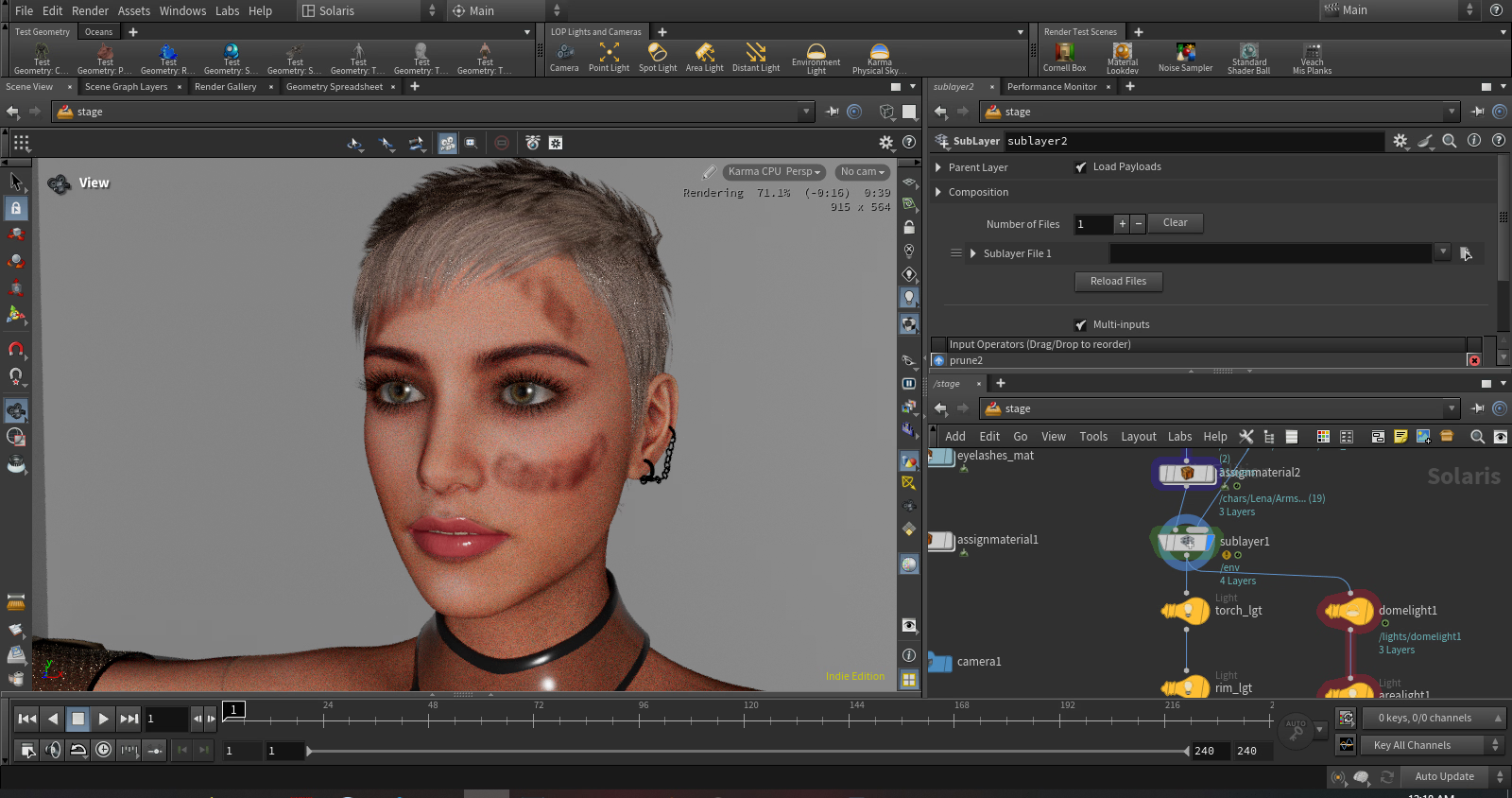
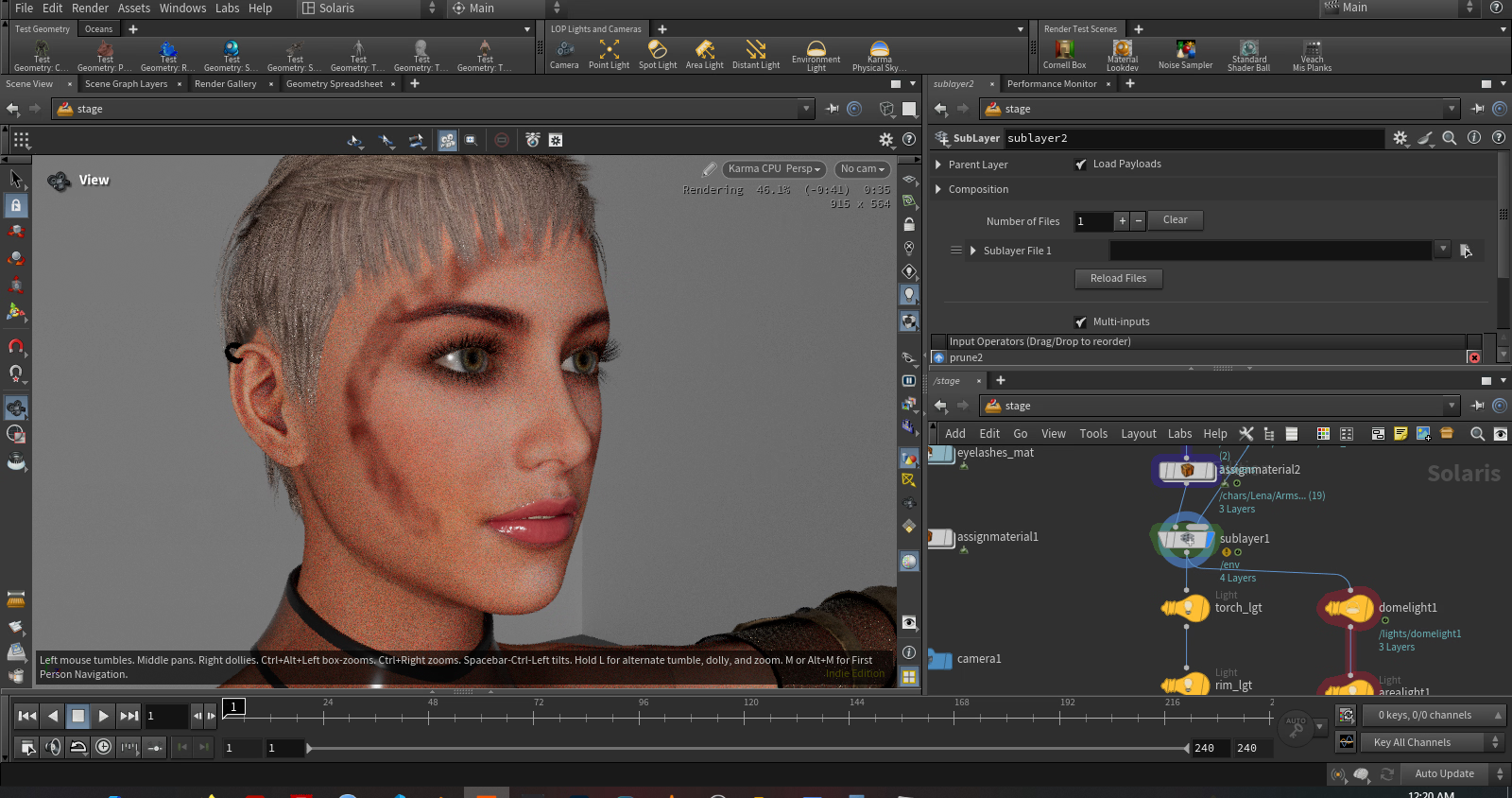
This is a devlog for a very small-scale project. Rather than work in private I want to work in public to benefit from other people's feedback. As I've been struggling in making scenes that I'm content with.
As I'm working alone the hope is that the small scope of the project will likely end in a successful completion. Many projects often get abandoned. I'd like to finish something for once in my life.
What are you making?
I'll be making a single static scene of a girl exploring a dark cave. I got the inspiration from:
Why are you doing this?
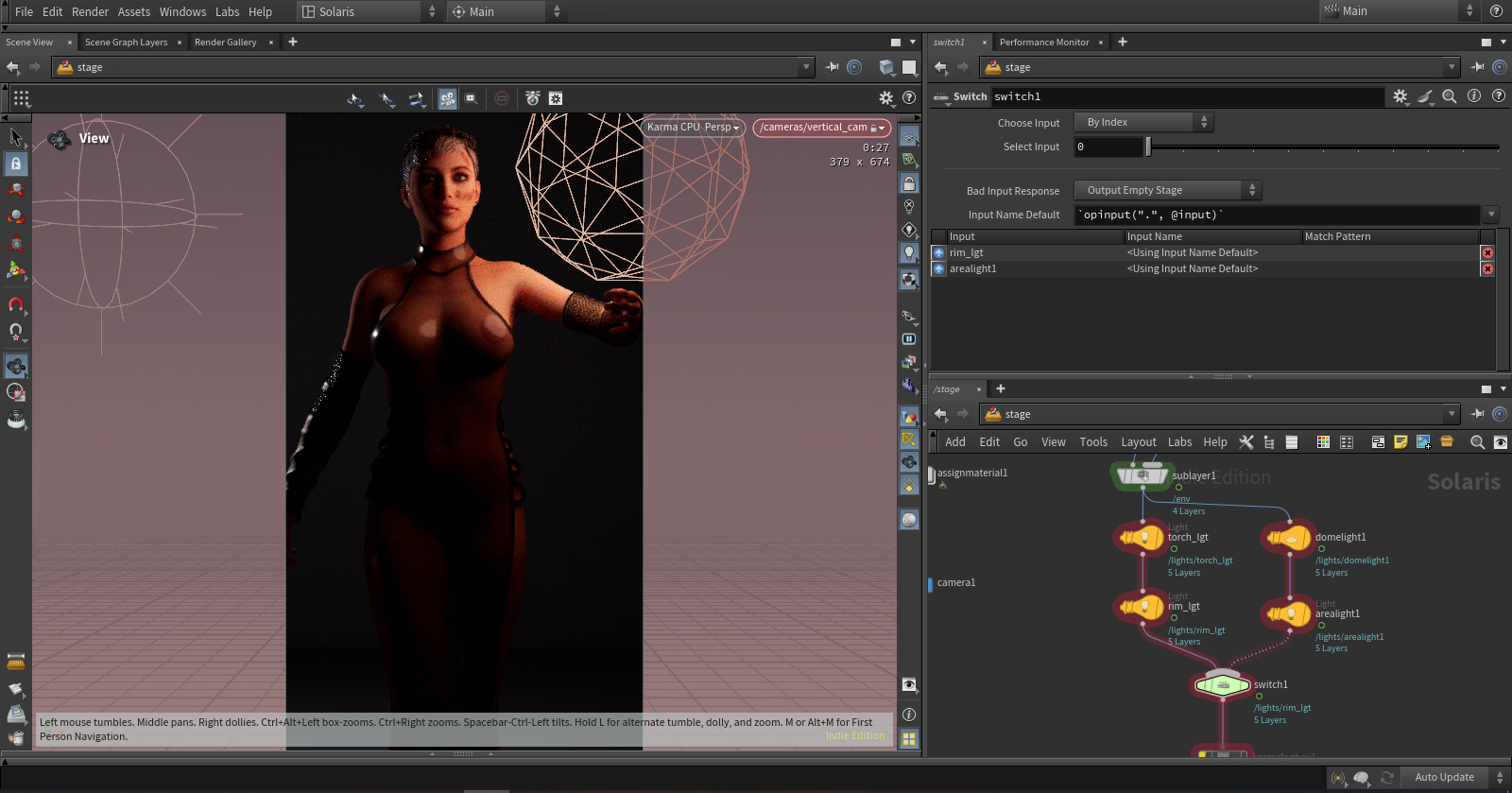
I've been struggling with lighting and was impressed by his simple lighting setup which resulted in an amazing render. I hope to mimick this.
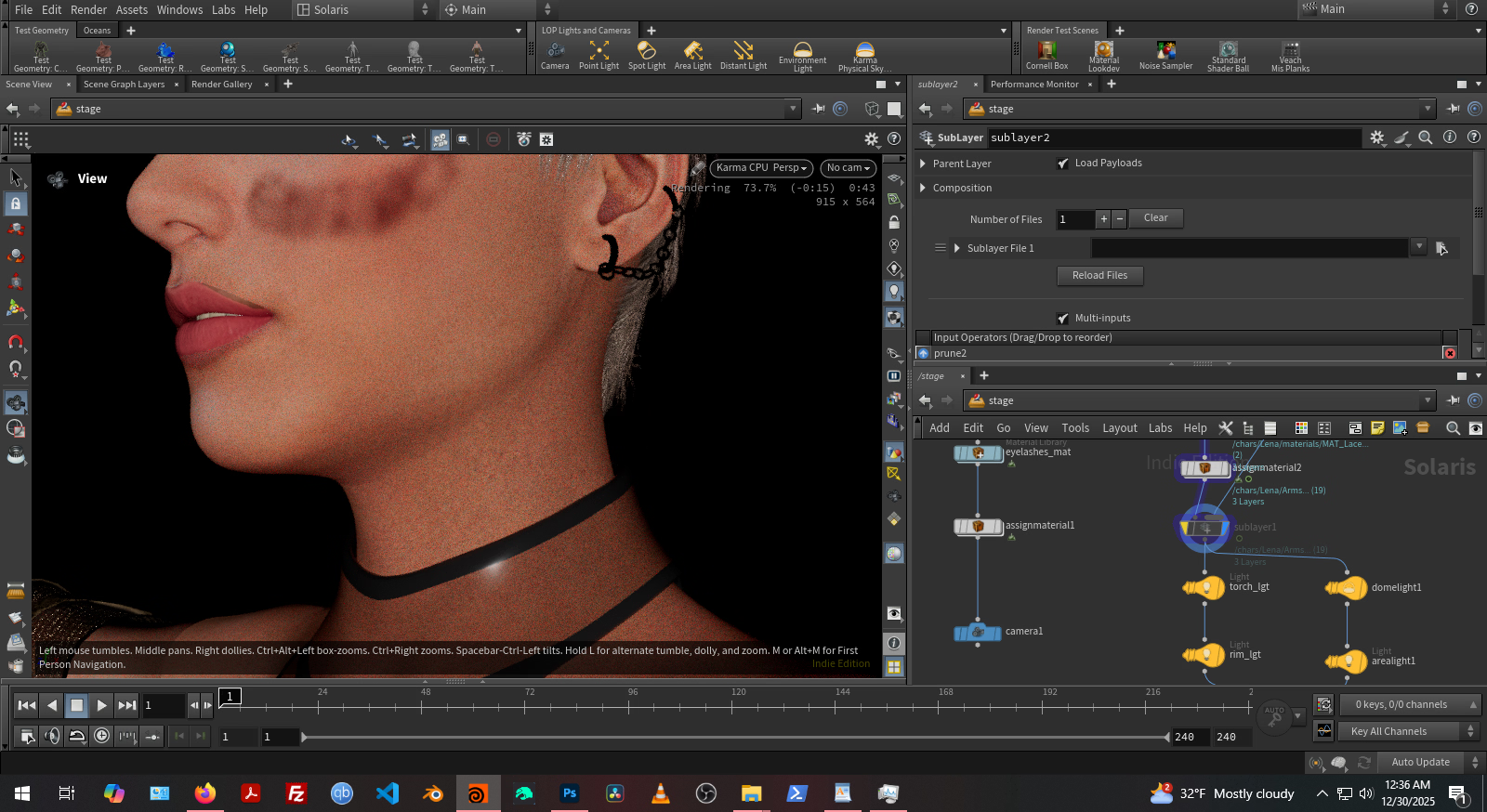
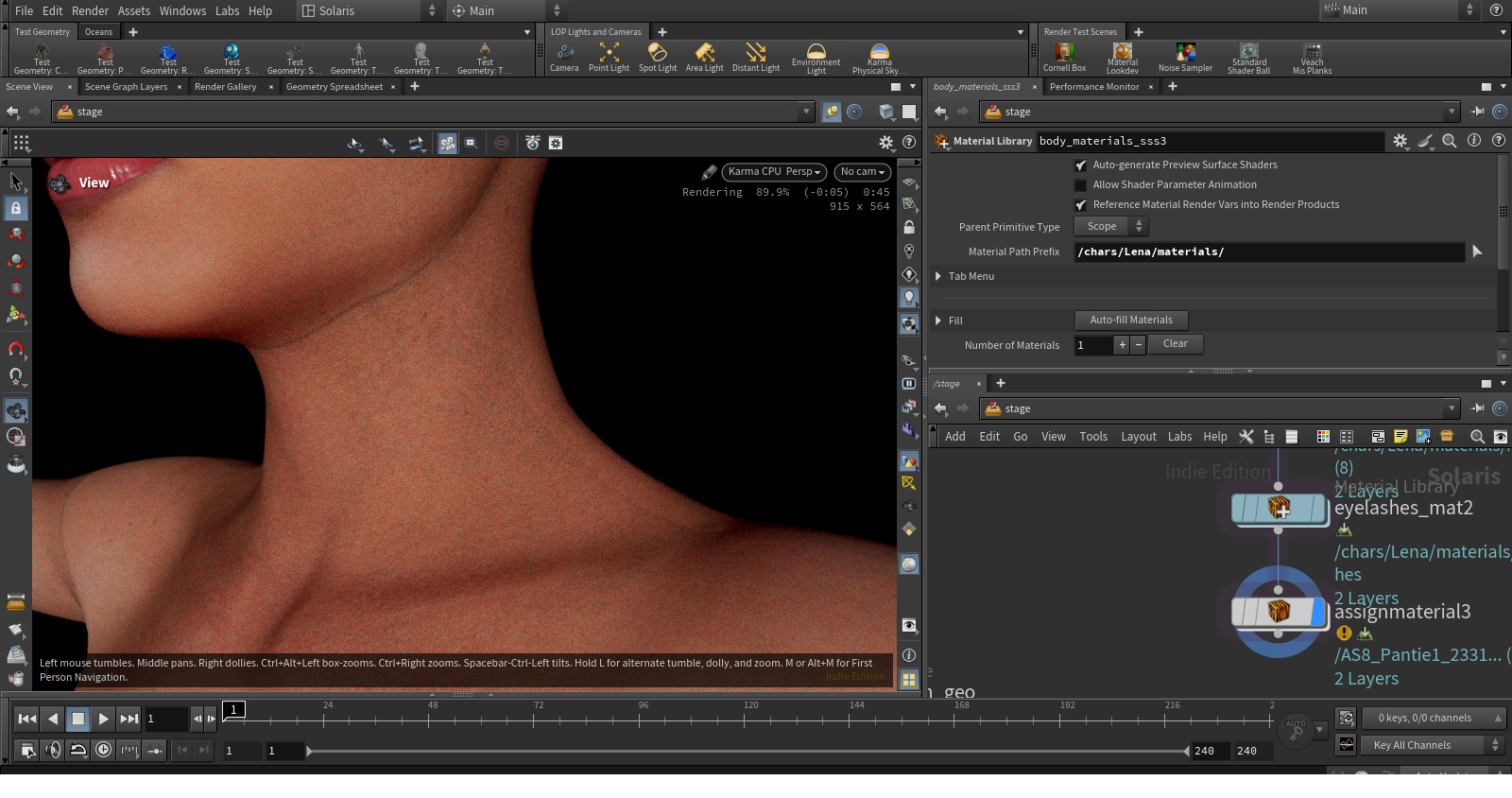
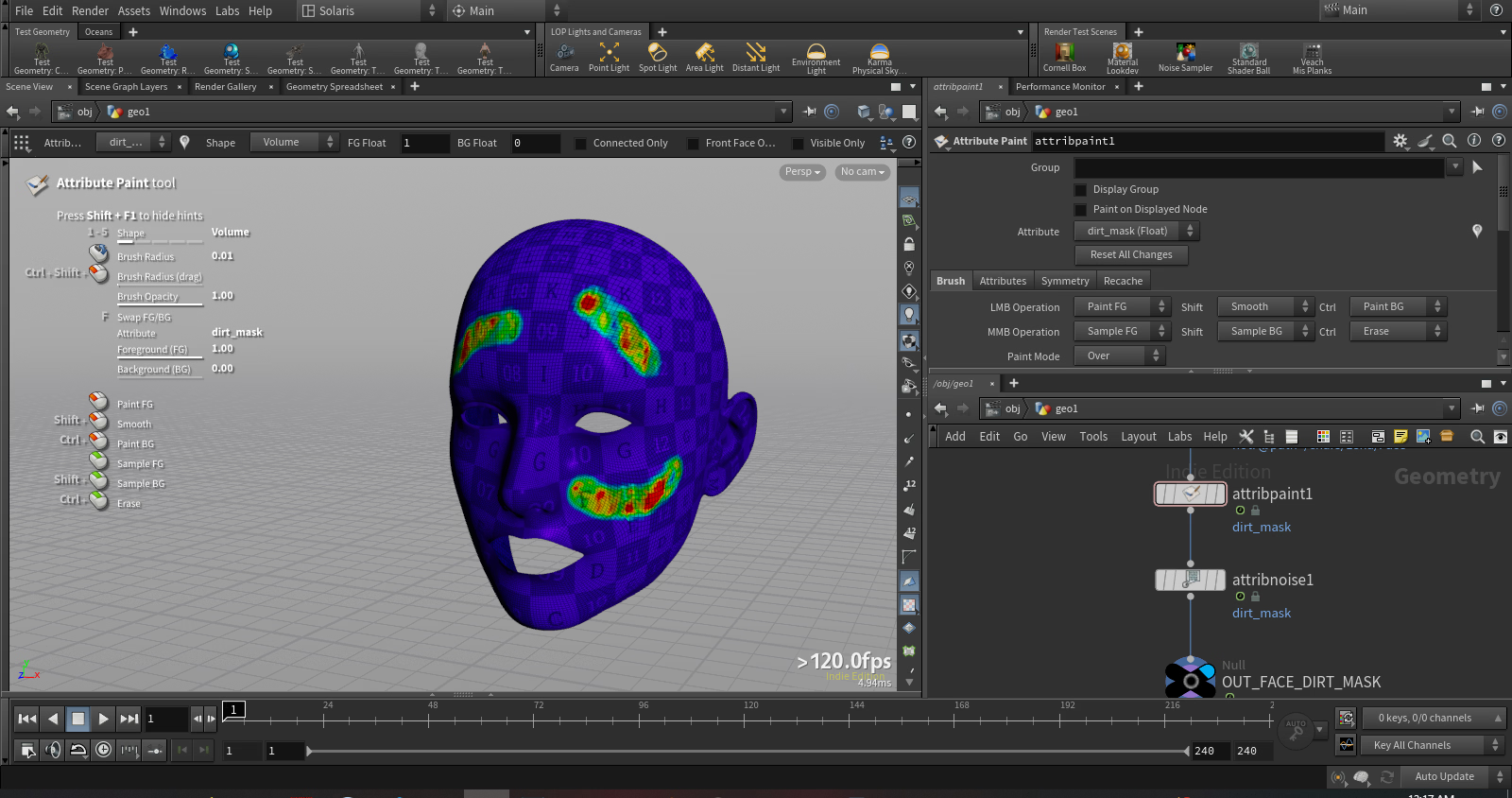
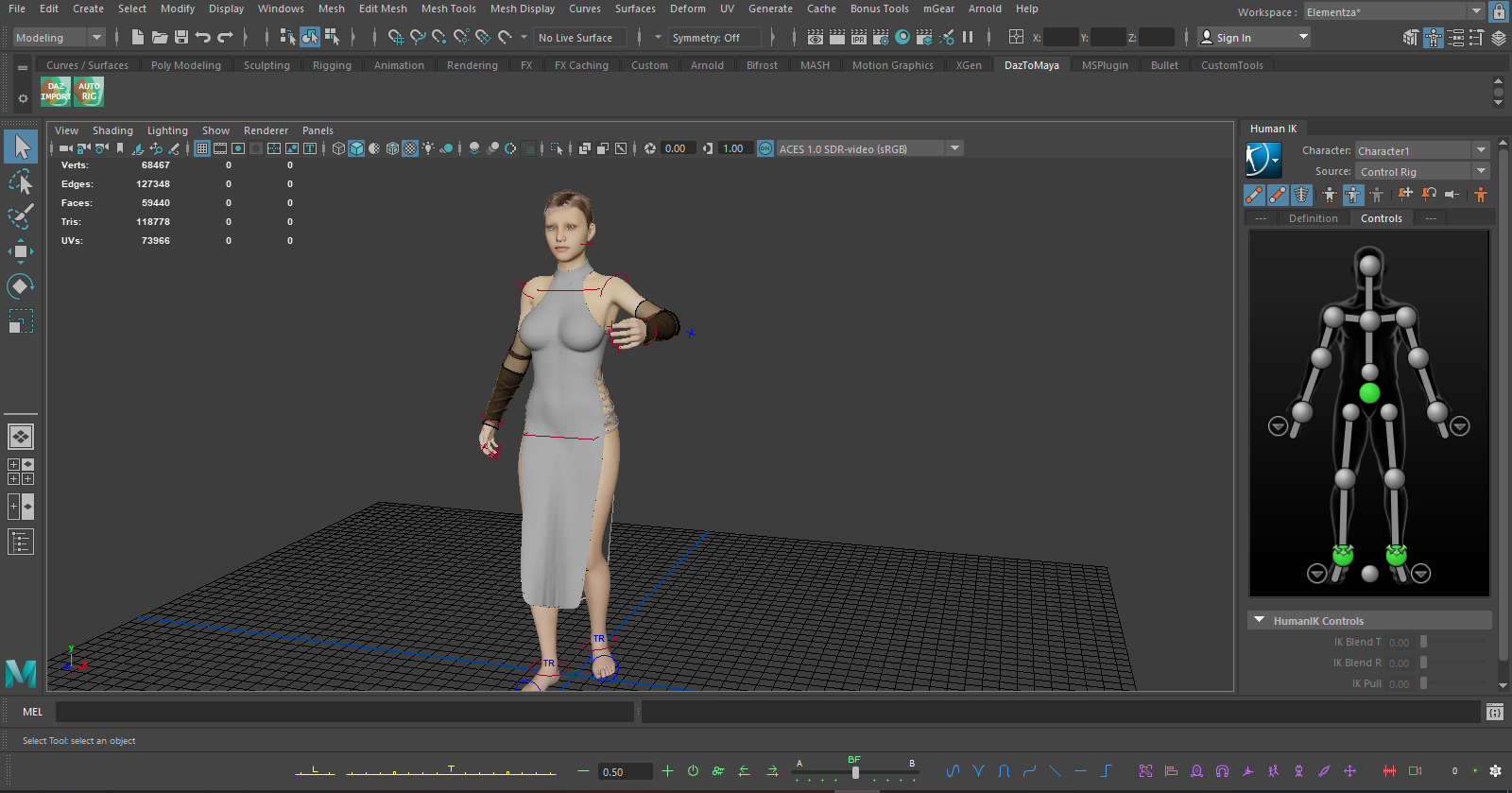
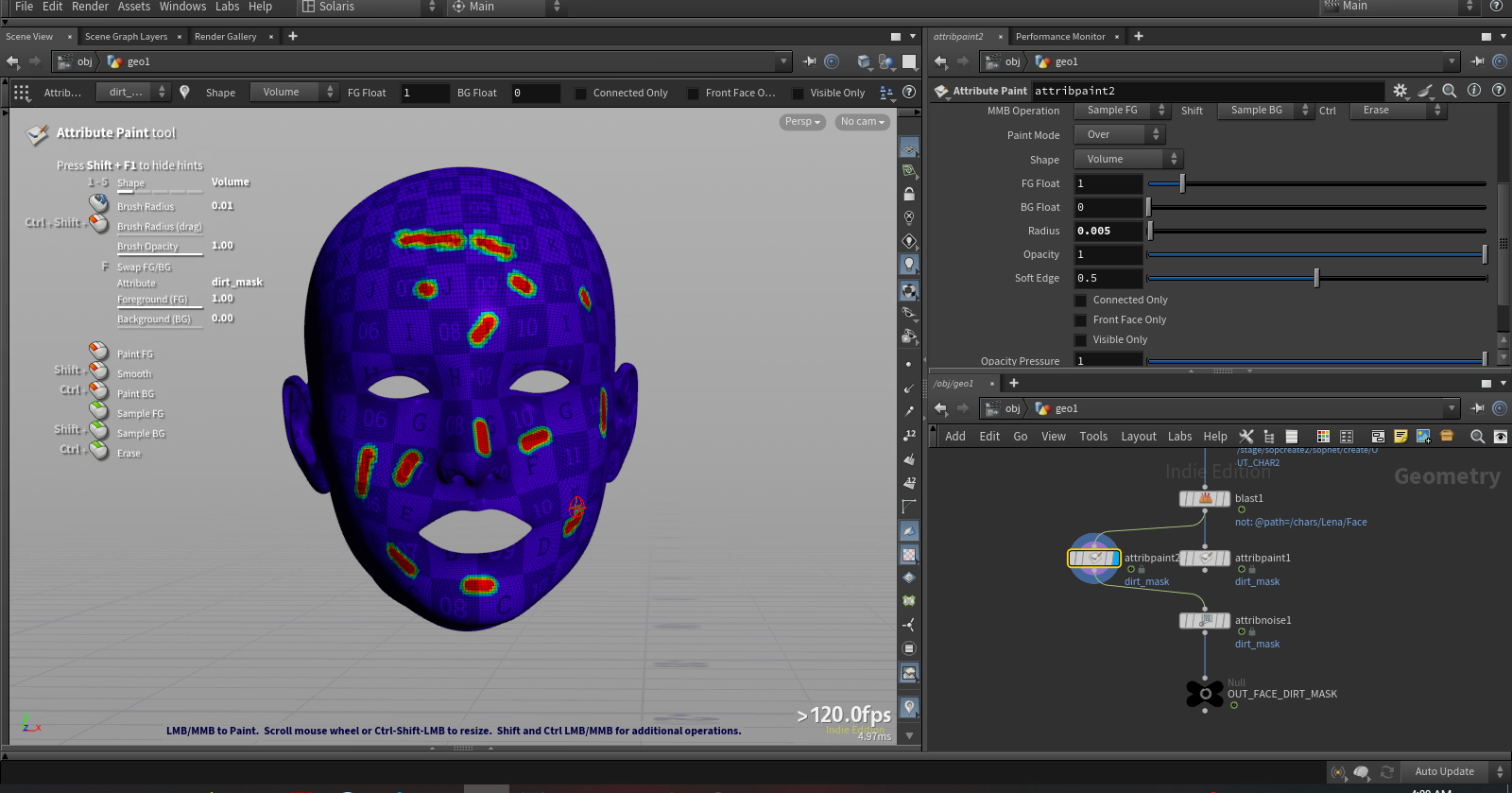
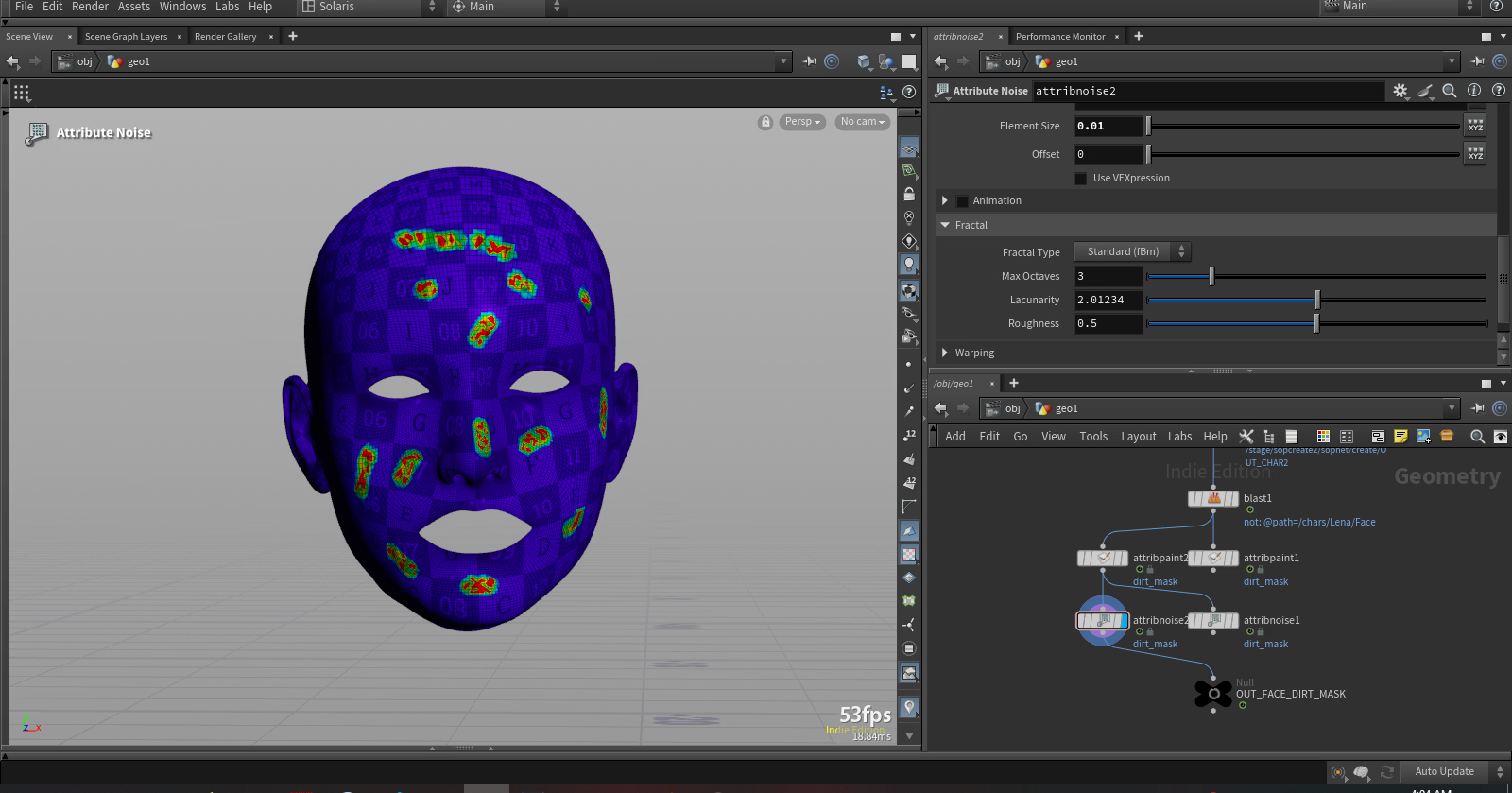
The protagonist will be a daz model. Props (sword, torch stick) and environment will be modeled in blender. FX (pyro) will be houdini. I'm not much of a modeler and know very little about FX. So this will be a challenge.
Eventually I'm going to make a VN in the future which will be rendered in Houdini. This software is amazing and I'm only but scratching the surface of what it's capable of.
I also suck at 3D scene. A bit discontent with my last effort: https://f95zone.to/threads/daz3d-art-show-us-your-dazskill.4764/post-18945990
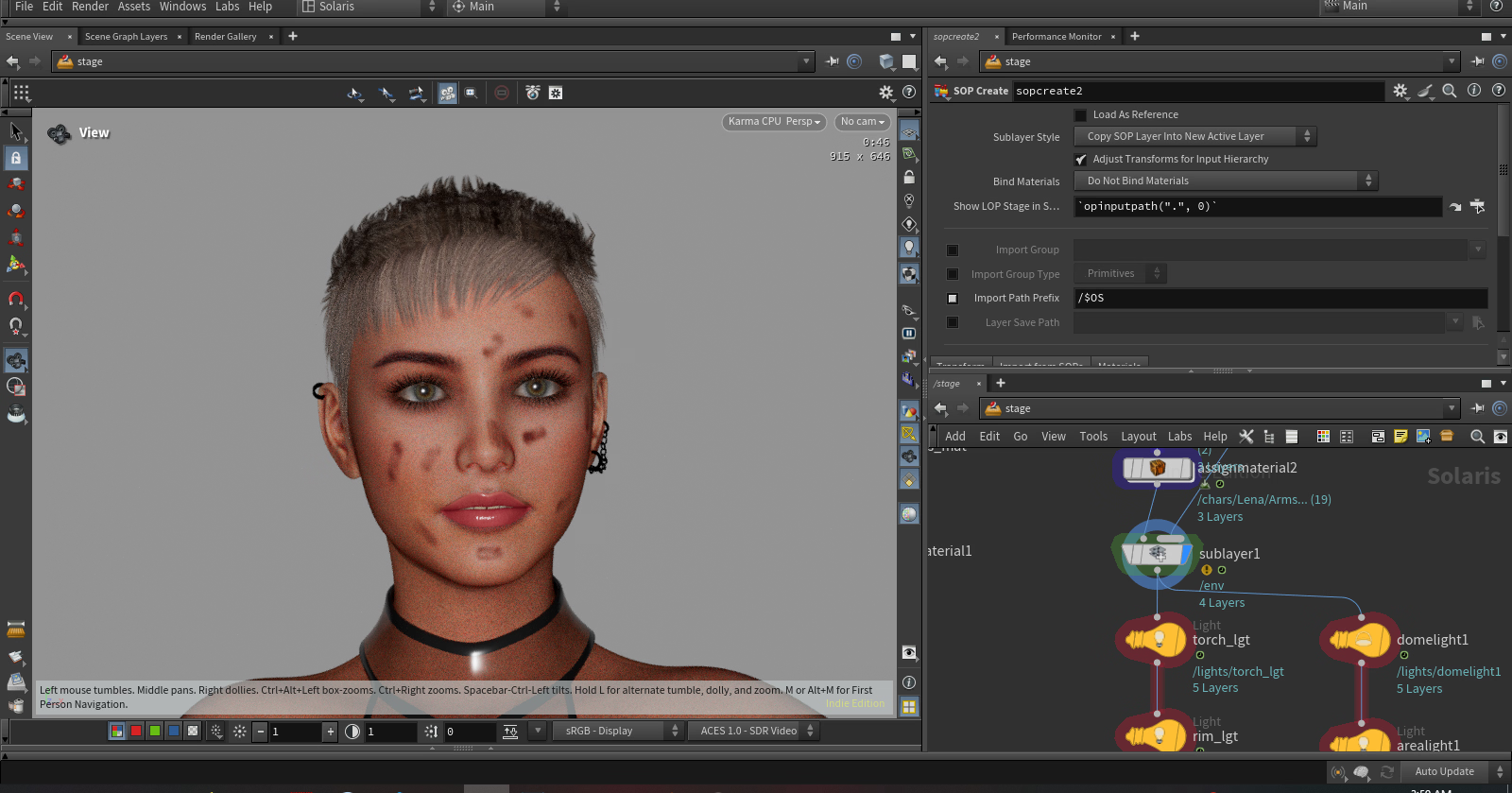
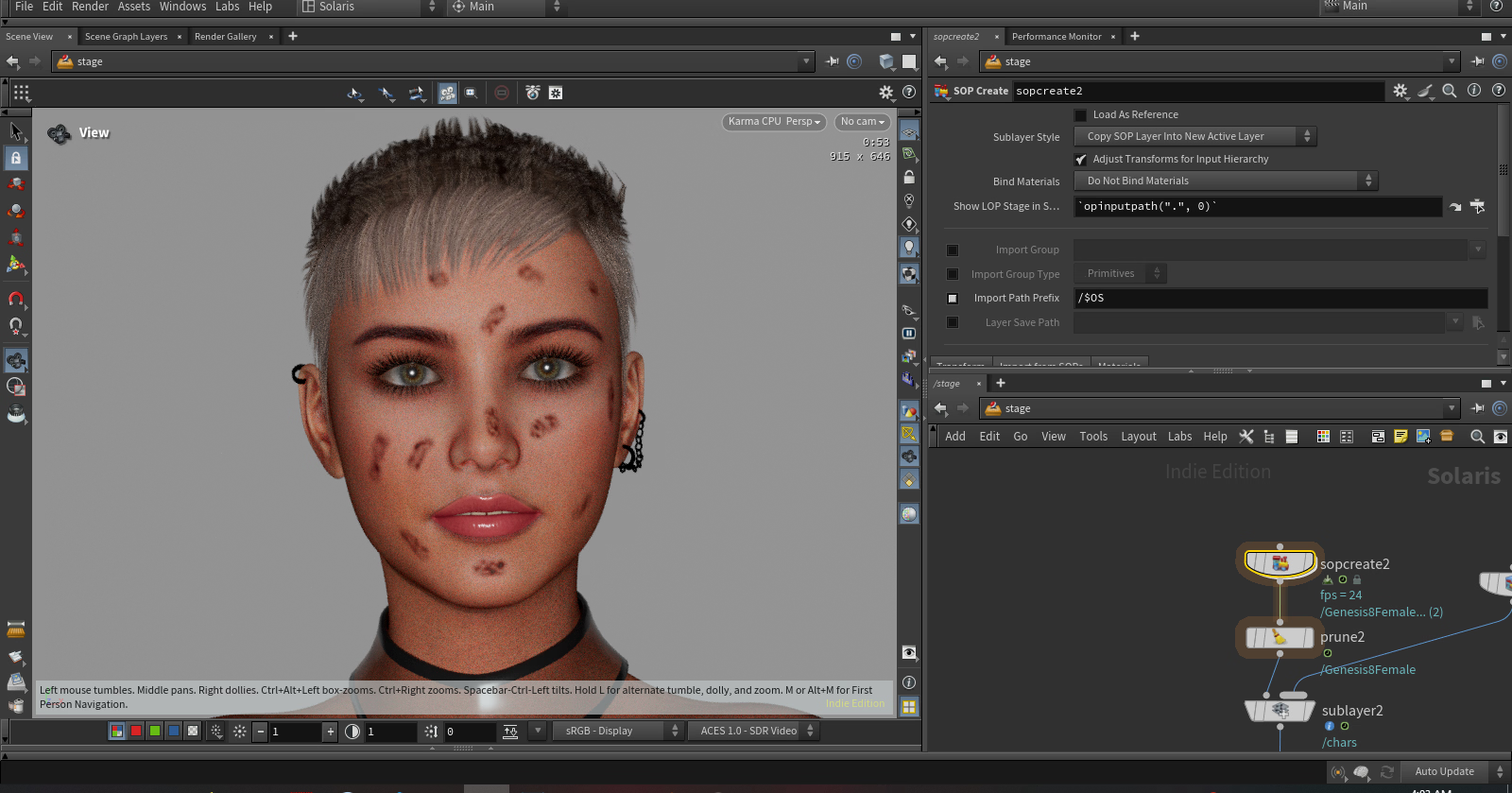
So I will definitely try to make something better this time around with the same model.
References/Inspiration
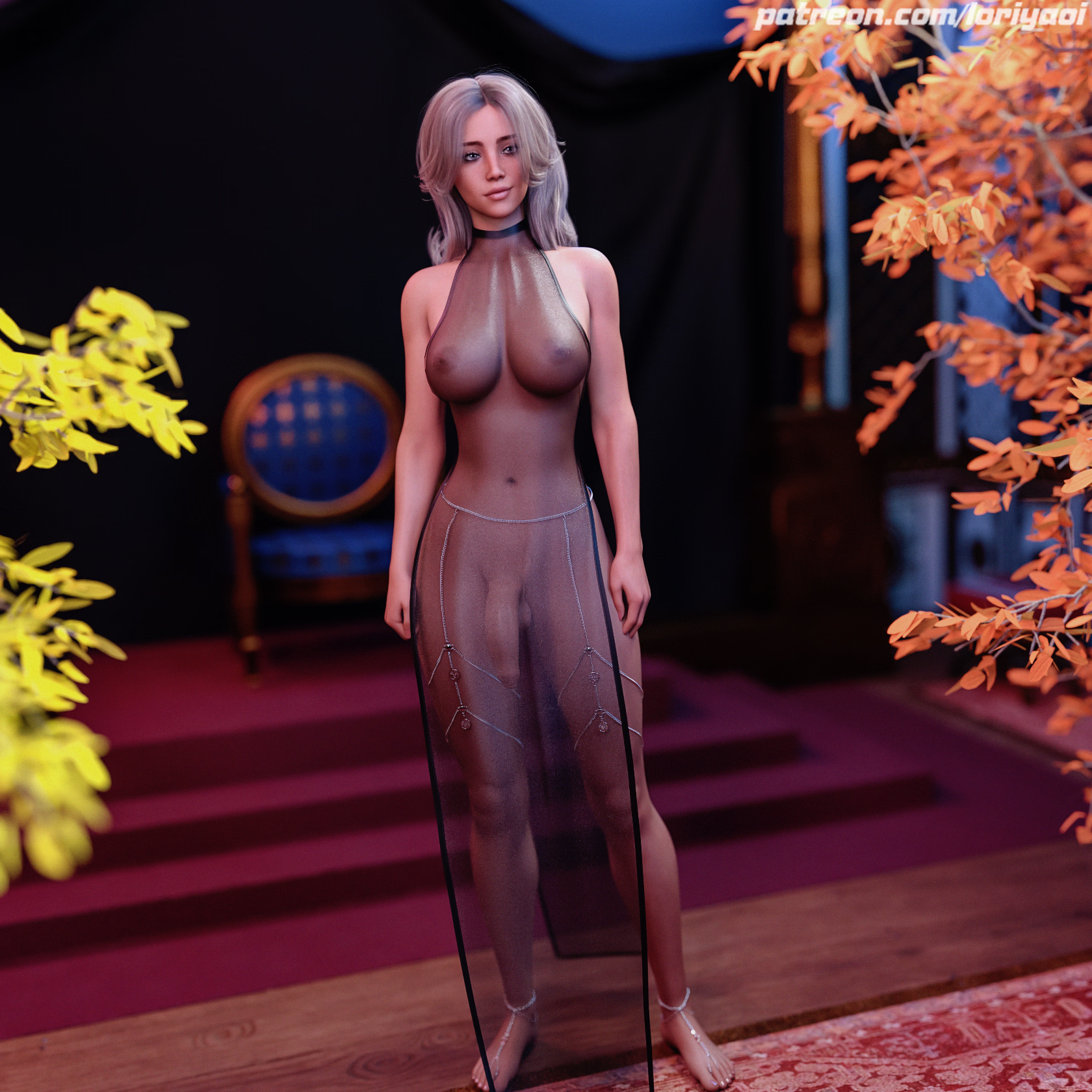
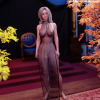
No, I'm not making dick girl but I will try to recreate the dress here
This is a devlog for a very small-scale project. Rather than work in private I want to work in public to benefit from other people's feedback. As I've been struggling in making scenes that I'm content with.
As I'm working alone the hope is that the small scope of the project will likely end in a successful completion. Many projects often get abandoned. I'd like to finish something for once in my life.
What are you making?
I'll be making a single static scene of a girl exploring a dark cave. I got the inspiration from:
You must be registered to see the links
Why are you doing this?
I've been struggling with lighting and was impressed by his simple lighting setup which resulted in an amazing render. I hope to mimick this.
The protagonist will be a daz model. Props (sword, torch stick) and environment will be modeled in blender. FX (pyro) will be houdini. I'm not much of a modeler and know very little about FX. So this will be a challenge.
Eventually I'm going to make a VN in the future which will be rendered in Houdini. This software is amazing and I'm only but scratching the surface of what it's capable of.
I also suck at 3D scene. A bit discontent with my last effort: https://f95zone.to/threads/daz3d-art-show-us-your-dazskill.4764/post-18945990
So I will definitely try to make something better this time around with the same model.
References/Inspiration
You must be registered to see the links
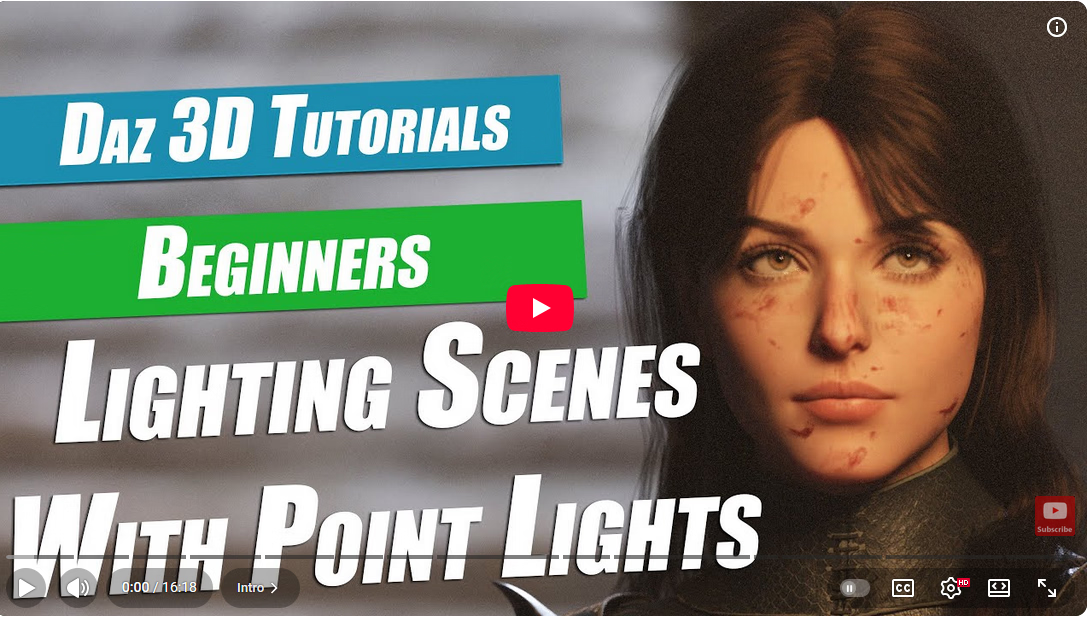
No, I'm not making dick girl but I will try to recreate the dress here