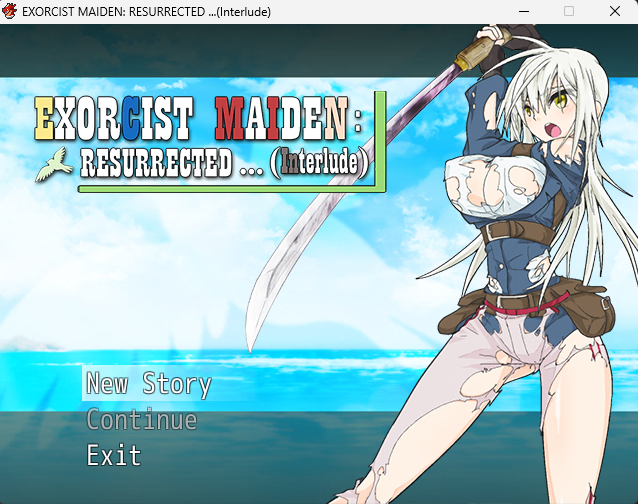
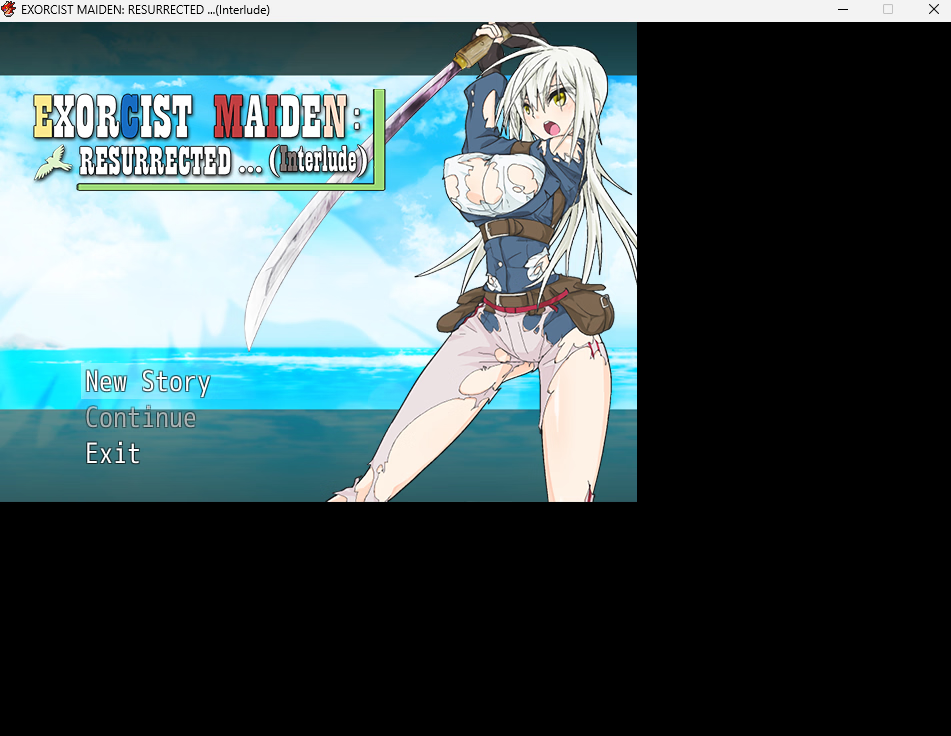
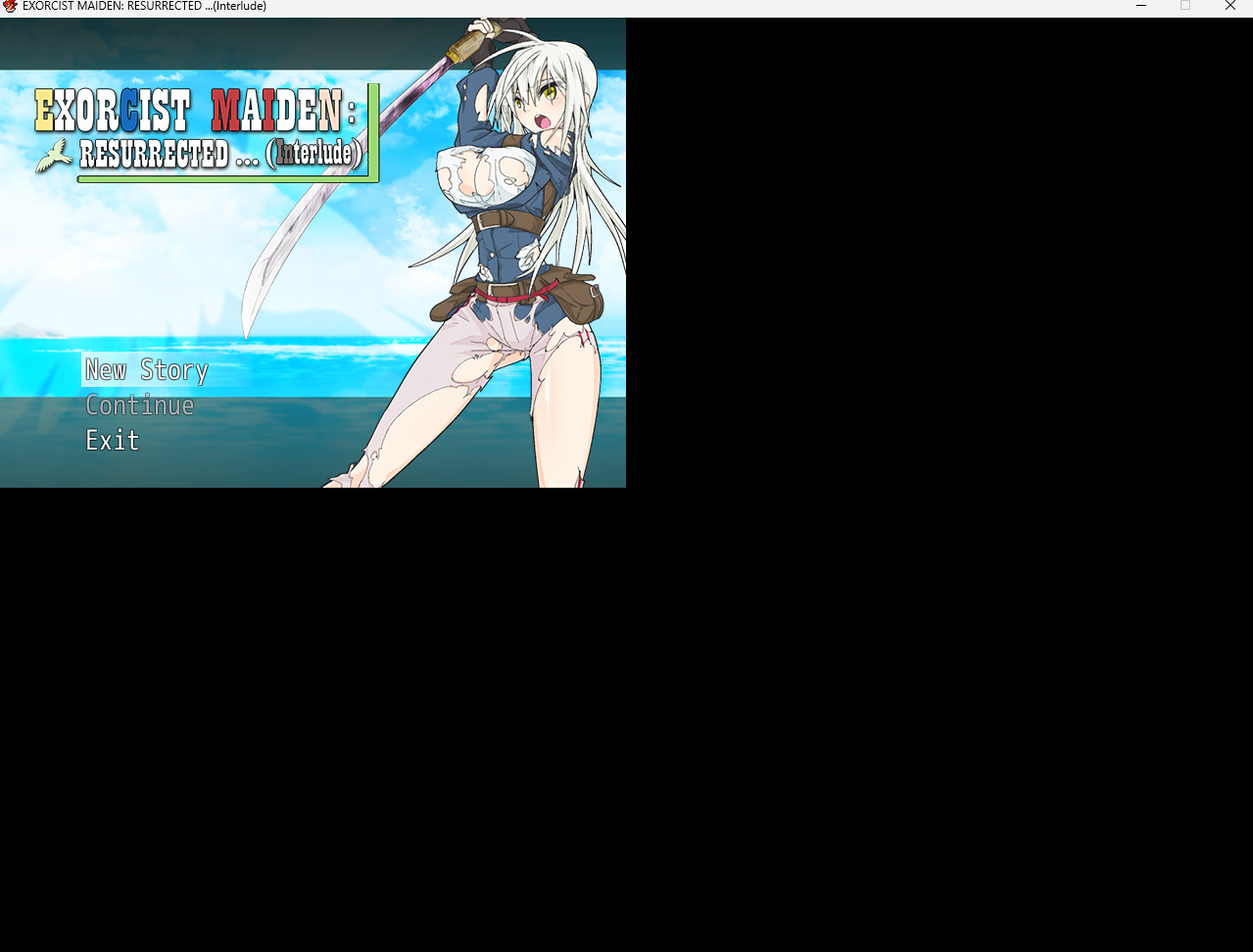
F5 doesn't increase the game size, just the window size and adds black zones.

KleinHacks

Newbie
Jul 19, 2017
39
11
118
When I am trying to increase the game size the actual game itself remains its original size but the window increase, not sure if I am just missing some packages as I have installed them all previously, anyone have a clue for a fix? Currently experiencing the issue on RPG maker games

1758583056636.png 1758583080039.png
1758583103502.png
 

Insomnimaniac Games

Degenerate Handholder
Game Developer
May 25, 2017
5,921
11,133
921
If you're playing RPGM games, it's better to use either (free) or Lossless Scaling (On Steam). It'll fullscreen properly AND upscale so it's all less pixelated without relying on bad filters and such.
 

Insomnimaniac Games

Degenerate Handholder
Game Developer
May 25, 2017
5,921
11,133
921
This being due to the fact that RPG Maker games have a fixed size, what imply that you can't make them full screen without external help.
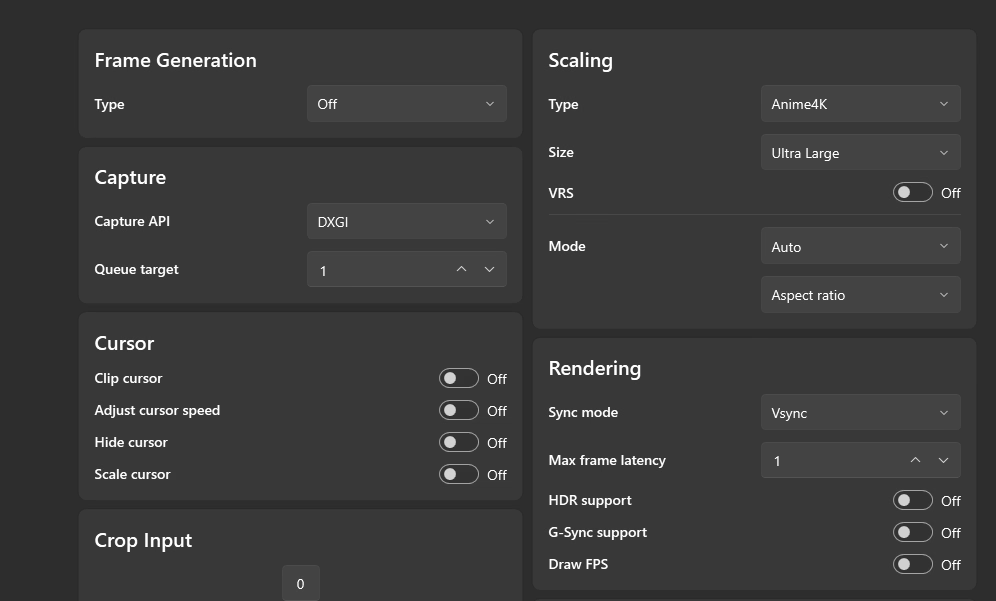
For VX Ace and below, you are correct. MV and MZ are resizable. Their are scripts older games use to give you some options, but those are always pixelated a bit. I personally use lossless scaling with these settings. Best VX Ace visuals you're going to get. (Turn on multi-display mode if you have dual monitors, and make sure to upscale from the original window size.)
Screenshot 2025-09-23 100433.png
 
  • Like
Reactions: anne O'nymous

KleinHacks

Newbie
Jul 19, 2017
39
11
118
For VX Ace and below, you are correct. MV and MZ are resizable. Their are scripts older games use to give you some options, but those are always pixelated a bit. I personally use lossless scaling with these settings. Best VX Ace visuals you're going to get. (Turn on multi-display mode if you have dual monitors, and make sure to upscale from the original window size.)
View attachment 5277701
I don't mind so much about it being pixilated just confused as to why the built in feature isn't working, not sure if its a pc issue or I'm missing something, I will give magpie a go for the future though since its better quality but would like to figure out the root issue as well
 

Insomnimaniac Games

Degenerate Handholder
Game Developer
May 25, 2017
5,921
11,133
921
I don't mind so much about it being pixilated just confused as to why the built in feature isn't working, not sure if its a pc issue or I'm missing something, I will give magpie a go for the future though since its better quality but would like to figure out the root issue as well
:unsure: Maybe DPI scaling? Right-click game.exe, compatibility, change high DPI settings, override high dpi scaling.
 

whowhawhy

Well-Known Member
Jan 19, 2023
1,055
1,833
222
I don't mind so much about it being pixilated just confused as to why the built in feature isn't working, not sure if its a pc issue or I'm missing something, I will give magpie a go for the future though since its better quality but would like to figure out the root issue as well
f5 isn't a hotkey in xp/vx/ace iirc (with there being some plugins devs may use to add scaling functionality, that happen to use function keys as their defaults - probs because f5 was a 1x/2x pixel size toggle in rpgm2000 and 2003).

for fullscreen scaling behavior (not resizing the window), that would be dictated by your gpu (check the control panel for it to see what options you have available).