

sameTried this in Quest 3, but the game only launches on my desktop, while the Unity splash screen only shows up in the headset
Unity Femdom Waifu VR [Update 05] [Zee Vital]
- Thread starter The Infamous Panty Bandit
- Start date

Cickic
Newbie
- Feb 29, 2020
- 88
- 85
- 186
How did you get the quest 2 to run a Windows game? Unless the OP is wrong about it being a WIN download. (I didn't download because it says win) as far as I know the quest 2 operates a Linux android operating system and can only use APK files.Really frustrated it isn't compatible with Index at all, only with Quest 2 of all things.
Not a big fan of Oculus/Meta fan at all.

keith52169
Newbie
- Jun 19, 2022
- 36
- 109
- 207
same problem, mine is a rift sTried this in Quest 3, but the game only launches on my desktop, while the Unity splash screen only shows up in the headset
Mattman1228
Newbie
- Mar 16, 2023
- 64
- 50
- 145
Virtual desktop or link cable. you run the games off the PC but use your meta/oculous headset to play.How did you get the quest 2 to run a Windows game? Unless the OP is wrong about it being a WIN download. (I didn't download because it says win) as far as I know the quest 2 operates a Linux android operating system and can only use APK files.
Mirkuzzo96
Member
- Feb 3, 2020
- 203
- 144
- 89
Deleted member 6940966
Newbie
- Jan 17, 2024
- 34
- 43
- 18
Deleted member 6378098
Newbie
- Aug 6, 2023
- 15
- 14
- 72
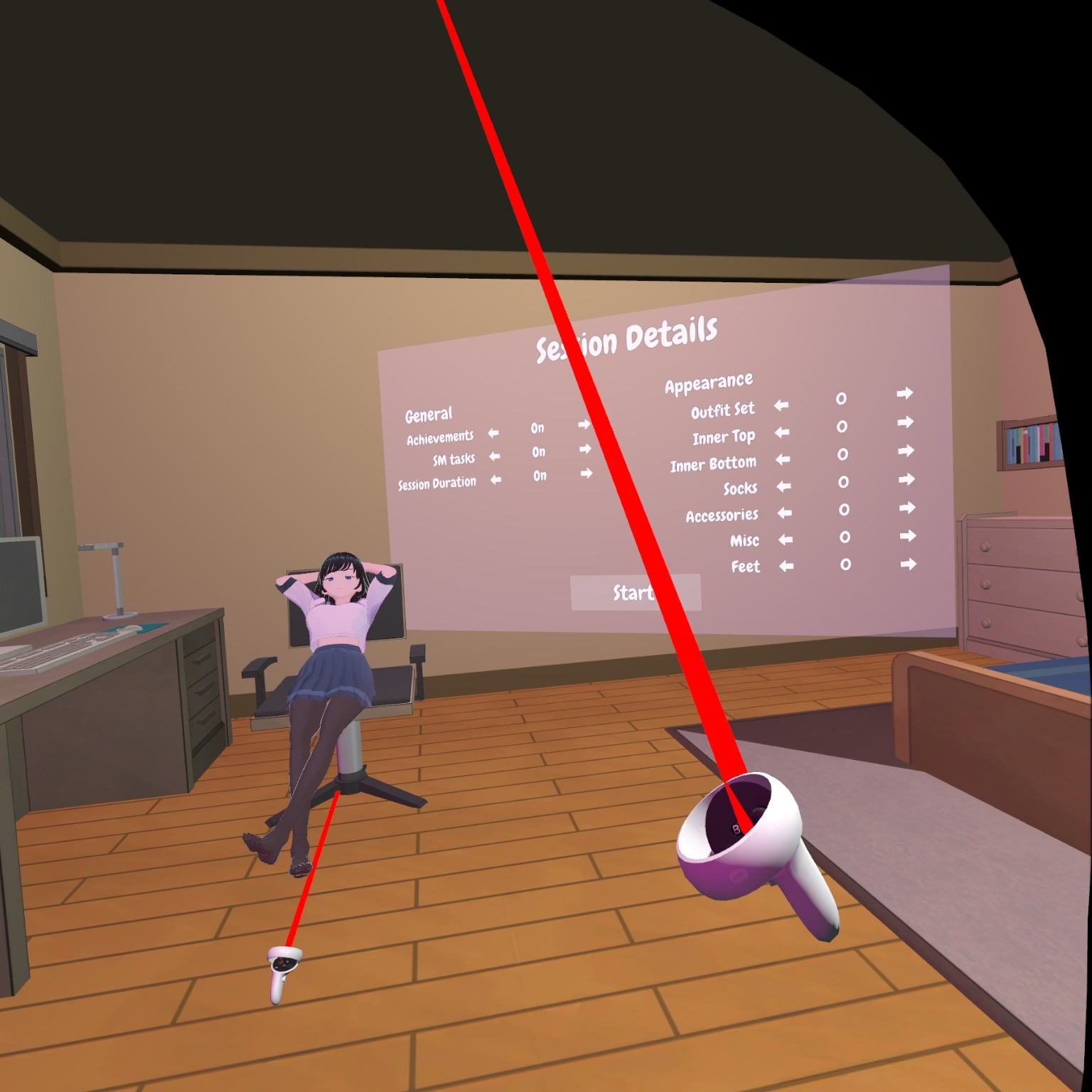
may you send the patched file for us here?View attachment 5165825
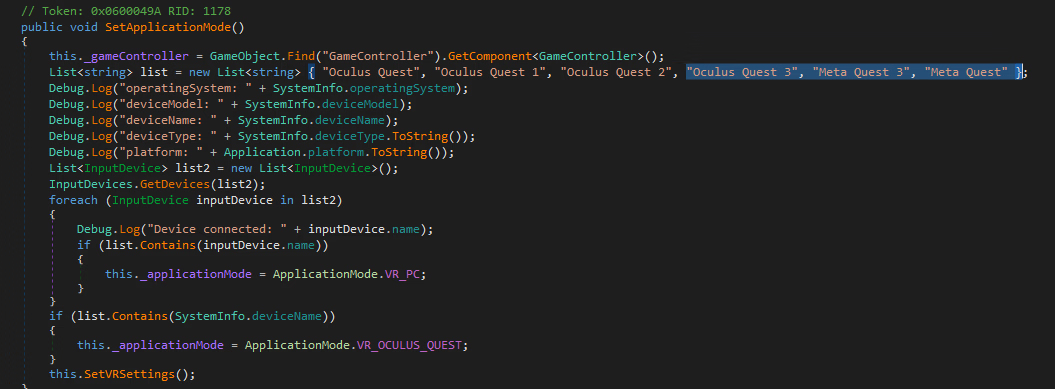
Work fine on Quest 3 if patch code like this:
View attachment 5165827
just add "Oculus Quest 3", "Meta Quest 3", "Meta Quest" to list in SetApplicationMode method of VR_GLOBAL_CONTROLLER class
Made the mentioned changes withmay you send the patched file for us here?
You must be registered to see the links
. Can confirm it works now on Quest 3 over Virtual Desktop.- Open
FemdomWaifuVR_Data/Managed. - Rename
Assembly-CSharp.dlltoAssembly-CSharp.dll.bak(backup in case it breaks). - Extract
Assembly-CSharp-#28-Patch.zip/Assembly-CSharp.dllintoFemdomWaifuVR_Data/Managed.
VirusTotal:
You must be registered to see the links
,
You must be registered to see the links