MuninKai

Well-Known Member
Apr 29, 2020
1,950
3,763
456
Can anyone confirm if the New Game+ is broken or what? Every time I play it starts the events much faster than the normal runs. Also the cutscenes are jumbled up
Difficulty reduces the timer on when attackers will appear. Working as designed.
 

Greenrust

New Member
Feb 22, 2018
3
0
11
Not sure if anyone is even still looking at this but I downloaded this and its failed every time. My Locale area is set to japense but its just breaking, I cant even get it to fully start as im getting error messages instead.
 

MuninKai

Well-Known Member
Apr 29, 2020
1,950
3,763
456
Not sure if anyone is even still looking at this but I downloaded this and its failed every time. My Locale area is set to japense but its just breaking, I cant even get it to fully start as im getting error messages instead.
Yeah, people are still here troubleshooting, but if a game isn't opening for you that has been released for 6 years with thousands of other players it's probably a you problem.
 

Greenrust

New Member
Feb 22, 2018
3
0
11
Yeah, people are still here troubleshooting, but if a game isn't opening for you that has been released for 6 years with thousands of other players it's probably a you problem.
I don't deny that. I eventually fixed it but it was just a massive pain at the time
 

fogginstance

Member
Apr 11, 2019
210
137
170
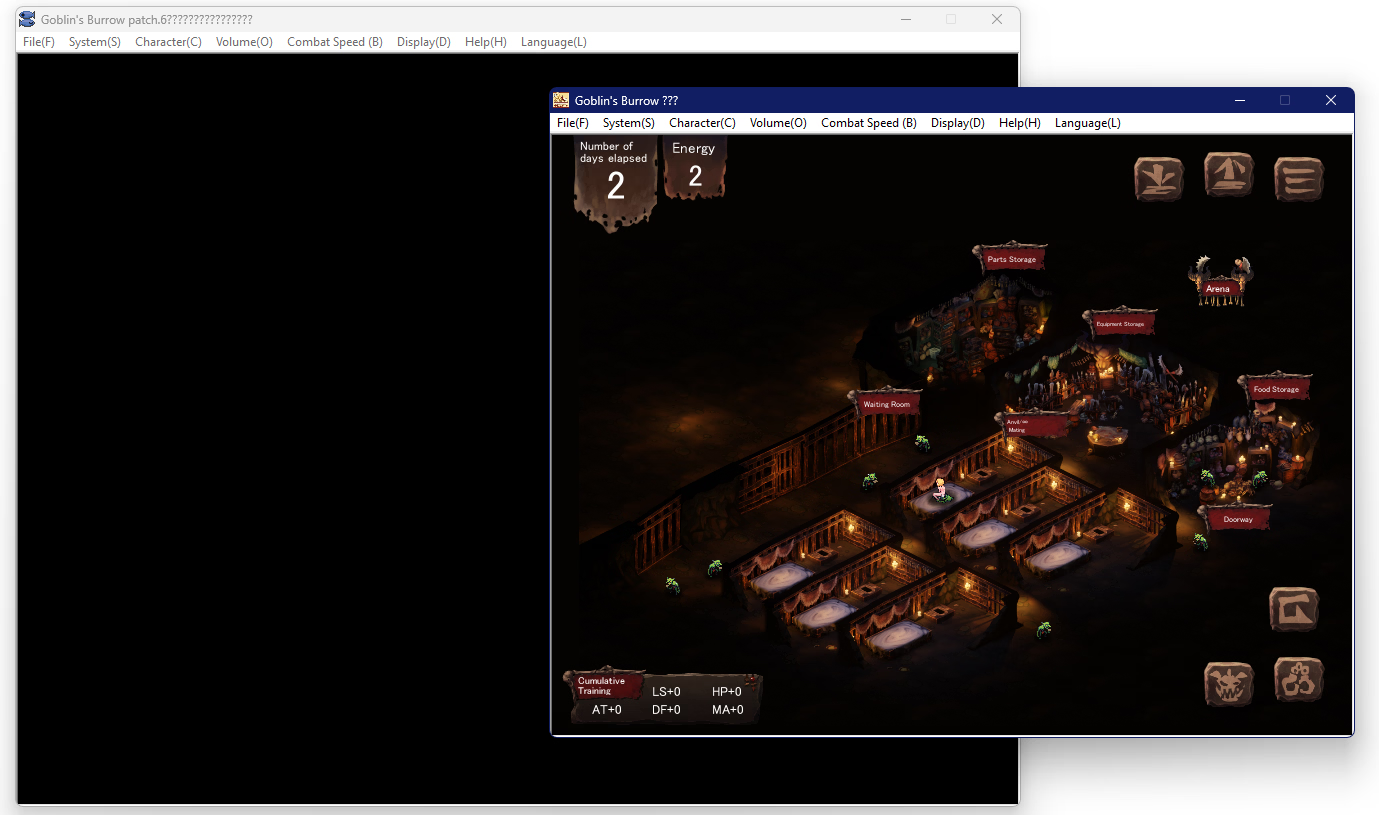
neither versions of the game can change resolution. bigger, smaller, & fullscreen all result in black screen. any idea what the issue is or a fix? the default window size is tiny.

1765694118150.png
 

MuninKai

Well-Known Member
Apr 29, 2020
1,950
3,763
456
I don't even know how you're supposed to change the display without using Display (D). And I have Locale Emulator.
You use the settings in that menu to change the size of the screen. You're not using Locale Emulator if you have it, because the Japanese symbols in the top bar are ????.
 

fogginstance

Member
Apr 11, 2019
210
137
170
You use the settings in that menu to change the size of the screen. You're not using Locale Emulator if you have it, because the Japanese symbols in the top bar are ????.
Yes, I know you use the menu options to change the size of the screen. That is the only thing I have ever even attempted to use to change the size of the screen. There are no other methods by which one would change the screen to the best of my knowledge. If you're aware that there is a way to change the screen in a way BESIDES Display (D), I'd like to know, so I can try that, because I have certainly already tried the Display (D) button. When I use the Display (D) button, as I have done many times now, the screen goes dark, regardless of whether I increase the size, decrease it, or make it fullscreen. I can assure you I've found the Display (D) button.

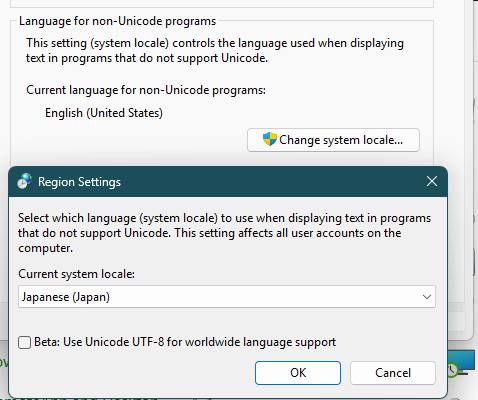
And It's not Locale Emulator. Probably. I've gotten plenty of other JP games to work with it. There might be an issue with it and Windows 11? IIRC windows 10 you could right-click an application and specifically run it with Locale Emulator, which is absent now. I did try updating, then reinstalling it, and then also changing my system regional setting to JP, which did get the JP characters in the game window, but still didn't fix the problem, regardless of whether Unicode UTF-8 was enabled or not (as seen below).

And I'm skeptical that it'd cause this problem in the first place, because it happens regardless of whether there's text on the screen.

1765786031982.png
 

MuninKai

Well-Known Member
Apr 29, 2020
1,950
3,763
456
Yes, I know you use the menu options to change the size of the screen. That is the only thing I have ever even attempted to use to change the size of the screen. There are no other methods by which one would change the screen to the best of my knowledge. If you're aware that there is a way to change the screen in a way BESIDES Display (D), I'd like to know, so I can try that, because I have certainly already tried the Display (D) button. When I use the Display (D) button, as I have done many times now, the screen goes dark, regardless of whether I increase the size, decrease it, or make it fullscreen. I can assure you I've found the Display (D) button.

And It's not Locale Emulator. Probably. I've gotten plenty of other JP games to work with it. There might be an issue with it and Windows 11? IIRC windows 10 you could right-click an application and specifically run it with Locale Emulator, which is absent now. I did try updating, then reinstalling it, and then also changing my system regional setting to JP, which did get the JP characters in the game window, but still didn't fix the problem, regardless of whether Unicode UTF-8 was enabled or not (as seen below).

And I'm skeptical that it'd cause this problem in the first place, because it happens regardless of whether there's text on the screen.

View attachment 5530019

I have been troubleshooting this game for years. Trust me. Your configuration is wrong, or you are not using Locale Emulator. If you were doing it correctly, the game would work, and the Japanese characters in the title bar would be displaying correctly.
 

MuninKai

Well-Known Member
Apr 29, 2020
1,950
3,763
456
Hmmm, well that's interesting. Worth noting, the reason why Locale Emulator is important is because of the Japanese characters in the game engine and file names, not in the display. It's just a useful indicator of whether that is working properly.

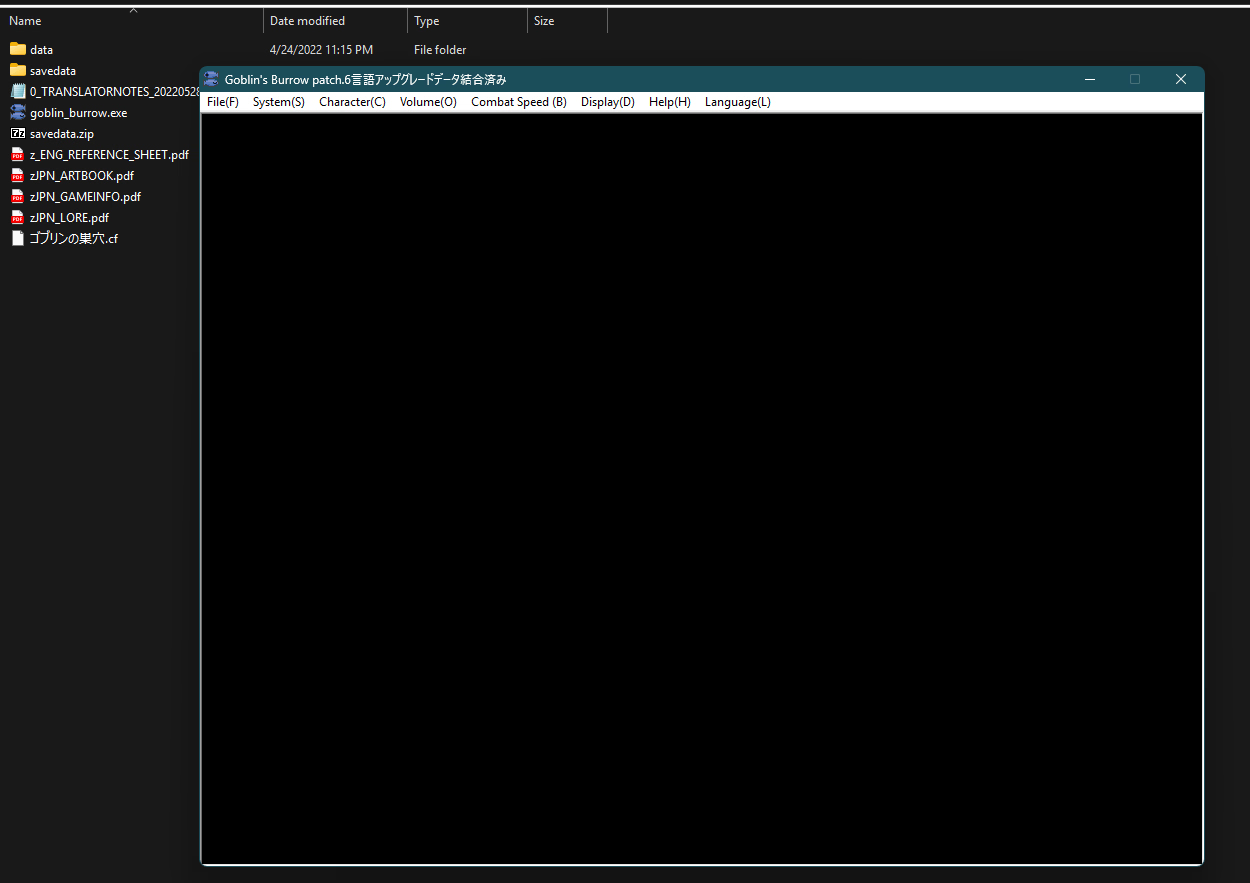
1. This is freshly unzipped, and no changes were made to the files? And you're running a standard Windows 11 build, no emulator nonsense?
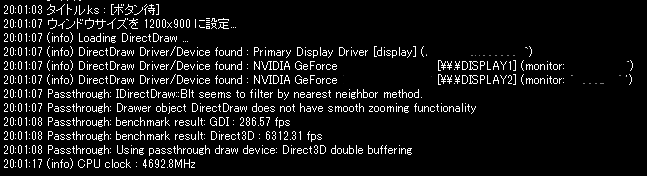
2. Download the debug enabler and replace the file (system2/0.ks) when prompted, or unzip and replace that file if it doesn't prompt you to. Needs to be the fan translation for that to work. When you run GB, a second window should pop up printing the internal console. Try to resize the window then take a screenshot of what it prints out.

My game, running normally prints something like this:
1766027140116.png
From what my rig is doing this might be a graphics card driver issue, so also give that an update.
 

Sergipin

Newbie
Aug 6, 2025
15
3
54
Hi, I saw that this game has DLC on a separate page, and I've never installed an emulator like this or anything like that. Can someone tell me in detail how to install it and if it comes already translated?
 

PinkLotus223

New Member
Jan 2, 2026
2
0
27
Hi. I don't know how to start off and this may have been posted here before (I'm new to this forum) but i noticed something interesting about the game that i thought others who enjoyed it might find interesting. In Melanie's suicide event, her genitals are actually not censored. It must've been an oversight during development. (I'm playing the fan translated version linked in this thread).

It shows us what it would look like even if we did get our hands on the original artworks... not much under the mosaic
 

PinkLotus223

New Member
Jan 2, 2026
2
0
27
Hi. I don't know how to start off and this may have been posted here before (I'm new to this forum) but i noticed something interesting about the game that i thought others who enjoyed it might find interesting. In Melanie's suicide event, her genitals are actually not censored. It must've been an oversight during development. (I'm playing the fan translated version linked in this thread).

It shows us what it would look like even if we did get our hands on the original artworks... not much under the mosaic
Original sprites from the files.
 
4.20 star(s) 29 Votes