

Tutorial Unreal Engine How To Uncensor (Almost) Any Unreal Engine Game
- Thread starter Prick
- Start date

- Mar 2, 2017
- 520
- 3,035
- 559
First of all, non-jp censoring is disgusting. I mean jp censoring is disgusting too but this is a different kind of disgusting. I had to fix it.
I give this one a 2/5 yikes. Structure is ok but some of the files including the player model look like my naming schemes for ppt projects, Body, NewBody, NewBodyOfficial, NewBodyOfficialFinal, NewBodyOfficialFinalFinal. Lots of assets packs too.
Also loads of clipping and random non-animated penetration.
Dropped the patch in the thread itself.
Most of the time you can get away with editing a material, but you have to hunt for the right one then edit its values with hex editing. Doing this can lead to post processing issues sometimes. Take the game above for example, they have a blur on everything that isn't the main focus of the camera. Messing with the material hides the material but keeps the item that the material wrapped in the scene which then breaks the blur. Some oversized tits as an example
The dev uses cubes as the shape and the censor material sits on the faces of those cubes, with the material hidden it creates a gap that post processing won't touch. So with this game I went after the shape uassets themselves and adjusted the shape to nothing. Which can pose it's own problem. If these shapes are used for more than just censoring, those will also break. Example here could be someone using the cube for censoring but also for in game boxes, the censor would go away but so would those boxes. I stuck with that method because I'm lazy and didn't want to dig deeper for a v0.1 demo. Sometimes they incorporate a blueprint censor which is a lot harder to explain.
It's all just hunting and trying different things to see what works and what won't break the game. I always point people to
I give this one a 2/5 yikes. Structure is ok but some of the files including the player model look like my naming schemes for ppt projects, Body, NewBody, NewBodyOfficial, NewBodyOfficialFinal, NewBodyOfficialFinalFinal. Lots of assets packs too.
Also loads of clipping and random non-animated penetration.
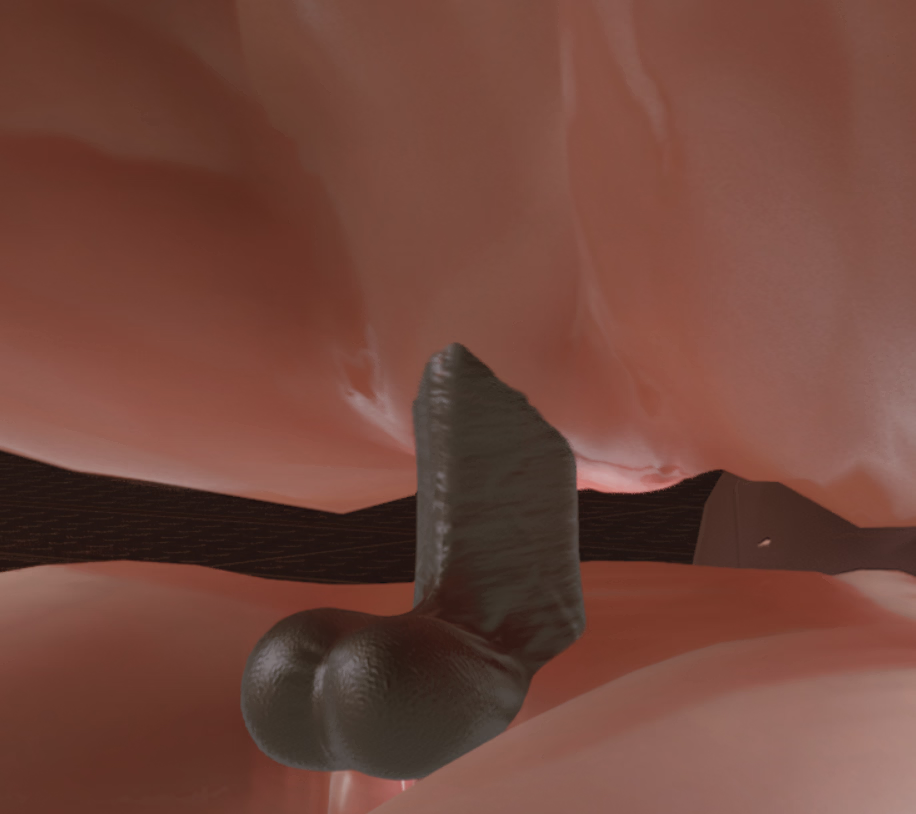
Dropped the patch in the thread itself.
I saw these, I don't mean to ignore them. I've tried writing different things out but I hit different snags that make the rest of the explanation fall apart. UE modding is not a simple thing. Every dev has widely different methods of censoring and it turns into a learning puzzle to resolve it as a mod.Hello, by any chance can i have explanation for what exactly you did to delete censorship? I want to do it myself by after several tries, i can't figure it out. I used UassetGUI and pack it with retoc.
Can you describe, what did you exactly do to uasset file to delete censor? I wanna to do it by myself
Most of the time you can get away with editing a material, but you have to hunt for the right one then edit its values with hex editing. Doing this can lead to post processing issues sometimes. Take the game above for example, they have a blur on everything that isn't the main focus of the camera. Messing with the material hides the material but keeps the item that the material wrapped in the scene which then breaks the blur. Some oversized tits as an example
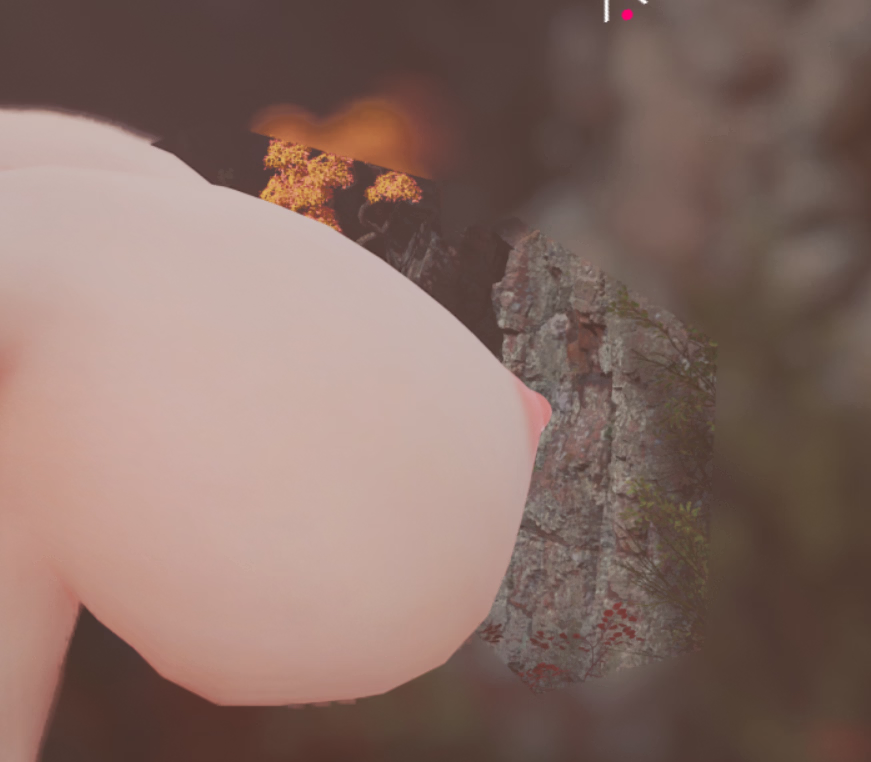
The dev uses cubes as the shape and the censor material sits on the faces of those cubes, with the material hidden it creates a gap that post processing won't touch. So with this game I went after the shape uassets themselves and adjusted the shape to nothing. Which can pose it's own problem. If these shapes are used for more than just censoring, those will also break. Example here could be someone using the cube for censoring but also for in game boxes, the censor would go away but so would those boxes. I stuck with that method because I'm lazy and didn't want to dig deeper for a v0.1 demo. Sometimes they incorporate a blueprint censor which is a lot harder to explain.
It's all just hunting and trying different things to see what works and what won't break the game. I always point people to
You must be registered to see the links
for starting out.
Last edited:
ValkyrieSCPD
Member
- Nov 16, 2023
- 223
- 77
- 187
Let's say if I know how to unpack & view an unreal 5 game already and I want to decensor. Where should I start with?First of all, non-jp censoring is disgusting. I mean jp censoring is disgusting too but this is a different kind of disgusting. I had to fix it.
I give this one a 2/5 yikes. Structure is ok but some of the files including the player model look like my naming schemes for ppt projects, Body, NewBody, NewBodyOfficial, NewBodyOfficialFinal, NewBodyOfficialFinalFinal. Lots of assets packs too.
Also loads of clipping and random non-animated penetration.
View attachment 5520245
Dropped the patch in the thread itself.
I saw these, I don't mean to ignore them. I've tried writing different things out but I hit different snags that make the rest of the explanation fall apart. UE modding is not a simple thing. Every dev has widely different methods of censoring and it turns into a learning puzzle to resolve it as a mod.
Most of the time you can get away with editing a material, but you have to hunt for the right one then edit its values with hex editing. Doing this can lead to post processing issues sometimes. Take the game above for example, they have a blur on everything that isn't the main focus of the camera. Messing with the material hides the material but keeps the item that the material wrapped in the scene which then breaks the blur. Some oversized tits as an example
View attachment 5520287
The dev uses cubes as the shape and the censor material sits on the faces of those cubes, with the material hidden it creates a gap that post processing won't touch. So with this game I went after the shape uassets themselves and adjusted the shape to nothing. Which can pose it's own problem. If these shapes are used for more than just censoring, those will also break. Example here could be someone using the cube for censoring but also for in game boxes, the censor would go away but so would those boxes. I stuck with that method because I'm lazy and didn't want to dig deeper for a v0.1 demo. Sometimes they incorporate a blueprint censor which is a lot harder to explain.
It's all just hunting and trying different things to see what works and what won't break the game. I always point people toYou must be registered to see the linksfor starting out.
- Mar 2, 2017
- 520
- 3,035
- 559
Poke around the files until you find somewhere to start. Most of the time you look for typical buzz words; censor, mosaic, mozaic, mosa, moza, etc. If you find something, if the dev builds propery, these files should begin with cap letters and an underscore. An example would be M_Censor. M_ means material. These are what gets modified in most uncensors.Let's say if I know how to unpack & view an unreal 5 game already and I want to decensor. Where should I start with?
Next thing that needs decensoring, if I have time, I will try and do the decensor while marking what I do in here. I guess that would be the easiest way to showcase.

nezumitori
Active Member
- Nov 19, 2021
- 668
- 582
- 222

Mixamw_123
New Member
- May 9, 2025
- 13
- 1
- 54

kkicho
Active Member
- Feb 9, 2022
- 558
- 1,194
- 293
Yes, it's absolutely possible, and the heroes will almost certainly appear soonyo,is this possible to uncensor/translate this?
You must be registered to see the links
The previous game is built the same way, and our guys mastered it in a week, so just a little patience is needed. You can keep an eye on the older game's thread, as the first information about translations will likely appear there

(Unless the game gets its own thread faster)
Last edited:

Prick
Engaged Member
- Jul 17, 2017
- 2,352
- 2,275
- 528
I'll see if I can whip up a demosaic, no skills for translation on my endYes, it's absolutely possible, and the heroes will almost certainly appear soon
The previous game is built the same way, and our guys mastered it in a week, so just a little patience is needed. You can keep an eye on the older game's thread, as the first information about translations will likely appear there
(Unless the game gets its own thread faster)
Prick
Engaged Member
- Jul 17, 2017
- 2,352
- 2,275
- 528
Working uncensor for the penis, I'm not 100% sure if this also covers the vagina, I've only gotten to blowjobs.Yes, it's absolutely possible, and the heroes will almost certainly appear soon
The previous game is built the same way, and our guys mastered it in a week, so just a little patience is needed. You can keep an eye on the older game's thread, as the first information about translations will likely appear there
(Unless the game gets its own thread faster)
Extract the contents to ...\Inaka_ver.1.00\Inaka\Binaries\Win64
The patch does not work without a DX11 shortcut.
Under the same directory you place the files, right click on Inaka-Win64-Shipping, then select "Create Shortcut"
Right click on the new shortcut, select Properties, and modify the Target to say ...n64-Shipping.exe" -dx11
You can relocate this shortcut to the base folder, this will allow the patch to work correctly.
With a loss of graphics fidelity of course.
View attachment Inaka_Decensor.7z
Last edited:
- Mar 2, 2017
- 520
- 3,035
- 559
Here's the pak decensor.yo,is this possible to uncensor/translate this?
You must be registered to see the links
Next thing that needs decensoring, if I have time, I will try and do the decensor while marking what I do in here. I guess that would be the easiest way to showcase.
You don't have permission to view the spoiler content.
Log in or register now.
Anyways here you go.
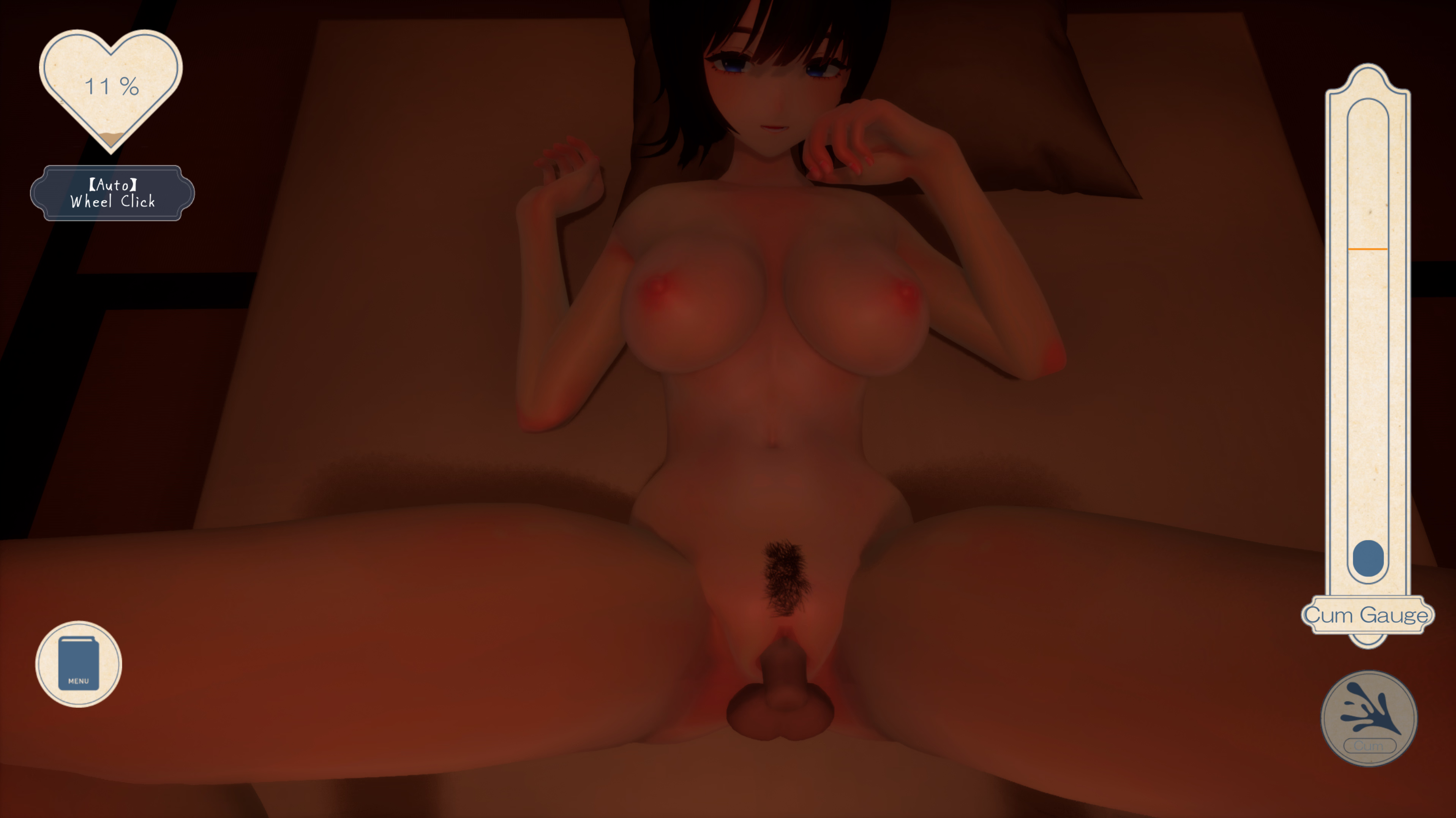
As always, extract all files in Inaka-Windows-Uncen.zip to the
Inaka_ver.1.00\Inaka\Content\Paks folder. If possible change the folder names to English to prevent possible issues.なつねえ ~僕が恋した30日~(Natsunee ~Boku ga Koishita 30-nichi~)
RJ01509750
Version: 1.00
Edit: Dropped a basic UI translation here
Last edited:
67isbetterthan69
New Member
- May 10, 2025
- 4
- 1
- 3
Any ideas what to do with DX12 games? i cant even revert to DX11 because it seems the game depends on some DX12 shaders to properly render stuff, going back to DX11 makes everything black
it's this game btw, i can follow the tutorial just fine and already found the pixel shader hash, but i cant disable it because i need 3dmigoto to run for the shader to be disabled, and for that i need to run the game in dx11, and because of that everything becames black
the game uses UE5.5 and DX12as far as i can tell
it's this game btw, i can follow the tutorial just fine and already found the pixel shader hash, but i cant disable it because i need 3dmigoto to run for the shader to be disabled, and for that i need to run the game in dx11, and because of that everything becames black
the game uses UE5.5 and DX12as far as i can tell
You don't have permission to view the spoiler content.
Log in or register now.
Last edited:
- Mar 2, 2017
- 520
- 3,035
- 559
The last game I did had the same thing with dx11 too.Any ideas what to do with DX12 games? i cant even revert to DX11 because it seems the game depends on some DX12 shaders to properly render stuff, going back to DX11 makes everything black
it's this game btw, i can follow the tutorial just fine and already found the pixel shader hash, but i cant disable it because i need 3dmigoto to run for the shader to be disabled, and for that i need to run the game in dx11, and because of that everything becames black
the game uses UE5.5 and DX12as far as i can tell
You don't have permission to view the spoiler content. Log in or register now.
I'm not doing a write up for this one. It kinda breaks rule 1§7, but here you go.
This one not really worth it.
As always, extract all files in gattukou12_Uncen to the
gattukou12\gattukou12\Content\Paks folder. If possible change the folder names to English to prevent possible issues.8番出口ライクゲーム 学校12 思い出の出口 (The Exit 8–Like Game: School 12 – Exit of Memories)
RJ01378323
Version: no clue, .exe is dated 4/25/25
Last edited:
67isbetterthan69
New Member
- May 10, 2025
- 4
- 1
- 3
thank you, i went as far as managing to extract the .pak (they are unencrypted) but i couldnt get the usmap using UE4SS. How did you do it?The last game I did had the same thing with dx11 too.
I'm not doing a write up for this one. It kinda breaks rule 1§7, but here you go.
This one not really worth it.
As always, extract all files in gattukou12_Uncen to thegattukou12\gattukou12\Content\Paksfolder. If possible change the folder names to English to prevent possible issues.
8番出口ライクゲーム 学校12 思い出の出口 (The Exit 8–Like Game: School 12 – Exit of Memories)
RJ01378323
Version: no clue, .exe is dated 4/25/25
The rest of the process seems to be similar as i managed to locate the mosaic asset, the usmap is the one im struggling with
GashbellBig
New Member
- May 21, 2020
- 4
- 0
- 71
Can you fix the problem when in photo mode? uncensor isn't working there. Every time when I quit the photo mode and your mod is gone. Need help.This dev left part of last game in this game btw
View attachment 5360573
Seems like a step up kinda.
Also, since when was this a thing?
View attachment 5360582
Anyways...
View attachment 5360571
As always, extract all files in MJH-Windows_P.zip to the MJH\Content\Paks folder. If possible change the folder names to English to prevent possible issues.
フォーリンウィッチーズ(Fallen Witches)
RJ01464462
Version: No Idea, last Manifest date 2025-10-12

loli senpai
Member
- Jan 21, 2019
- 384
- 646
- 251
- Mar 2, 2017
- 520
- 3,035
- 559
sorry no plans to re download this. i hate working through this devs files. It makes me go full charlie to figure his stuff out.Can you fix the problem when in photo mode? uncensor isn't working there. Every time when I quit the photo mode and your mod is gone. Need help.
can we get a patch for this game RJ01517134?
F95

Shader Graphs/MOSAIC
this is kumarin's territory. Ask in the unity thread
Last edited:
GashbellBig
New Member
- May 21, 2020
- 4
- 0
- 71
If I have chance to get to know this. have no idea how to run as DX12.sorry no plans to re download this. i hate working through this devs files. It makes me go full charlie to figure his stuff out.
View attachment 5556695
View attachment 5556696
Shader Graphs/MOSAIC
this is kumarin's territory. Ask in the unity thread
- Mar 2, 2017
- 520
- 3,035
- 559
Before anyone asks, here is another
Someone must have created an unreal template for this type of
Edit: I was right

Poor Primrose, always a character in low quality unreal slop.
As always, extract all files in YainMeikyu-Windows-uncen to the
八淫迷宮 (Hachiin meikyuu, The Labyrinth of Eight Lusts)
RJ01486428
Version: 01.00.00
Someone must have created an unreal template for this type of
You must be registered to see the links
gameplay. This is like the 3rd one I've seen in the week.Edit: I was right
You must be registered to see the links
there is a template for it. I guess we can expect more of this.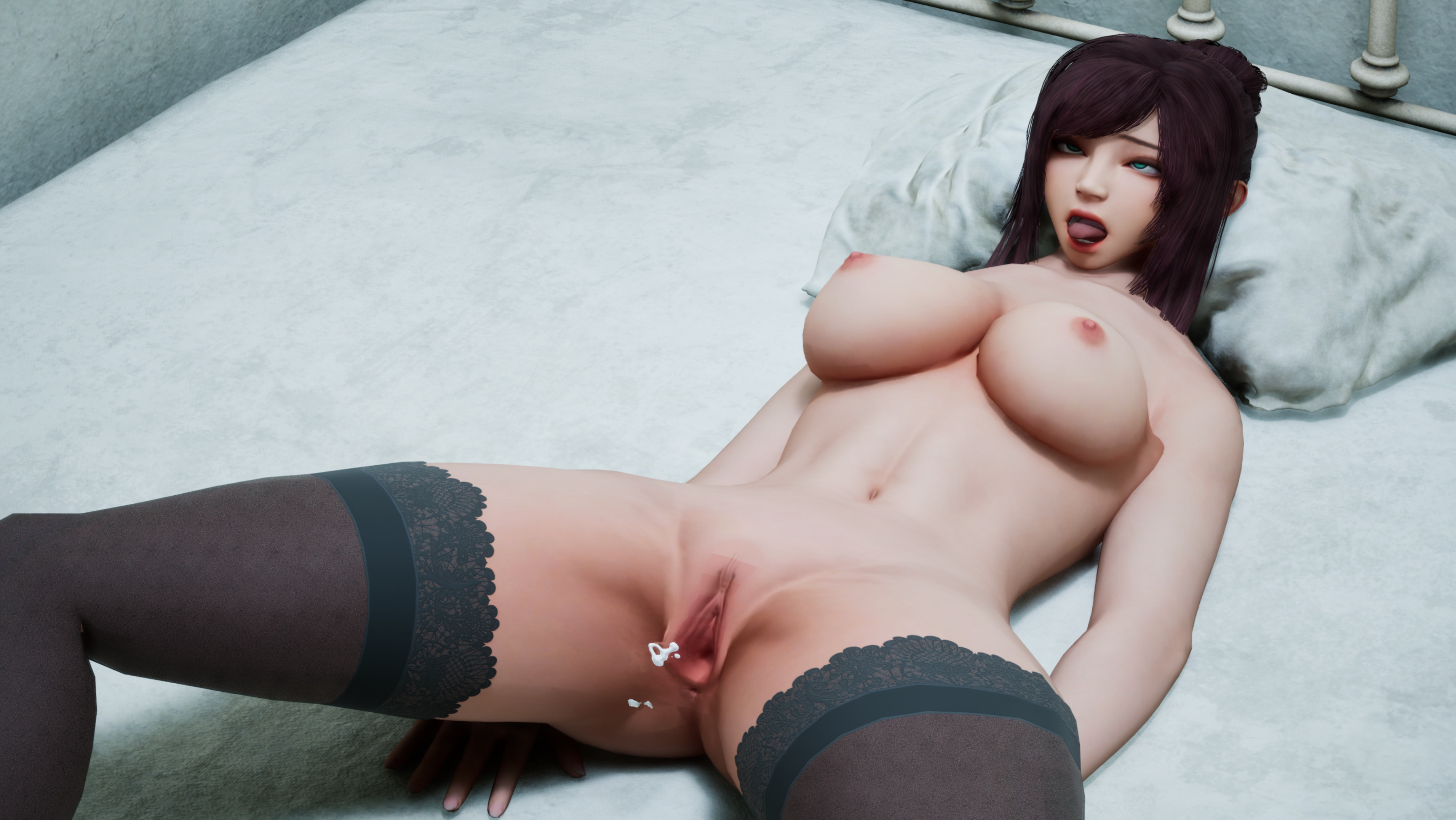
Poor Primrose, always a character in low quality unreal slop.
You don't have permission to view the spoiler content.
Log in or register now.
You don't have permission to view the spoiler content.
Log in or register now.
As always, extract all files in YainMeikyu-Windows-uncen to the
YainMeikyu\YainMeikyu\Content\Paks folder. If possible change the folder names to English to prevent possible issues.八淫迷宮 (Hachiin meikyuu, The Labyrinth of Eight Lusts)
RJ01486428
Version: 01.00.00
Last edited:
Thank you, may I ask if this patch is compatible with v1.1?Here's the pak decensor.
Next time I will probably do a more shorthand version.You don't have permission to view the spoiler content. Log in or register now.
Anyways here you go.
View attachment 5549884
As always, extract all files in Inaka-Windows-Uncen.zip to theInaka_ver.1.00\Inaka\Content\Paksfolder. If possible change the folder names to English to prevent possible issues.
なつねえ ~僕が恋した30日~(Natsunee ~Boku ga Koishita 30-nichi~)
RJ01509750
Version: 1.00
Edit: Dropped a basic UI translation here