[Info][Morphs][Textures] Honey Select 2 character Card To Vam

Illidan Stormrage

Engaged Member
Jr. Uploader
Mar 17, 2019
3,030
5,840
646
hs2tovam.jpg

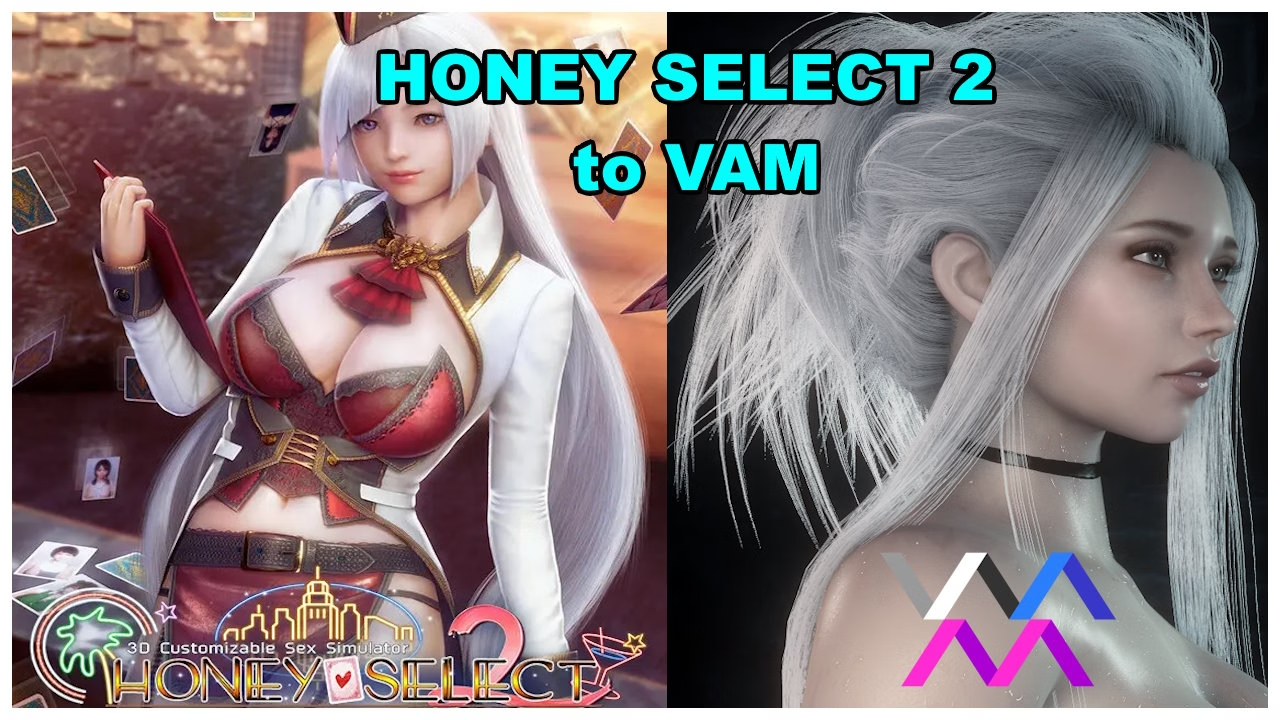
Does anyone know any guide to export Look HS2 to Vam? I want the Morphs, and if possible, a bit of texture wouldn't hurt.
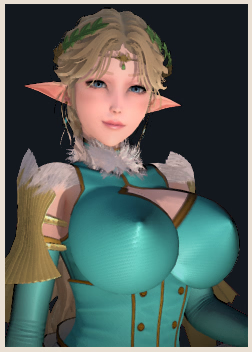
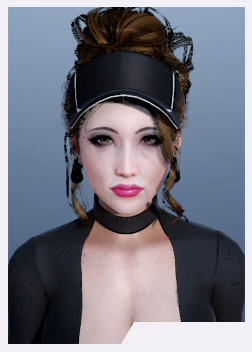
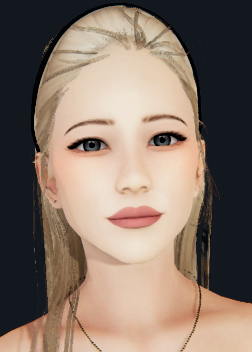
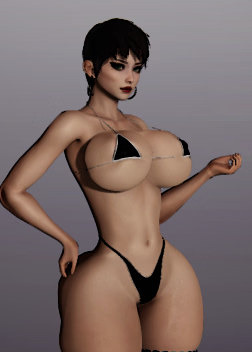
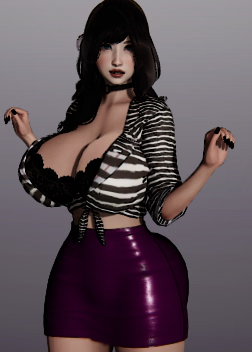
I want to transfer these to VAM:
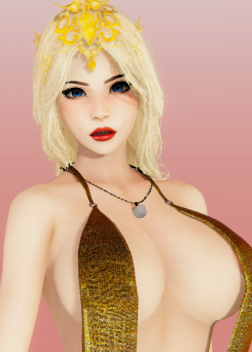
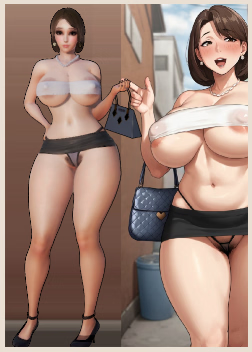
AI_224193.png AI_223485.png AI_225762.png AI_227937.png AI_229053.png AI_229335.png AI_222284.png

01100010 01101001 01110100 01110100 01100101 00100000 01100010 01101001 01110100 01110100 0110...gif
 
Last edited:
  • Like
Reactions: Robert Monotoli
Mar 18, 2024
345
631
171
+1 This would actually be incredibly useful and could lead to more ports of characters that never have been attempted to be made from scratch in VAM
 

zcgddxcv

New Member
Feb 23, 2022
6
6
127
This is a beautiful dream, if there is no modeling foundation, explore on your own, perseverance, 4 to 5 years you can do it, come on。10086
 

Illidan Stormrage

Engaged Member
Jr. Uploader
Mar 17, 2019
3,030
5,840
646
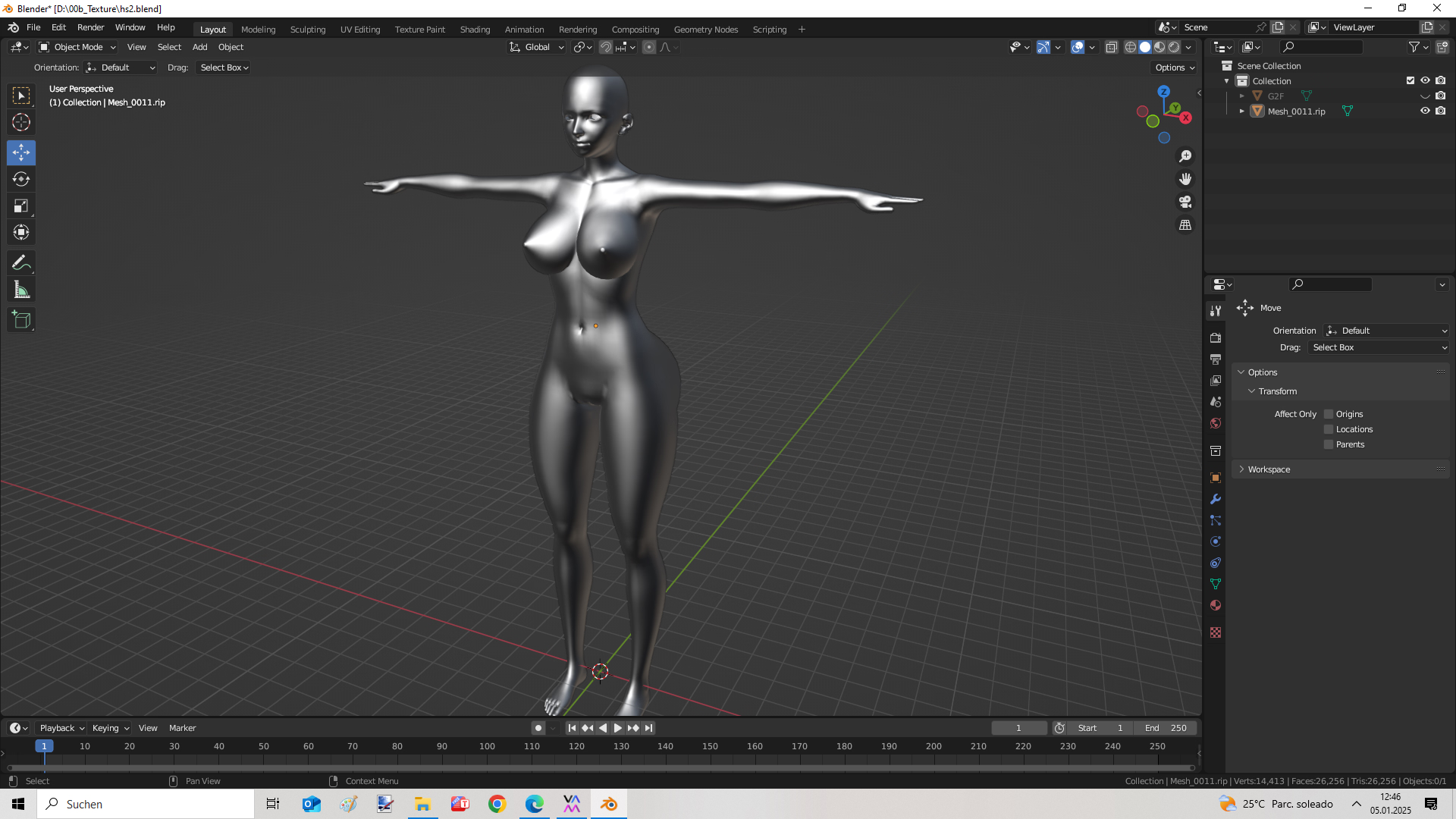
I already exported the 'Morph' to Blender. Now, how do I make this functional in DAZ with Genesis 2? I exported it, but it shows as not compatible. I have already made sure that the vertices and other numbers match in Blender. Does anyone know how to make it functional as a morph from Blender to DAZ3D Genesis 2?

1736099212560.png
 

mixmox82

Engaged Member
Jan 19, 2022
3,040
3,111
387
I already exported the 'Morph' to Blender. Now, how do I make this functional in DAZ with Genesis 2? I exported it, but it shows as not compatible. I have already made sure that the vertices and other numbers match in Blender. Does anyone know how to make it functional as a morph from Blender to DAZ3D Genesis 2?

View attachment 4412763
Perhaps this can give you some guides?
 

moc587

Member
Jun 6, 2022
348
311
163
I already exported the 'Morph' to Blender. Now, how do I make this functional in DAZ with Genesis 2? I exported it, but it shows as not compatible. I have already made sure that the vertices and other numbers match in Blender. Does anyone know how to make it functional as a morph from Blender to DAZ3D Genesis 2?

View attachment 4412763
you need to wrap it on the genesis2 model. i use , i think its the best tool for this (and blender later for small tweaks). this goes for all porting stuff when it comes to vam, if the geometry doesnt match with g2f model you need to wrap it. or else you wont be able to load it as a morph in vam or daz. theres this on vamhub, it will give you a general idea of how to do it but i would say its better to do it on your own. I started with these , just the first two is enough. that guide on vamhub obscures so many things like name of nodes and stuff.
 
Last edited: