4.30 star(s) 4 Votes

Davox

Well-Known Member
Jul 15, 2017
1,526
2,384
490
are the old saves corrupted?, i can use my save of 5 months ago
Like last time, my old save doesn't work. I can't click on anything.
Same problem. Can someone fix it.
scroll up.... the answer is only a few posts above yours......


Try this as a fix to not being able to click to continue. It will give you an error when it opens but it seems to work.
All i did was copy all the game set up code from the top of last update to the top of this update. No idea if it will break things later on but you can at least continue your old saves
Firstly, I'm not a dev of any game based on SugarCube engine.
Secondly, I've done some debugging based on parts, which you carved out (good job for finding that).
Apparently, new scripts which are handling event of clicking are checking, if property State.variables.presentContentOnClick is either true or false, but at the same time does nothing and does not throw explicit error for any other value.
At the same time, my working hypothesis is, that when generating save whole property State is dumped into a file and because previous version of the game had no property State.variables.presentContentOnClick at all, event is simply started and exited without action or error.
Thirdly, for new game, property State.variables.presentContentOnClick is set by default to true.

For old saves, instead of going with explicit modification of index.html, at least for my tests, it is sufficient to start default index.html, load old save, then start Developer tools and add presentContentOnClick property using command

SugarCube.State.variables.presentContentOnClick=true

 

Timoha

Newbie
Aug 15, 2017
33
3
19
started the game yesterday got into chapter 2 got to the point there is no objectives listed however on the hints section its "

You have your first meeting with Melanie at the photo studio
- Talk to Melanie at the photo studio on a Friday
- Available on: Friday
- Lust level required: 3
- Affection level required: 3
- Required event: You talk to Ryan after his second meeting with Melanie

now on friday nothing happens i see her at work on saturday and discuss photo studio then on sunday i got to the point of showing her naughty photos and then it says i need ryans help i spoke to ryan about being the agent and i repeat the same weekend except being able to speak to ryan again and she still says set up a meeting with him.

and yes lust and affection are both level 3 and the max of those as well is this section bugged or something i'm missing
Is anybody solved this problem ? The photo studio is not appearing (((
 

ComicconFan

New Member
Nov 30, 2024
1
0
10
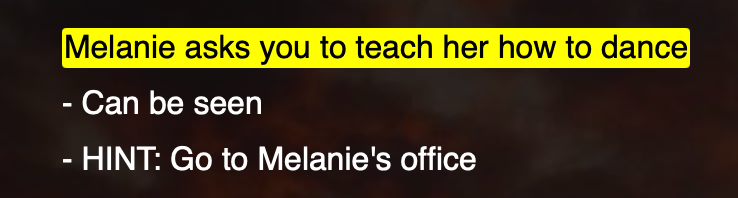
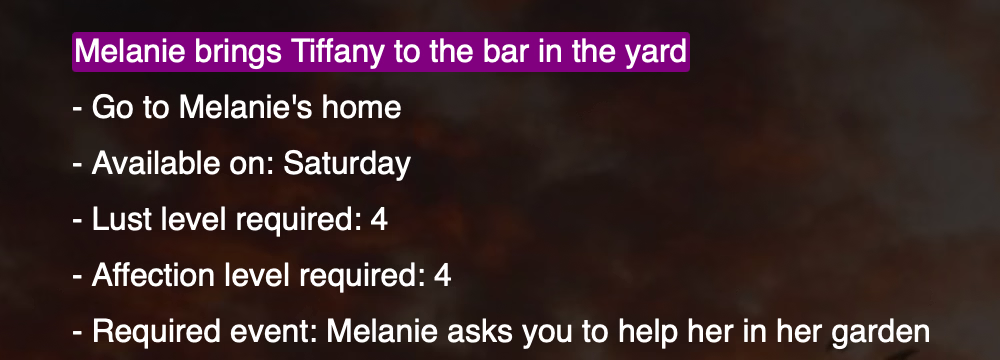
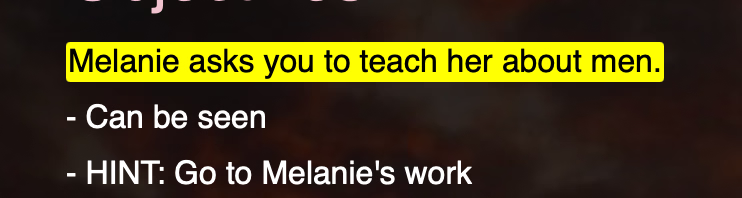
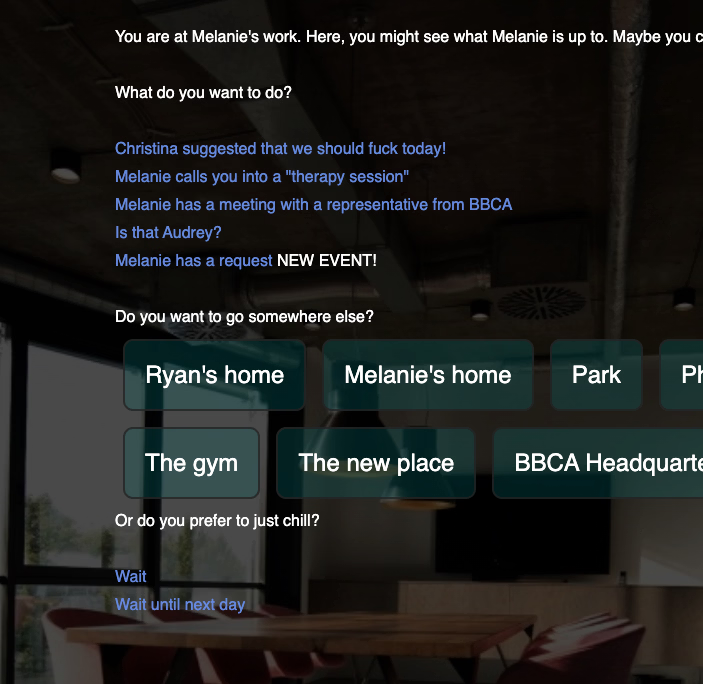
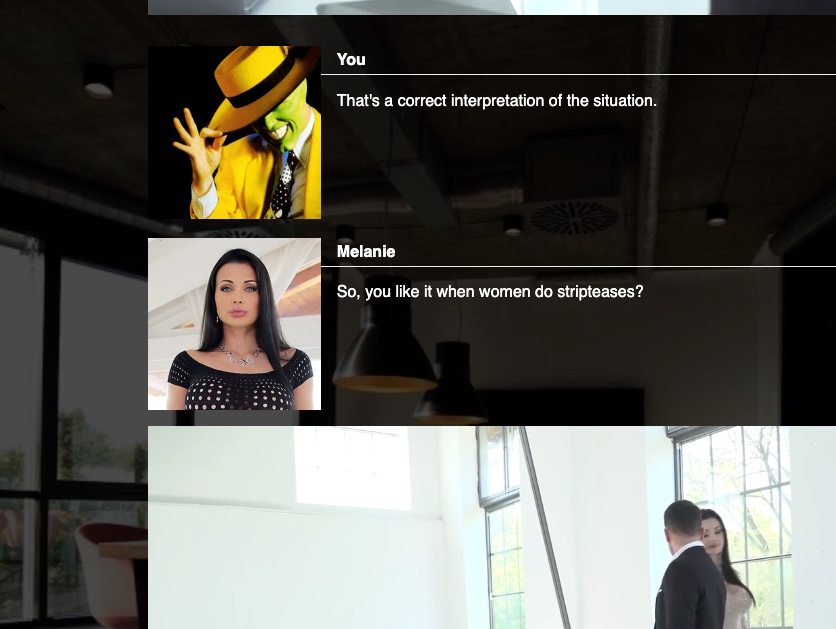
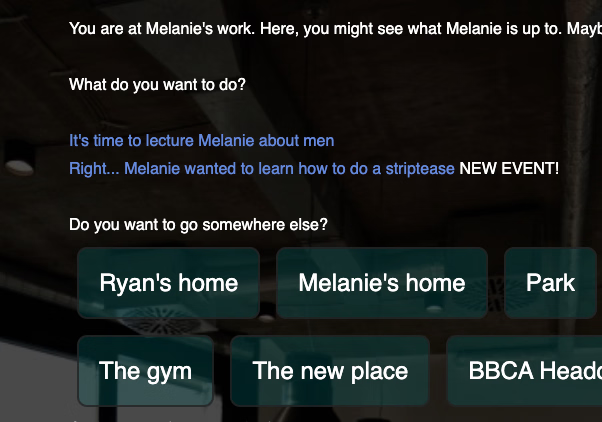
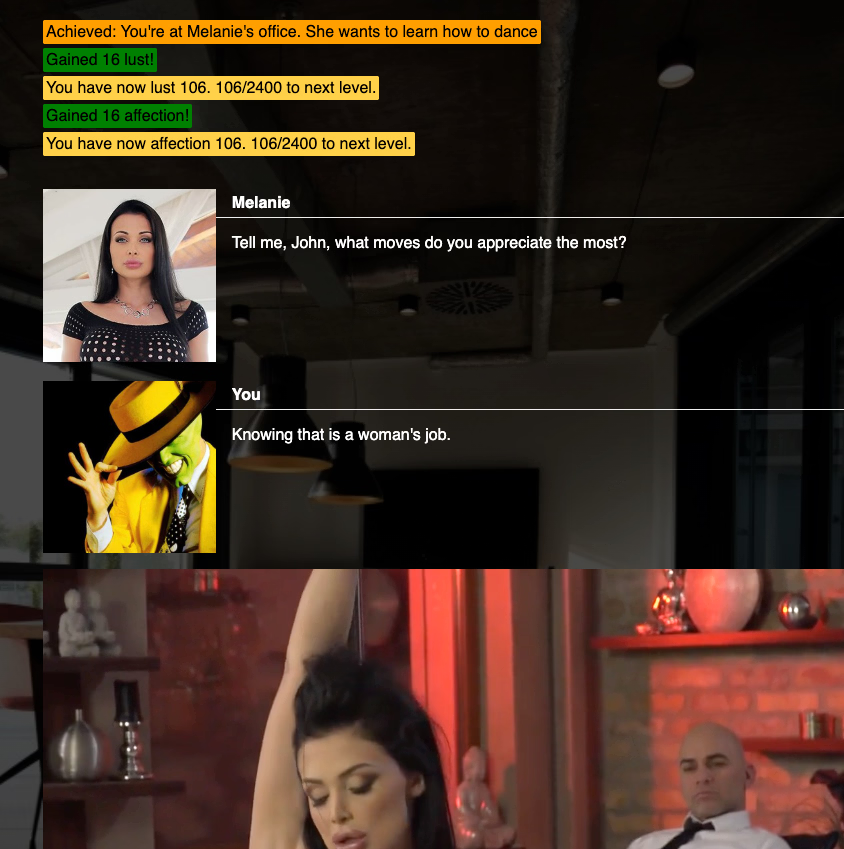
Help! I'm stuck on these 3 points (they're different save files). Does anyone have a solution for the error where the dialog boxes aren't appearing?

Captura de pantalla 2026-01-09 a la(s) 10.17.35 a.m..png Captura de pantalla 2026-01-09 a la(s) 10.17.56 a.m..png Captura de pantalla 2026-01-09 a la(s) 10.18.21 a.m..png
 

Minced meat

Newbie
Game Developer
Mar 18, 2021
57
221
143
Help! I'm stuck on these 3 points (they're different save files). Does anyone have a solution for the error where the dialog boxes aren't appearing?

View attachment 5611472 View attachment 5611473 View attachment 5611474
Trying to recreate this bug. I haven't yet succeeded. This is how I do it:

I'm on a mac. I use Google Chrome. Play at (version 1.0.0 of MMB)

(I'm careful not to open the game with an old save. If you're lucky, the old saves might work. But since new material has been introduced in earlier chapters of the game, I have chosen not to support old saves. The solution is to use the chapter options provided in the beginning of the game.)

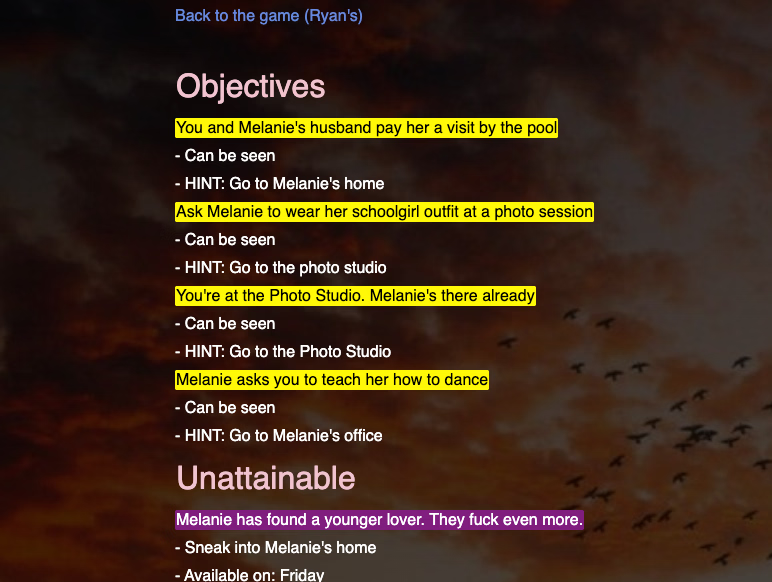
I go to the office when the events list looks like this:

Screenshot 2026-01-09 at 18.28.05.png
Then I go to Melanie's office, which looks like this:
Screenshot 2026-01-09 at 18.27.57.png

I open the new event, which looks like this:

Screenshot 2026-01-09 at 18.28.22.png

Then I wait until Sunday. Then the office looks like this:
Screenshot 2026-01-09 at 18.28.46.png

And I can open the new event, which looks like this:
Screenshot 2026-01-09 at 18.28.56.png
Is there anything I'm missing in this procedure?
 
4.30 star(s) 4 Votes