Mod Unity [Secret Flasher Manaka] Custom Missions 1.1.9 & Version 2 Beta

5.00 star(s) 1 Vote

Crisp2002

Newbie
Jun 30, 2025
95
436
123
Version 2 Build Beta 1 (0.4.0)

- added camera app controls like zoom, target, rotate
- snapshots can be deleted in game. (the actual files will only be deleted at the next program start, because it has to check if they are in use by any mission)
- app titles (like the name of a messenger chat) scale down to prevent overflow

New Features:
- new snapshot object to take a snapshot by script
- new gallery object to select snapshots
- can add snapshots to a messenger chat
- can customize the icon for a messenger chat
- functions to change the player appearance (like what you do at the closet)
- function to change futanari status
- new string functions

Other Changes:
- changed the name of the "Screenshots" folder (in BepInEx\plugins\SFM_custom_mission_v2) to "Snapshots", because they aren't really images of the screen when you can take them from every position. Move your old images to the new folder if you need them.

I haven't done much in the later half of the last month and the camera and chat functions were pretty work intensive for a niche feature.
The "SetPlayerData" function to change the players appearance uses the games internal names, because it is much easier/shorter to program for me that way. I've added a list of all the value names to the documentation. For the other things like actions/items and skills as well (didn't do the cosplay names yet though). I just copied the complete lists from the game, so there are some values in there that shouldn't be uses and you have to test it yourself to find out which is which. Better make a backup before you experiment with "SetPlayerData", so you can change it back quickly.
I've also made slight performance improvements to the _state variable. Because it contained the long list of missions it got pretty slow. Although it is shared by all scripts, building it anew each frame took like 5ms on my PC. I've changed it to only update the missions when they change and brought that down to under 2ms. Have to look into what is best practice for dictionaries in C# or maybe I'll have to create a specialized class that doesn't use a dictionary internally but can be accessed like now.
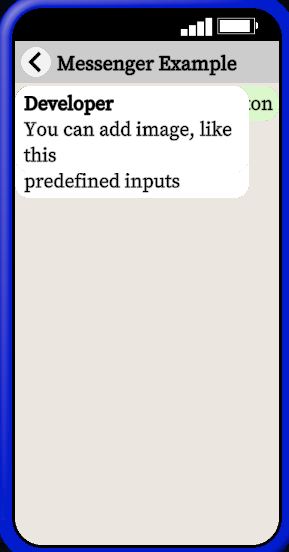
For the new messenger features I've also included an example.

I'll also add the version 2 to the first post and elevate it to beta status, because there are quite a lot of projects for it already.

Next on my list is:
- improving the mission settings menu to allow localized names and customizable settings for your missions
- add a config so you can change the smartphone colors and titles

I'll also still have to look into NPC stuff.
I've tried removing the collider and doors in your home, because someone said that there is a bath behind it, which did work. So I can probably also add things in. All that might help in creating new levels in the future, but making routes for NPCs and such is the biggest concern right now and without NPCs creating new levels is useless.

PS: I'm still using the 1.1.1 version of the game. If there are any problems that occur because of the newer 1.1.3 version let me know.
 

baigeijun

Newbie
Oct 27, 2025
48
17
59
Version 2 Build Beta 1 (0.4.0)

- added camera app controls like zoom, target, rotate
- snapshots can be deleted in game. (the actual files will only be deleted at the next program start, because it has to check if they are in use by any mission)
- app titles (like the name of a messenger chat) scale down to prevent overflow

New Features:
- new snapshot object to take a snapshot by script
- new gallery object to select snapshots
- can add snapshots to a messenger chat
- can customize the icon for a messenger chat
- functions to change the player appearance (like what you do at the closet)
- function to change futanari status
- new string functions

Other Changes:
- changed the name of the "Screenshots" folder (in BepInEx\plugins\SFM_custom_mission_v2) to "Snapshots", because they aren't really images of the screen when you can take them from every position. Move your old images to the new folder if you need them.

I haven't done much in the later half of the last month and the camera and chat functions were pretty work intensive for a niche feature.
The "SetPlayerData" function to change the players appearance uses the games internal names, because it is much easier/shorter to program for me that way. I've added a list of all the value names to the documentation. For the other things like actions/items and skills as well (didn't do the cosplay names yet though). I just copied the complete lists from the game, so there are some values in there that shouldn't be uses and you have to test it yourself to find out which is which. Better make a backup before you experiment with "SetPlayerData", so you can change it back quickly.
I've also made slight performance improvements to the _state variable. Because it contained the long list of missions it got pretty slow. Although it is shared by all scripts, building it anew each frame took like 5ms on my PC. I've changed it to only update the missions when they change and brought that down to under 2ms. Have to look into what is best practice for dictionaries in C# or maybe I'll have to create a specialized class that doesn't use a dictionary internally but can be accessed like now.
For the new messenger features I've also included an example.

I'll also add the version 2 to the first post and elevate it to beta status, because there are quite a lot of projects for it already.

Next on my list is:
- improving the mission settings menu to allow localized names and customizable settings for your missions
- add a config so you can change the smartphone colors and titles

I'll also still have to look into NPC stuff.
I've tried removing the collider and doors in your home, because someone said that there is a bath behind it, which did work. So I can probably also add things in. All that might help in creating new levels in the future, but making routes for NPCs and such is the biggest concern right now and without NPCs creating new levels is useless.

PS: I'm still using the 1.1.1 version of the game. If there are any problems that occur because of the newer 1.1.3 version let me know.
My God, you are simply amazing!
 
  • Like
Reactions: twoer

baigeijun

Newbie
Oct 27, 2025
48
17
59
Thank you ! But yeah, I'm afraid I don't have the kind of time to learn all this... Too bad, I wanted to make a mod where an NPC seeing the vibrator remote on the ground grabs it and stalks Manaka while toying with her
This idea is very good.
 

Alucard80

New Member
Jul 13, 2025
10
12
12
Maybe I’m wrong, but I think there is some kind of performance problem with this last version. Every time I open-close the tab menu (the one with the phone), the performance gets worse and eventually the system collapses, it’s easy to see it with Windows task manager or MSI afterburner. The only way to reset the performance is travel to another area or reload the save game. I have tested it with 1.1.1 and 1.1.3 Manaka, without any other plugins or mission, just Manaka, BeingEx and CustomMissions v2.0.4, with the missions folder empty. I don’t know, maybe is some rare incompatibility with my system but I haven't experienced this problem with the previous version.

Ps. Sorry if my english isn’t perfect, is not my first language.
 

chriskris

Member
Jul 18, 2017
148
61
255
For some reason it doesn't even work when I put the files in the sub folders in BepInEx.
Someone could upload their BepInEx folder where the latest mods is already putted in the right folders???

Thanks
 

cactuar

Member
Modder
Mar 31, 2018
199
3,011
518
Maybe I’m wrong, but I think there is some kind of performance problem with this last version. Every time I open-close the tab menu (the one with the phone), the performance gets worse and eventually the system collapses, it’s easy to see it with Windows task manager or MSI afterburner. The only way to reset the performance is travel to another area or reload the save game. I have tested it with 1.1.1 and 1.1.3 Manaka, without any other plugins or mission, just Manaka, BeingEx and CustomMissions v2.0.4, with the missions folder empty. I don’t know, maybe is some rare incompatibility with my system but I haven't experienced this problem with the previous version.

Ps. Sorry if my english isn’t perfect, is not my first language.
I have noticed this too and can confirm that spamming tab will eventually crash the game. I thought it was an oversight in my mission and kept looking for objects that weren't being deleted properly.

Also crisp, is there any way to tell if the player has a specific chat open? My goal here is to display text on the screen of Manaka's reaction to reading something. I've been using buttons and delays which works well for ongoing chats where it's assumed the player is in the chat menu, but no so much random messages where the player could open the chat at any time.
 

Idontknow511

Newbie
Oct 18, 2021
61
24
43
For some reason it doesn't even work when I put the files in the sub folders in BepInEx.
Someone could upload their BepInEx folder where the latest mods is already putted in the right folders???

Thanks
are you talking about custom missions or plugins?

Plugins go into: C:\Users\A\Downloads\Secret_Flasher_Manaka_v1.1.3\SecretFlasherManaka v1.1.3\BepInE\plugins

Custom missions folder goes into the folder with the Game .EXE so: C:\Users\A\Downloads\Secret_Flasher_Manaka_v1.1.3\SecretFlasherManaka v1.1.3\CustomMissions (or CustomMissions2 if its a V2 mod)
 

JJHDYYDS

New Member
Sep 14, 2025
5
0
11
I have v1.01 and she doesn't stand back up when I hold the ring menu when crouching and cuffed. Is there anything else I need to do?
I had previously installed a mod to make more actions available from crouching (https://f95zone.to/threads/secret-flasher-manaka-v1-1-3-sheablesoft.256682/post-18179356), but even after removing that file I still can't get her to stand up.
I found a way to stand up without having to remove another module. The method is to first hold down the shortcut key of the "handcuffs" without releasing it, and then click the squat button.
 

alealeale111

New Member
Nov 16, 2025
3
1
3
I have a question, when I run this code:
Code:
test = CreateThread("test")

test:
    thread = _this
    thread.Goto("s1")
    s1:
        Log("hello world")
I get an "Object reference not set to an instance of an object" error at line 5. Why?
I feel like I'm missing something obvious, any help would be appreciated.
 

Doppio1234

New Member
Jun 21, 2025
10
14
12
I have a question, when I run this code:
Code:
test = CreateThread("test")

test:
    thread = _this
    thread.Goto("s1")
    s1:
        Log("hello world")
I get an "Object reference not set to an instance of an object" error at line 5. Why?
I feel like I'm missing something obvious, any help would be appreciated.
Have you Checked indentation?

Mind the format, indention is strictly one tab character. If you're using vscode check out the bottom-right indention indicator is set to tab.
 
  • Heart
Reactions: alealeale111

Kiyota

New Member
Dec 23, 2023
1
0
11
Custom Misson Late Night Store Run

Ok first things first, this took a lot longer than i thought it would XD.

I would like to thank Crisp2002 for their amazing mod, i never had coded before, but after playing so many amazing missions from people here i knew what i had to do.

Also a big thanks for zzz4200 for making their edging mod that made this mission possible in the first place, you'll need their mod in order to play this mission.

Now for the mission, this is a story-driven mission. It all starts when your SO asks you to go to the store for them one faithful night knowing your exhibitionism fetish, they have more in store for you tonight.

The main focus off this mission is Edging, AKA resisting the urge to orgasm.

Gameplay-wise i really liked how the edging mechanic was integrated, i recommend playing without Skills, except for Fixed 1st person and Hard mode, this mission is possible most of the time.

Feel free to post comments, sugestions, or bugs.

Edit: Starting point is in the corner of your house, behind the computer.

You don't have permission to view the spoiler content. Log in or register now.
After I changed clothes according to the task, I walked to the next task point and finished the conversation, then walked out of the house. The prompt says: 'He told me to wear the cosplay he bought me.' I don’t know what I’m missing; as soon as I go out, it gives me this prompt. https://f95zone.to/threads/secret-flasher-manaka-v1-1-1-sheablesoft.256682/post-17645765 ...
 

tkpj8pn2

Newbie
Jun 11, 2025
15
34
83
After I changed clothes according to the task, I walked to the next task point and finished the conversation, then walked out of the house. The prompt says: 'He told me to wear the cosplay he bought me.' I don’t know what I’m missing; as soon as I go out, it gives me this prompt. https://f95zone.to/threads/secret-flasher-manaka-v1-1-1-sheablesoft.256682/post-17645765 ...
Are you using the mod that fixes compass directions for dropped items on other maps (bgmkr.manaka.compass.dll)? If so, try disabling it and see if the mission works. The mission has a hidden condition that your coat remains at specific coordinates in your home, and as soon as you leave your home the compass fix mod will "move" your coat to different coordinates so it shows up on the right direction on the compass, but that breaks the mission condition.
 
  • Like
Reactions: Kiyota

Crisp2002

Newbie
Jun 30, 2025
95
436
123
Maybe I’m wrong, but I think there is some kind of performance problem with this last version. Every time I open-close the tab menu (the one with the phone), the performance gets worse and eventually the system collapses, it’s easy to see it with Windows task manager or MSI afterburner. The only way to reset the performance is travel to another area or reload the save game. I have tested it with 1.1.1 and 1.1.3 Manaka, without any other plugins or mission, just Manaka, BeingEx and CustomMissions v2.0.4, with the missions folder empty. I don’t know, maybe is some rare incompatibility with my system but I haven't experienced this problem with the previous version.

Ps. Sorry if my english isn’t perfect, is not my first language.
Hm. The game destroys the whole menu when you close it. So I also have to recreate it every time you open it. But maybe the camera does not get destroyed and they accumulate. That would be my first guess. I'll take a look.
 

Crisp2002

Newbie
Jun 30, 2025
95
436
123
Hm. The game destroys the whole menu when you close it. So I also have to recreate it every time you open it. But maybe the camera does not get destroyed and they accumulate. That would be my first guess. I'll take a look.
Version 2 Build Beta 1.1 (0.4.1)

Seems like that was the problem and I fixed it.
I also added a function to check if a chat is currently visible ( chat.Opened() ) as requested.
And you can now also add your own images from your project to a chat. Don't know why I didn't think about this earlier, but the idea hit me just after I uploaded the previous version. I updated the example to show how.

On another note: I've tried my luck with the NPCs. I can now spawn them, let them walk and stop. But one thing that will probably be a nightmare is getting a specific NPC. The class to create an NPC chooses its parameters randomly and there is no in-between step to select things like gender or appearance. I could probably temporarily change the game settings that you can also change yourself. (Gender ratio, Old people ratio). But there are also multiple models for NPCs with different cloth selections. (That could also be why the sex system does only work with some NPCs. The animations could be specifically for the skeleton of only one of those.)
So I either create and trash NPCs until I get the right one. Or I have to create it entirely by myself. Which is hard to know how to without being able to read the original game code. I tend towards the first because I can change the clothes (more or less), so it only comes down to a 50/50 chance, I guess.
 

tkpj8pn2

Newbie
Jun 11, 2025
15
34
83
Crisp2002 Since you're immersed in NPC stuff right now, it's probably a good time to ask:
How hard would it be to expose information about existing NPCs to v2 missions? Not spawn or manipulate them, but maybe just get a list of the positions and states of the NPCs already on the map?

For context, I'd like to make the "NPCs pick up and mess with your dropped items" mod, and I think the whole thing could just be a v2 mission if only there was a way to know where NPCs are. For example, if I could call a GetNPCs() function that returned a list of NPC objects with x/y/z and state data of each NPC, I could iterate through that, compare to _state.DroppedItems, see if any NPCs are very close to any of the dropped items, and then move the item away and trigger any other logic based on that. That would be enough for the basic mod, and then it could be spruced up later if you get NPC manipulation working (stopping them, triggering animations on them, etc).
 
  • Like
Reactions: twoer

chriskris

Member
Jul 18, 2017
148
61
255
are you talking about custom missions or plugins?

Plugins go into: C:\Users\A\Downloads\Secret_Flasher_Manaka_v1.1.3\SecretFlasherManaka v1.1.3\BepInE\plugins

Custom missions folder goes into the folder with the Game .EXE so: C:\Users\A\Downloads\Secret_Flasher_Manaka_v1.1.3\SecretFlasherManaka v1.1.3\CustomMissions (or CustomMissions2 if its a V2 mod)
Gonna try it out again. Thanks for the advice
 

cactuar

Member
Modder
Mar 31, 2018
199
3,011
518
Version 2 Build Beta 1.1 (0.4.1)

Seems like that was the problem and I fixed it.
I also added a function to check if a chat is currently visible ( chat.Opened() ) as requested.
And you can now also add your own images from your project to a chat. Don't know why I didn't think about this earlier, but the idea hit me just after I uploaded the previous version. I updated the example to show how.

On another note: I've tried my luck with the NPCs. I can now spawn them, let them walk and stop. But one thing that will probably be a nightmare is getting a specific NPC. The class to create an NPC chooses its parameters randomly and there is no in-between step to select things like gender or appearance. I could probably temporarily change the game settings that you can also change yourself. (Gender ratio, Old people ratio). But there are also multiple models for NPCs with different cloth selections. (That could also be why the sex system does only work with some NPCs. The animations could be specifically for the skeleton of only one of those.)
So I either create and trash NPCs until I get the right one. Or I have to create it entirely by myself. Which is hard to know how to without being able to read the original game code. I tend towards the first because I can change the clothes (more or less), so it only comes down to a 50/50 chance, I guess.
I think there's a new bug in this version where changing zones will break chats. In the included messenger example, if you start inside the apartment and go outside to take a photo when the "show gallery" button appears, the chat will bug out when you open it back up. I reverted back to the older version and this bug didn't happen.
1763774387581.png
 
  • Like
Reactions: twoer

eltiachan

Member
Sep 2, 2023
184
291
182
Ok, I did it, except for the "disallow Manaka getting home without having all equipments collected" part.

And it is indeed scary, being literally fucked up and constrained and sent to random places. -- So I changed the mod's name to Aftermath. (But names can be changed as anybody want, it only affect saving states specifically to the mod.

Maybe lossing some of the RP but not the whole would be better. Or may be "disallow getting home" would be a choice for motivation.

Update: v1.3.2

- Configs can only be changed at home now.
- The penalty mode for those who still want RP penalty but don't want to lose all RP. Penalty is cumulative, it will be severe after about 3 to 4 times. Only returning home can reset it.
- Toys can be configured to equipped one at a time or all at once.
- Removed starting point of Convenience Store and Fashion Shop
- Fully configurable target stages for teleportation.
- Added 3 mode to the clothes striping, now can be configured to strip one clothe at a time and what to strip (ALL clothes or just those Casual clothes).

Update: v1.3.3

- Fixed a conner case that teleports items to stage origin. Now in such stages items simply drop at same position as Manaka.

Ps, Line 201 describes where the key should be dropped:
Code:
                    randomPos = CreateList(stage=_state.Position.stage, x=_state.Position.x, y=_state.Position.y, z=_state.Position.z)
Can be edited to move slighty:
Code:
                    randomPos = CreateList(stage=_state.Position.stage, x=_state.Position.x+0.05, y=_state.Position.y, z=_state.Position.z)
to prevent complete overlap of item interaction areas.

But I haven't tested what amount should be reasonable, so I will leave it here.

If anyone find out or have some new idea, posting new version of this script is welcome. This script is always in Public Domain.

All items are dropped in same stage before teleportation if any, but the compass will be incorrect in stages like stores.
Very nice mod! Together with NPC behavior mod, it makes SFM a lot more engaging to play.

I believe I found a bug in this mod. Here are my setup: SFM v1.1.3, NPC behaviour mod v1.1.4, Assault v1.3.3.

Steps to reproduce:

1. setup Assault mod with teleport to home to false, teleport to a map of your choice, stripe everything, handcuff on.

2. Enter any map, equip normal handcuff, get caught and sexed.

3. Manaka will then be teleported to a random map of your choice. You will notice that both normal handcuff and keyed handcuff are on.

SecretFlasherManaka_2025_11_21_22_52_41_617.png

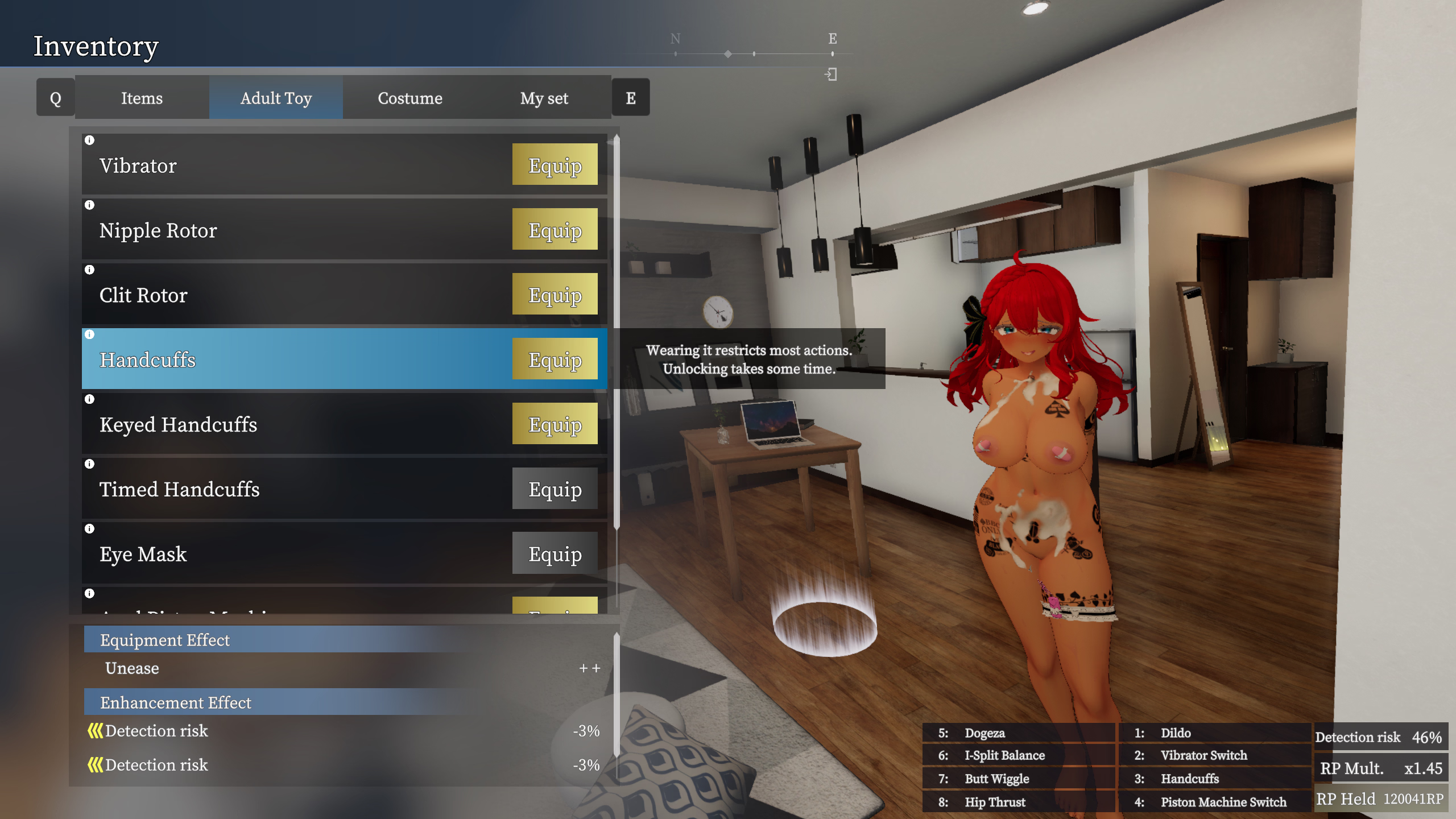
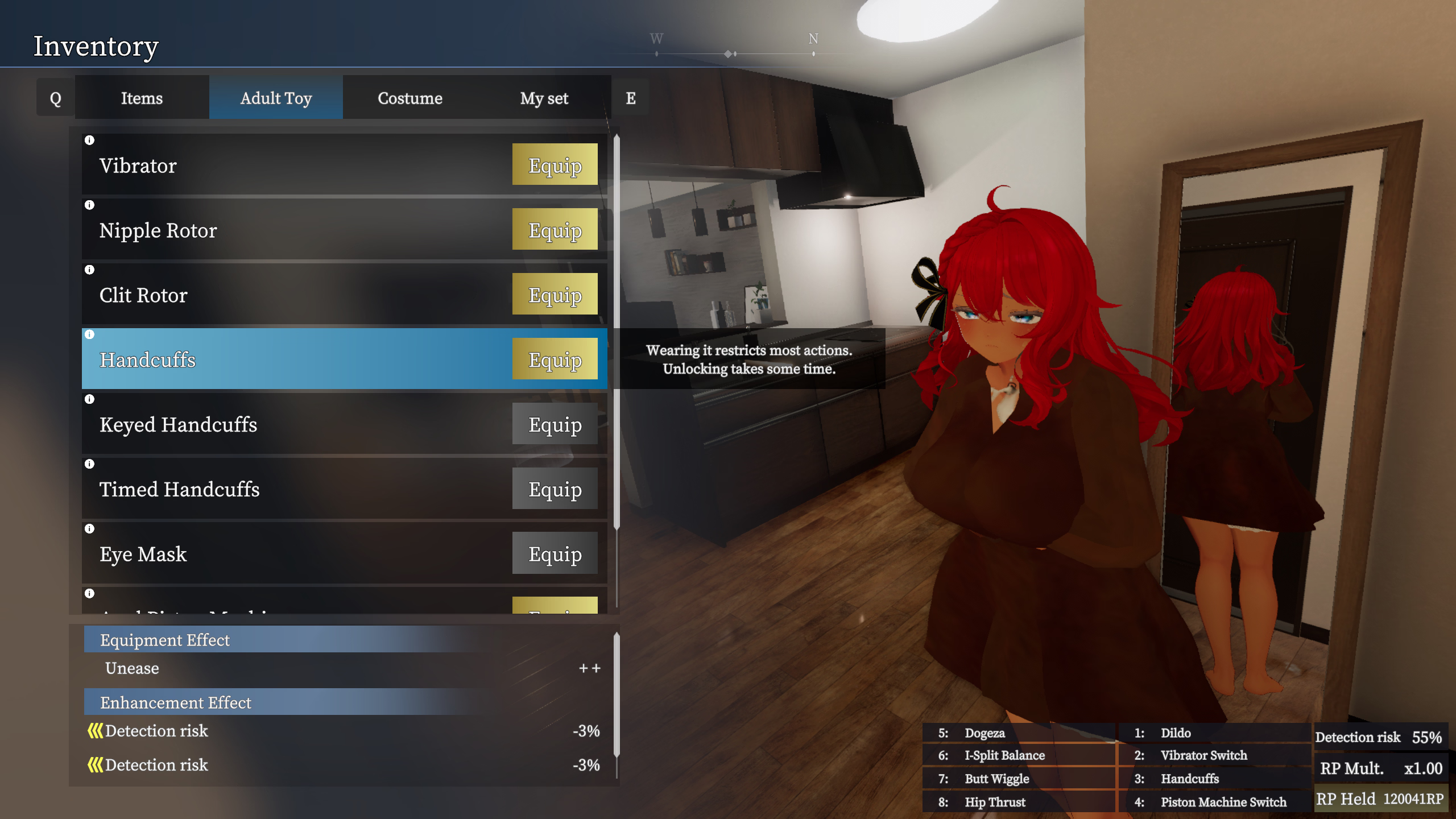
4. Collect all items using Manaka's laptop and unlock yourself. The normal handcuff stays on and there appears to be no way to put it on nor unlock it.

SecretFlasherManaka_2025_11_21_22_53_49_912.png

Maybe reset the cuff status before teleporting would fix this bug? As a workaround, use this mod.
 
Last edited:
5.00 star(s) 1 Vote