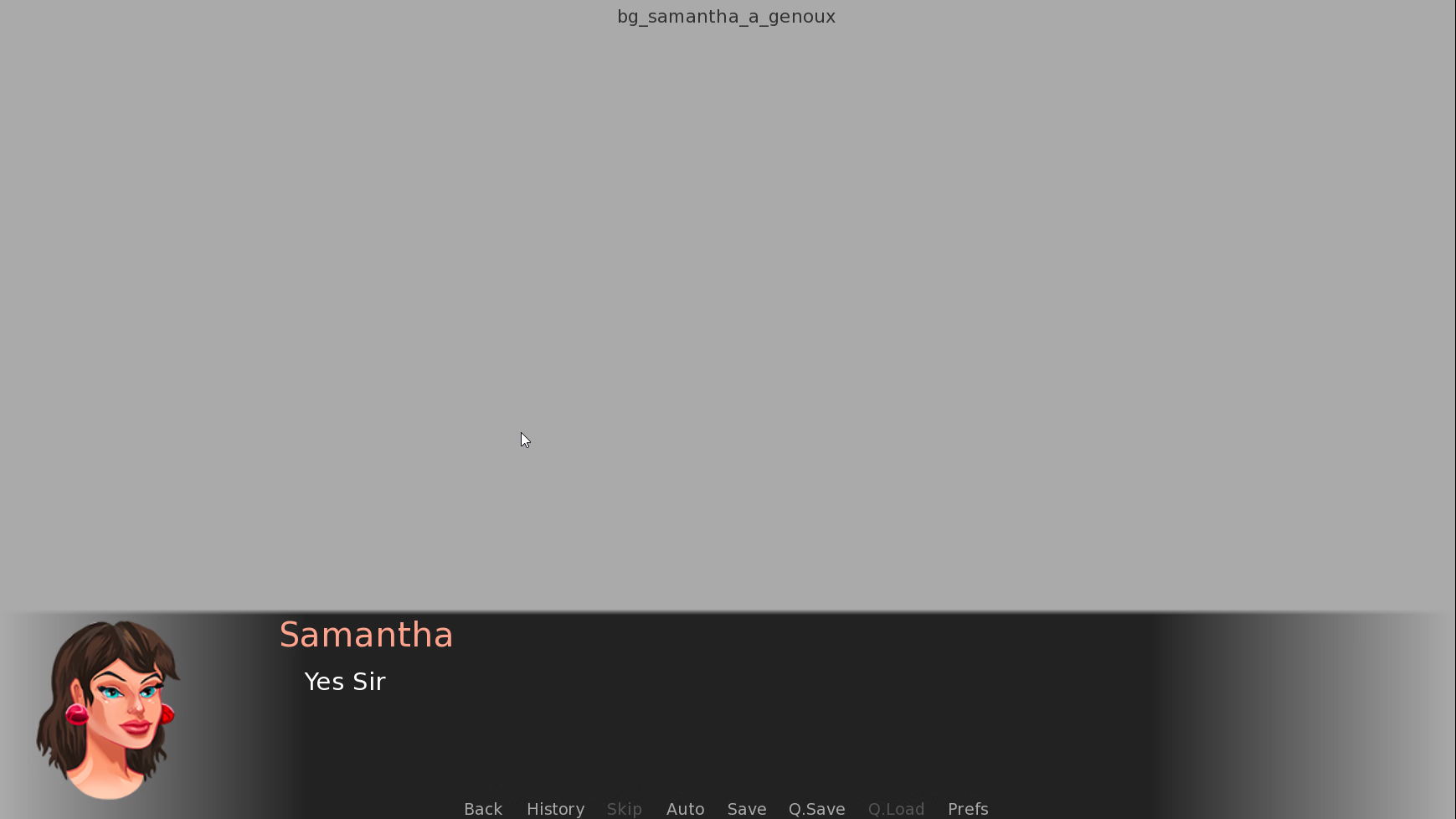
Both have already given you the answer... so I'll throw in a very simple example:
Python:
define c = Character("Chris", image="chris")

image side chris = "side_chris.png"

label start:

    scene black with fade
    c "Hello, I'm [c]."

    return
The important thing is that the
image = "id" and
image side id = "filename" match.
So this is equally valid...
Python:
define c = Character("Chris", image="c_side")

image side c_side = "side_chris.png"

label start:

    scene black with fade
    c "Hello, I'm [c]."

    return
Then once, you start getting adventurous - you can start using side images with facial expressions too...
Python:
define c = Character("Chris", image="chris")

image side chris = "side_chris_neutral.png"
image side chris happy = "side_chris_happy.png"
image side chris sad = "side_chris_sad.png"
image side chris angry = "side_chris_angry.png"
image side chris oface = "side_chris_orgasm.png"

label start:

    scene black with fade
    c "Hello, I'm [c]."
    c happy "And now I'm showing a happy face."
    c oface "VERY, VERY happy!"
    c sad "And now I'm sad."

    return
The basics are that if you add a qualifier to the spoken text (what RenPy called a displayable tag), RenPy will try to match it to the closest side image. If you don't specify a mood or it can't find a match, it'll default to the
side chris definition.
Most of the examples out there are focused on statements like
show elaine happy. But that style is aimed at games that use character sprites. Adding the mood to the spoken dialogue is known as "
You must be registered to see the links
" and is probably more common now that the majority of RenPy games use fully rendered scenes without overlaid character sprites.