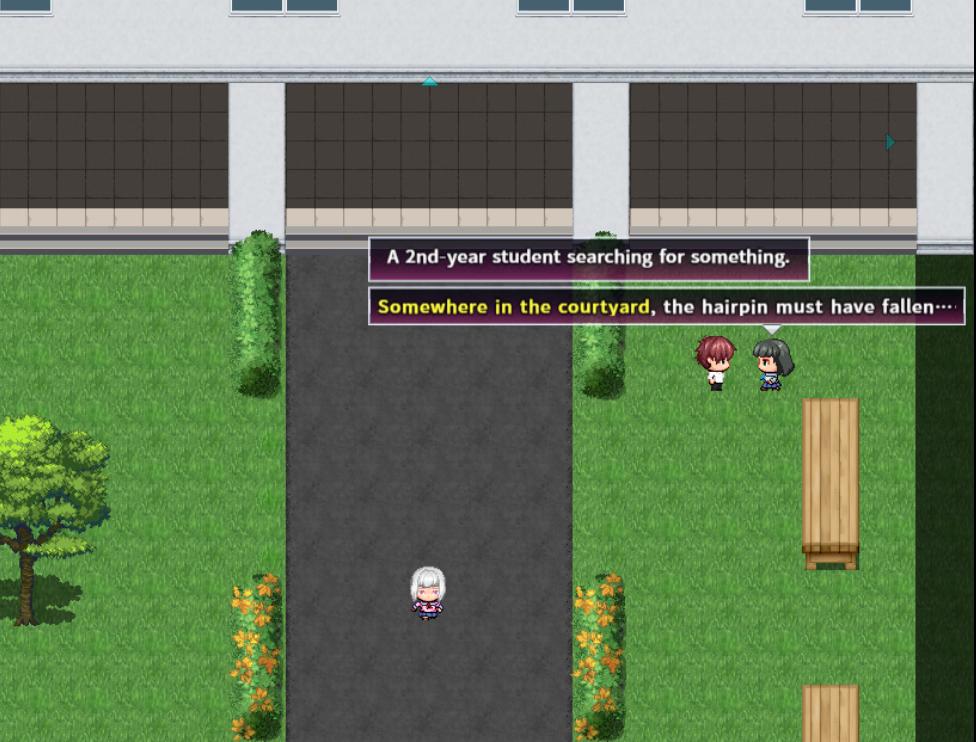
My fault, my default language was set to English.Please run the file I shared in this link. You'll see which image is corrupted, and send me a screenshot of the error from RapidCRC.
For those that are looking for the fix, change language/region setting to Japanese for programs that don't use Unicode.
Control Panel -> Clock/Language/Region -> Change Location -> there will be something saying "Language for programs that aren't compatible with Unicode" and change that to Japanese.