

Himself3008
New Member
- Aug 30, 2024
- 7
- 2
- 132
Dude thanks you a lot for your work! This "patch" saves people who want to play relaxed or test the game!Like theMickey_ said. If you want help, ask in a normal way! I actually just wanted to ignore this, because of the large text, but because I don't appreciate devs blocking mods, I decided to make a quick workaround.
Grab the attached file and extract it into the "game" folder.
I think this is the best approach for this. The attached script catches if the game tries to quit and gives you the option to prevent/cancel that.
View attachment 2744565 View attachment 2744567

F.A.Q. in the second post of this threadIs there any way to make this mod support some older games like "Mia's New Life" ??

When you get the exception "0x52: Incompatible Ren'Py engine version" when starting a game it means that the Ren'Py version used by that game isn't supported by URM.
Workaround
There's a workaround for this where you upgrade the Ren'Py version used by the game yourself. But this is not guaranteed to work.
- Download the Ren'Py SDK (I would recommend
You must be registered to see the linksand use the "Download SDK zip" below the buttons)- From the game's folder, remove the folders lib and renpy. Also remove the .exe, .py and .sh files
- From the downloaded SDK, put the folders lib and renpy and the files renpy.exe, renpy.py and renpy.sh into the game's folder
- Now run the game by starting renpy.exe (on Windows) or renpy.sh (on Linux)

Pepenone
Newbie
- Sep 30, 2021
- 56
- 129
- 185
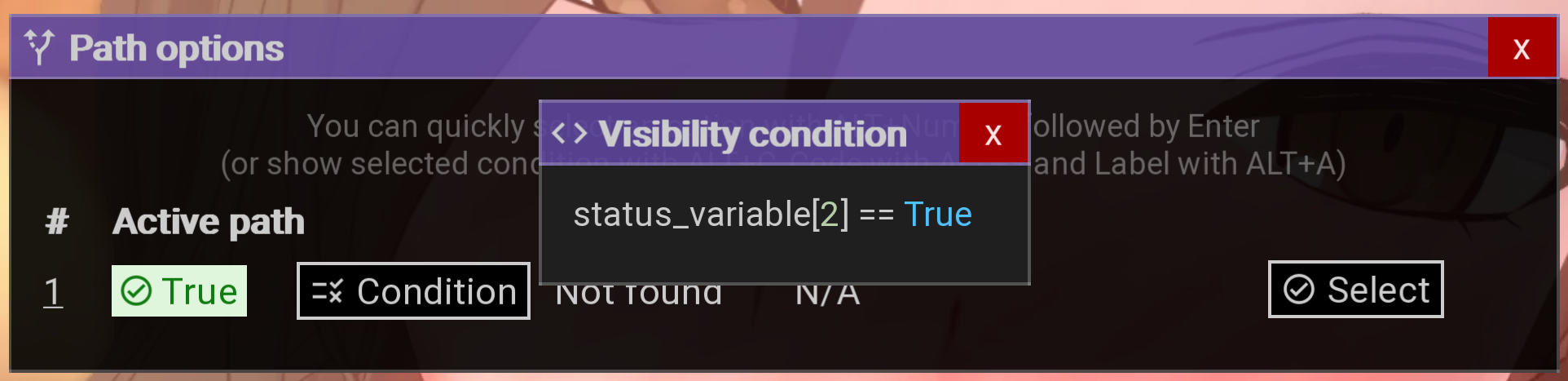
Is it possible to to add list indexes as variables in remembered variables? I'm starting to see that some devs store variables inside lists and I can't add those to ignore on path detection. (capture from Twisted World)

Edit:
I figured It is possible to add them, but the ignore path detection is not working.
Edit:
I figured It is possible to add them, but the ignore path detection is not working.
Last edited:
Deleted member 9556919
New Member
- Aug 18, 2025
- 13
- 7
- 3

ElBromasXD322
Newbie
- Jun 23, 2024
- 25
- 7
- 123

BatmanPrime
New Member
- Apr 25, 2021
- 7
- 5
- 81
When I try to save from the URM UI, the game crashes with:
TypeError: join() argument must be str, bytes, or os.PathLike object, not 'NoneType' at 0x52-URM/classes/URMFiles.rpy:16 (saveDir).
Env: Windows 11, Ren’Py 8.4.2 nightly, Parasite Black 0.170.
Looks like saveDir() calls os.path.join() with a None value (probably config.savedir or config.save_directory). Adding a None guard/fallback should fix it. Full traceback attached.
TypeError: join() argument must be str, bytes, or os.PathLike object, not 'NoneType' at 0x52-URM/classes/URMFiles.rpy:16 (saveDir).
Env: Windows 11, Ren’Py 8.4.2 nightly, Parasite Black 0.170.
Looks like saveDir() calls os.path.join() with a None value (probably config.savedir or config.save_directory). Adding a None guard/fallback should fix it
. Full traceback attached.
shmurfer
Engaged Member
- Dec 29, 2019
- 3,307
- 5,310
- 688
That sounds like your persistent file isn't saving. Did you modify your save token?When I use URM in TheSevenRealms, the Progress Tracker keeps resetting. In-game it works fine and shows 141/1755/13184, but once I close the game and restart it, all the tracked progress is gone and it resets to 0/0/13184.

Koitoouav
New Member
- Sep 24, 2020
- 10
- 4
- 55
I also think it’s a persistent save issue. I saved the game normally and didn’t touch the save token.That sounds like your persistent file isn't saving. Did you modify your save token?
See:When I try to save from the URM UI, the game crashes with:
TypeError: join() argument must be str, bytes, or os.PathLike object, not 'NoneType' at 0x52-URM/classes/URMFiles.rpy:16 (saveDir).
Env: Windows 11, Ren’Py 8.4.2 nightly, Parasite Black 0.170.
Looks like saveDir() calls os.path.join() with a None value (probably config.savedir or config.save_directory). Adding a None guard/fallback should fix it
Also. They are using a nightly build of Ren'Py. Which is likely to contain bugs and only ment for testing purposes.Interesting. For some reason the dev removed theconfig.save_directory. This results in the game not having an alternative saves location (%appdata%\RenPy on Windows), meaning, when you remove the game's dir, you saves will also be gone.
URM assumes every game has this location
I'm not going to fix this in URM, sorry.
If I understand correctly you're saying that URM doesn't work when starting a new game, but does work when loading a save?In " Mind the school" , even though URM is loaded, Alt-M does not launch the URM interface. Is there any way to solve this?
Alt- M works if I reload a savefile.
This would mean they start a new game in an unusual way, that URM isn't detecting. I might see if I can find a way to catch certain behavior, for now I would just recommend to save/load to get URM to load.
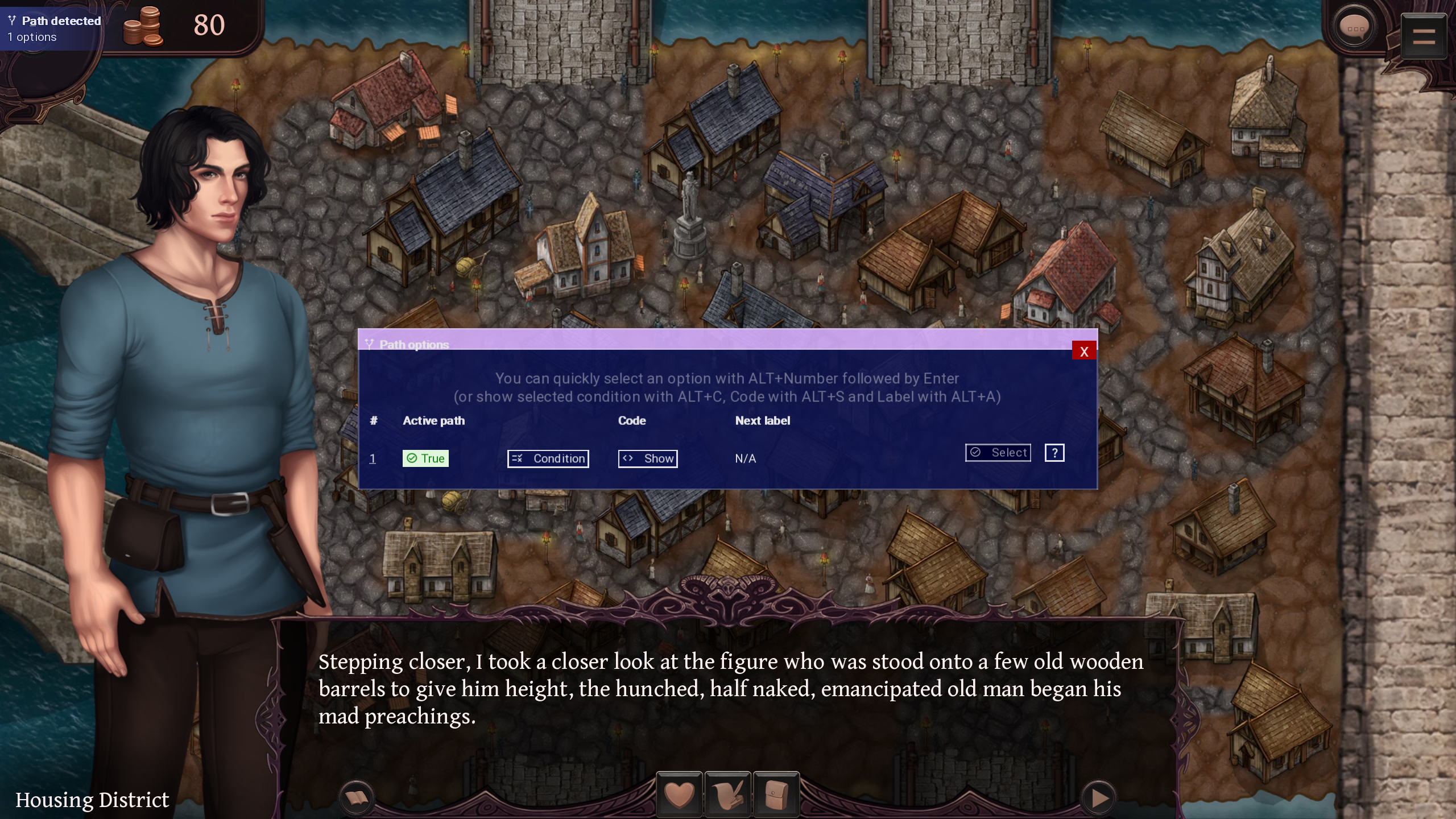
Okay textbox customisations seems to apply only after loading a save.Why is the textbox customization going back to default in gallery.....and how do i fix it?
So for the customizations to apply in gallery i would need to load a save and access gallery from within that save.....
Thing is this is fine for most cases.....but sometimes some games separate gallery from gameplay......as in u wont be able to access gallery from within a save.....therefore those customizations wouldn't apply in those cases......
Any idea what to do to make sure customizations always applies?
Nvm i figured it out.Okay textbox customisations seems to apply only after loading a save.
So for the customizations to apply in gallery i would need to load a save and access gallery from within that save.....
Thing is this is fine for most cases.....but sometimes some games separate gallery from gameplay......as in u wont be able to access gallery from within a save.....therefore those customizations wouldn't apply in those cases......
Any idea what to do to make sure customizations always applies?
Me Stoobid.


TheWalkingChinko
Member
- Feb 24, 2020
- 312
- 153
- 278
You don't have permission to view the spoiler content.
Log in or register now.
URM version: 2.6.2
Issue: In that particular scene in the screenshot attached, the variable c4_sharondom was made true by clicking on the 1st option in the dialogue, despite URM only displaying lustSharon=+1 only.
OS: Windows
no other mods installed apart from URM
TheWalkingChinko
Member
- Feb 24, 2020
- 312
- 153
- 278
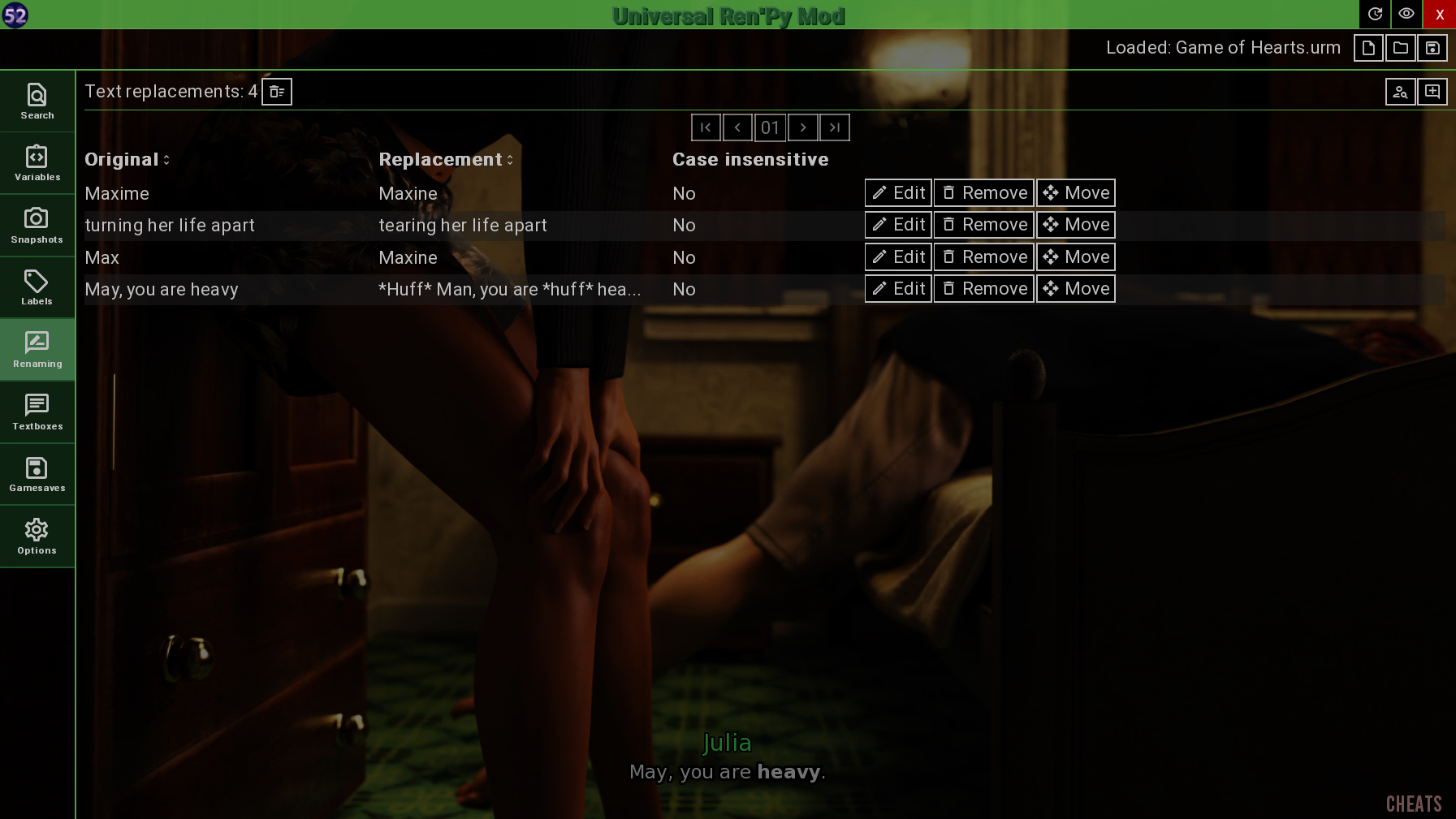
Game: Game of Hearts [Ch.5 R2] [SparkHG]
URM version: 2.6.2
OS: Windows
Issue: can't rename text in bold

theMickey_
Engaged Member
- Mar 19, 2020
- 2,398
- 3,232
- 357
Ren'Py uses special characters to indicate if some text is bold, underlined, italic etc. -- you have to know them and add them to the original text.Issue: can't rename text in bold
For example (for the game you mentioned):
Original Text: The look on her face... sublime.
This is what you have to put as Original Text in URM:
The look on her face... {b}sublime{/b}.
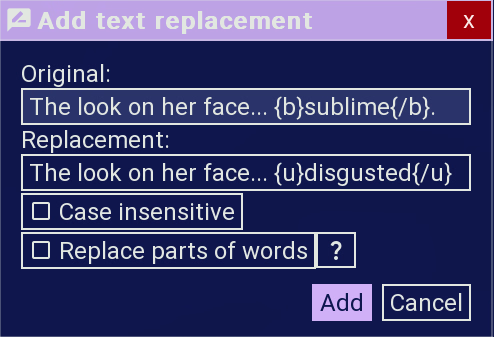
Before:


After:


Characters are:
{b} and {/b} for bold, {u} and {/u} for underlined, {i} and {/i} for italic.