nonotme101
Well-Known Member
- Mar 7, 2022
- 1,052
- 2,478
- 438
Can you use this mod to unlock premium path in this game https://f95zone.to/threads/blacked-house-v0-6-5-mandy.227900/

Just download the premium edition of the game, which is available in the game thread you linked.Can you use this mod to unlock premium path in this game...

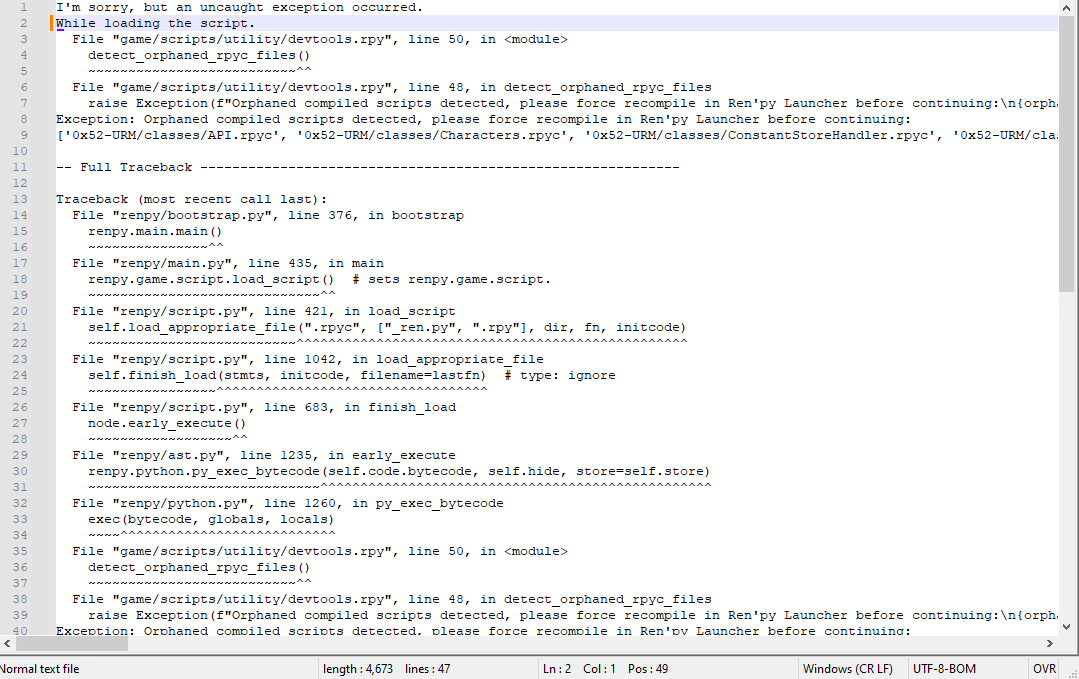
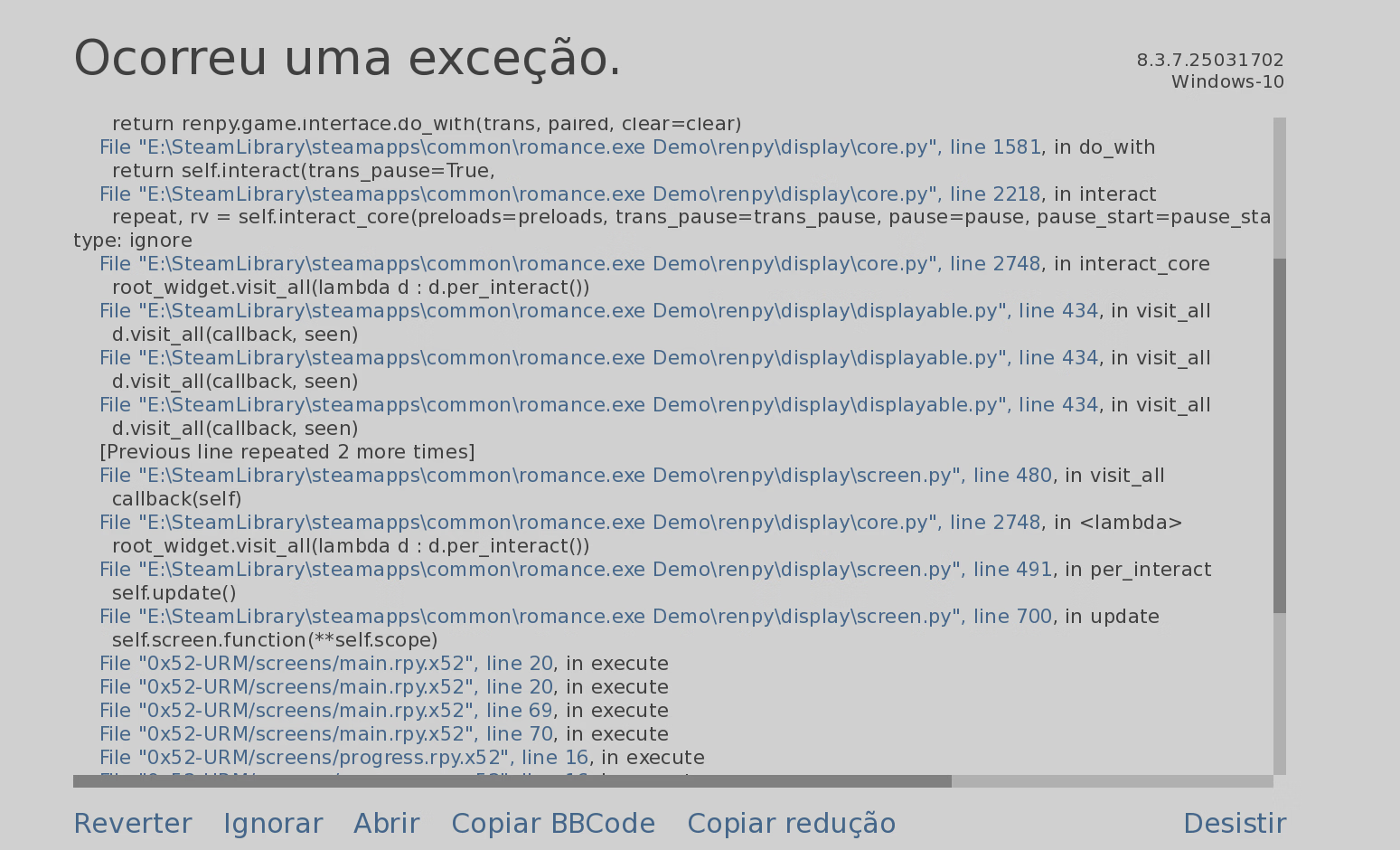
Share the full traceback.txt not an image...I have a quick question, it doesn't seem like URM is able to work with Witch trainer, It keep saying traceback whenever I start the game. View attachment 5364410


Thanks alot for this awesome share 0x52, much appreciate your time and effort. God Bless 0x52View attachment 3198399
Overview:
Easiest installation, open mod by pressing Alt+M (see below for touchscreen devices)
This mod is a great tool to cheat or debug Ren'Py games. See full Features list below for details.
Some features in short:
Find, change, freeze and monitor variables, detect hidden choices, detect paths, rename any character, find/save/replay scenes, watch variables, skip splashscreen, textbox customizing, customizable quickmenu
Updated: 2025-07-01
Game/Creator: Any Ren'Py game using Ren'Py engine 6.99.14 or newer
Modder: 0x52 -You must be registered to see the links-You must be registered to see the links
Mod Version: 2.6.2
Features:
You don't have permission to view the spoiler content. Log in or register now.
Roadmap:
You don't have permission to view the spoiler content. Log in or register now.
Installation:
You don't have permission to view the spoiler content. Log in or register now.
Touch devices (e.g. Android):
You don't have permission to view the spoiler content. Log in or register now.
Change-Log:
You don't have permission to view the spoiler content. Log in or register now.
What and why:
After developing Ren'Py mods for almost a year. I thought is was time to create the mod of all mods.
So here is what I call URM (or Universal Ren'Py Mod). The goal of this mod is to enable anyone (even without any programming knowledge) to be able to quickly and easily mod any Ren'Py game.
Just drop the mod file into your favorite game's "game" directory and start modding!
Please let me know what you think. I really appreciate any feedback, so I know I'm not doing this for nothing.
Or maybe consider supporting meYou must be registered to see the linksorYou must be registered to see the links.
WARNING!
You could break your game modifying any variable. Use at your own risk!
Breaking the game depends on the game's programming. You could create set of values the game doesn't expect. Which for example could prevent you to progress in the game or miss certain scenes. I would recommend saving before modifying. So you could always go back if something unexpected happens.
Screenshots:
View attachment 3249878 View attachment 3249876 View attachment 3249875 View attachment 3249872 View attachment 3249874 View attachment 3249870 View attachment 3249877 View attachment 3249871 View attachment 3249873 View attachment 3804185
You don't have permission to view the spoiler content. Log in or register now.
Download:
You must be registered to see the linksor Attachment below

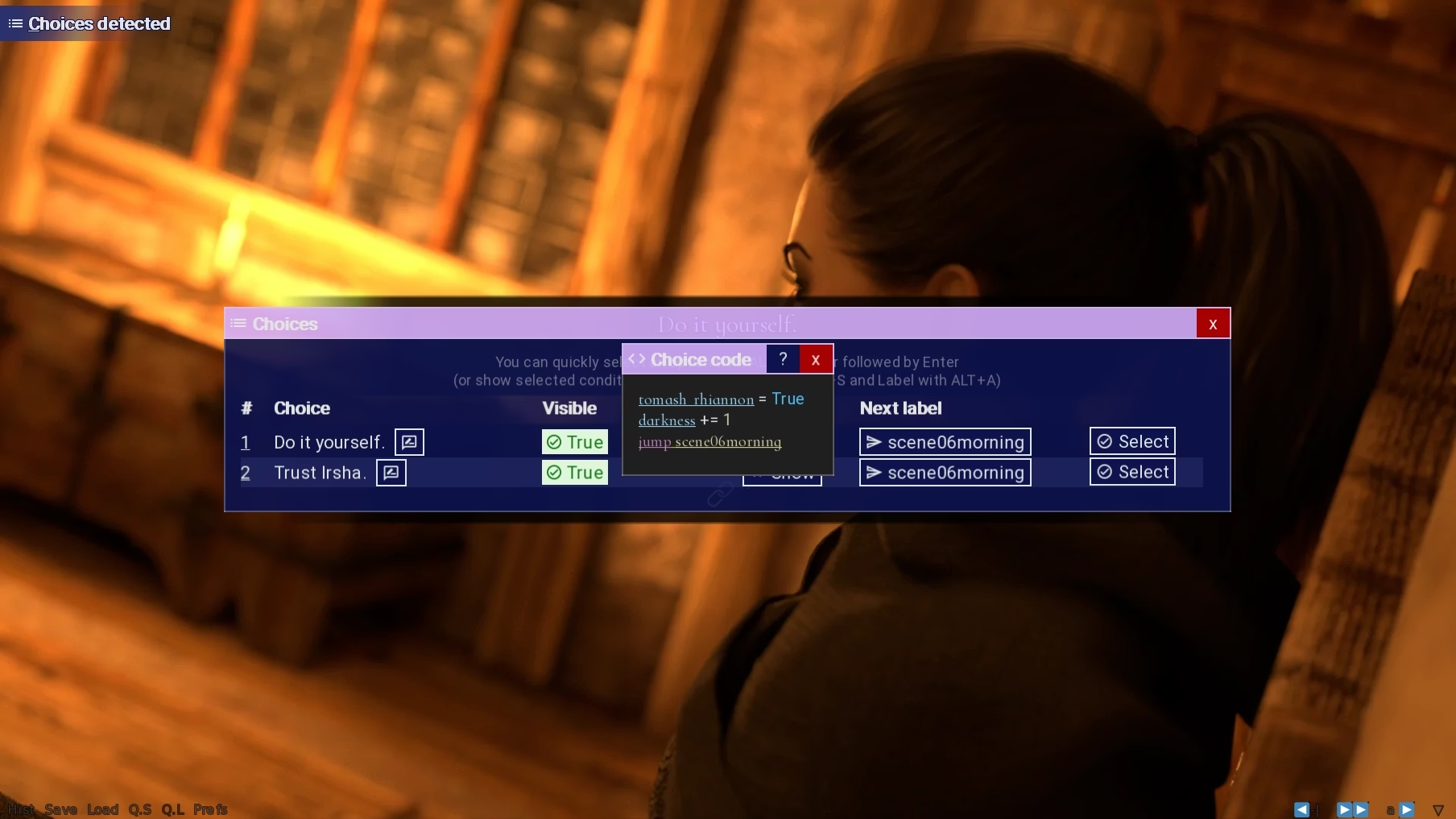
Is there a way to create a "both" option to select multiple scenes together? Some mods can do this, and it would be useful to be able to customise it and use it as we wish.

Mods that do that are handcrafted by the modders. Mostly the scenes are different paths that would set variables that are contradicting (like a submissive and a dominant path) and showing both will only work if those variables from the undesired path are removed by the modder to allow you to choose a path and still see the other scene.Is there a way to create a "both" option to select multiple scenes together? Some mods can do this, and it would be useful to be able to customise it and use it as we wish.


I'm sorry, but an uncaught exception occurred.

While running game code:
  File "0x52-URM/classes/progressbar.rpy", line 49, in textWidth
Exception: Could not find font '0x52-URM/framework/Roboto-Regular.ttf'.

-- Full Traceback ------------------------------------------------------------

Full traceback:
  File "game/Events/Introduction/Introduction.rpyc", line 6, in script
  File "C:\Agames\milf\Milfizz-0.05-pc\renpy\ast.py", line 1619, in execute
    choice = renpy.exports.menu(choices, self.set, args, kwargs, item_arguments)
  File "C:\Agames\milf\Milfizz-0.05-pc\renpy\exports\menuexports.py", line 134, in menu
    rv = renpy.store.menu(new_items)
  File "C:\Agames\milf\Milfizz-0.05-pc\renpy\exports\menuexports.py", line 424, in display_menu
    rv = renpy.ui.interact(mouse='menu', type=type, roll_forward=roll_forward)
  File "C:\Agames\milf\Milfizz-0.05-pc\renpy\ui.py", line 301, in interact
    rv = renpy.game.interface.interact(roll_forward=roll_forward, **kwargs)
  File "C:\Agames\milf\Milfizz-0.05-pc\renpy\display\core.py", line 2215, in interact
    repeat, rv = self.interact_core(preloads=preloads, trans_pause=trans_pause, pause=pause, pause_start=pause_start, pause_modal=pause_modal, **kwargs) # type: ignore
  File "C:\Agames\milf\Milfizz-0.05-pc\renpy\display\core.py", line 2745, in interact_core
    root_widget.visit_all(lambda d : d.per_interact())
  File "C:\Agames\milf\Milfizz-0.05-pc\renpy\display\displayable.py", line 434, in visit_all
    d.visit_all(callback, seen)
  File "C:\Agames\milf\Milfizz-0.05-pc\renpy\display\displayable.py", line 434, in visit_all
    d.visit_all(callback, seen)
  File "C:\Agames\milf\Milfizz-0.05-pc\renpy\display\displayable.py", line 434, in visit_all
    d.visit_all(callback, seen)
  File "C:\Agames\milf\Milfizz-0.05-pc\renpy\display\screen.py", line 480, in visit_all
    callback(self)
  File "C:\Agames\milf\Milfizz-0.05-pc\renpy\display\core.py", line 2745, in <lambda>
    root_widget.visit_all(lambda d : d.per_interact())
  File "C:\Agames\milf\Milfizz-0.05-pc\renpy\display\screen.py", line 491, in per_interact
    self.update()
  File "C:\Agames\milf\Milfizz-0.05-pc\renpy\display\screen.py", line 697, in update
    self.screen.function(**self.scope)
  File "0x52-URM/screens/main.rpy.x52", line 20, in execute
  File "0x52-URM/screens/main.rpy.x52", line 20, in execute
  File "0x52-URM/screens/main.rpy.x52", line 69, in execute
  File "0x52-URM/screens/main.rpy.x52", line 70, in execute
  File "0x52-URM/screens/progress.rpy.x52", line 16, in execute
  File "0x52-URM/screens/progress.rpy.x52", line 16, in execute
  File "0x52-URM/screens/progress.rpy.x52", line 19, in execute
  File "0x52-URM/screens/progress.rpy.x52", line 29, in execute
  File "0x52-URM/screens/progress.rpy.x52", line 31, in execute
  File "0x52-URM/screens/progress.rpy.x52", line 31, in execute
  File "0x52-URM/screens/progress.rpy.x52", line 34, in execute
  File "0x52-URM/screens/progress.rpy.x52", line 35, in <module>
  File "0x52-URM/classes/progressbar.rpy", line 49, in textWidth
  File "C:\Agames\milf\Milfizz-0.05-pc\renpy\text\text.py", line 2495, in size
    layout = Layout(self, width, height, renders, size_only=True, drawable_res=True)
  File "C:\Agames\milf\Milfizz-0.05-pc\renpy\text\text.py", line 770, in __init__
    glyphs = ts.glyphs(s, self)
  File "C:\Agames\milf\Milfizz-0.05-pc\renpy\text\text.py", line 340, in glyphs
    fo = font.get_font(self.font, self.size, self.bold, self.italic, 0, self.antialias, self.vertical, self.hinting, layout.oversample, self.shaper, self.instance, self.axis)
  File "C:\Agames\milf\Milfizz-0.05-pc\renpy\text\font.py", line 745, in get_font
    face = load_face(fn, shaper)
  File "C:\Agames\milf\Milfizz-0.05-pc\renpy\text\font.py", line 673, in load_face
    raise Exception("Could not find font {0!r}.".format(orig_fn))
Exception: Could not find font '0x52-URM/framework/Roboto-Regular.ttf'.

Windows-10-10.0.26100 AMD64
Ren'Py 8.3.2.24090902
Milfizz 0.05
Fri Oct 31 00:24:21 2025
No, I couldn't find an easy fix. The reason seems to be that the game dev decided to encrypt their code and therefore only expects encrypted code, but URM is not encrypted the same way the game expects it to be.Hello the game House of Shinobi [v0.21_Tavern] [CutePercentage] have this error is now have easy way to fix this?

It is sort of a stupid question but I am trying to use 0x52 URM on an apple-silicon mac using wine.Again, can someone teach me how to recode the Alt-M hotkey to shift-M?