antonanon28

New Member
Jan 30, 2020
2
7
102
Regular wine wasn't working for me on linux but this launcher seemed to do the trick:

You can also run rpgm games natively on Linux (no wine needed) using
Download, extract and simply run <path_to_nwjs>/nw <path_to_game>

Only two things you need to do sometimes for some games is to edit the package.json file and replace an empty "name" value ("name": "") with some value (e.g. "name": "game") or to use the --ignore-gpu-blocklist flag
 

antonanon28

New Member
Jan 30, 2020
2
7
102
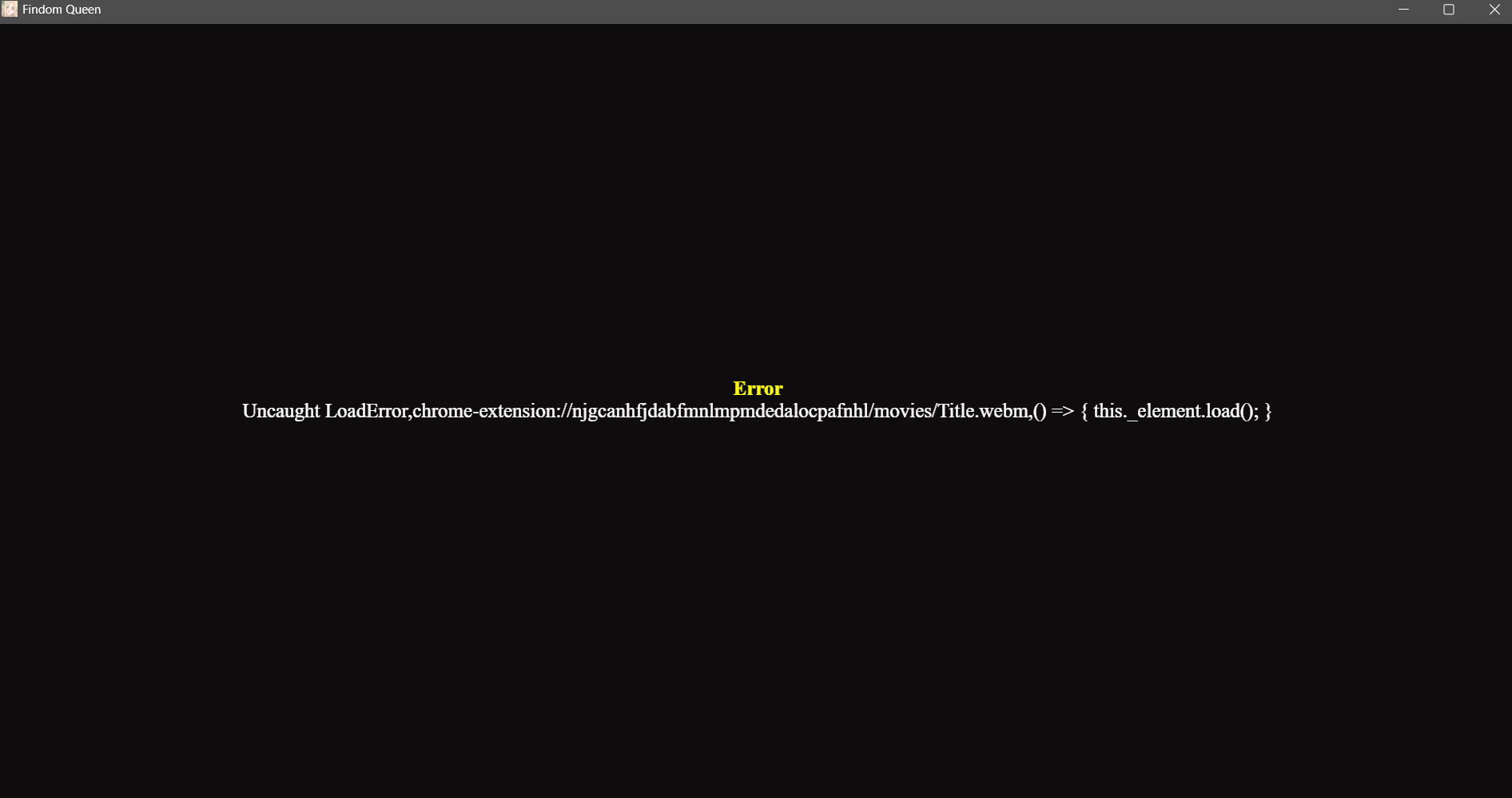
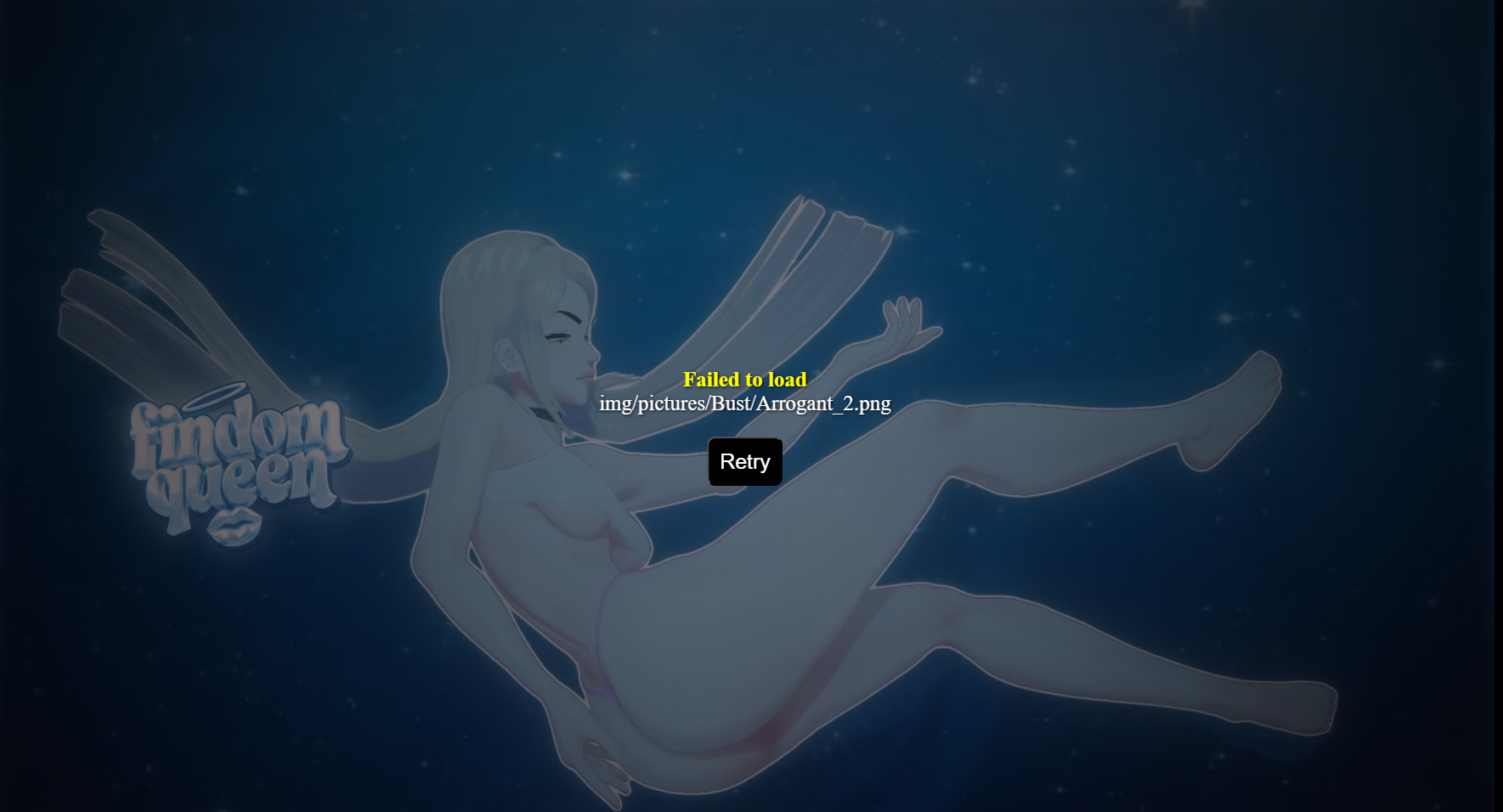
I got this when i tried to hangout with her , any solutions ?
View attachment 5637601
I typically get these types of errors on case-sensitive filesystems (eg ext4 on Linux). Often the file exists but has a non-capital first letter instead of a capital one. Just try to find the file and rename it to match the name it tries to load. Or even better, copy (or symlink) the file and rename the copy (or symlink) so it will find the file regardless of how the name is spelled in the Game's code.
 

itsnottme

Member
Mar 31, 2018
118
39
258
PUBLIC RELEASE:
PIXELDRAIN


I hope I’ve fixed most of the bugs but please try to avoid using older save files.
You can use:
  • Save slot 4 to jump straight to version 0.3 content
  • Save slot 5 to start with all quests completed
After opening the game, I see nwjs as a red icon in system tray. I've never seen a RPGM game have that before. Is that normal?
I was going to take a screenshot but unchecked "run in background" and it no longer shows up.
 
4.70 star(s) 44 Votes