

Lol, I get it. It's hard to follow the rules and simultaneously give clear and valid instructions. It's good enough that you managed to find the spot.I'm with these guy in this. I've been talking to FrenchFry, he told me to run compile.bat for the precompiled FC. took me a while on Gitgud, but I found an executable compile.bat I could download (also took a bit to locate the download button). when I ran it the FC would not load anymore. it's taken a bit, having to delete every file I had downloaded for FC, but I think I'm almost back to where I was.
those of us who don't know computers very well, apparently can't follow the instructions you guys are giving. it's like an auto mechanic trying to explain over the phone how to set the timing on a car, to a 5yo. we just don't understand what you mean, or you expect a level of knowledge that we don't have.
Gitgud/Github both being (very) beginner unfriendly is very unfortunate as well, it gives you an immediate list filled with files with no clear indication what you are supposed to do with them.
let me try again, assuming you found the right place.
- Ignore the massive row of files that you are confronted with in the beginning and scroll all the way down.
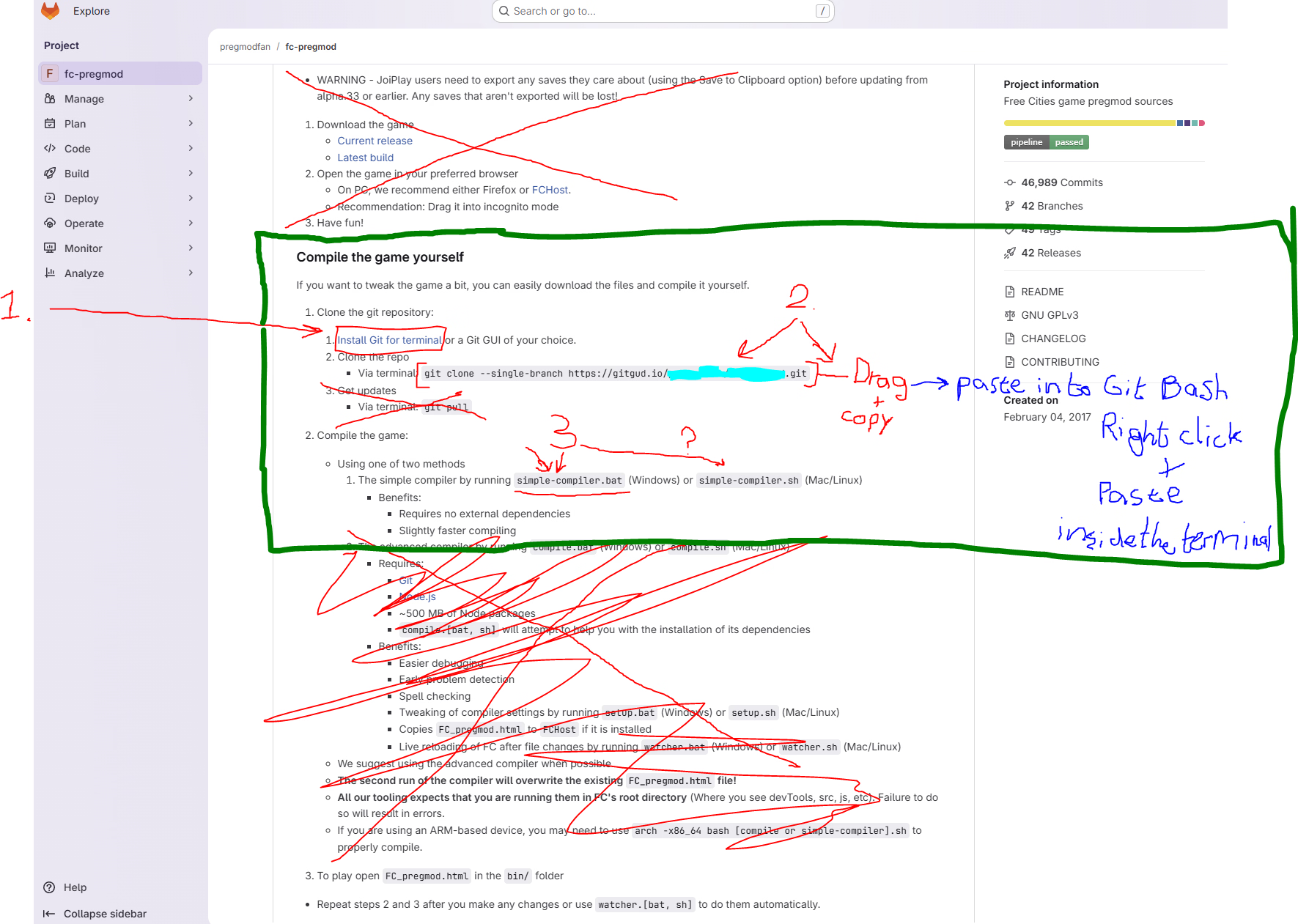
- You are now confronted with several instructions depending on what you're looking for. You are looking for "Compile the game yourself"
- Hit CTRL + F and type "compile the game yourself" or shorter, this will make your browser jump to the locations in the webpage where "compile the game yourself" is shown. OR manually find this title on the bottom of the git page (that annoying website with the 10 million files)
-
 Follow the instructions described in the image. Click "Install Git for terminal"
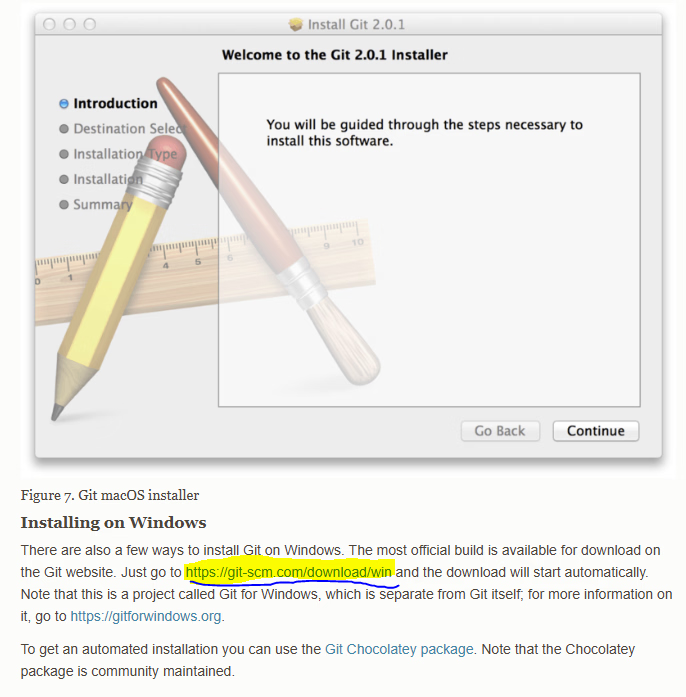
 - Scroll down to "Installing on Windows" (I'm assuming you use Windows) and click the following link
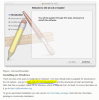
- Yet another page pops up, but this is the final one. Select the standalone installer and click on "Git for Windows/x64 Setup"
- You are now left with the executable which looks like this:

- Install and follow the onscreen instructions, close the installer when it tells you it is done.
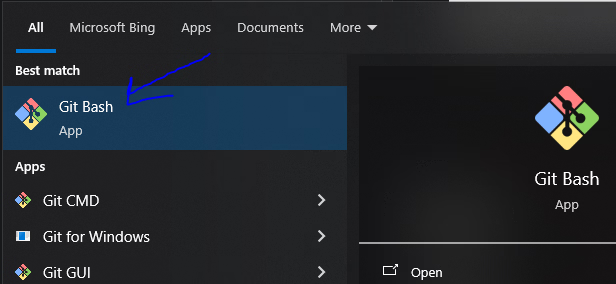
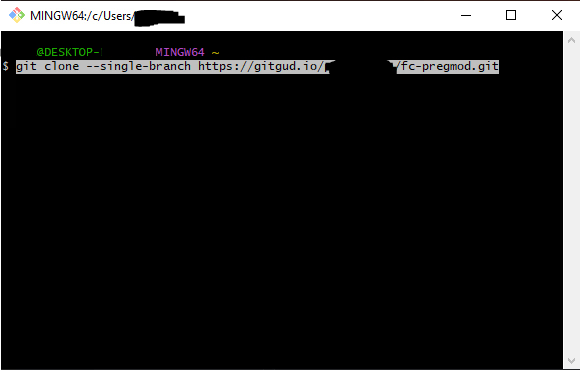
- Open "Git Bash", You do so by either hitting the Windows icon on your keyboard or clicking on the bottom left Windows icon, and typing "Git", open the program.
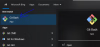
- Now you "clone the repo". Copy the line after "Via terminal:" that is greyed out in it's entirety from "git clone" all the way to ".../fc-pregmod.git" and Right click + Paste inside the terminal (git bash)
-
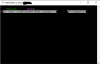 Hit enter, when (if) prompted, read the on screen instructions and press Y / N on your keyboard when applicable
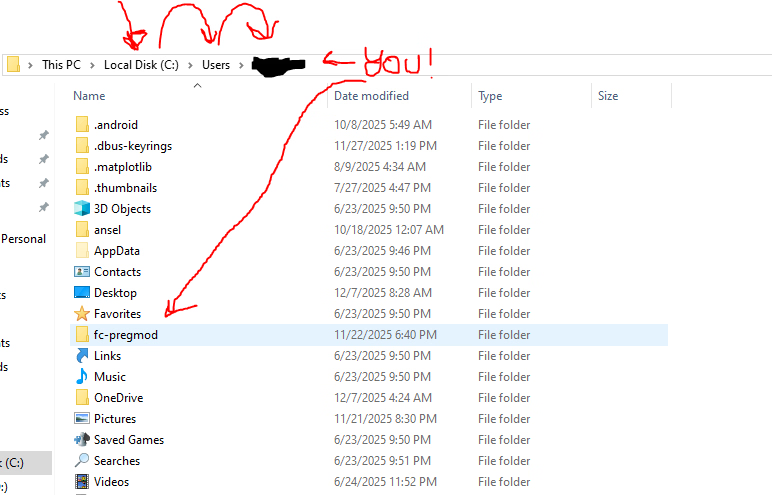
 - Congratulations, you now have the latest and greatest version on your computer. To find it, head to your C: drive (Local Disk (C : , open "users" and open your pc's name. you will then find the complete collection of files that make up free cities "fc-pregmod"

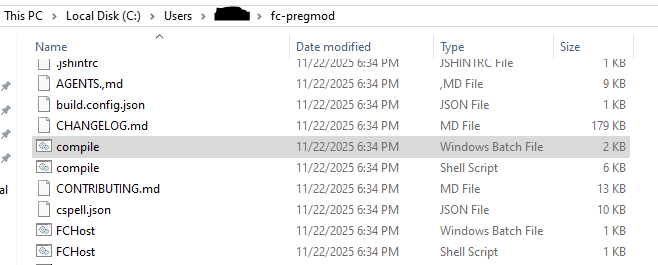
- Open "fc-pregmod", Press "S" on your keyboard and find "simple-compiler" with the "Windows Batch File" type.
ALTERNATIVELY! (Pick either simple-compiler or compile)
with the explorer open and on the foreground hit "C" on your keyboard. It will jump onto all files with names that start with "C". What you want to open is "compile" with the "Windows Batch File" type.
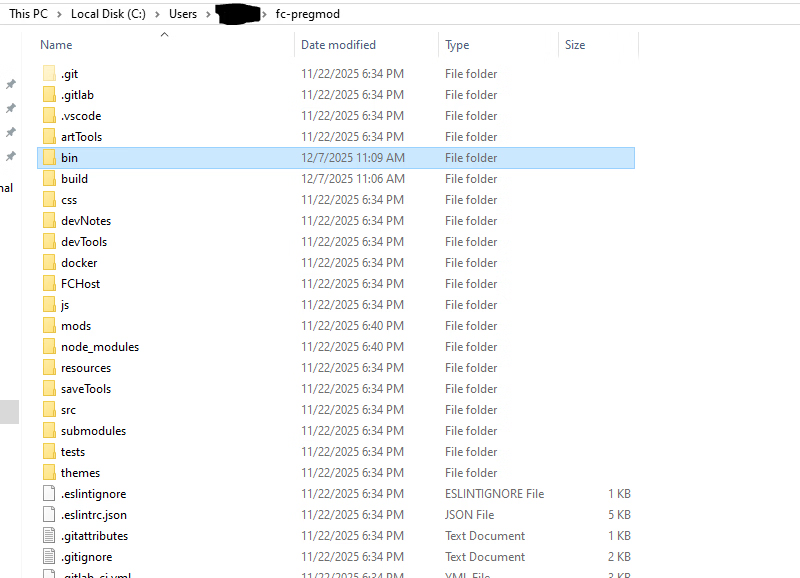
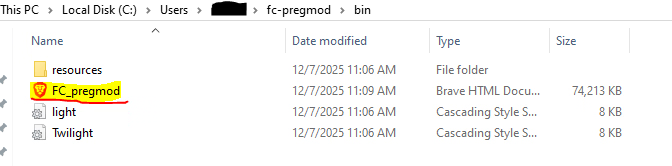
- Follow the on screen instructions, when it finishes, your "finished" build will be waiting for you inside "bin"
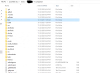
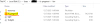 You only need the FC_pregmod file, the others are irrelevant (for you)

Last edited:


