- Thread starter Papa Ernie
- Start date
3.90 star(s)
15 Votes

Femdom Enjoyer
Member
- Nov 13, 2017
- 194
- 274
- 153
See if this helps:Language: English (Some menus still in Japanese)
View attachment 5430357
Everything is Japanese
Nothing is translated
and game play in tiny window
You must be registered to see the links

StroginOff69
Newbie
- Mar 13, 2025
- 35
- 2
- 27
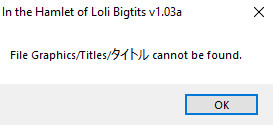
Anyon know a fix for this?
Even though the specified file is in the directory it is said to be missing from, it won't recognize it. Is itusing the wrong file format or was it badly specified in thegame itself? Or is it an error of the TL?
Femdom Enjoyer
Member
- Nov 13, 2017
- 194
- 274
- 153
Yeah the game needs to either be run with your region set to Japan, or you need to run it throughView attachment 5438926
Anyon know a fix for this?
Even though the specified file is in the directory it is said to be missing from, it won't recognize it. Is itusing the wrong file format or was it badly specified in thegame itself? Or is it an error of the TL?
You must be registered to see the links
.
whatmi
Member
- Jul 4, 2019
- 389
- 833
- 137
Thanks i figured out how to maximalize and got stuck on something (hot spring caverns) and quitedSee if this helps:You must be registered to see the links
ilovepaizuri
New Member
- Aug 30, 2021
- 3
- 0
- 44
I haven't played in many years, but if I remember correctly, those are triggered if you meet certain conditions and enter the right hot springs alone.How to activate spring duo scene?
ilovepaizuri
New Member
- Aug 30, 2021
- 3
- 0
- 44
Thx mate how to find tsubaki spring?I haven't played in many years, but if I remember correctly, those are triggered if you meet certain conditions and enter the right hot springs alone.
Which? If I recall, she had mulitple duo/trio scenes.Thx mate how to find tsubaki spring?
ilovepaizuri
New Member
- Aug 30, 2021
- 3
- 0
- 44
Which? If I recall, she had mulitple duo/trio scenes.
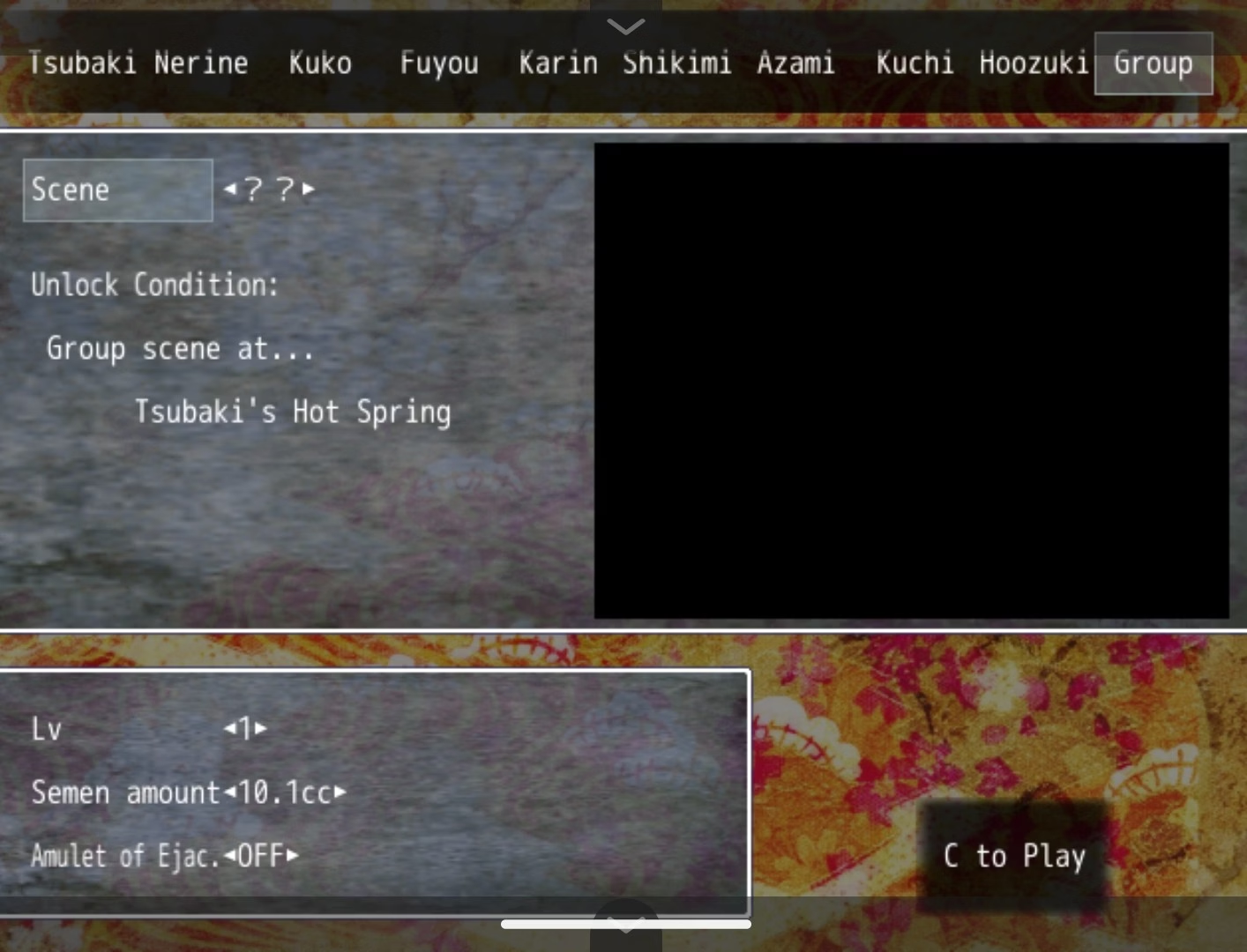 no dude I mean this one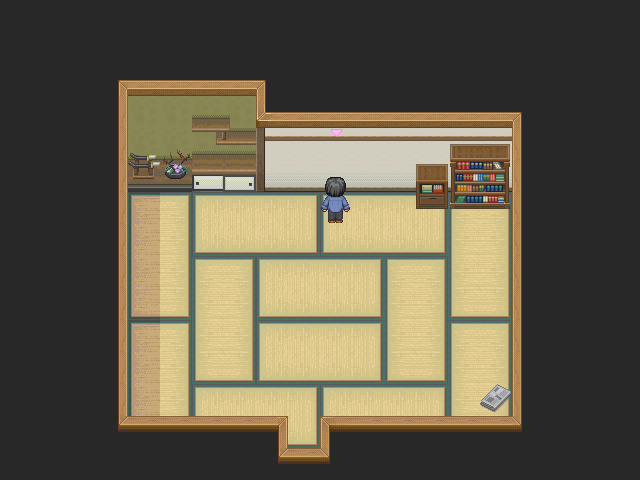
DisorderNation
Newbie
- Sep 27, 2025
- 85
- 7
- 8
DisorderNation
Newbie
- Sep 27, 2025
- 85
- 7
- 8
Alright apparently I not download the attachment before that's why the game stay at Japanese I thought it already translated in game I never thought I need to replace the file manually but now I don't know how to go to the forest
DisorderNation
Newbie
- Sep 27, 2025
- 85
- 7
- 8
This game is good especially for paizuri lover, but seriously it's the first RPGM game where my level drop each H scene like what the hell, I guess I will using cheat for my level least losing level each time is not funny


gaylordgodfreak
Newbie
- Nov 22, 2021
- 43
- 19
- 98
Title screenWhere is the gallery?

Noa3
Newbie
- Feb 26, 2021
- 79
- 137
- 133
you need to put it in the game folder(the one you extracted), under saveWhere I put the save in LocalLow ?
So anyway, I finally got a new PC and have gotten the chance to experience how much I dislike windows 11. As a result, I did end up figuring out one issue that some may have with playing the game.
Basically I got the error where I couldn't play the game. Changed locale to japan and still no luck. To sum it up, the problem was a font the dev uses for the game that isn't part of windows 11 fonts.
I just installed the font from the file in the game into my windows languages, and it suddenly started working. So maybe, if some are still having problems, they'll be lucky and this solves it.

Basically I got the error where I couldn't play the game. Changed locale to japan and still no luck. To sum it up, the problem was a font the dev uses for the game that isn't part of windows 11 fonts.
I just installed the font from the file in the game into my windows languages, and it suddenly started working. So maybe, if some are still having problems, they'll be lucky and this solves it.