

Scuzzbucket
Member
- Jan 8, 2018
- 108
- 77
- 183

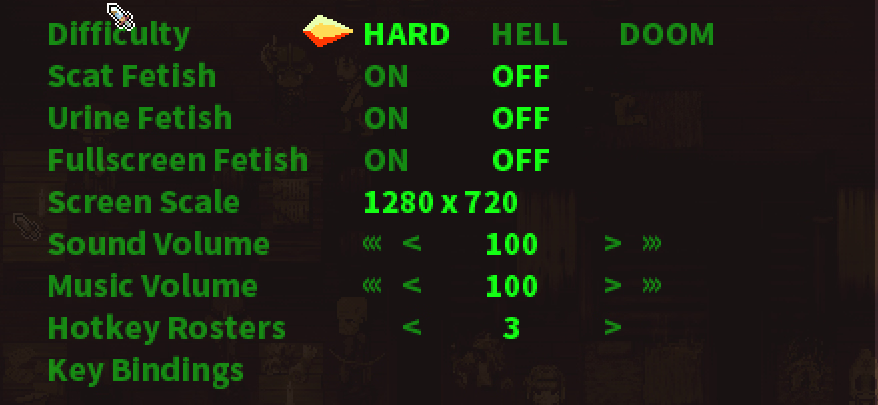
In the menuIs there a way to not see scat/urination on this one? If not, oh well gonna skip it.
did you restart the game after you enabled it?How do you use the cheats mod properly? installed it in the mods menu and enabled it, but pressing F9 does nothing.

Yes i diddid you restart the game after you enabled it?

I downloaded the following version from 11 hours ago.Yes i did
But i dont know if the file i downloaded and where i place it was right or not.
I downloaded the Cheatsmod. AIO, extracted it and placed it in Modscript > _Mods

Hmmm, then where do u press F9 at? which part in the game because nothing is popping out for me when i pressed it.I downloaded the following version from 11 hours ago.
You must be registered to see the links
and extracted it the same place as you ModScripts\_Mods
View attachment 4482507
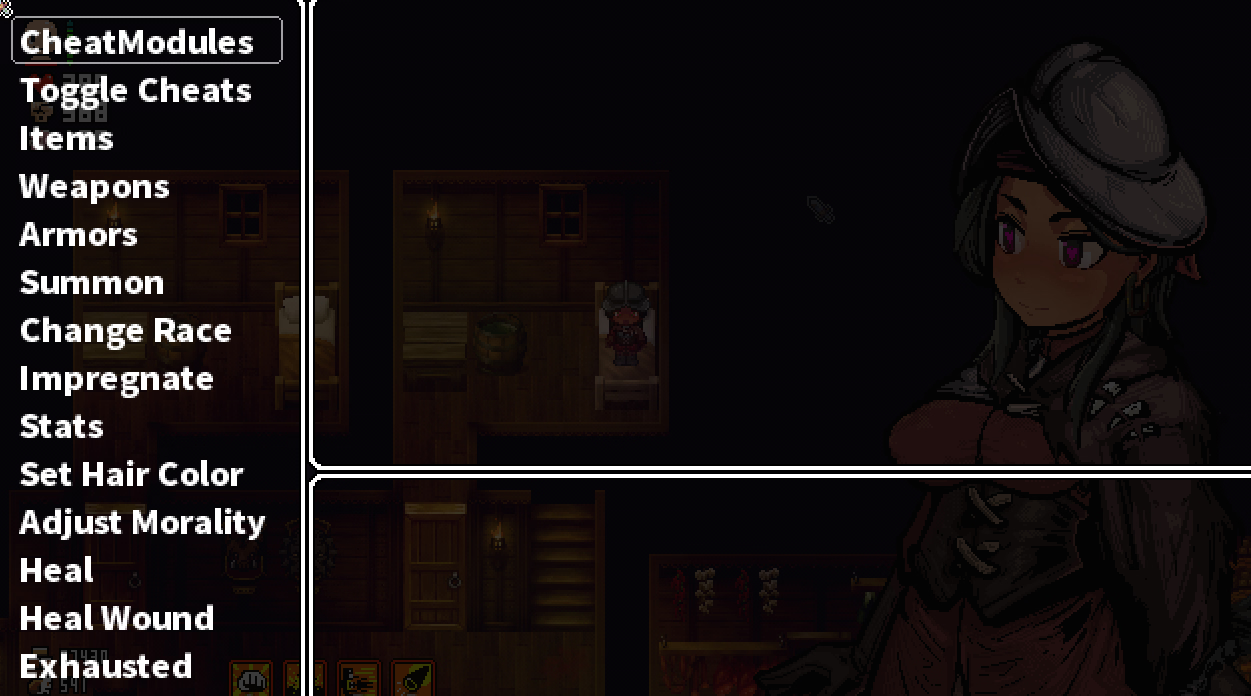
In the gameHmmm, then where do u press F9 at? which part in the game because nothing is popping out for me when i pressed it.

Let's remember Claire quest or VH! And we laugh ironicallyWill this be ever completed? Since 2020 and we still waiting
Still cant access it, i downloaded the latest ver of the game.In the game
It doesn't care if I'm in a dungeon or just in a tavern or on the world map
View attachment 4482531
My game is a fresh install, so... Either you're doing something wrong or you gotta find the files that makes your life difficult. (which is bothersome)Still cant access it, i downloaded the latest ver of the game.
What i meant was i jus downloaded the game today and did the cheat mod installation thingy. I even installed a new one just to check but cant access still.My game is a fresh install, so... Either you're doing something wrong or you gotta find the files that makes your life difficult. (which is bothersome)
You can also try to remove your entire ModScripts folder and use the files from the current version to ensure that there isn't any issues with the mod folder. But idk if that'll help
Are you actually pressing F9? There are keyboards with the FnLock key that switch the F keys with other functions.Hmmm, then where do u press F9 at? which part in the game because nothing is popping out for me when i pressed it.
Does it matter that i am basically still near the start of the game?
Pretty sure I am since F9 has no function on my laptopAre you actually pressing F9? There are keyboards with the FnLock key that switch the F keys with other functions.

I don't see the Nyxlauncher zip in on the github link, does anyone have a link to download Nyxlauncher ?Are you actually pressing F9? There are keyboards with the FnLock key that switch the F keys with other functions.
on most laptops the Fn key located near the Left Ctrl keyPretty sure I am since F9 has no function on my laptop
Do you still connect it to nyxlauncher or something in the newest patch of the launcher?My game is a fresh install, so... Either you're doing something wrong or you gotta find the files that makes your life difficult. (which is bothersome)
You can also try to remove your entire ModScripts folder and use the files from the current version to ensure that there isn't any issues with the mod folder. But idk if that'll help
