You must be registered to see the links

So Christmas is upon us and I decided to take advantage of Black Friday to put in for an upgrade, for "efficiency" purposes. That's my story and I'm sticking with it. I am due a shiny new RTX5080 card and a new monitor, which should be arriving in the next couple of days. The situation with RAM finally tipped me over the edge, I always expected to upgrade in 2026, but because all RAM is going up in price, that will also push up VRAM prices, so GPU's are expected to increase in cost again. Aside from the fact it's a big upgrade to gaming performance over my current 3080, there were actually some practical reasons as to why I went for a 5080 over a 5070ti. Gaming performance is only about 15% better but image generation is about 35% better. With the amount that I do that translates into a significant time saving. It should also be about 20% faster at framepack video generation than the 5070ti is. Vs the 3080 it's up to 5x faster for SDXL image gen and 50% faster for framepack. Also due to the way that framepack works, the higher VRAM allows it to maintain better consistency and higher resolution outputs. I'll also be able to try out WAN now, which should improve the NSFW animations I can produce locally.
The 2nd monitor is an efficiency purchase, the process of creating and editing sprites, then getting them into game is very intensive in terms of flicking back and forth between different folders and applications. I have a 32" screen now, but it's not big enough so I've got another one. This will save time in not having to search through open folders to find the one I want (and remember the one I want). Possibly just a me thing as well, but I find having to flick back and forth quite irritating and it definitely makes the process less enjoyable. So I'm hoping this will help me optimise my working environment.
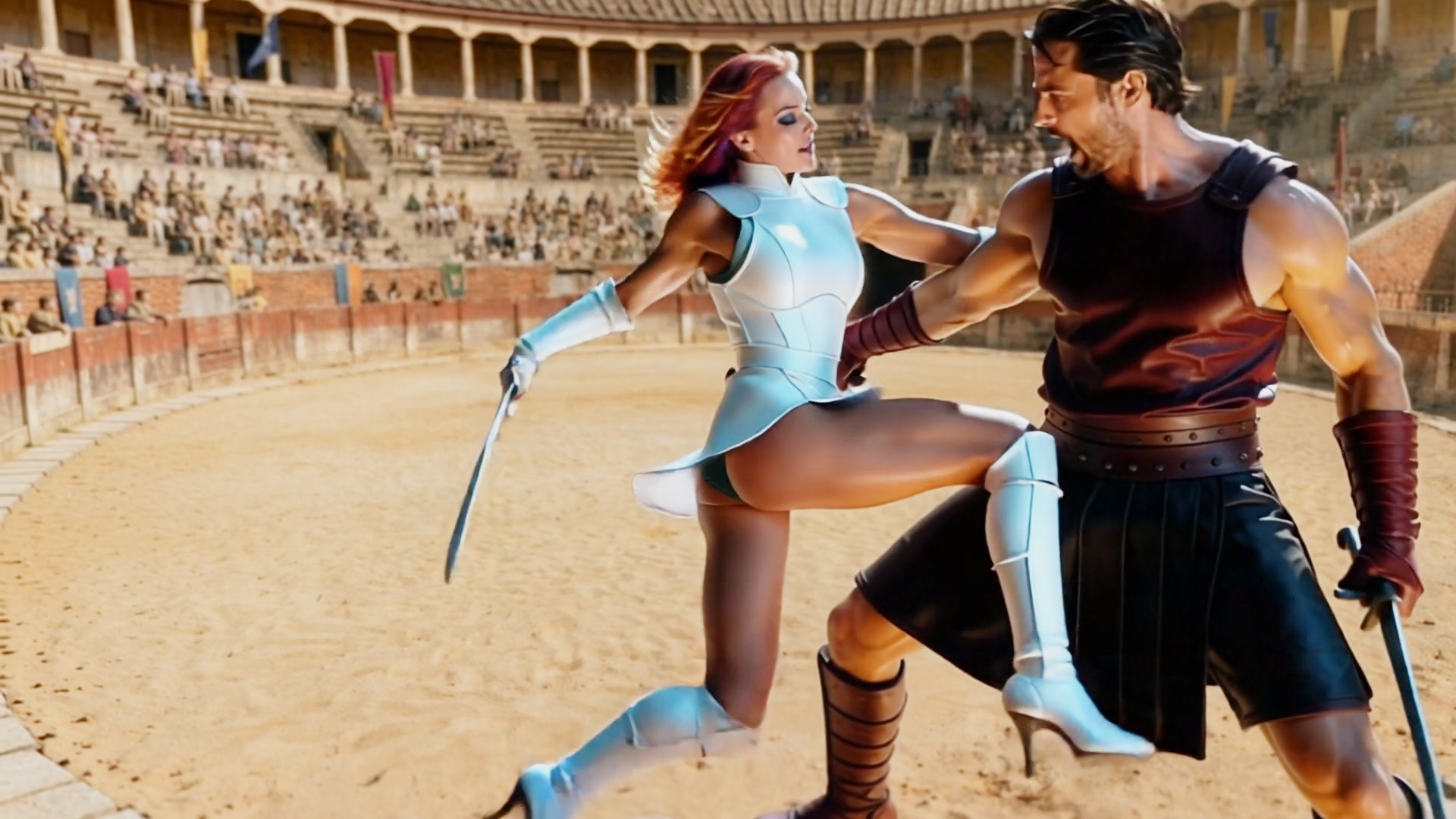
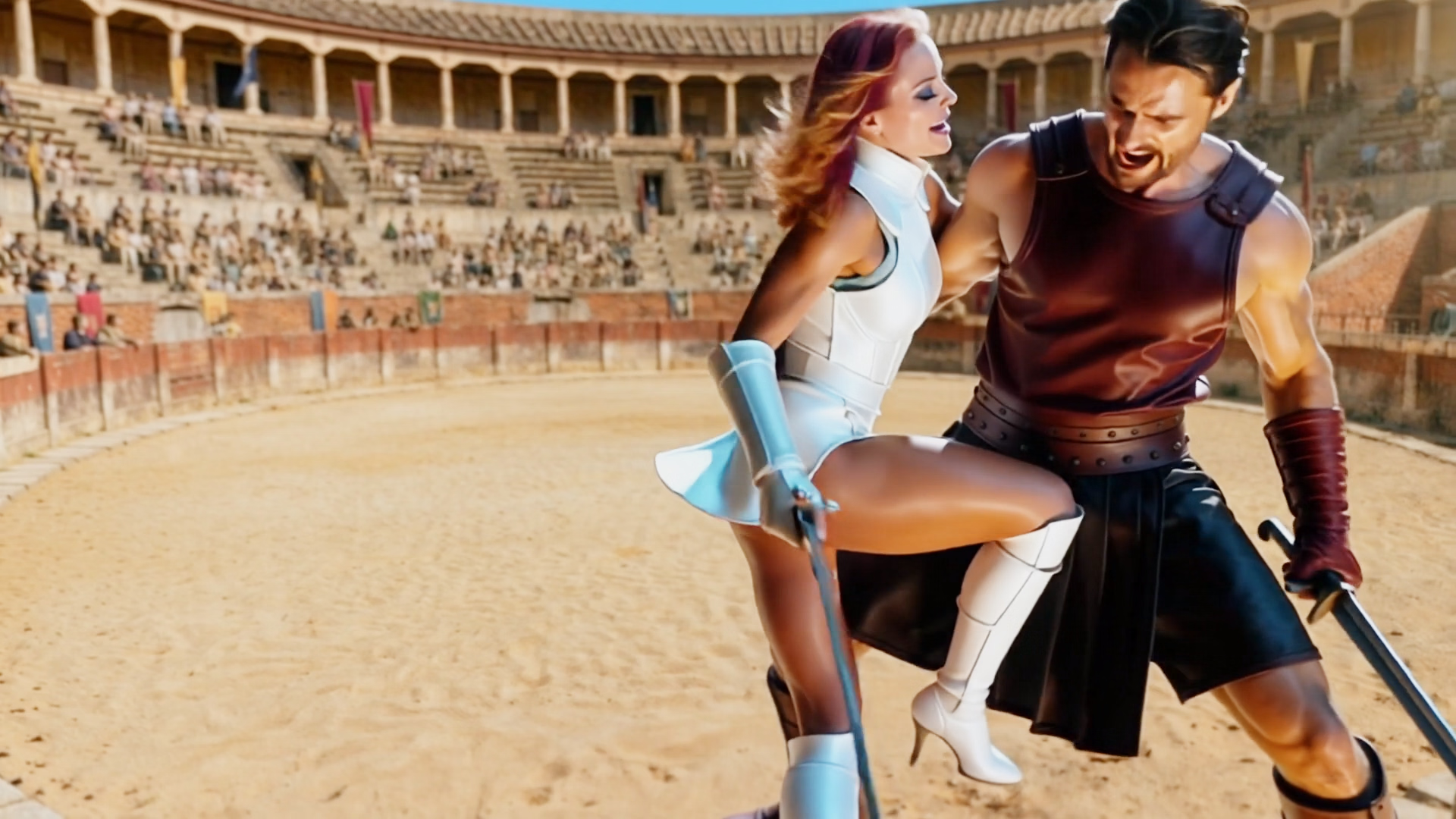
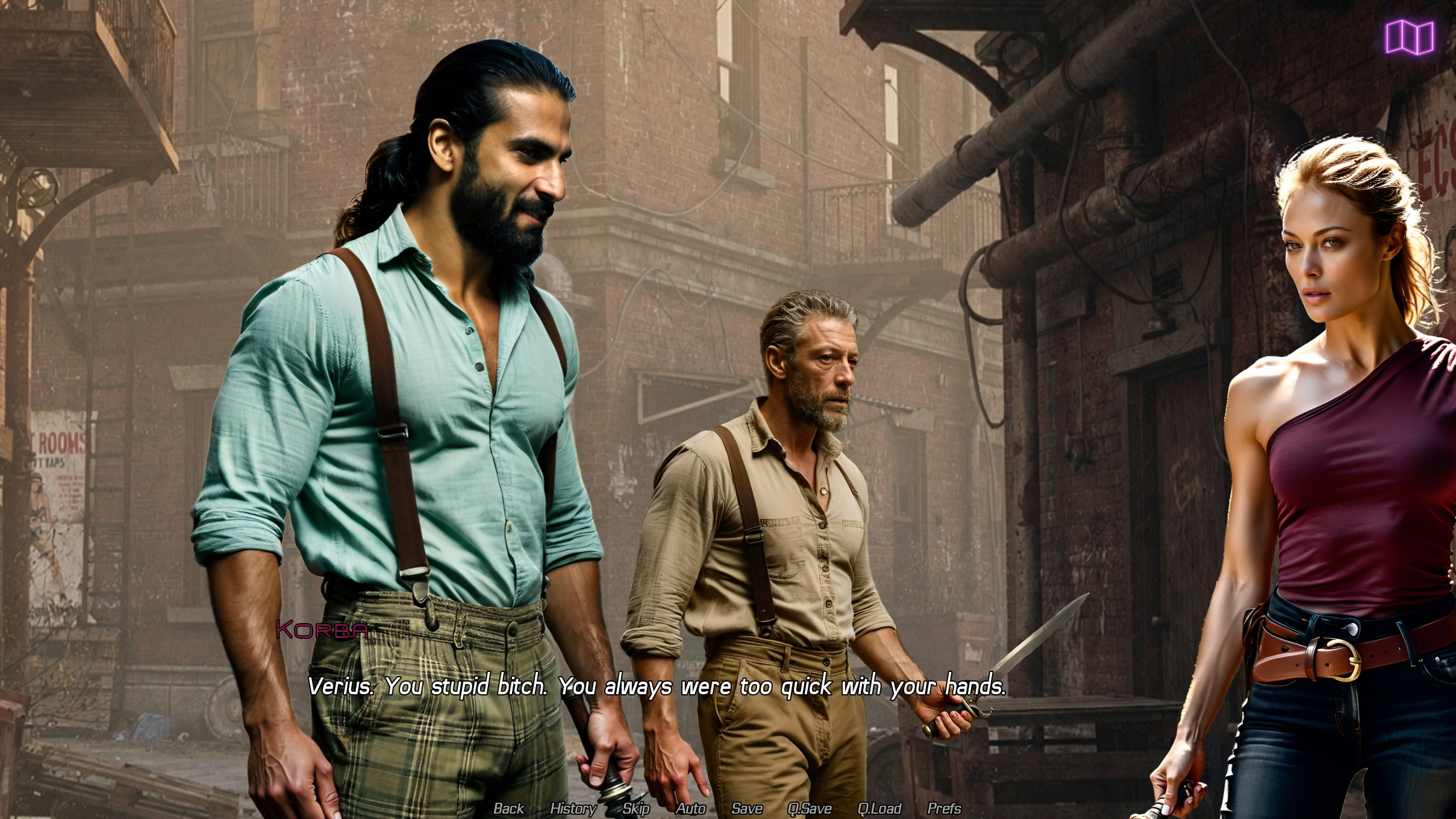
Progress for 0.4 is pretty good. I'm about 75% through getting sprites into the game and all 3 action scenes are done. Action scenes are much more time consuming to do than any other scene (maybe on par with a sex scene). Image gen of weapons is extremely inconsistent, so it becomes about trying to minimise those inconsistencies. I have to spend time editing images to correct weapons and hands and often weapons and hands together, which is another level of complication. This means it takes much longer to generate the sprites. I then have to use the sprites to create a starting point for an image to video animation and then get a fight scene 'animated'. As I've mentioned before these are usually comically bad and it has a very annoying habit of making combatants dual wielders all the time. I'll need to create a number of animations, then grab useful frames out of those animations, run them through an upscaler and then present them as static images in game. Those images don't look particularly crisp, but as they are showing a still frame of a lot of movement I think it's OK. Obviously I'd prefer the images to look fabulous, but that is where having real artists or performers makes all the difference. I have made most of the animations, but I still need to get them into the game. After that it's sound effects and then it should be ready for early access. I'm cautiously optimistic that will be the 10th.
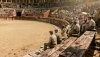
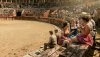
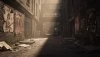
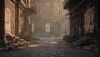
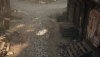
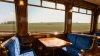
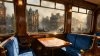
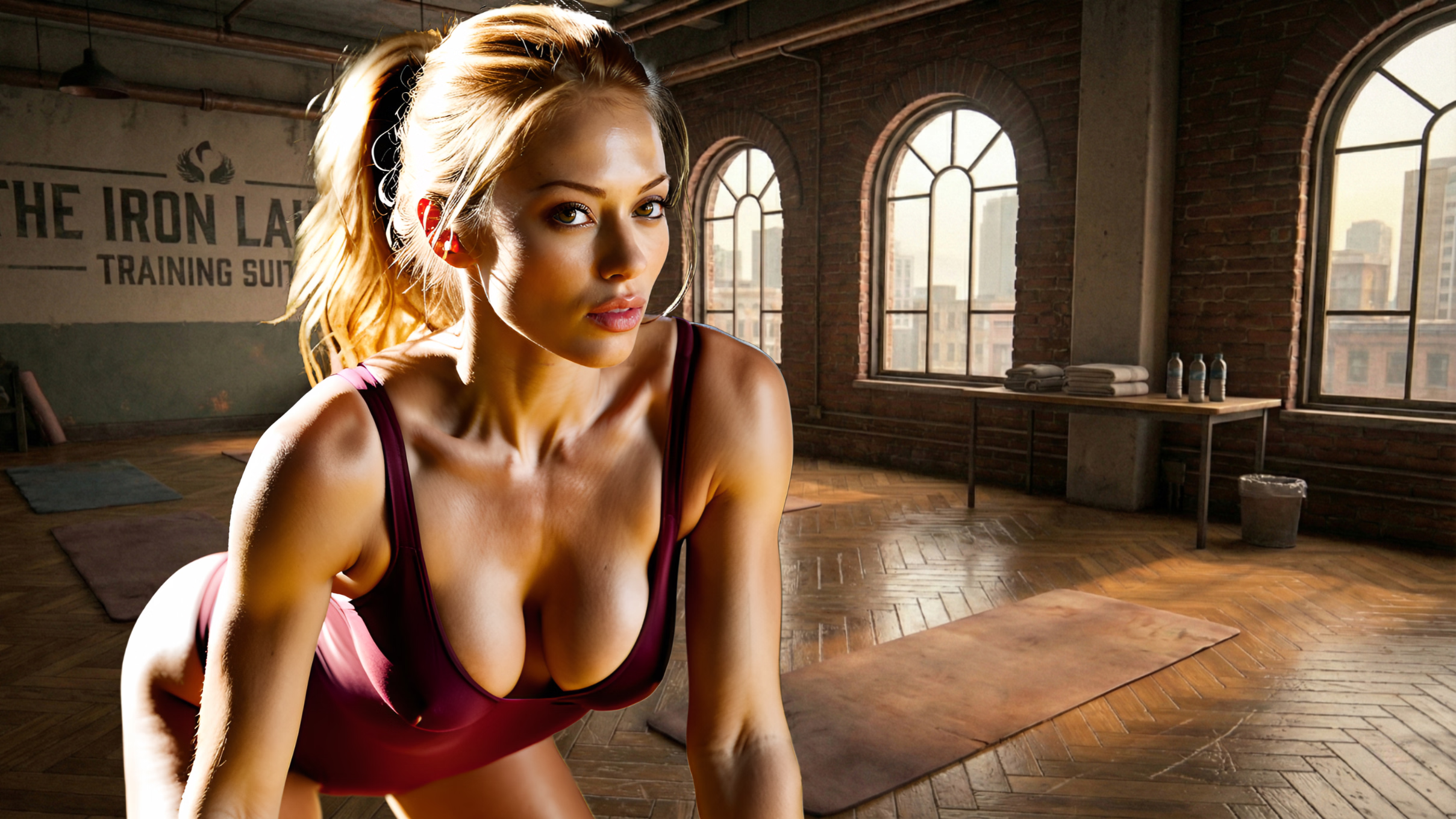
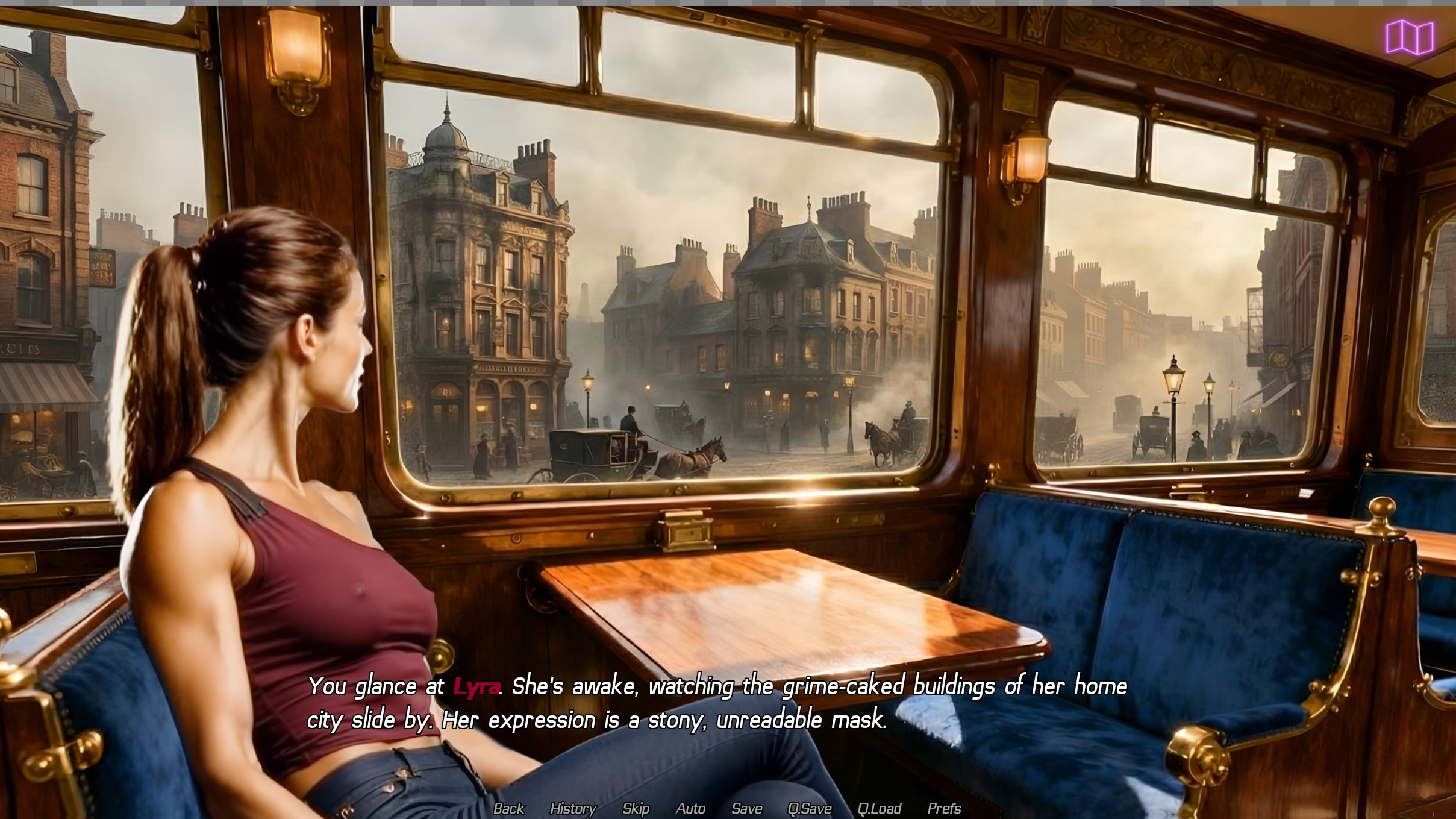
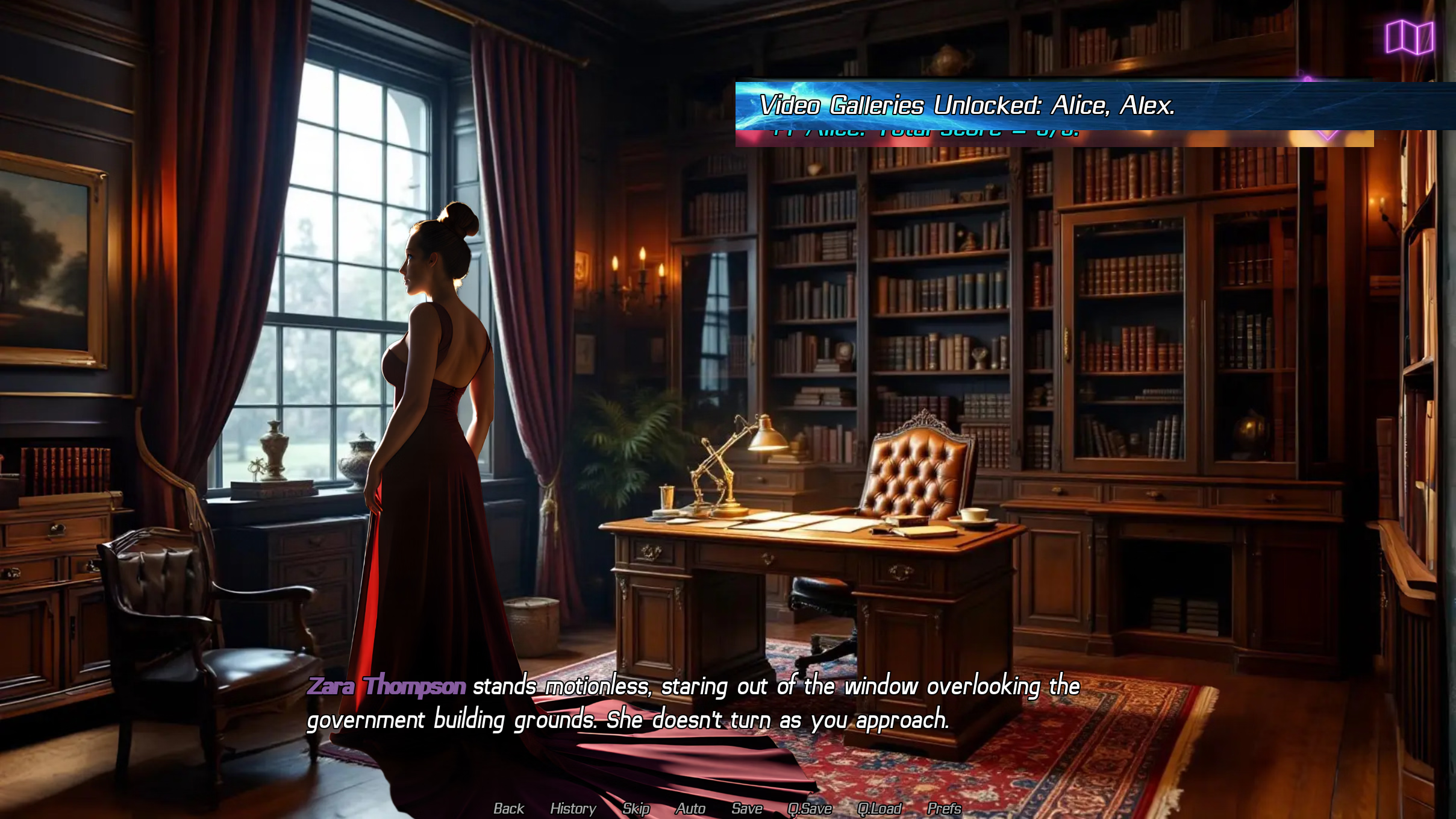
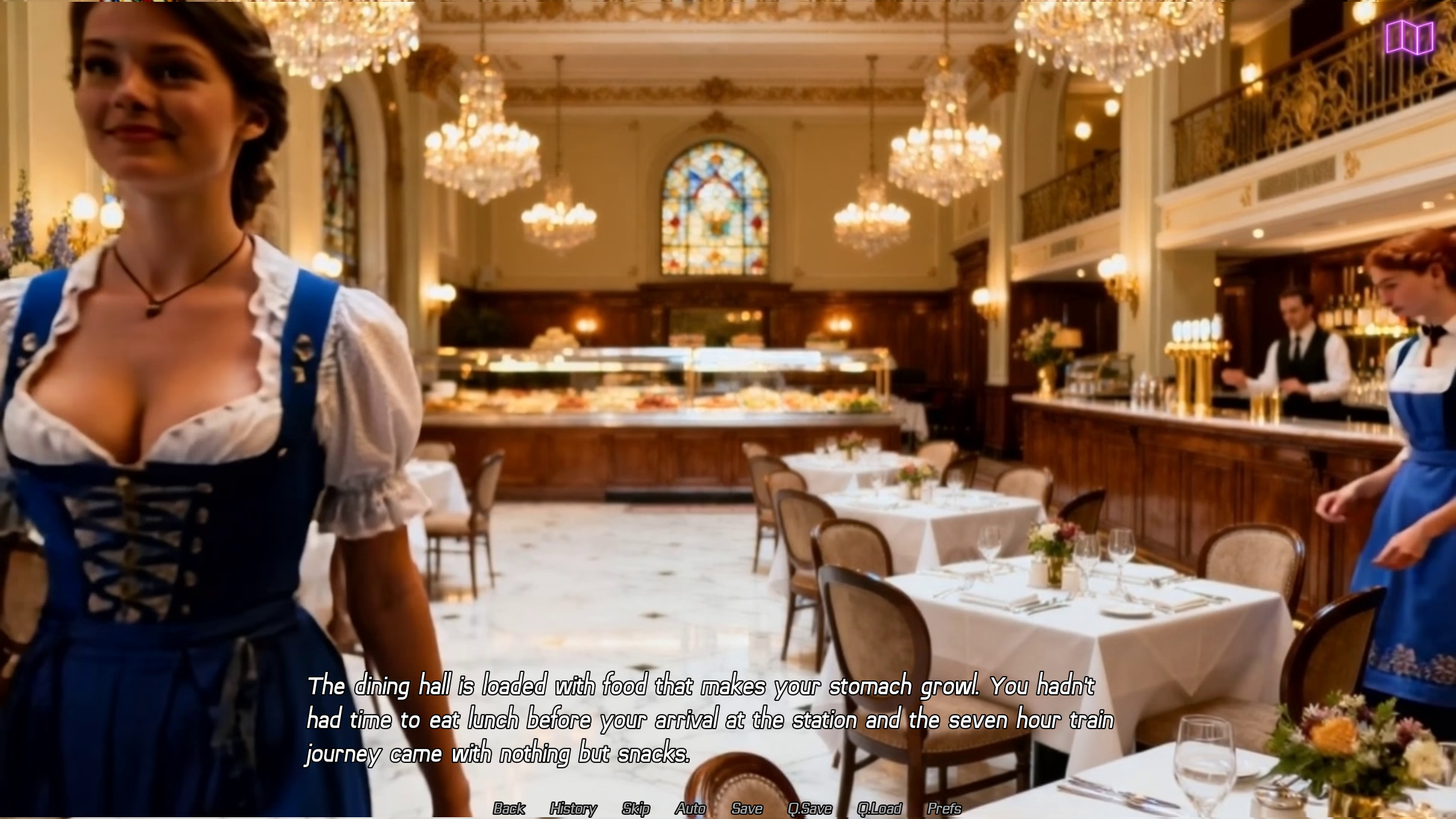
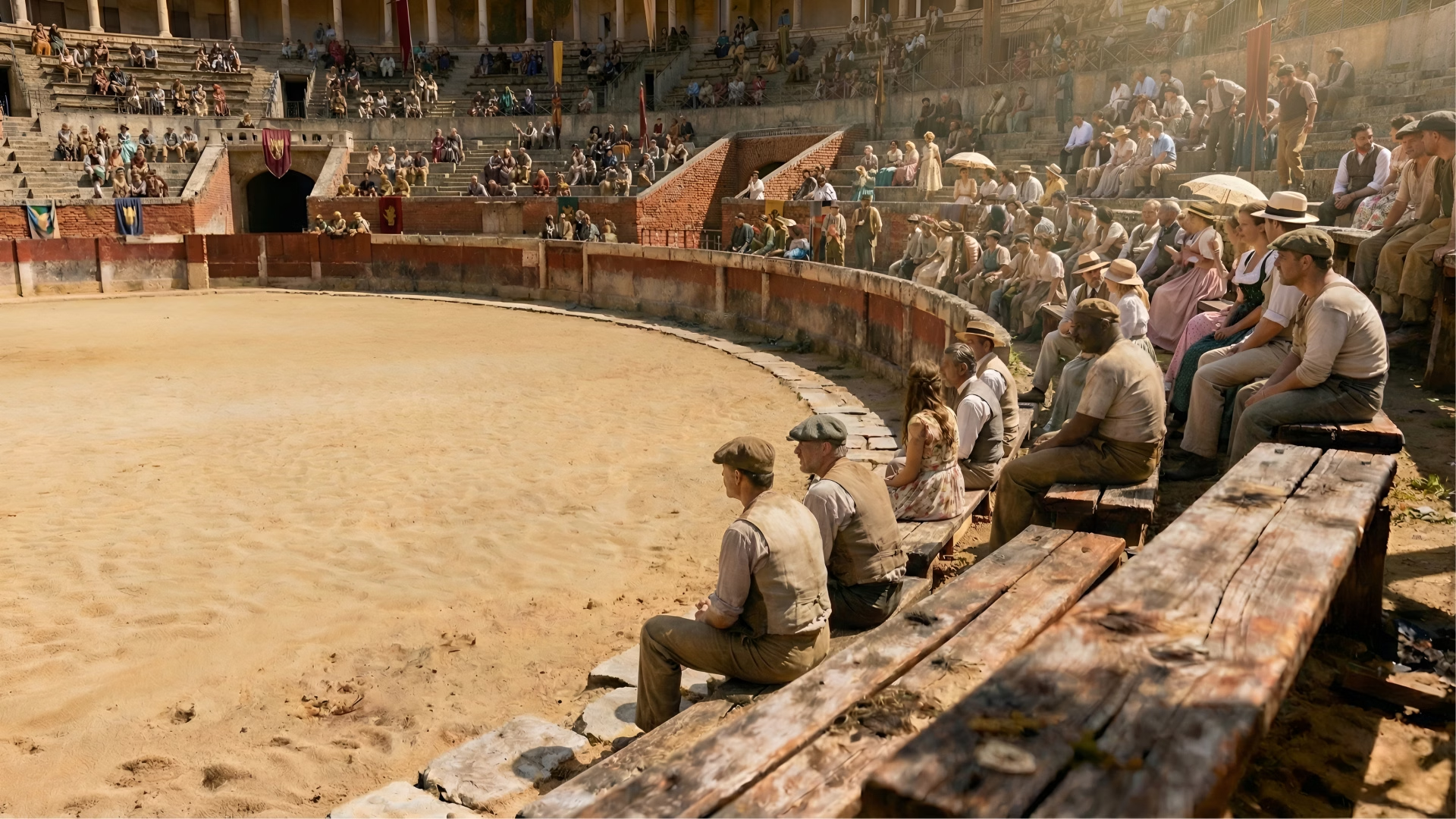
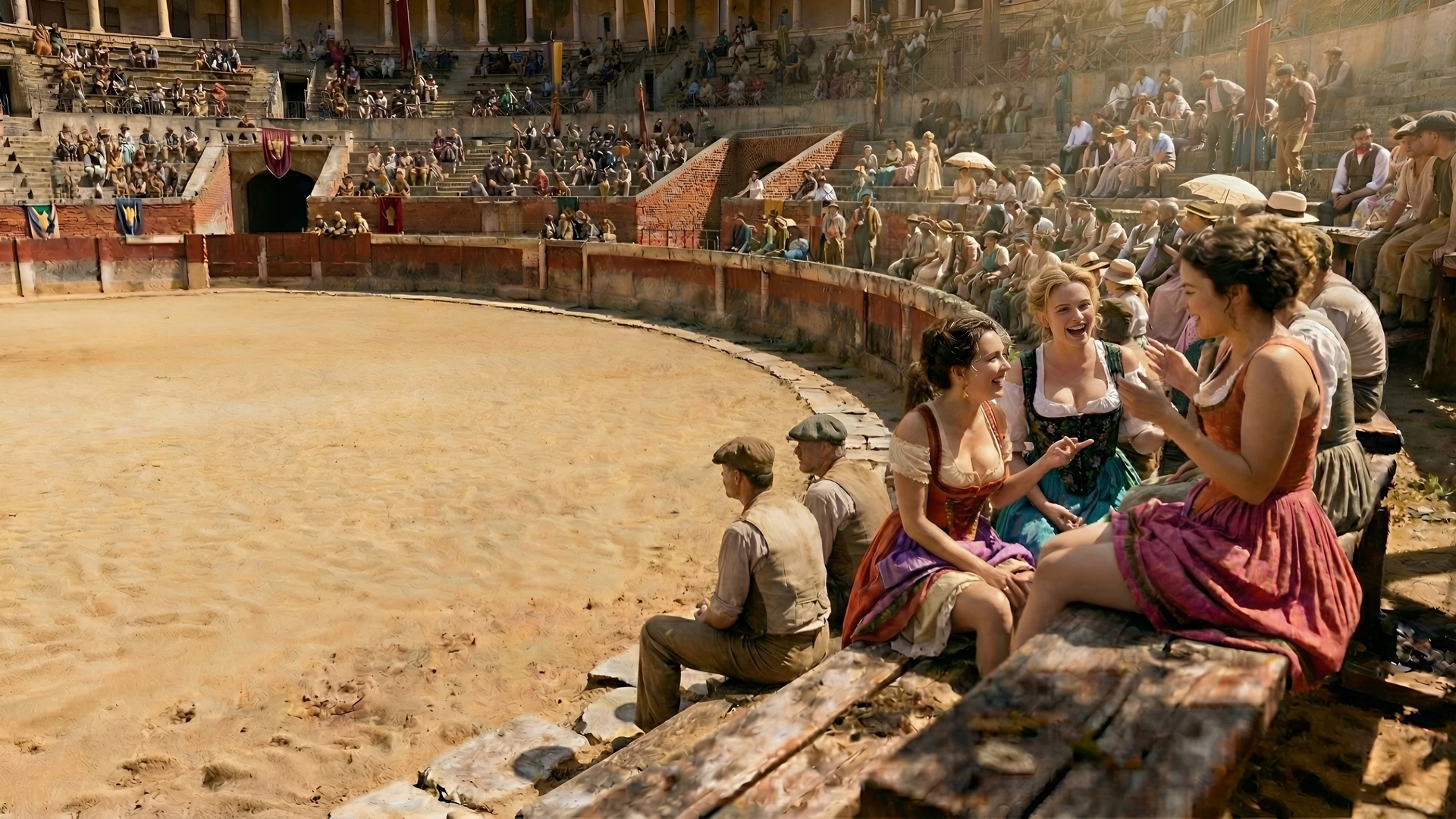
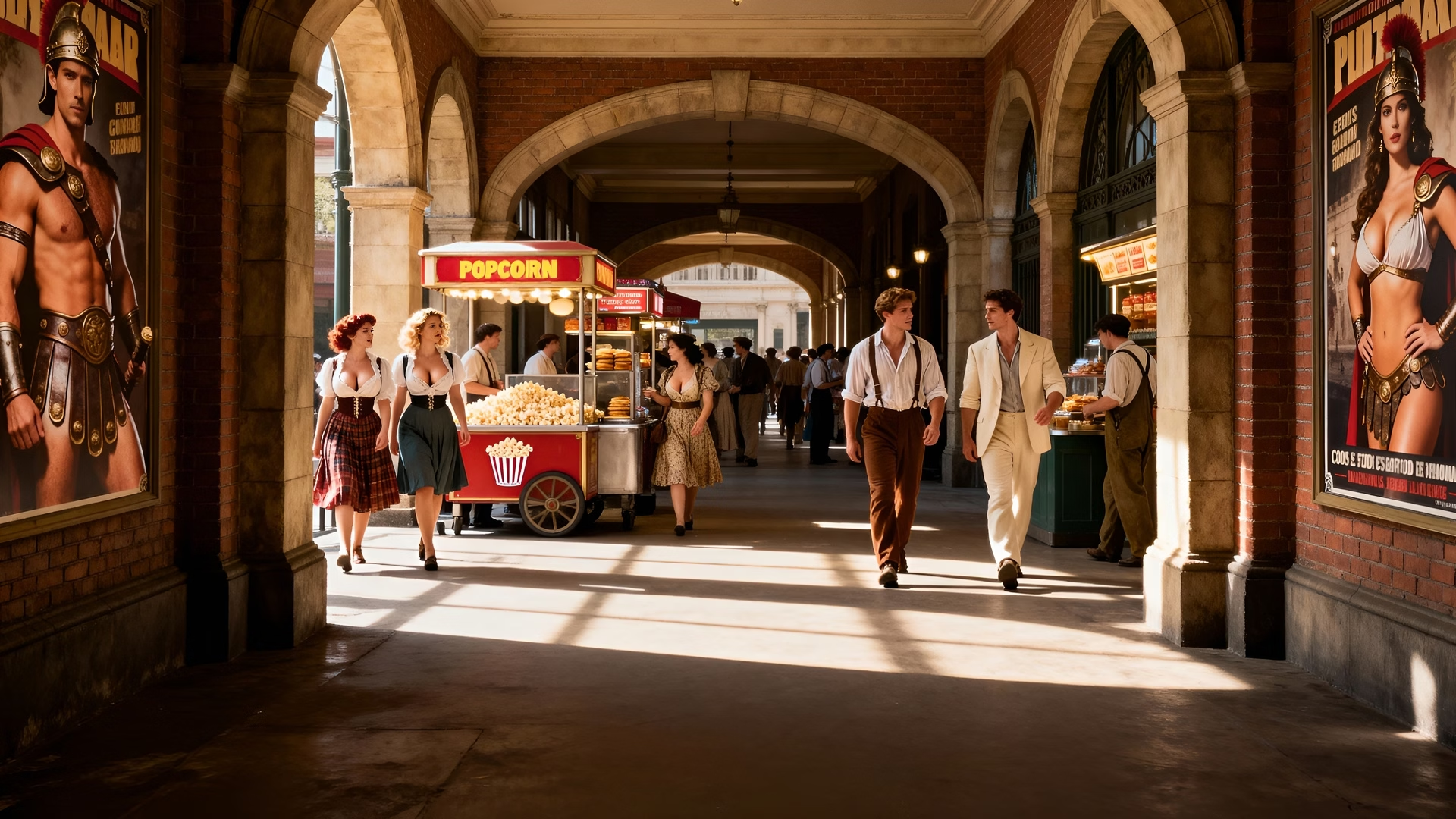
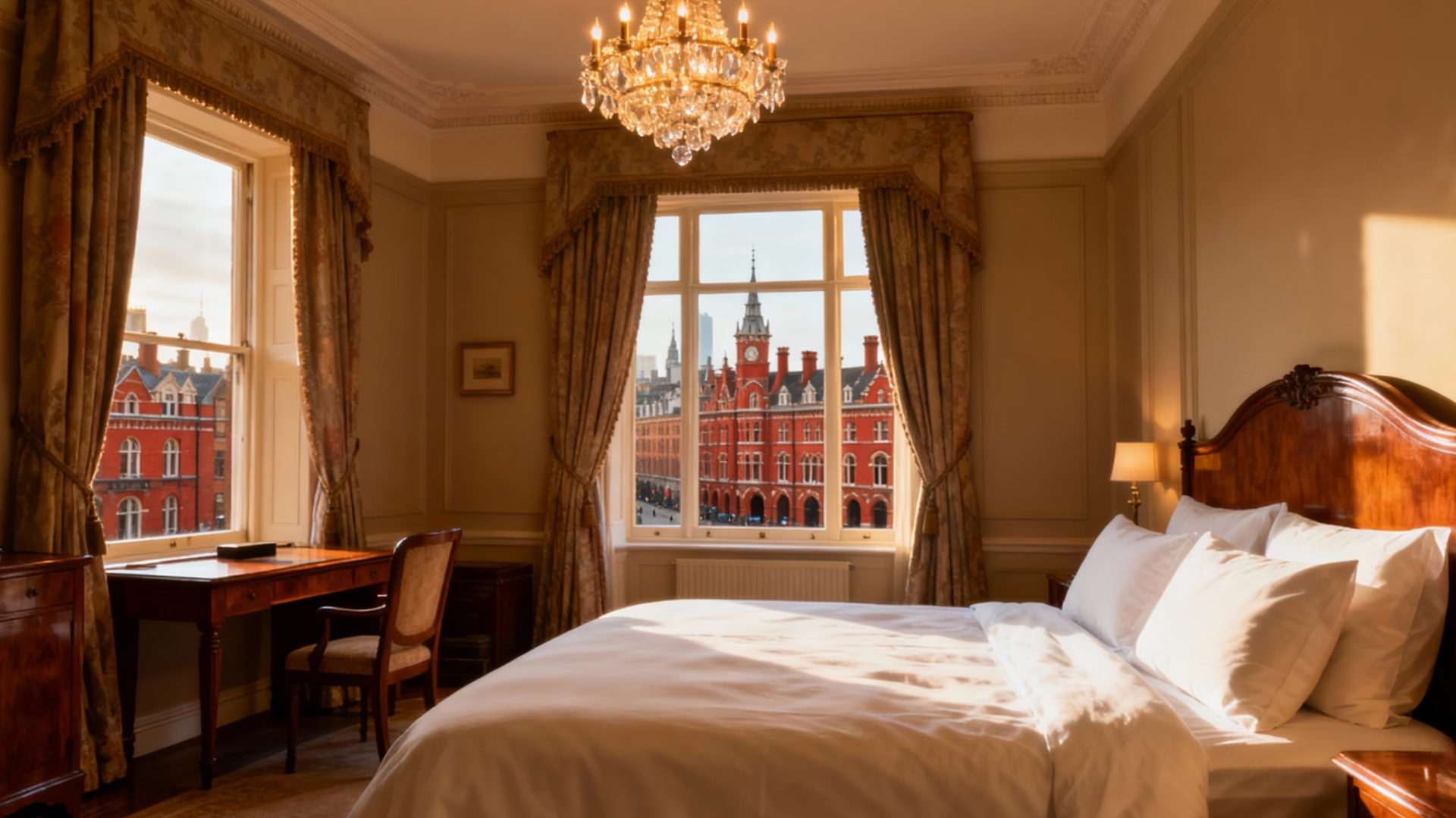
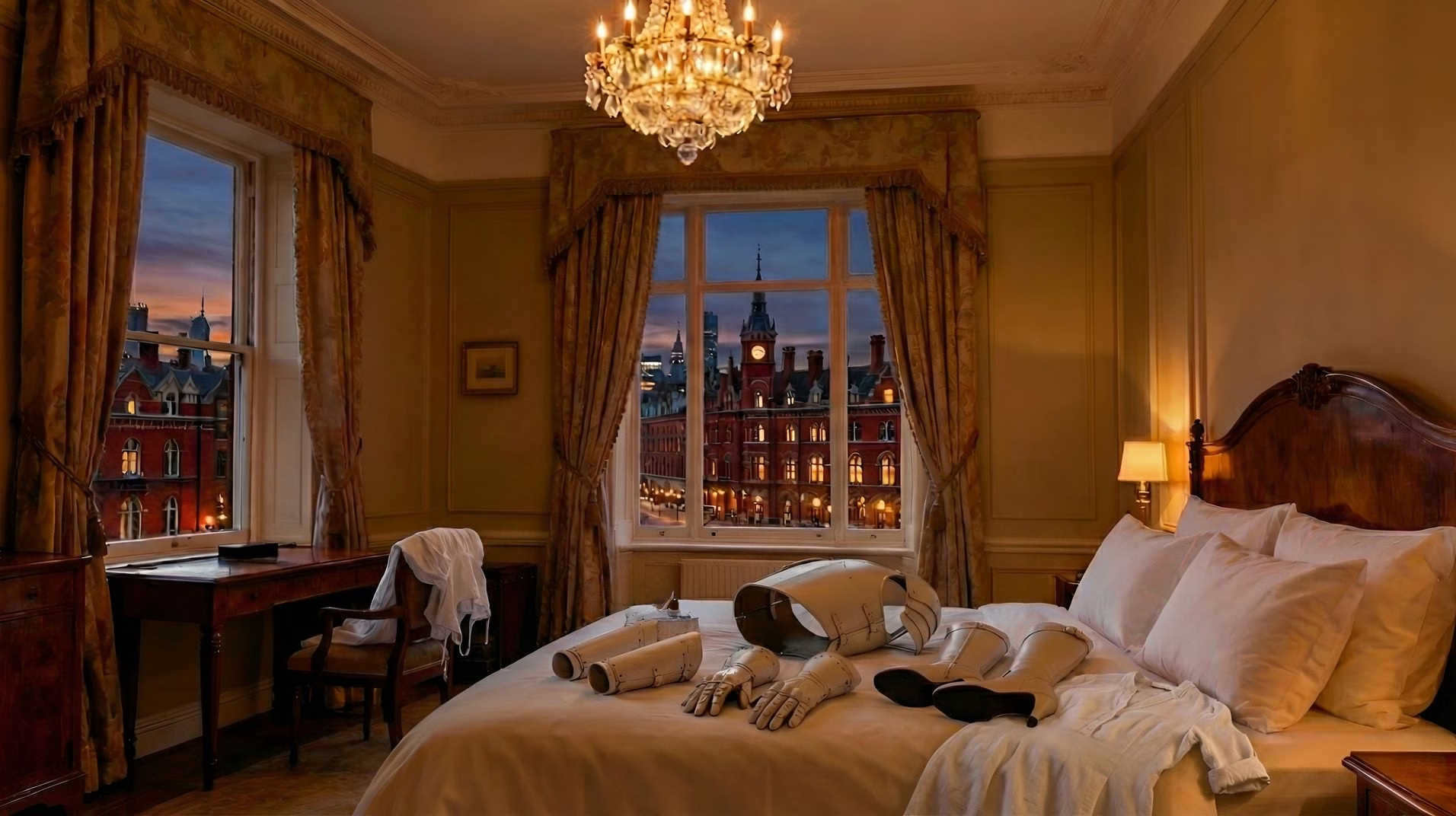
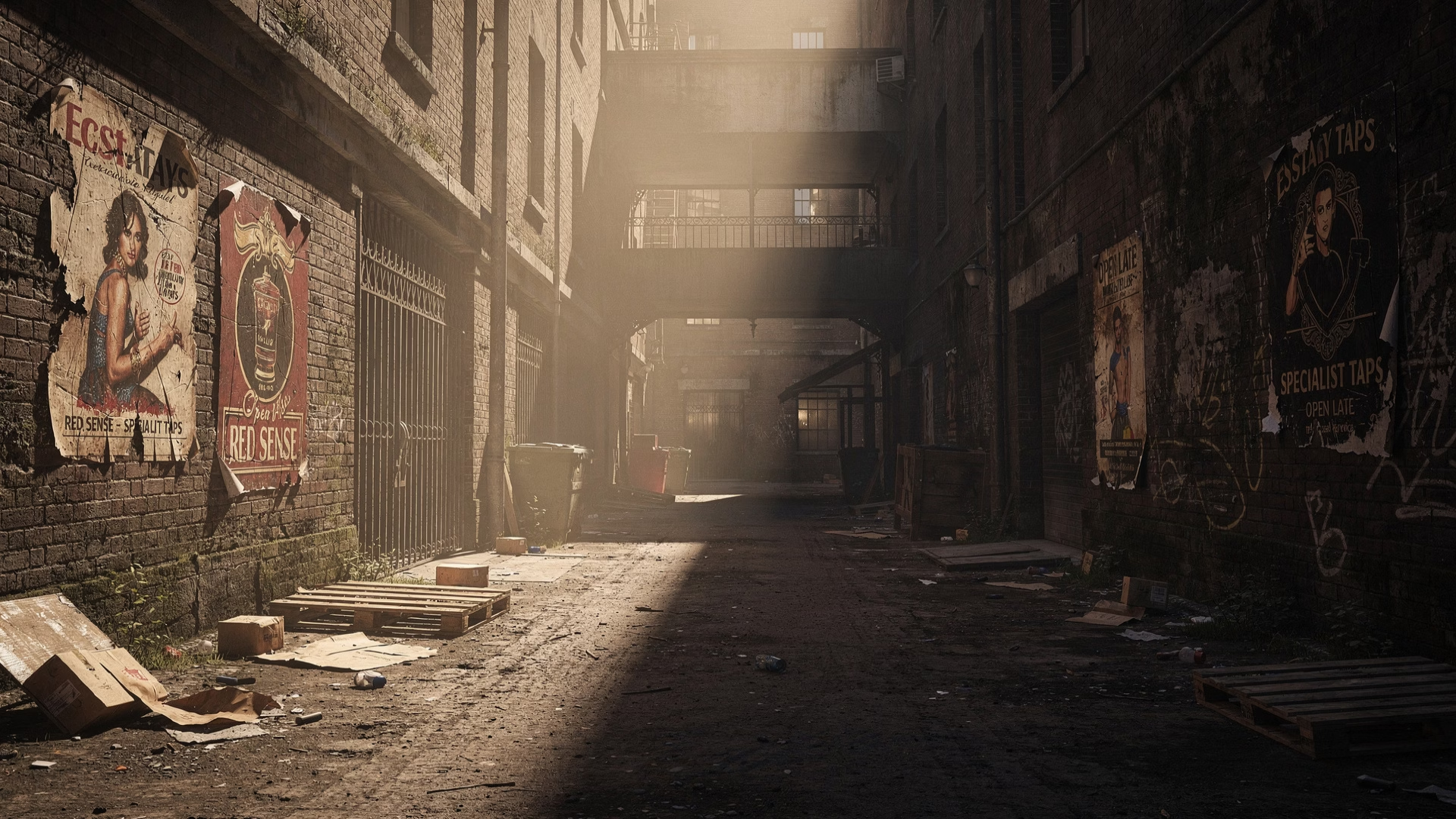
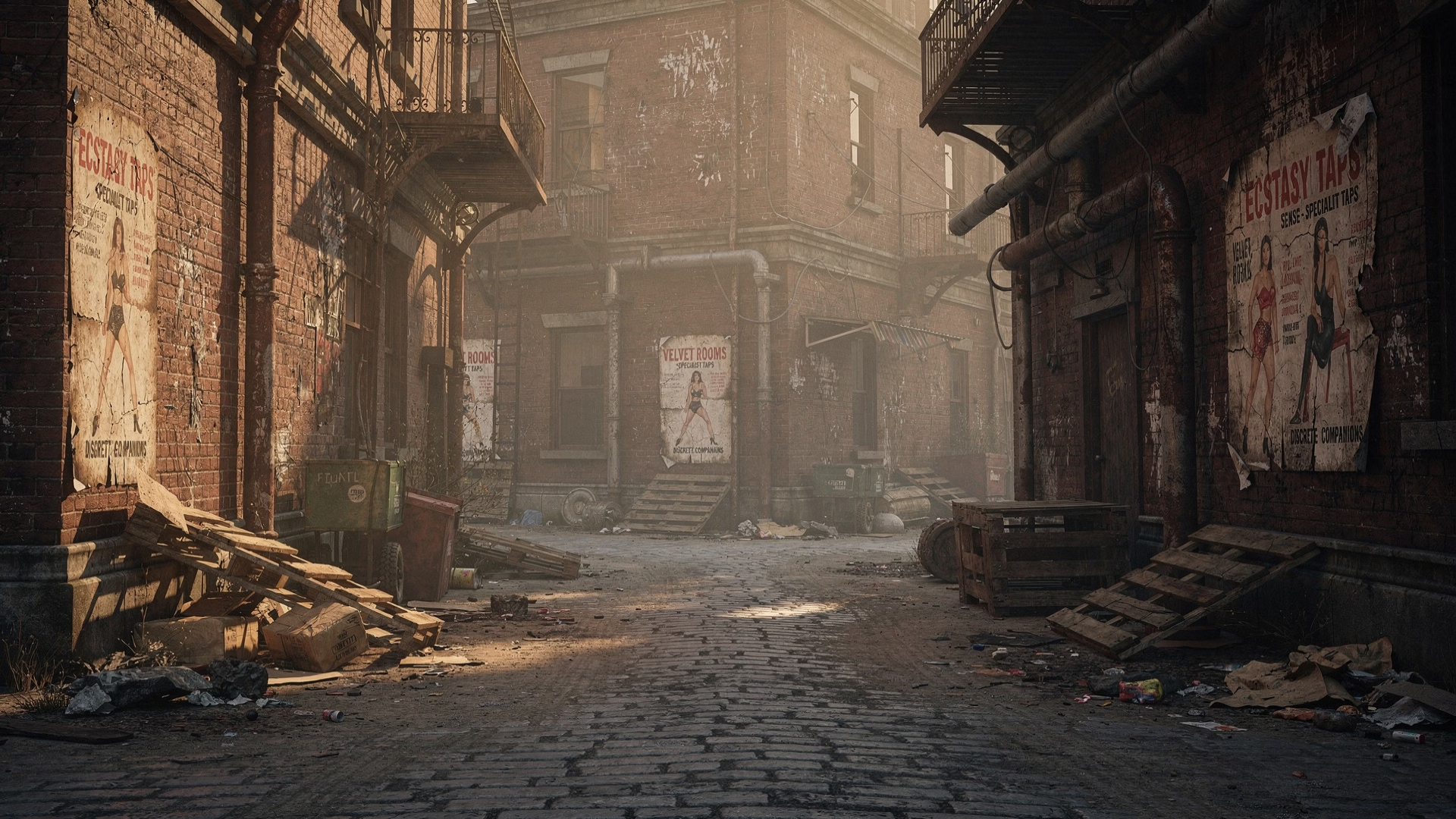
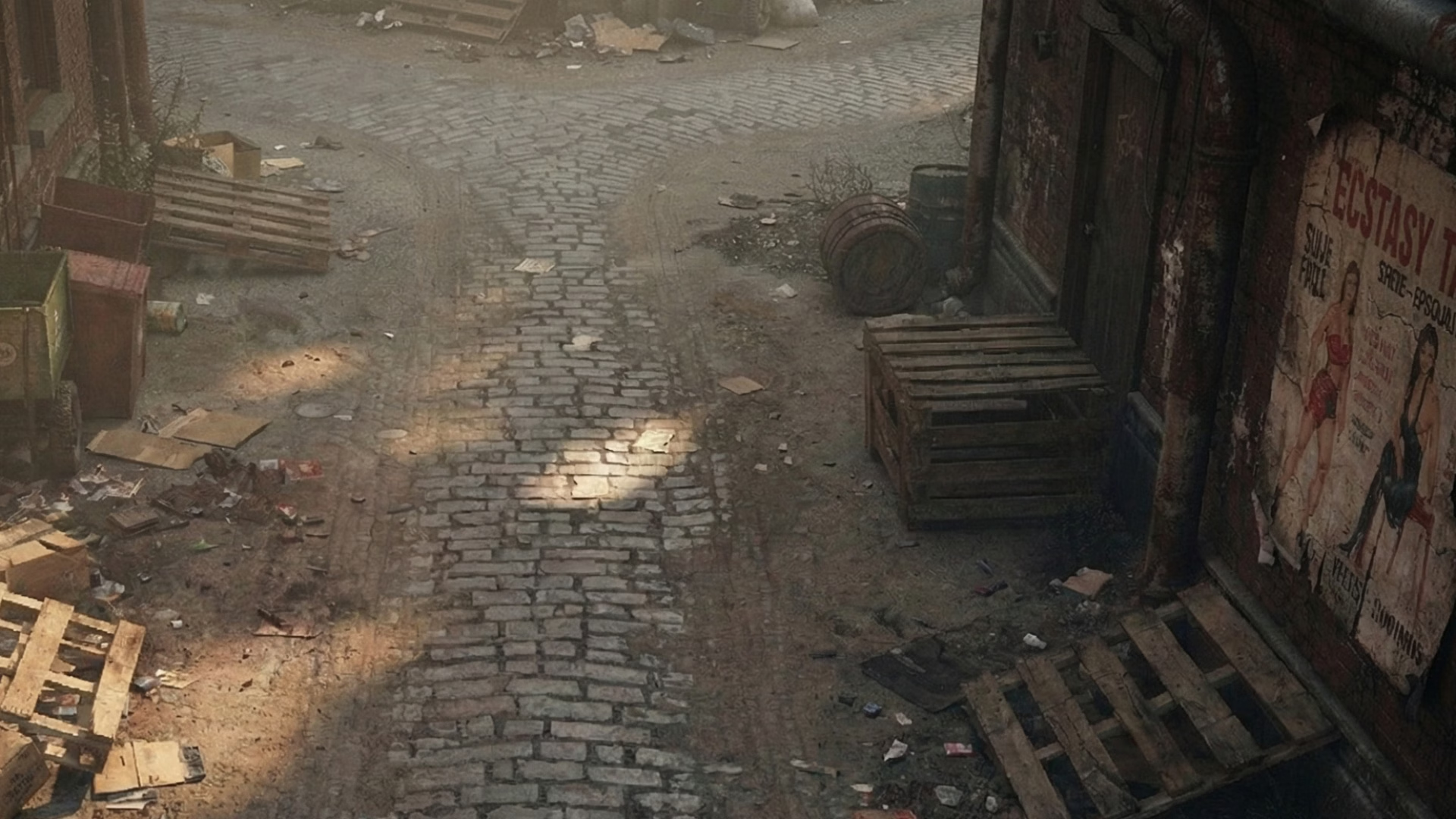
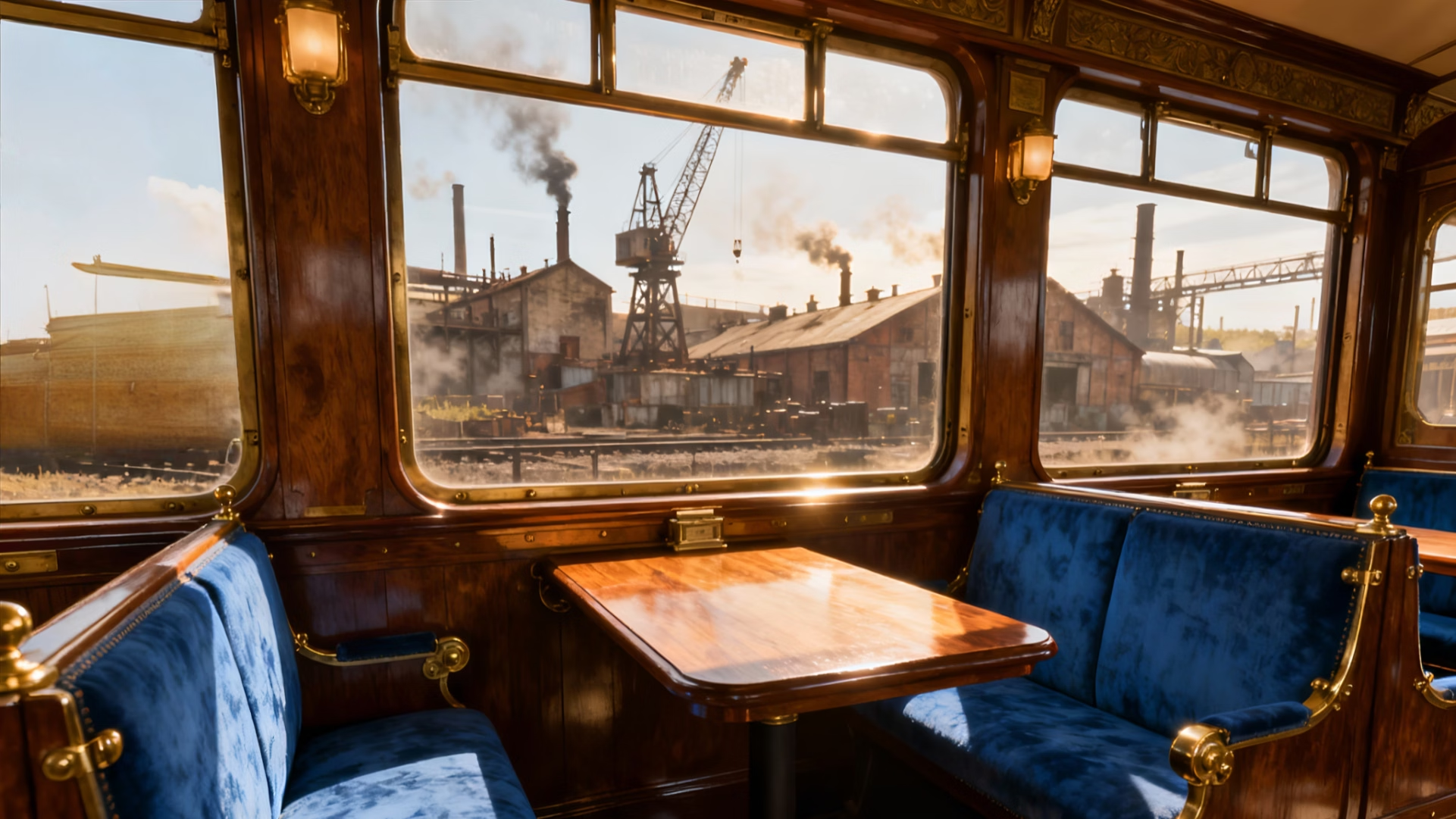
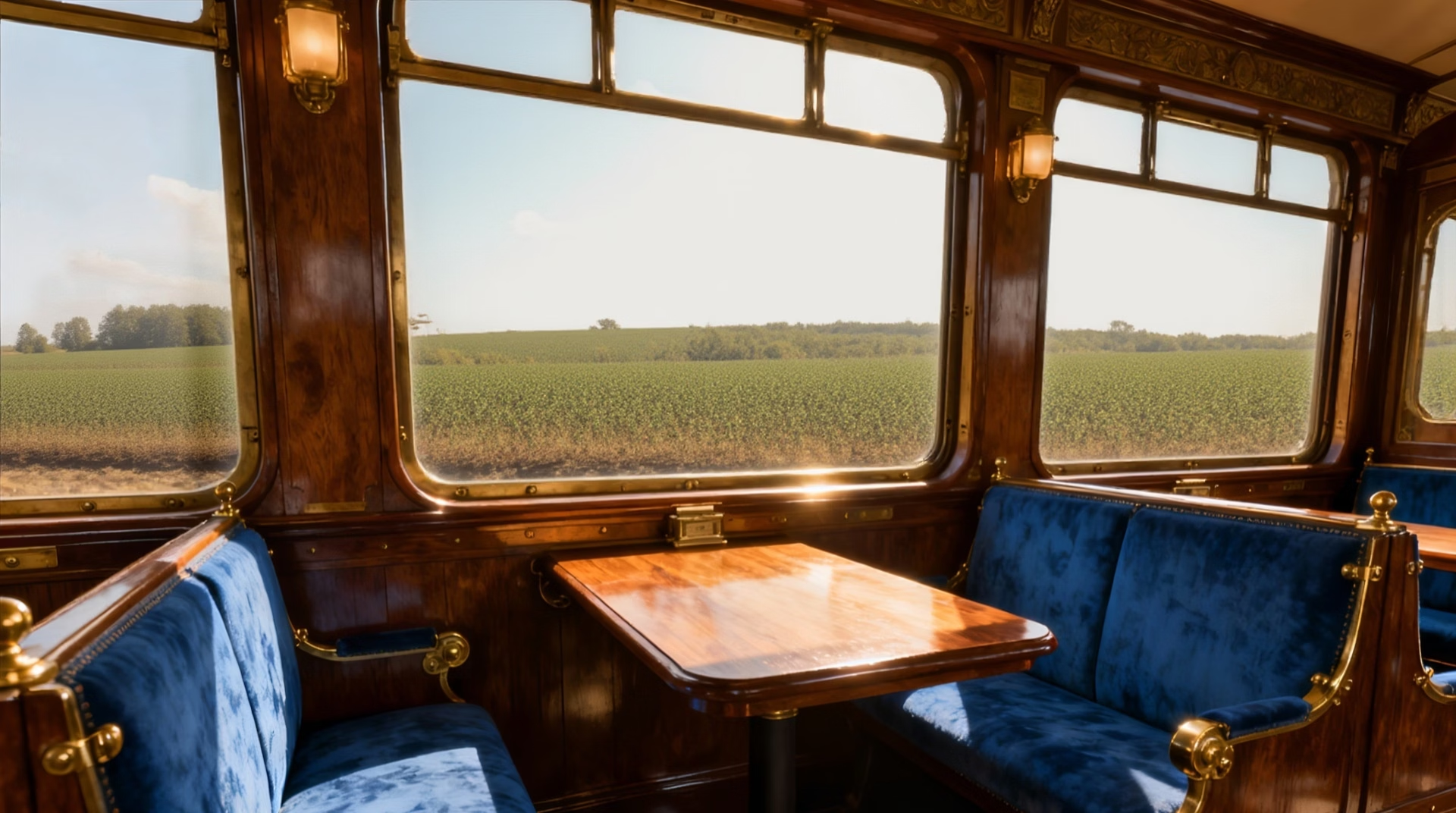
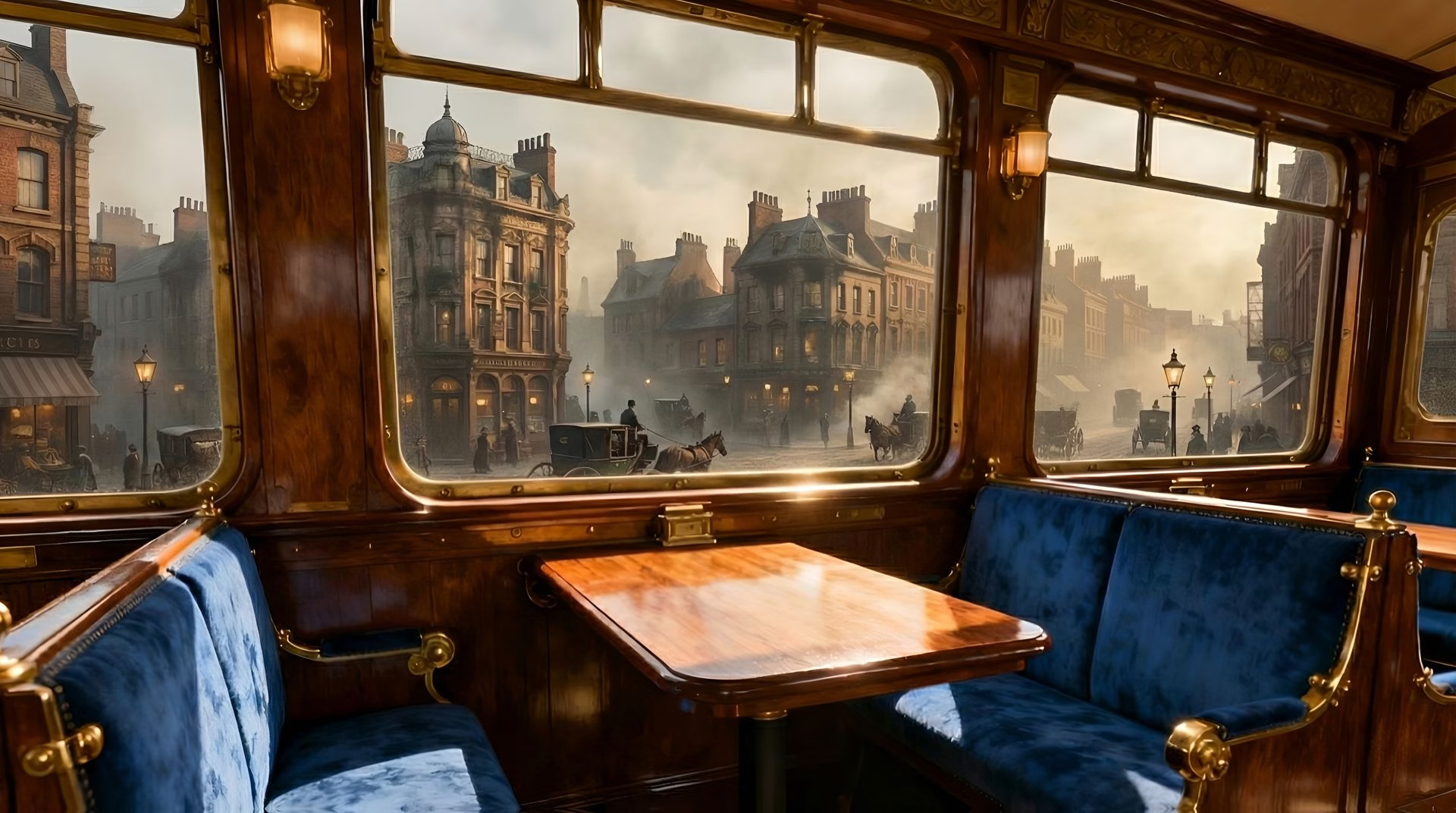
I've had to do a lot of backgrounds for this update and Flux2 Pro has just become available to me, which is expensive to use, but creates some pretty good and precise scenes. I've then been using Gemini and Nano Banana Pro to change perspectives in those scenes. An example of that is included in the screen shots here. Two of the alley images are linked. Original image created in Flux2 Pro and then I asked Gemini to create another image based on it but looking down from further up the alley, and it produced the 2nd image. I thought I was on to a real lifesaver with it because this was the first time I attempted it and it worked perfectly. But subsequent attempts have been mixed, in some cases with me literally arguing with Gemini over the it's interpretations of my requests. I have also used the same method to do stuff like change specific details in a scene. The train scene in the screenshots is an example. The journey took them through different landscapes and I wanted the windows to reflect that. So I created the image (the original here is a SeaDream4 image) and then asked Gemini to change what can be seen out of the windows. This is a really helpful thing because so often a great scene is ruined because the window shows something out of place, or refuses to show the right time of day.. has lights on when it's full daylight etc. Flux2 Pro also seems to be really good at creating extra details - I've included examples that show posters and flyers that I wanted it to add into the scenes that, I think, came out really well. It does these really reliably so now I can have a bit of fun when generating these images in thinking about what extra details I can include to make the world feel a bit more fleshed out and lived in.
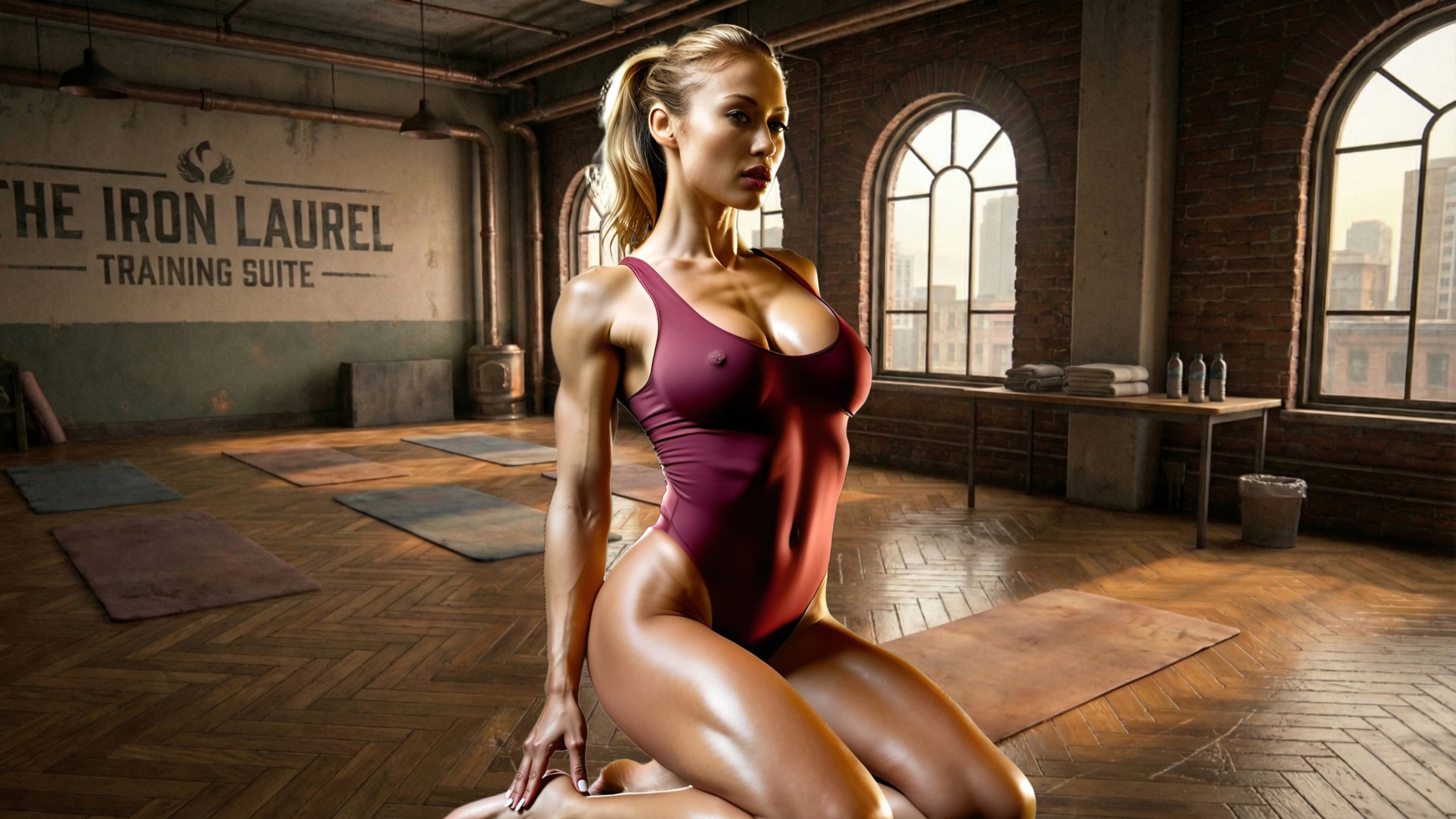
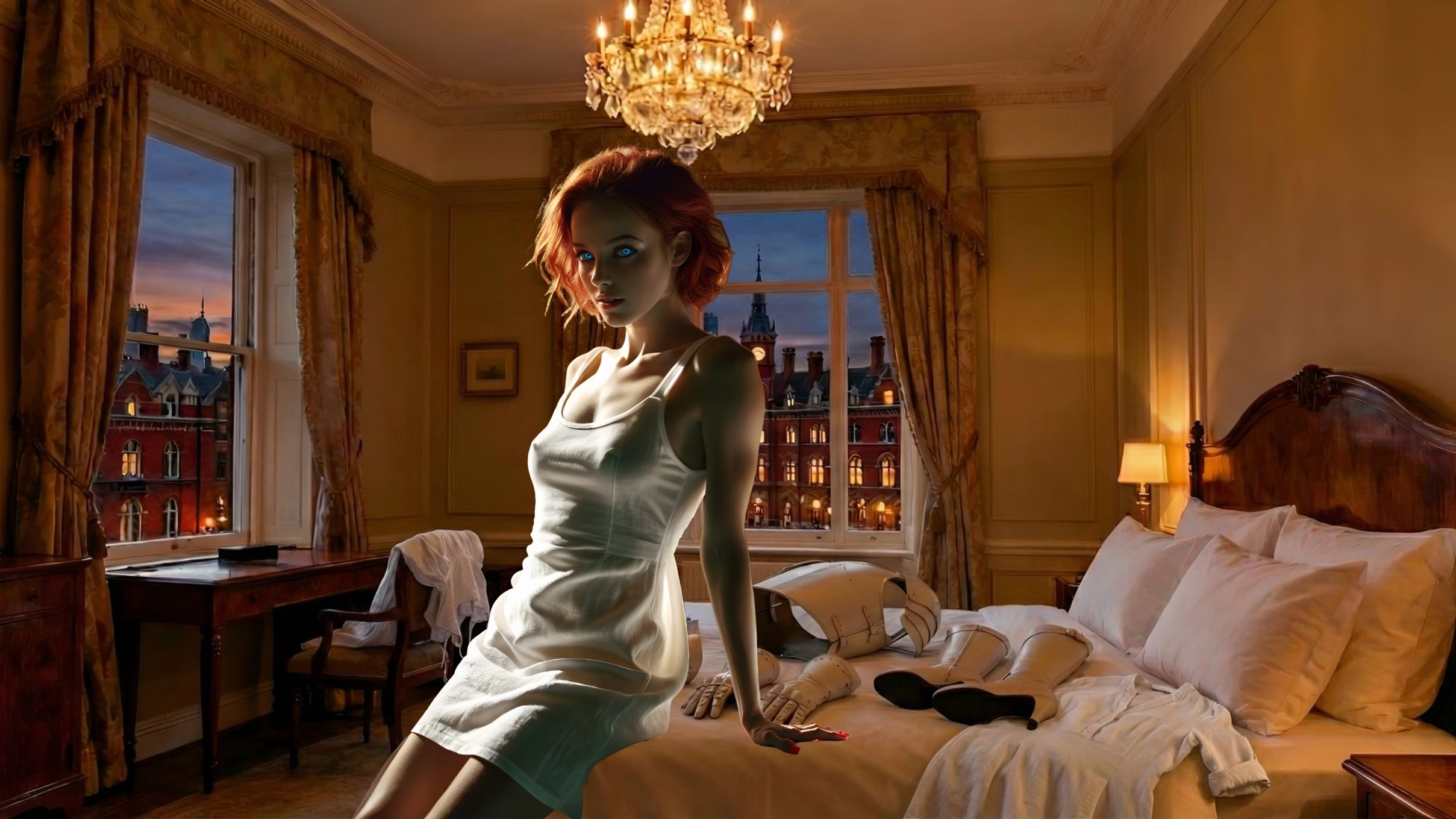
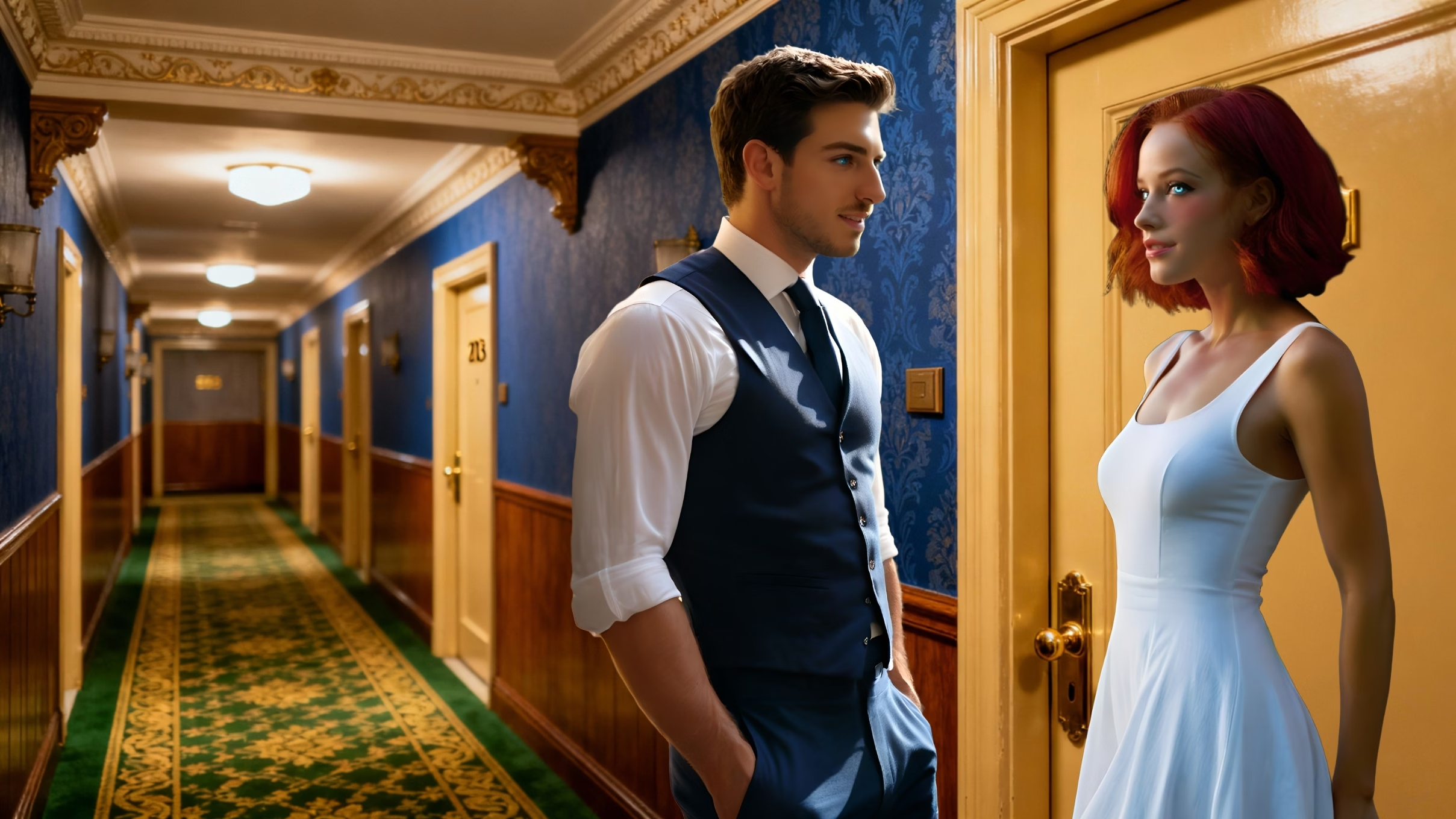
So... yea. That's what I've been doing this week. A few screenshots included as usual, mostly showing all the experiments with chat to edit stuff.