

Try this maybe it will fix your issueI have a question. How to overdrive version dll?
You must be registered to see the links
Try this maybe it will fix your issueI have a question. How to overdrive version dll?
Thank you, It's workTry this maybe it will fix your issue
You must be registered to see the links

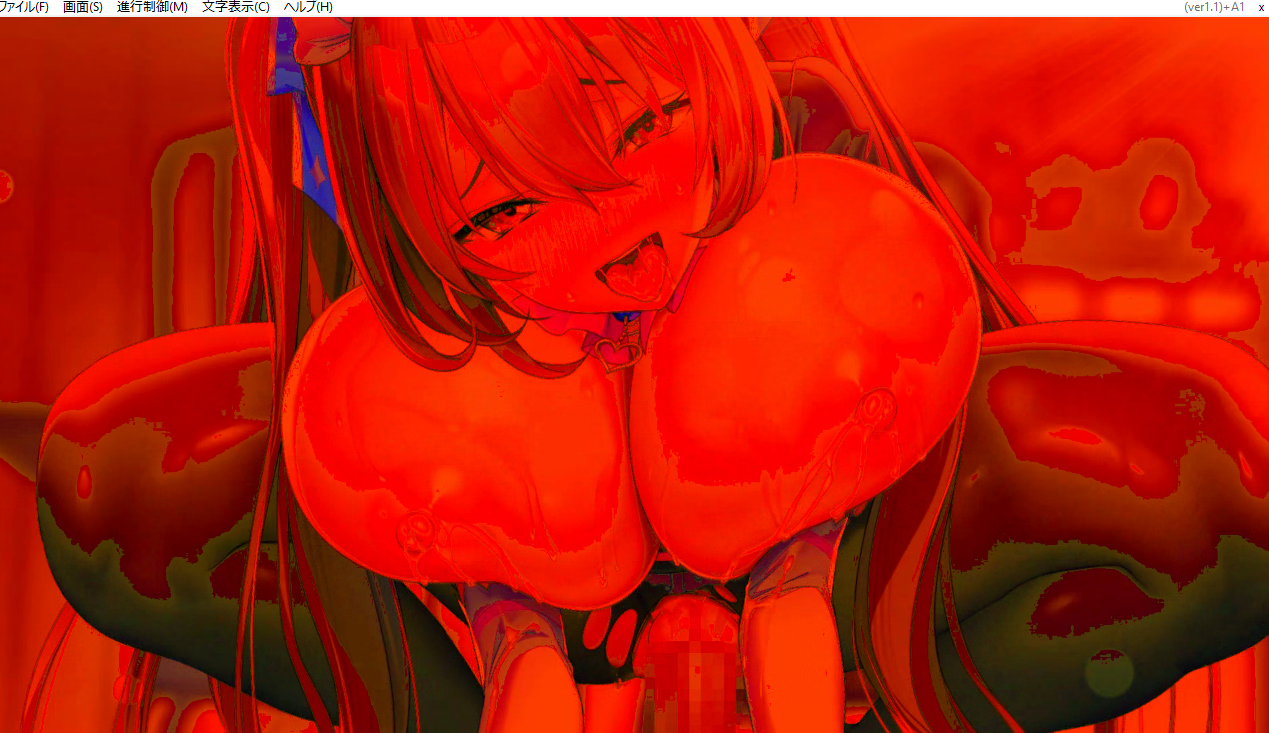
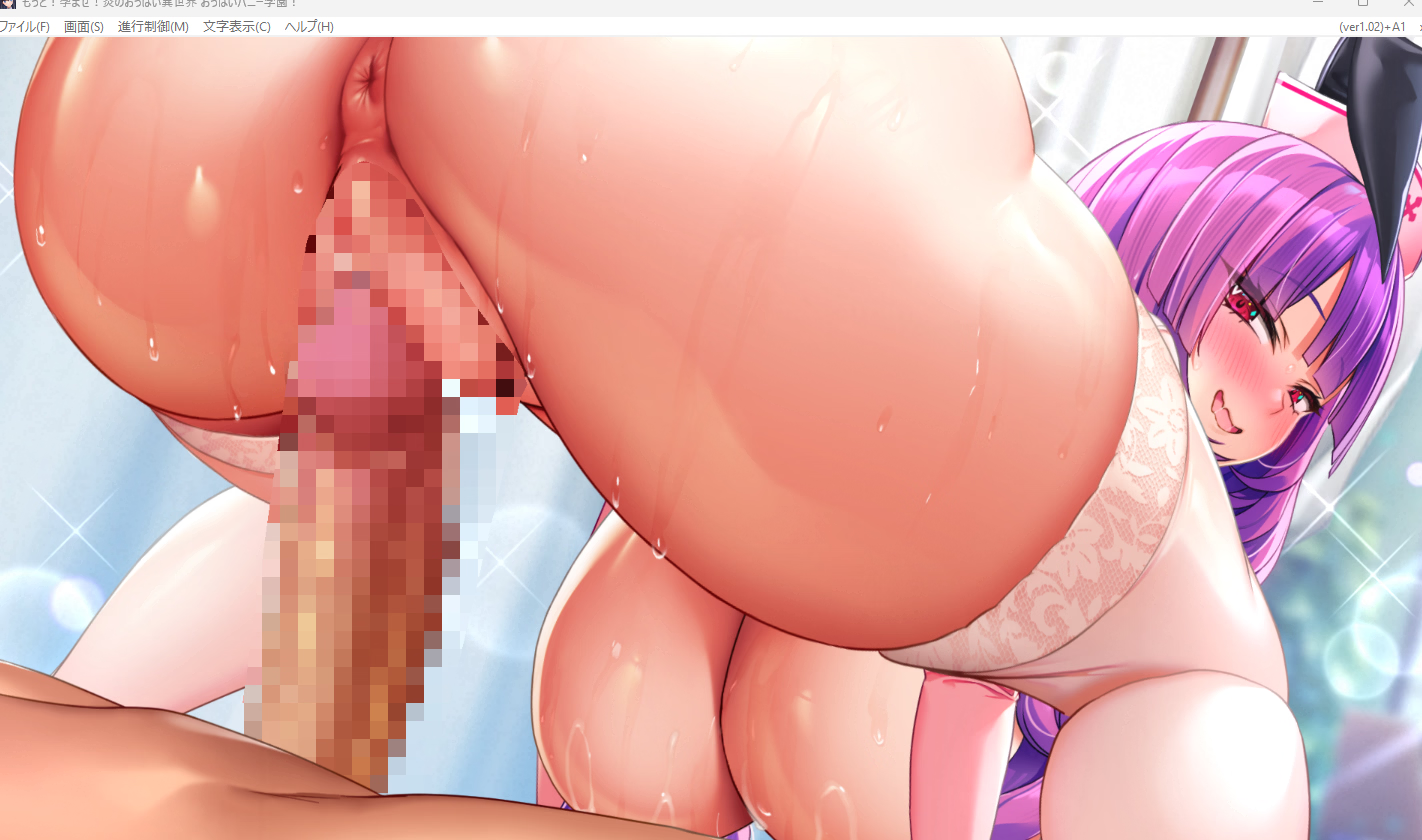
Having the same issue with other kirikiri games. But when I extracted the video from the *.xp3 file and played it in a video player, it worked fine. Saw some posts saying this started after a recent Windows update, and rolling it back fixed it for them.Ok, I have a small problem and until recently it didn't happen, everything worked correctly, until now the animations look like this
View attachment 5210468
It happens to me with all the games from the same company milk factory, but the last one works correctly.
View attachment 5210469
Does anyone know what the cause is? I've tried almost everything, from Visual CC to drivers, returning to previous updates and repairs. The diagnostics indicate that everything is correct and it works perfectly I have tried other games with animations from other games and they work correctly. I haven't touched the games nor modified anything, they are the same as when they worked without problems.
The animations work correctly and the audio too, but they are seen wlike the first image., so I'm completely lost.
Edit: It seems that other users have the same problem when the game used to work fine and now have red animations.
It worked thank youHaving the same issue with Kirikiri games. But when I extracted the video from the *.xp3 file and played it in a video player, it worked fine. Saw some posts saying this started after a recent Windows update, and rolling it back fixed it for them.
It's been 10 days since I updated, so I can't go back to the previous version. I'll have to see if they fix it in the next one.Having the same issue with Kirikiri games. But when I extracted the video from the *.xp3 file and played it in a video player, it worked fine. Saw some posts saying this started after a recent Windows update, and rolling it back fixed it for them.
I also have an Asus Vivobook and for work and for playing games that don't require graphics it's fine if it's for visual novels or RPGs, you can also run games that don't require a lot of graphics and indie games, they will work with a minimum of i-5 and 8 GB of RAM it's more than enough, the integrated iris card is sufficient and it barely heats up.Sorry for out of topic.
I want to buy a new laptop, it doesn't have dedicated gpu.
Asus vivobook a1504vap.
Do you need dedicated gpu to play/run this vn? I can't find info about it on dlsite or milk factory official website.
Thank you, do you think i should go for 8+8gb or 8gb is enough to run this game.I also have an Asus Vivobook and for work and for playing games that don't require graphics it's fine if it's for visual novels or RPGs, you can also run games that don't require a lot of graphics and indie games, they will work with a minimum of i-5 and 8 GB of RAM it's more than enough, the integrated iris card is sufficient and it barely heats up.
It's not the best, but for things like this you don't need anything better. To give you an example, I run this game at 60 fps with fluid animations.
The minimum is that, if you want more, then the computer will be better, but I don't recommend spending a lot on a laptop because for the same price you can get a desktop one which is much better. To give you an idea, my laptop runs any visual novel perfectly, even with animations, without heating up, and mine is an i-5, 8GB RAM, 11th generation.Thank you, do you think i should go for 8+8gb or 8gb is enough to run this game.
Can you run this game with max resolution/60 fps?
I remember playing the previous series and they have lightweight mode and high resources mode? My old laptop only capable of running the lightweight mode .
Does vivo book core5 120u capable of playing high resource mode if paired with 16 gb/8gb+8gb ram?
In case you still have the problem with the red animations, the publisher released a patch:Ok, I have a small problem and until recently it didn't happen, everything worked correctly, until now the animations look like this
View attachment 5210468
It happens to me with all the games from the same company milk factory, but the last one works correctly.
View attachment 5210469
Does anyone know what the cause is? I've tried almost everything, from Visual CC to drivers, returning to previous updates and repairs. The diagnostics indicate that everything is correct and it works perfectly I have tried other games with animations from other games and they work correctly. I haven't touched the games nor modified anything, they are the same as when they worked without problems.
The animations work correctly and the audio too, but they are seen wlike the first image., so I'm completely lost.
Edit: It seems that other users have the same problem when the game used to work fine and now have red animations.

Sorry to bother ya with thisStart the .exe and choose the first option if it is the physical version or the second if it is the digital version, choose the place where to install the DLC where the game is located and accept. The DLC adds files and does not overwrite so the English translation works but the new content is not translated

