Thanks for the share.
Had some trouble to get this to work in Linux via wine. (or SteamDeck)
Quick Guide (just ask if you need more help)
1. create wineprefix with (32b or 64b doesnt matter) and set it as default with export WINEPREFIX=PATH_TO_THE_CREATED_WINEPREFIX
2. winetricks lavfilters702 allfonts
3. export LANG=ja_JP.UTF-8 enviroment variable
4. open game and go into config.
5. unselect the checkbox at the top which simplifies the config
6. go to the text display page (3 or 4 ffrom the left)
7. select a monospaced font from the combobox (ex Noto sans mono lt)
Wierdly enough you need japanese local although this doesn't seem to be necessary on windows.
Dang that is a goat post right there.
Stole your instruction saved it in the gamefolder for me. For reinstall purposes.

Thanks for pointing out the lavfilters thing and the allfont installation.
I normally set up the Jap locale via the LC_ALL variable. Boy was i wrong in this case. Setting the variable via LANG and the rest helped me getting the choosing box working.
For most games LC_ALL=ja_JP.UTF-8 works. Oh boy, thats what where i was wrong in this case.
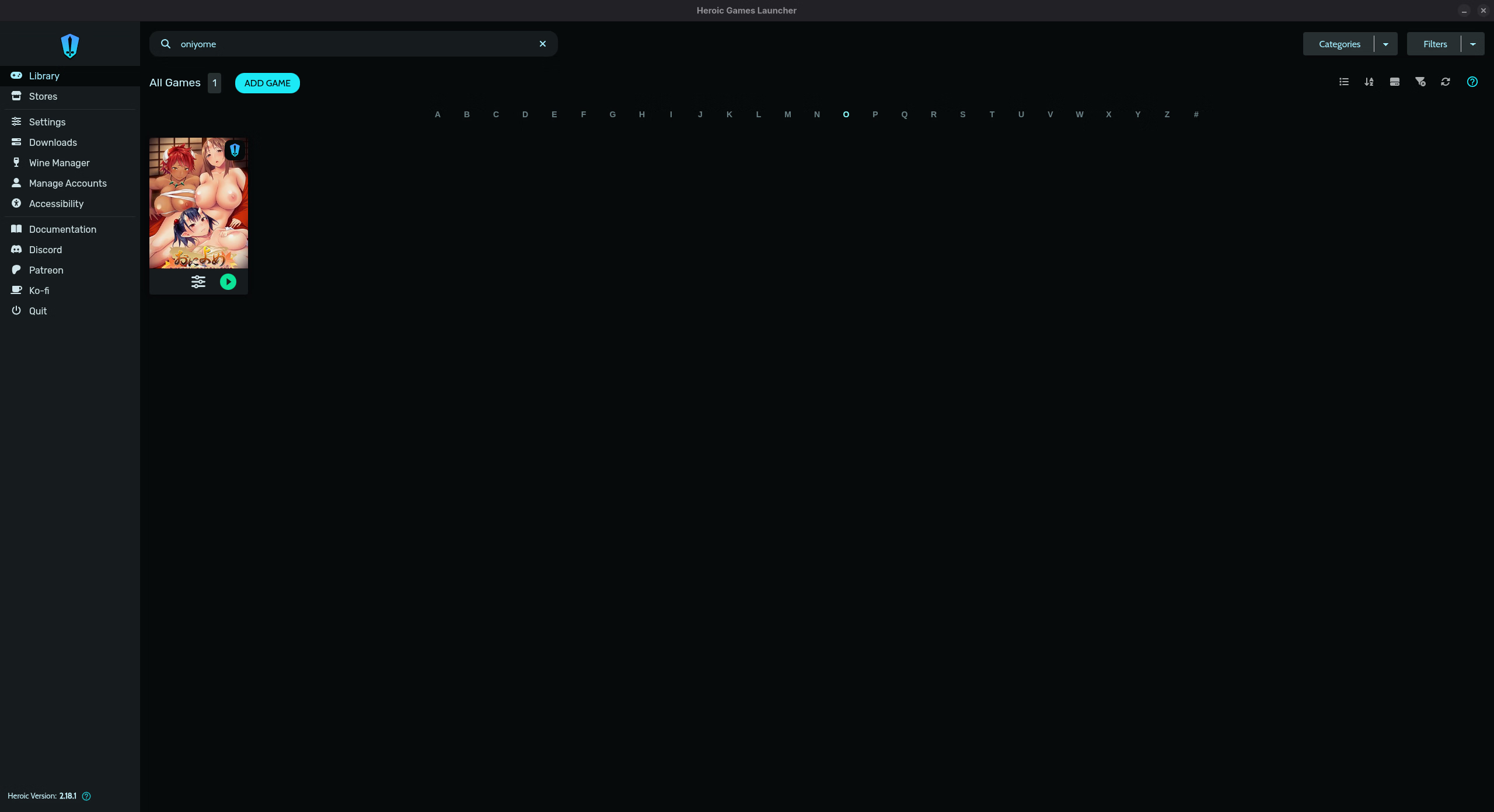
For anyone else out there using Linux: You can use the Heroic Launcher for all this as well. It handles the setup of a prefix automatically and you can do the winetricks stuff as well.
Using Heroic is pretty comfortable all my jav VN neatly in there with coverpictures (i pull the covers mostly from VNDB) and all.