Wen I Say

Member
Mar 17, 2019
227
598
329
What like reading the text? I activated the detective mode and only got to 25 corruption in 5 hours. Game teases that maybe there is a sex scene with the schoolgirl at 35 corruption but fuck that.
You start sin eating at like corruption 15 and your fucking emma at like 25 yea your doing it wrong. Maybe follow the questline, and if you're that hard up, hit up the hub. Imagine complaining about a game that makes you actually have to play it..
 

Remembrance

Member
Feb 1, 2020
393
673
233
It's always funny to me seeing everyone asking for codes in html games.
Like html is not an encrypted file, it's the same as asking for a key to a lock made of soap instead of just cutting it.
For me (not a huge html player) cracking the codes are a very enjoyable part of the games.
And with AI nowadays, anyone can do it.
Cracking this game isn't that hard anyway, with the way the required hash is stored.

Anyway, looks interesting. Idk if I'll stick around in a html game, but the code was fun.
Best of luck dev (y)
 
  • Like
Reactions: Alcahest

snoopel

New Member
Feb 2, 2019
3
1
60
Hi everybody,
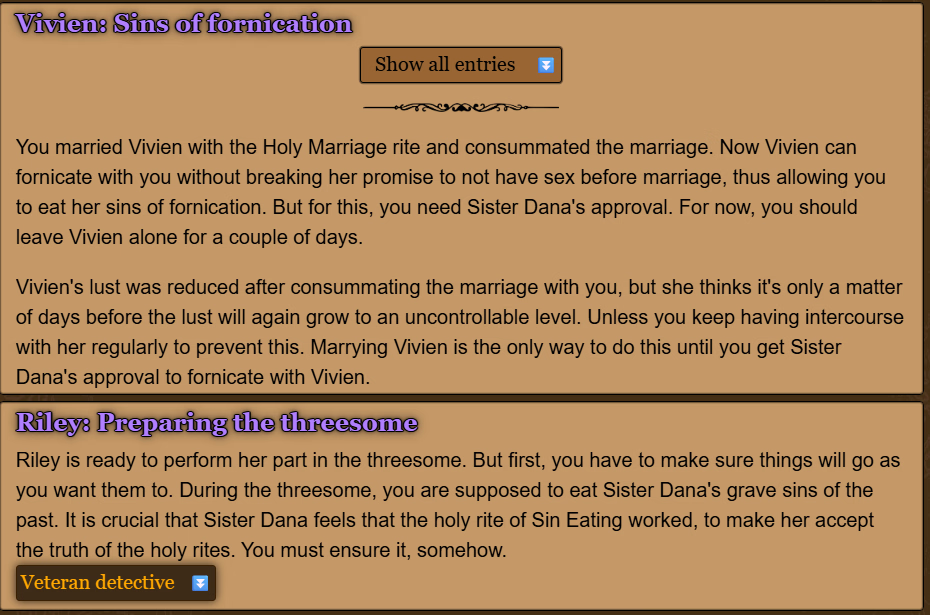
I hang at the task to ejaculate inside for Sister Roberta, the prioress at version 0.14.0.1. After supper it is not possible to penetrate her. :-(
 
Aug 22, 2017
271
727
369
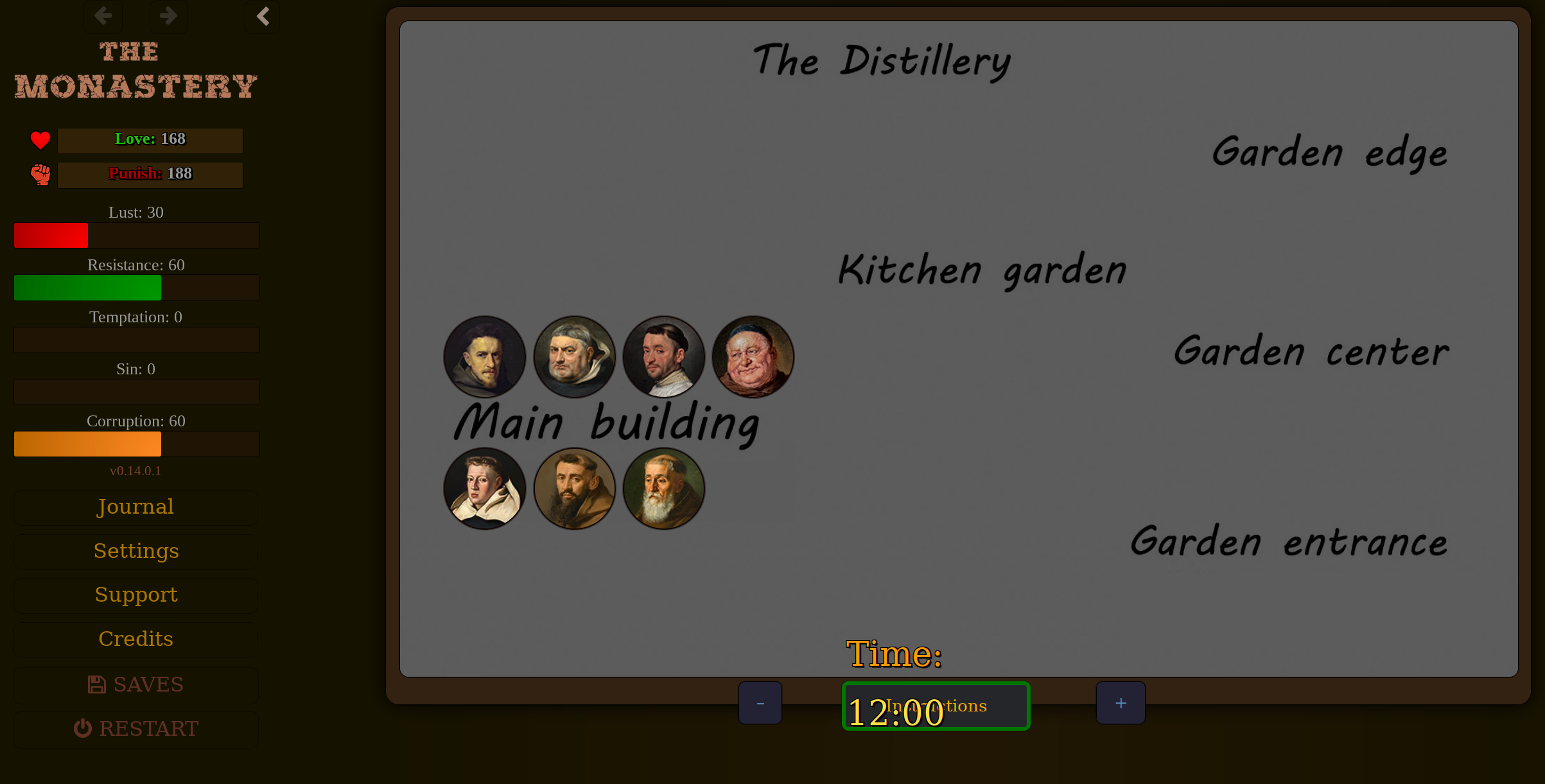
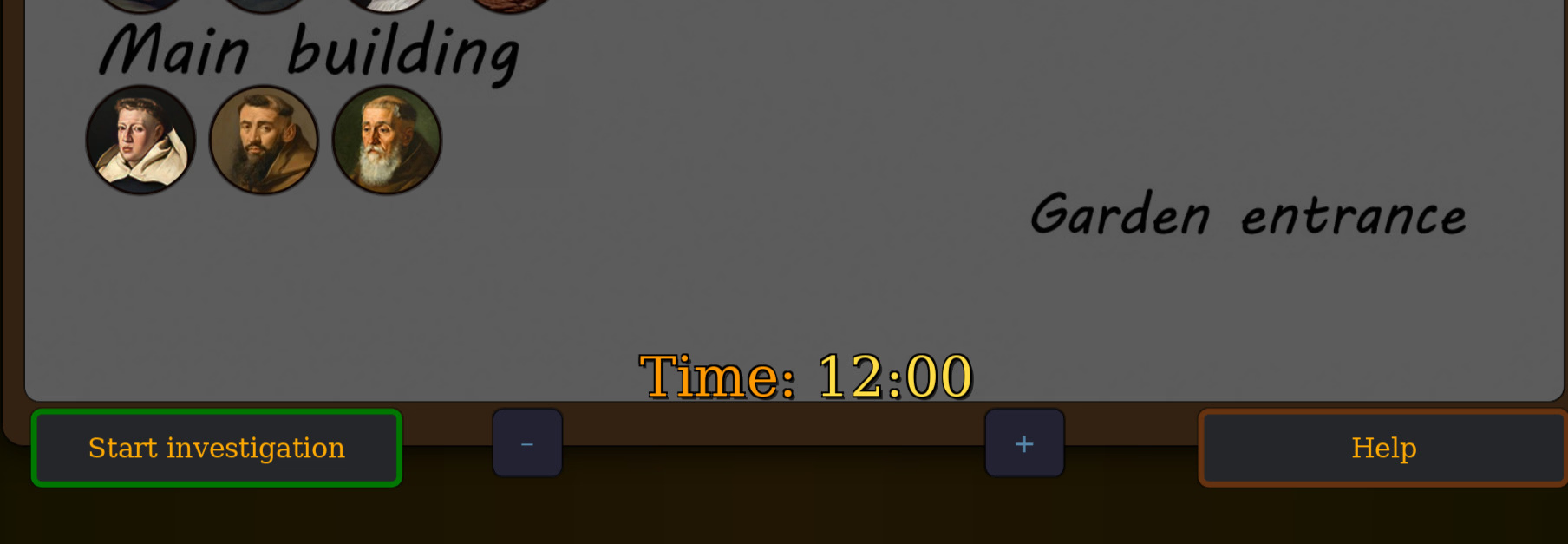
If you can't click on the "Introductions" button because it is hidden under time, resizing the browser or using +- to resize the passage should work.
Spoiler: Neither the button resize nor browser resize changes anything about not being able to click on "Introductions", even with extremes, the time and button part stays strictly on top of the introductions button and presumably prevents clicking
 

Alcahest

Forum Fanatic
Donor
Game Developer
Jul 28, 2017
4,230
5,142
809
Spoiler: Neither the button resize nor browser resize changes anything about not being able to click on "Introductions", even with extremes, the time and button part stays strictly on top of the introductions button and presumably prevents clicking
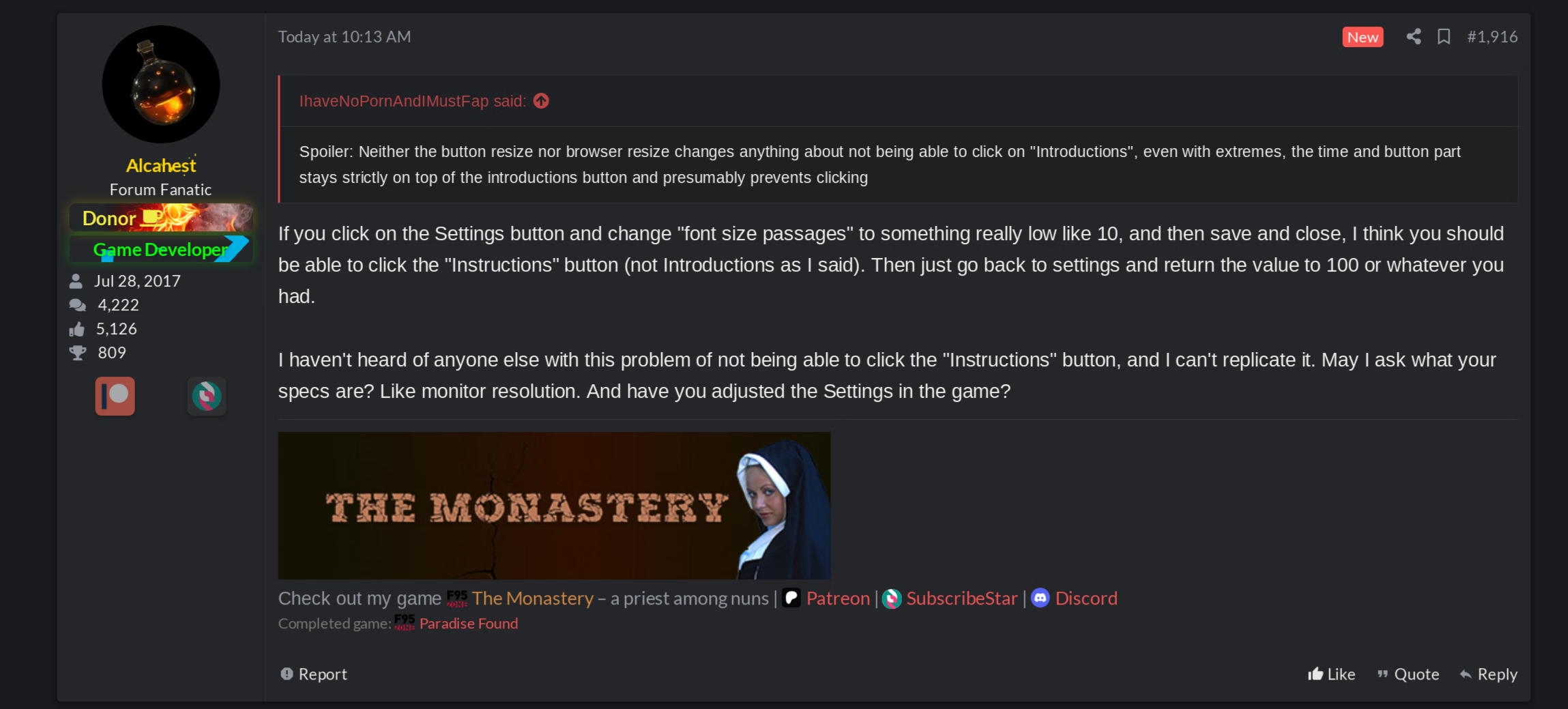
If you click on the Settings button and change "font size passages" to something really low like 10, and then save and close, I think you should be able to click the "Instructions" button (not Introductions as I said). Then just go back to settings and return the value to 100 or whatever you had.

I haven't heard of anyone else with this problem of not being able to click the "Instructions" button, and I can't replicate it. May I ask what your specs are? Like monitor resolution. And have you adjusted the Settings in the game?
 
Aug 22, 2017
271
727
369
If you click on the Settings button and change "font size passages" to something really low like 10, and then save and close, I think you should be able to click the "Instructions" button (not Introductions as I said). Then just go back to settings and return the value to 100 or whatever you had.

I haven't heard of anyone else with this problem of not being able to click the "Instructions" button, and I can't replicate it. May I ask what your specs are? Like monitor resolution. And have you adjusted the Settings in the game?
1768737770694.png
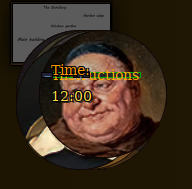
You are correct, if in the game settings I reduce the font size to 1 PX (!!!) I am actually able to click the right part of ?????uctions, and that's what that looks like. Specs are 1440p 150% general scale, firefox. The problem appears to be that the [-]time[+] element is wholly overlaying the ?????uctions element

Comparison: This is how your post renders for me at 120% firefox:
1768738184138.png
 
  • Like
Reactions: Alcahest

Alcahest

Forum Fanatic
Donor
Game Developer
Jul 28, 2017
4,230
5,142
809
View attachment 5637114
You are correct, if in the game settings I reduce the font size to 1 PX (!!!) I am actually able to click the right part of ?????uctions, and that's what that looks like. Specs are 1440p 150% general scale, firefox. The problem appears to be that the [-]time[+] element is wholly overlaying the ?????uctions element
Reducing "font size passages" to 1 doesn't work? If so, you may prefer that solution if you run into a similar problem again.

Edit: After testing, I see that the width of the time element indeed extends to the right so far that it blocks the entire button in your first screenshot.
IhaveNoPornAndIMustFap Download and unzip the attached html and replace it. It should fix the issue with that specific Instructions button.
 
Last edited:
Aug 22, 2017
271
727
369
Reducing "font size passages" to 1 doesn't work? If so, you may prefer that solution if you run into a similar problem again.

Edit: After testing, I see that the width of the time element indeed extends to the right so far that it blocks the entire button in your first screenshot.
IhaveNoPornAndIMustFap Download and unzip the attached html and replace it. It should fix the issue with that specific Instructions button.
Yep that fixed it
1768763205369.png
 
  • Like
Reactions: Alcahest
4.50 star(s) 76 Votes