harloch74
Member
- Aug 24, 2019
- 491
- 199
- 214
when you go to put the language it downloads but it remains in English

No.is there a way to make this mod compatible with Unity games?
A Ren'Py game without a "game" subfolder? Which game are you talking about?And how can I use it on a game that doesn’t have a game folder?
I've tested both games. And yes, you have to put the "0x52_URM.rpa" file in the "game" subfolder of the game.two games tried
And mainly I was hoping to memory edit with the URM. But if it doesn't show at all then that's disappointing.No.
A Ren'Py game without a "game" subfolder? Which game are you talking about?
I've tested both games. And yes, you have to put the "0x52_URM.rpa" file in the "game" subfolder of the game.
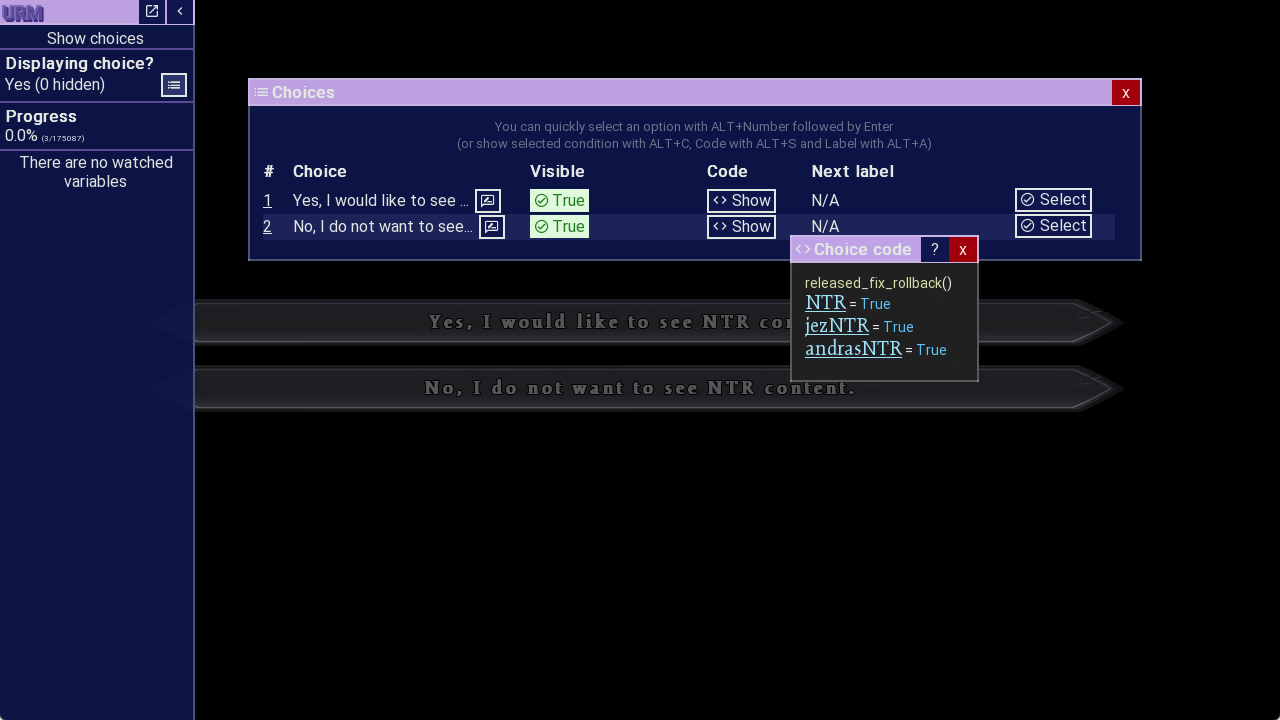
Seeds of Chaos has an issue with showing Choice Notifications though, which 0x52 has already commented on (see here, middle of the post). But by using the Watchpanel, you still can see all the code:
And Chronoromancer seems to be a completely different story: URM is loading, but it's not showing up, and ALT+M does nothing. Then again, this seems to be a very sandbox heavy game with custom choices (not the "regular", like built-in choice system), and therefore URM most probably wouldn't detect them anyways. I haven't looked at the game's code, but from what I can tell, this type of game just isn't in the ballpark of URM...
That's just how Ren'Py (and therefore URM) works....why do I have to actually be in the meat of the game for the menu to load.
Depending on the game the variable might not be called "mc", it could be anything. But without knowing which games you are talking about, I can't provide any more help.I am missing the MC variable...

it happens on eternum and desert stalkerDepending on the game the variable might not be called "mc", it could be anything. But without knowing which games you are talking about, I can't provide any more help.
Search for the name you used as a value (in search click on Variable names > switch to Values) and see what comes upI am missing the MC variable when I use textbox and outline, I don't know if it's missing, or I even try putting down name i used or try the default nothing worked here's a screenshot.
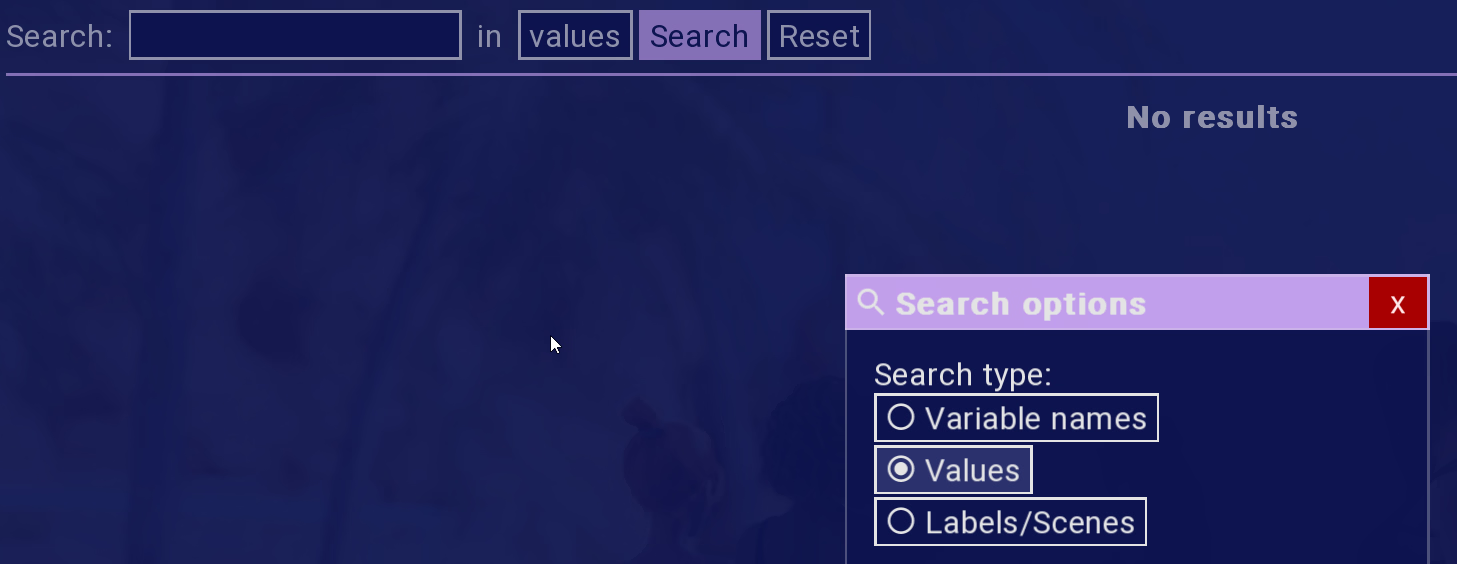

It does not work in Desert Stalker: persistent.player_name = Zaton by default, but it shows nothing by Values - Zaton. Changing to Zato, Values - Zato does not give results either.Search for the name you used as a value (in search click on Variable names > switch to Values) and see what comes up
No I mean search for what you named your MC lolThis is what comes up View attachment 5574870
Did you leave the default name intact or did you change it? If you changed it then you're going to need to search for what you changed it to. I don't have the game installed right now to check on my end.It does not work in Desert Stalker: persistent.player_name = Zaton by default, but it shows nothing by Values - Zaton. Changing to Zato, Values - Zato does not give results either.
In Eternum, name stored in mc (or store.mc) but no idea what is "needed variable".
https://f95zone.to/threads/desert-stalker-v0-19-4-zetan.68105/No I mean search for what you named your MC lol
Did you leave the default name intact or did you change it? If you changed it then you're going to need to search for what you changed it to. I don't have the game installed right now to check on my end.

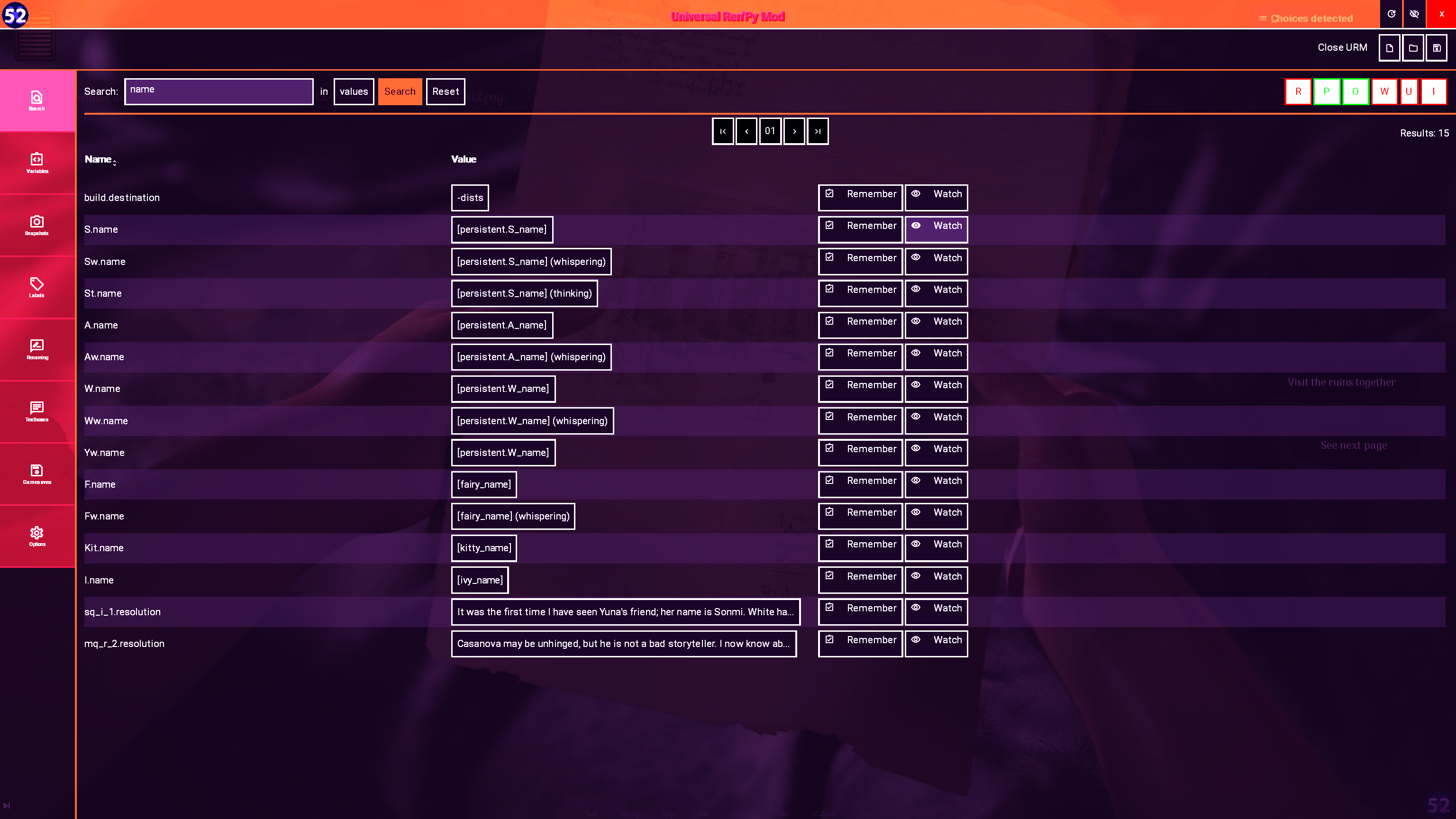
Wait, what's your problem? You're saying persistent.player_name, persistent.W_name, persistent.S_name and persistent.A_name aren't showing but then give an image where they are showing?https://f95zone.to/threads/desert-stalker-v0-19-4-zetan.68105/
As I said: somehow this game does not show the variable persistent.player_name, by searching both default and changed player name as value. Persistent checkbox is on.
Same problem is with other name variables: persistent.W_name persistent.S_name persistent.A_name
Latest URM, no other mods, Win 11 2024, Ren'Py 8.3.4.24120703
You don't have permission to view the spoiler content. Log in or register now.
Wait, what's your problem? You're saying persistent.player_name, persistent.W_name, persistent.S_name and persistent.A_name aren't showing but then give an image where they are showing?
Look at first image. Second one is not search by value hence it works.As I said: somehow this game does not show the variable persistent.player_name, by searching both default and changed player name as >>> value <<<. Persistent checkbox is on.
I see what y'all are talking about mines showing exactly like the screenshots you guys posted so im guessing theres no fix i guess i aint not really bothered just wanted some color on the name lolNo I mean search for what you named your MC lol
So if you named your MC "Platypus44" then search for that instead, where you put "name"
Did you leave the default name intact or did you change it? If you changed it then you're going to need to search for what you changed it to. I don't have the game installed right now to check on my end.
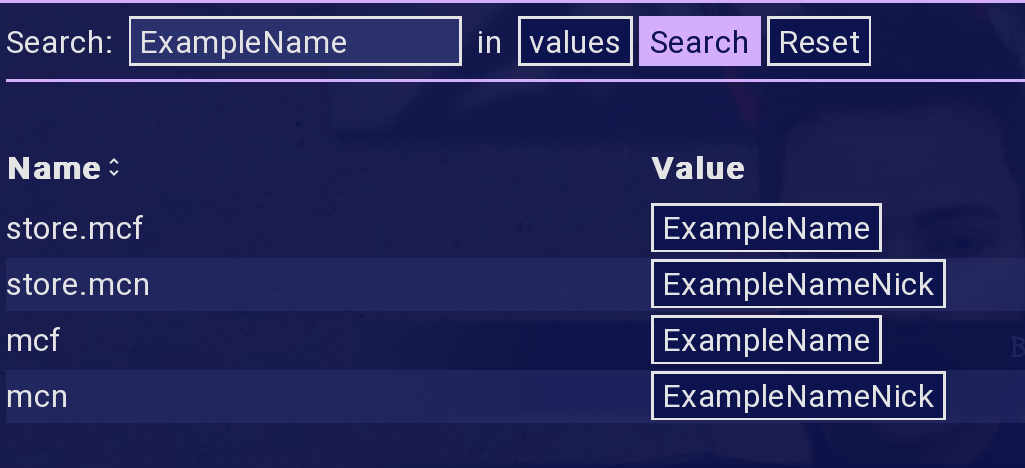
Another game, they ask for two names - one firstname, one nickname. ExampleName - ExampleNameNick are what I used for those.
You don't have permission to view the spoiler content. Log in or register now.
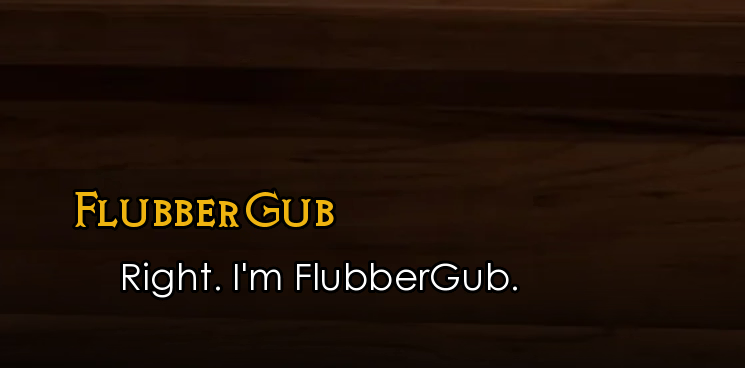
Aaaanyway, changing mcn's value (the nickname) to FlubberGub results in them introducing themselves as that, instead of ExampleNameNick - if I could be bothered to find somewhere that they introduced themselves formally instead of with their nickname then they would still say "I'm ExampleName"
View attachment 5578213
View attachment 5578210
Yeah I noticed that a little later - persistent variables don't seem to show up if you search by value. I'm guessing it's a bug? It's not just you, or Desert Stalker, at least.https://f95zone.to/threads/desert-stalker-v0-19-4-zetan.68105/
As I said: somehow this game does not show the variable persistent.player_name, by searching both default and changed player name as value. Persistent checkbox is on.
Same problem is with other name variables: persistent.W_name persistent.S_name persistent.A_name
Latest URM, no other mods, Win 11 2024, Ren'Py 8.3.4.24120703
You don't have permission to view the spoiler content. Log in or register now.