

downloaderbo
Member
- Aug 18, 2017
- 235
- 308
- 272
What? Let me check it.guide link is broken any solutions?
Update: Nope, the guide is still there at the page 20 of this same thread.
What? Let me check it.guide link is broken any solutions?

yes you are right, sorry it was the entire website having issues with attachments and images but now everythins is back to normal.What? Let me check it.
Update: Nope, the guide is still there at the page 20 of this same thread.

Here is a mod list:Is there something like a Better Repack for this or a definitive mod list?
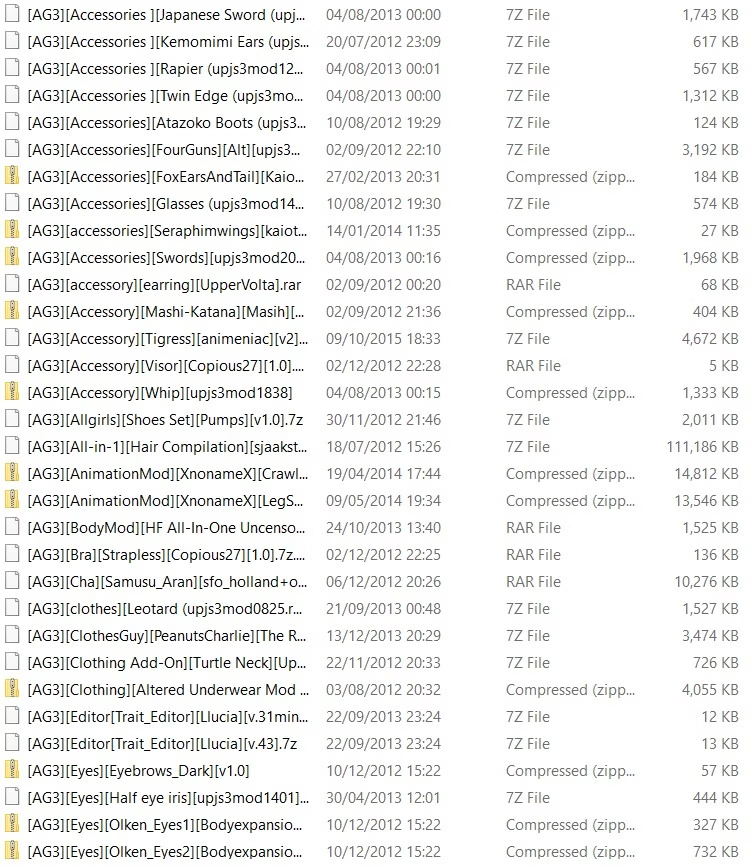
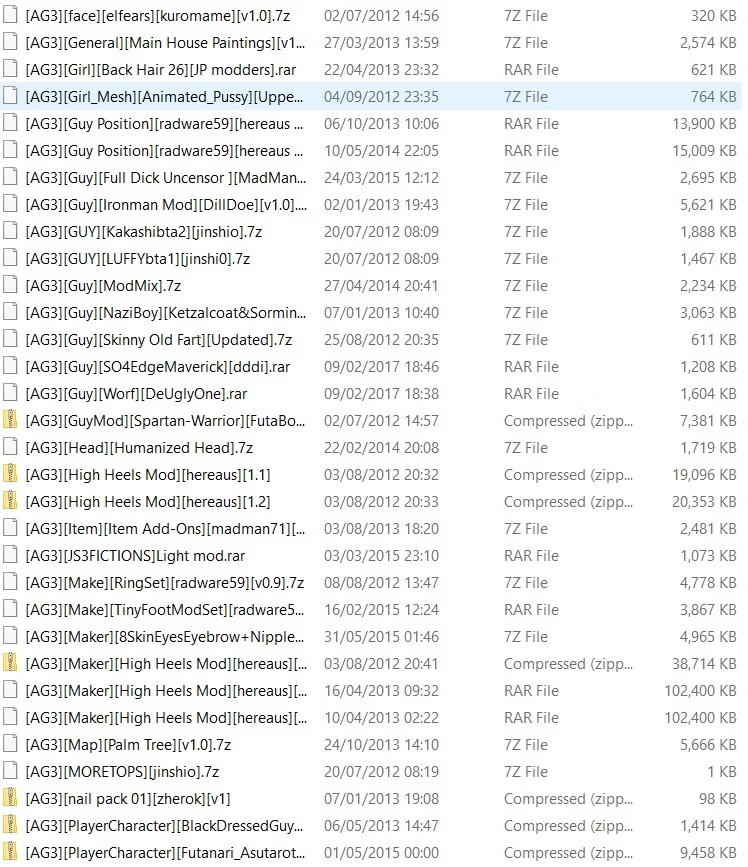
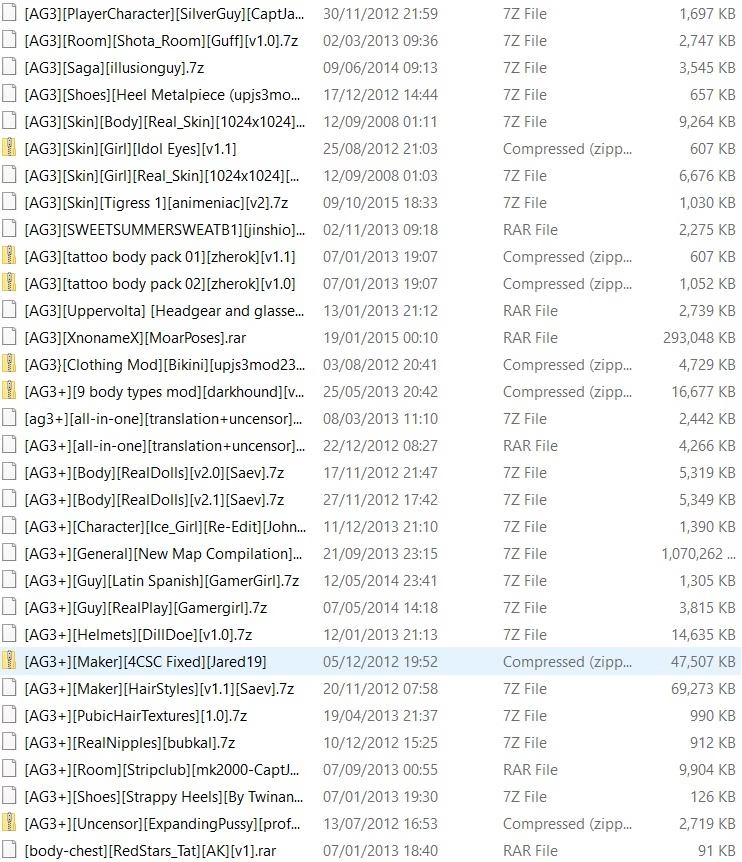
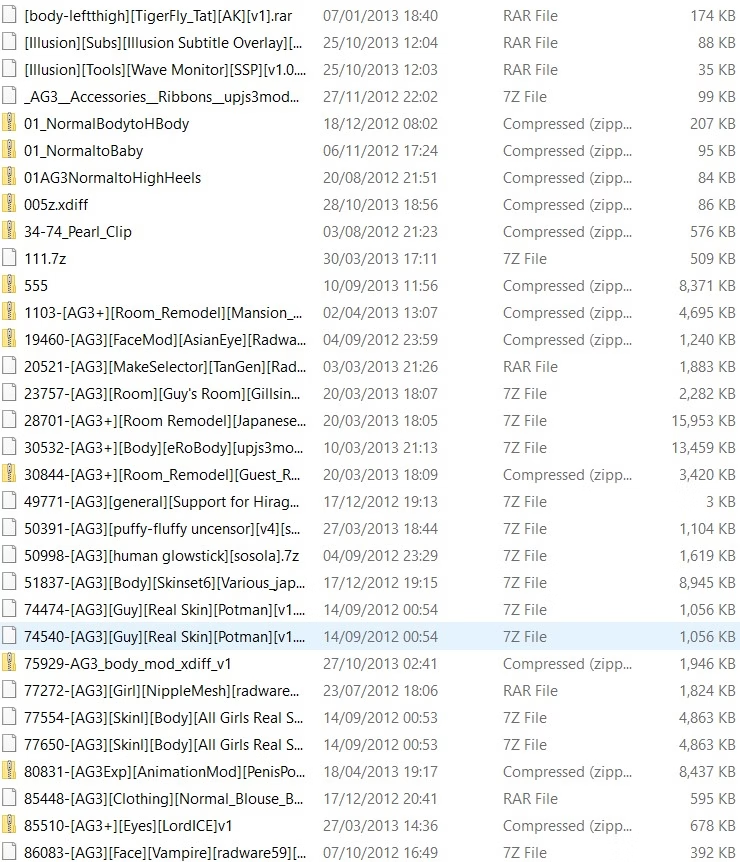
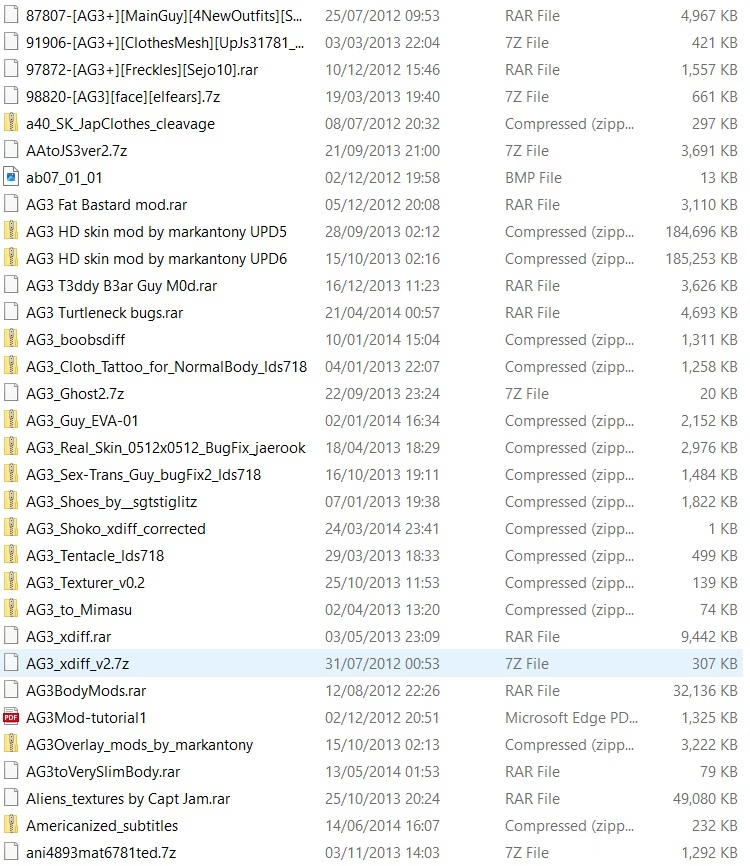
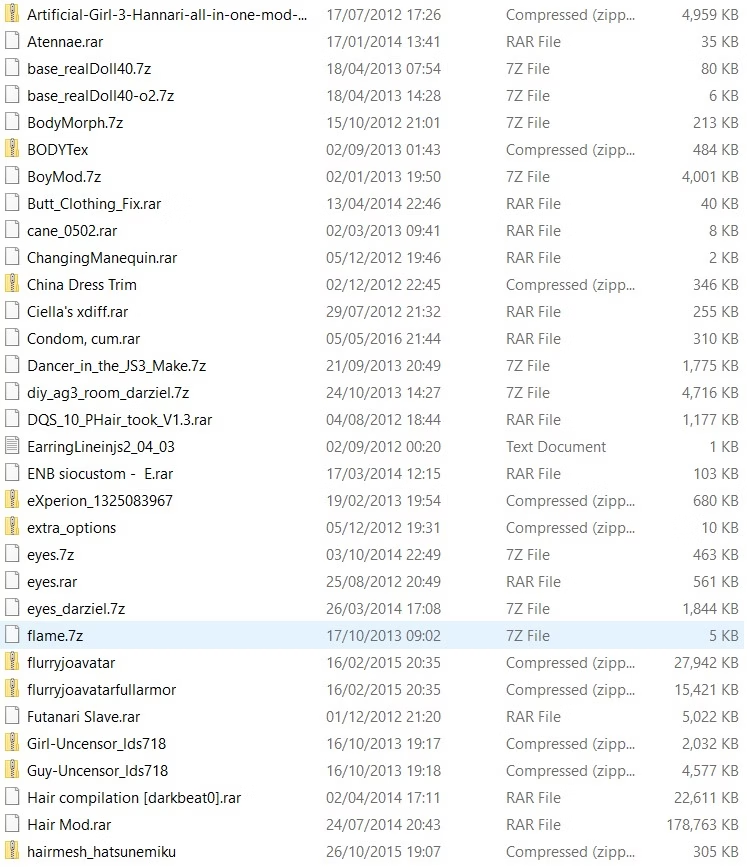
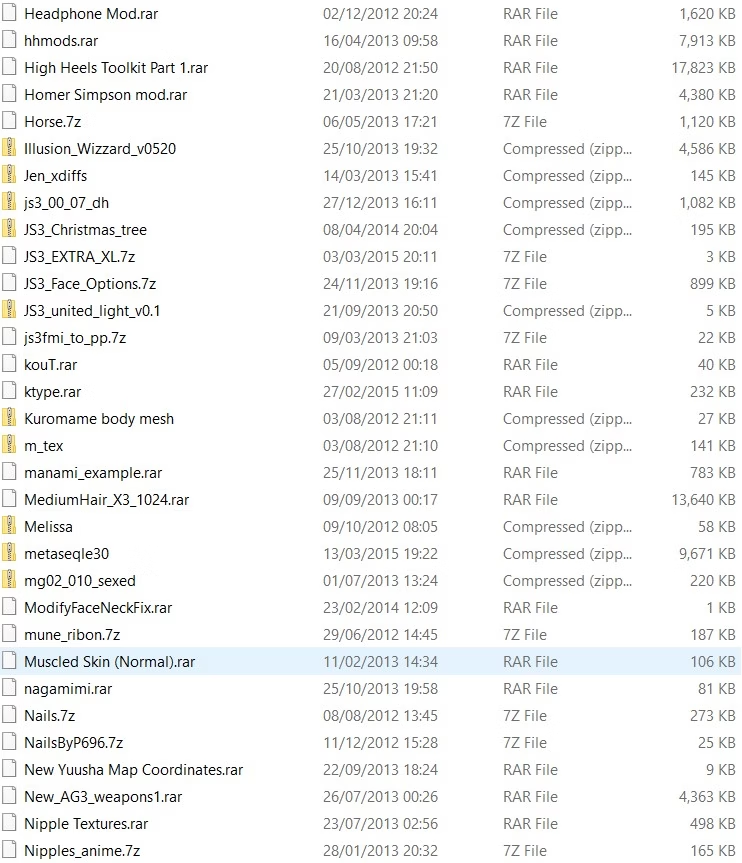
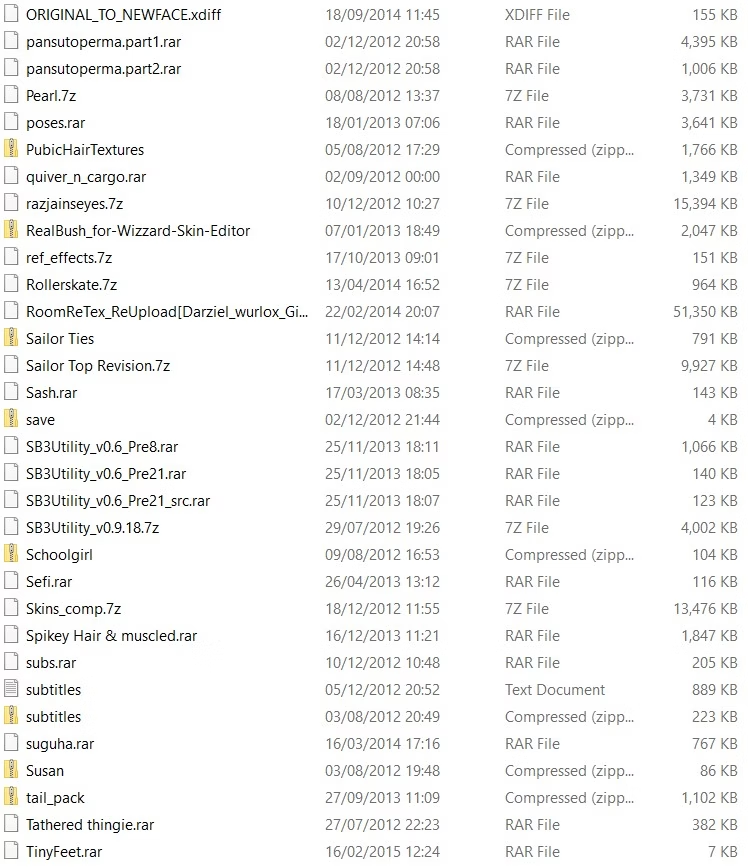

First install DirectX9 or DirectX10, normally it comes with iso image, here the link for download it since microsoft website:Trying to download on a windows 11. I download the torrent and the win versions, however neither isos seem to work;
injs3e.exe says that I do not have the permission to access the file, and the other exe opens but crashes whenever I try to click anything. For context I'm trying to launch them straight from the iso.
Is there a step by step guide anywhere?

Yes.Let me Ask something.
Is there any other Sex Pose?
I only know 2 pose.
Missionary and Doggy
Look at this guide, friend.Let me Ask something.
Is there any other Sex Pose?
I only know 2 pose.
Missionary and Doggy
Thanks a lot for the help!!! It workedFirst install DirectX9 or DirectX10, normally it comes with iso image, here the link for download it since microsoft website:
You must be registered to see the links
Second step try install the game with the "other exe" file instead injs3e.exe (or install since this file with admin permissions).
Optional solution:
Use this game version
Unzip, install directx, run the reg file, play
You must be registered to see the links

Any capture?the d3d9 file fixes the lag but causes the game stretched out to fit my screen in full screen mode which makes everything look wide including the characters. any fix?
Im having issues, i dont know how to explain, so i will attach the error below:Hello everynyan!
I am writing about how I managed to run this game on Windows 11 24H2.
1. Preparation:
a) Changed the locale to Japanese.
b) Downloaded and installed DirectX 2010 JuneYou must be registered to see the links
c) Downloaded and installed Microsoft Visual C++ 2005-2010.
2005 (x86 and x64)You must be registered to see the links
2008 (x86 and x64)You must be registered to see the links
2010 (x86 and x64)You must be registered to see the links
d) Enabled .NET Framework 3.5 in Windows Features.
2. Installation:
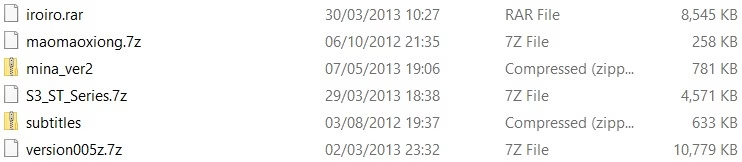
a) Downloaded, unpacked the archive with the game using 7-zip.
b) Mounted the game image (on Windows 11, right-click on the ISO and Mount) and installed it in a previously manually created folder C:\Illusion\AG3
c) Installed HF Patch in the folder with the installed game.
3. Solving performance issues:
a) In the game folder, in the properties of AG3 Make.exe/AG3 Play.exe, enable compatibility mode with Windows 7.
b) Downloaded, unpacked the DXVK archiveYou must be registered to see the links
In the x32 folder, found d3d9.dll and renamed it to d3d9_alt.dll
Copied and pasted this d3d9_alt.dll into the game folder (where AG3 Make.exe/AG3 Play.exe are located).
c) Now, when launching the game, always select the Subs button in the pop-up window and the game will have subtitles.
If they do not work, then when launching the game, select the Cfg button in the pop-up window.
In the Subtitles column, click add files and select subtitles.txt in our game folder.
Using the Up button, raise our subtitles.txt to the top and save.
That's it, I hope this will help some faded soul launch this game.
Hi, I haven't encountered this error before.Im having issues, i dont know how to explain, so i will attach the error below:
---------------------------
Setup
---------------------------
WARNING: The patch was unable to detect your game at the location you specified:
"C:\ILLUSION\AG3"
Do you wish to correct the destination?
(ctrl+C to copy this message)
---------------------------
Yes No
---------------------------
Hi, friend.Also when i mount the game and i run the installer when im in the final step, the button "Install artificial girl 3" works but the app freezes, i dont know how to solve this

Hi friend, im installing the game for the first time, im having trouble, it doesnt installHi, friend.
I don't quite understand your problem.
Are you unable to install both the game and the patch?
If you installed/uninstalled the game a long time ago and now want to install it again, you need to understand that it writes data to the registry the first time it's installed.
And if you're installing it to a new location, then you'll need to use a registry fix in the patch.
The only thing I can think of is enabling Windows 7/XP compatibility mode in the installation file's properties.
Add screenshots of the problems, can be helpfulHi friend, im installing the game for the first time, im having trouble, it doesnt install