- Jul 29, 2017
- 13,643
- 37,633
- 1,105
Unless you're Darkwen, why would you have Josy winOh that explains it never had her win, even on throuple I had Leon win, well next throuple apth I'm doing this thanks

Unless you're Darkwen, why would you have Josy winOh that explains it never had her win, even on throuple I had Leon win, well next throuple apth I'm doing this thanks

LOLUnless you're Darkwen, why would you have Josy win

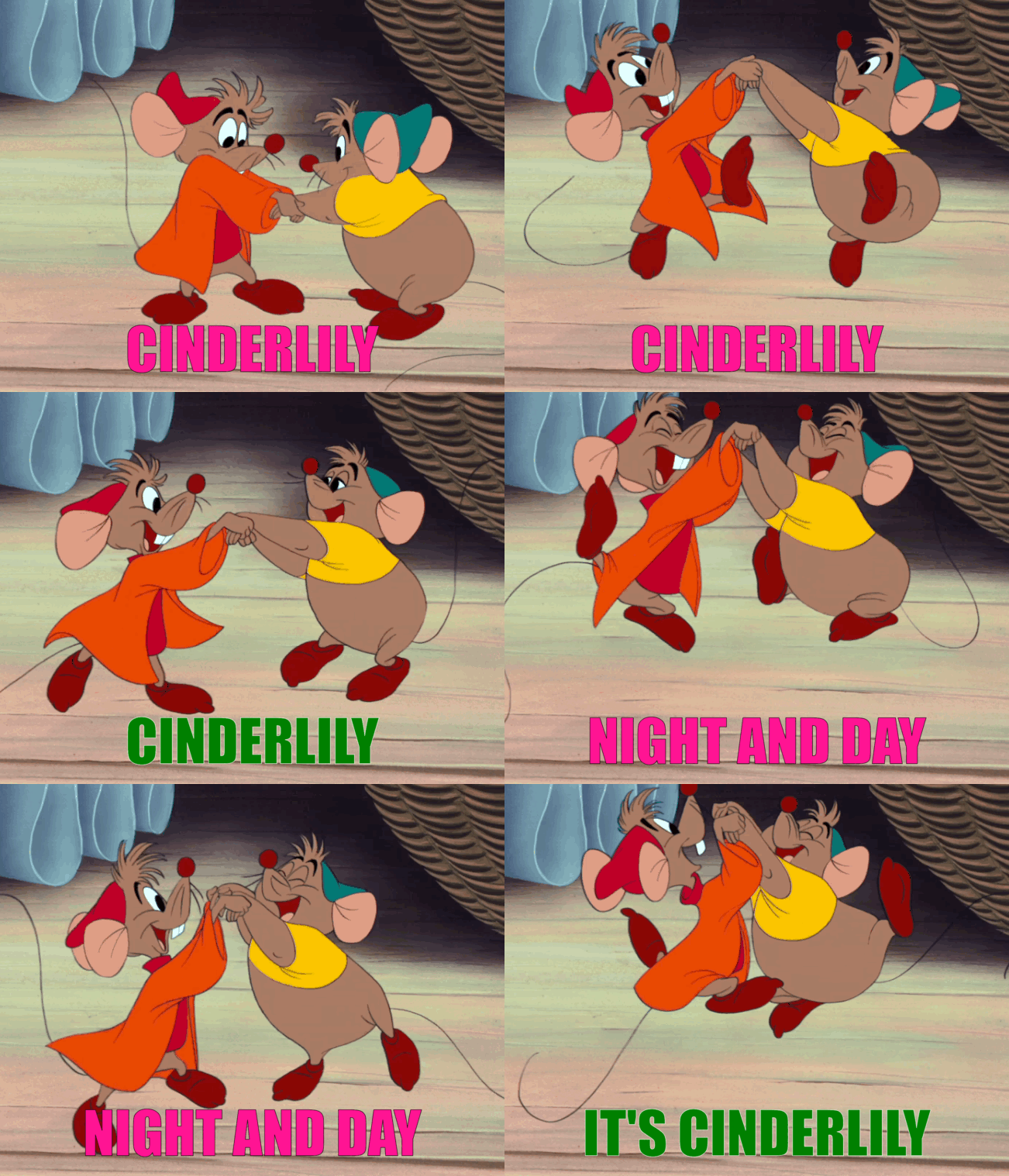
That sounds like the final boss in dark souls“Cinderlily, Cinderlily, night and day it’s Cinderlily!”
View attachment 4923295

I tried so hard to resist. But I'm only human.“Cinderlily, Cinderlily, night and day it’s Cinderlily!”
View attachment 4923295

It's a mod problem - update your mod to the latest version.can someone tag me, so i got to the part of season 3, at the mansion for Halloween party, however when i get to the part of Tommy and Jacob are talking and Jacob says "for sure its one scary mansion", when i click it crashes to desktop, no patch i still get the crash, with the Patch (Ep.11 v0.11.0 -> Ep.11 v0.11.1) did not fix it the crashing.

i used the multi mod for season 1 and 2 so not clean, roger ill give that a go, ty.somepeoplearesheep . If your game is clean without mods. Then delete your persistant file, and the backup persistant file over in user/AppData/Roaming/Renpy.
I was having the same issue but I hadn't used any mods. Deleted the persistants, and it carried on fine. Same thing happened at the start of ep11 for me, same solution.
Oh, then you gotta do what Milton said. Install the mod for season 3, or do a clean reinstall and replay.i used the multi mod for season 1 and 2 so not clean, roger ill give that a go, ty.
It won't work. If you used a mod in S1/2 and transferred saves into S3 it WILL crash. The only way is to update the mod in S3 to the latest version.i used the multi mod for season 1 and 2 so not clean, roger ill give that a go, ty.
I'm sorry, but an uncaught exception occurred.

While running game code:
  File "renpy/common/00action_file.rpy", line 462, in __call__
    renpy.load(fn)
Exception: Couldn't find a place to stop rolling back. Perhaps the script changed in an incompatible way?

-- Full Traceback ------------------------------------------------------------

Full traceback:
  File "renpy/common/_layout/screen_main_menu.rpym", line 28, in script
    python hide:
  File "renpy/ast.py", line 928, in execute
    renpy.python.py_exec_bytecode(self.code.bytecode, self.hide, store=self.store)
  File "renpy/python.py", line 2245, in py_exec_bytecode
    exec(bytecode, globals, locals)
  File "renpy/common/_layout/screen_main_menu.rpym", line 28, in <module>
    python hide:
  File "renpy/common/_layout/screen_main_menu.rpym", line 35, in _execute_python_hide
    ui.interact()
  File "renpy/ui.py", line 298, in interact
    rv = renpy.game.interface.interact(roll_forward=roll_forward, **kwargs)
  File "renpy/display/core.py", line 3315, in interact
    repeat, rv = self.interact_core(preloads=preloads, trans_pause=trans_pause, pause=pause, pause_start=pause_start, **kwargs)
  File "renpy/display/core.py", line 4155, in interact_core
    rv = root_widget.event(ev, x, y, 0)
  File "renpy/display/layout.py", line 1100, in event
    rv = i.event(ev, x - xo, y - yo, cst)
  File "renpy/display/transition.py", line 48, in event
    return self.new_widget.event(ev, x, y, st) # E1101
  File "renpy/display/layout.py", line 1100, in event
    rv = i.event(ev, x - xo, y - yo, cst)
  File "renpy/display/layout.py", line 1100, in event
    rv = i.event(ev, x - xo, y - yo, cst)
  File "renpy/display/screen.py", line 727, in event
    rv = self.child.event(ev, x, y, st)
  File "renpy/display/layout.py", line 1100, in event
    rv = i.event(ev, x - xo, y - yo, cst)
  File "renpy/display/layout.py", line 1313, in event
    rv = super(Window, self).event(ev, x, y, st)
  File "renpy/display/layout.py", line 273, in event
    rv = d.event(ev, x - xo, y - yo, st)
  File "renpy/display/layout.py", line 1100, in event
    rv = i.event(ev, x - xo, y - yo, cst)
  File "renpy/display/layout.py", line 1313, in event
    rv = super(Window, self).event(ev, x, y, st)
  File "renpy/display/layout.py", line 273, in event
    rv = d.event(ev, x - xo, y - yo, st)
  File "renpy/display/layout.py", line 1100, in event
    rv = i.event(ev, x - xo, y - yo, cst)
  File "renpy/display/layout.py", line 273, in event
    rv = d.event(ev, x - xo, y - yo, st)
  File "renpy/display/behavior.py", line 979, in event
    return handle_click(self.clicked)
  File "renpy/display/behavior.py", line 914, in handle_click
    rv = run(action)
  File "renpy/display/behavior.py", line 329, in run
    return action(*args, **kwargs)
  File "renpy/common/00action_file.rpy", line 462, in __call__
    renpy.load(fn)
  File "renpy/loadsave.py", line 771, in load
    log.unfreeze(roots, label="_after_load")
  File "renpy/python.py", line 2200, in unfreeze
    self.rollback(0, force=True, label=label, greedy=greedy, on_load=True)
  File "renpy/python.py", line 2014, in rollback
    self.load_failed()
  File "renpy/python.py", line 1932, in load_failed
    raise Exception("Couldn't find a place to stop rolling back. Perhaps the script changed in an incompatible way?")
Exception: Couldn't find a place to stop rolling back. Perhaps the script changed in an incompatible way?

Windows-10-10.0.26100
Ren'Py 7.4.10.2178
Being a DIK 0.8.3
Mon Jun 9 03:57:47 2025roger ill try that as well,ty fixed.It won't work. If you used a mod in S1/2 and transferred saves into S3 it WILL crash. The only way is to update the mod in S3 to the latest version.
OR
Start a completely clean install for S3 with no mods, using saves from the OP.

You? YOU??If we don't get a dialogue with Jill about squeezing the MC with her thighs, ill be disappointed.
Probably the same old depraved pervert you've always been.What will I be??

Just like the rest of us.Probably the same old depraved pervert you've always been.
Speak for yourself. I'm not depraved. Just a little corrupt. A tad. A smidge. A winkle.Just like the rest of us.
You forgot to mention deluded.Speak for yourself. I'm not depraved. Just a little corrupt. A tad. A smidge. A winkle.
Yeah... sounds ab. right... except the old part.Probably the same old depraved pervert you've always been.