Unity Completed Guardians of Eden [v1.6 + DLC] [Black Cat Entertainment]

3.20 star(s) 25 Votes

BodhiZafa

Member
Dec 29, 2022
146
105
194
It's real, please, how can I fix it?
The question has been asked many times already, and answered. Even I answered twice, literally on this same page. All you had to do was scroll up. Or use the search bar.

Have you tried the save file fixes yet?
 

Dirk Nowitzki

New Member
Dec 4, 2024
1
0
97
Anyone else had a problem where the game doesn't progress after inputting your name at the very beginning. Not sure how to fix it...
 

Lonh678

Newbie
Dec 25, 2020
15
7
64
Cho đánh giá một điểm, khi mở đầu trò chơi vừa tạo ra tên nhân vật thì bị lỗi thì làm game để làm gì
 

RozinhaKaname

Newbie
Nov 3, 2023
25
25
133
I decompiled the code to check what the bug with name/tutorial is.

The issue is that the game is unable to auto-save unless a "Saves" folder exists in %userprofile%\AppData\LocalLow\BlackCat\GuardiansOfEden

Run the game once so that the \GuardiansOfEden folder gets created in \AppData. Then close the program and create the \Saves folder in the \GuardiansOfEden directory.

This resolved the issues for me
Thanks bro
 

lolwp

New Member
Sep 21, 2025
8
0
1
For me I can only find appdata but only on other things and for me I can't find the folder "Locallow" unless it's the same as local, I found app data but it doesn't have like "black cat entertainment" only things like nvidia and steam.
Edit: nvm i fixd it I used chatgpt and it gave me this command : %userprofile%\AppData\LocalLow : type that in when you press the windows key + R (without the spaces and colons ofc) this is for anyone who also has the same problems as me. This is for the the post above in which it says to create a "Saves" folder in the blackcat place to fix the name issue

 
Last edited:

The_Thiccness

Member
May 20, 2022
244
269
164
For me I can only find appdata but only on other things and for me I can't find the folder "Locallow" unless it's the same as local, I found app data but it doesn't have like "black cat entertainment" only things like nvidia and steam.
Edit: nvm i fixd it I used chatgpt and it gave me this command : %userprofile%\AppData\LocalLow : type that in when you press the windows key + R (without the spaces and colons ofc) this is for anyone who also has the same problems as me. This is for the the post above in which it says to create a "Saves" folder in the blackcat place to fix the name issue
In order to see the AppData folder you need to check "Hidden items" in File Explorer, then it's straightforward from there.
 

kermitthefrog90000

New Member
May 25, 2025
2
1
54
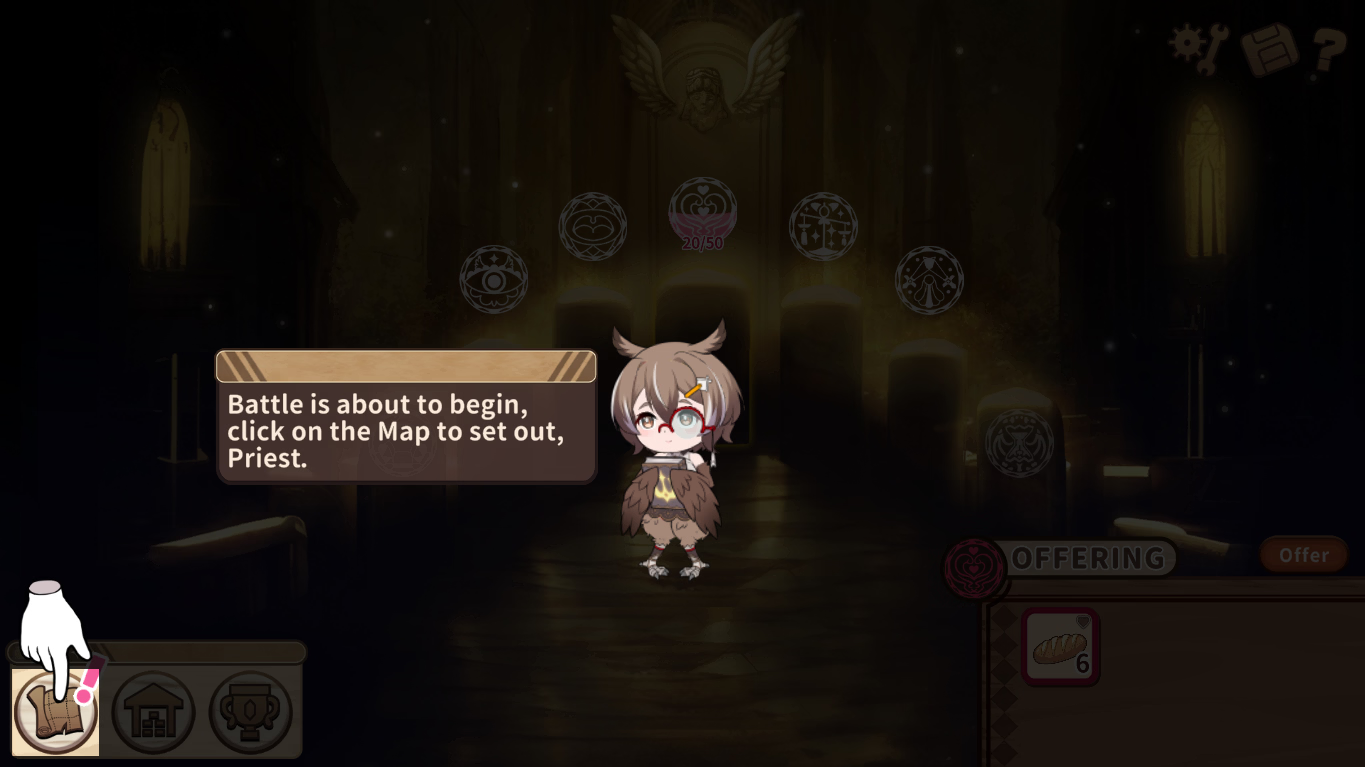
so im at the very beginning and Imala is telling me that "the battle is about to begin click the map icon" but i got to click it and nothing happens nothing opens i can open up the pause menu but for some reason it wont let me open the map ive tried restarting the game, changing the resolution like i wanna give the game a try but i cant do much when i cant do anything

edit: also yes i saw the comment on how to make a save file i just cant find the file were i need to make a save file

EDIT: ok i found the file location now for those who come after if you cant find appdata in your files simply press windows+R then a window bottom left will open then type in the search bar "appdata" (remove the ") and then you can find locallow and then blackcat then the game location
 
Last edited:
3.20 star(s) 25 Votes