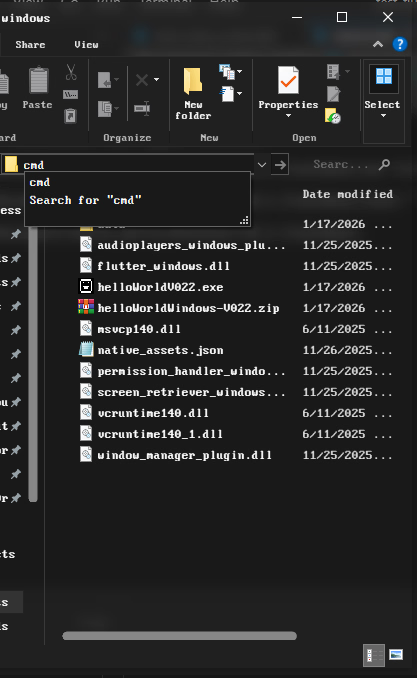
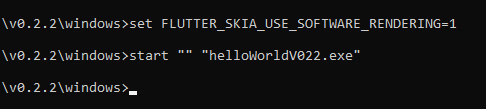
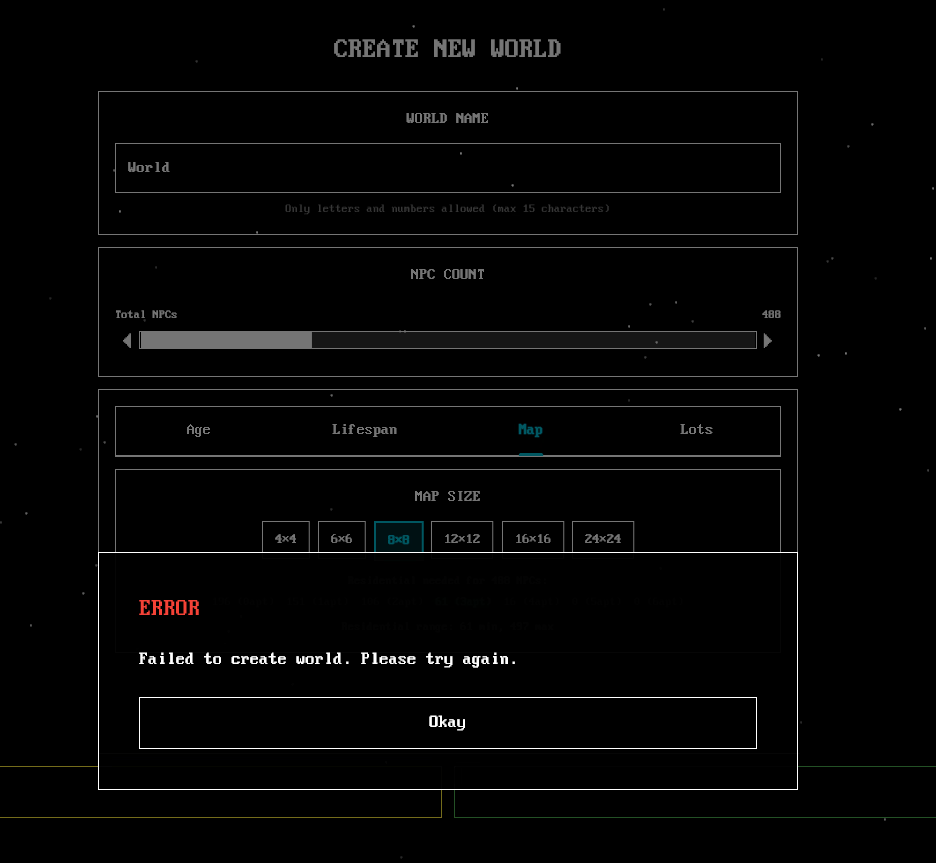
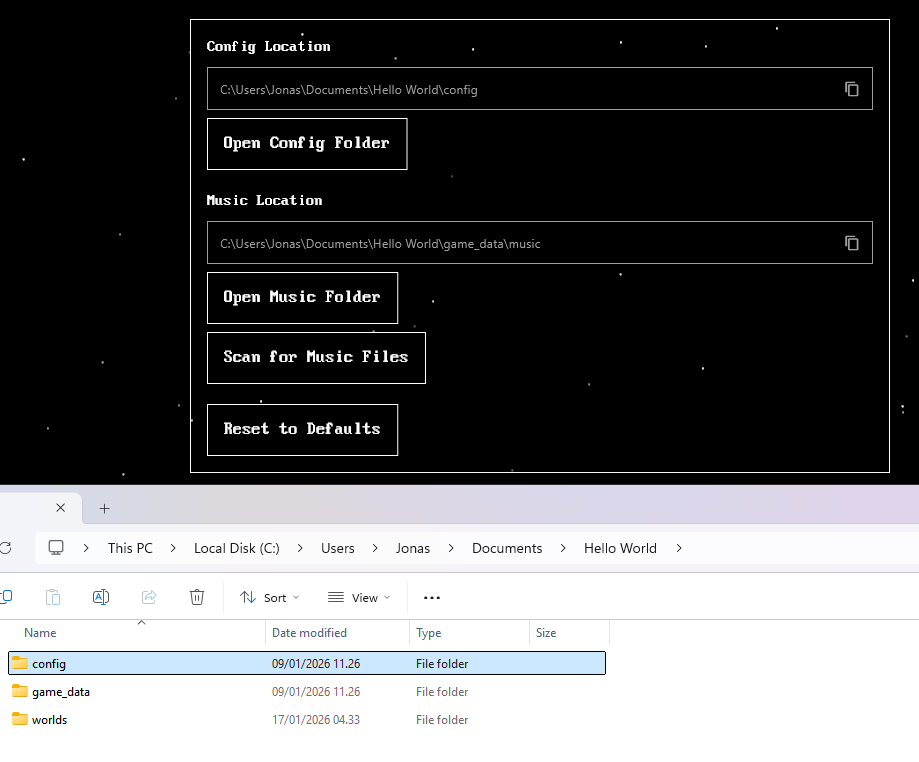
Since I already added support for non-ASCII characters in the folder... you could try turning off the antivirus for a while or just the Windows 11 Controlled Folder Access (you can also just try adding it to the allowed list). or try running as admin.
Lastly, checking the event viewer during the crash or attaching the dump file for me may help me solve these crashes in the game!
Here is what shows up when I open the crash dump with WinDbg
........
Loading unloaded module list
....
This dump file has an exception of interest stored in it.
The stored exception information can be accessed via .ecxr
(7288.620): Security check failure or stack buffer overrun - code c0000409 (first/second chance not available)
Subcode: 0x5 FAST_FAIL_INVALID_ARG
For analysis of this file, run !analyze -v
*** WARNING: Unable to verify checksum for flutter_windows.dll
flutter_windows!InternalFlutterGpu_Texture_AsImage+0x5cef54:
00007ffe`55602f38 cd29 int 29h
0:000> .ecxr
rax=0000000000000001 rbx=000001f608fbc9d6 rcx=0000000000000005
rdx=0000000000000000 rsi=00000021788febb8 rdi=00000021788fece0
rip=00007ffe55602f38 rsp=00000021788feaf0 rbp=000001f60918ce00
r8=0000000000000000 r9=0000000000000000 r10=000001f608fbc998
r11=00000021788fec20 r12=00000021788fed40 r13=00000021788fec30
r14=000001f608fbc980 r15=00000021788fec50
iopl=0 nv up ei pl nz na pe nc
cs=0033 ss=002b ds=002b es=002b fs=0053 gs=002b efl=00000202
flutter_windows!InternalFlutterGpu_Texture_AsImage+0x5cef54:
00007ffe`55602f38 cd29 int 29h