Kelisitinaaa
New Member
- Oct 8, 2021
- 7
- 45
- 119
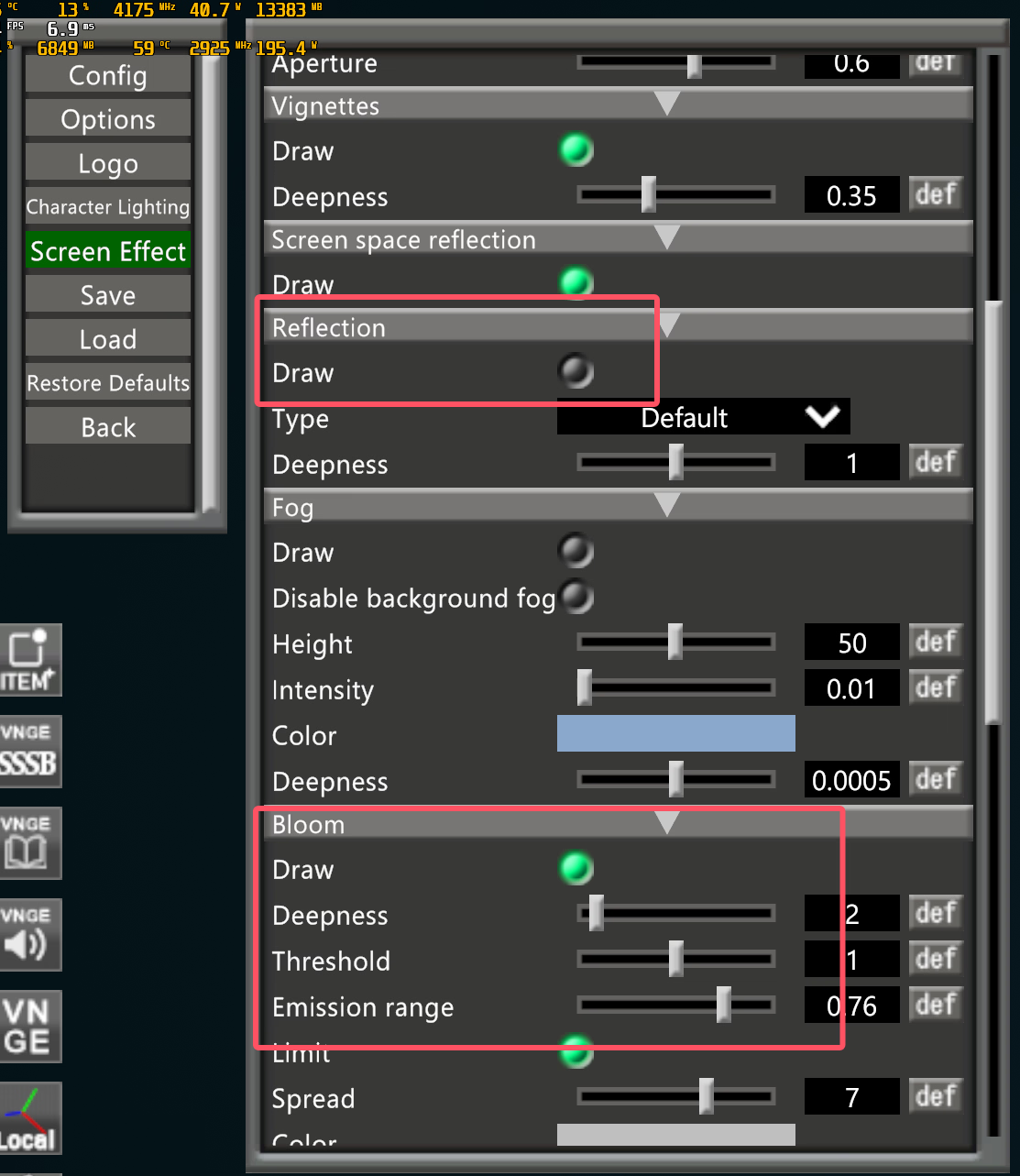
Thank you very much for answering my question. I have already solved this problem. Unexpectedly, the main factor determining this difference is the reflection setting. After I turned it on, the screen of Studio Neo became exactly the same as that of the main game.Check to see if autoexposure is on. Disable it will get rid of extra "unseen" lights. It's on the same settings page as bloom, vignette, auto-focus.
The other thing I can think of is to check the reflections and cubemaps settings, but I think your problem may just be auto-exposure.
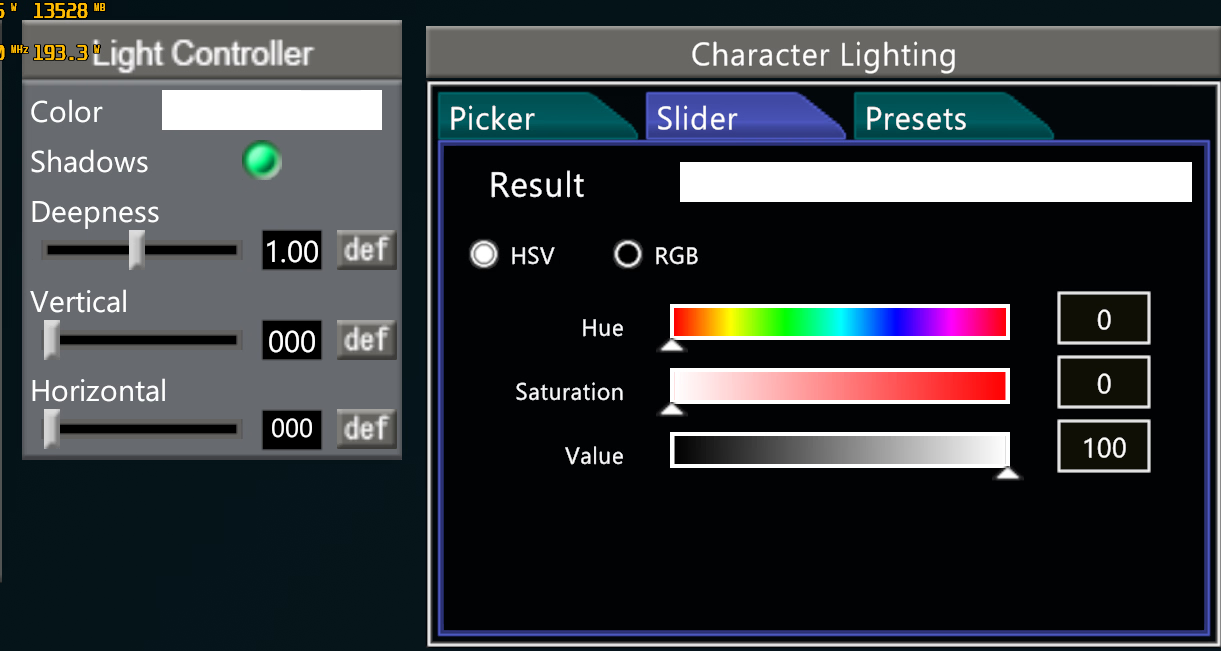
I also want to ask how to save the display settings of Studio Neo. Every time I open Studio Neo, I have to manually turn on the reflection setting and adjust the light color temperature, which is really troublesome.