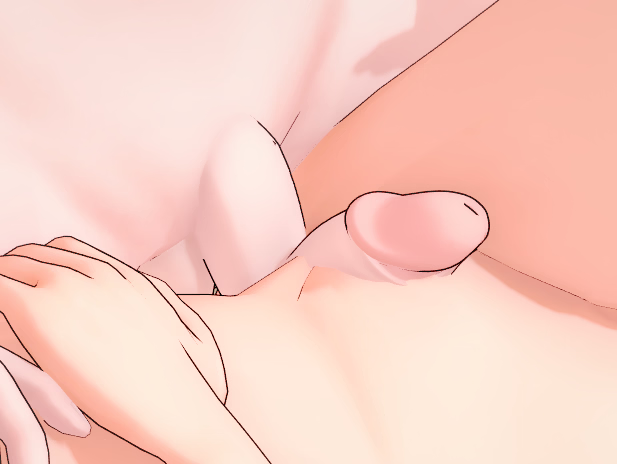
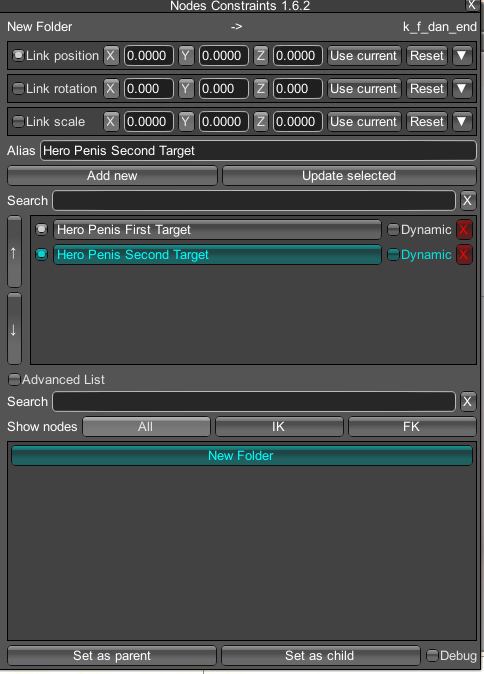
There's actually a fairly easy way to do this exact image. There's underwear available in the panty section that allows you to have this exact effect. i believe you just search for trap. I'm not at the pc with the game so this is from memory. From what I recall it was pink panties with a dick outline and there were several variations (straight up, to the side, just a bulge, etc). The only tricky part that took me forever to figure out is that you have to use the blend modes to control the shape. Then to get the peeking penis effect - which several of the panties in the series are configured for, you just use either one of hooh's dicks or there's a few other options on the items menu. No need to use two characters.
If they don't come up under trap, just scrollto search it, they're pretty obvious when you see them.
edited to add: when I get home I'll lookit up and take some screen shots of what I mean if you've not found it by then.
So went and checked, it was actually "Femboy panties" and when you use it in studio, just follow the instructions below.
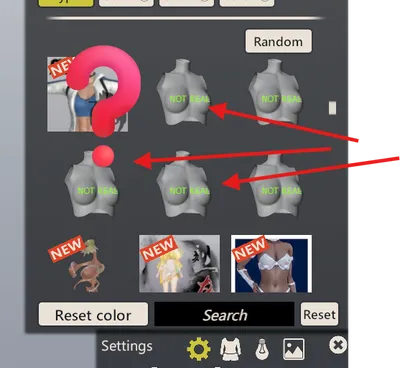
1)Shift D to open chara maker in studio. Select femboy panties (screenshot 1).
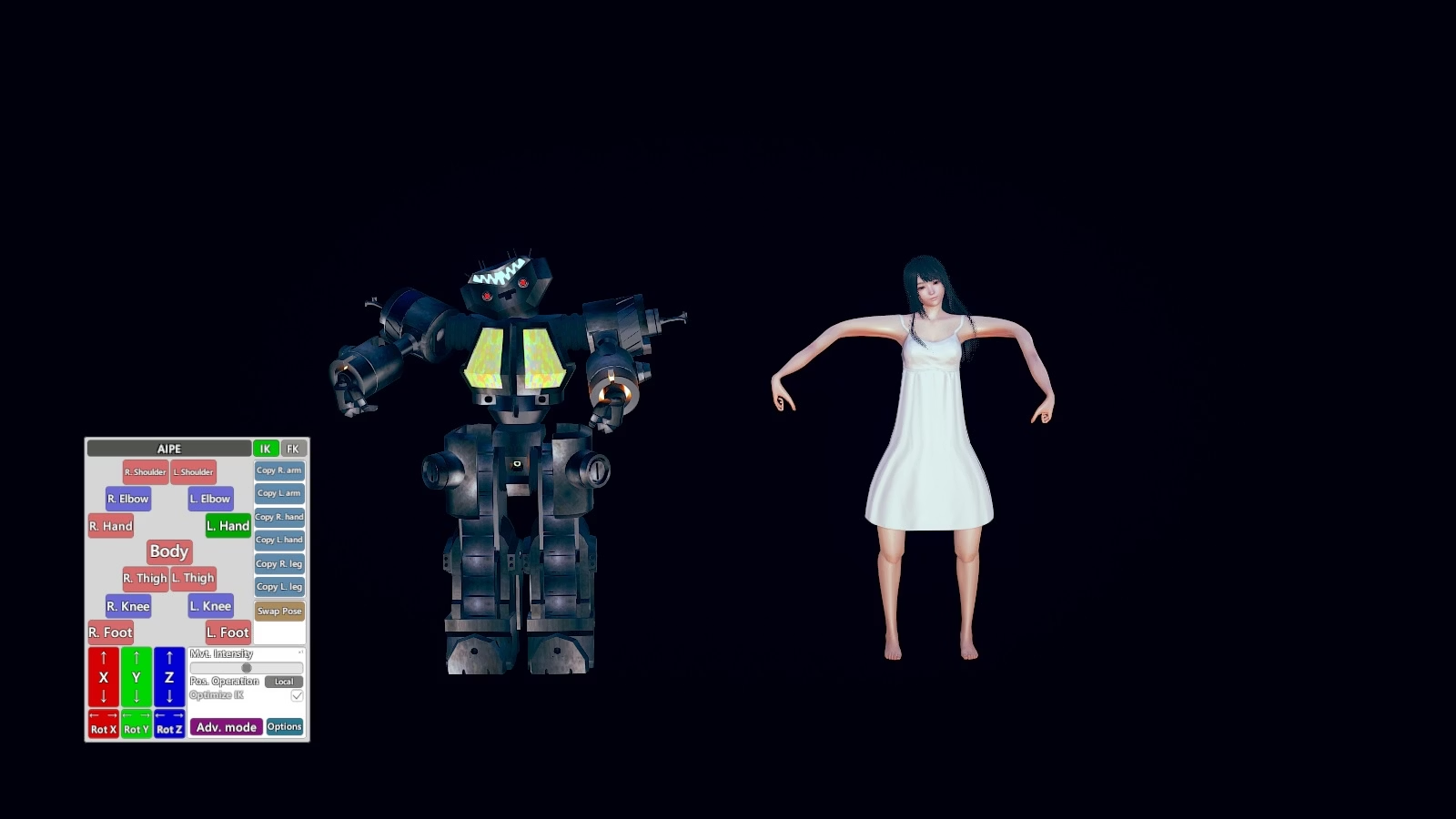
2) Select the character in menu then click adv mode (screenshot 2)
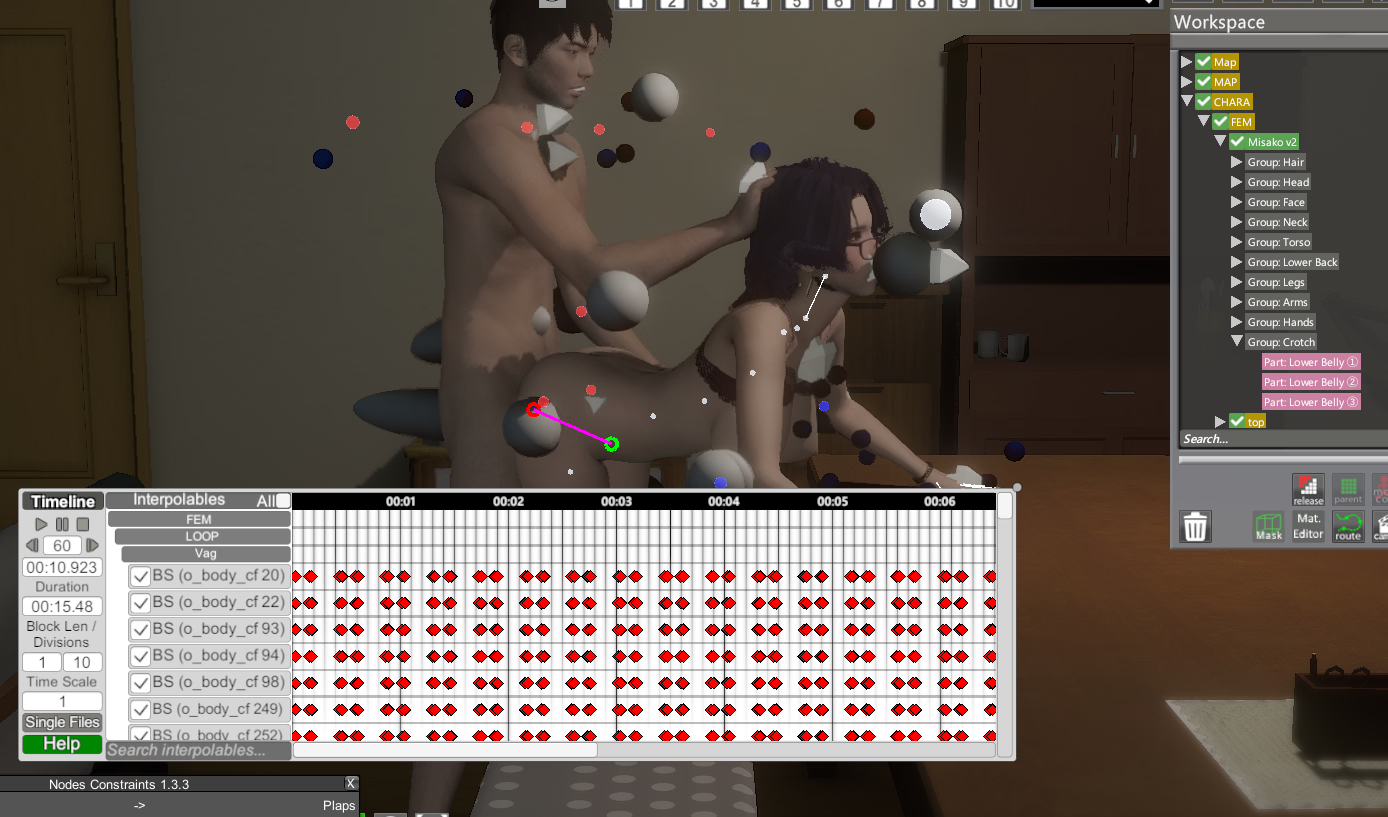
3) In the menu that opens, select blend shapes (top) and then click "force refresh list" or the panties don't show. (screenshot 3)
4) Select the panty (usually the last one on the list) and then use the slider to achieve the shape you want. (screenshot 4).
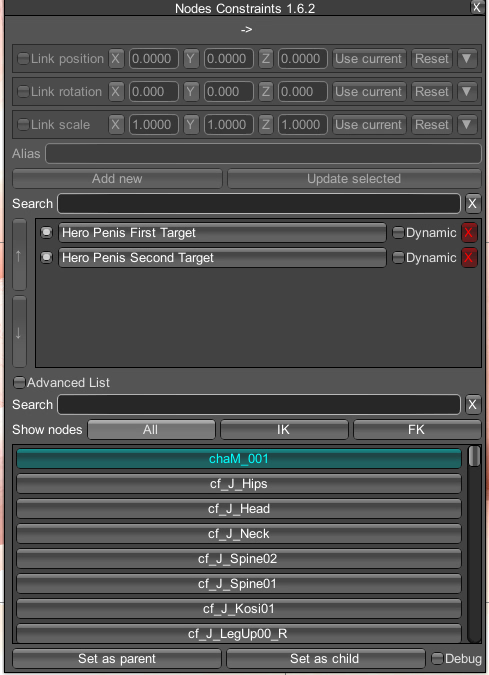
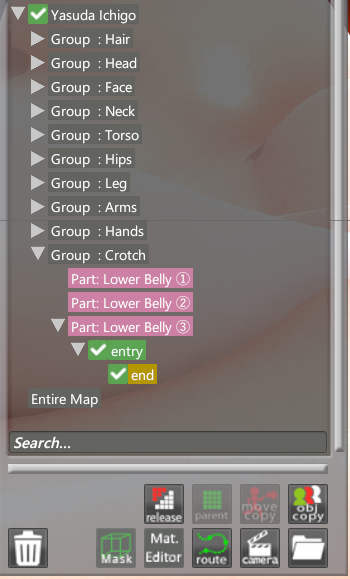
Then find a dick or dildo that has the shape you want to use and fit it, making sure to size it appropriately and attach it to the "group:croth - part" you want.
With this you can animate or move or reposition the char as you want and it will always stay. No need for multiple chars or complications.