HOW THE F*** IS IT THUSDAY AGAIN ALREADY!
Hiya folks ^_^
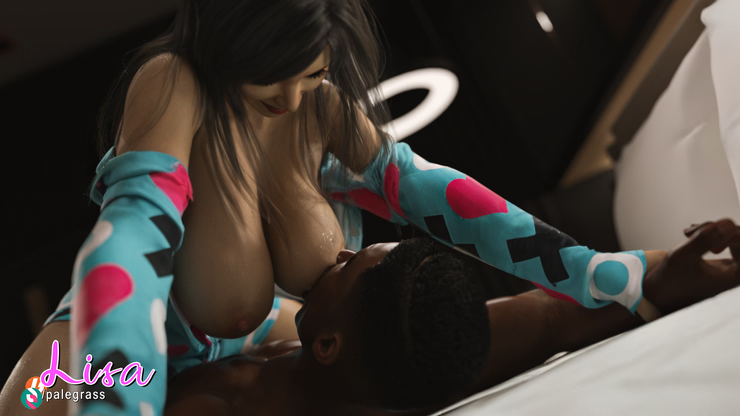
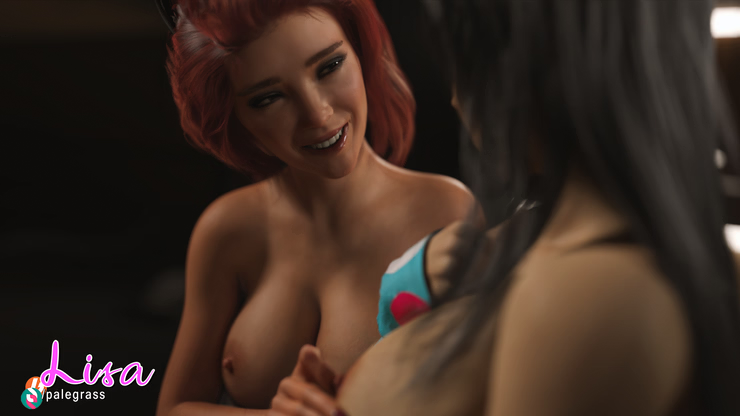
WE'RE IN CRUNCH TIME! Time is just flying by for me atm, the rush to completion is on! 4-5 weeks~ and I'll be handing offering you another enormous scene alongside the game's first animations. Exciting!
Where is development currently?

I keep getting lost in the amount of stuff I'm juggling. I've got AI generating overnight / during the week saving both HQ + LQ versions of each file; LQ for testing and HQ for interpolating later, I'm then creating video combining the HQ + LQ generations, I'm creating CGs and variants of those CGs expressly for AI purposes which all need carefully edited before feeding it into the AI machine to achieve the best result, I'm finding the sweet spot in each generated video to best transition into the next otherwise there's no consistency across clips..
My entire pipeline is so chaotic atm so I really need to sort things after this patch is released and come up with a much more streamlined way of doing things because I'm just all over the place lol
It's all progress obviously but I'm not being as efficient as I should be simply because I'm losing track of what's next.
Here's what the process for each individual video looks like:
Pose camera in Daz for "AI friendly" CG
Remove Lisa's skin detail
Render image
Post processing in photoshop
Manipulate the still image further with AI
Setup LoRAs in Comfy workflow
Prompts for the upcoming generation
Generate video (overnight / during day)
Scan through generated videos for usable clips
Make a cut in the HQ video which would transition the cleanest (2 versions of each clip are saved)
Insert final frame of the cut video into generation
Generate second video
Scan through new videos and test them alongside the first to find good matches
Repeat for a third time (3x 5sec = 15second clips is what I'm current using as baseline)
Take the 3 low res videos into Adobe Premiere Pro to stitch them together
Save output as 1 file
Upscaling + interpolating in Topaz (AI upscaling program)
Insert the new upscaled video into Premiere and edit further with transition effects to blend clip changes
This is just for 15 seconds of footage on a single pose but I want to make 45s-60s videos of each part so it's a LOT of work for each short snippet. Sometimes the images won't behave with the AI, sometimes I can't get a good blend between clips, sometimes a third arm just appears out of thin air.. There're just a lot of things that can go wrong that feel very out of my control at least until I understand how the AI behaves more intimately.
Anyway back to where we are currently.. As for the scene itself, there's one final section (largest chunk of the scene) to do and then it's onto editing + RPGM. I'll be spending the bulk of the next month rendering those images and hopefully I can get finished and be done in time to relax and have Christmas dinner lol
I probably won't get around to the next morning event until after Christmas because I still have to work out how to actually implement video, create an option to toggle it on or off on top of finishing the scene, editing all images and stitching all of the video together so yeah.. Stress lol
I also think that given the current rate of AI generation that I won't be able to produce as much video as I'd like for the patch. Every time the scene moves from one thing to the next, I'm just looking at it thinking "this would look pretty good as a video.." then I wanna test it and see how it fares but that requires a fair amount of manual setup. Some things work and most don't to be honest but that's just the dice roll that AI generation is currently.
I'm not sure whether more practice will improve this for future patches but you guys can let me know what you thought of the overall quantity (and quality) of video when I upload the patch.
I'm sort of in that weird place in development posts where I'm not sure how much I should share about the scene itself because I don't really want to give away what exactly happens but then what is the point in the update posts at all? Should I write half of the update post in a document and post it as a spoiler? Then that's just the apple from the tree in Eden, isn't it? Temptation that might lead you astray xD
I've been in the final room of the scene for some weeks now. Still a lot of "visitors" to this particular room causing a bit of mayhem but it soon settles into pure lust which you probably already expected ^_^
I'm HOPING that I can wrap the scene up in under 150 more CGs to give me enough time to implement it all to perfection. You might be thinking.. "150 MORE CGs?" Yeah, it's a long scene, even by my standards with a huge build up, lots of playful teasing, foreplay and of course a healthy dash of rough sex so buckle up!

The Poll:
For anyone interested; variety content is currently well in the lead for patch 3.4.0. I've been creating an event list for that patch that I'll likely post in an update in the coming weeks. I've also changed around how some of these events actually play out too, some are areas of old writing and I really, really like the new direction. The chances of me actually completing the entire list in one patch is virtually zero but we can split it up and add more bathhouse content in both patches to keep everyone happy ^_^
It's a fun poll for me because I have ZERO skin in the game. I'm ecstatic at the prospect of either so it's a win/win and seeing the results thus far makes me happy that I decided to do the poll in the first place because it's a direction I hadn't planned but it's one you guys seem to want which is simply awesome.
I wonder.. Was it the idea of going back to Daisy at Theo's that skewed the vote so heavily? Or perhaps something else? Maybe just the prospect of having different branches of the game revitalized as opposed to only a couple was the tipping point.
Returning to Theo's at night will actually require a little higher Deviancy to really get into some fun stuff and with masturbation capped at 25; we'll have to introduce some new +deviancy events in that patch too but don't worry, I've got a plan and it's sure to open up some exciting stuff for a lot of you ^_^
This will require you to seek another route that'll be revealed during that patch first until other content is added in future but I'll make it extremely clear when we get to that point

Alright let's chat AI in our bi-monthly AI segment xD
I've rewritten this part like 10 times as I continue my struggle in learning how to create optimal results with i2v generation.
I've spent a huge amount of time trying to hone my skills with this AI business in a pretty short timeframe and I'm running out of time to learn and instead I have to just go.
Perhaps I should've put off introducing AI video so soon without really understanding the ins and outs but that's a very pG thing to do. Headfirst into the abyss seeking the best with no wiggle room whatsoever.
What you will likely see in the upcoming patch is video that varies in quality as you continue. Some will be better and some will be worse. I'm very much still a novice at this stuff and every single day I learn something major that's changing both how I think and also how I action sequences within Comfy.
Some of the video that I've shown will likely be kept simply due to time but there are entire 1minute videos that I've completely deleted now because I've found new ways to achieve better results and I want these particular videos to stand out. Broken record pG incoming but I really have spent a stupid amount of time working on this patch and the new video elements and I fear the next month is gonna be full of sleepless nights trying to get it all sparkly and ready come Christmas

Conflicts:
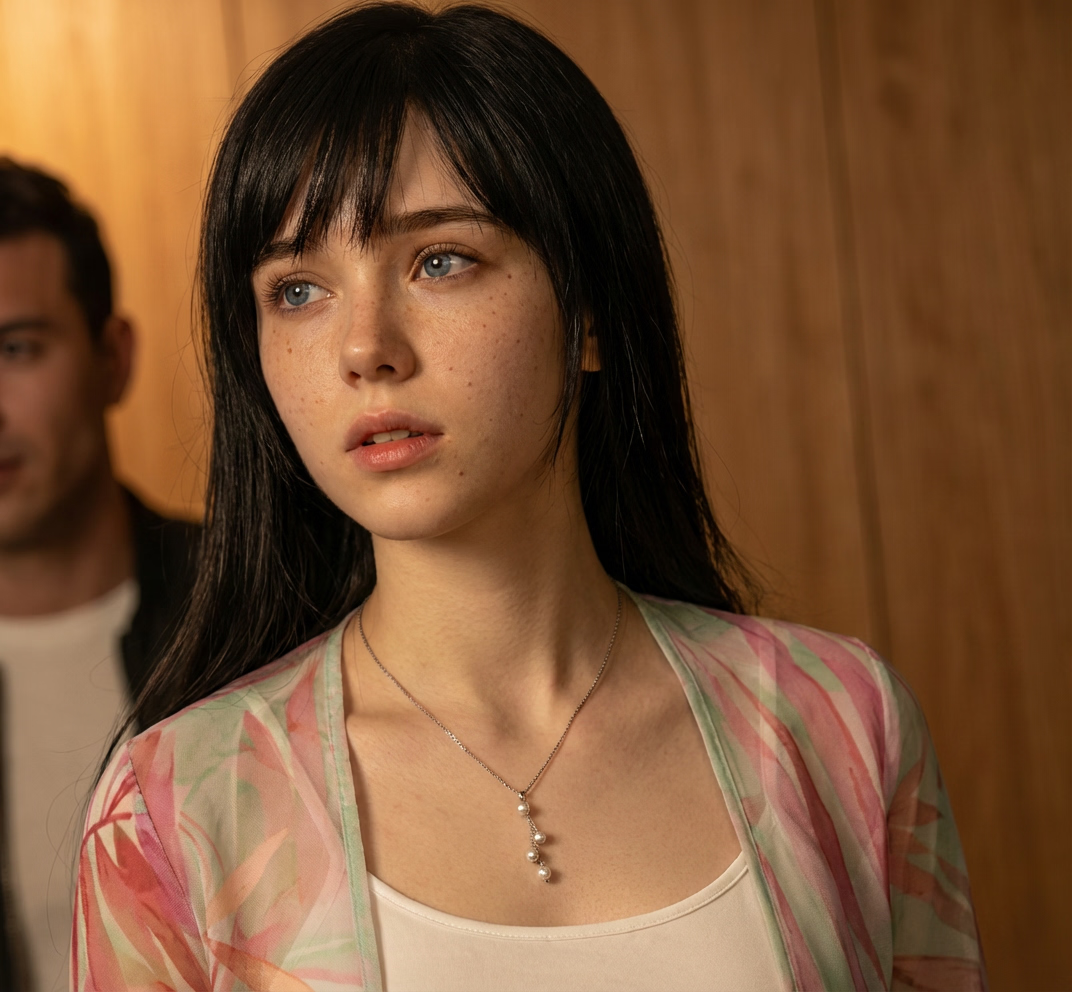
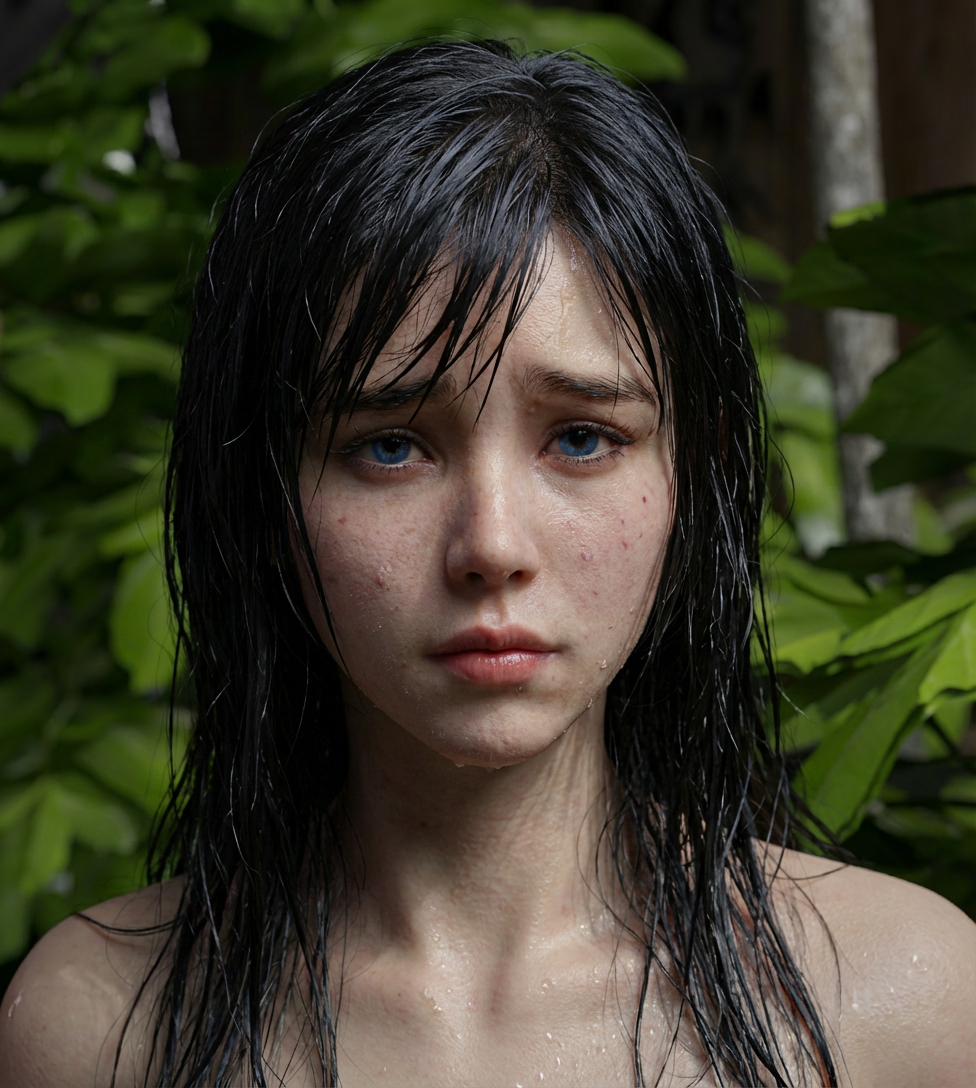
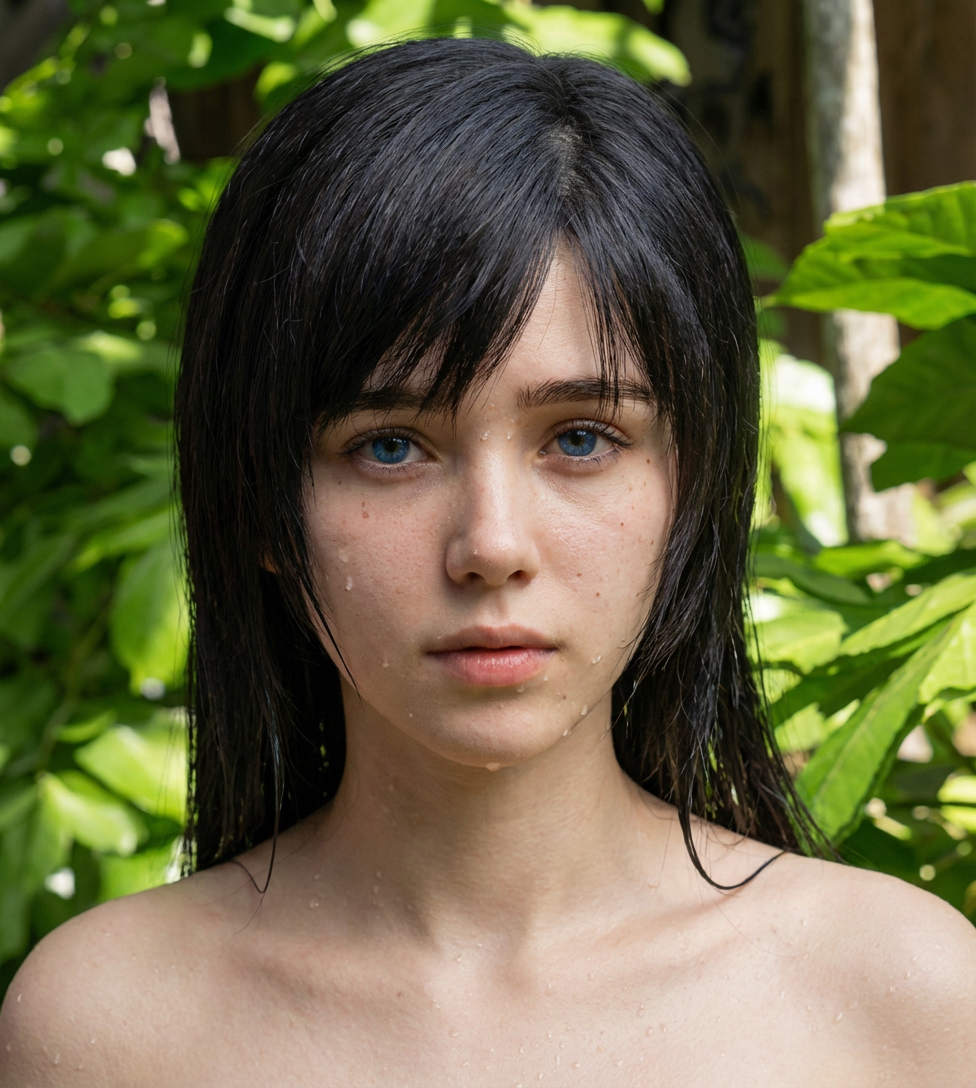
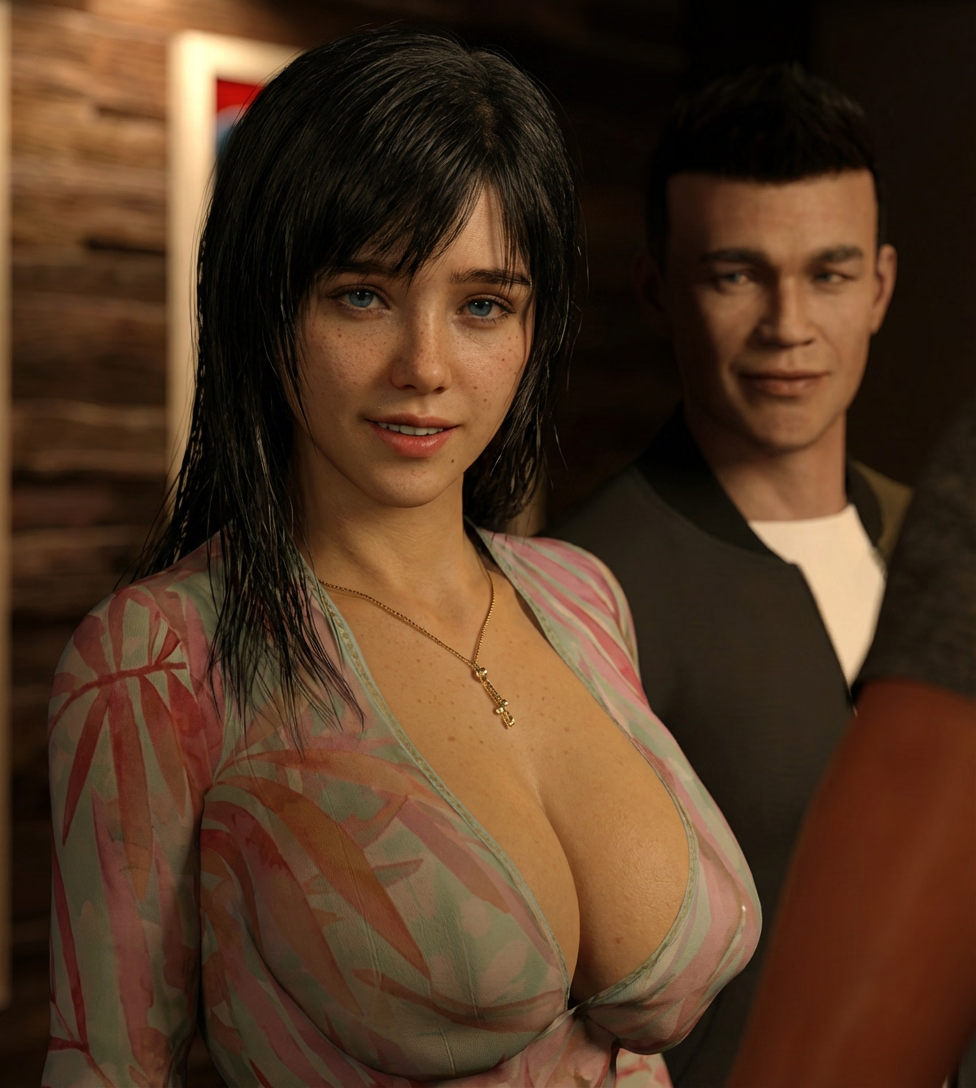
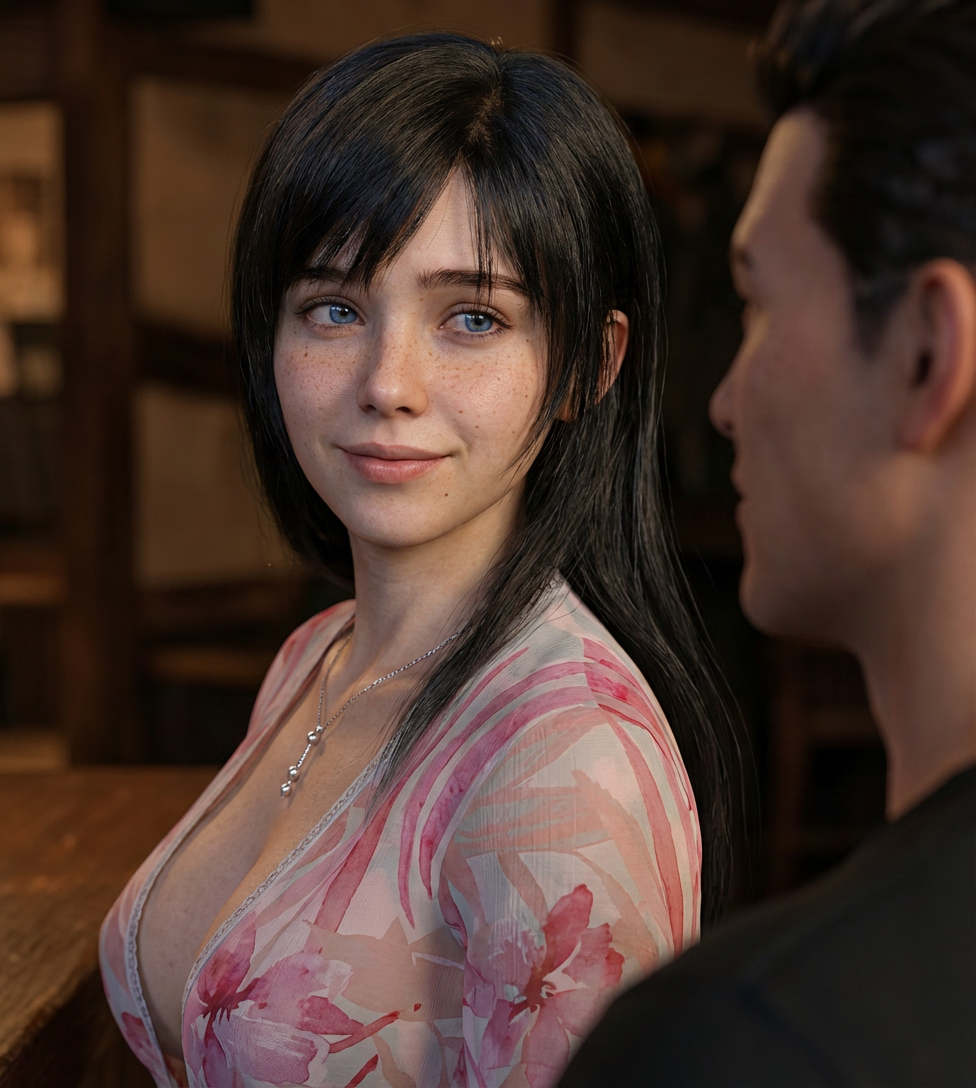
I have a tendency toward moodier graphics. I'm a big fan of dramatic, high contrast imagery (dark darks and bright brights) but AI hates this because the AI doesn't read the substance within images as 3d objects, it measures gradients of color and light so stark contrasts between the two confuses it. Instead it prefers what you've likely all seen in AI generated imagery which is scenes that are very, very "perfectly" lit. Highly specular maps can also be misconstrued by the AI as "geometry" as opposed to reflection which creates extremely weird results. Lisa's skin texture is something that frequently causes grief which you may have noticed in a previous showcase. Unfortunately there's no real way around this so I have to actually tone it down and render CGs with it absent for the sole purpose of generating video with these CGs.
Does that mean that the style of CGs will be changing? No. Of course not. I just have to create EXTRA images with their sole purpose to be fed to the AI with some tailored settings + light setups.
"Higher" quality video at the bottom.
Another issue that I hadn't thought of until recently in the sound effects during these videos. Having sucking sounds or slapping sounds playing during sex scenes has been a staple in the game for quite a while and during still image events, the pacing and volume of these sound effects isn't all that important however if a video is playing and the sounds don't match the motion on screen, I forsee this feeling extremely jank. I have looked briefly into more AI generation for creating sounds effects through frame scanning as an additional step for these videos but for this patch, this will not be implemented. It's a whole new field that I have zero knowledge of but I will look into it in future. For now, there will likely be no sound effects playing during the video portions of the events. It will only be music.
For anyone who has the AI video disabled, the sound effects will play as usual.
Sorry for this but I don't have a good alternative without more research and undoubtedly a bucketload more testing which I just don't have time for before release
More new steps:
The videos that I've showcased so far have been "lazily" interpolated (increasing the frame count) in that I have a pretty barebones node to double the frames within comfyui. When I'm moving into creating the final videos I'll be using a separate AI driven program to do this which analyses frames sequentially to reduce flicker upon frame generation / upscaling. I've also been saving these files in a lossy format (low quality that doesn't work well with interpolation) which has since been amended. These were oversights by me previously so rather than replacing the clips I've already made, I'll likely be keeping them because of time constraint but future videos should look at least marginally better than the ones I've shown thus far but the troublesome areas with sub pixel details like teeth & eyes are still jittery across some frames and I can't seem to "perfect" that as it's a problem area for AI generation for everyone.
Batch Generation:
I've got a really solid wee system in action atm. Since I can no longer use my old scripts in Daz, I've been rendering all images as I create them rather than batch rendering overnight; this is slower and leaves my pc idle for 16 hours a day.. Well.. Until recently.. My poor PC is working overtime because it's just generating video when I'm not there.. sort of.. These AI programs have a tendency to crash / stall and I'm trying to whittle out the issues with mass generations but hopefully I'll eventually get to a point where my PC is creating up to a dozen videos per day for a "reasonable" time investment.
I can sequence these generations to use different prompts and different images but I haven't hooked that side of things up yet. At the moment the only thing I'm changing per run is the seed. The sampler I use is somewhat random as well so I get a good variety of videos using almost the exact same settings across the board.
Sounds great, what's the downside?
Getting the right setup before I leave / sleep is the hard bit. The AI is temperamental so using iffy values with LoRAs or an image being "suitable" all needs tested first and these tests can run for up to an hour each and that's assuming I find the sweet spot in one attempt and this is applied to every video I make. As a reminder; each video is 5 seconds long so that's still a lot of time to invest for each. I spoke before about how these generations were taking between 5-20 minutes each but to achieve truly great results, my generation per video time is now around an hour per 5 seconds of video. Obviously I'm not doing this when I'm using my PC (lol my PC struggles to do anything when these run) but it does mean that the sample size at the end of an evening is kind of small. I can do an overnight batch, adjust things in the morning and do another daily batch so it's not as bad as it seems but I frequently come back to a library of clips in the evening; zero of which are useful lol ^_^
I am confident that with enough practice, I'll just learn to find the sweet spot for each different action in no time at all but as I said, I'm still a novice and I'm just working through problems as they arise atm.
Best case scenario currently is that I spent around an hour a day setting up the batch generator and churn out 5s of usable video per day. Worst case, I waste an hour but maybe I learn something.
Achieving the "best" results.
I know a lot of you have offered extremely kind words in regards to the AI showcases thus far and believe me, I am much, MUCH better at this than I was even a week ago but you will also find that there are AI works out there that leave my current work in the dust.
The drift in detail across frames in Wan2.2 I2V has been a constant battle that I've been fighting for over a month now. I'm not entirely sure how else to tackle this problem with what I have access to currently.
With better hardware is it possible to achieve better result? Yes, in theory but I could also be barking up the wrong tree. I don't know nearly enough about other AI models to comment on what's actually possible but for Wan2.2, there are larger models available that I simply cannot load due to extremely steep VRAM requirements.
I just don't want you guys to see other works out there and think that I'm trying to cut corners with the AI stuff. I simply can't run the largest model files on my PC, they are absurdly big and require monstrous GPUs to run efficiently. My PC cannot even load both of them at the same time let alone generate video with them and believe me, I've scoured the deepest and darkest corners of the internet trying to find a way. I tried soft loading the models individually before generation, I created mixed precision workflows (these sort of work but not consistently), I tried exporting the latents between samplers then re-loading them to divide the load (basically running two generations to achieve a single 5 second video). I've literally tried everything.
But to be honest I'm not even sure that this would solve the problem. It is certainly "better" to use the larger models but I don't think they're commonly used at all because of how hefty they are. Maybe they'd create better results or maybe the difference wouldn't even be noticeable. I genuinely don't know.

Anyway, I'm sure most of you aren't that interested and some might not even notice the minor detailing issues with the videos. This is very much a me thing, I just want to provide you guys with the best and although it's staggering how much better I continue to get at generating awesome AI video, I still have a long way to go. I just hope that I can produce video that you guys enjoy because if you guys are satisfied then I will be too and if you've liked what you've seen thus far, I'm confident that you'll be even happier when you see the videos in your Christmas present x
The video at the bottom isn't full HQ and it's a collection of clips at different points of the scene. I won't be collecting, editing and implementing the final videos until the very end because I need to make sure I actually complete the damn scene before I get too fancy on the AI additions lol
Alright I'll leave it there for today. I know a lot of these posts have been AI focused so for anyone who really doesn't care for the introduction of AI video; I apologize. It's just the thing that I'm most focused on getting right at the moment. New tech is appealing to me because it just feeds whatever demon thirsts for knowledge that's buried somewhere under my skin. That and this will be the first patch with video implemented which after over 5 years of development is a huge step. I'm both nervous and excited at the prospect so I just want to do it right and maybe even win over some of you who are quite averse to the idea of AI in the first place (this is me wishful thinking ^_^). I hope you know by now that I'm committed to making the best that I possibly can in every facet of the game and obviously the video element is no different.
The long future of Lisa: Silence In The Rain
When I was going through the events for what's likely to be our varied patch 3.4.0, I got a little sidetracked reading over a lot the content remaining in the game and man.. It's amazing how much we have still yet to see. It's really, really insane just how much is left in the game. I genuinely think Lisa is gonna end up being a 100hr playthrough by the time it's finished and here I am, reviewing the work left and I'm just so excited. Still.. Five years into this project and I still get flutters just picturing the content I so desperately want to show you guys. I just wanna make it all and I really hope that I can keep the content good enough to have you all along for the journey with me.
Maybe it's the season but I just feel deeply grateful that I'm able to do this. Sure, it's a ton of work but I can reason that work both because of my love for the project and also the support offered by each and every one of you. So I just want to say a massive thank you. I am indebted to you guys for sticking with me through the years and I'll continue to do everything that I can to repay your kindness with the best content I can possibly make.
I know I'm repeating myself from previous thank you posts but I think it's worth saying again and again because of just how genuinely thankful I am ♥
View attachment 421154360b594e238192d726e49f9f26-SS November 43 A.mp4
Sending my love folks, hope you're all having a fab week xo