Never mind, I figured it out.
I'll do a step-by-step walk through here that should work for any Steam game you already have, that has been removed/delisted from Steam.
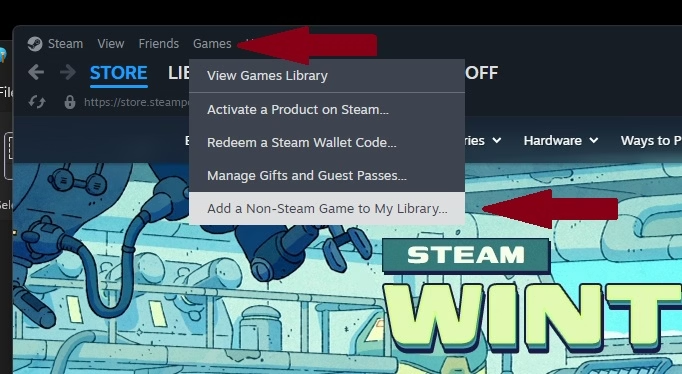
Step 1: Open up Steam, and in the upper left corner click on Games, then go down to Add Non-Steam Game to My Library.
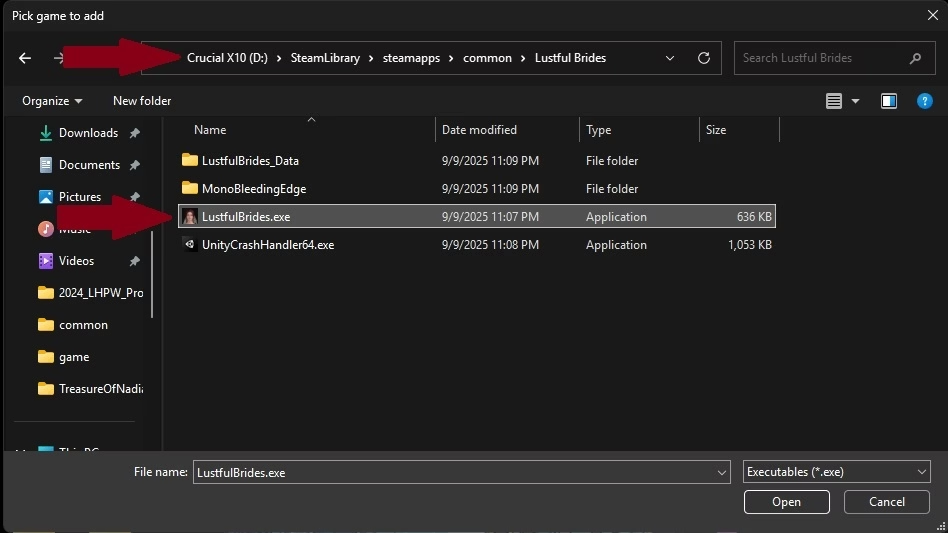
Step 2: When the window opens you want to click on Browse at the lower left, then browse to your SteamLibrary folder. The default location is
usually C:/Program Files (x86)/Steam/steamapps/common/GameNameHere. Once you select the game folder, open it and select the GameName.exe file to Open. This should install it to your list of installed games.
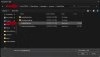
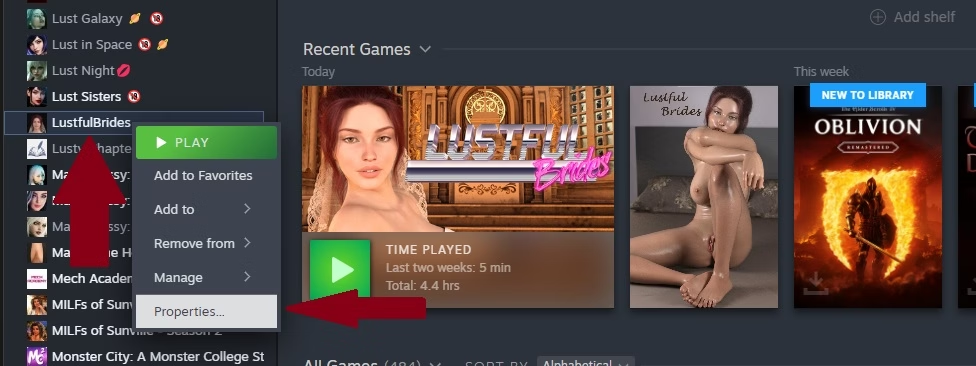
Step 3: Once the game shows up in your game list, RIGHT click it and go down to Properties and left click.

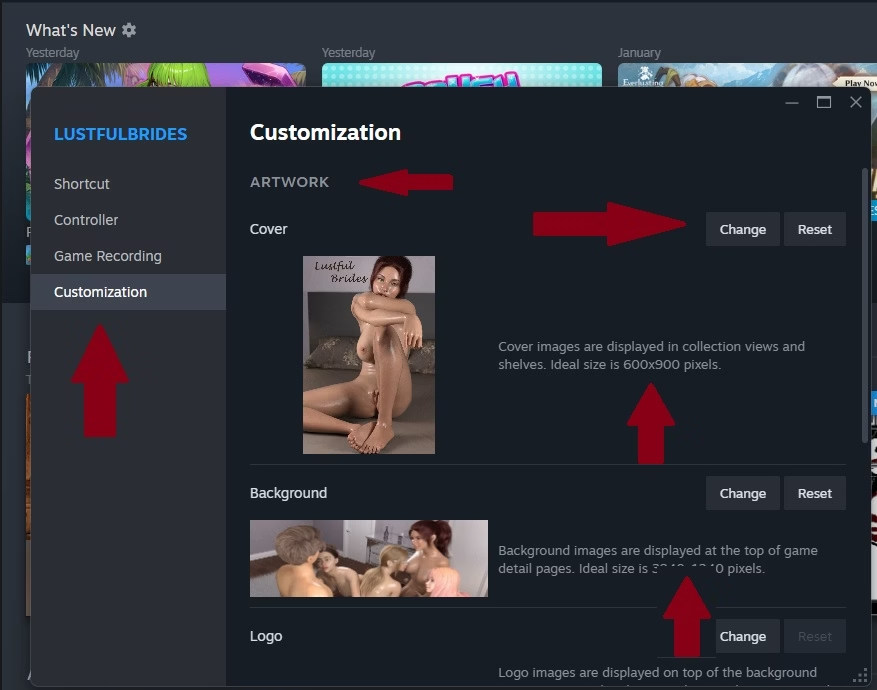
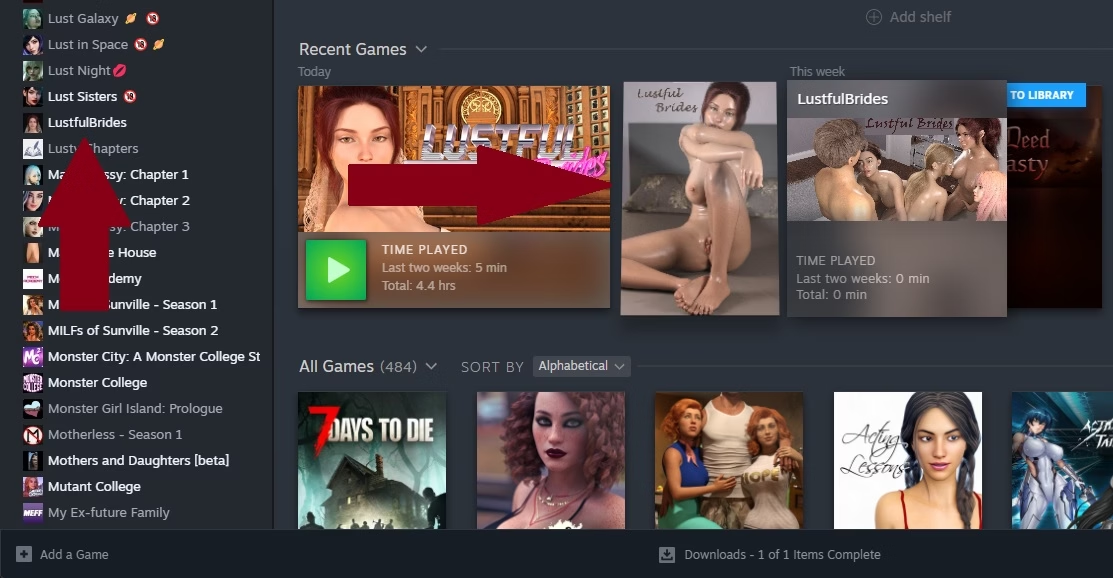
Step 4: That should open up the Properties window, and you want to left click on the bottom option, Customization. Then you will see Artwork, with 4 spaces for Cover, Background, Logo and Wide Cover. Click on change then select whatever image file you want use. Pay attention to the description of each section, it will tell you what size image works best.

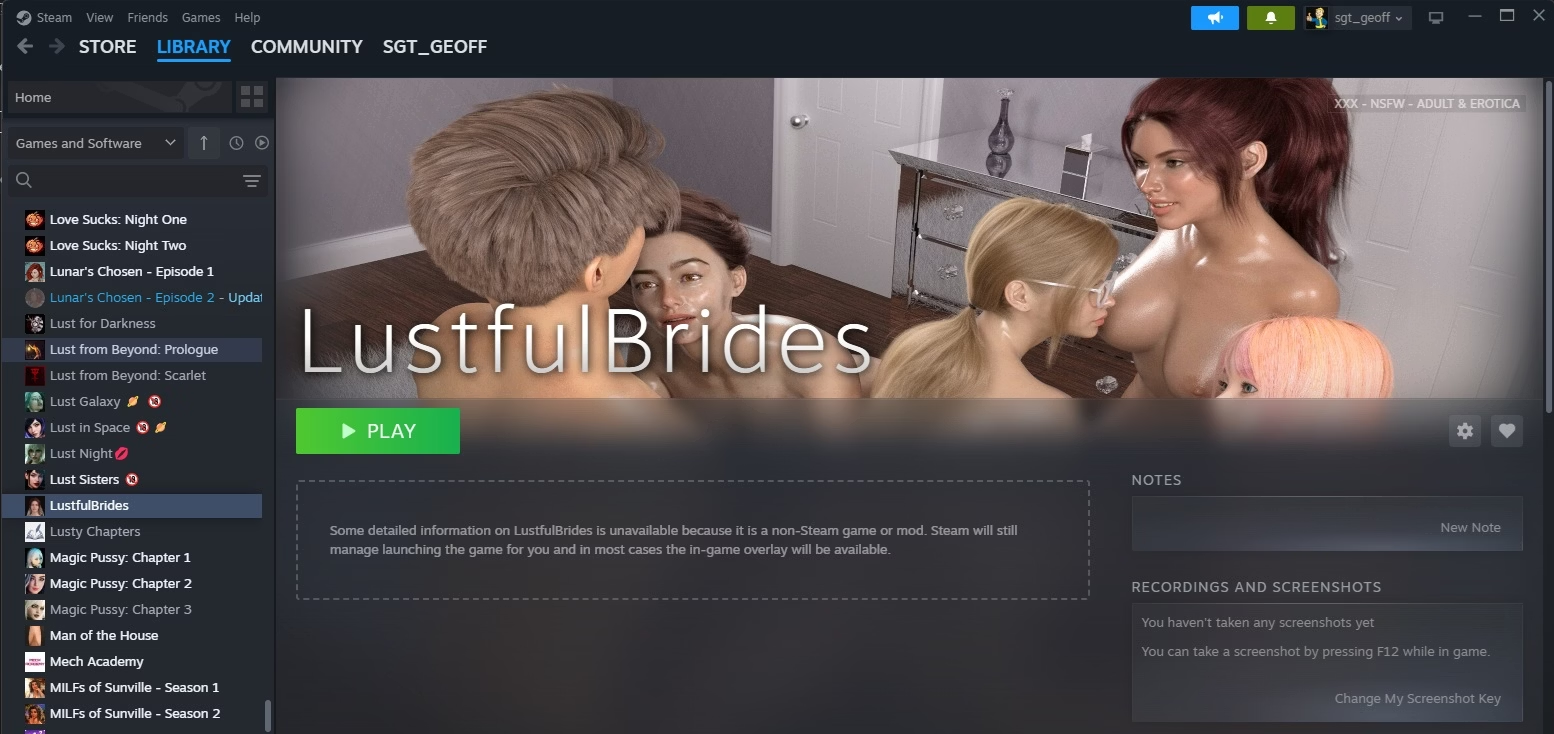
Once you are done adding images, you can go to the very bottom and add a sort name to put the game wherever you want in your game list. Close the window and you should now have that delisted/removed Steam game back in your list with images and everything!