

4.90 star(s)
9 Votes


Kakushigoto
Member
- Oct 2, 2024
- 306
- 379
- 183
Thanks it works on winlator bionic on Android.
Don't use zarchiver.. use winrar.. set it to Japan.. zarchiver when set to japan will give u config error still..
Don't use zarchiver.. use winrar.. set it to Japan.. zarchiver when set to japan will give u config error still..


Chuuni Badger
Member
- Aug 17, 2016
- 293
- 469
- 370
Daybreak TranslationsAnyone have info about A plus disk (Mogami Aki,Thelma, Wu song route)translation?
You must be registered to see the links
about their current projects last month. Majikoi A+ release is planned for December, no exact date given.darkstar162002
Member
- Jan 2, 2022
- 107
- 34
- 85
davederick
Member
- Mar 28, 2018
- 105
- 277
- 298
Bro is a competitive gooner.View attachment 5207151
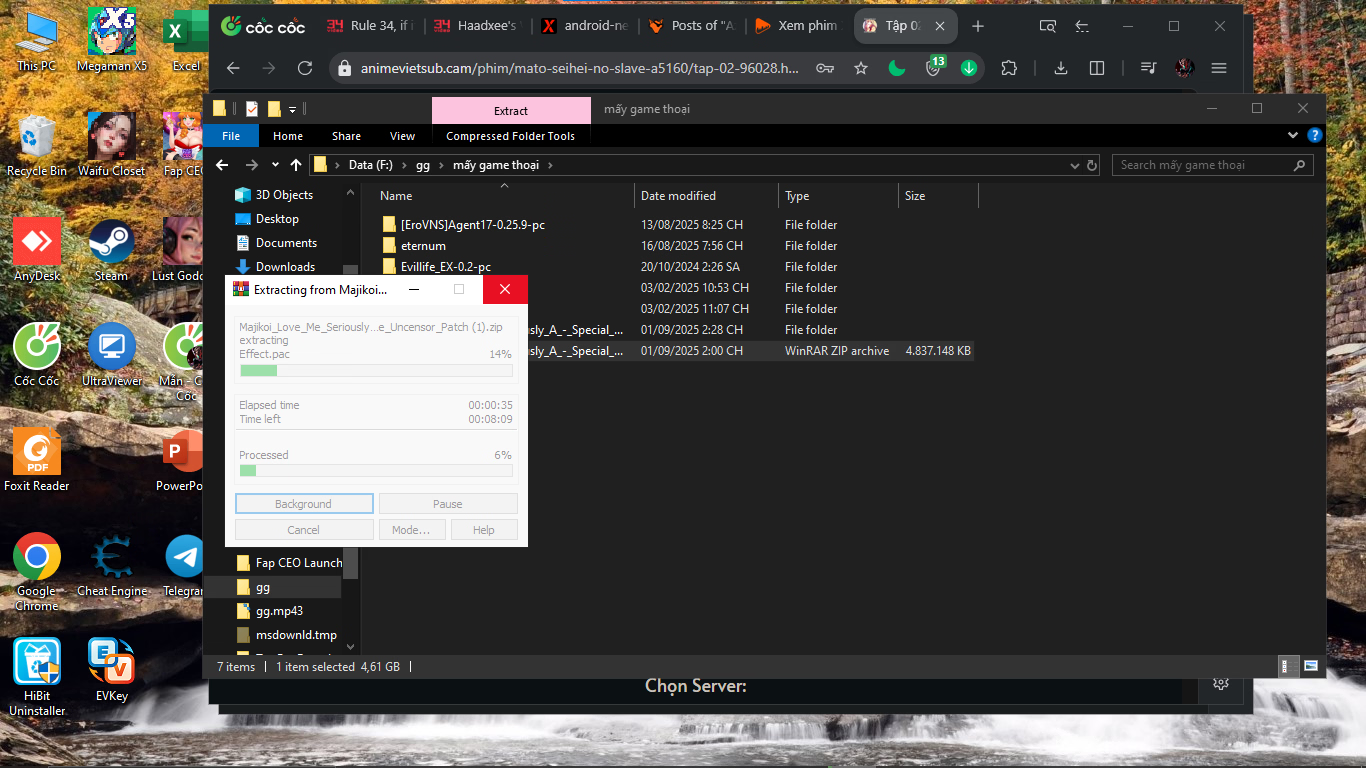
help me always stuck when extracting here, 6% and 13% i try download 2 times

![[Sora]](/data/avatars/m/7045/7045855.jpg?1709390083)
[Sora]
Member
- Feb 16, 2024
- 184
- 89
- 165
it still shows an error when openedFor those having issues with the fonts I found a fix I followed this and ran the games with a japanese locale and they all work now, good luck and have fun y'all
Chuuni Badger
Member
- Aug 17, 2016
- 293
- 469
- 370
A+ isn't translated.does this contain the a+ disc too?
You must be registered to see the links
started working on that, put it on hold and now started again after the recent release of their "Akatsuki no Goei" trilogy patch. No release date as of yet I'm afraid.

LittleLoliLover
New Member
- Nov 18, 2025
- 1
- 0
- 1
Anon2147483647
New Member
- Oct 17, 2020
- 2
- 0
- 62
If anyone else is having issues running it, like the exe files have strange non functioning characters even after setting locale to Japanese, unzip the files with winrar instead of 7zip. Worked for me, saw someone else mention it in here but I'm bumping it in case.
Worked for me for Windows 11
Worked for me for Windows 11
GlacialDonut
Newbie
- Jun 30, 2020
- 35
- 5
- 44
hello i can't save the game,
i need help
all i do was change my locale to japanese then play the game from the first
but it can't save the game
i need help
all i do was change my locale to japanese then play the game from the first
but it can't save the game

chl67
New Member
- Aug 8, 2017
- 8
- 10
- 234
If I recall you need to run the game as administrator.hello i can't save the game,
i need help
all i do was change my locale to japanese then play the game from the first
but it can't save the game