Trile3
Active Member
- Aug 11, 2020
- 881
- 12,009
- 708
From SSA,for those who want to know more:
How I use Ai to create the Advent Calendar images
Since there has been some negative feedback to the Advent Calendar images, I thought I'd take a moment and show you how these images are made.
First of all, I want you to know, that I will never use Ai, to create a full page for my comics, because I really care about delivering good quality content. The only way I will ever use Ai, is to make the drink in a glass look better, or add a rain effect, small touch-ups like that. Much in the same way that I have used Photoshop, since I started making 3D comics, many years ago. The way I see it is, if this tool can make part of my image look better, then I should use it, to improve my art. But I don't intend to get lazy and use Ai to create the art for me, then I might as well stop making comics all together.
I'm always looking for new ways to reward my subscribers with more content, and these advent calendar images, are just a fun holiday themed bonus. They're not meant to replace my comics, or show you the new way of making things, they're just my way of celebrating the holiday season with you guys, and having some fun.
So, with that in mind. Here's how the advent images are made:
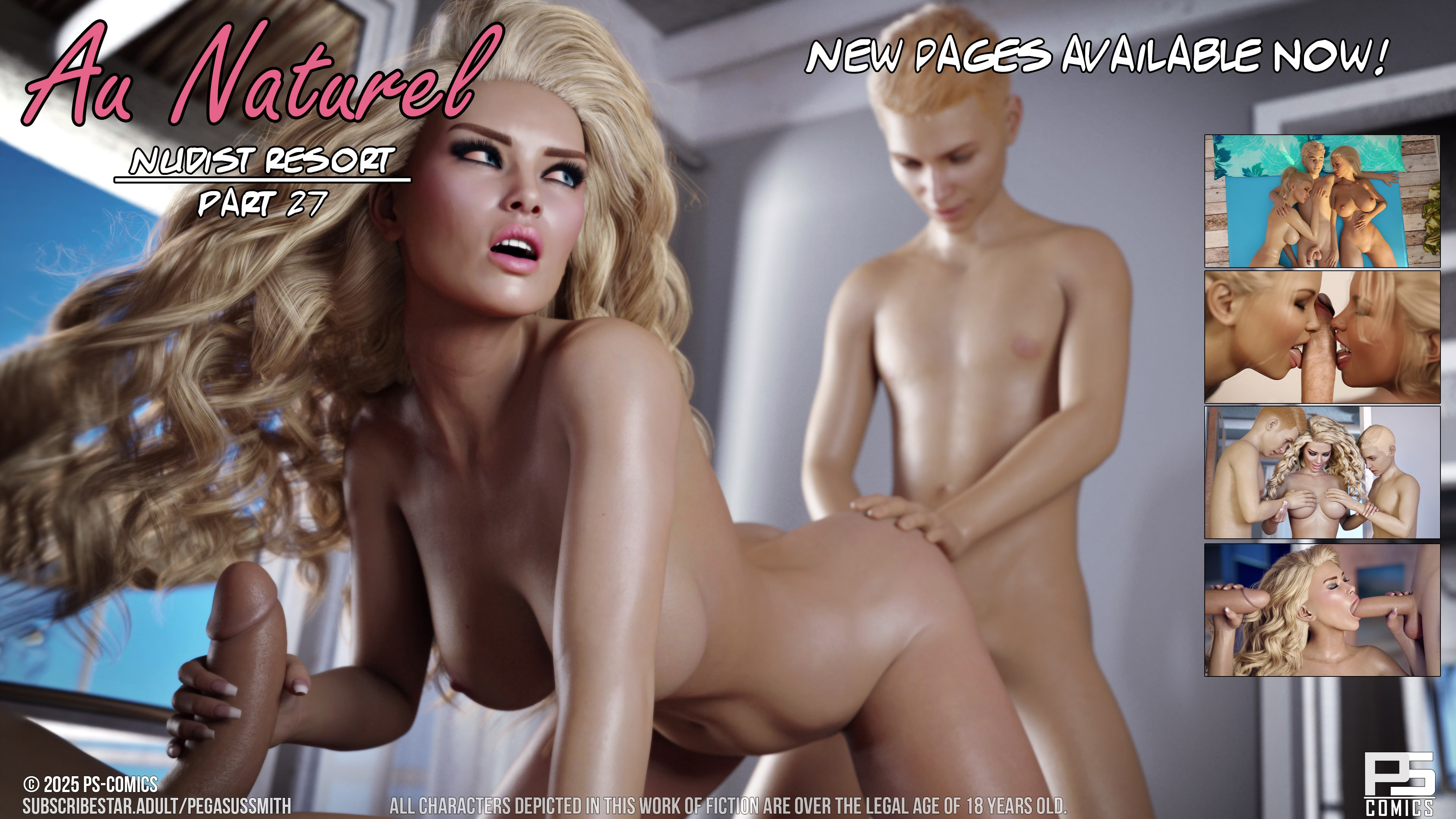
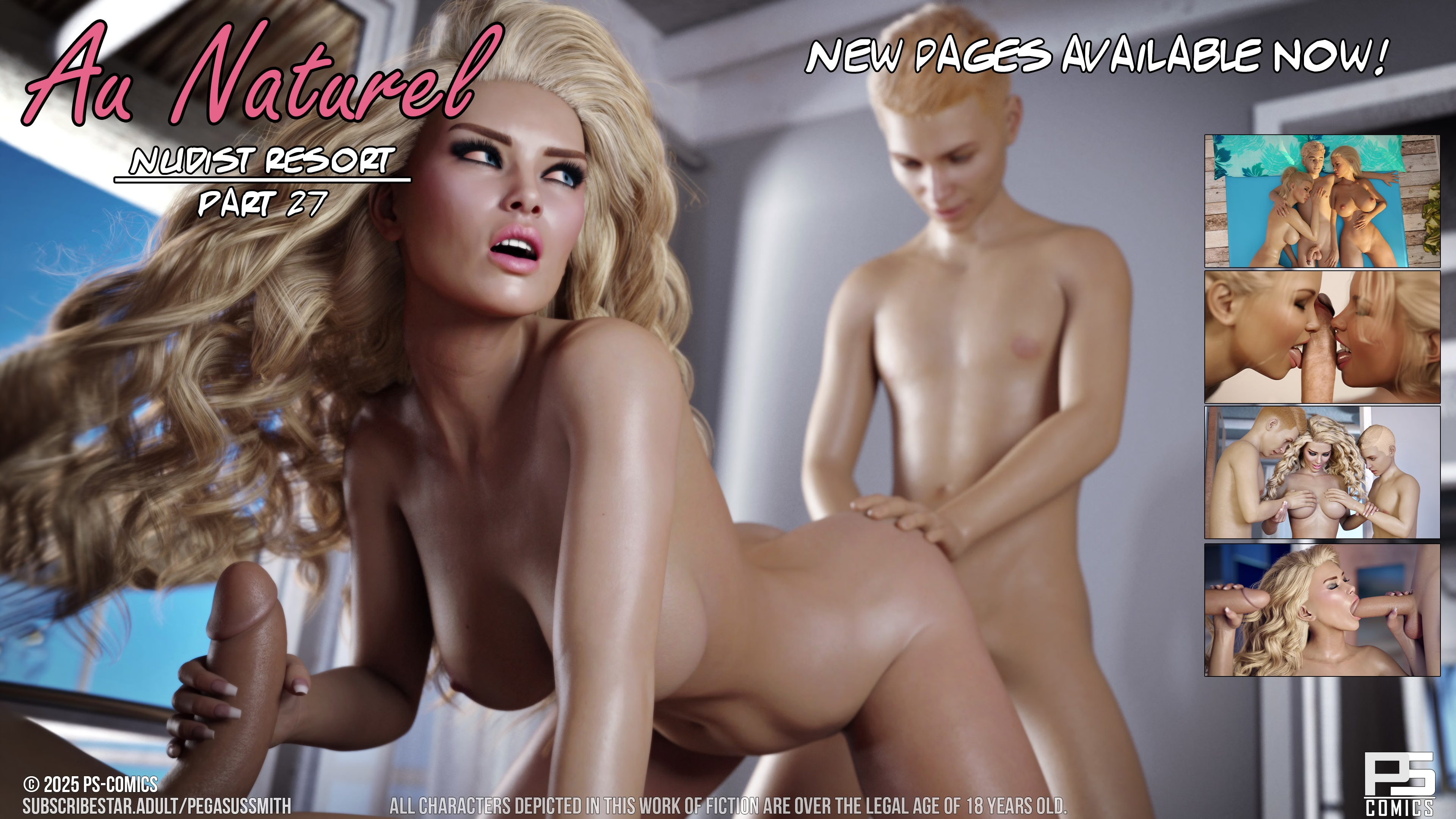
1. I start with a render of one of my characters. The nude render of Tina, below is an example of this. This image is 100% made in DAZ, same as my comics. No Ai here.
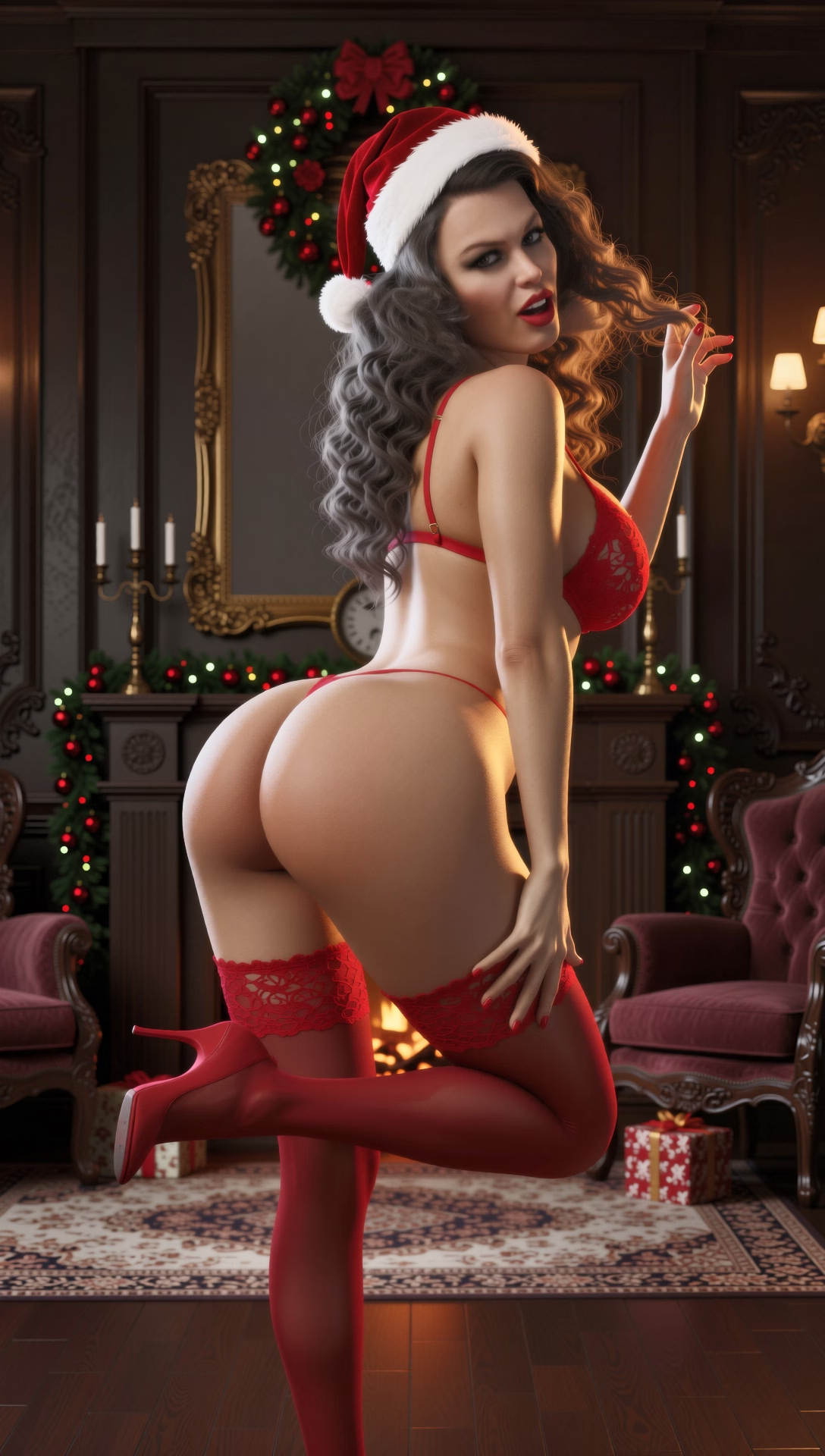
2. I use an Ai tool, to give her a Christmas themed outfit. Have a look at the image where Tina is wearing red lingerie, if you want an example below. Only the outfit, is generated by Ai.
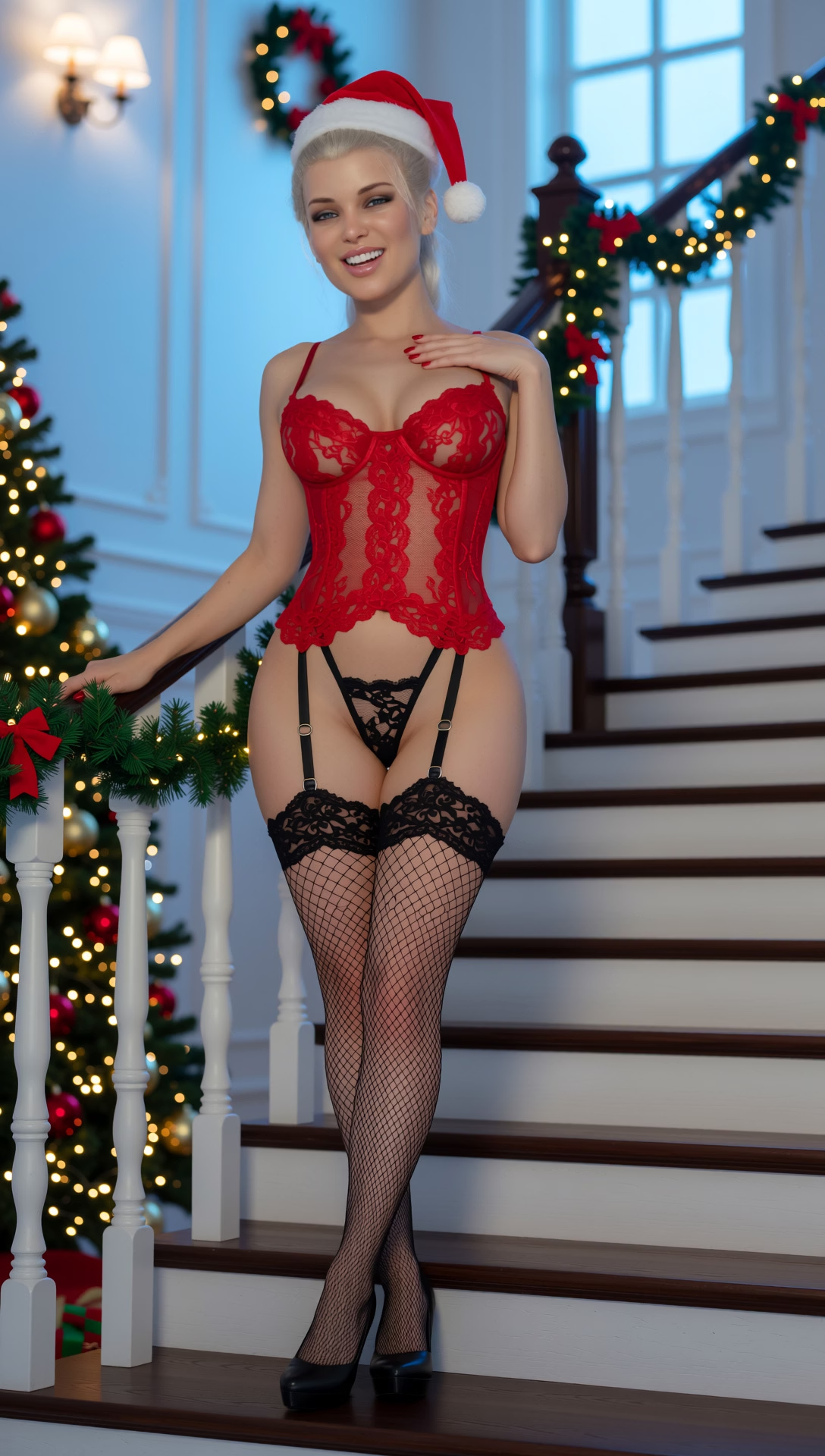
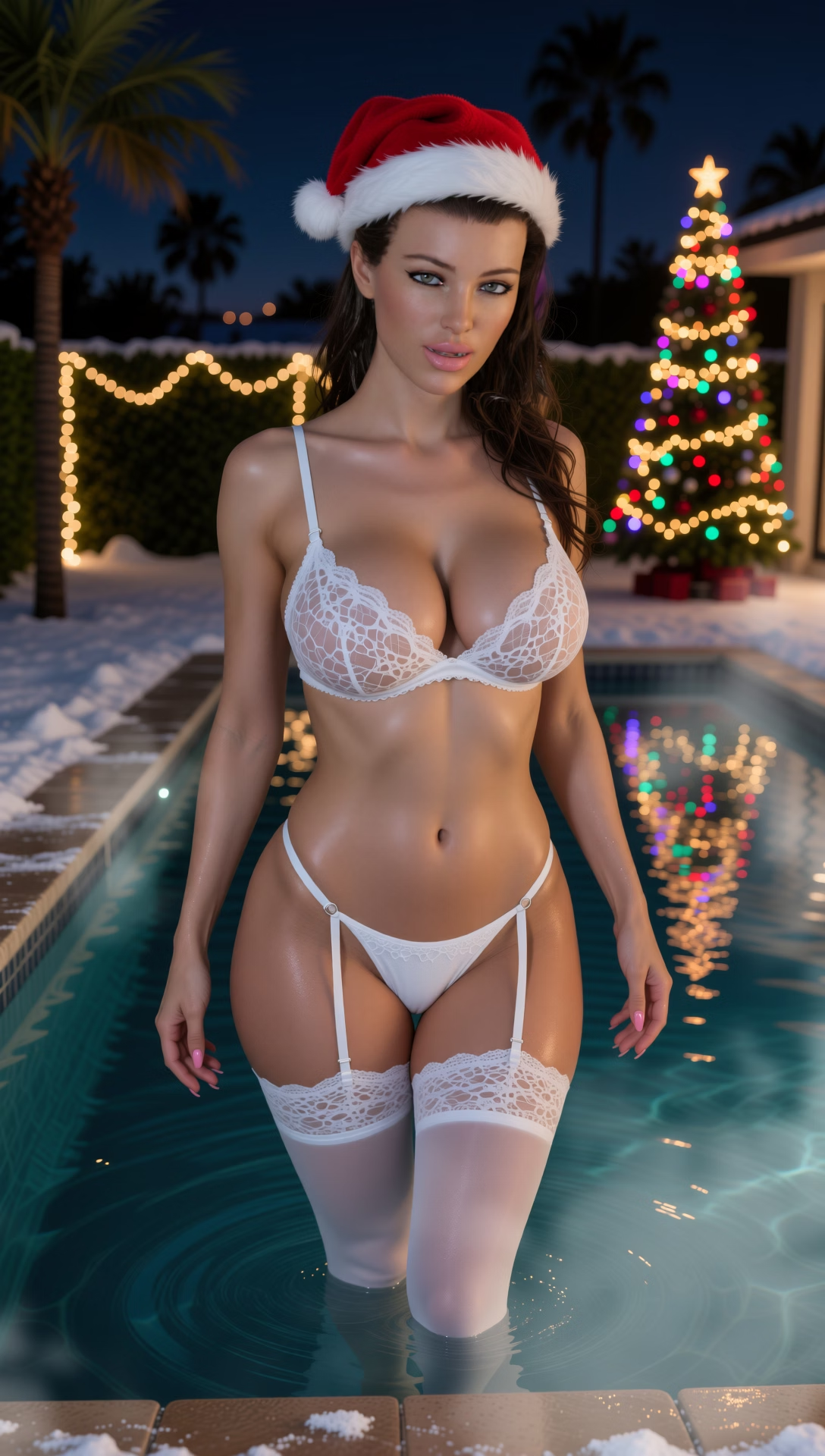
3. Once the outfit has been applied, I use another Ai tool, to switch out the background. This tool also adapts the light on the model, to match the new environment. The image of Tina standing in front of the house, below is an example of that, and this is usually the final image that I post here.
4. Because I wasn't super happy, with the December 2nd image, of Gina. I tried, using another Ai tool, to change the angle of the image. But as you can see, in the zoomed out example below, using this tool alters the image too much, and the character begins to look less recognizable. All of a sudden, Tina starts looking a little cartoonish. So, I have learned that I have to stick to the angle of my original render, for the image to look good.
As you can see, this process works pretty well, as long as I stick to steps 1-3. Sure, it's not perfect, and the characters don't look 100% like they do in my comics, as there still is a little bit of quality loss, and distortion.
But I'd say that it's a good 90-95% accurate, and considering how much time this saves me, I think it's good compromise that lets me bring you some fun bonus content like this.
I hope that clears things up, and maybe you guys that hate Ai, will give these images another chance now? or not. Either way, I'm happy to hear your thoughts in the comments below.
How I use Ai to create the Advent Calendar images
Since there has been some negative feedback to the Advent Calendar images, I thought I'd take a moment and show you how these images are made.
First of all, I want you to know, that I will never use Ai, to create a full page for my comics, because I really care about delivering good quality content. The only way I will ever use Ai, is to make the drink in a glass look better, or add a rain effect, small touch-ups like that. Much in the same way that I have used Photoshop, since I started making 3D comics, many years ago. The way I see it is, if this tool can make part of my image look better, then I should use it, to improve my art. But I don't intend to get lazy and use Ai to create the art for me, then I might as well stop making comics all together.
I'm always looking for new ways to reward my subscribers with more content, and these advent calendar images, are just a fun holiday themed bonus. They're not meant to replace my comics, or show you the new way of making things, they're just my way of celebrating the holiday season with you guys, and having some fun.
So, with that in mind. Here's how the advent images are made:
1. I start with a render of one of my characters. The nude render of Tina, below is an example of this. This image is 100% made in DAZ, same as my comics. No Ai here.
2. I use an Ai tool, to give her a Christmas themed outfit. Have a look at the image where Tina is wearing red lingerie, if you want an example below. Only the outfit, is generated by Ai.
3. Once the outfit has been applied, I use another Ai tool, to switch out the background. This tool also adapts the light on the model, to match the new environment. The image of Tina standing in front of the house, below is an example of that, and this is usually the final image that I post here.
4. Because I wasn't super happy, with the December 2nd image, of Gina. I tried, using another Ai tool, to change the angle of the image. But as you can see, in the zoomed out example below, using this tool alters the image too much, and the character begins to look less recognizable. All of a sudden, Tina starts looking a little cartoonish. So, I have learned that I have to stick to the angle of my original render, for the image to look good.
As you can see, this process works pretty well, as long as I stick to steps 1-3. Sure, it's not perfect, and the characters don't look 100% like they do in my comics, as there still is a little bit of quality loss, and distortion.
But I'd say that it's a good 90-95% accurate, and considering how much time this saves me, I think it's good compromise that lets me bring you some fun bonus content like this.
I hope that clears things up, and maybe you guys that hate Ai, will give these images another chance now? or not. Either way, I'm happy to hear your thoughts in the comments below.