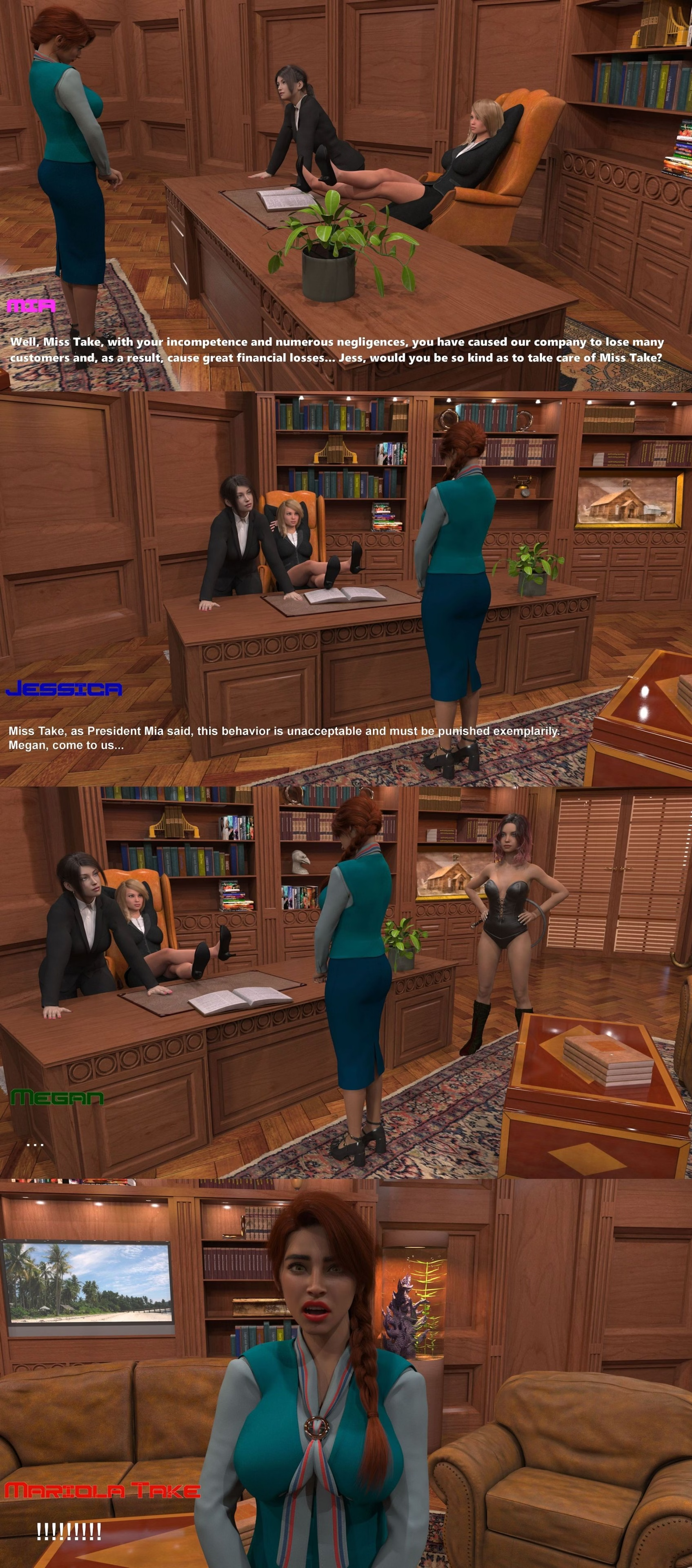
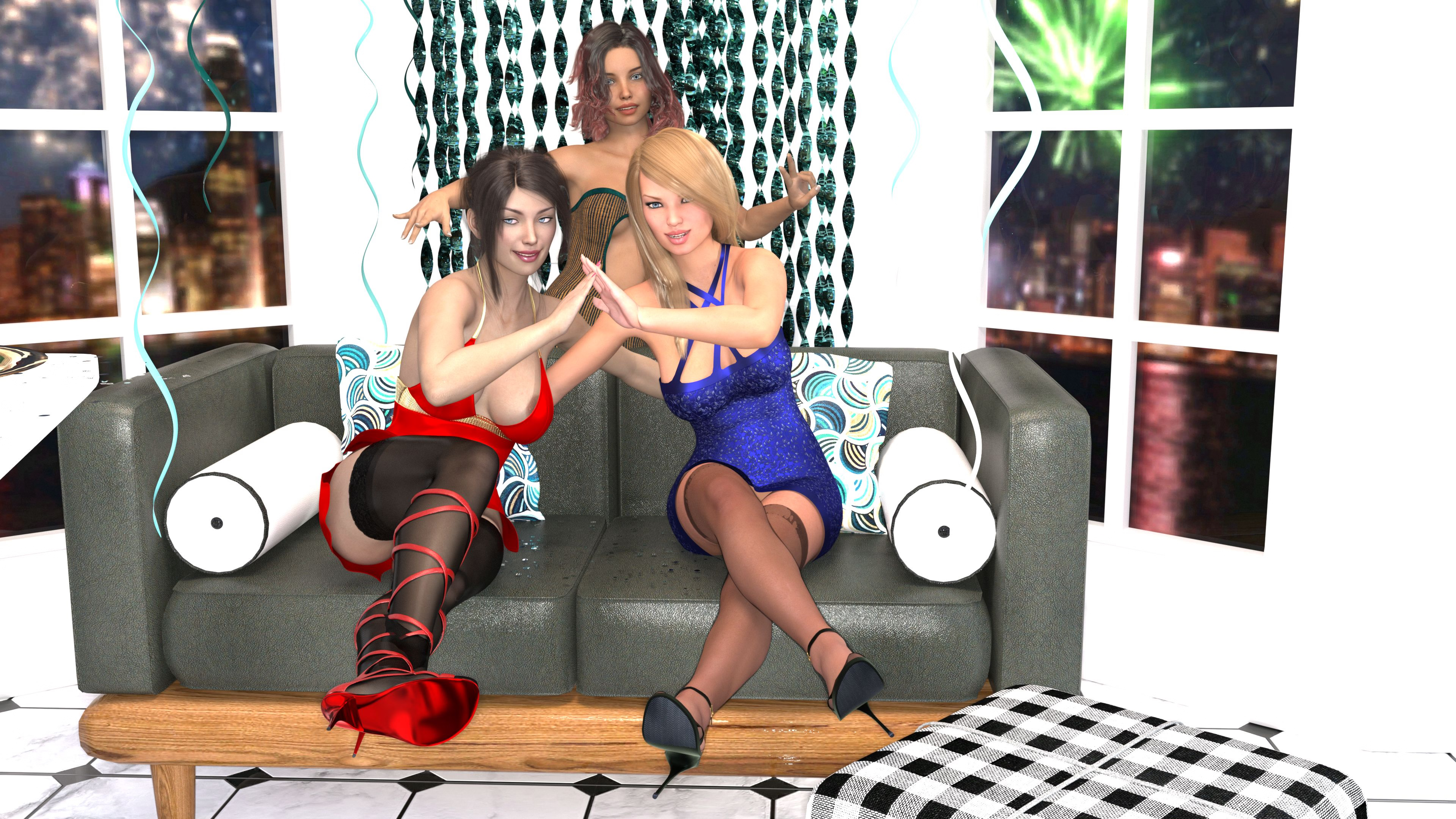
I wonder if they're going to do an Unreal Mia-verse game when their Lust Theory game is done. I would love to walk through the town in 3D where especially RtM takes place.
Then again, ULT is still extremely crappy and in its early stages, so I have little hope that even a beta or URtM will be released within about 7 years or so.
Yeah, and they released it with a "cliffhanger" ending if you're on the Mia route. Sounds indeed like supposed history, but with the option for returning for more if the income of their other IPs would ever dry up or they just feel like it.
Unless we're getting an additional ending with the family reunion, I'm still slightly hoping for more Mia games on the downlow.
Well on one of the streams Dev made on Twitch some time ago, someone asked them if they will continue Mia story. Lancelot said: "No, it will be no Mia Season 3". For me tragic news but it is what it is...
Well on one of the streams Dev made on Twitch some time ago, someone asked them if they will continue Mia story. Lancelot said: "No, it will be no Mia Season 3". For me tragic news but it is what it is...
Yeah, I've read that answer many times ever since posted that comment, a real shame. Imo the Mia franchise definitely is their best work so far when it comes to story and characters.
I don't mind cliffhanger endings, as long as the devs are planning to resolve them in a sequel, DLC or crossover with one of their other titles, but it's a real shame we never get to (and probably never will) see how the reunion with their family went considering the big news they could bring.
Yeah, I've read that answer many times ever since posted that comment, a real shame. Imo the Mia franchise definitely is their best work so far when it comes to story and characters.
. Shift+C enables the clipboard mode where instead of using TTS to read each line aloud it copies it to the clipboard so other accessibility software on the PC can handle it.
Inceton added a dev debugging command to the C key that lets you jump to specific labels by clicking on them, but since they didn't specify that it should only happen when no modifiers are pressed it also happens when Shift+C is pressed, thereby blocking the accessibility command.
Enable it using the accessibility options menu instead (Shift+A then click Clipboard under Self-Voicing)
Create a new text file, add the code in the Self-Voicing Fix Code spoiler below, rename the file extension to .rpy, and copy it somewhere in the /game folder for the game. Or use the attached file instead if you trust internet strangers (self-voicing-clipboard-fix.rpy)
. Shift+C enables the clipboard mode where instead of using TTS to read each line aloud it copies it to the clipboard so other accessibility software on the PC can handle it.
Inceton added a dev debugging command to the C key that lets you jump to specific labels by clicking on them, but since they didn't specify that it should only happen when no modifiers are pressed it also happens when Shift+C is pressed, thereby blocking the accessibility command.
You have a few options:
Use Alt+Shift+C instead
Enable it using the accessibility options menu instead (Shift+A then click Clipboard under Self-Voicing)
Create a new text file, add the code in the Self-Voicing Fix Code spoiler below, rename the file extension to .rpy, and copy it somewhere in the /game folder for the game. Or use the attached file instead if you trust internet strangers (self-voicing-clipboard-fix.rpy)
. Shift+C enables the clipboard mode where instead of using TTS to read each line aloud it copies it to the clipboard so other accessibility software on the PC can handle it.
Inceton added a dev debugging command to the C key that lets you jump to specific labels by clicking on them, but since they didn't specify that it should only happen when no modifiers are pressed it also happens when Shift+C is pressed, thereby blocking the accessibility command.
You have a few options:
Use Alt+Shift+C instead
Enable it using the accessibility options menu instead (Shift+A then click Clipboard under Self-Voicing)
Create a new text file, add the code in the Self-Voicing Fix Code spoiler below, rename the file extension to .rpy, and copy it somewhere in the /game folder for the game. Or use the attached file instead if you trust internet strangers (self-voicing-clipboard-fix.rpy)
Like cxx said. It's not that simple. Creating renders is one thing. But You have to have good story, good programmer who put it together. And the most important thing are Copyrights.