Kind of. You need something to extract the sprites from Rogue-like's archive.rpa file - I use the website grviewer. Then after you do whatever with the sprites you extracted, create a folder named
images inside Rogue-like's
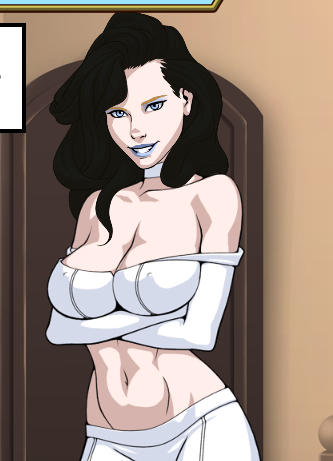
game folder, and drop the images inside folders in there. The folders in there are named whatever the folder they're in inside Rogue-like is named. You'll see how it's set up when you're looking through the archive.rpa with whatever you want to use. So if you wanted to do something like, say, make Emma's hair black, you'd drop EmmaSprite_Head_Hair.png and EmmaSprite_Head_HairBack.png (after extracting and editing however you want) inside
EmmaSprite inside
images. That would change her default hair for her standing sprite.
View attachment 5504412