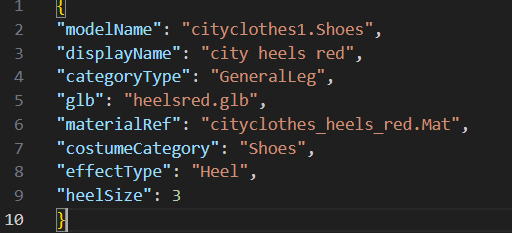
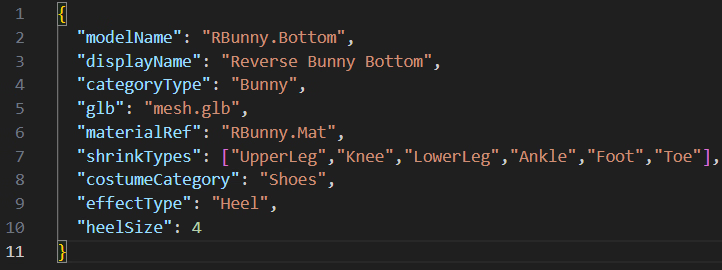
Please try it if you'd like...
Just to be safe, it might be a good idea to back up your "save data," "ModCosplays," and "ModMaterials."
I ended up completely naked when I loaded my save data before a large amount of costume data had been loaded.
The costume data was not updated.
Wait a bit at the title screen, or reload the save by selecting "Return to Title" in my room.
This will normalize it.
As you add more costumes, some will be removed. Please buy them back from the shop.
If you find a large number of costumes in the shop that should not be there, this is evidence of an error???No, it might not be an error...
P.S.
Occasionally, there's an issue where the shop may sell duplicate items you already own.
It happens sometimes, but sometimes not, even with the same save data.
I don't know what causes this to happen.
I was surprised when it happened, so I added different save data and tried it three times each.
I kept trying, but it never happened again.
I wonder if Bepinex gets grumpy sometimes.
P.S. 2:
Save. Folder. File. I tried it several times without ever changing any of these.
The shop remains normal.
It probably happens very rarely.
If it does happen, you just don't buy the item.
It was trivial issue.
You might be able to consolidate the material folders into one...
And the material PNG files can be reduced in size as long as they have the same aspect ratio.
I was able to significantly reduce the size.
View attachment 5492256