- Jun 10, 2017
- 13,043
- 21,988
- 1,077
WTF is that?For both, I am seeing the renpy-installer, rather than direct game launching
The installer is stuck at 100% and is also throwing an error box -but without any messages in it.
View attachment 5586056
Downloaded Wifey's, tried, got a normal Ren'Py without weird installer that have nothing to do there...
Took a quick look at the code, nothing seem suspicious...
This too isn't normal.Set script version to: None (alternate path)
<Response [200]>
- Init at script.rpyc:133 took 10.63492 s.
The first line should be "Set script version to: (8, 4, 1)"; do not remove the "script_version.txt" file, it's important.
You shouldn't have the second line. And I mean you shouldn't at all have that line.
As for script.rpy:133, it's:
Python:
image side p surprise = ConditionSwitch(
        "pside == True", "pc side surprise.png",
        "pside == False", "none.png",
)BUT anyway there's no renpy installer thing, it do not exist, it's not part of Ren'Py.
Plus, there's just no way that you get a Windows dialog box from Ren'Py; well, strictly speaking there's way, but even the most insane Ren'Py dev wasn't insane enough to rely on the Win32 library and do this shit.
So, that "installer" window that you get is NOT part of the game... There's something else that is started in parallel of Ren'Py (since it wrote in the log.txt file and clearly slowed down Ren'Py Init.
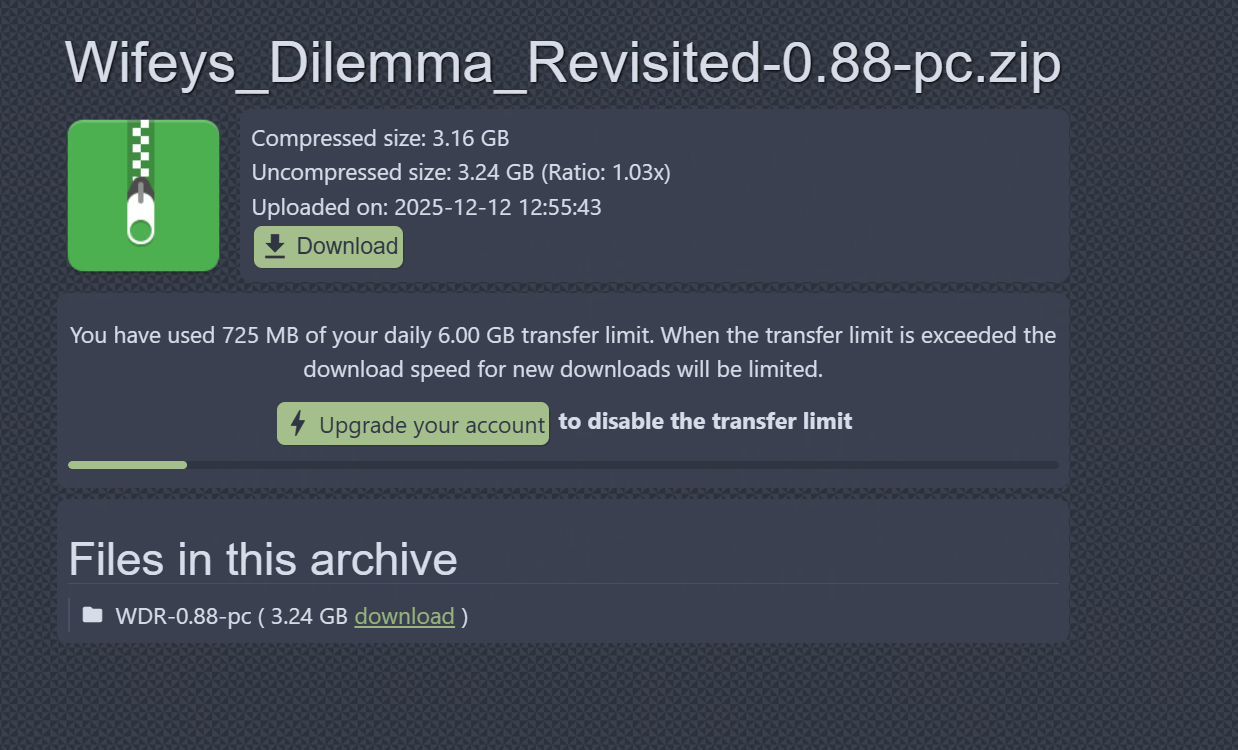
What version have you downloaded and from what host?
What file have you double clicked on to launch the game?
Bob69 the file I tried (PC/pixeldrain) is clean, I'm sure of it, but did you heard about such thing?