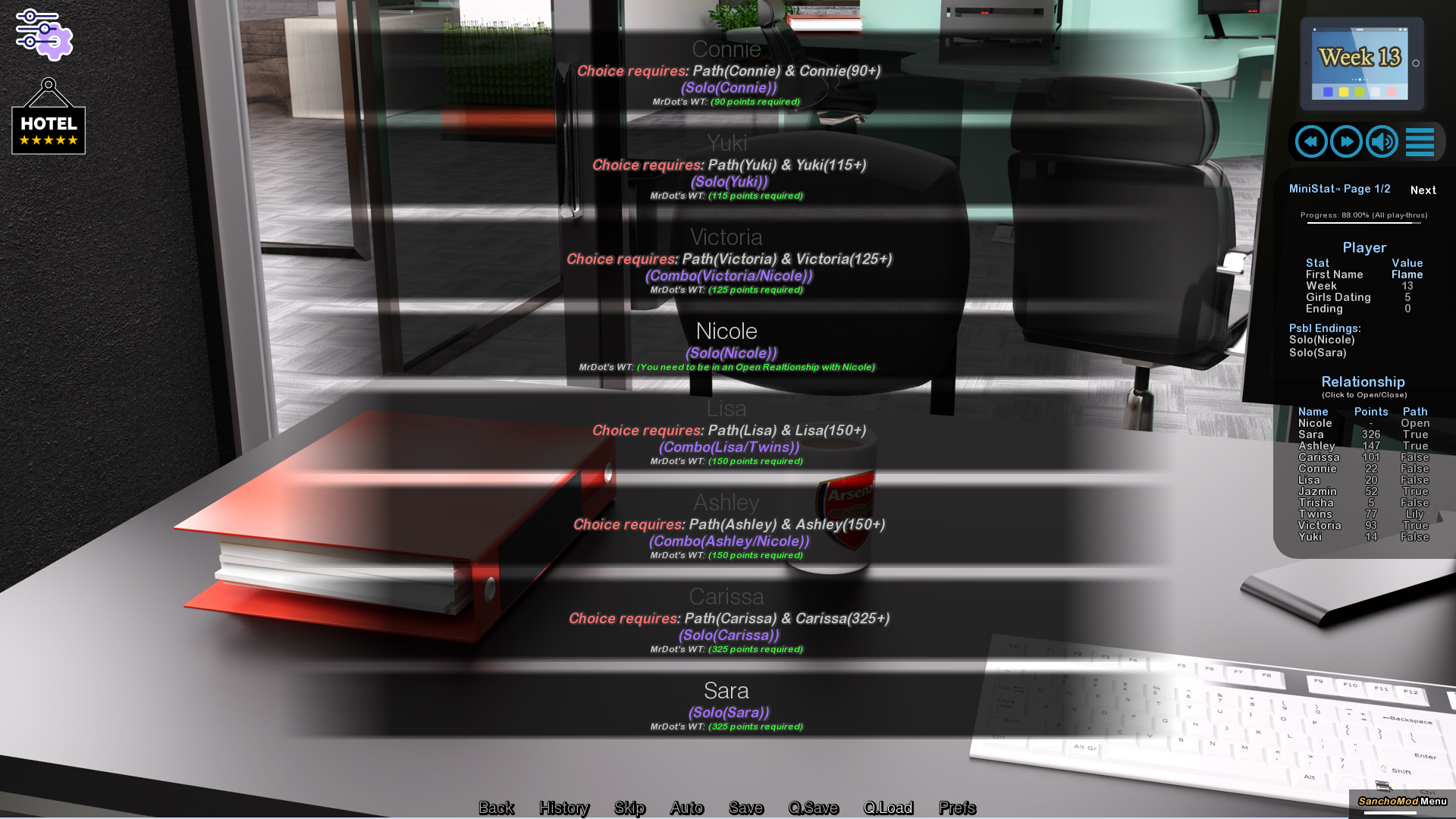
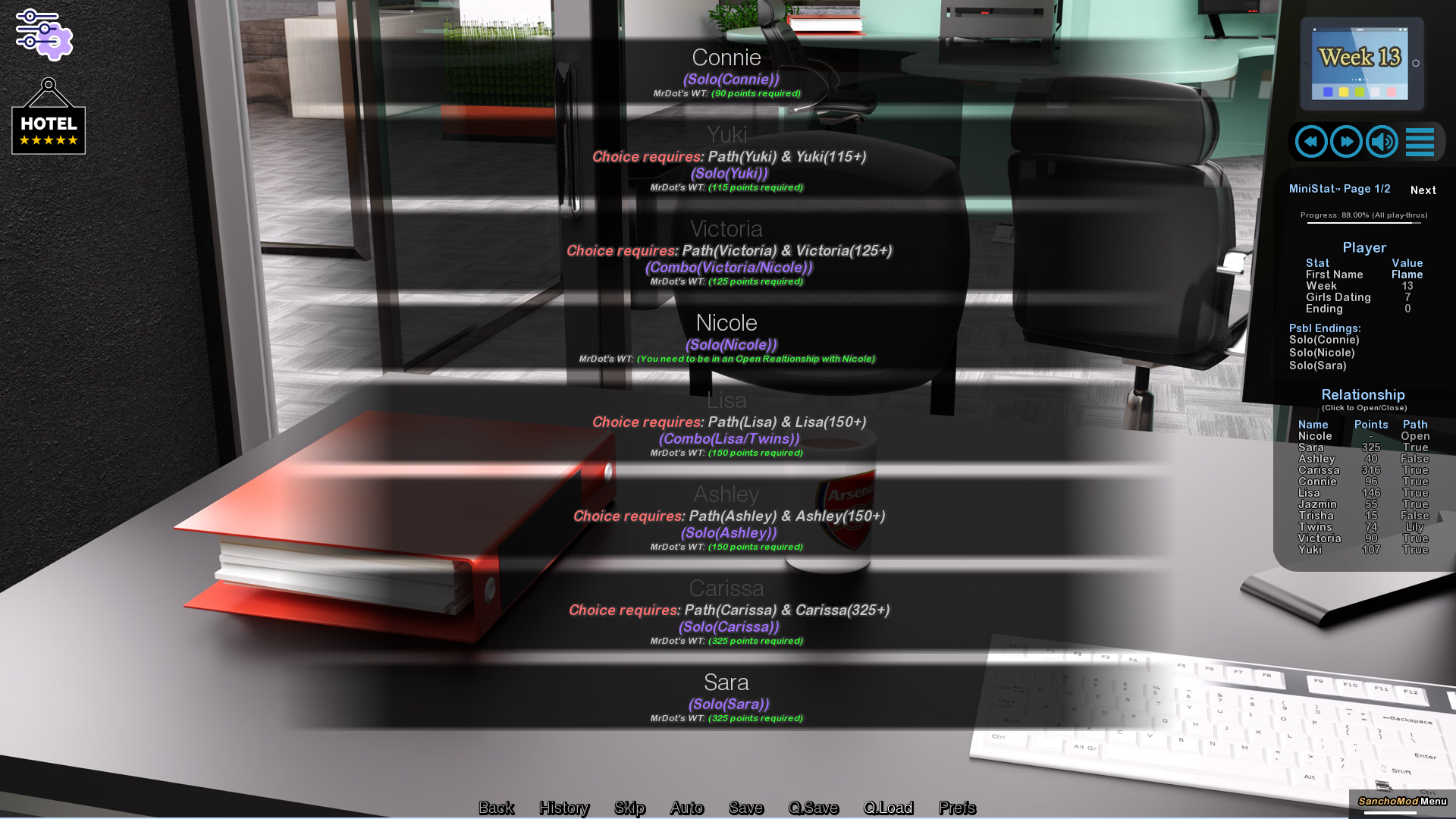
Finally finished the game and have seen everything, save for (the bad Harem end) and this Peeping Tom:

Can anybody please point me to how I can get it? Every time I turn off Nicole I either end up with the Single end or one of the various Solo / Combo ends.
----------------------------------------------------
As for the game, it was well done. Of course, it could have been better - but since I've played the perceived "pinnacle of the AVN world" right before that and completed the five major paths in it, it would be unfair to compare a game with - I believe that was still true (correct me if I'm wrong) - a strict two months release cycle to one of a single creator who has time and funds to release one big update per year.
Therefore I can understand that some cut corners are inevitable, like lots of repeating renders and a somewhat toned down story. It's also really meant to be played in "release sections" so those "flaws" are slightly covered (since you forgot about them two months later). However, when you play it as a whole in one go you will notice the repeats. I can't count how many "memorable nights that one will never forget" I have gone through; the usual complaint about "shortly" being their writer's favourite word stands, although I have modified the proposed drinking game of taking a shot every time one says shortly (I'd be in a drunk coma after twenty minutes) to shouting SHORTLY every time it comes up. (And I even modified that to toning down my voice as I would have gone hoarse.)
So let's talk cut corners:
* We manage a hotel. Great, hasn't really done before in the mainstream AVNs as far I am aware of. However, in 12 weeks, did we have any guests? IIRC not a single one has been shown. I would expect some interactions, dealing with complaints, being asked for special stuff and making them available or organising it. Making repairs, maybe in a minigame. Maybe the one or other female guest trying to flirt with the MC. But nope, a whole lot of nothing except being in reception watching Cousin, having dinner with Sis in the private rooms, fixing TWO rooms in 12 weeks and seeing the events hall once a week until functions have been suspended close to the end of C2. (BTW, out of the many hired staff members we also only see Receptionist Lyla in one scene.)
* Railroading: I have a feeling there is nothing you can do to not reach 4 stars. There may be a possibility that you can't get the fifth if Tylton loses the election.
* Svetlana: Why was she even in the story? As a spy, she accomplished absolutely nothing. Even during Sis' abduction by Lucas either MC or Sis strike him down while she appears after the fact. Other than that it's just one - missable - sex scene and a brief reappearance for the photo shoot. [Note: When stumbling into the room with her being semi-naked I didn't stare, so maybe something eventuated from that, but I doubt it.] And a short hidden end scene, of course.
Random stuff:
* Twins: It took me while in this playthrough (never found out in the one that's on the HD in the defunct PC) to figure out what the difference between Lily and Ivy was. Yes, it was very subtle. But also not very consistent, as it kept changing from one twin to the other.
* Cousin being not your cousin: I feel it's bad storytelling to do nothing with Chekov's Gun, read: The letter. Yes, it was used as a way to end Cousin's path, but since this is a fairly big development that may have consequences it doesn't make much sense to hide it away in a dead end. Yeah, I know, trust and such, but no, just BS IMO.
* Skipping text: That worked great most of the time. However, it did not if you were on a small variation of the chosen path even if it's the same damn text. Especially during the endings. It's tiring clicking through the same text over and over and over again. Yeah, I get it, yeah, I know what you're about to say, blah blah blah, let me skip. (Which brings me back to the amount of shortlys and unforgettable nights that you have to read about.)
* Collectables: Not much to complain there, liked the touch with "Oh, an Easter Egg", but it should also have been done with "Ooh, a Gingerbread Man".
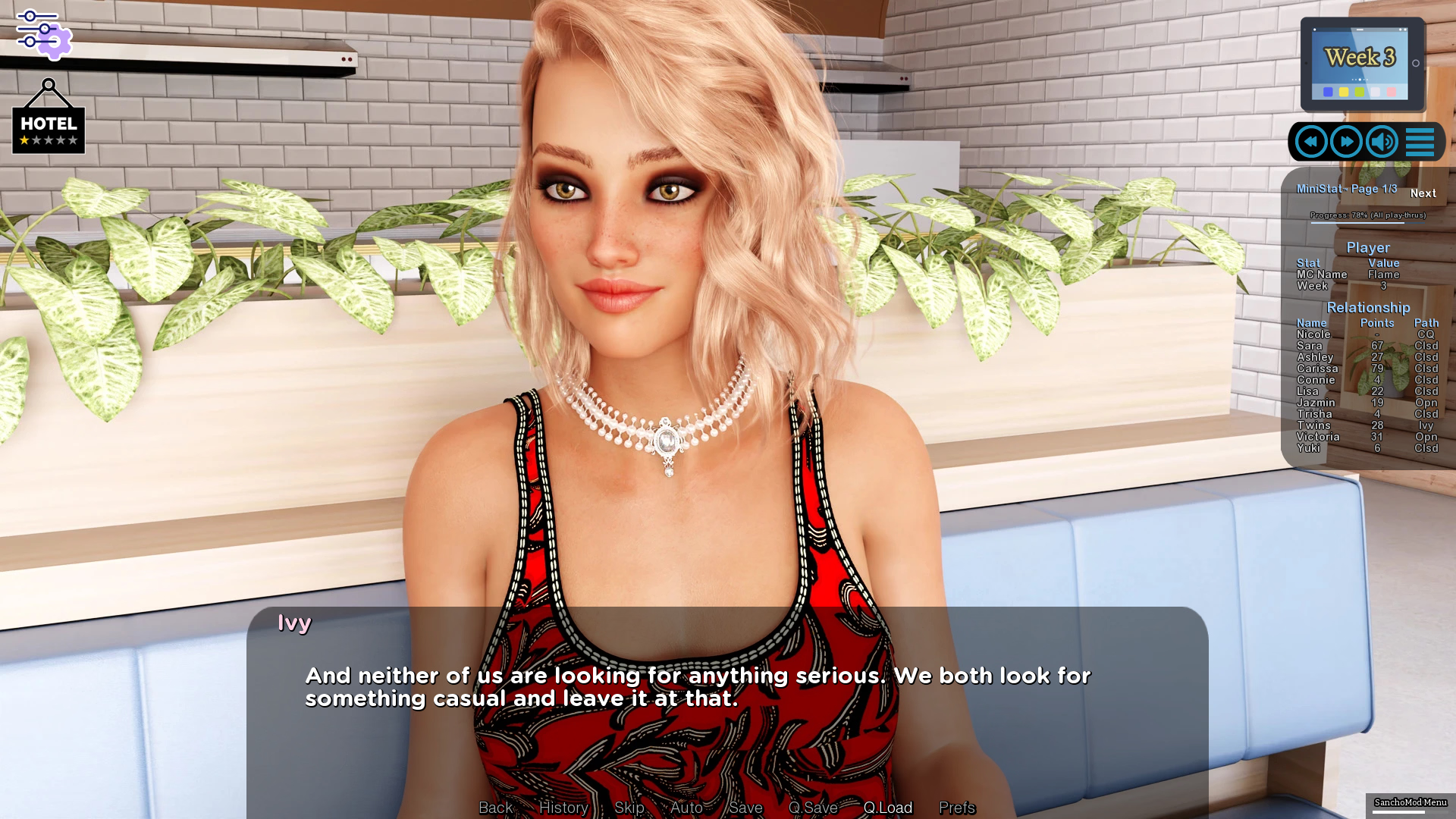
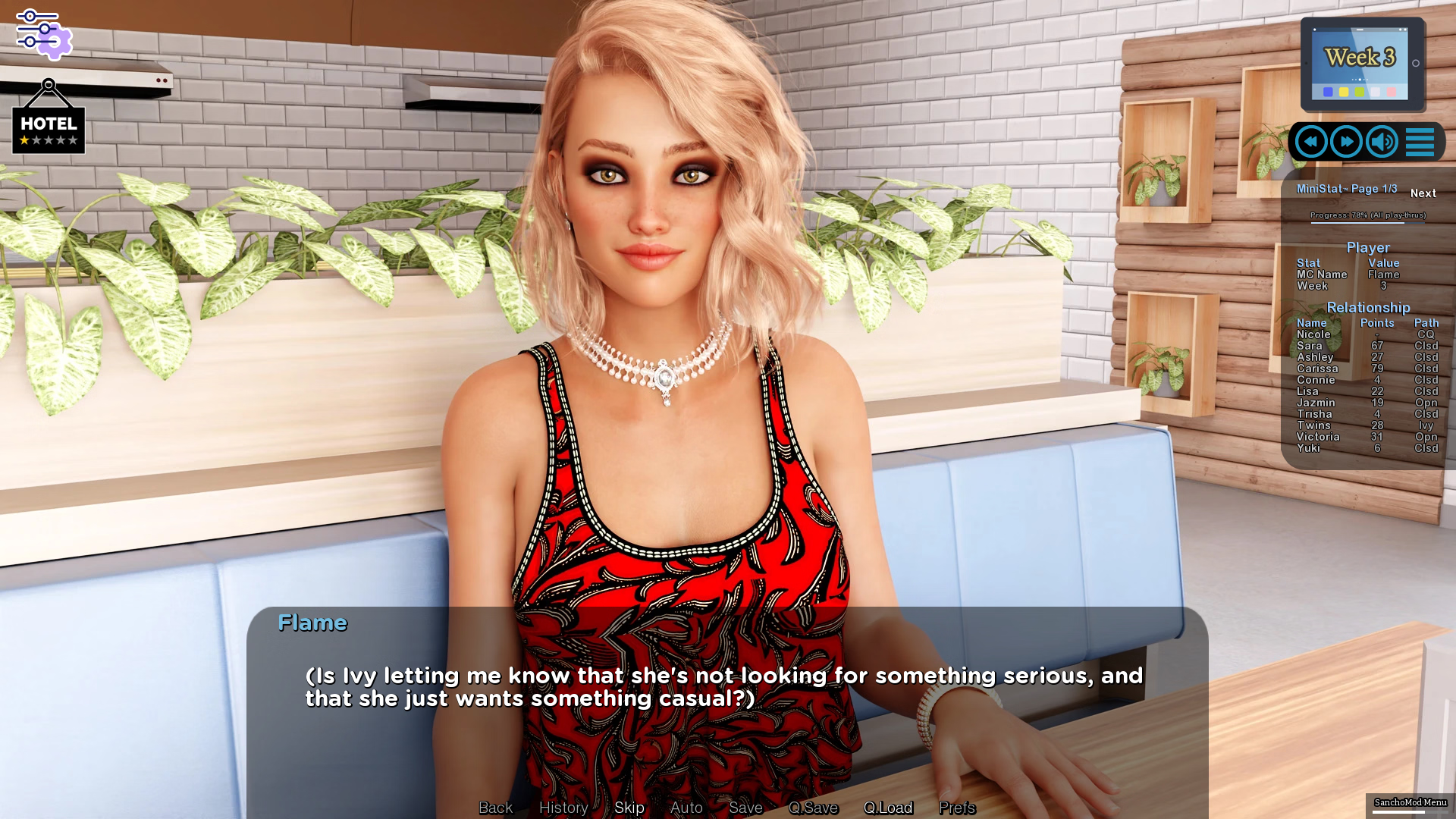
* MC was dumb as ten yards of backroad. And that's insulting to the backroad. My favourite is still this gem:


I guess Nicole says it best in one of the endings. (Paraphrased) "It takes him a while to get the hint. I already was in the bedroom for an hour before he showed up."
* Plots being dropped:
- Nicole complained at one point that MC did not contribute enough to the agreed payments - MC went on to buy Cousin her surfboard and could afford to send even less money, never came up again.
- Speaking of the surfboard, Cousin doesn't even use it in her ending montages as far as I've seen.
- Faith +1 being involved with the threat to the Burlesque Festival. Never been mentioned again.
- Ashley insisting on calling her "Mom" from now on during sex scenes and otherwise. MC did so once.
- Twins being Pimps. So it may be legal in SB to lead a prostitution ring with your father, but why are you bribing the MC with a threesome to never mention it again and are so hellbent that it never comes out? I mean, you're doing nothing wrong. But hey, at least you made a stand when Daddy Dearest wanted to bring in the younger sister as the latest whore. Connected to that, am I really supposed to believe that you declined clients if they were paying for it and made special requests?
Endings:
In just my presumptous, important opinion (just kidding, of course

) there were only three endings that made sense. 1) Honouring the deal and staying with Nicole, 2) ditch Nicole and sail into the sunset with Sis and 3) convince Nicole to move to SB and work as a lawyer there while having both her and Sis. The rest are nice additions, and you can see where the "dev's love" has gone in, meaning, the Sis and Cousin endings. They had the most PTs, Donuts and animations. Nicole only was a tad bit short. (I feel that sweetheart did deserve better. Yes, she got a lot of flak early on, but I always felt she had a point, and in her endings it showed what an adventurous sweetie she really is.)
Some endings did not make sense to me, like those upending your life to sail away with an "18-year-old" loli. In one case we barely interacted with Connie even when on her path (and Mrs. D'Amico didn't get to say anything about it), in the other we move to Japan. Yeah, right. Other than that, yeah, they were nice to have, but not essential. No solo ends with Trisha (guess she's occupied with the Mayor) or Twins (too busy with the hotel?). When you're doing Ashley's solo ending Sister never finds out. Also, this is the only ending in which we will see Gerald. (Who was suspiciously abent throughout the whole story.)
---------------------------
TLDR: Well done game, could have been been better in a few areas but I suspect cutting corners was necessary due to a rigid release schedule. Writing could still be improved. Kudos to the devs for completing a third game, which is rare on this site.