5.00 star(s) 1 Vote

Fraiser

Newbie
Jan 29, 2019
36
31
149
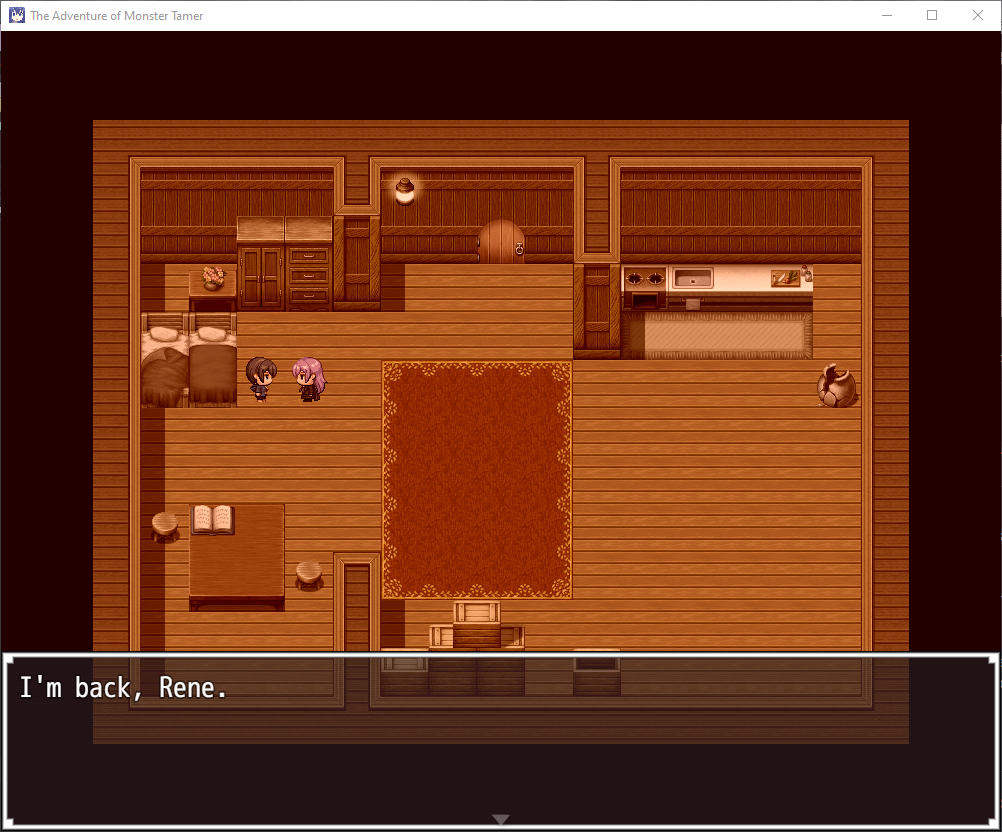
For some reason i cant see the monsters nor can i see the scenes and the menu is pitch black
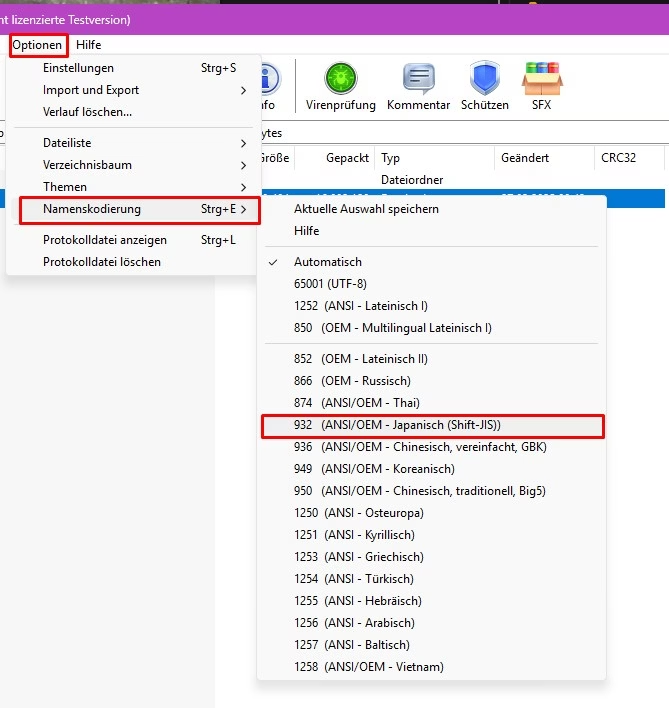
Have you tried to use the Japanese Name-Coding in winRAR? And also try to copy the game content in a different Folder you created, sometimes Windows cant find the Images written in japanese language. Screenshot_1.jpg
 
  • Like
Reactions: clonedchickenn

userunfound

New Member
Aug 7, 2025
1
0
1
Im stuck on "Now loading" the moment i boot it up , can someone help (i-i)
Not sure which version of windows your running, but I'm just gonna mention how I got it working on my PC(Windows 11), as others have already mentioned fixes for that, but just changing location didn't work for me.

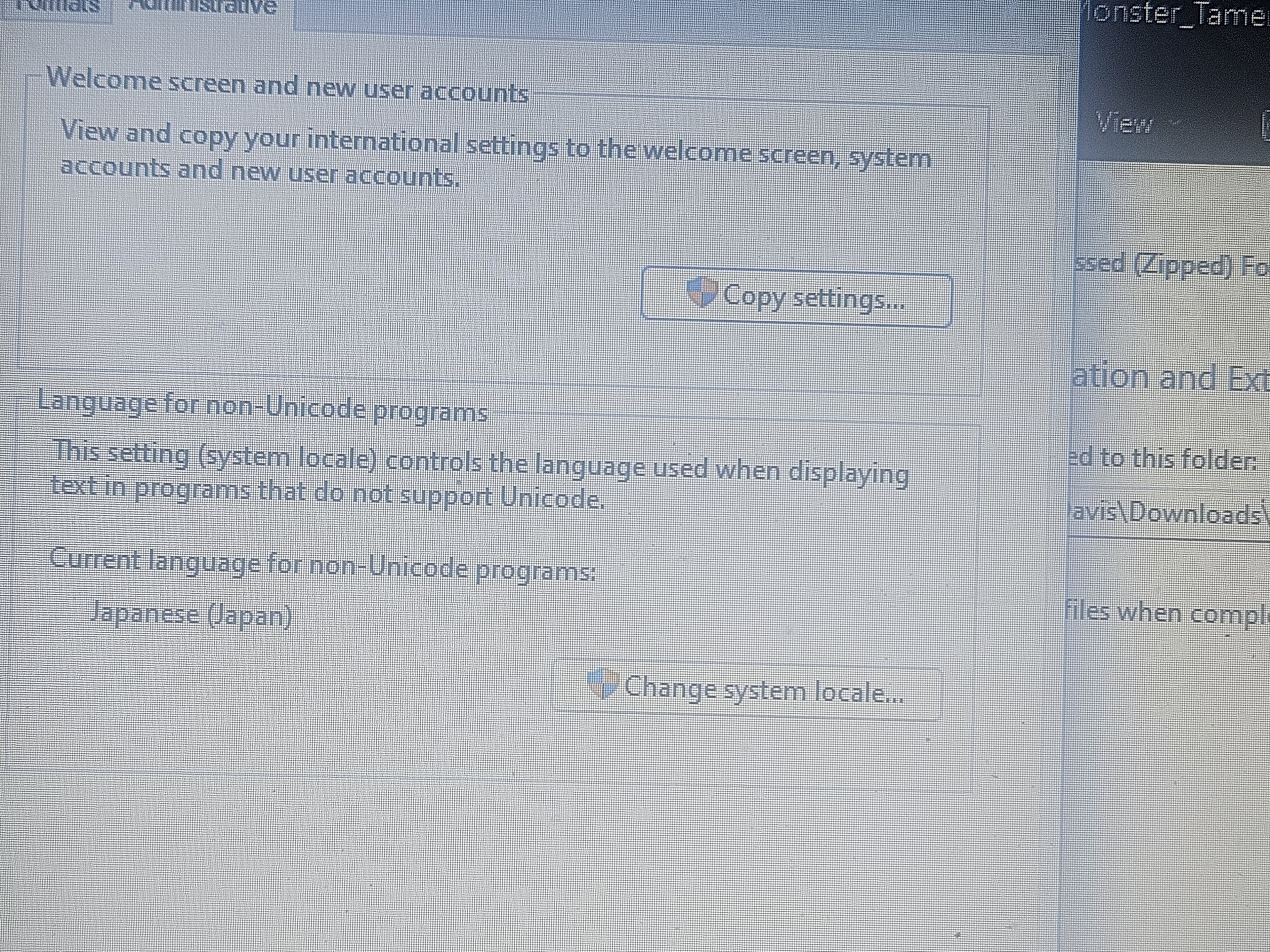
I had to both change location(setting it to Japan through the control panel), but also install japanese language both the (language pack) and (basic typing) as an additional language.

After that restart the computer, then try to install/unzip the game again. That worked for me at least.

 

XxDeath_ShardxX2

New Member
Nov 28, 2021
2
0
11
I changed my locale to Japanese and it still isn't working im still on the now loading screen if you want proof I can send a Pic that my locale is on Japanese
 
Dec 22, 2021
187
120
192
I changed my locale to Japanese and it still isn't working im still on the now loading screen if you want proof I can send a Pic that my locale is on Japanese
This is what ended up working for me, don't use 7z, get WinRAR, and then follow the instructions below. Should note am not running any locale emulator. Attached thumbnail below.

You need to extract the folder using Japanese Shift! To do that open it with WinRAR, go to options then name encoding and select Japanese shift. Then click the extract button. You did have the other half of the puzzle tho... running it with the correct local.
Screenshot 2025-12-31 025222.png
 
5.00 star(s) 1 Vote